Dinner Menu : Create Free Dinner Menus in Minutes with AI
Create Custom Dinner Menus Quickly with Pixazo Best AI Dinner Menu Maker. Try for Free!
Get Started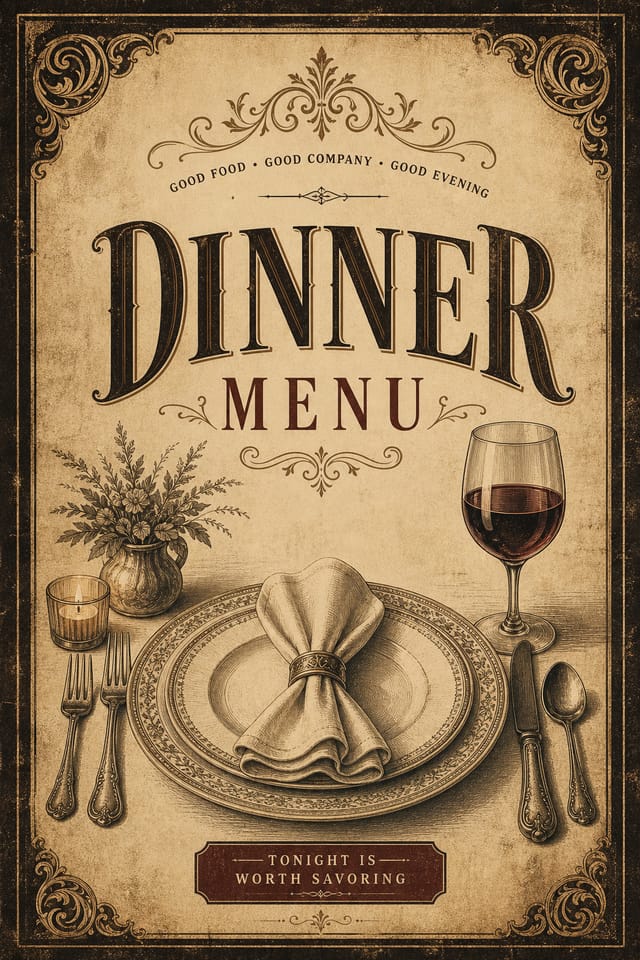
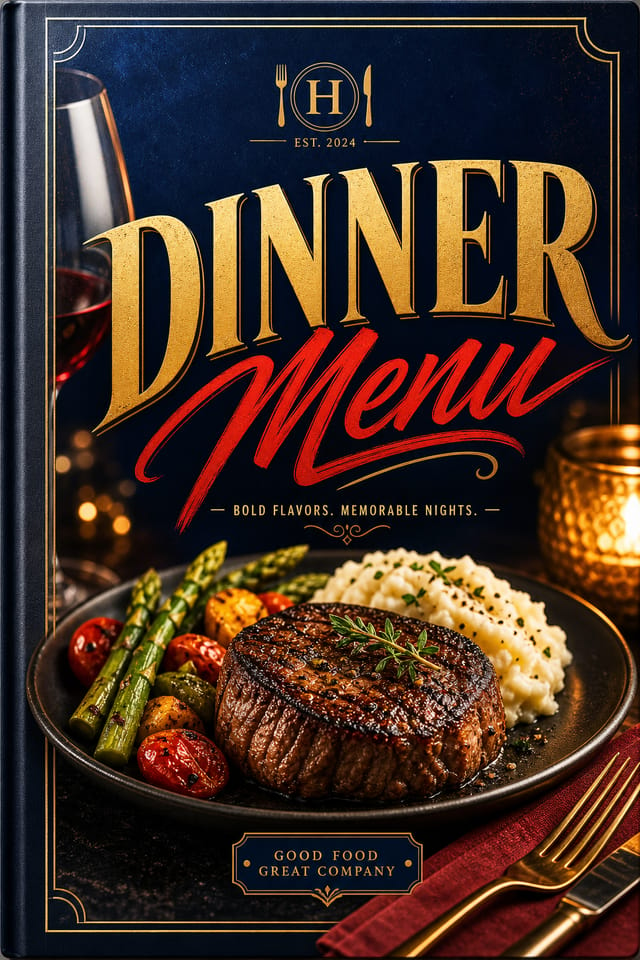
Visual Thinking Behind Dinner Menus: What Good Design Involves
What Makes Dinner Menu Design Work
Creating a convincing dinner menu requires understanding dinner as a design vocabulary, not just as a label.
The color relationships, the type choices, the spatial organization.
These elements work together to create the impression of intentional dinner design.
Pixazo's generation model recognizes dinner design patterns and applies them systematically.
Precision Dinner Menu Tools: What Sets It Apart
Prompt Refinement
Adjust your description to refine any aspect of the dinner menu design. The AI responds to specific direction about colors, layout, or content.
Commercial Use Rights
Designs generated with Pixazo are yours to use commercially. No additional licensing required for dinner menu projects.
Instant Iterations
Generate multiple dinner menu variations from a single prompt. Compare options and refine until the design matches your vision.
Negative Space Handling
The AI manages whitespace in dinner menu designs according to dinner aesthetic conventions, not generic poster defaults.
Style-Accurate Generation
The AI interprets dinner design conventions and applies them to your menu, producing output that looks correctly styled rather than generically templated.
Dinner Creator A Design Gallery
Real creators sharing their dinner designs made with Pixazo AI.
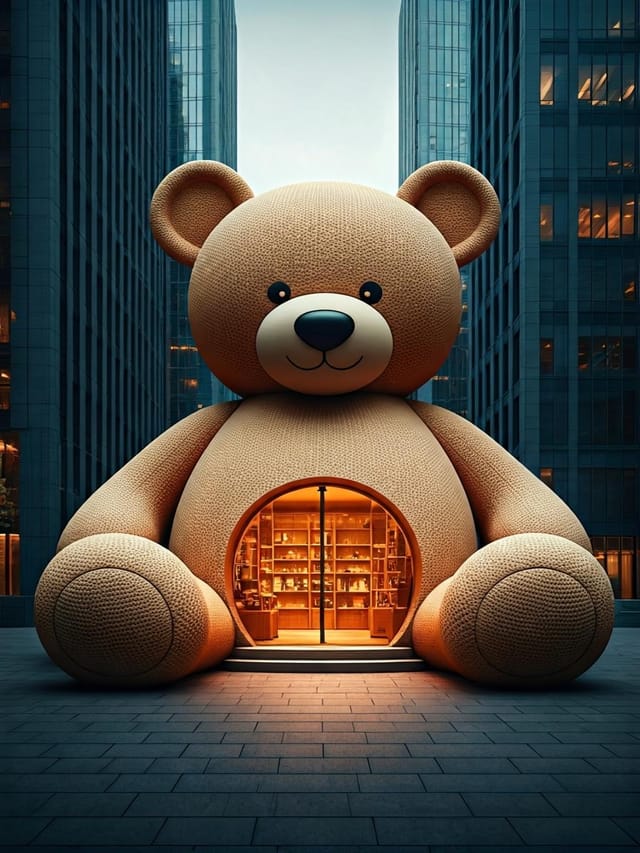
Dinner menu designed for dark mode display, OLED-optimized black background, vibrant accent colors, high contrast text
Bold dinner menu with strong central headline, supporting information at secondary scale, background treatment consistent with dinner design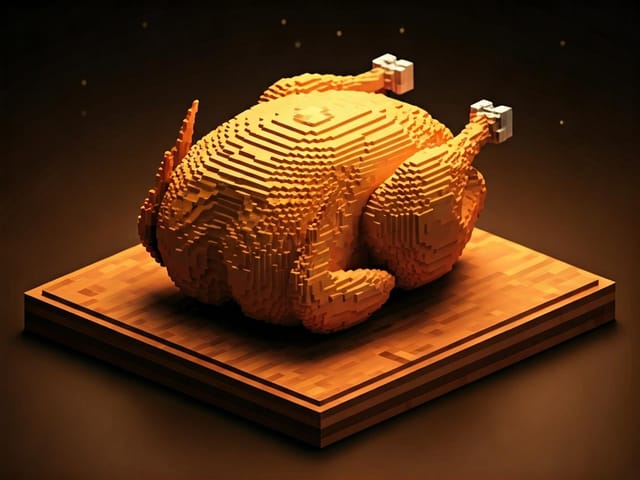
Vibrant dinner menu targeting Gen Z audience, neon accent colors, asymmetric layout, bold experimental typography, maximum visual energyWhen You Need Dinner Menus: Who Uses Them
Music and Audio Production
Produce dinner menus for album covers, playlist artwork, and music event promotion. Visual identity that matches the sound.
Event Promotion
Create dinner event menus that establish the right visual mood before the event. Dinner design signals quality and sets expectations.
E-Commerce Product Promotion
Design dinner menus for online store banners, product launches, and seasonal sales. Conversion-focused visuals for digital retail.
Religious and Spiritual Organizations
Create dinner menus for worship services, community outreach, and faith-based events. Respectful designs that reflect the organization's character.
Non-Profit Campaigns
Create compelling dinner campaign menus without allocating budget to design production. Focus resources on mission-critical activities.
Dinner Menu Design Trends: Styles Gaining Traction
Hand-Drawn Elements
Illustrations, doodles, and hand-lettering bring a personal, approachable quality to dinner menu designs in an era of polished digital output.
Dark Mode Aesthetics
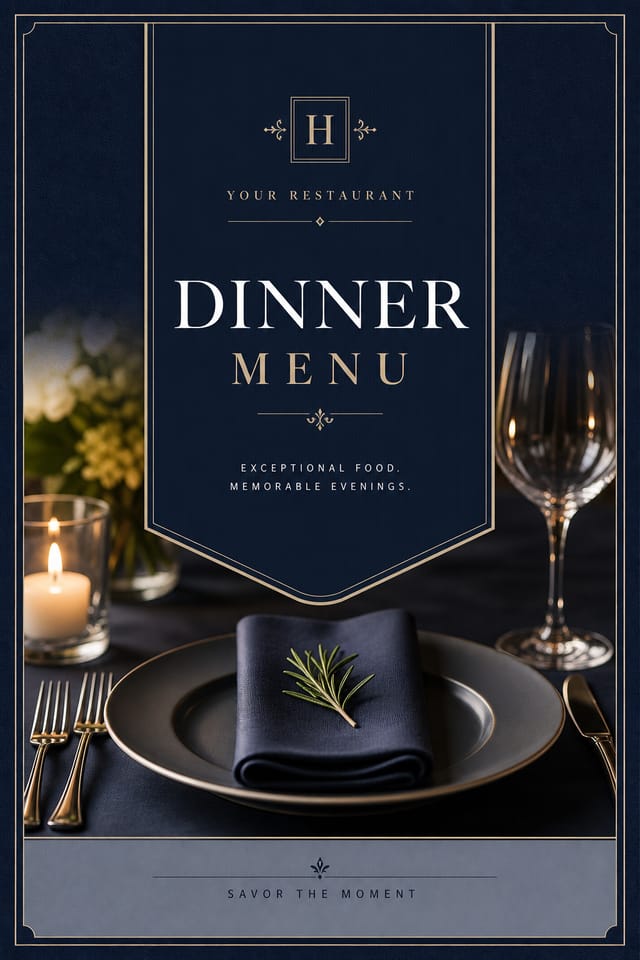
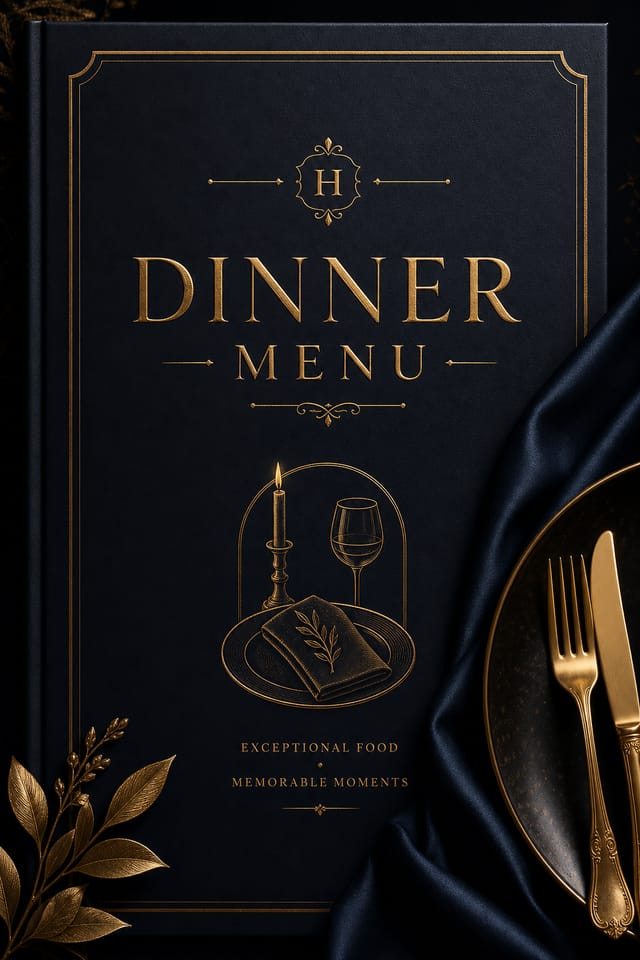
Dark backgrounds with high-contrast accents are increasingly common in dinner menu design, reducing visual fatigue and adding sophistication.
Bold Typography
Oversized type and expressive fonts are dominating dinner menu design, turning headlines into visual centerpieces rather than just text.
Motion-Ready Design
Static dinner menu designs are being created with animation in mind, using layered elements that translate smoothly to motion graphics.
From Brief to Dinner Menu: How It All Connects
Approve Final sign-off
Get stakeholder approval on the finished dinner menu. Verify all text is accurate and the design meets brand and technical requirements.
Refine Polish the design
Apply targeted edits to your selected dinner menu. Adjust typography, spacing, and color until every element meets your quality standard.
Brief Define requirements
Establish the key message, dimensions, color preferences, and target audience for your dinner menu before any design work begins.
Export Deliver final files
Export your dinner menu in the required formats and resolutions. Organize deliverables for handoff to the production or publishing team.
Review Evaluate and refine
Compare generated dinner menu options against your brief. Mark what works and note specific changes needed for the next iteration.
Making Dinner Menus: The Creation Flow
Explain the Design Goal
Describe what you want your dinner menu to look like. Include the mood, color palette, typography preference, and content hierarchy. Pixazo reads all of this and uses it to generate an appropriate design.
Watch: Creating Dinner Menu designs step by step
How Dinner Style Varies: Worth Exploring
Editorial Dinner
Text-dominant dinner menu layout inspired by print publication design. Typographic variety creates visual rhythm.
Atmospheric Dinner
Dinner menu design where mood takes priority. Color and composition work together to create a specific feeling.
Contemporary Dinner
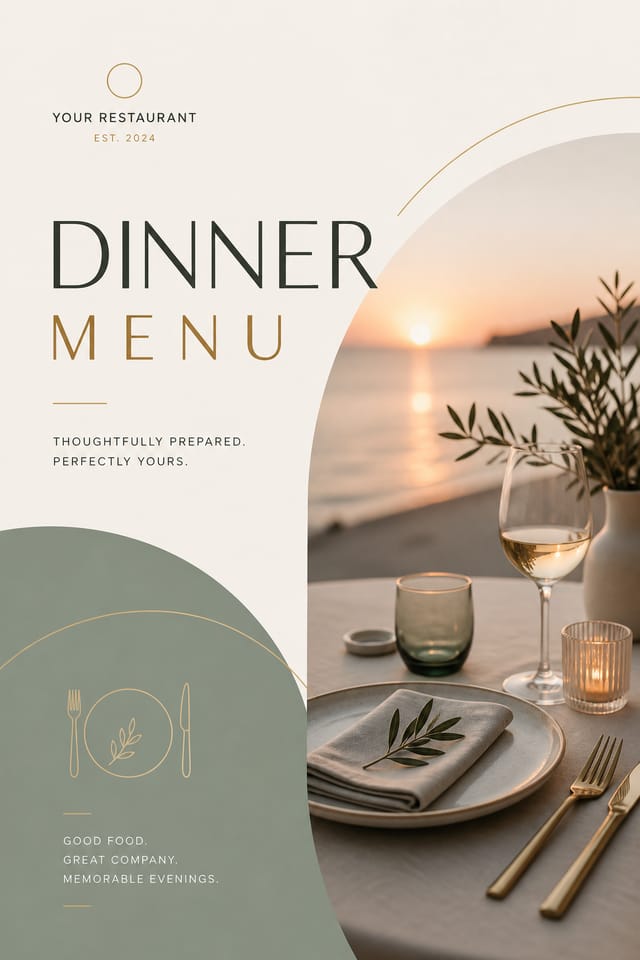
Current dinner design sensibility with updated proportions, modern typefaces, and contemporary color relationships.
Classic Dinner
Traditional dinner design principles applied to modern menu format. Clean composition, conventional hierarchy, time-tested visual decisions.
Textured Dinner
Dinner design with added surface depth. Background treatments add visual interest without disrupting legibility.
Sample Dinner Menu Prompt Examples
Copy any prompt below and paste it into Pixazo to generate your design instantly.
Dinner menu with strong visual hierarchy, largest element reads clearly, supporting elements organized by importance, clean background treatmentRefined dinner menu, sophisticated color relationships, intentional whitespace, typefaces appropriate to dinner style, balanced compositionContemporary dinner menu design, grid-based layout, typographic precision, restrained color palette, no decorative excessHigh-impact dinner menu, immediate visual read at thumbnail size, clear headline dominance, supporting information structured logicallyPortrait-orientation dinner menu, vertical composition, headline at natural reading entry point, supporting information flows downward logicallyMonochromatic dinner menu, single-hue palette with value variation for contrast, typographic hierarchy creates visual interest without color complexityWhat Dinner Menu AI: Capabilities and Caveats
Known limitations and trade-offs of AI-generated dinner design. Being specific about what AI menu generation can and cannot do helps you plan your workflow and set accurate expectations.
Understanding Dinner Menus: What People Ask
Include the target language in your prompt when generating dinner menus with non-English text. The AI selects typographic approaches appropriate for the language and applies dinner design conventions to the overall layout regardless of language.
Pixazo generates dinner menus in RGB color space. For professional offset printing that requires CMYK, convert the downloaded file using Adobe Photoshop, Illustrator, or a free tool like GIMP. The AI selects colors that translate well to print when you mention print use in your prompt.
The AI generates designs at the specified dimensions. For professional print production, add 'with bleed area' to your prompt to extend background elements beyond the trim line. Crop marks and registration marks should be added in your print preparation software.
Team accounts allow multiple users to share prompts, saved dinner menu designs, and brand kits within a shared workspace. Team members can iterate on each other's dinner menu designs and maintain consistent output across projects.

