Drink Menu : Create Free Drink Menus in Minutes with AI
Create Custom Drink Menus Quickly with Pixazo Best AI Drink Menu Maker. Try for Free!
Get Started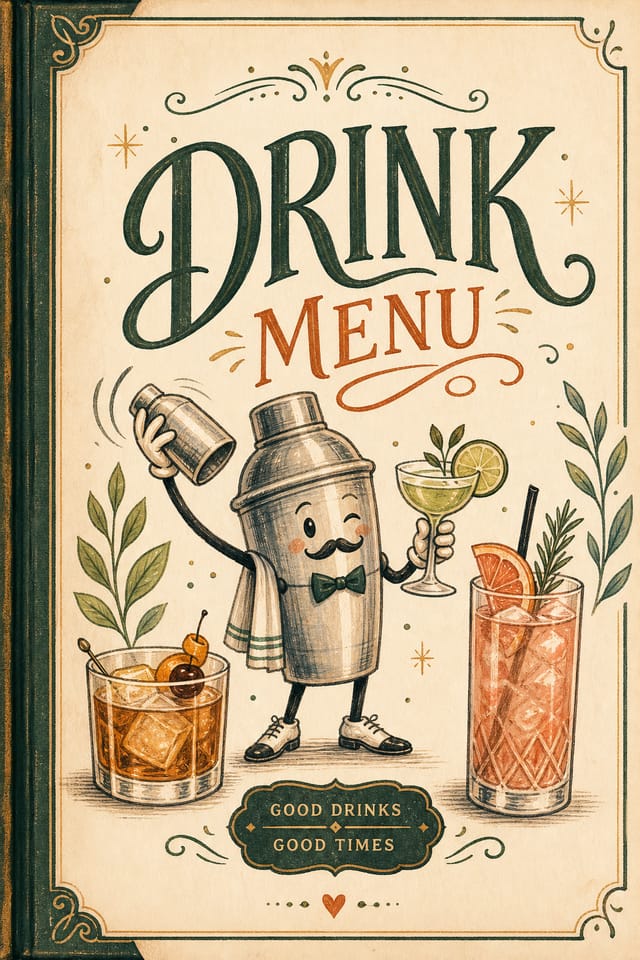
From Brief to Drink Menu: How It All Connects
Brief Define requirements
Establish the key message, dimensions, color preferences, and target audience for your drink menu before any design work begins.
Review Evaluate and refine
Compare generated drink menu options against your brief. Mark what works and note specific changes needed for the next iteration.
Research Gather references
Collect examples of effective drink menu designs, note what works, and identify patterns relevant to your project goals.
Approve Final sign-off
Get stakeholder approval on the finished drink menu. Verify all text is accurate and the design meets brand and technical requirements.
Refine Polish the design
Apply targeted edits to your selected drink menu. Adjust typography, spacing, and color until every element meets your quality standard.
Build a Drink Menu: A Quick Guide
Watch: Creating Drink Menu designs step by step
What Separates Good Drink Design: The Design System
The Logic of Drink Menu Design
The gap between a professional drink menu and a mediocre one usually comes down to design decisions made early in the process: palette selection, type hierarchy, and compositional structure.
These choices determine whether the final output reads as drink or just looks generic.
Pixazo's AI makes these foundational decisions based on your prompt.
Specify a drink menu and the system selects design parameters that match drink visual expectations, giving you a solid starting point rather than a blank-slate template.
The Drink Menu Toolkit: Feature Overview
Print-Ready Output
Generated drink menus are sized and structured for professional printing. Download high-resolution files ready for production.
Commercial Use Rights
Designs generated with Pixazo are yours to use commercially. No additional licensing required for drink menu projects.
Background Variation
Generate drink menus with different background treatments. Solid, gradient, textured, or pattern backgrounds all available for drink style.
Color Palette Intelligence
Colors are chosen with drink style awareness. The AI builds palettes that fit drink design conventions rather than selecting arbitrarily.
No Design Software Required
Create professional drink menus without Photoshop, Illustrator, or other design applications. The AI handles all technical production.
Negative Space Handling
The AI manages whitespace in drink menu designs according to drink aesthetic conventions, not generic poster defaults.
Drink Menu Applications: Across Industries
E-Commerce Product Promotion
Design drink menus for online store banners, product launches, and seasonal sales. Conversion-focused visuals for digital retail.
Healthcare and Wellness
Design drink menus for clinics, wellness centers, and health campaigns. Trustworthy visuals that communicate care and professionalism.
Subscription and SaaS Marketing
Generate drink menus for software launches, feature announcements, and onboarding campaigns. Clean, modern designs for digital-first audiences.
Trade Show and Conference Materials
Generate drink menus for booth displays, attendee handouts, and event signage. Professional materials that represent your brand in competitive environments.
Interior Display
Generate drink menus for home and office wall display. Get print-ready files that look considered rather than stock-photo generic.
Visual Directions for Drink Menus: Finding Your Look
High-Contrast Drink
Bold drink visual treatment with strong tonal contrast. Elements read clearly at any viewing distance.
Textured Drink
Drink design with added surface depth. Background treatments add visual interest without disrupting legibility.
Contemporary Drink
Current drink design sensibility with updated proportions, modern typefaces, and contemporary color relationships.
Classic Drink
Traditional drink design principles applied to modern menu format. Clean composition, conventional hierarchy, time-tested visual decisions.
Drink Menu Design Tool Landscape: Side by Side
Crello
Template-based design tool with animation and video support
Pixazo
AI-powered drink menu generator with prompt-based design and professional output quality
Desygner
Multi-format design tool with PDF editing and brand management
Adobe Express
Streamlined creative tool backed by Adobe's design ecosystem
Canva
Drag-and-drop editor with a large template library and collaboration features
The Drink Menu Gallery: Community Creations
Real creators sharing their drink designs made with Pixazo AI.
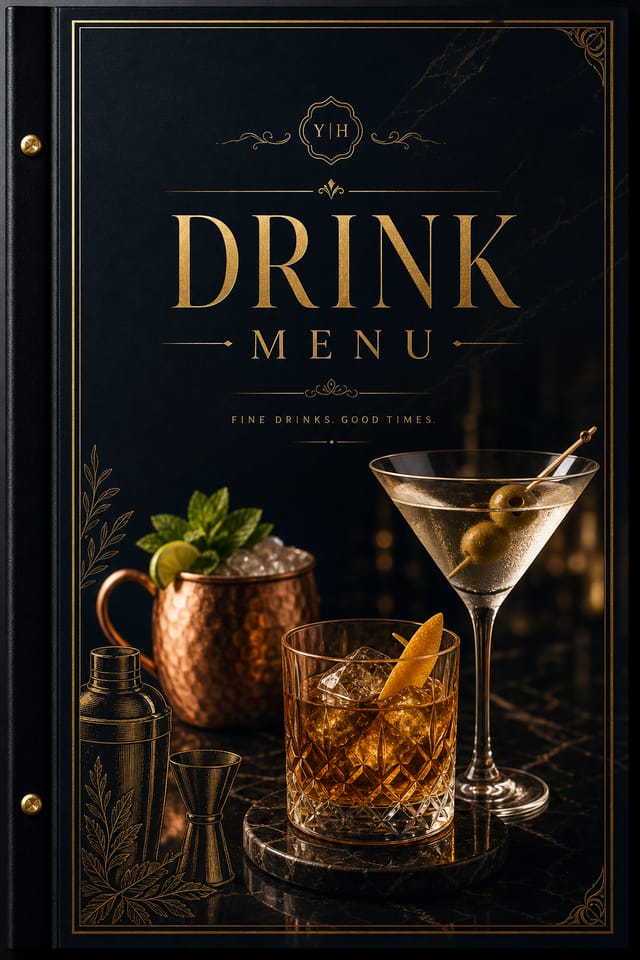
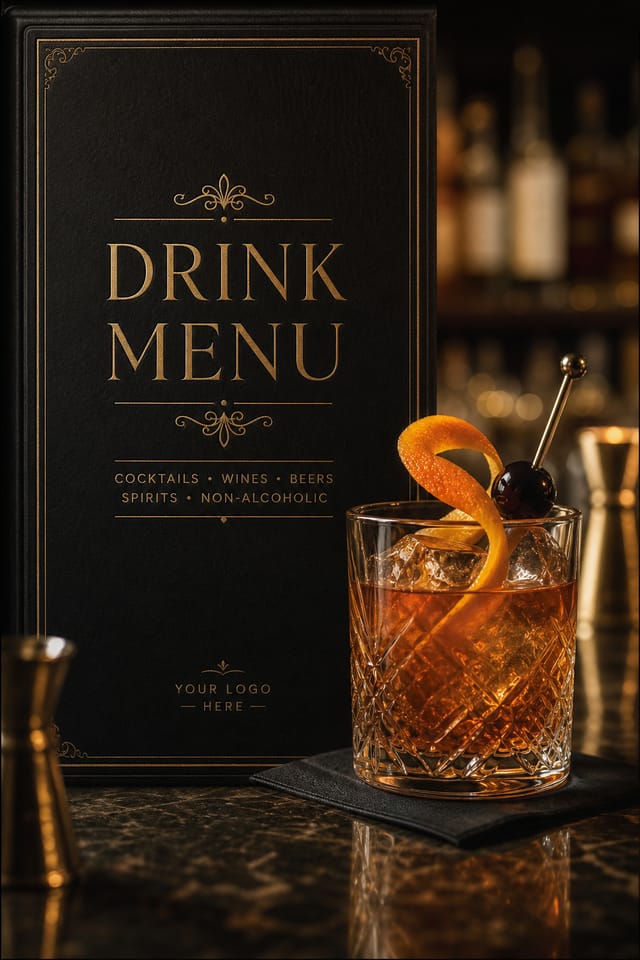
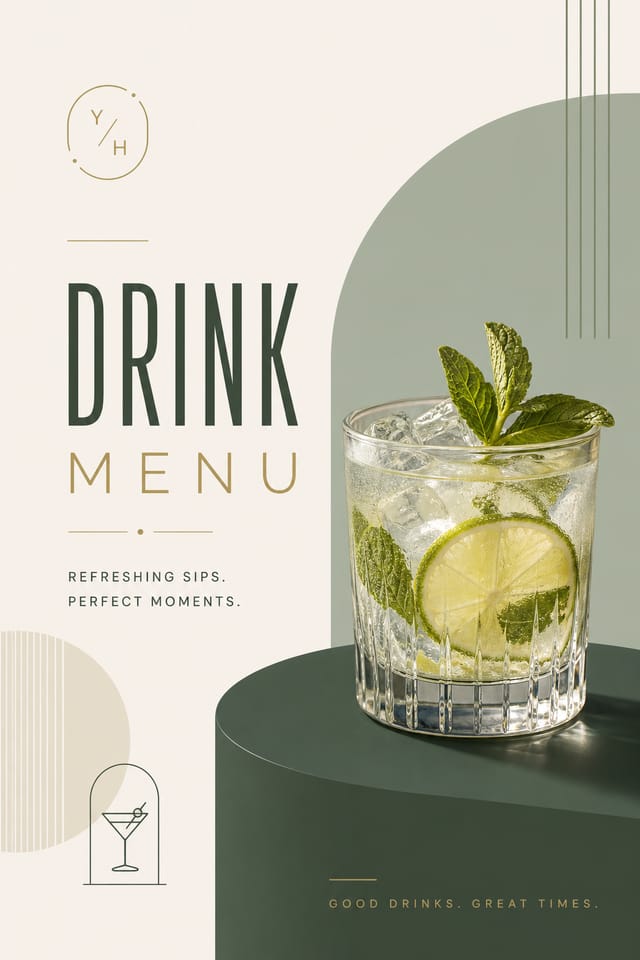
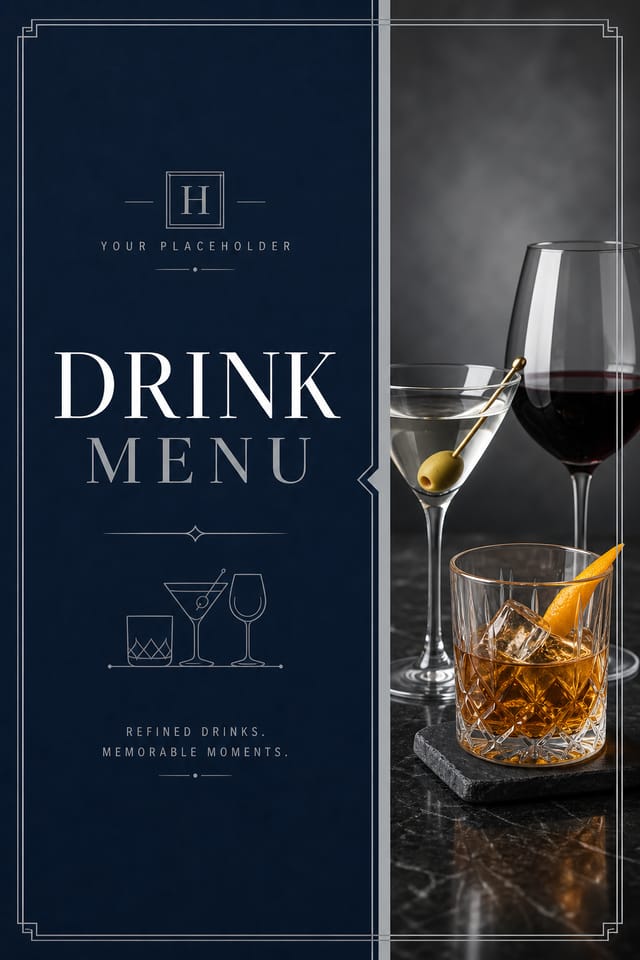
Editorial-inspired drink menu, text-dominant layout, typographic variety creates visual interest, clean structured alignment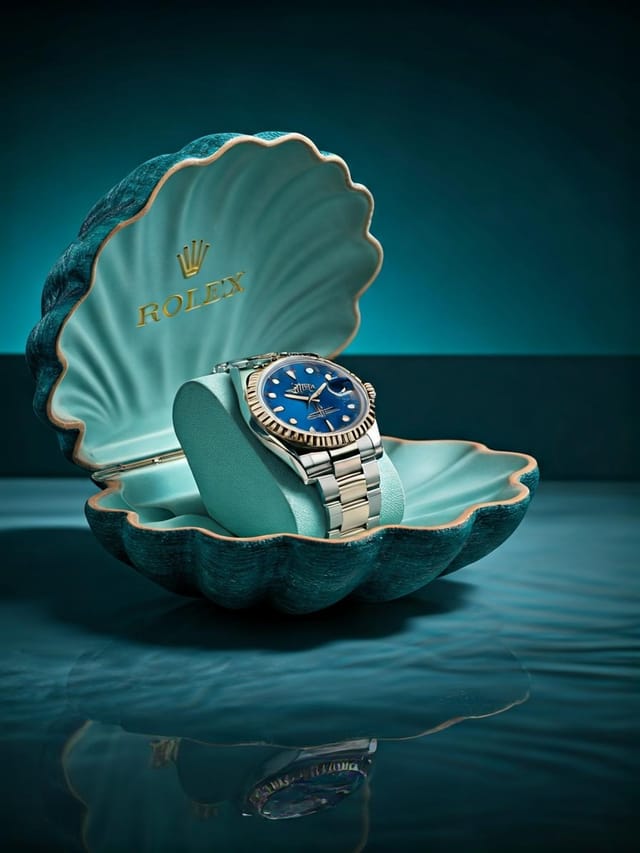
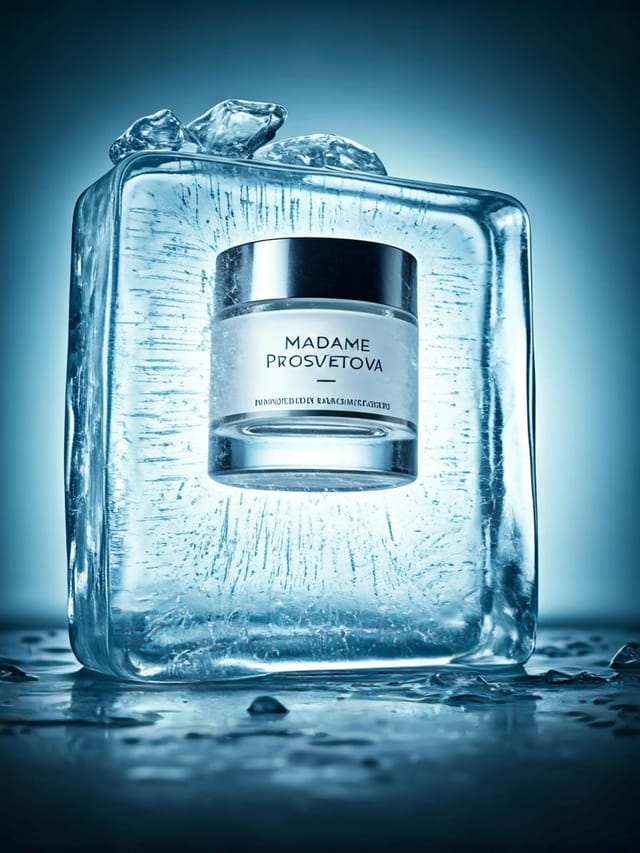
Handmade-feel drink menu with brush stroke textures, imperfect edges, warm color palette, artisanal craft aesthetic
Warm palette drink menu, ochre and brown tones, serif typography, traditional drink design reference, tactile feelingWhat Is Trending in Drink Menus: What Is Popular Now
Bold Typography
Oversized type and expressive fonts are dominating drink menu design, turning headlines into visual centerpieces rather than just text.
Data-Driven Visuals
Incorporating charts, statistics, and structured data directly into drink menu layouts helps communicate complex messages at a glance.
Hand-Drawn Elements
Illustrations, doodles, and hand-lettering bring a personal, approachable quality to drink menu designs in an era of polished digital output.
Brutalist Design
Raw, intentionally unpolished drink menu aesthetics with stark contrasts and unconventional layouts are carving a niche in creative industries.
Gradient Overlays
Smooth color transitions are being used as primary design elements in drink menu work, adding depth without the complexity of photographic backgrounds.
Sample Drink Menu Prompt Examples
Copy any prompt below and paste it into Pixazo to generate your design instantly.
Drink menu for digital display, optimized proportions for screen viewing, colors calibrated for RGB output, legible at typical viewing distanceFull-bleed drink menu, background treatment extends to edges, foreground elements positioned for compositional balance, strong central hierarchyHigh-impact drink menu, immediate visual read at thumbnail size, clear headline dominance, supporting information structured logicallyTextured drink menu, surface treatment adds depth without obscuring legibility, texture consistent with drink aestheticDrink menu design, clean layout, strong typography hierarchy, appropriate color palette for drink aesthetic, high contrast between headline and backgroundEditorial-style drink menu, text-dominant design, typographic treatment carries visual weight, layout proportions inspired by print publication designNew to Drink Menus? Plain Answers
Pixazo generates original designs rather than copying existing work. The AI creates drink menus from learned design principles, not by stitching together fragments of existing designs. Generated output does not reproduce copyrighted material or identifiable artistic styles of living creators.
Include the target language in your prompt when generating drink menus with non-English text. The AI selects typographic approaches appropriate for the language and applies drink design conventions to the overall layout regardless of language.
Longer, more detailed prompts generally produce more accurate results for drink menu design. Include all the relevant information: style direction, color preferences, content to display, intended use, and any specific design elements you want. There is no strict character limit.
Individual drink menus generate in seconds. For batch production, you can submit multiple prompts in sequence and download results as they complete. A series of ten drink menu variations typically takes under five minutes total.
Being Realistic About Drink Menus: Known Limitations
Known limitations and trade-offs of AI-generated drink design. AI drink menu generation produces strong results within its design domain. These notes describe where human judgment and manual work remain necessary.

