French Menu : Create Free French Menus in Minutes with AI
Create Custom French Menus Quickly with Pixazo Best AI French Menu Maker. Try for Free!
Get Started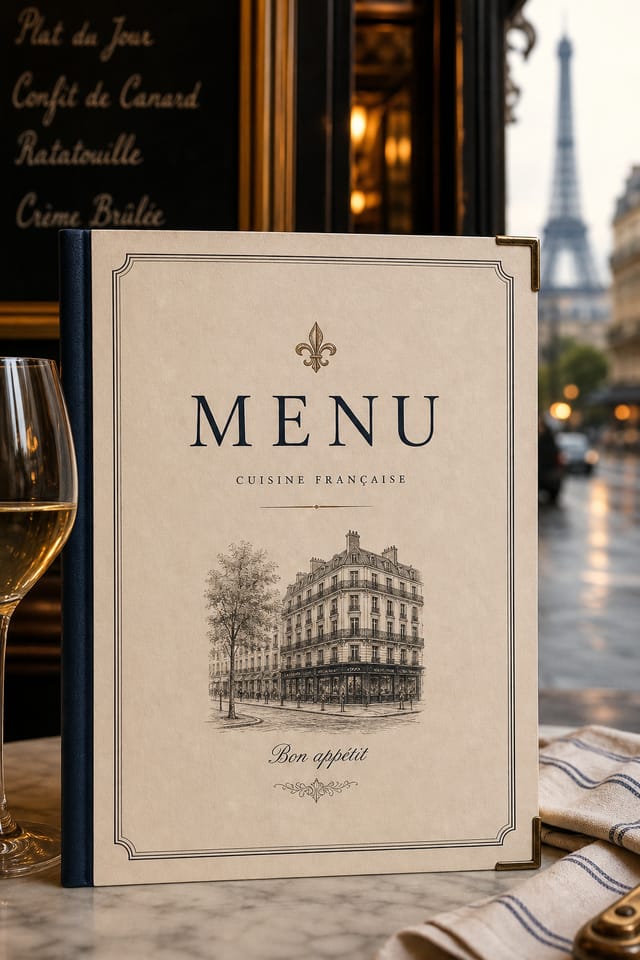
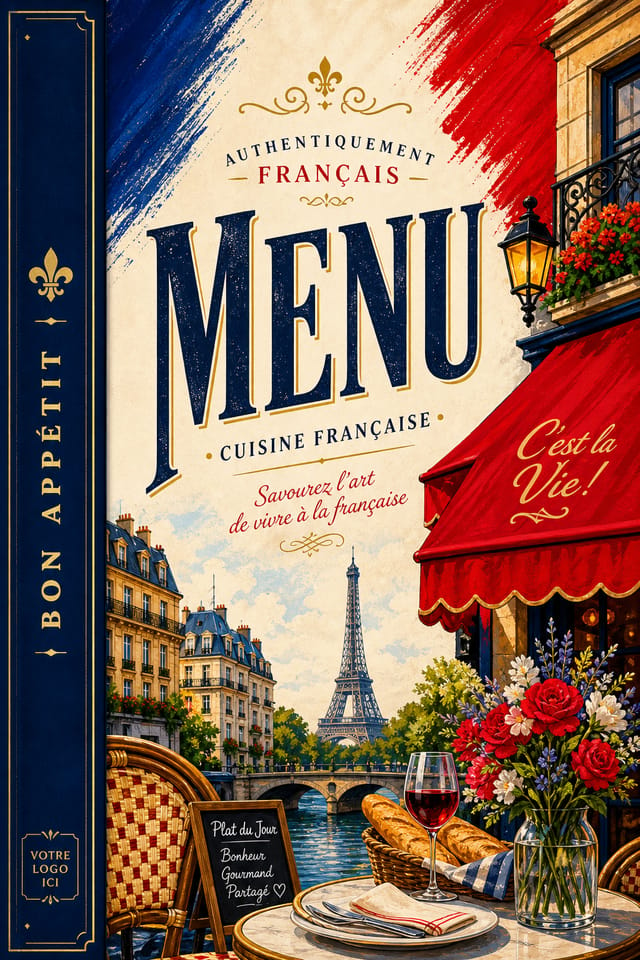
AI-Powered French Menu: Create Like a Pro
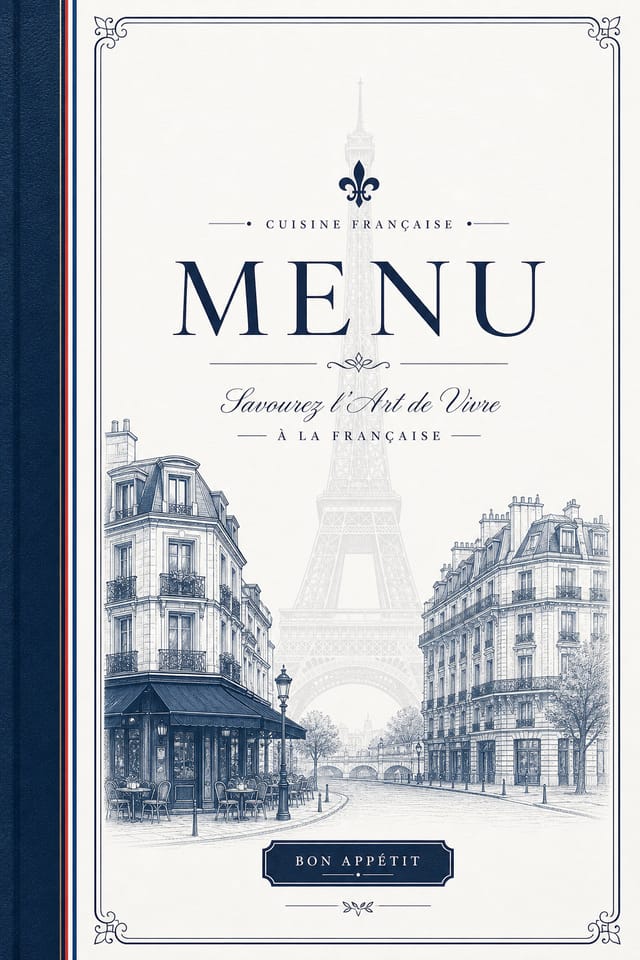
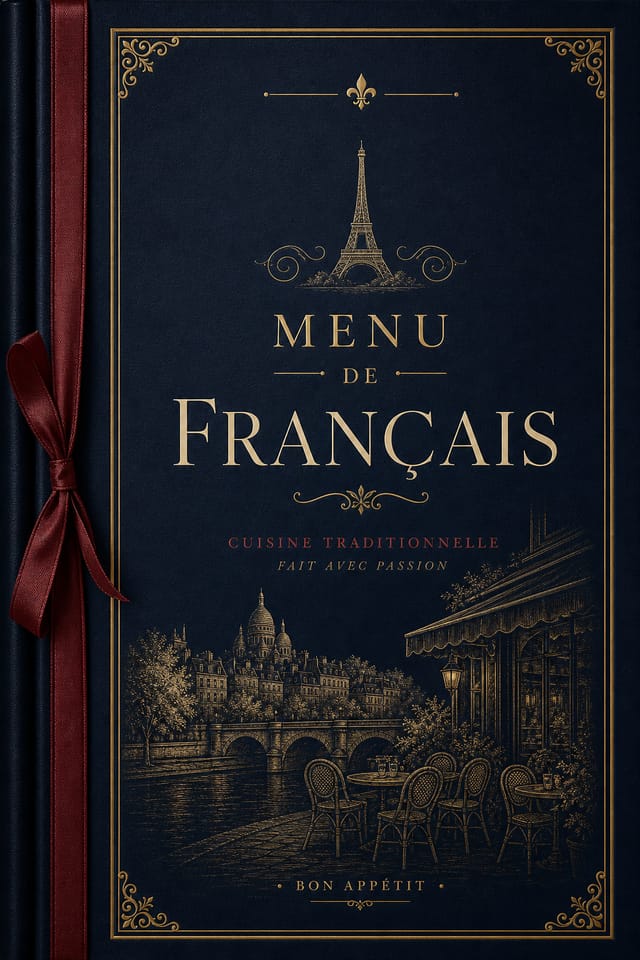
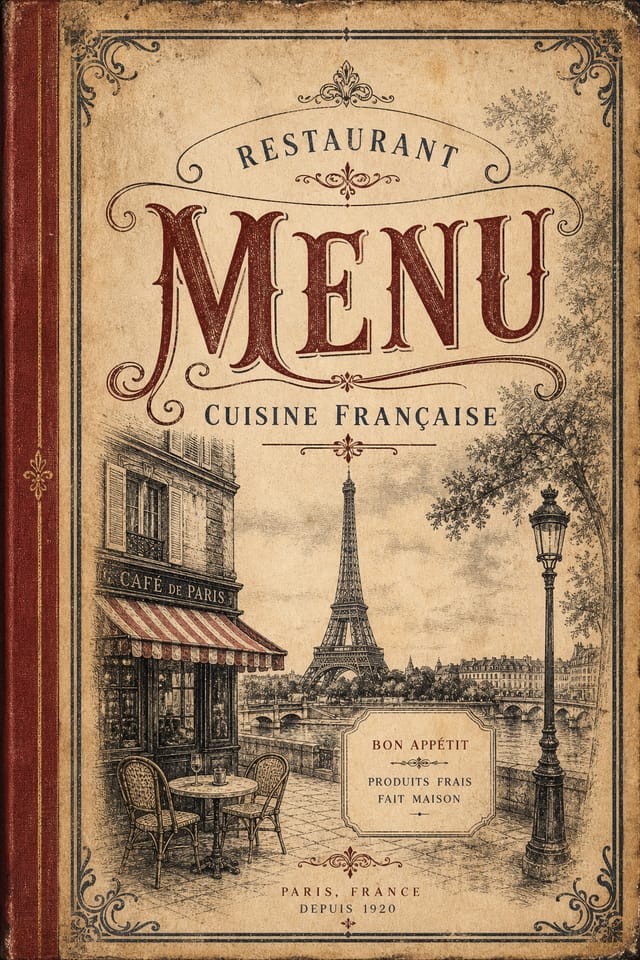
Make french menus with real visual personality. The AI selects design elements that fit french aesthetics, not generic templates.
Create Your French Menu FreeFrench Visual Language: A Technical Perspective
What Makes French Menu Design Work
Not all menu design styles work the same way.
French design has specific characteristics that distinguish it from other approaches: particular color affinities, compositional tendencies, and typographic conventions that trained designers recognize immediately.
Pixazo applies this style knowledge automatically.
When you request a french menu, the AI pulls from a visual vocabulary appropriate to french design, producing output that reads correctly to anyone familiar with the style.
How French Menu AI Works: What Actually Happens
Capture Your Intent
Describe what you want your french menu to look like. Include the mood, color palette, typography preference, and content hierarchy. Pixazo reads all of this and uses it to generate an appropriate design.
Appraise the Draft
The AI produces a french menu based on your description. If the first result isn't exactly right, adjust the prompt to address what needs changing. Most designs reach the target within a few iterations.
Transfer the File
Get your final french menu file in one click. Choose your format, download at full resolution, and use the design immediately. No watermarks, no additional fees, no waiting.
Watch: Creating French Menu designs step by step
Comparing French Menu Tools: An Honest Look
| Tool | Description |
|---|---|
| Fotor | Photo editing platform with design templates and batch processing |
| Crello | Template-based design tool with animation and video support |
| Pixazo | AI-powered french menu generator with prompt-based design and professional output quality |
| Snappa | Quick graphic creator focused on social media and marketing visuals |
| Desygner | Multi-format design tool with PDF editing and brand management |
Precision French Menu Tools: Core Strengths
Resolution Control
Specify output dimensions for your french menu. Get files sized for web display, social media, or large-format printing.
Export Flexibility
Download your french menu in formats suited for your use case. Web-optimized versions for digital display, high-DPI files for print.
Compositional Structure
Layout and hierarchy decisions reflect french design patterns. The proportions and arrangement match how french designs are conventionally structured.
Context-Aware Design
Describe your french menu's purpose and audience. The AI adjusts visual weight, complexity, and clarity based on the intended use context.
Color Palette Intelligence
Colors are chosen with french style awareness. The AI builds palettes that fit french design conventions rather than selecting arbitrarily.
Text Placement Options
Describe where you want text elements positioned in your french menu. The AI follows compositional direction about headline placement and body copy layout.
French Creator Designs Worth Seeing
Real creators sharing their french designs made with Pixazo AI.
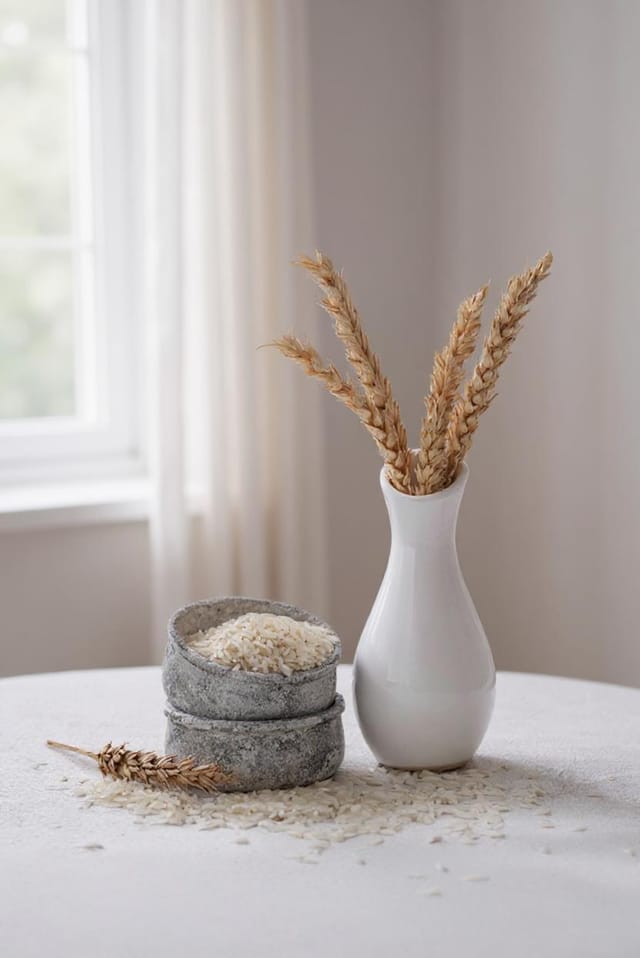
A3 landscape french menu for conference booth, informational layout with three columns, clear section headers, QR code placement zone
Refined french aesthetic menu, sophisticated color relationships, intentional negative space, type selection matching french conventions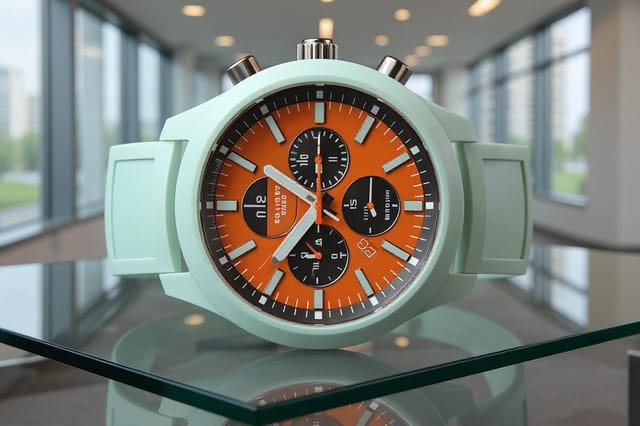
Warm palette french menu, ochre and brown tones, serif typography, traditional french design reference, tactile feelingEmerging French Menu Patterns: Styles Gaining Traction
Organic Shapes
Flowing, irregular forms are replacing sharp geometric shapes in french menu backgrounds and decorative elements for a softer visual feel.
Data-Driven Visuals
Incorporating charts, statistics, and structured data directly into french menu layouts helps communicate complex messages at a glance.
Minimalist Layouts
Stripped-back french menu designs with generous white space and limited elements are gaining favor for their clarity and elegance.
Motion-Ready Design
Static french menu designs are being created with animation in mind, using layered elements that translate smoothly to motion graphics.
Hand-Drawn Elements
Illustrations, doodles, and hand-lettering bring a personal, approachable quality to french menu designs in an era of polished digital output.
Dark Mode Aesthetics
Dark backgrounds with high-contrast accents are increasingly common in french menu design, reducing visual fatigue and adding sophistication.
French Menus Across Fields: Who Benefits Most
Educational Institution Materials
Design french menus for language schools, tuition centers, and educational programs. Materials that demonstrate proper french script handling.
Festival and Cultural Event Menus
Create french menus for festivals, religious occasions, and cultural events specific to french-speaking communities. Designs that respect typographic traditions.
Retail and Restaurant Signage
Create french menus for businesses serving french-speaking customers. Menus, promotions, and signage that connect with the local community.
Social Media Content in French
Design french menus optimized for social platforms popular with french-speaking audiences. Content that drives engagement in the native language.
French Menu Aesthetics: What Works Best
Textured French
French design with added surface depth. Background treatments add visual interest without disrupting legibility.
Contemporary French
Current french design sensibility with updated proportions, modern typefaces, and contemporary color relationships.
Classic French
Traditional french design principles applied to modern menu format. Clean composition, conventional hierarchy, time-tested visual decisions.
Editorial French
Text-dominant french menu layout inspired by print publication design. Typographic variety creates visual rhythm.
French Menu Engine: By the Numbers
Copy-Paste French Menu Prompts That Work
Copy any prompt below and paste it into Pixazo to generate your design instantly.
French aesthetic menu, palette drawn from french design tradition, layout proportions consistent with french conventions, purposeful use of each elementMonochromatic french menu, single-hue palette with value variation for contrast, typographic hierarchy creates visual interest without color complexityProfessional french menu, minimalist french approach, negative space used intentionally, readable at multiple viewing distances, print-ready compositionTwo-color french menu design, high contrast between primary and secondary color, clean separation between graphic and text zonesFrench menu for digital display, optimized proportions for screen viewing, colors calibrated for RGB output, legible at typical viewing distanceEditorial-style french menu, text-dominant design, typographic treatment carries visual weight, layout proportions inspired by print publication designSmart French Menu Decisions: What to Do and What to Avoid
Maintain brand alignment
Keep your french menu design consistent with existing brand colors, fonts, and visual language for a cohesive identity.
Use a consistent visual hierarchy
Structure your french menu so the viewer's eye follows a clear path from headline to supporting details to call-to-action.
Optimize for the display medium
Tailor your french menu resolution, color space, and text size to the specific platform or physical context where it will appear.
Use grids and alignment
Structured layouts in your french menu create a sense of order and professionalism that unstructured designs cannot match.
Forget the call to action
A french menu without a clear next step for the viewer is a missed opportunity. Always include direction on what to do next.
Overcrowd the layout
Filling every pixel of your french menu with content makes it harder to read and reduces the impact of every individual element.
Use too many fonts
More than two or three typefaces in a single french menu creates visual noise and makes the design feel disjointed.
About French Menus: Frequently Asked
Pixazo offers a free tier that lets you generate french menus with standard resolution output. Paid plans unlock higher resolution, priority generation, and additional export formats. You can try french menu generation free with a credit card.
Adjust your prompt to change any element of the design. If a generated french menu is close but not quite right, describe what you want changed and regenerate. The AI responds to specific direction about individual elements like color, layout, or typographic weight.
Canva uses fixed templates you customize manually. Pixazo generates original french menu designs from your description, so every output is unique. For french work specifically, the AI applies style-specific design decisions rather than offering generic drag-and-drop templates.
Pixazo generates high-resolution files suitable for both print and digital use. Specify your intended output format in your prompt. Print french menus benefit from high-DPI settings, while web and social media use works well with standard resolution output.
Specify the dimensions in your prompt. Common formats like A3, 18x24 inches, or 1080x1920 pixels for social media stories all work. The AI generates a french menu composition appropriate for the specified aspect ratio and use case.
The Fine Print on French Menus: Areas for Improvement
Known limitations and trade-offs of AI-generated french design. Transparency matters when using AI for french menu design. The points below describe where you may need to supplement AI output with manual work.

