3D Book Mockup : Create Free 3D Book Mockups in Minutes with AI
Create Custom 3D Book Mockups Quickly with Pixazo Best AI 3D Book Mockup Maker. Try for Free!
Get Started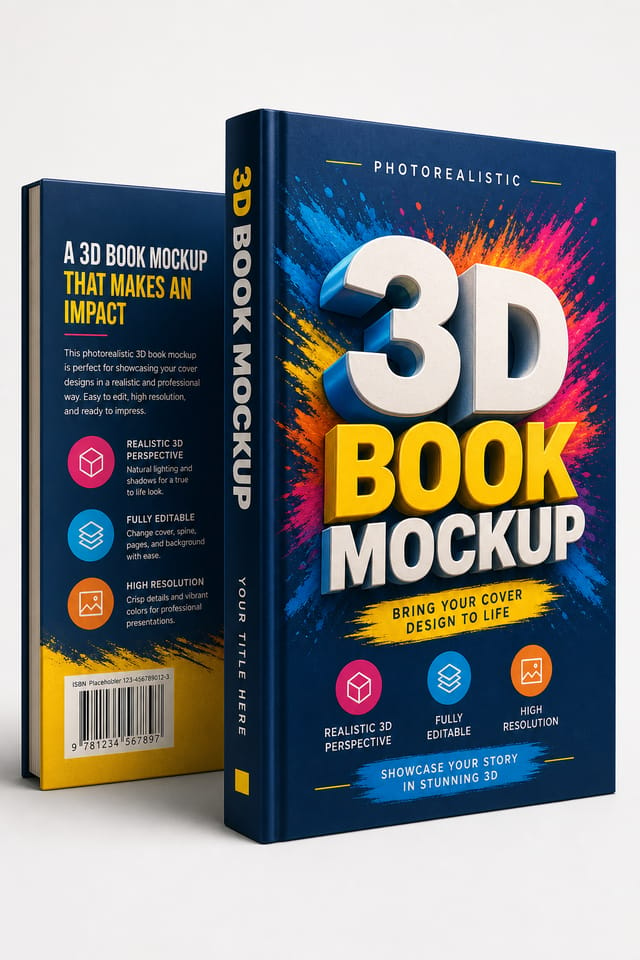
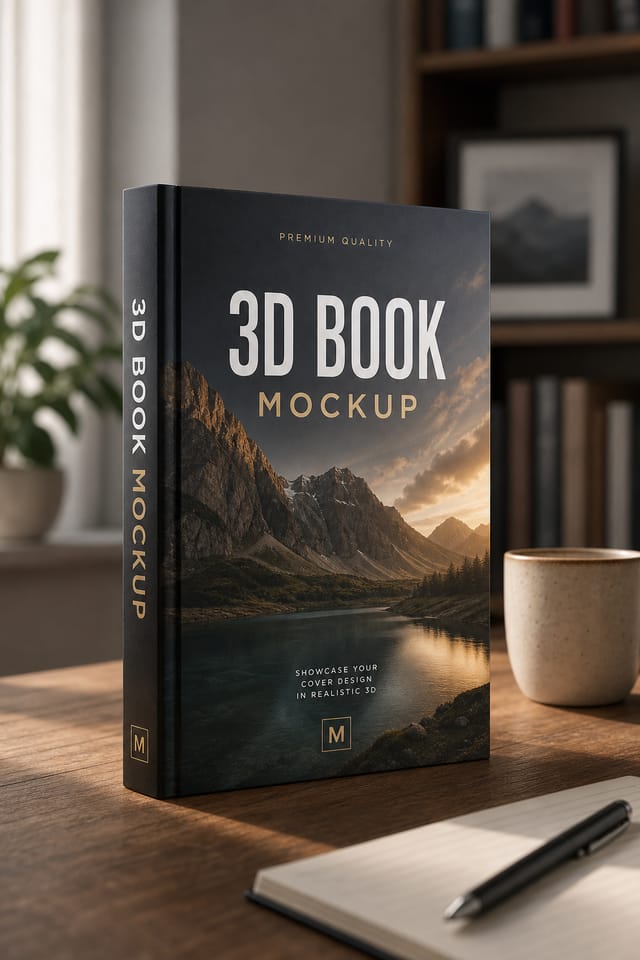
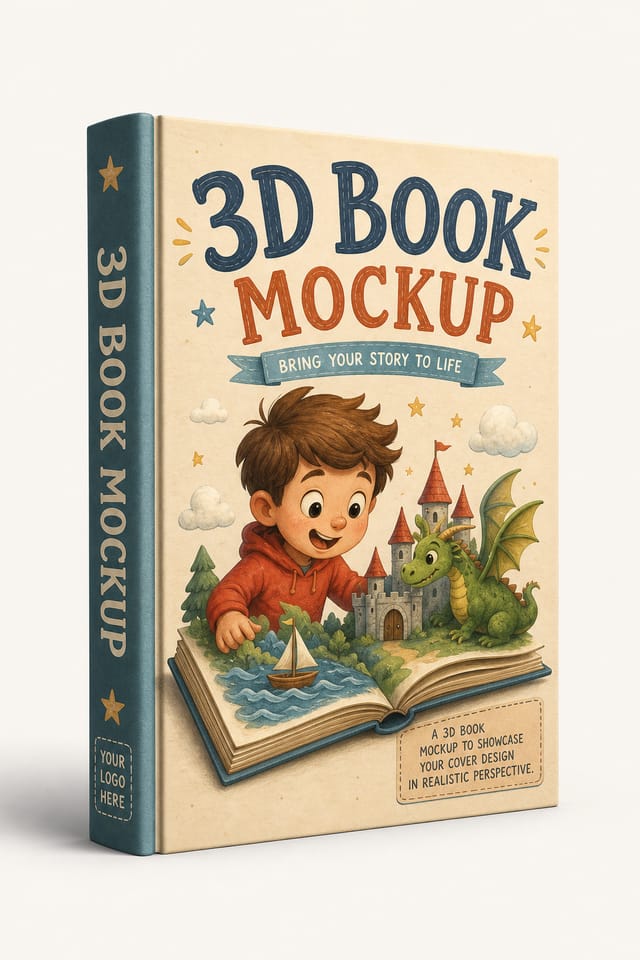
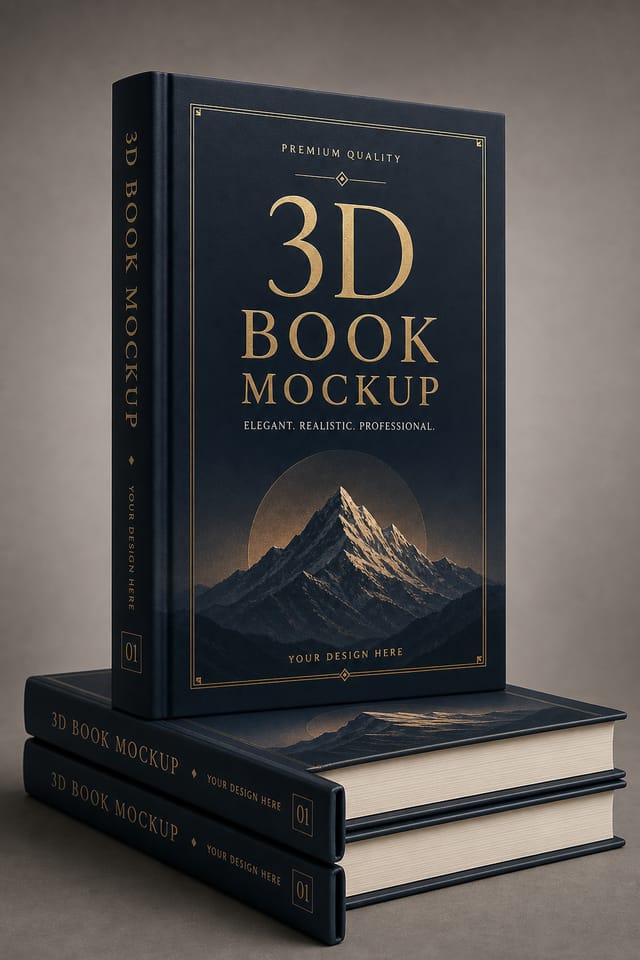
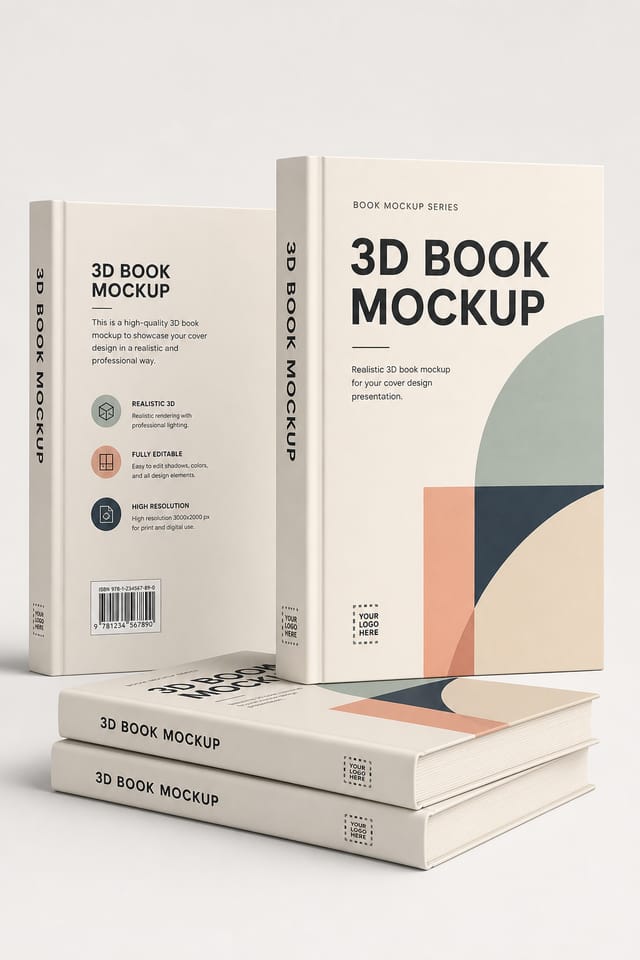
3D-Book Mockup Design Trends: Where Design Is Going
Dark Mode Aesthetics
Dark backgrounds with high-contrast accents are increasingly common in 3d-book mockup design, reducing visual fatigue and adding sophistication.
Hand-Drawn Elements
Illustrations, doodles, and hand-lettering bring a personal, approachable quality to 3d-book mockup designs in an era of polished digital output.
Retro Revival
Vintage aesthetics from the 1970s and 1990s are influencing 3d-book mockup design with textured backgrounds, serif fonts, and warm gradients.
Data-Driven Visuals
Incorporating charts, statistics, and structured data directly into 3d-book mockup layouts helps communicate complex messages at a glance.
The 3D-Book Mockup Toolkit: Key Capabilities
Consistency Across Variants
Generate multiple 3d-book mockups for a project and maintain visual consistency across the set. Specify your core design parameters and vary secondary elements.
Background Variation
Generate 3d-book mockups with different background treatments. Solid, gradient, textured, or pattern backgrounds all available for 3d-book style.
Color Palette Intelligence
Colors are chosen with 3d-book style awareness. The AI builds palettes that fit 3d-book design conventions rather than selecting arbitrarily.
Color Temperature Control
Specify warm, cool, or neutral color direction for your 3d-book mockup. The AI builds the full palette around your temperature preference.
Negative Space Handling
The AI manages whitespace in 3d-book mockup designs according to 3d-book aesthetic conventions, not generic poster defaults.
Prompt Refinement
Adjust your description to refine any aspect of the 3d-book mockup design. The AI responds to specific direction about colors, layout, or content.
3D-Book Mockup Quality Checklist: Practical Guidelines
Optimize for the display medium
Tailor your 3d-book mockup resolution, color space, and text size to the specific platform or physical context where it will appear.
Use grids and alignment
Structured layouts in your 3d-book mockup create a sense of order and professionalism that unstructured designs cannot match.
Test with real content
Never finalize a 3d-book mockup with placeholder text. Real copy often has different lengths and line breaks that affect the design.
Use too many fonts
More than two or three typefaces in a single 3d-book mockup creates visual noise and makes the design feel disjointed.
Ignore accessibility
Low-contrast text and tiny font sizes in your 3d-book mockup exclude a significant portion of your potential audience.
Skip proofreading
Typos and grammatical errors on a 3d-book mockup undermine credibility instantly. Always have someone else review the final text.
Forget the call to action
A 3d-book mockup without a clear next step for the viewer is a missed opportunity. Always include direction on what to do next.
What 3D-Book Creators Built: Designs Worth Seeing
Real creators sharing their 3d book designs made with Pixazo AI.
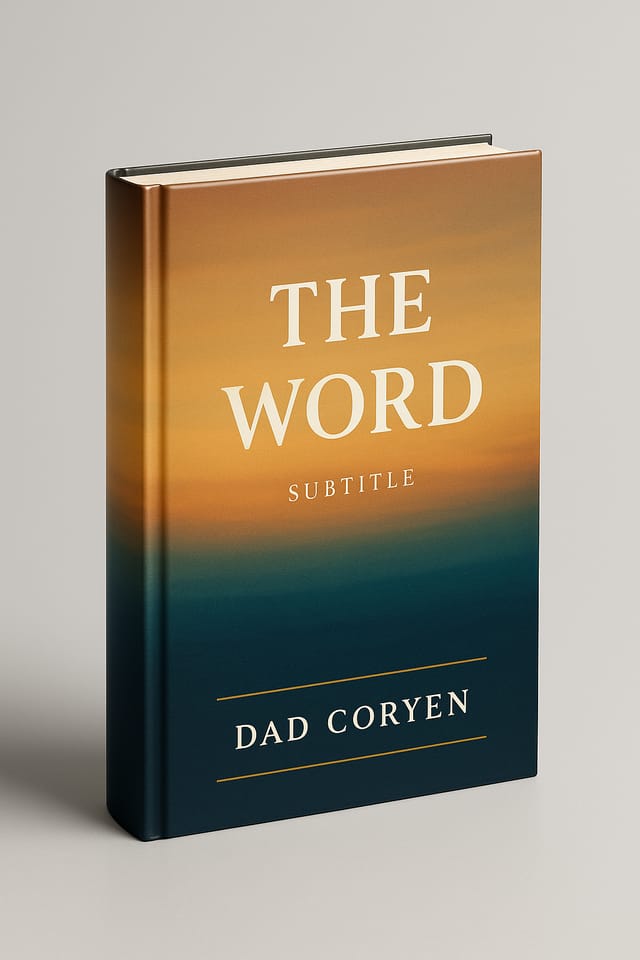
Contemporary 3d-book style mockup, grid-based structure, disciplined spacing, restrained decoration, readable at viewing distance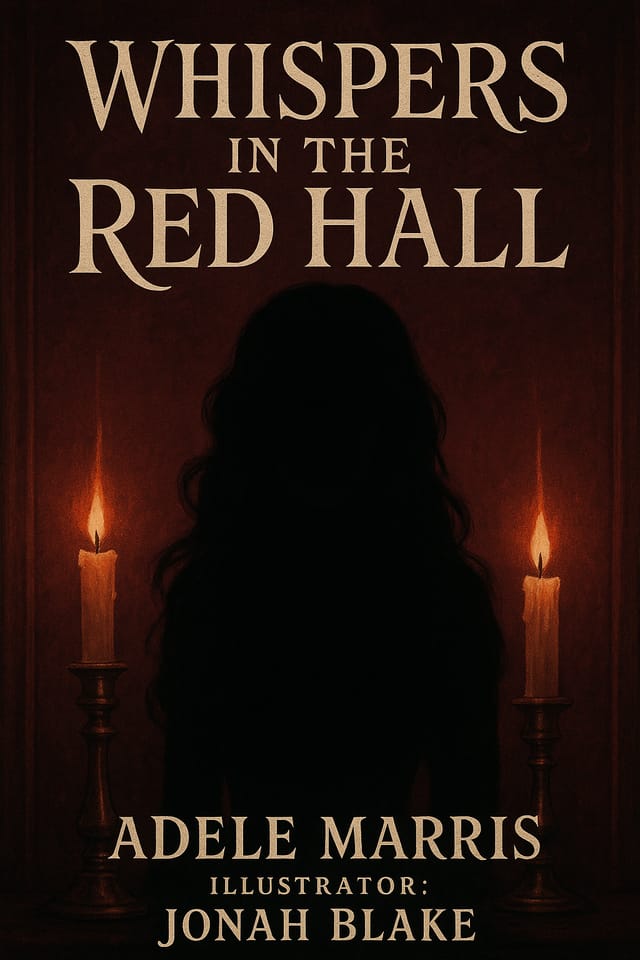
3D-Book mockup design, clean typographic hierarchy, palette appropriate to 3d-book aesthetic, high contrast headline, balanced composition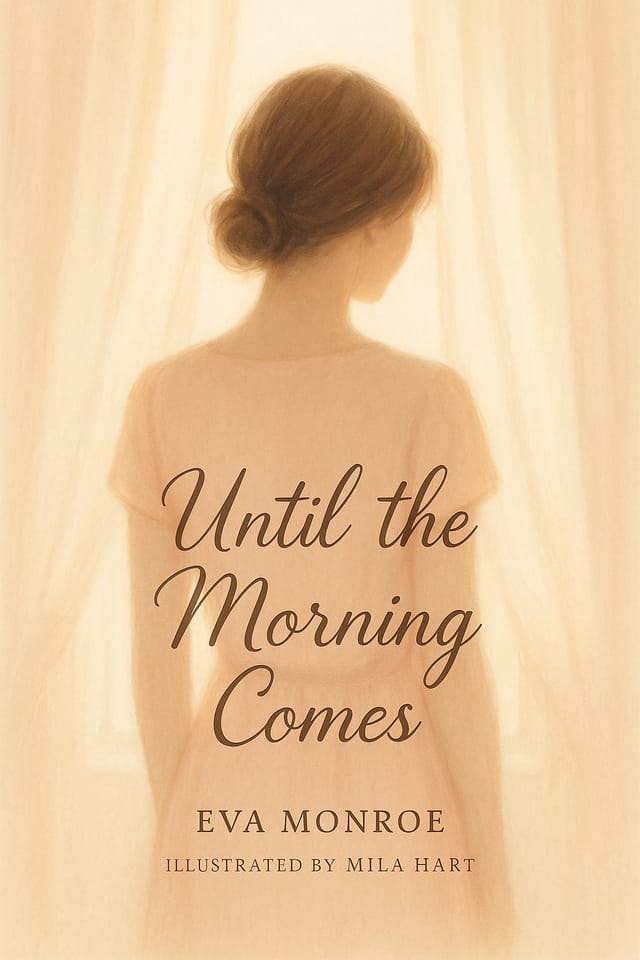
3D-Book mockup with retro 1970s color palette, warm oranges and browns, groovy display type, textured paper background feelPutting 3D-Book Mockups to Work: Across Industries
Professional Projects
Create 3d-book mockups for client work, commercial campaigns, and professional applications where quality and style accuracy matter.
Podcast and Media Branding
Generate 3d-book mockups for podcast covers, episode artwork, and media channel identity. Consistent visual branding across audio and video platforms.
Wedding and Celebration Planning
Create 3d-book mockups for invitations, signage, and event branding. Cohesive visual systems that carry a celebration's theme across every touchpoint.
Event Promotion
Create 3d-book event mockups that establish the right visual mood before the event. 3D-Book design signals quality and sets expectations.
Sports and Recreation
Produce 3d-book mockups for leagues, tournaments, and recreational programs. Energetic designs that build excitement and communicate schedules.
Your 3D-Book Mockup Workflow: How It Works
Set the Direction
Write a prompt describing your 3d-book mockup. Include style preferences, color direction, the most important text to display, and any specific visual elements you want. The more specific your description, the more targeted the output.
Evaluate the Result
Pixazo generates your 3d-book mockup in seconds. Review the design and adjust your prompt to refine specific elements: change the color palette, shift the layout weight, or add visual elements you want included.
Correct and Resubmit
Iterate on your 3d-book mockup by modifying the aspects that need work. Regenerate with a more targeted prompt until the design matches your vision. Most refinements take one or two iterations.
Pull the Final Output
Download your completed 3d-book mockup in the format that fits your use case. High-resolution files for print, web-optimized versions for digital, or PDF for production-ready delivery.
Watch: Creating 3D Book Mockup designs step by step
3D-Book Mockup Quality Numbers: Data-Backed Results
Languages supported for text rendering in 3d-book mockup des
Languages supported for text rendering in 3d-book mockup designs
Maximum output resolution for print-quality 3d-book mockup d
Maximum output resolution for print-quality 3d-book mockup designs
Number of 3d-book mockup variations you can generate per ses
Number of 3d-book mockup variations you can generate per session
Styling Your 3D-Book Mockup: Style Breakdown
Editorial 3D-Book
Text-dominant 3d-book mockup layout inspired by print publication design. Typographic variety creates visual rhythm.
Geometric 3D-Book
Structured 3d-book composition using grid systems and angular forms. Order and precision define the visual approach.
Contemporary 3D-Book
Current 3d-book design sensibility with updated proportions, modern typefaces, and contemporary color relationships.
Textured 3D-Book
3D-Book design with added surface depth. Background treatments add visual interest without disrupting legibility.
Classic 3D-Book
Traditional 3d-book design principles applied to modern mockup format. Clean composition, conventional hierarchy, time-tested visual decisions.
3D-Book Mockup Maker Comparison: A Neutral Comparison
Crello
Template-based design tool with animation and video support
Pixazo
AI-powered 3d-book mockup generator with prompt-based design and professional output quality
Fotor
Photo editing platform with design templates and batch processing
VistaCreate
Visual content platform with templates and a built-in asset library
Stencil
Lightweight image creator optimized for fast social media graphics
3D-Book Mockup Starter Prompts That Work
Copy any prompt below and paste it into Pixazo to generate your design instantly.
Geometric 3d-book mockup, structured grid system, angular composition, colors in blocks rather than gradients, modern clean finishSeries-compatible 3d-book mockup design, visual language that extends to multiple formats, consistent design system across variantsClean 3d-book mockup design, geometric structure, disciplined typography, color accent used selectively for emphasis, printer-optimized resolution3D-Book mockup for digital display, optimized proportions for screen viewing, colors calibrated for RGB output, legible at typical viewing distance3D-Book aesthetic mockup, palette drawn from 3d-book design tradition, layout proportions consistent with 3d-book conventions, purposeful use of each elementThe Reality of 3D-Book Mockup AI: Capabilities and Caveats
Known limitations and trade-offs of AI-generated 3d book design. AI 3d-book mockup generation produces strong results within its design domain. These notes describe where human judgment and manual work remain necessary.
3D-Book Mockup Maker: What You Should Know
Pixazo generates high-resolution files suitable for both print and digital use. Specify your intended output format in your prompt. Print 3d-book mockups benefit from high-DPI settings, while web and social media use works well with standard resolution output.
Each generation uses your unique prompt text to produce a distinct 3d-book mockup design. Even similar prompts produce noticeably different outputs due to the AI's generative process. No two users receive identical designs.
Pixazo generates original designs rather than copying existing work. The AI creates 3d-book mockups from learned design principles, not by stitching together fragments of existing designs. Generated output does not reproduce copyrighted material or identifiable artistic styles of living creators.
Adjust your prompt to change any element of the design. If a generated 3d-book mockup is close but not quite right, describe what you want changed and regenerate. The AI responds to specific direction about individual elements like color, layout, or typographic weight.
Pixazo offers a free tier that lets you generate 3d-book mockups with standard resolution output. Paid plans unlock higher resolution, priority generation, and additional export formats. You can try 3d-book mockup generation free with a credit card.
Pixazo works in any modern mobile browser. The interface adapts to phone and tablet screens so you can generate 3d-book mockups from anywhere. A dedicated mobile app is in development for an even smoother on-device experience.

