Billboard Mockup : Create Free Billboard Mockups in Minutes with AI
Create Custom Billboard Mockups Quickly with Pixazo Best AI Billboard Mockup Maker. Try for Free!
Get Started
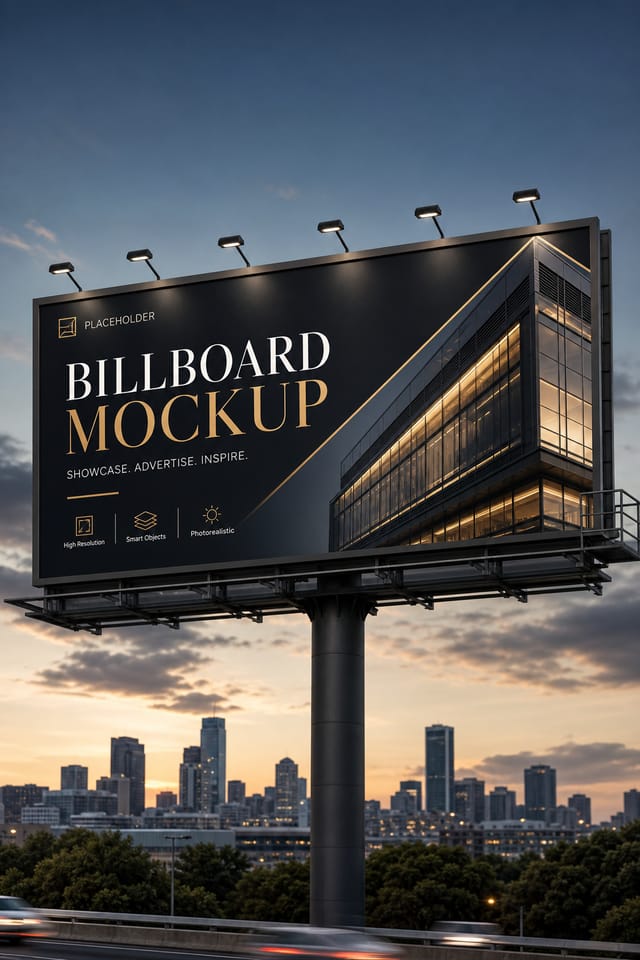
Core of Billboard Mockup AI: Key Capabilities
Instant Iterations
Generate multiple billboard mockup variations from a single prompt. Compare options and refine until the design matches your vision.
Color Palette Intelligence
Colors are chosen with billboard style awareness. The AI builds palettes that fit billboard design conventions rather than selecting arbitrarily.
Typography Matching
Typefaces are selected to match billboard aesthetic expectations. The AI pairs fonts that reinforce your billboard mockup's visual identity.
Color Temperature Control
Specify warm, cool, or neutral color direction for your billboard mockup. The AI builds the full palette around your temperature preference.
Billboard Mockup Feature Explorer: A Complete Tour
Layout Intelligence
AI understands billboard mockup layout conventions and applies them automatically
Typography Matching
Font selection that matches the visual tone of your billboard mockup design
Composition Rules
Automatic application of design principles like hierarchy and balance
Billboard Mockups Across Fields: Practical Examples
Personal Creative Work
Generate billboard mockups for personal projects, home display, and creative experiments without spending production time on design execution.
Educational Materials
Design billboard mockups for educational contexts. Courses, workshops, and learning materials benefit from the visual clarity of good billboard design.
Social Media Content
Design billboard mockups sized for social platforms. Get content that looks intentional and well-crafted, not thrown together.
Wedding and Celebration Planning
Create billboard mockups for invitations, signage, and event branding. Cohesive visual systems that carry a celebration's theme across every touchpoint.
Interior Display
Generate billboard mockups for home and office wall display. Get print-ready files that look considered rather than stock-photo generic.
Billboard Mockup Production Steps: From Start to Delivery
Export Deliver final files
Export your billboard mockup in the required formats and resolutions. Organize deliverables for handoff to the production or publishing team.
Research Gather references
Collect examples of effective billboard mockup designs, note what works, and identify patterns relevant to your project goals.
Refine Polish the design
Apply targeted edits to your selected billboard mockup. Adjust typography, spacing, and color until every element meets your quality standard.
Approve Final sign-off
Get stakeholder approval on the finished billboard mockup. Verify all text is accurate and the design meets brand and technical requirements.
Effective Billboard Mockup Prompt Starters
Copy any prompt below and paste it into Pixazo to generate your design instantly.
Billboard style mockup, bold headline placement, supporting text at appropriate scale, color palette consistent with billboard design conventionsBillboard mockup with strong visual hierarchy, largest element reads clearly, supporting elements organized by importance, clean background treatmentBillboard aesthetic mockup, palette drawn from billboard design tradition, layout proportions consistent with billboard conventions, purposeful use of each elementBillboard mockup for digital display, optimized proportions for screen viewing, colors calibrated for RGB output, legible at typical viewing distanceGeometric billboard mockup, structured grid system, angular composition, colors in blocks rather than gradients, modern clean finishEditorial-style billboard mockup, text-dominant design, typographic treatment carries visual weight, layout proportions inspired by print publication designCreating Your Billboard Mockup: What Actually Happens
Name Your Design Goal
Describe what you want your billboard mockup to look like. Include the mood, color palette, typography preference, and content hierarchy. Pixazo reads all of this and uses it to generate an appropriate design.
Watch: Creating Billboard Mockup designs step by step
Pro Tips for Billboard Mockup Design: Practical Guidance
Consider the Context
Think about where your billboard mockup will appear. A design optimized for social media needs different proportions and density than one for a physical bulletin board.
Limit Your Color Palette
Stick to 2-3 primary colors in your billboard mockup design. Too many colors compete for attention and weaken the visual hierarchy.
Get Feedback Early
Share your billboard mockup draft with someone outside the project. Fresh eyes catch issues you have become blind to after hours of refinement.
Match Tone to Audience
A billboard mockup for a corporate event needs a different visual tone than one for a music festival. Let the audience guide your style choices.
Use High Contrast for Readability
Whether your billboard mockup is displayed on screen or in print, strong contrast between text and background ensures the message gets through at any size.
Billboard Style Options: Aesthetic Choices
High-Contrast Billboard
Bold billboard visual treatment with strong tonal contrast. Elements read clearly at any viewing distance.
Geometric Billboard
Structured billboard composition using grid systems and angular forms. Order and precision define the visual approach.
Editorial Billboard
Text-dominant billboard mockup layout inspired by print publication design. Typographic variety creates visual rhythm.
Atmospheric Billboard
Billboard mockup design where mood takes priority. Color and composition work together to create a specific feeling.
AI Billboard Mockup Design: Areas for Improvement
Known limitations and trade-offs of AI-generated billboard design. Transparency matters when using AI for billboard mockup design. The points below describe where you may need to supplement AI output with manual work.
Current Billboard Mockup Directions: Current Directions
Retro Revival
Vintage aesthetics from the 1970s and 1990s are influencing billboard mockup design with textured backgrounds, serif fonts, and warm gradients.
Muted Earth Tones
Natural color palettes with warm neutrals and desaturated greens are replacing the bright neon trends of previous years in billboard mockup work.
Hand-Drawn Elements
Illustrations, doodles, and hand-lettering bring a personal, approachable quality to billboard mockup designs in an era of polished digital output.
Organic Shapes
Flowing, irregular forms are replacing sharp geometric shapes in billboard mockup backgrounds and decorative elements for a softer visual feel.
Data-Driven Visuals
Incorporating charts, statistics, and structured data directly into billboard mockup layouts helps communicate complex messages at a glance.
Gradient Overlays
Smooth color transitions are being used as primary design elements in billboard mockup work, adding depth without the complexity of photographic backgrounds.
Community Billboard Mockup: Work in the Wild
Real creators sharing their billboard designs made with Pixazo AI.
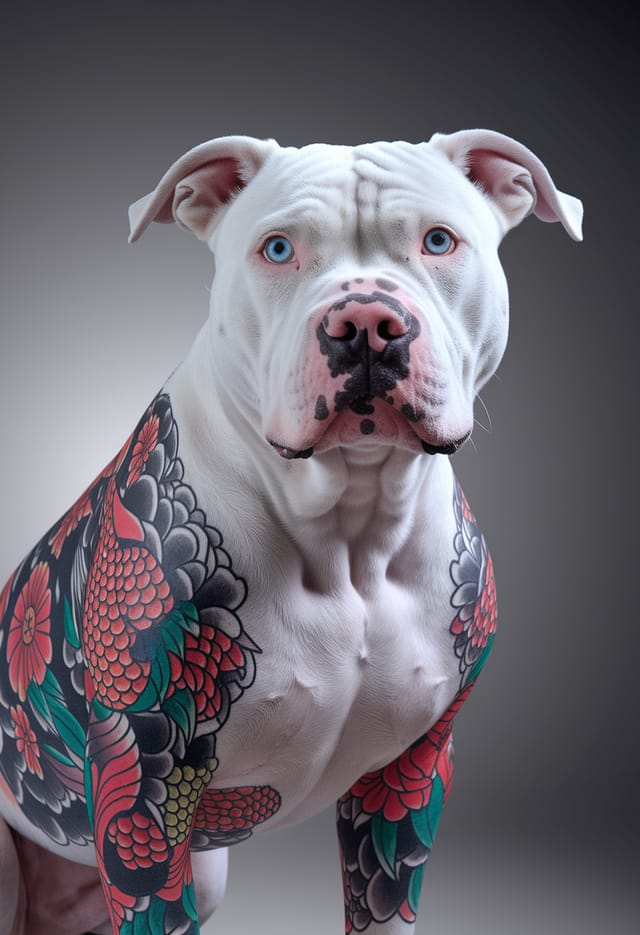
Professional billboard mockup, minimalist layout, selective use of color for emphasis, clear visual hierarchy from top to bottom
Vibrant billboard mockup targeting Gen Z audience, neon accent colors, asymmetric layout, bold experimental typography, maximum visual energy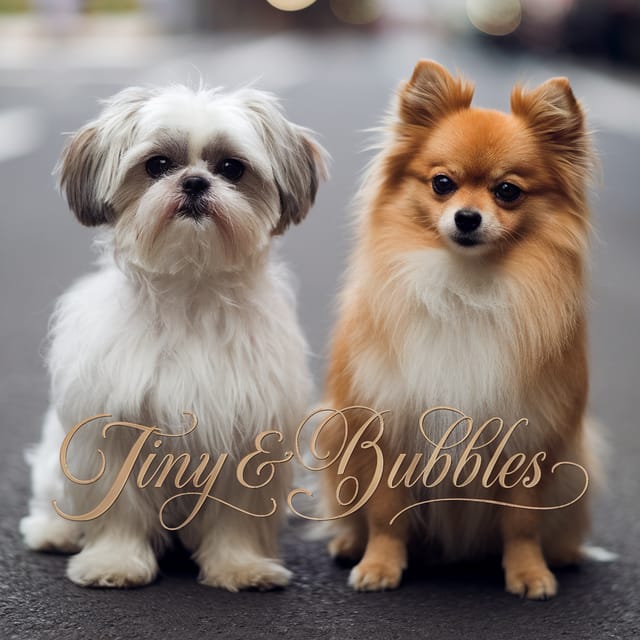
Monochromatic billboard mockup, single hue in multiple values, typographic hierarchy creates depth without color complexityBillboard Mockup Design: Your Questions Answered
Designs generated through Pixazo are yours to use as you see fit. You retain full usage rights for commercial and personal applications. The platform does not claim ownership over your generated billboard mockup output.
You can generate as many variations as your account tier allows. Refine your prompt with each iteration to move toward your target design. Most users find the right direction within three to five generations.
Brand kits let you save your logo, fonts, and color palette so every billboard mockup you generate stays on brand. Once configured, the AI applies your brand parameters automatically alongside billboard style conventions.
Designs created with Pixazo are available for commercial use. You can use your billboard mockups for client projects, product sales, advertising, and other commercial applications without additional licensing fees.
Pixazo generates single-page billboard mockup designs per prompt. For multi-page projects, generate each page individually using consistent prompt language to maintain visual continuity across your billboard document set.
Longer, more detailed prompts generally produce more accurate results for billboard mockup design. Include all the relevant information: style direction, color preferences, content to display, intended use, and any specific design elements you want. There is no strict character limit.

