Candle Mockup : Create Free Candle Mockups in Minutes with AI
Create Custom Candle Mockups Quickly with Pixazo Best AI Candle Mockup Maker. Try for Free!
Get Started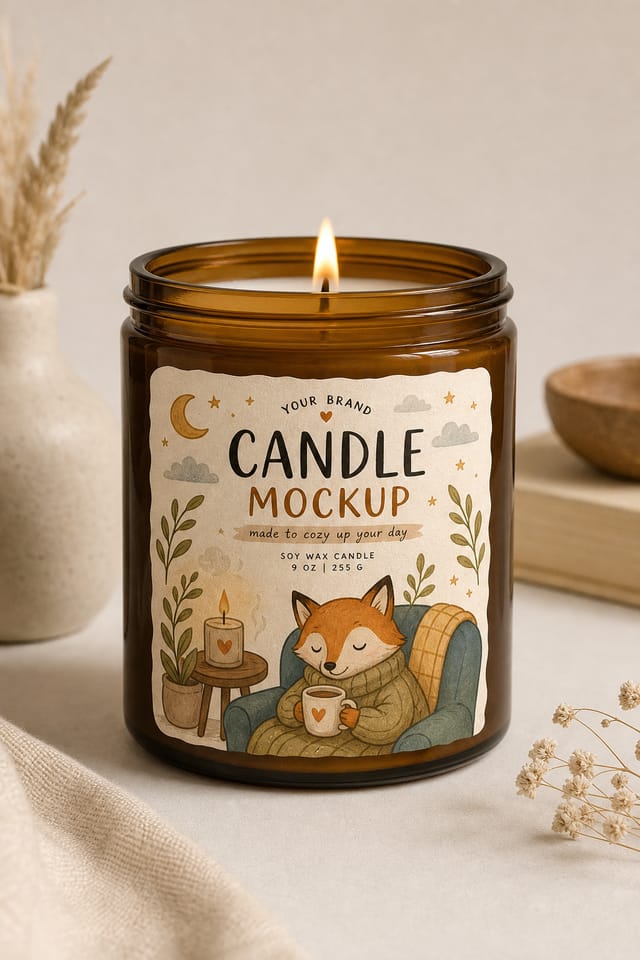
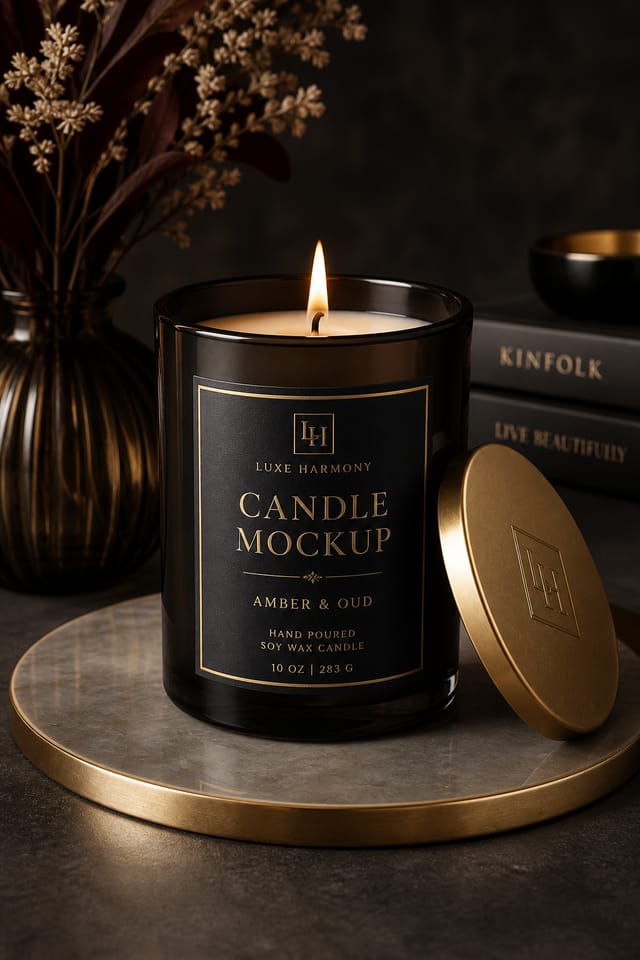
Get Your Candle Mockup: Three Easy Steps
Watch: Creating Candle Mockup designs step by step
Design Intelligence for Candle Mockups: A Technical Perspective
The Candle Mockup Design Framework
The strongest candle mockup designs succeed because every element reinforces the style rather than contradicting it.
Typography that fits candle conventions, colors that carry candle associations, layouts that breathe in ways consistent with candle design sensibility.
Pixazo's AI understands these relationships.
Describe your candle mockup and the system generates designs where all the elements agree.
Current Candle Mockup Directions: Current Directions
Motion-Ready Design
Static candle mockup designs are being created with animation in mind, using layered elements that translate smoothly to motion graphics.
Minimalist Layouts
Stripped-back candle mockup designs with generous white space and limited elements are gaining favor for their clarity and elegance.
Bold Typography
Oversized type and expressive fonts are dominating candle mockup design, turning headlines into visual centerpieces rather than just text.
Hand-Drawn Elements
Illustrations, doodles, and hand-lettering bring a personal, approachable quality to candle mockup designs in an era of polished digital output.
Candle Mockup Export Guide: File Types and Uses
WEBP
Modern web format offering smaller file sizes than PNG or JPG for candle mockup images without significant quality loss.
Print-ready format for candle mockup files that preserves fonts, colors, and layout across different devices and print services.
SVG
Scalable format for candle mockup designs that need to render crisply at any resolution, commonly used for web and responsive layouts.
PNG
Lossless image format ideal for candle mockup designs with transparency, sharp text, and web display at predictable file sizes.
Smart Candle Mockup AI: Professional Features
Consistency Across Variants
Generate multiple candle mockups for a project and maintain visual consistency across the set. Specify your core design parameters and vary secondary elements.
Fast Generation
Complete candle mockup designs generate in seconds. No rendering queues, no waiting for batch processing.
No Design Software Required
Create professional candle mockups without Photoshop, Illustrator, or other design applications. The AI handles all technical production.
Compositional Structure
Layout and hierarchy decisions reflect candle design patterns. The proportions and arrangement match how candle designs are conventionally structured.
Export Flexibility
Download your candle mockup in formats suited for your use case. Web-optimized versions for digital display, high-DPI files for print.
Resolution Control
Specify output dimensions for your candle mockup. Get files sized for web display, social media, or large-format printing.
The Reach of Candle Mockups: Who Benefits Most
Professional Projects
Create candle mockups for client work, commercial campaigns, and professional applications where quality and style accuracy matter.
Freelance Design Work
Use Pixazo to generate candle mockup concepts for client review. Present multiple directions quickly before committing to detailed execution.
Social Media Content
Design candle mockups sized for social platforms. Get content that looks intentional and well-crafted, not thrown together.
Small Business Marketing
Produce candle marketing mockups without a design agency budget. Get professional results from a text description.
Retail and Hospitality
Produce candle in-store and venue mockups that communicate quality through design. Candle aesthetics signal attention to customer experience.
Visual Directions for Candle Mockups: Worth Exploring
Geometric Candle
Structured candle composition using grid systems and angular forms. Order and precision define the visual approach.
Classic Candle
Traditional candle design principles applied to modern mockup format. Clean composition, conventional hierarchy, time-tested visual decisions.
Atmospheric Candle
Candle mockup design where mood takes priority. Color and composition work together to create a specific feeling.
Contemporary Candle
Current candle design sensibility with updated proportions, modern typefaces, and contemporary color relationships.
Candle Creator Creator Highlights
Real creators sharing their candle designs made with Pixazo AI.

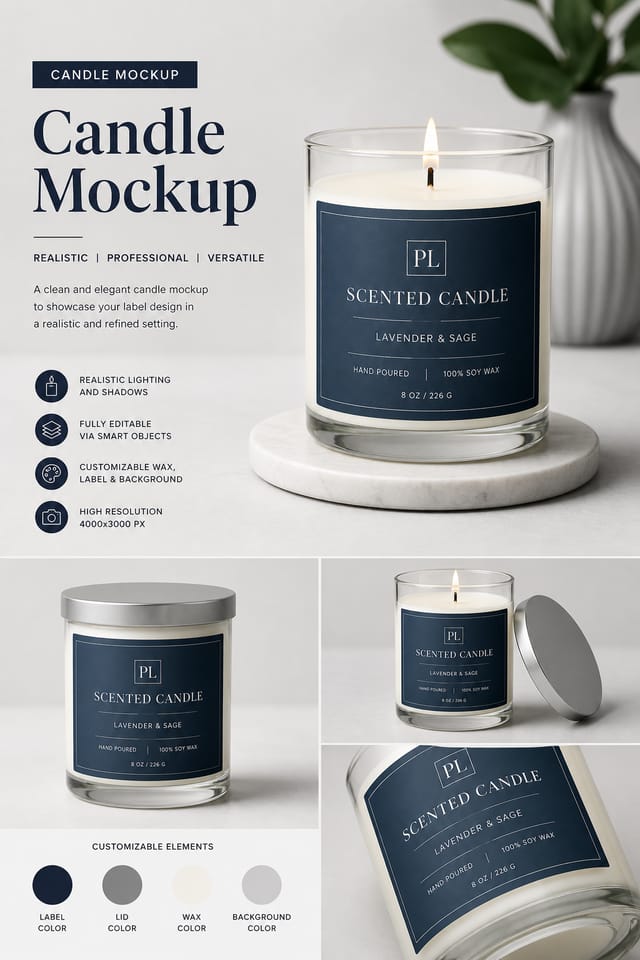
Corporate candle mockup for a B2B audience, clean and authoritative, navy and white palette, structured grid, data-friendly layout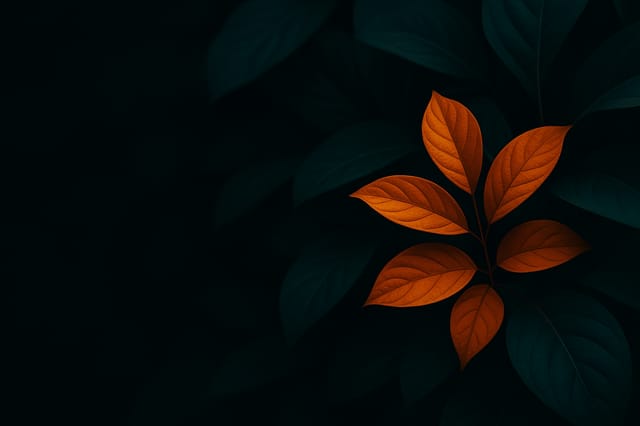
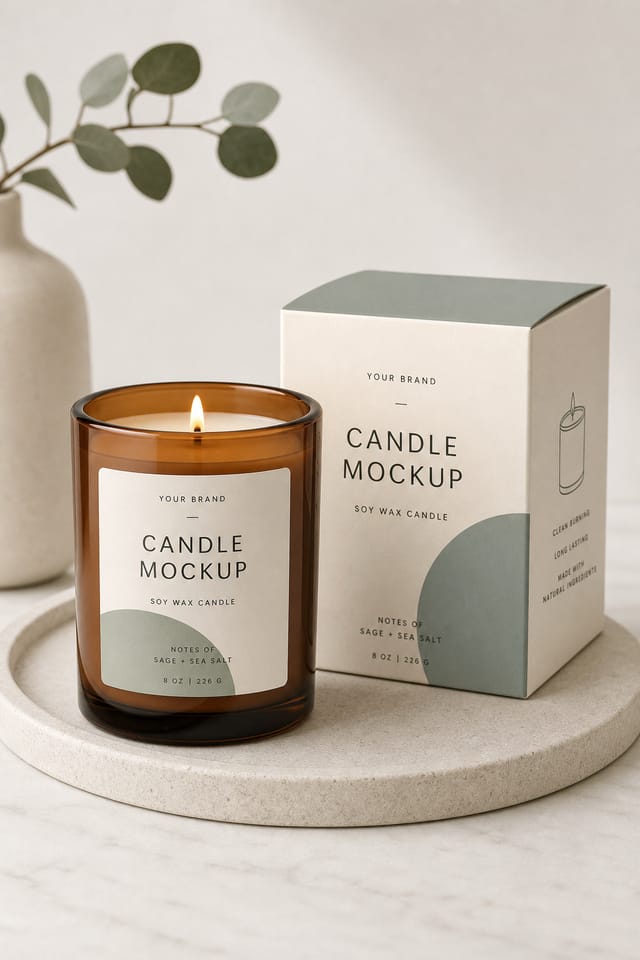
Two-color candle mockup, maximum contrast between primary and secondary color, typography set in one color per level
Warm palette candle mockup, ochre and brown tones, serif typography, traditional candle design reference, tactile feelingCandle Mockup Creator Tips: From Experienced Designers
Prioritize Hierarchy
Every candle mockup needs a clear reading order. Make sure the most important information is the largest and most prominent element in the layout.
Check Alignment Carefully
Misaligned elements are one of the most common signs of amateur candle mockup design. Use grid lines and snap-to features to keep things precise.
Use High Contrast for Readability
Whether your candle mockup is displayed on screen or in print, strong contrast between text and background ensures the message gets through at any size.
Test at Actual Size
Always preview your candle mockup at the dimensions it will be displayed. Design details that look fine at 100% can disappear or crowd at real-world scale.
Start with a Clear Brief
Before generating any candle mockup, write down the core message, target audience, and intended use. A focused brief produces better results than iterating from a vague idea.
Proven Candle Mockup Prompts That Work
Copy any prompt below and paste it into Pixazo to generate your design instantly.
Candle mockup design, clean layout, strong typography hierarchy, appropriate color palette for candle aesthetic, high contrast between headline and backgroundSeries-compatible candle mockup design, visual language that extends to multiple formats, consistent design system across variantsAtmospheric candle mockup, background treatment supports the headline without competing with it, visual weight distributed intentionallyGeometric candle mockup, structured grid system, angular composition, colors in blocks rather than gradients, modern clean finishFull-bleed candle mockup, background treatment extends to edges, foreground elements positioned for compositional balance, strong central hierarchyTwo-color candle mockup design, high contrast between primary and secondary color, clean separation between graphic and text zonesAI Candle Mockup Generation: Common Questions Answered
Pixazo generates complete candle mockup designs from text prompts. Custom image uploads for compositing are on the product roadmap. Currently, the AI creates all visual elements based on your description rather than incorporating external assets.
Generated designs that miss the mark usually need more specific prompts. Add details about the visual hierarchy you want, the feeling the candle mockup should create, or specific elements to include or avoid. More context in the prompt produces more targeted output.
Team accounts allow multiple users to share prompts, saved candle mockup designs, and brand kits within a shared workspace. Team members can iterate on each other's candle mockup designs and maintain consistent output across projects.
Pixazo works in any modern mobile browser. The interface adapts to phone and tablet screens so you can generate candle mockups from anywhere. A dedicated mobile app is in development for an even smoother on-device experience.
You control every major design parameter through your prompt: color palette, typography style, layout structure, visual weight distribution, background treatment, and content hierarchy. The more specific your candle mockup prompt, the more precisely the AI follows your creative direction.
Pixazo supports PNG, JPEG, and PDF export for candle mockups. PNG preserves transparency if your design uses it. JPEG works well for web and social media. PDF is the preferred format for print production of candle mockups.
Where Candle Mockup AI: Trade-Offs to Know
Known limitations and trade-offs of AI-generated candle design. Transparency matters when using AI for candle mockup design. The points below describe where you may need to supplement AI output with manual work.

