Hat Mockup : Create Free Hat Mockups in Minutes with AI
Create Custom Hat Mockups Quickly with Pixazo Best AI Hat Mockup Maker. Try for Free!
Get Started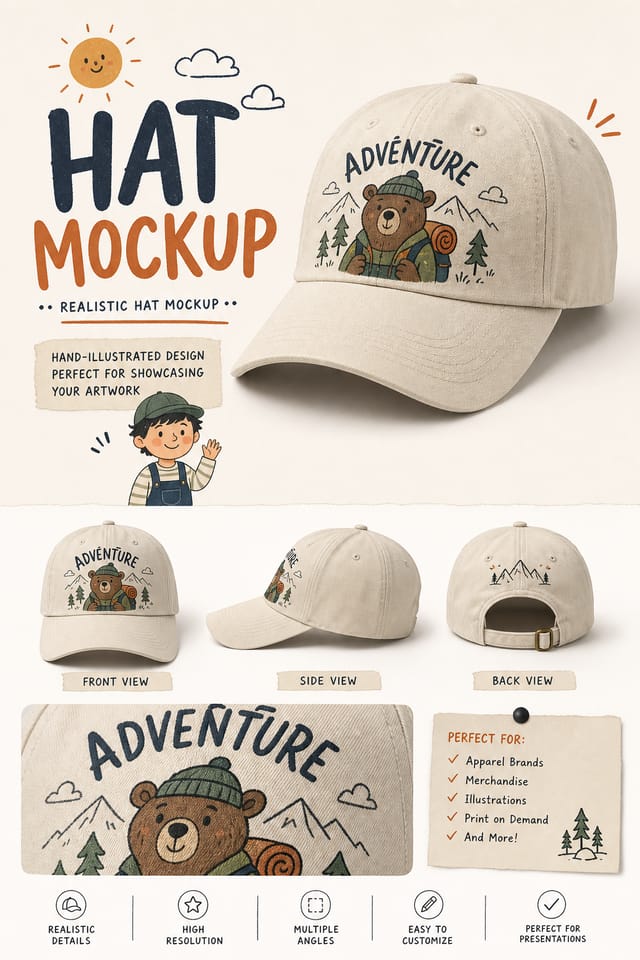
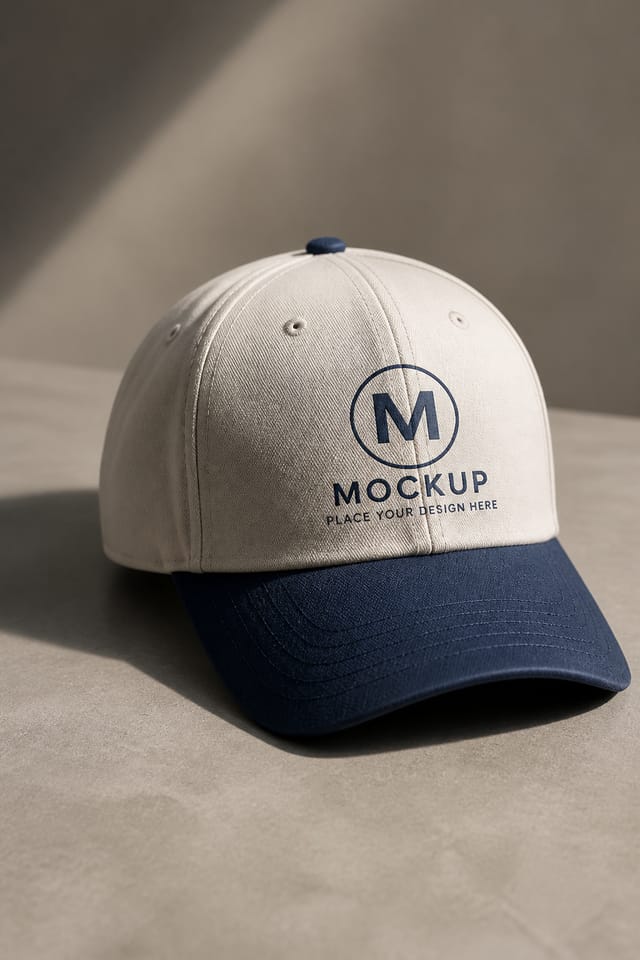
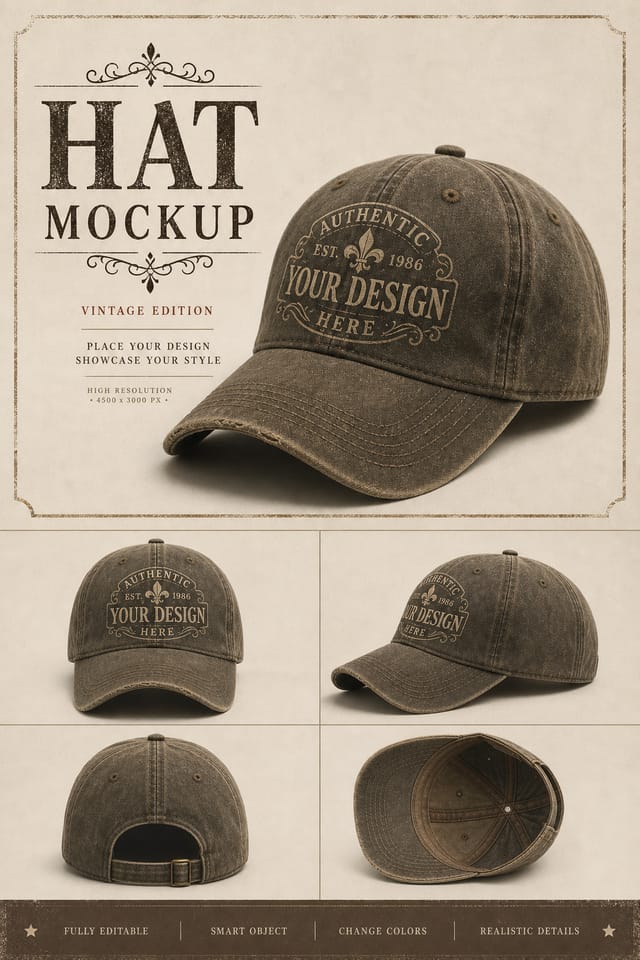
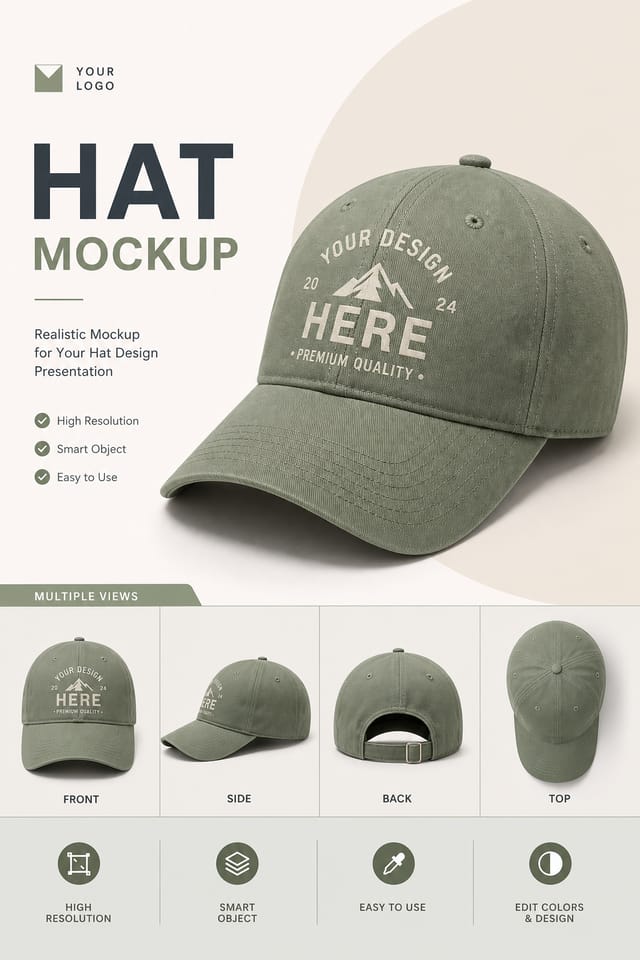
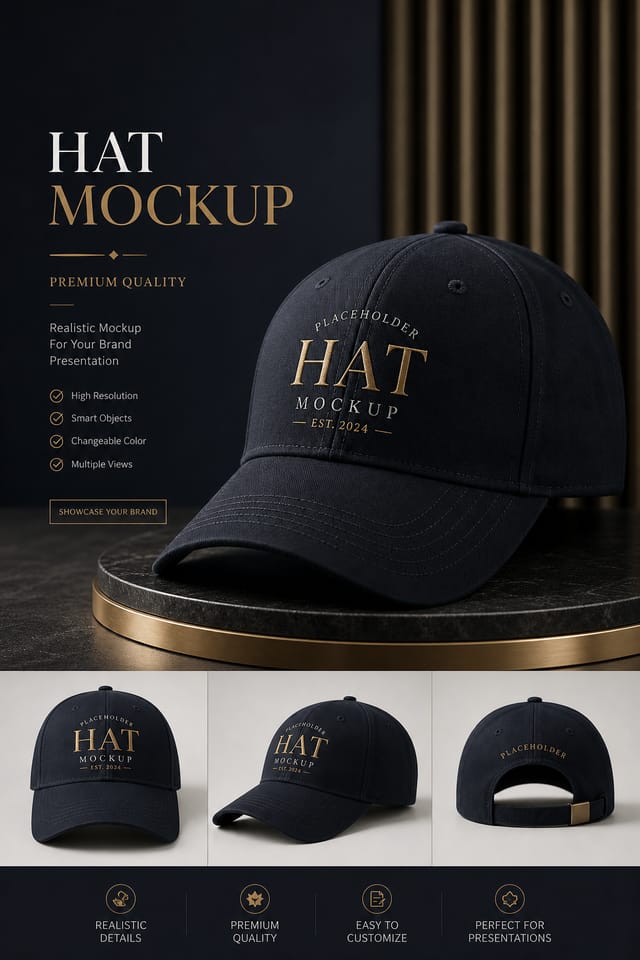
AI Hat Mockup Studio: Create Stunning Designs
Make hat mockups with real visual personality. The AI selects design elements that fit hat aesthetics, not generic templates.
Create Your Hat Mockup FreeHat Mockup Production Steps: From Start to Delivery
Generate Create initial designs
Use AI to produce multiple hat mockup variations based on your brief. Start broad and narrow down from the strongest options.
Export Deliver final files
Export your hat mockup in the required formats and resolutions. Organize deliverables for handoff to the production or publishing team.
Review Evaluate and refine
Compare generated hat mockup options against your brief. Mark what works and note specific changes needed for the next iteration.
Brief Define requirements
Establish the key message, dimensions, color preferences, and target audience for your hat mockup before any design work begins.
The Hat Mockup Feature Set: Core Strengths
Commercial Use Rights
Designs generated with Pixazo are yours to use commercially. No additional licensing required for hat mockup projects.
Typography Matching
Typefaces are selected to match hat aesthetic expectations. The AI pairs fonts that reinforce your hat mockup's visual identity.
Export Flexibility
Download your hat mockup in formats suited for your use case. Web-optimized versions for digital display, high-DPI files for print.
Print-Ready Output
Generated hat mockups are sized and structured for professional printing. Download high-resolution files ready for production.
Color Temperature Control
Specify warm, cool, or neutral color direction for your hat mockup. The AI builds the full palette around your temperature preference.
Context-Aware Design
Describe your hat mockup's purpose and audience. The AI adjusts visual weight, complexity, and clarity based on the intended use context.
What Hat Creators Built: Real Creator Work
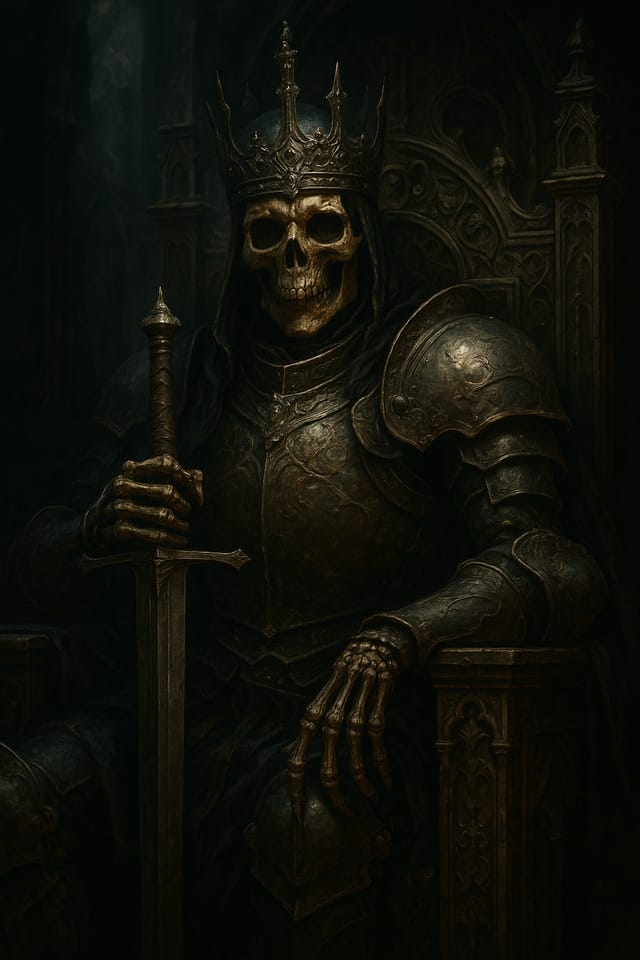
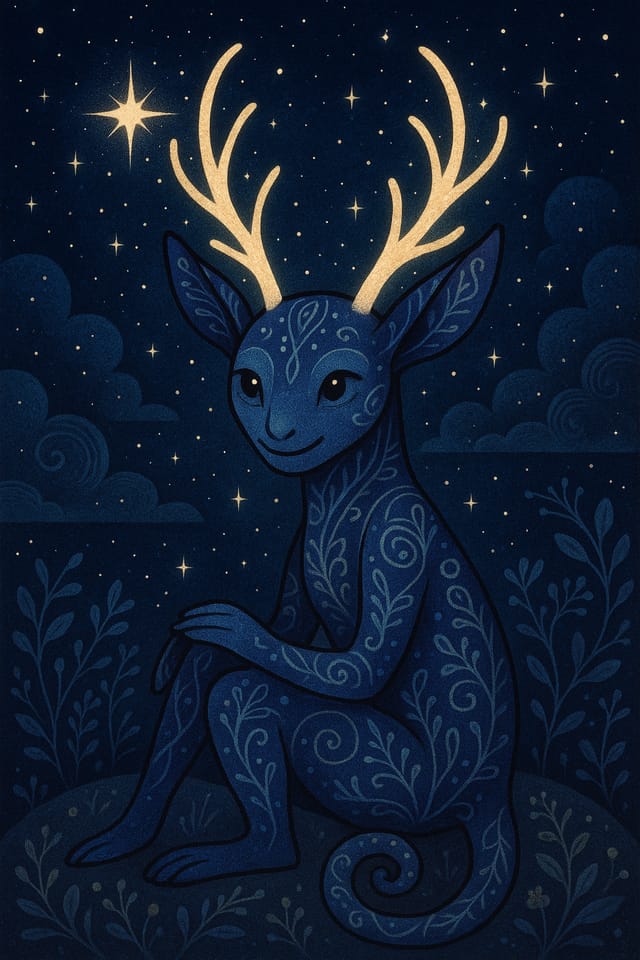
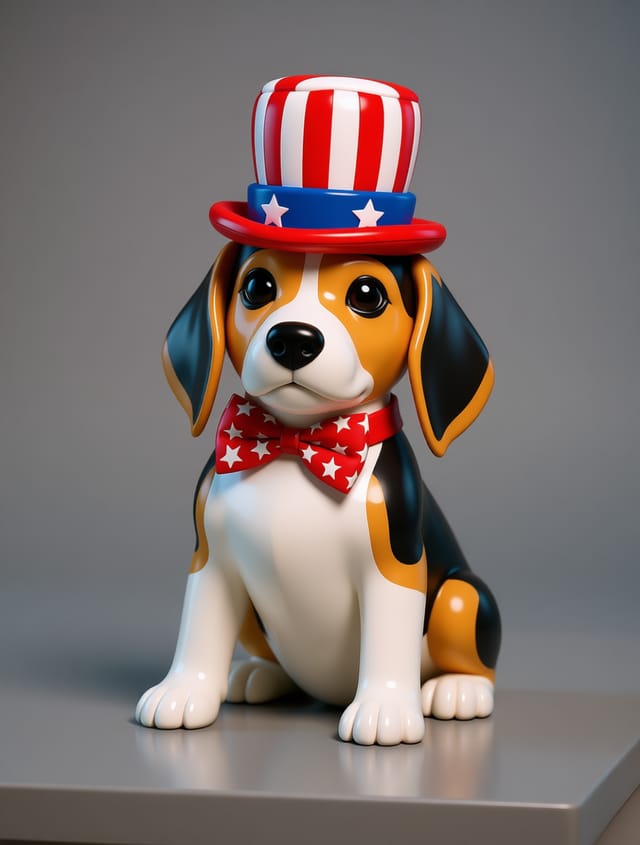
Real creators sharing their hat designs made with Pixazo AI.
Hat Mockup Applications: Who Benefits Most
Trade Show and Conference Materials
Generate hat mockups for booth displays, attendee handouts, and event signage. Professional materials that represent your brand in competitive environments.
Wedding and Celebration Planning
Create hat mockups for invitations, signage, and event branding. Cohesive visual systems that carry a celebration's theme across every touchpoint.
Music and Audio Production
Produce hat mockups for album covers, playlist artwork, and music event promotion. Visual identity that matches the sound.
Podcast and Media Branding
Generate hat mockups for podcast covers, episode artwork, and media channel identity. Consistent visual branding across audio and video platforms.
Healthcare and Wellness
Design hat mockups for clinics, wellness centers, and health campaigns. Trustworthy visuals that communicate care and professionalism.
The Evolution of Hat Mockup Design: Current Directions
Muted Earth Tones
Natural color palettes with warm neutrals and desaturated greens are replacing the bright neon trends of previous years in hat mockup work.
Data-Driven Visuals
Incorporating charts, statistics, and structured data directly into hat mockup layouts helps communicate complex messages at a glance.
Hand-Drawn Elements
Illustrations, doodles, and hand-lettering bring a personal, approachable quality to hat mockup designs in an era of polished digital output.
Retro Revival
Vintage aesthetics from the 1970s and 1990s are influencing hat mockup design with textured backgrounds, serif fonts, and warm gradients.
Gradient Overlays
Smooth color transitions are being used as primary design elements in hat mockup work, adding depth without the complexity of photographic backgrounds.
Creating Your Hat Mockup: Three Easy Steps
Compose Your Request
Describe what you want your hat mockup to look like. Include the mood, color palette, typography preference, and content hierarchy. Pixazo reads all of this and uses it to generate an appropriate design.
Tally the Strengths
Your hat mockup generates immediately after submission. Evaluate the design against your requirements and refine the prompt to correct any elements that don't match your intent.
Finish with Export
Export your hat mockup in the format you need. PNG for web and social, PDF for print production, JPG for email and lightweight sharing. The file is yours to use commercially without restrictions.
Watch: Creating Hat Mockup designs step by step
Hat Mockup AI Results: Results Breakdown
Number of hat mockup variations you can generate per session
Number of hat mockup variations you can generate per session
Languages supported for text rendering in hat mockup designs
Languages supported for text rendering in hat mockup designs
Maximum output resolution for print-quality hat mockup desig
Maximum output resolution for print-quality hat mockup designs
The Range of Hat Styles: What Works Best
Geometric Hat
Structured hat composition using grid systems and angular forms. Order and precision define the visual approach.
Atmospheric Hat
Hat mockup design where mood takes priority. Color and composition work together to create a specific feeling.
Contemporary Hat
Current hat design sensibility with updated proportions, modern typefaces, and contemporary color relationships.
Classic Hat
Traditional hat design principles applied to modern mockup format. Clean composition, conventional hierarchy, time-tested visual decisions.
Editorial Hat
Text-dominant hat mockup layout inspired by print publication design. Typographic variety creates visual rhythm.
Hat Mockup Prompts: Prompts to Try
Copy any prompt below and paste it into Pixazo to generate your design instantly.
Textured hat mockup, surface treatment adds depth without obscuring legibility, texture consistent with hat aestheticHat style mockup, bold headline placement, supporting text at appropriate scale, color palette consistent with hat design conventionsHigh-impact hat mockup, immediate visual read at thumbnail size, clear headline dominance, supporting information structured logicallyPortrait-orientation hat mockup, vertical composition, headline at natural reading entry point, supporting information flows downward logicallyHat aesthetic mockup, palette drawn from hat design tradition, layout proportions consistent with hat conventions, purposeful use of each elementAI Hat Mockup Design: What to Expect
Known limitations and trade-offs of AI-generated hat design. Understanding what the AI handles well and where it falls short helps you structure your hat mockup design workflow effectively.
Hat Mockup Design: Plain Answers
Pixazo offers a free tier that lets you generate hat mockups with standard resolution output. Paid plans unlock higher resolution, priority generation, and additional export formats. You can try hat mockup generation free with a credit card.
Pixazo works in any modern mobile browser. The interface adapts to phone and tablet screens so you can generate hat mockups from anywhere. A dedicated mobile app is in development for an even smoother on-device experience.
The AI renders text as specified in your prompt, so double-check spelling and punctuation before generating. If text renders incorrectly in a hat mockup, adjust your prompt and regenerate. The AI follows your exact text input.
Pixazo provides an API for programmatic hat mockup generation. Integrate it into your content pipeline to automate design production at scale. API documentation covers authentication, prompt formatting, and output retrieval.
Include the target language in your prompt when generating hat mockups with non-English text. The AI selects typographic approaches appropriate for the language and applies hat design conventions to the overall layout regardless of language.
Team accounts allow multiple users to share prompts, saved hat mockup designs, and brand kits within a shared workspace. Team members can iterate on each other's hat mockup designs and maintain consistent output across projects.

