Landing Page Mockup : Create Free Landing Page Mockups in Minutes with AI
Create Custom Landing Page Mockups Quickly with Pixazo Best AI Landing Page Mockup Maker. Try for Free!
Get Started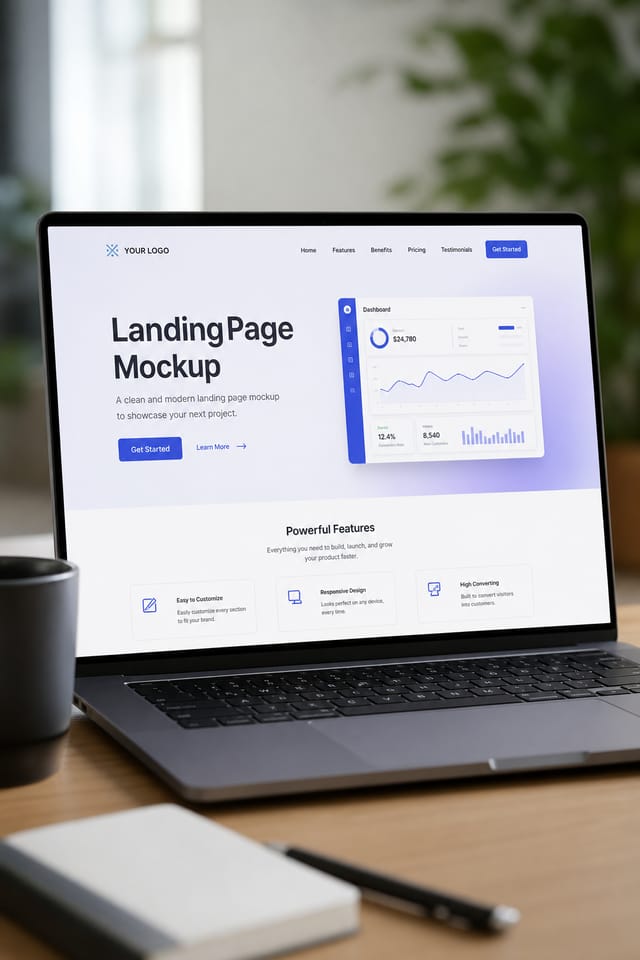
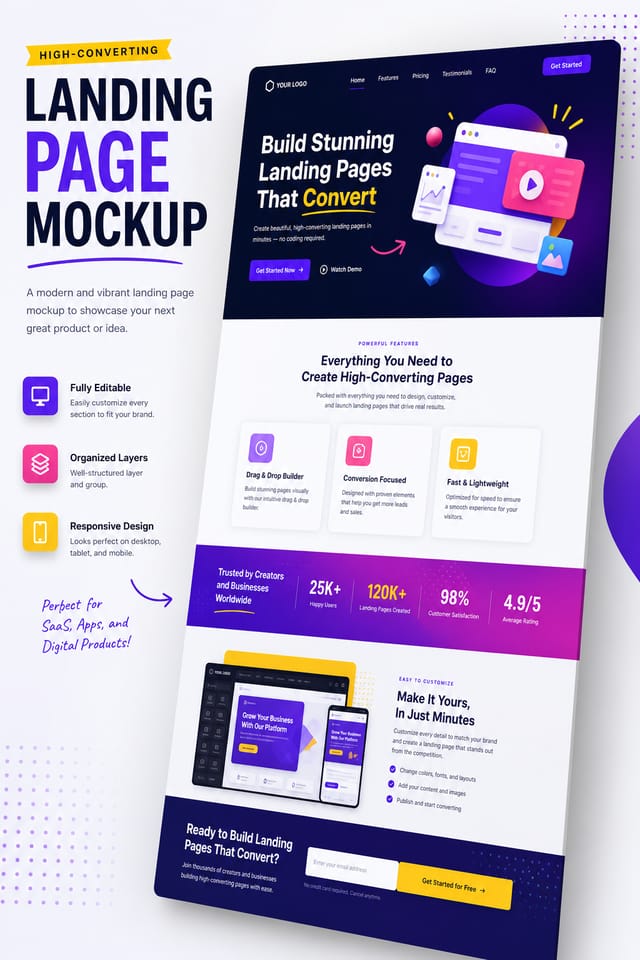
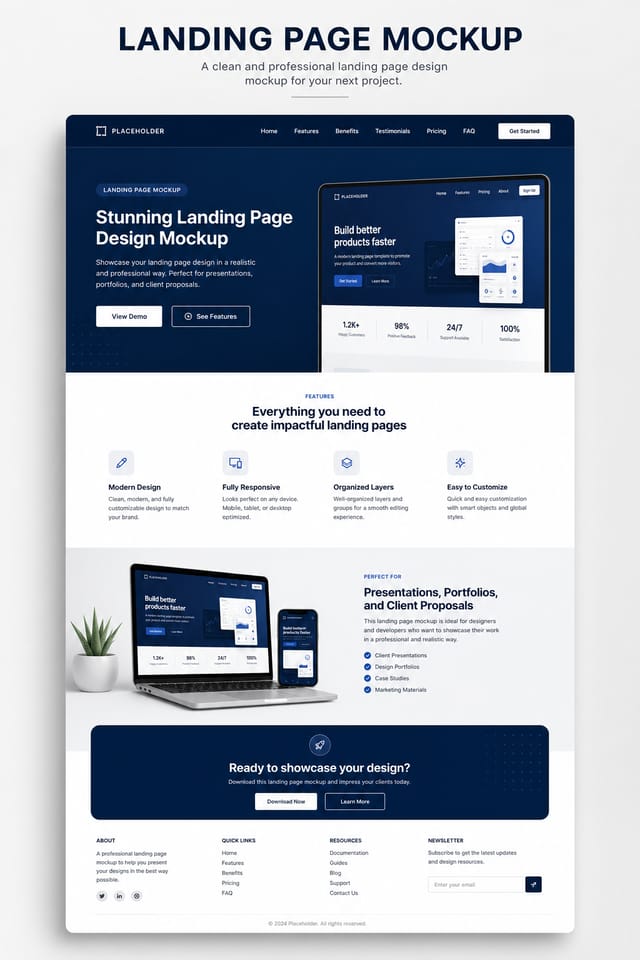
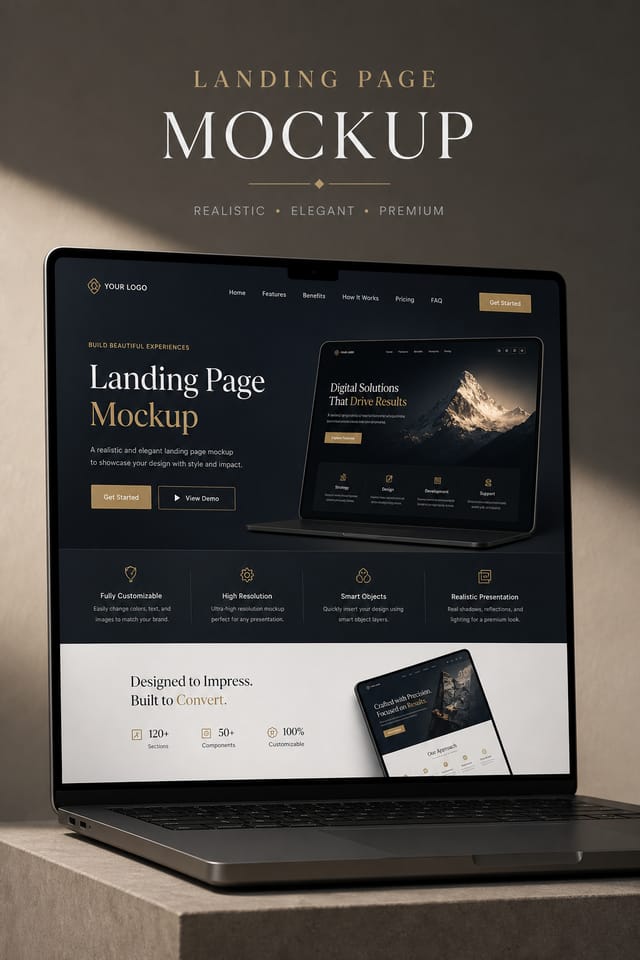
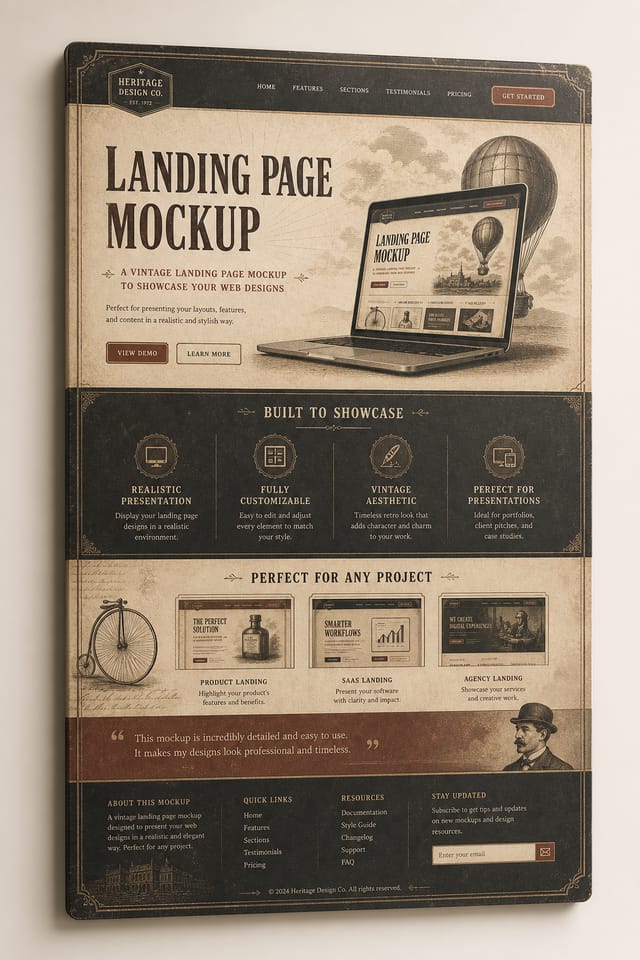
AI Landing-Page Mockup Studio: Effortless Design
Make landing-page mockups with real visual personality. The AI selects design elements that fit landing-page aesthetics, not generic templates.
Create Your Landing Page Mockup FreeLanding-Page Mockup Design Workflow: How It All Connects
Review Evaluate and refine
Compare generated landing-page mockup options against your brief. Mark what works and note specific changes needed for the next iteration.
Research Gather references
Collect examples of effective landing-page mockup designs, note what works, and identify patterns relevant to your project goals.
Generate Create initial designs
Use AI to produce multiple landing-page mockup variations based on your brief. Start broad and narrow down from the strongest options.
Refine Polish the design
Apply targeted edits to your selected landing-page mockup. Adjust typography, spacing, and color until every element meets your quality standard.
Approve Final sign-off
Get stakeholder approval on the finished landing-page mockup. Verify all text is accurate and the design meets brand and technical requirements.
Inside the Landing-Page Mockup Engine: Feature Overview
Subcategory Awareness
The AI distinguishes between design subcategories. A landing-page mockup request produces landing-page-appropriate output, not a generic design with landing-page text added.
Negative Space Handling
The AI manages whitespace in landing-page mockup designs according to landing-page aesthetic conventions, not generic poster defaults.
Export Flexibility
Download your landing-page mockup in formats suited for your use case. Web-optimized versions for digital display, high-DPI files for print.
No Design Software Required
Create professional landing-page mockups without Photoshop, Illustrator, or other design applications. The AI handles all technical production.
The Landing-Page Mockup Process: Behind the Scenes
Begin with Your Vision
Start with a text description of your landing-page mockup concept. Specify the visual style, colors, layout direction, and key text. Detailed prompts produce more accurate landing-page mockup designs than general ones.
Sample the Design
Pixazo generates your landing-page mockup in seconds. Review the design and adjust your prompt to refine specific elements: change the color palette, shift the layout weight, or add visual elements you want included.
Tighten the Composition
Adjust your prompt to modify specific elements of the landing-page mockup. Change the color palette, shift typography weight, or reposition the compositional focus. Each iteration gets you closer to the final design.
Publish the Output
Get your final landing-page mockup file in one click. Choose your format, download at full resolution, and use the design immediately. No watermarks, no additional fees, no waiting.
Watch: Creating Landing Page Mockup designs step by step
Before You Start: Key Things to Know
Each generation uses your unique prompt text to produce a distinct landing-page mockup design. Even similar prompts produce noticeably different outputs due to the AI's generative process. No two users receive identical designs.
Common sizes include 1080x1080 for Instagram feed, 1080x1920 for stories and reels, 1200x628 for Facebook links, 1500x500 for Twitter headers, and 1080x1350 for Pinterest. Specify the platform in your prompt and Pixazo optimizes landing-page layout for that format.
Generated designs that miss the mark usually need more specific prompts. Add details about the visual hierarchy you want, the feeling the landing-page mockup should create, or specific elements to include or avoid. More context in the prompt produces more targeted output.
Specific prompts produce better results than vague ones. Include the visual style you want, any color preferences, the most important text to display, and the intended use. For landing-page design specifically, noting whether you want a contemporary or classic interpretation of landing-page style helps the AI make the right design decisions.
Pro Tips for Landing-Page Mockup Design: What Professionals Know
Keep Typography Simple
Use no more than two typefaces per landing-page mockup. One for headlines, one for body text. Consistency in typography signals professionalism.
Prioritize Hierarchy
Every landing-page mockup needs a clear reading order. Make sure the most important information is the largest and most prominent element in the layout.
Consider the Context
Think about where your landing-page mockup will appear. A design optimized for social media needs different proportions and density than one for a physical bulletin board.
Test at Actual Size
Always preview your landing-page mockup at the dimensions it will be displayed. Design details that look fine at 100% can disappear or crowd at real-world scale.
Start with a Clear Brief
Before generating any landing-page mockup, write down the core message, target audience, and intended use. A focused brief produces better results than iterating from a vague idea.
Landing-Page Mockup Feature Explorer: A Complete Tour
Layout Intelligence
AI understands landing-page mockup layout conventions and applies them automatically
Typography Matching
Font selection that matches the visual tone of your landing-page mockup design
Composition Rules
Automatic application of design principles like hierarchy and balance
How People Use Landing-Page Mockups: Use Case Roundup
Wedding and Celebration Planning
Create landing-page mockups for invitations, signage, and event branding. Cohesive visual systems that carry a celebration's theme across every touchpoint.
E-Commerce Product Promotion
Design landing-page mockups for online store banners, product launches, and seasonal sales. Conversion-focused visuals for digital retail.
Political and Advocacy Campaigns
Create landing-page campaign mockups for candidates, ballot measures, and social causes. Persuasive designs that mobilize and inform.
Content Creation Workflow
Incorporate landing-page mockup generation into a content production workflow. Fast output enables higher publishing frequency.
Freelance Design Work
Use Pixazo to generate landing-page mockup concepts for client review. Present multiple directions quickly before committing to detailed execution.
Inside Landing-Page Mockup AI: Quick Overview
Good Landing-Page Mockup Prompt Examples
Copy any prompt below and paste it into Pixazo to generate your design instantly.
Landing-Page mockup for digital display, optimized proportions for screen viewing, colors calibrated for RGB output, legible at typical viewing distanceRefined landing-page mockup, sophisticated color relationships, intentional whitespace, typefaces appropriate to landing-page style, balanced compositionLarge-format landing-page mockup design, elements sized for visibility at print scale, no fine detail that would be lost in productionContemporary landing-page mockup design, grid-based layout, typographic precision, restrained color palette, no decorative excessAtmospheric landing-page mockup, background treatment supports the headline without competing with it, visual weight distributed intentionallyLanding-Page Mockup Creators: Real Creator Work
Real creators sharing their landing page designs made with Pixazo AI.
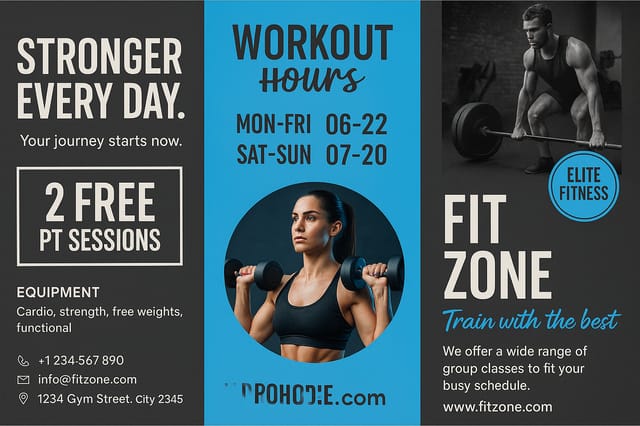
Corporate landing-page mockup for a B2B audience, clean and authoritative, navy and white palette, structured grid, data-friendly layout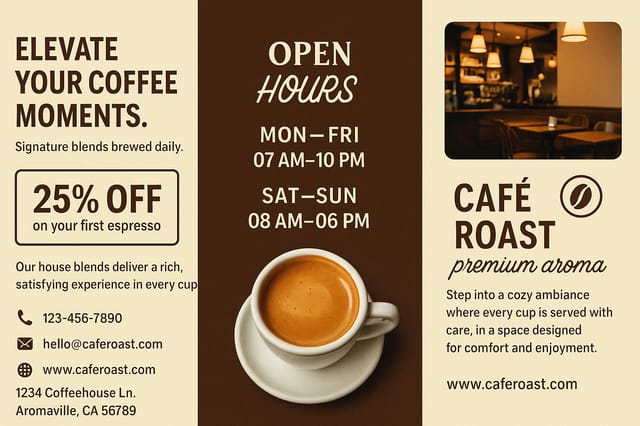
Professional landing-page mockup, minimalist layout, selective use of color for emphasis, clear visual hierarchy from top to bottom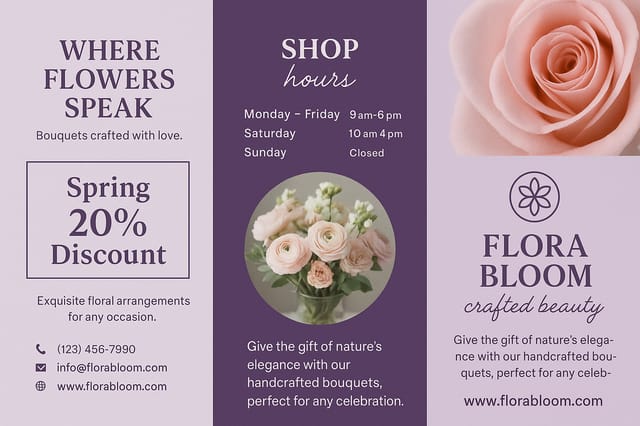
Landing-Page mockup design, clean typographic hierarchy, palette appropriate to landing-page aesthetic, high contrast headline, balanced compositionAI Landing-Page Mockup Design: Realistic Expectations
Known limitations and trade-offs of AI-generated landing page design. Understanding what the AI handles well and where it falls short helps you structure your landing-page mockup design workflow effectively.

