Laptop Mockup : Create Free Laptop Mockups in Minutes with AI
Create Custom Laptop Mockups Quickly with Pixazo Best AI Laptop Mockup Maker. Try for Free!
Get Started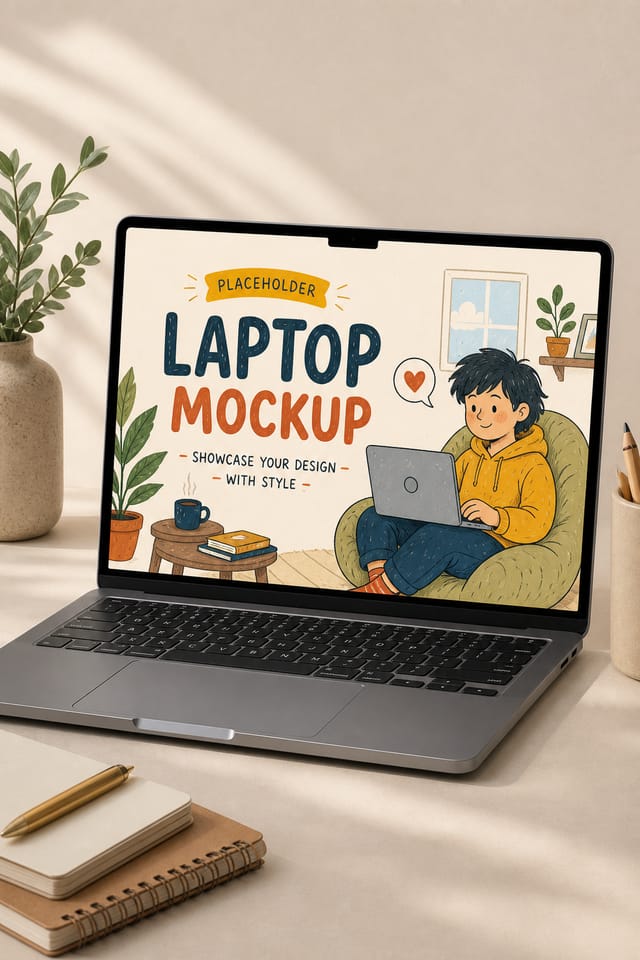
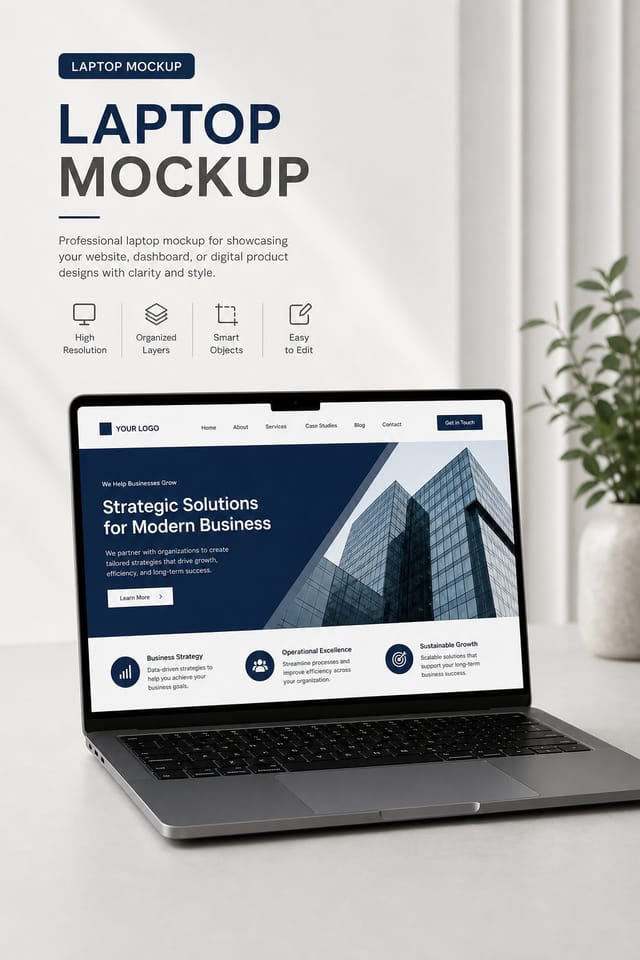
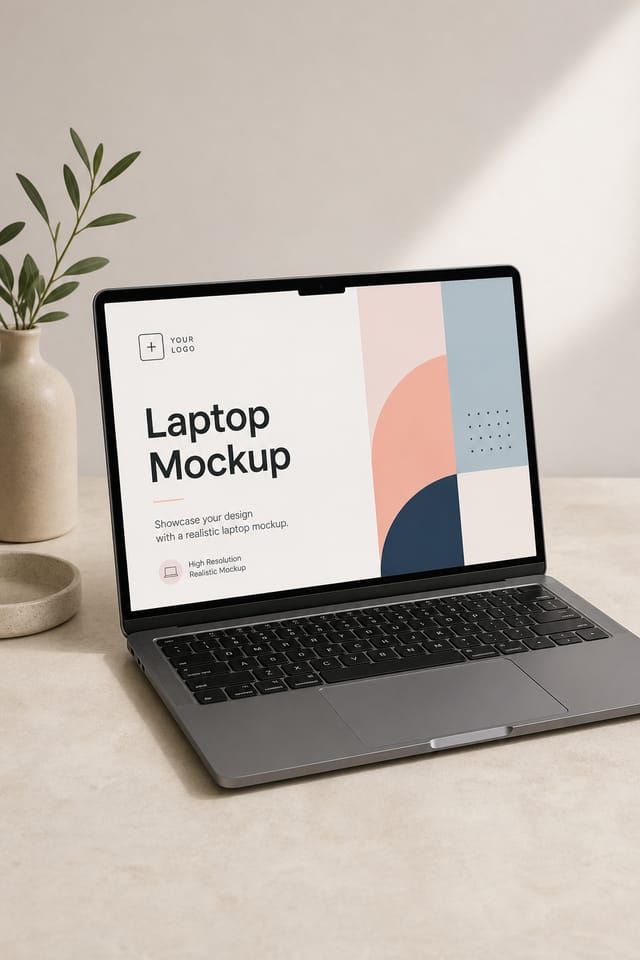
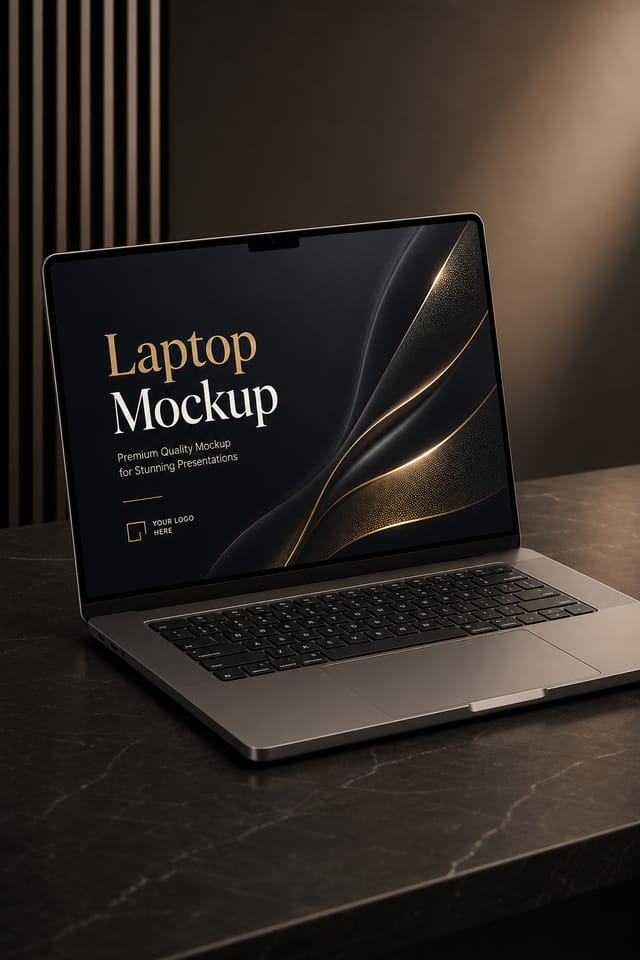
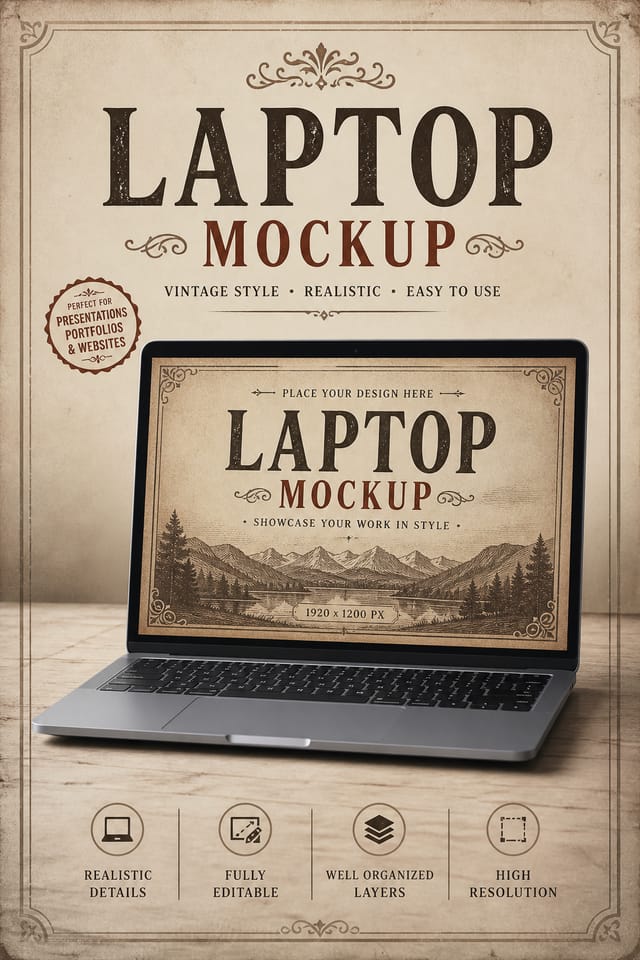
Understanding Laptop Mockup Conventions: What Good Design Involves
Laptop Visual Language: AI Interpretation
Effective laptop mockup design depends on understanding what makes laptop work visually.
Color relationships, typographic choices, and spatial arrangement all carry different weight depending on the design style.
Pixazo's AI has been trained to recognize these distinctions.
The practical result is that a laptop mockup prompt produces designs that fit laptop conventions rather than generic poster layouts.
Putting Laptop Mockups to Work: Contexts and Scenarios
Real Estate Marketing
Create laptop mockups for property listings, open houses, and agent branding. Professional visuals that elevate property presentation.
Social Media Content
Design laptop mockups sized for social platforms. Get content that looks intentional and well-crafted, not thrown together.
Non-Profit Campaigns
Create compelling laptop campaign mockups without allocating budget to design production. Focus resources on mission-critical activities.
Subscription and SaaS Marketing
Generate laptop mockups for software launches, feature announcements, and onboarding campaigns. Clean, modern designs for digital-first audiences.
E-Commerce Product Promotion
Design laptop mockups for online store banners, product launches, and seasonal sales. Conversion-focused visuals for digital retail.
The Laptop Mockup Feature Set: What Sets It Apart
Export Flexibility
Download your laptop mockup in formats suited for your use case. Web-optimized versions for digital display, high-DPI files for print.
Compositional Structure
Layout and hierarchy decisions reflect laptop design patterns. The proportions and arrangement match how laptop designs are conventionally structured.
Negative Space Handling
The AI manages whitespace in laptop mockup designs according to laptop aesthetic conventions, not generic poster defaults.
Resolution Control
Specify output dimensions for your laptop mockup. Get files sized for web display, social media, or large-format printing.
Text Placement Options
Describe where you want text elements positioned in your laptop mockup. The AI follows compositional direction about headline placement and body copy layout.
Laptop Mockup AI: Key Things to Know
Designs created with Pixazo are available for commercial use. You can use your laptop mockups for client projects, product sales, advertising, and other commercial applications without additional licensing fees.
Your prompt history is saved in your account. You can revisit previous laptop mockup prompts, duplicate them with modifications, and build a library of proven prompt structures for consistent laptop design output.
Describe your core design parameters in each prompt and vary only the specific elements that should change across the series. Maintaining consistent color palette, typographic approach, and compositional structure across laptop mockup variations creates a coherent series.
Longer, more detailed prompts generally produce more accurate results for laptop mockup design. Include all the relevant information: style direction, color preferences, content to display, intended use, and any specific design elements you want. There is no strict character limit.
You can generate as many variations as your account tier allows. Refine your prompt with each iteration to move toward your target design. Most users find the right direction within three to five generations.
Include your specific colors in the prompt, either by hex code or descriptive terms. 'Navy and copper with white text' or '#1a1a2e and #c9a84c palette' both work. The AI builds a laptop-appropriate palette around your specified colors.
From Prompt to Laptop Mockup: Made Simple
Name Your Design Goal
Start with a text description of your laptop mockup concept. Specify the visual style, colors, layout direction, and key text. Detailed prompts produce more accurate laptop mockup designs than general ones.
Measure Against Intent
Your laptop mockup generates immediately after submission. Evaluate the design against your requirements and refine the prompt to correct any elements that don't match your intent.
Pocket the Design
Get your final laptop mockup file in one click. Choose your format, download at full resolution, and use the design immediately. No watermarks, no additional fees, no waiting.
Watch: Creating Laptop Mockup designs step by step
Practical Laptop Mockup Tips: What Professionals Know
Match Tone to Audience
A laptop mockup for a corporate event needs a different visual tone than one for a music festival. Let the audience guide your style choices.
Iterate with Variations
Generate 3-5 versions of your laptop mockup before committing. Comparing variations side by side often reveals the strongest direction.
Get Feedback Early
Share your laptop mockup draft with someone outside the project. Fresh eyes catch issues you have become blind to after hours of refinement.
Keep Typography Simple
Use no more than two typefaces per laptop mockup. One for headlines, one for body text. Consistency in typography signals professionalism.
Prioritize Hierarchy
Every laptop mockup needs a clear reading order. Make sure the most important information is the largest and most prominent element in the layout.
Visual Quality in Laptop Mockups: What to Aim For
Being Realistic About Laptop Mockups: Realistic Expectations
Known limitations and trade-offs of AI-generated laptop design. Being specific about what AI mockup generation can and cannot do helps you plan your workflow and set accurate expectations.
Effective Laptop Mockup Prompts Worth Trying
Copy any prompt below and paste it into Pixazo to generate your design instantly.
Portrait-orientation laptop mockup, vertical composition, headline at natural reading entry point, supporting information flows downward logicallyGeometric laptop mockup, structured grid system, angular composition, colors in blocks rather than gradients, modern clean finishClean laptop mockup design, geometric structure, disciplined typography, color accent used selectively for emphasis, printer-optimized resolutionLaptop style mockup, bold headline placement, supporting text at appropriate scale, color palette consistent with laptop design conventionsRefined laptop mockup, sophisticated color relationships, intentional whitespace, typefaces appropriate to laptop style, balanced compositionHigh-impact laptop mockup, immediate visual read at thumbnail size, clear headline dominance, supporting information structured logicallyWhere Laptop Mockup Design Is Heading: What Is Popular Now
Motion-Ready Design
Static laptop mockup designs are being created with animation in mind, using layered elements that translate smoothly to motion graphics.
Minimalist Layouts
Stripped-back laptop mockup designs with generous white space and limited elements are gaining favor for their clarity and elegance.
Bold Typography
Oversized type and expressive fonts are dominating laptop mockup design, turning headlines into visual centerpieces rather than just text.
Hand-Drawn Elements
Illustrations, doodles, and hand-lettering bring a personal, approachable quality to laptop mockup designs in an era of polished digital output.
Brutalist Design
Raw, intentionally unpolished laptop mockup aesthetics with stark contrasts and unconventional layouts are carving a niche in creative industries.
Laptop Makers: Community Creations
Real creators sharing their laptop designs made with Pixazo AI.

Moody laptop mockup with deep shadows and dramatic lighting feel, dark palette, cinematic atmosphere, headline in condensed uppercase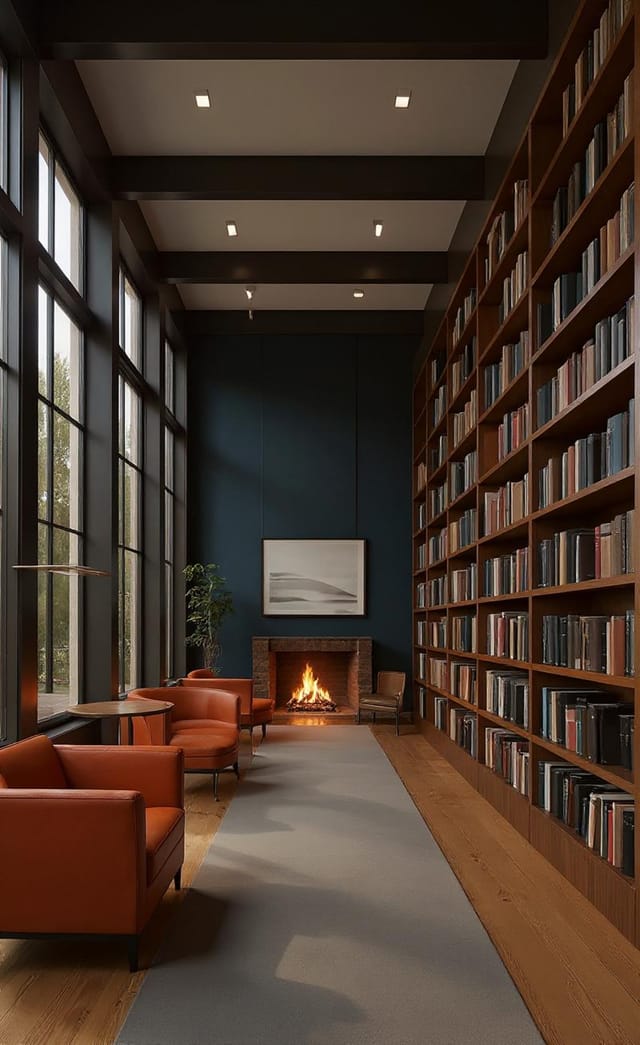
Vibrant laptop mockup targeting Gen Z audience, neon accent colors, asymmetric layout, bold experimental typography, maximum visual energy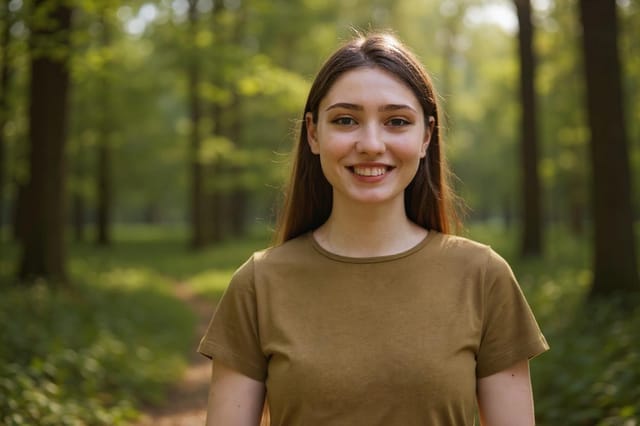
Full-bleed background laptop mockup, image or texture extends to edges, foreground elements float above, headline anchored to center
