Packaging Mockup : Create Free Packaging Mockups in Minutes with AI
Create Custom Packaging Mockups Quickly with Pixazo Best AI Packaging Mockup Maker. Try for Free!
Get Started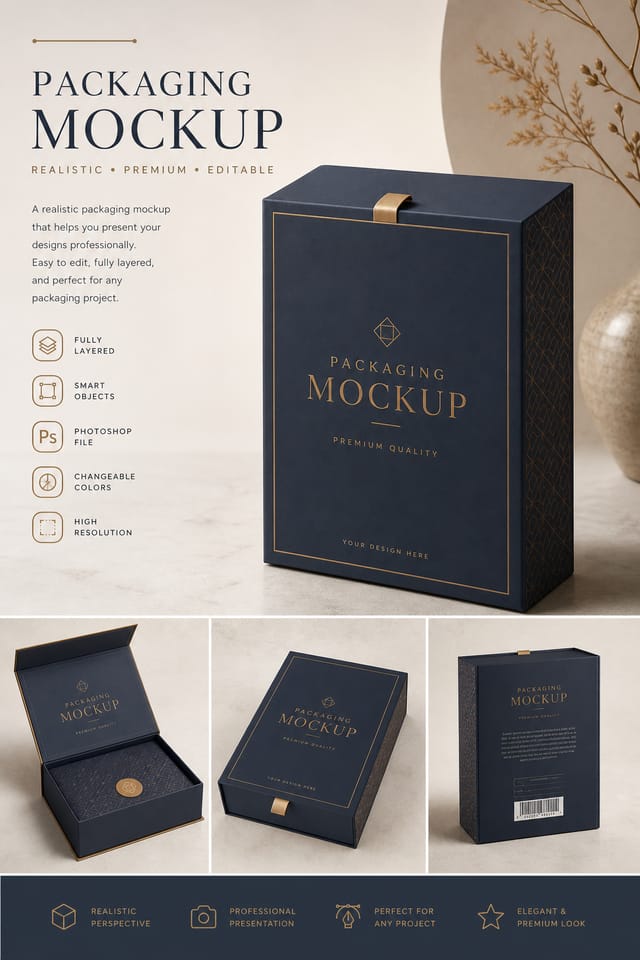
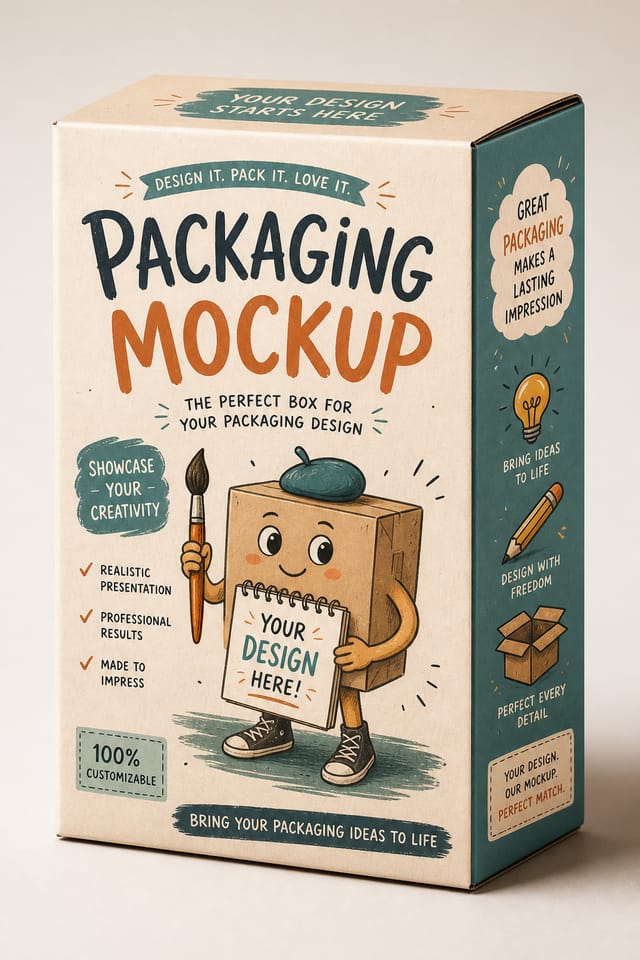
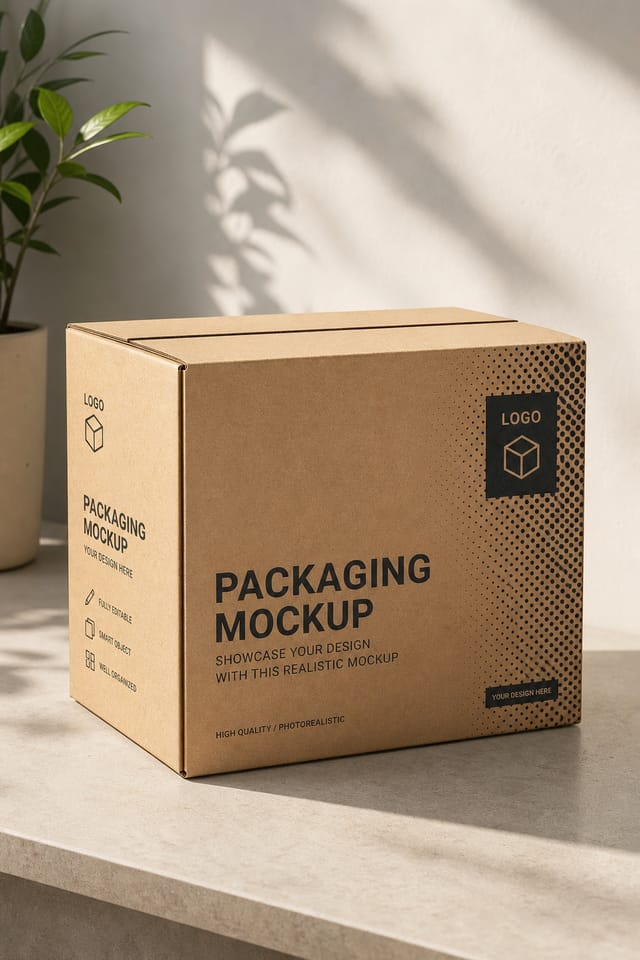
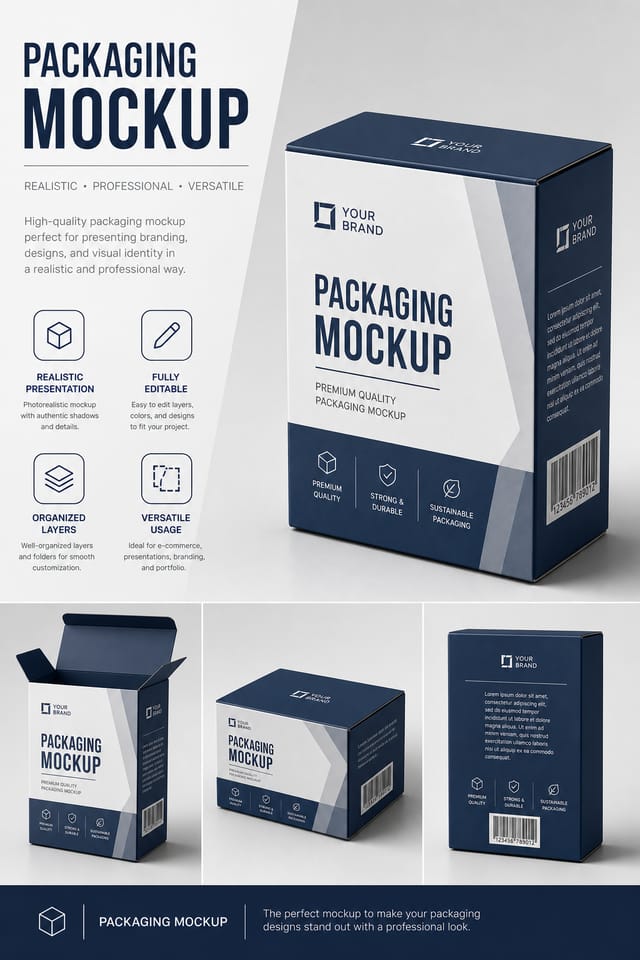
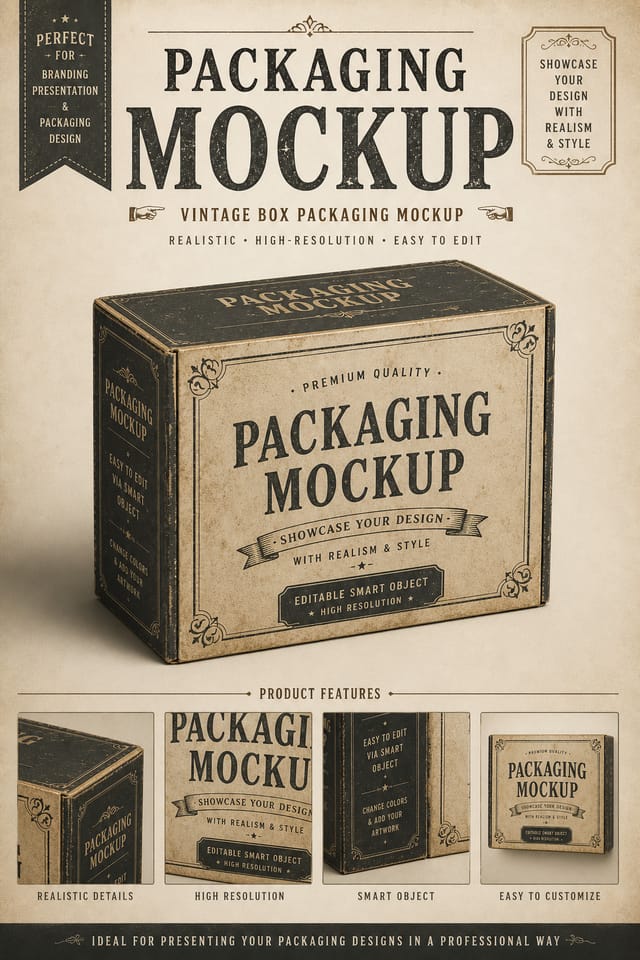
Making Packaging Mockups: A Quick Guide
Watch: Creating Packaging Mockup designs step by step
What Separates Good Packaging Design: The Underlying Framework
The Packaging Mockup Design Framework
Effective packaging mockup design depends on understanding what makes packaging work visually.
Color relationships, typographic choices, and spatial arrangement all carry different weight depending on the design style.
Pixazo's AI has been trained to recognize these distinctions.
The practical result is that a packaging mockup prompt produces designs that fit packaging conventions rather than generic poster layouts.
Packaging Mockup Creation Tools: What Sets It Apart
Context-Aware Design
Describe your packaging mockup's purpose and audience. The AI adjusts visual weight, complexity, and clarity based on the intended use context.
Layered Style Application
Combine packaging style with other design parameters in a single prompt. The AI interprets complex requests and applies multiple style constraints simultaneously.
Color Temperature Control
Specify warm, cool, or neutral color direction for your packaging mockup. The AI builds the full palette around your temperature preference.
Negative Space Handling
The AI manages whitespace in packaging mockup designs according to packaging aesthetic conventions, not generic poster defaults.
Packaging Mockup Design Insights: Lessons from the Field
Prioritize Hierarchy
Every packaging mockup needs a clear reading order. Make sure the most important information is the largest and most prominent element in the layout.
Leave White Space
Resist the urge to fill every area of your packaging mockup. Breathing room around key elements makes the overall design more effective.
Match Tone to Audience
A packaging mockup for a corporate event needs a different visual tone than one for a music festival. Let the audience guide your style choices.
Get Feedback Early
Share your packaging mockup draft with someone outside the project. Fresh eyes catch issues you have become blind to after hours of refinement.
Putting Packaging Mockups to Work: A Practical Guide
Subscription and SaaS Marketing
Generate packaging mockups for software launches, feature announcements, and onboarding campaigns. Clean, modern designs for digital-first audiences.
Personal Creative Work
Generate packaging mockups for personal projects, home display, and creative experiments without spending production time on design execution.
Educational Materials
Design packaging mockups for educational contexts. Courses, workshops, and learning materials benefit from the visual clarity of good packaging design.
Non-Profit Campaigns
Create compelling packaging campaign mockups without allocating budget to design production. Focus resources on mission-critical activities.
The Range of Packaging Styles: Style Breakdown
Geometric Packaging
Structured packaging composition using grid systems and angular forms. Order and precision define the visual approach.
Contemporary Packaging
Current packaging design sensibility with updated proportions, modern typefaces, and contemporary color relationships.
Atmospheric Packaging
Packaging mockup design where mood takes priority. Color and composition work together to create a specific feeling.
High-Contrast Packaging
Bold packaging visual treatment with strong tonal contrast. Elements read clearly at any viewing distance.
Minimalist Packaging
Stripped-back packaging approach. Fewer elements, more negative space, typography carries more visual weight.
Packaging Mockup Design Tool Landscape: A Neutral Comparison
Adobe Express
Streamlined creative tool backed by Adobe's design ecosystem
Pixazo
AI-powered packaging mockup generator with prompt-based design and professional output quality
Snappa
Quick graphic creator focused on social media and marketing visuals
Piktochart
Infographic and presentation maker for data-driven visuals
VistaCreate
Visual content platform with templates and a built-in asset library
Inside the Packaging Community: Featured Designs
Real creators sharing their packaging designs made with Pixazo AI.

Packaging mockup for outdoor billboard at 14x48 feet, extreme readability at distance, three-word headline max, high contrast background
Packaging mockup with retro 1970s color palette, warm oranges and browns, groovy display type, textured paper background feel
Full-bleed background packaging mockup, image or texture extends to edges, foreground elements float above, headline anchored to centerPackaging Mockup Starter Prompt Examples
Copy any prompt below and paste it into Pixazo to generate your design instantly.
High-impact packaging mockup, immediate visual read at thumbnail size, clear headline dominance, supporting information structured logicallyPackaging style mockup, bold headline placement, supporting text at appropriate scale, color palette consistent with packaging design conventionsLarge-format packaging mockup design, elements sized for visibility at print scale, no fine detail that would be lost in productionPortrait-orientation packaging mockup, vertical composition, headline at natural reading entry point, supporting information flows downward logicallyProfessional packaging mockup, minimalist packaging approach, negative space used intentionally, readable at multiple viewing distances, print-ready compositionSeries-compatible packaging mockup design, visual language that extends to multiple formats, consistent design system across variantsPackaging Mockup Design: Key Things to Know
Pixazo works in any modern mobile browser. The interface adapts to phone and tablet screens so you can generate packaging mockups from anywhere. A dedicated mobile app is in development for an even smoother on-device experience.
Templates apply a fixed visual structure with placeholder content. AI generation produces original designs based on your specific description. Two packaging mockups generated from different prompts will have genuinely different layouts, not just different text in the same box positions.
You can request high-contrast or color-blind-friendly palettes in your prompt. Specify 'accessible color palette' or 'deuteranopia-safe colors' and the AI will select packaging-appropriate colors that maintain sufficient contrast for users with color vision deficiencies.
Include your specific colors in the prompt, either by hex code or descriptive terms. 'Navy and copper with white text' or '#1a1a2e and #c9a84c palette' both work. The AI builds a packaging-appropriate palette around your specified colors.
Where Packaging Mockup Design Is Heading: Trend Report
Motion-Ready Design
Static packaging mockup designs are being created with animation in mind, using layered elements that translate smoothly to motion graphics.
Dark Mode Aesthetics
Dark backgrounds with high-contrast accents are increasingly common in packaging mockup design, reducing visual fatigue and adding sophistication.
Brutalist Design
Raw, intentionally unpolished packaging mockup aesthetics with stark contrasts and unconventional layouts are carving a niche in creative industries.
Bold Typography
Oversized type and expressive fonts are dominating packaging mockup design, turning headlines into visual centerpieces rather than just text.
Retro Revival
Vintage aesthetics from the 1970s and 1990s are influencing packaging mockup design with textured backgrounds, serif fonts, and warm gradients.
Packaging Mockup AI Boundaries: Realistic Expectations
Known limitations and trade-offs of AI-generated packaging design. Every AI design tool has boundaries. Knowing these limits before you start helps you get the most out of packaging mockup generation.

