Vinyl Mockup : Create Free Vinyl Mockups in Minutes with AI
Create Custom Vinyl Mockups Quickly with Pixazo Best AI Vinyl Mockup Maker. Try for Free!
Get Started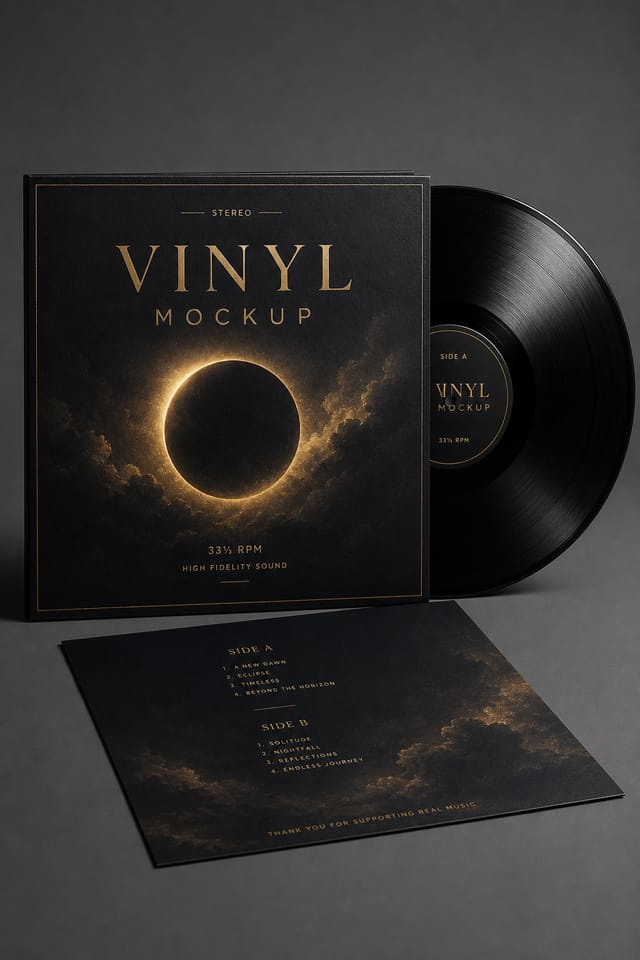
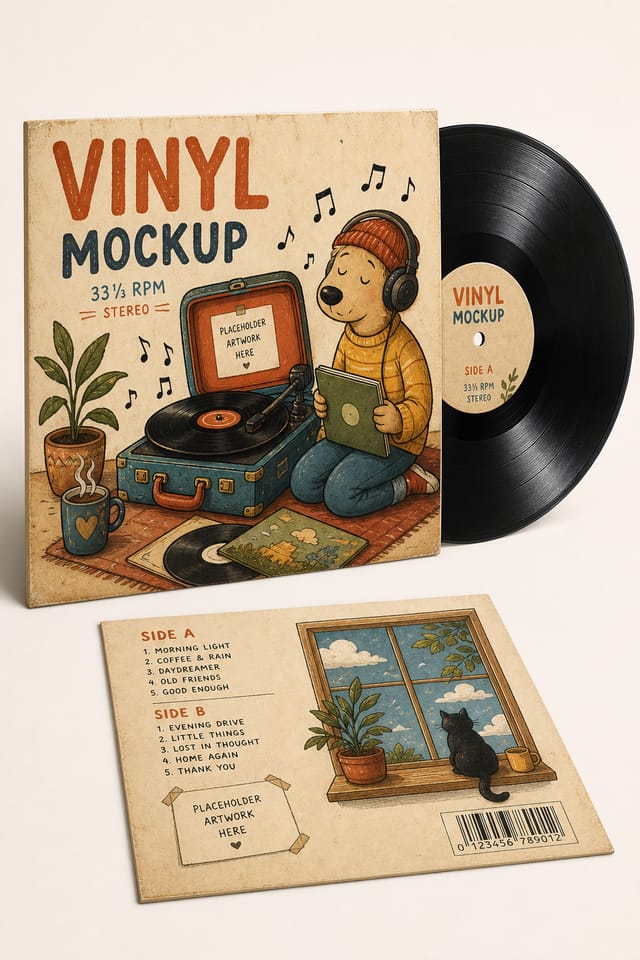
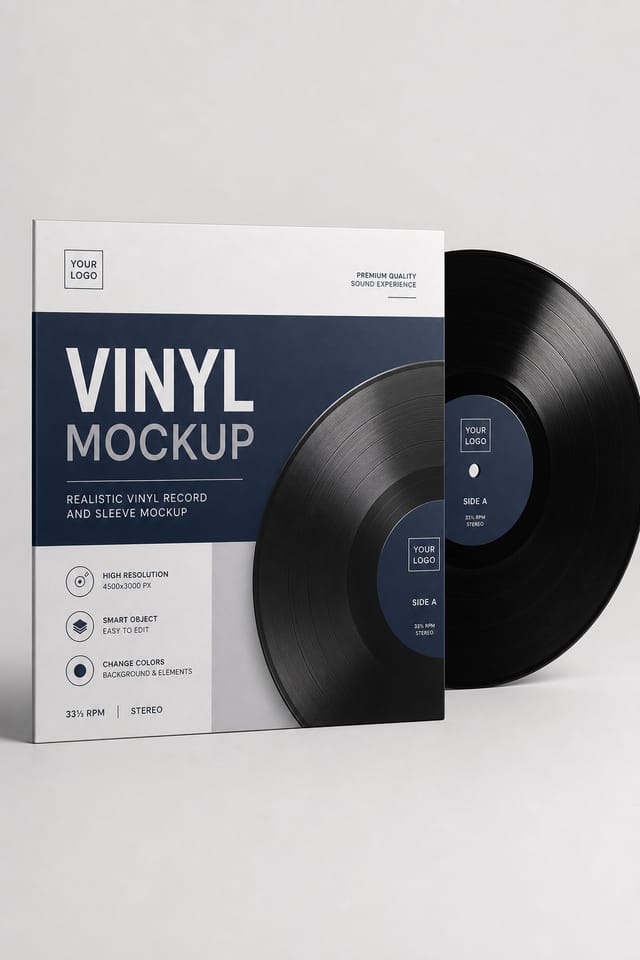
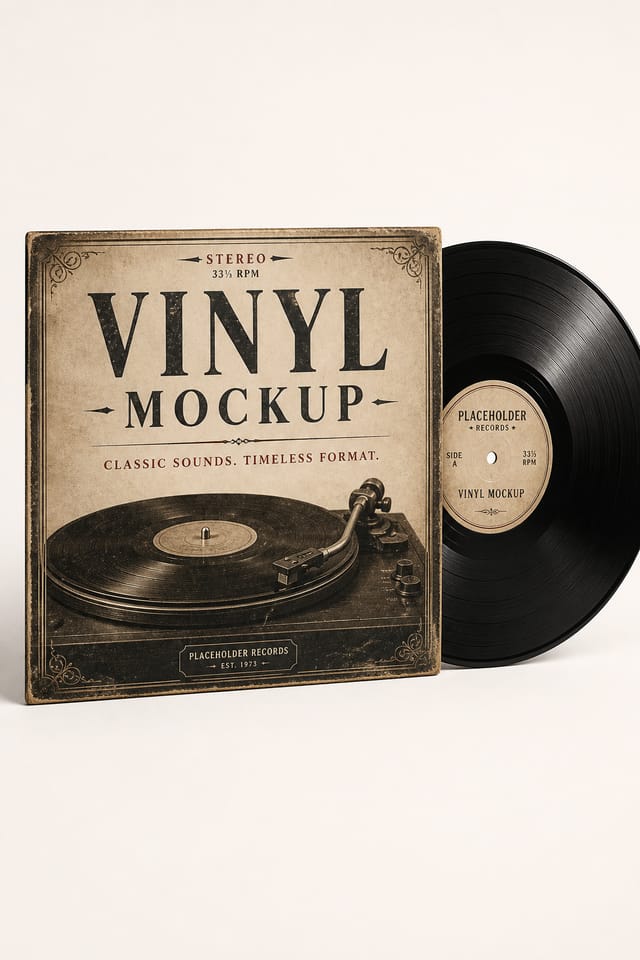
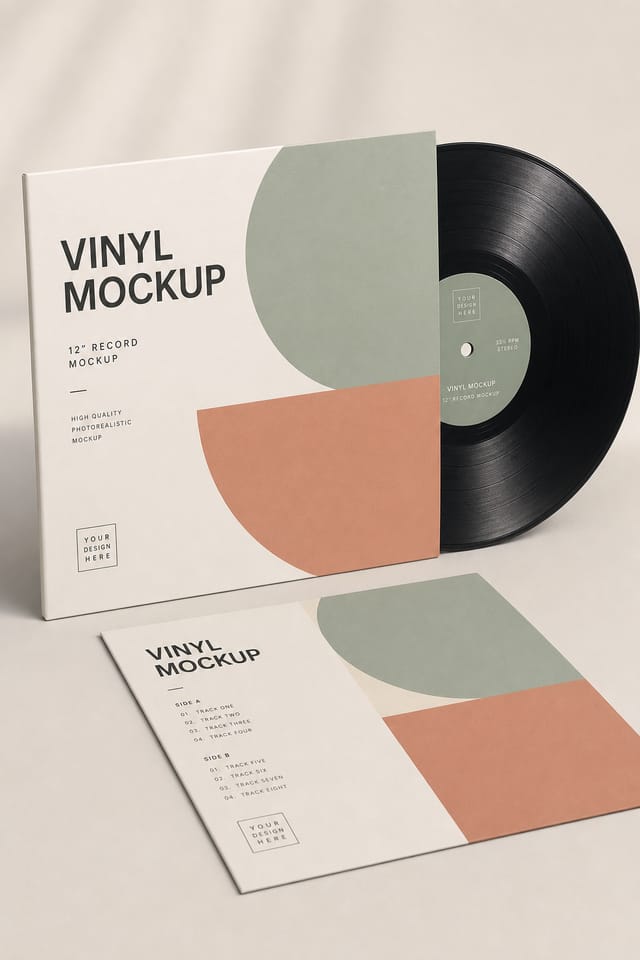
How AI Translates Vinyl Style: Why It Matters
The Vinyl Mockup Design Framework
Effective vinyl mockup design depends on understanding what makes vinyl work visually.
Color relationships, typographic choices, and spatial arrangement all carry different weight depending on the design style.
Pixazo's AI has been trained to recognize these distinctions.
The practical result is that a vinyl mockup prompt produces designs that fit vinyl conventions rather than generic poster layouts.
Making Vinyl Mockups: Step by Step
Set the Direction
Write a prompt describing your vinyl mockup. Include style preferences, color direction, the most important text to display, and any specific visual elements you want. The more specific your description, the more targeted the output.
Verify the Design
The AI produces a vinyl mockup based on your description. If the first result isn't exactly right, adjust the prompt to address what needs changing. Most designs reach the target within a few iterations.
Pull the Final Output
Export your vinyl mockup in the format you need. PNG for web and social, PDF for print production, JPG for email and lightweight sharing. The file is yours to use commercially without restrictions.
Watch: Creating Vinyl Mockup designs step by step
Getting More from Vinyl Mockup AI: Practical Guidance
Match Tone to Audience
A vinyl mockup for a corporate event needs a different visual tone than one for a music festival. Let the audience guide your style choices.
Prioritize Hierarchy
Every vinyl mockup needs a clear reading order. Make sure the most important information is the largest and most prominent element in the layout.
Limit Your Color Palette
Stick to 2-3 primary colors in your vinyl mockup design. Too many colors compete for attention and weaken the visual hierarchy.
Leave White Space
Resist the urge to fill every area of your vinyl mockup. Breathing room around key elements makes the overall design more effective.
Behind Vinyl Mockup Design: Tools That Matter
Commercial Use Rights
Designs generated with Pixazo are yours to use commercially. No additional licensing required for vinyl mockup projects.
Layered Style Application
Combine vinyl style with other design parameters in a single prompt. The AI interprets complex requests and applies multiple style constraints simultaneously.
Resolution Control
Specify output dimensions for your vinyl mockup. Get files sized for web display, social media, or large-format printing.
Fast Generation
Complete vinyl mockup designs generate in seconds. No rendering queues, no waiting for batch processing.
No Design Software Required
Create professional vinyl mockups without Photoshop, Illustrator, or other design applications. The AI handles all technical production.
Color Palette Intelligence
Colors are chosen with vinyl style awareness. The AI builds palettes that fit vinyl design conventions rather than selecting arbitrarily.
New to Vinyl Mockups? A Quick FAQ
A vinyl mockup generates in seconds after submitting your prompt. Total time from prompt submission to downloadable file is typically under a minute, including any server processing time.
Pixazo generates complete vinyl mockup designs from text prompts. Custom image uploads for compositing are on the product roadmap. Currently, the AI creates all visual elements based on your description rather than incorporating external assets.
Pixazo generates high-resolution files suitable for both print and digital use. Specify your intended output format in your prompt. Print vinyl mockups benefit from high-DPI settings, while web and social media use works well with standard resolution output.
Professional vinyl mockup design comes down to the right color relationships, appropriate typographic hierarchy, and compositional balance that fits vinyl aesthetic conventions. Generic designs miss these details because they apply neutral defaults rather than style-specific decisions. Pixazo applies vinyl design knowledge when you specify the style.
Generate your initial vinyl mockup, review the output, then modify your prompt to adjust specific elements. Each regeneration produces a fresh design incorporating your changes. Most users reach their final vinyl mockup design within two to four iterations.
Include your specific colors in the prompt, either by hex code or descriptive terms. 'Navy and copper with white text' or '#1a1a2e and #c9a84c palette' both work. The AI builds a vinyl-appropriate palette around your specified colors.
Exporting Your Vinyl Mockup: Output Formats Compared
JPG
Compressed image format suited for vinyl mockup designs with photographic elements where smaller file size matters more than pixel-perfect edges.
SVG
Scalable format for vinyl mockup designs that need to render crisply at any resolution, commonly used for web and responsive layouts.
Print-ready format for vinyl mockup files that preserves fonts, colors, and layout across different devices and print services.
WEBP
Modern web format offering smaller file sizes than PNG or JPG for vinyl mockup images without significant quality loss.
TIFF
High-fidelity format for vinyl mockup files destined for professional printing, supporting CMYK color and lossless compression.
Who Creates Vinyl Mockups: Use Case Roundup
Educational Materials
Design vinyl mockups for educational contexts. Courses, workshops, and learning materials benefit from the visual clarity of good vinyl design.
Professional Projects
Create vinyl mockups for client work, commercial campaigns, and professional applications where quality and style accuracy matter.
Real Estate Marketing
Create vinyl mockups for property listings, open houses, and agent branding. Professional visuals that elevate property presentation.
Non-Profit Campaigns
Create compelling vinyl campaign mockups without allocating budget to design production. Focus resources on mission-critical activities.
The Vinyl Mockup AI Edge: Why Creators Choose It
Professional Output Quality
Every vinyl mockup is generated at production quality with proper resolution, color space handling, and typography rendering suitable for both digital and print use.
Iterative Refinement
Start with an initial generation and refine your vinyl mockup through follow-up prompts that adjust specific elements while preserving what already works.
Style Approaches for Vinyl Mockups: What Works Best
Contemporary Vinyl
Current vinyl design sensibility with updated proportions, modern typefaces, and contemporary color relationships.
Geometric Vinyl
Structured vinyl composition using grid systems and angular forms. Order and precision define the visual approach.
Minimalist Vinyl
Stripped-back vinyl approach. Fewer elements, more negative space, typography carries more visual weight.
Classic Vinyl
Traditional vinyl design principles applied to modern mockup format. Clean composition, conventional hierarchy, time-tested visual decisions.
Atmospheric Vinyl
Vinyl mockup design where mood takes priority. Color and composition work together to create a specific feeling.
Comparing Vinyl Mockup Tools: Tools Compared
PicMonkey
Photo editor and design tool with brand kit management
Pixazo
AI-powered vinyl mockup generator with prompt-based design and professional output quality
Desygner
Multi-format design tool with PDF editing and brand management
Crello
Template-based design tool with animation and video support
Snappa
Quick graphic creator focused on social media and marketing visuals
Ready-to-Use Vinyl Mockup Prompt Inspiration
Copy any prompt below and paste it into Pixazo to generate your design instantly.
Vinyl mockup with strong visual hierarchy, largest element reads clearly, supporting elements organized by importance, clean background treatmentClean vinyl mockup design, geometric structure, disciplined typography, color accent used selectively for emphasis, printer-optimized resolutionPortrait-orientation vinyl mockup, vertical composition, headline at natural reading entry point, supporting information flows downward logicallyRefined vinyl mockup, sophisticated color relationships, intentional whitespace, typefaces appropriate to vinyl style, balanced compositionMonochromatic vinyl mockup, single-hue palette with value variation for contrast, typographic hierarchy creates visual interest without color complexityReal Vinyl Mockups: Community Creations
Real creators sharing their vinyl designs made with Pixazo AI.

Vinyl mockup with Japanese minimalism influence, abundant whitespace, single focal element, restrained palette of black, white, and one accent
Vinyl mockup for large format print, elements scaled for visibility at distance, colors optimized for print output
Vinyl mockup with retro 1970s color palette, warm oranges and browns, groovy display type, textured paper background feelWhere Vinyl Mockup AI: Honest Expectations
Known limitations and trade-offs of AI-generated vinyl design. Being specific about what AI mockup generation can and cannot do helps you plan your workflow and set accurate expectations.

