Circle Photo Collage : Create Free Circle Photo Collages in Minutes with AI
Create Custom Circle Photo Collages Quickly with Pixazo Best AI Circle Photo Collage Maker. Try for Free!
Get Started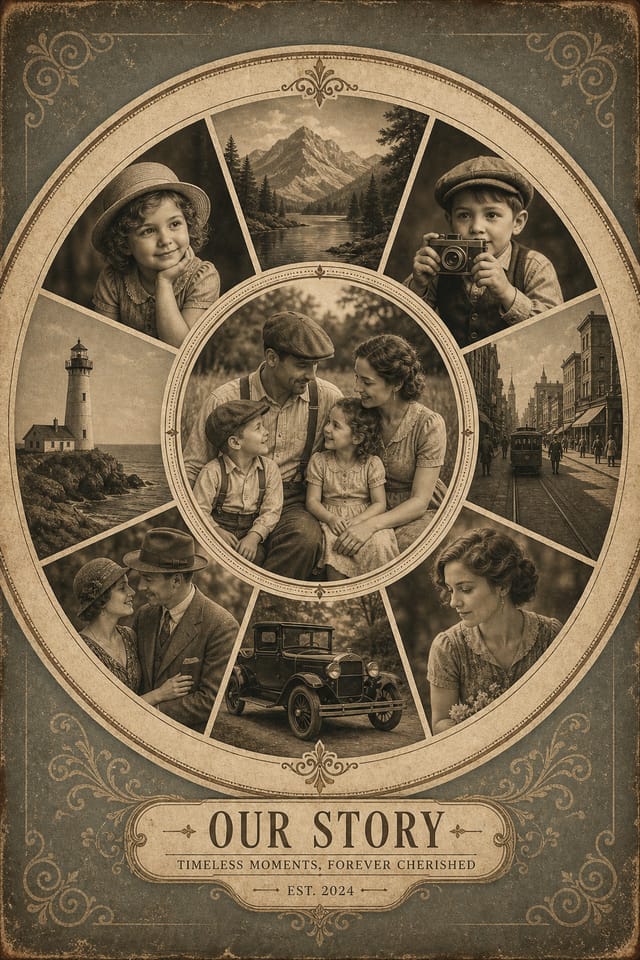
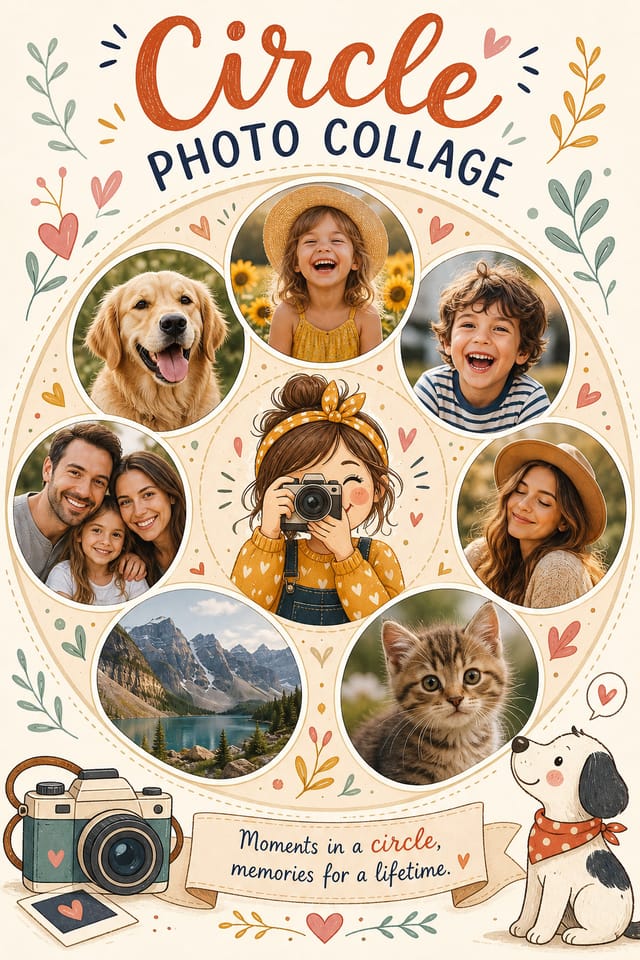


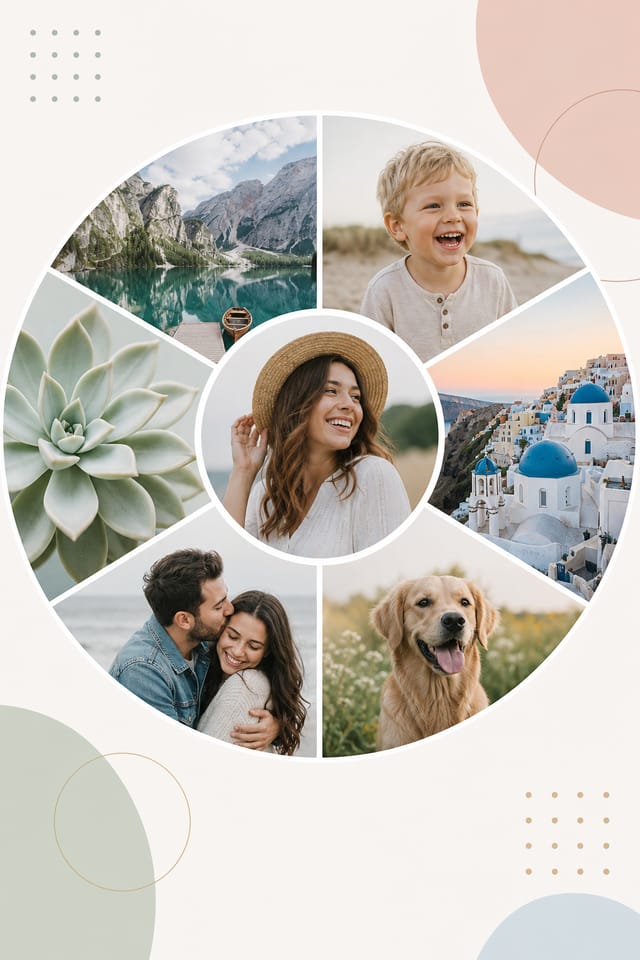
AI Circle Photo-Collage Maker: Instant Professional Output
Professional circle photo-collage design without the complexity. Pixazo generates layouts, selects palettes, and handles typography in seconds.
Create Your Circle Photo Collage FreeThe Circle Photo-Collage Gallery: A Design Gallery
Real creators sharing their circle designs made with Pixazo AI.

High-contrast circle photo-collage, dark background with light text, accent color used for single key element, modern composition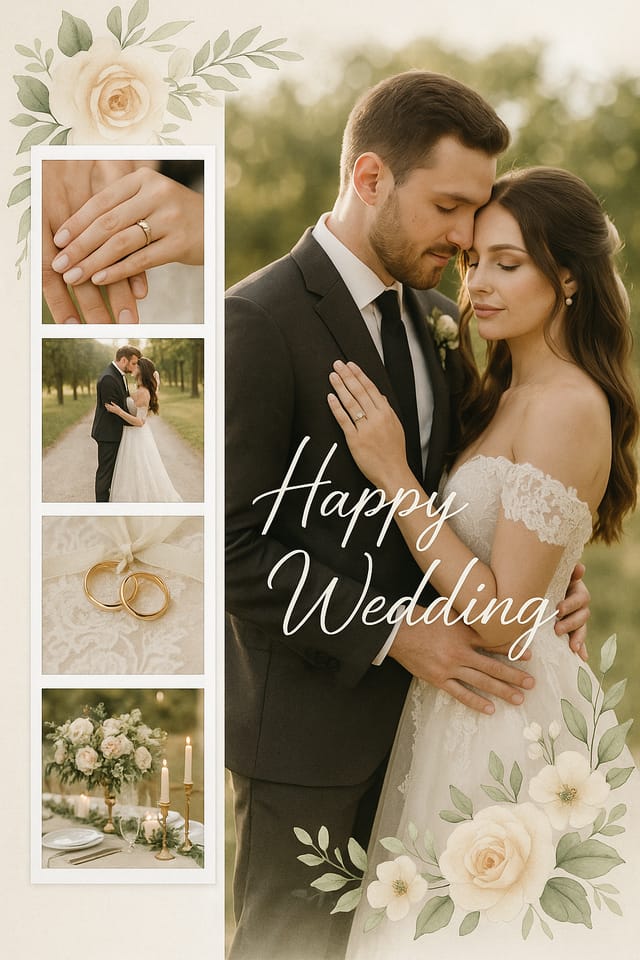
Eco-friendly themed circle photo-collage, natural green and kraft tones, organic shapes, sustainability messaging, handcrafted aesthetic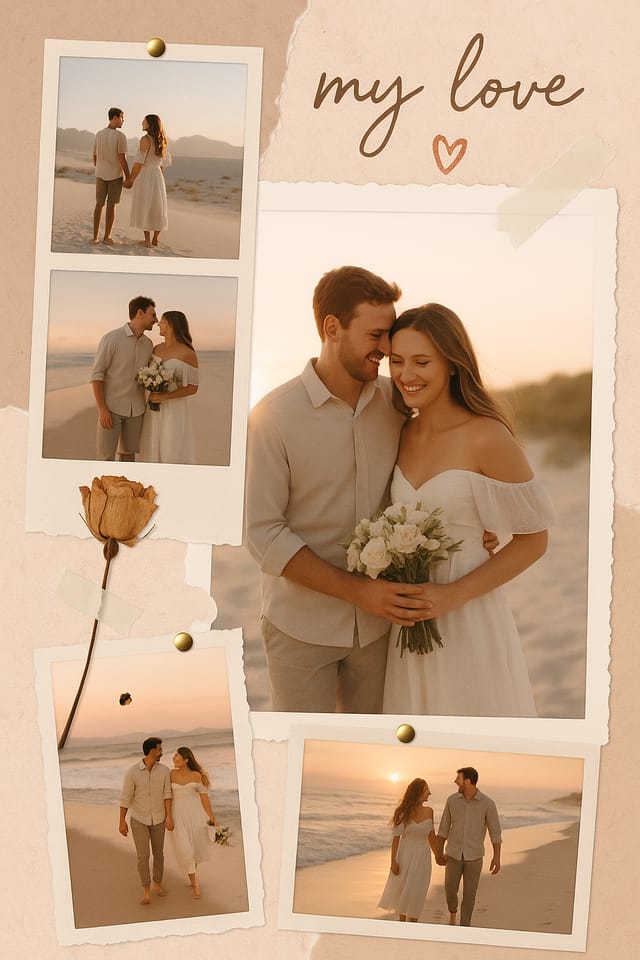
Circle photo-collage for large format print, elements scaled for visibility at distance, colors optimized for print outputDesign Intelligence for Circle Photo-Collages: The Underlying Framework
How Pixazo Reads Circle Style Cues
Professional circle photo-collage design involves more than applying a color filter to a generic layout.
The visual language of circle design encompasses distinctive compositional approaches, characteristic color affinities, and typographic choices that signal quality and intentionality.
When you use Pixazo to create a circle photo-collage, the AI applies this visual knowledge to your specific request.
The result looks deliberate and style-appropriate, not accidental or template-derived.
Putting Circle Photo-Collages to Work: A Practical Guide
E-Commerce Product Promotion
Design circle photo-collages for online store banners, product launches, and seasonal sales. Conversion-focused visuals for digital retail.
Small Business Marketing
Produce circle marketing photo-collages without a design agency budget. Get professional results from a text description.
Content Creation Workflow
Incorporate circle photo-collage generation into a content production workflow. Fast output enables higher publishing frequency.
Travel and Tourism Promotion
Design circle photo-collages for destinations, tour packages, and hospitality brands. Aspirational visuals that inspire booking decisions.
Sports and Recreation
Produce circle photo-collages for leagues, tournaments, and recreational programs. Energetic designs that build excitement and communicate schedules.
Download Your Circle Photo-Collage: Format Guide
JPG
Compressed image format suited for circle photo-collage designs with photographic elements where smaller file size matters more than pixel-perfect edges.
Print-ready format for circle photo-collage files that preserves fonts, colors, and layout across different devices and print services.
SVG
Scalable format for circle photo-collage designs that need to render crisply at any resolution, commonly used for web and responsive layouts.
TIFF
High-fidelity format for circle photo-collage files destined for professional printing, supporting CMYK color and lossless compression.
The Fundamentals of Circle Photo-Collage: Core Design Ideas
Avoiding Circle Photo-Collage Mistakes: Dos and Don'ts
Optimize for the display medium
Tailor your circle photo-collage resolution, color space, and text size to the specific platform or physical context where it will appear.
Maintain brand alignment
Keep your circle photo-collage design consistent with existing brand colors, fonts, and visual language for a cohesive identity.
Use grids and alignment
Structured layouts in your circle photo-collage create a sense of order and professionalism that unstructured designs cannot match.
Overcrowd the layout
Filling every pixel of your circle photo-collage with content makes it harder to read and reduces the impact of every individual element.
Forget the call to action
A circle photo-collage without a clear next step for the viewer is a missed opportunity. Always include direction on what to do next.
Rely solely on AI output
AI-generated circle photo-collage designs are a starting point. Human review catches issues with context, tone, and accuracy that AI can miss.
Core of Circle Photo-Collage AI: Key Capabilities
Background Variation
Generate circle photo-collages with different background treatments. Solid, gradient, textured, or pattern backgrounds all available for circle style.
Export Flexibility
Download your circle photo-collage in formats suited for your use case. Web-optimized versions for digital display, high-DPI files for print.
Layered Style Application
Combine circle style with other design parameters in a single prompt. The AI interprets complex requests and applies multiple style constraints simultaneously.
Style-Accurate Generation
The AI interprets circle design conventions and applies them to your photo-collage, producing output that looks correctly styled rather than generically templated.
The Path to Your Circle Photo-Collage: What Actually Happens
Tell the AI What You Need
Start with a text description of your circle photo-collage concept. Specify the visual style, colors, layout direction, and key text. Detailed prompts produce more accurate circle photo-collage designs than general ones.
Gauge the First Version
Pixazo generates your circle photo-collage in seconds. Review the design and adjust your prompt to refine specific elements: change the color palette, shift the layout weight, or add visual elements you want included.
Forward the Design
Get your final circle photo-collage file in one click. Choose your format, download at full resolution, and use the design immediately. No watermarks, no additional fees, no waiting.
Circle Photo Collage Specifications
Watch: Creating Circle Photo Collage designs step by step
Circle Photo-Collage At a Glance: Performance Metrics
Writing Circle Photo-Collage Prompt Examples
Copy any prompt below and paste it into Pixazo to generate your design instantly.
Geometric circle photo-collage, structured grid system, angular composition, colors in blocks rather than gradients, modern clean finishCircle photo-collage with strong visual hierarchy, largest element reads clearly, supporting elements organized by importance, clean background treatmentCircle style photo-collage, bold headline placement, supporting text at appropriate scale, color palette consistent with circle design conventionsTwo-color circle photo-collage design, high contrast between primary and secondary color, clean separation between graphic and text zonesContemporary circle photo-collage design, grid-based layout, typographic precision, restrained color palette, no decorative excessClean circle photo-collage design, geometric structure, disciplined typography, color accent used selectively for emphasis, printer-optimized resolutionGetting Started with Circle Photo-Collages: Straight Answers
Pixazo supports PNG, JPEG, and PDF export for circle photo-collages. PNG preserves transparency if your design uses it. JPEG works well for web and social media. PDF is the preferred format for print production of circle photo-collages.
Each generation uses your unique prompt text to produce a distinct circle photo-collage design. Even similar prompts produce noticeably different outputs due to the AI's generative process. No two users receive identical designs.
Pixazo generates high-resolution files suitable for both print and digital use. Specify your intended output format in your prompt. Print circle photo-collages benefit from high-DPI settings, while web and social media use works well with standard resolution output.
Pixazo works in any modern mobile browser. The interface adapts to phone and tablet screens so you can generate circle photo-collages from anywhere. A dedicated mobile app is in development for an even smoother on-device experience.
Include your specific colors in the prompt, either by hex code or descriptive terms. 'Navy and copper with white text' or '#1a1a2e and #c9a84c palette' both work. The AI builds a circle-appropriate palette around your specified colors.
Include the target language in your prompt when generating circle photo-collages with non-English text. The AI selects typographic approaches appropriate for the language and applies circle design conventions to the overall layout regardless of language.
Current Circle Photo-Collage Limits: Trade-Offs to Know
Known limitations and trade-offs of AI-generated circle design. Transparency matters when using AI for circle photo-collage design. The points below describe where you may need to supplement AI output with manual work.

