Colorize video, frame by frame.
Turn black and white video to color with an AI video colorizer — add natural, consistent color to old footage, frame by frame, right in your browser.
The tool
What is an AI video colorizer?
An AI video colorizer adds color to black-and-white footage automatically, frame by frame. Instead of painting each frame by hand, the model reads the scene — skin, sky, foliage, fabric — and assigns plausible, consistent color that holds as the shot moves.
Upload a grayscale clip and it will colorize video in a single pass: black and white video to color, with the tones tracking from frame to frame so nothing flickers. It’s built to colorize old video — home movies, archival film, a scanned reel — and bring it back to life in the Pixazo editor. Pair it with the AI video upscaler to sharpen the same restored footage. Every clip shown is illustrative, generated with Pixazo.
How it works
Black and white video to color, in three steps
No per-frame painting, no reference stills — all in the browser.
Upload your clip
Drop in the black-and-white or faded video you want to colorize — an old home movie, archival film or a scanned reel.
AI adds the color
The model reads each frame and assigns natural color — skin tones, skies, greenery, clothing — keeping it consistent across the whole shot.
Export the result
Preview the before and after, then export your colorized video, ready to share, upscale or cut into a project.
What it colors
It reads the scene, then paints it
The colorizer infers a palette from what’s actually in the frame — not a flat tint over everything.
Skin & faces
Warm, believable skin tones across different people and lighting, held steady as faces move.
Skies & water
Daylight blues, overcast greys and golden-hour washes, graded to the time of day in the shot.
Foliage & land
Grass, leaves and earth get natural greens and browns instead of a single muddy cast.
Clothing & fabric
Distinct colors for coats, dresses and uniforms, so people don’t blur into one tone.
Streets & buildings
Brick, stone, paint and pavement read as separate materials across the backdrop.
Cars & objects
Vehicles, signs and props get their own hues, kept consistent every time they reappear.
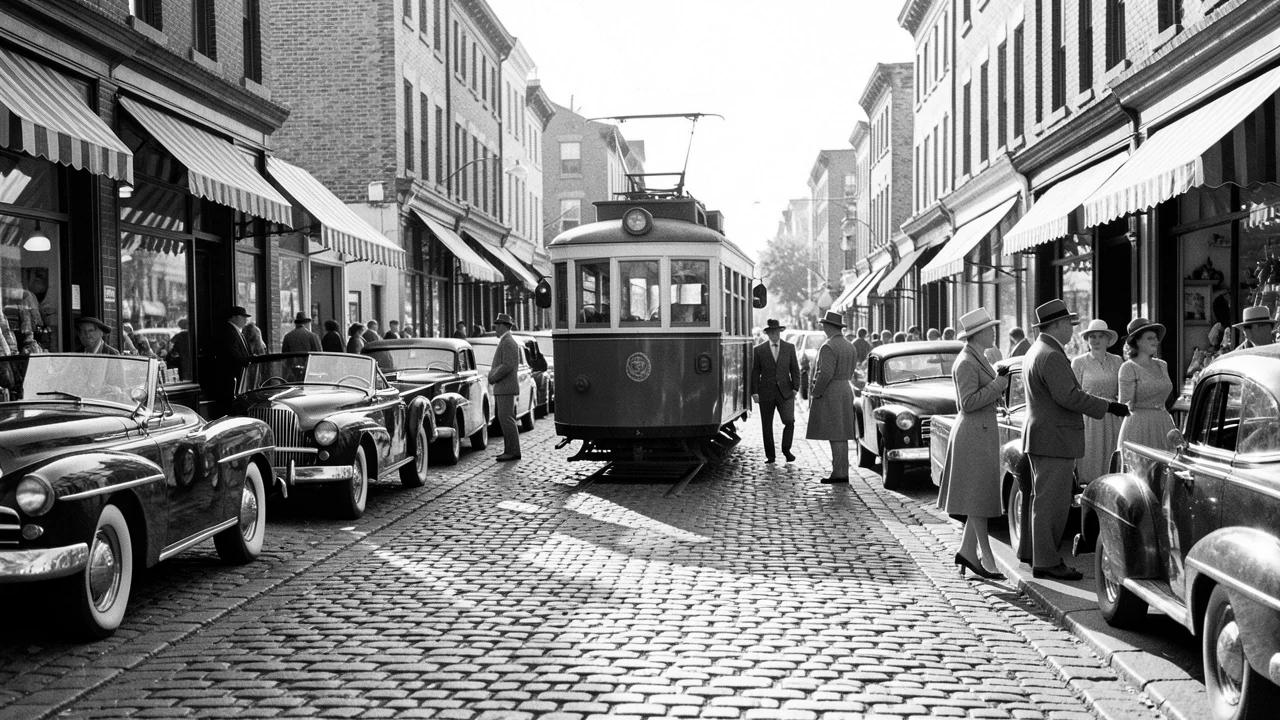
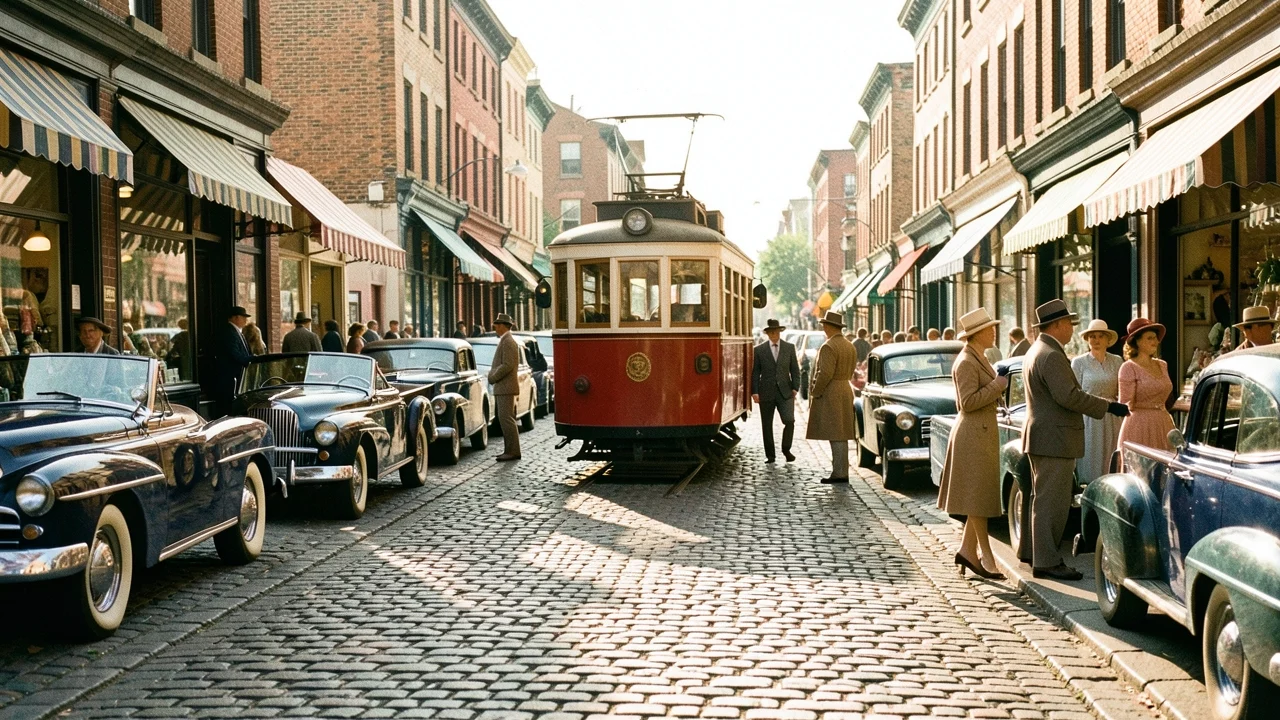
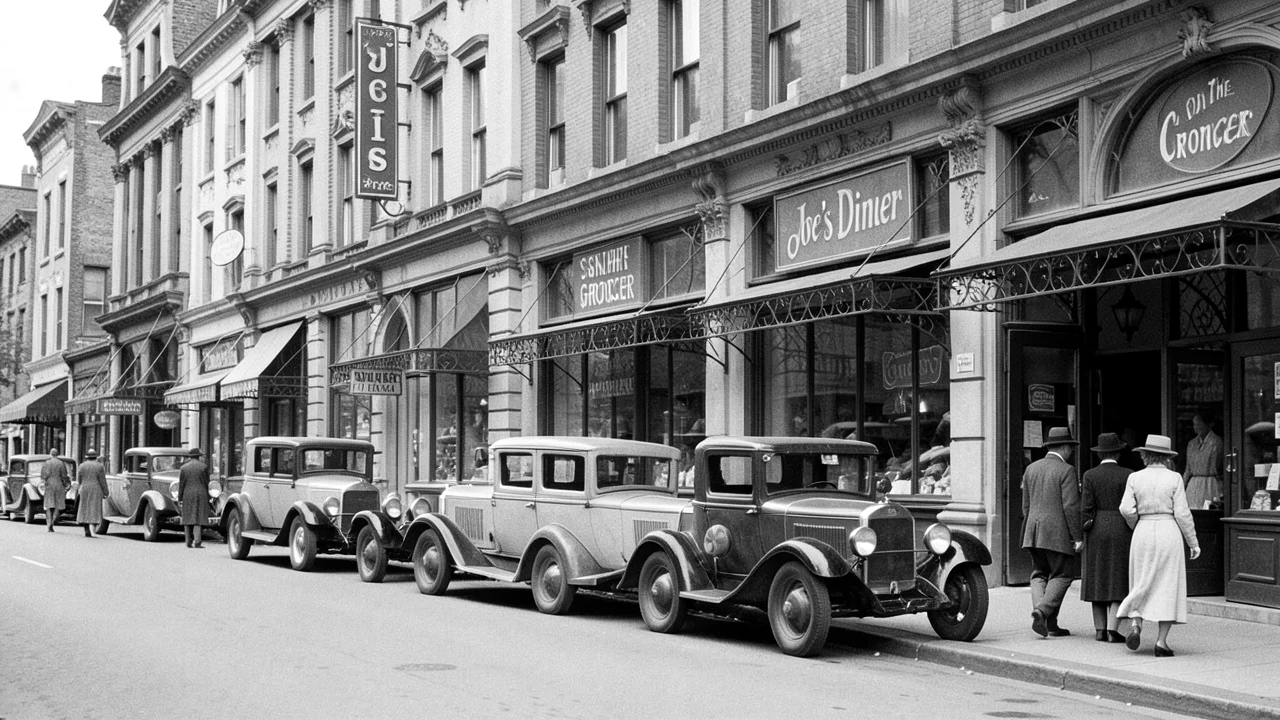
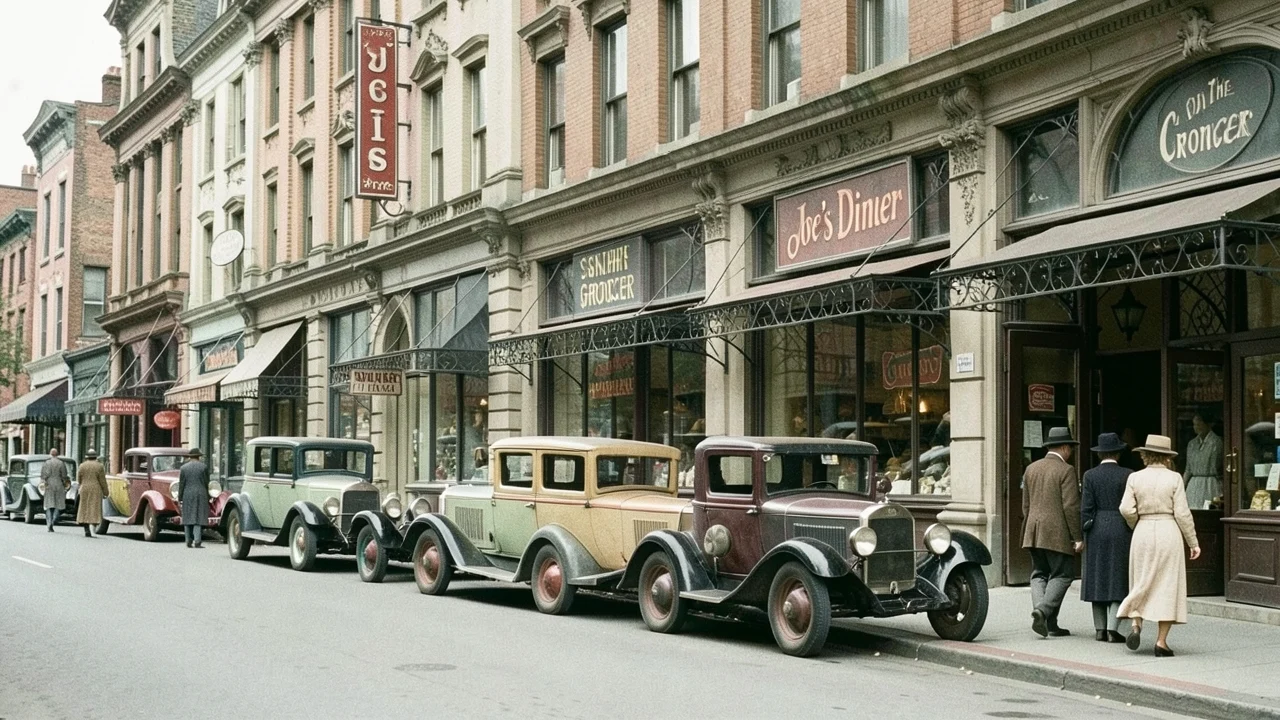
Before & after
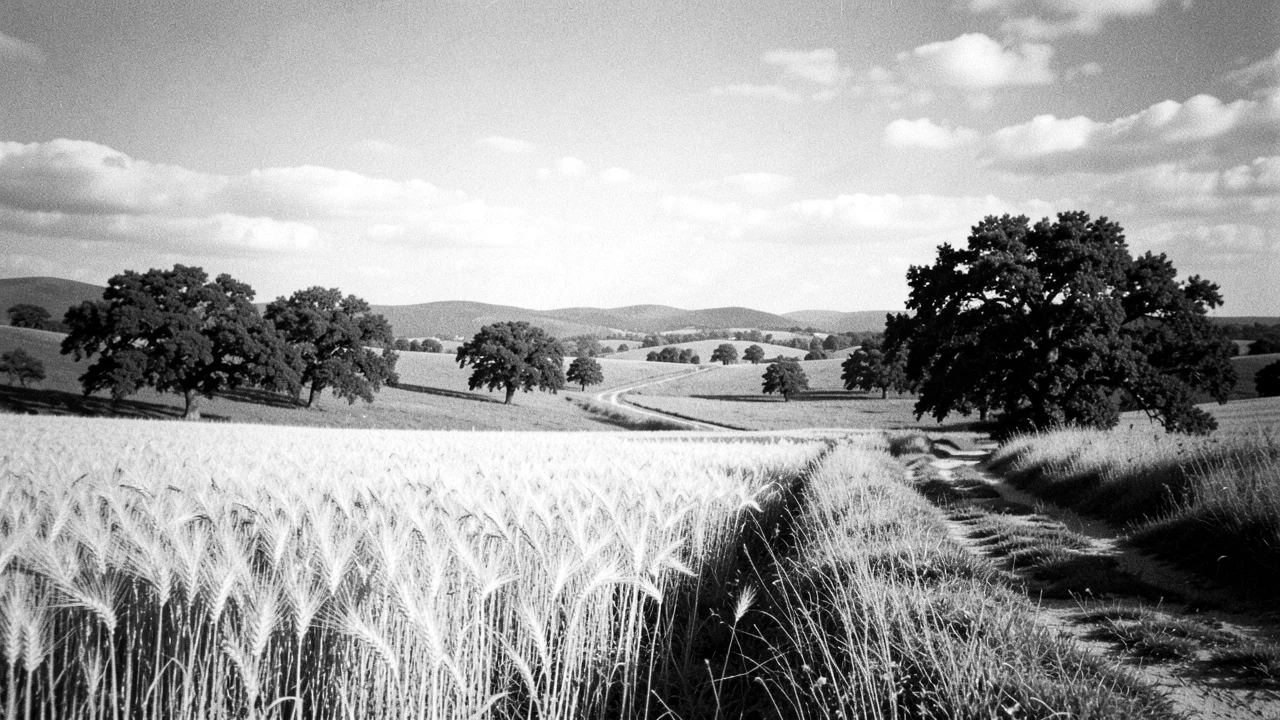
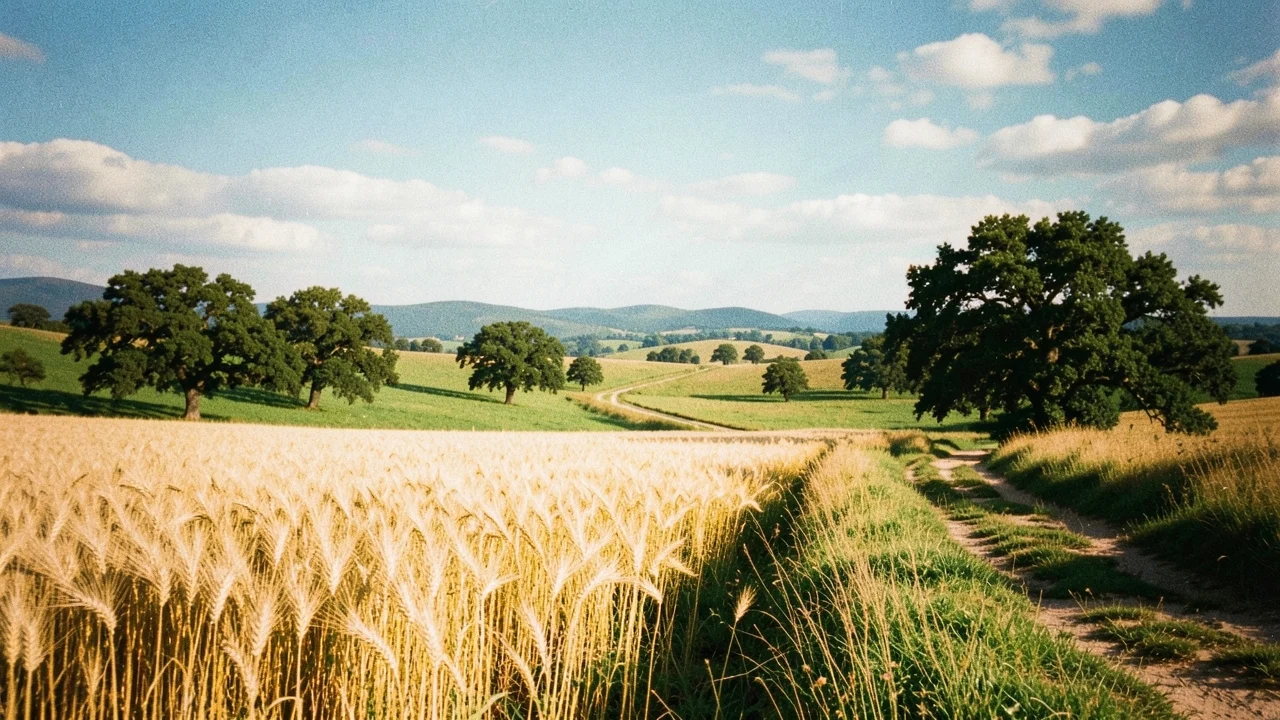
Drag to colorize old video
Each of these started as a black-and-white still; AI colorized it frame for frame. Drag the handle to compare. All illustrative, generated with Pixazo.
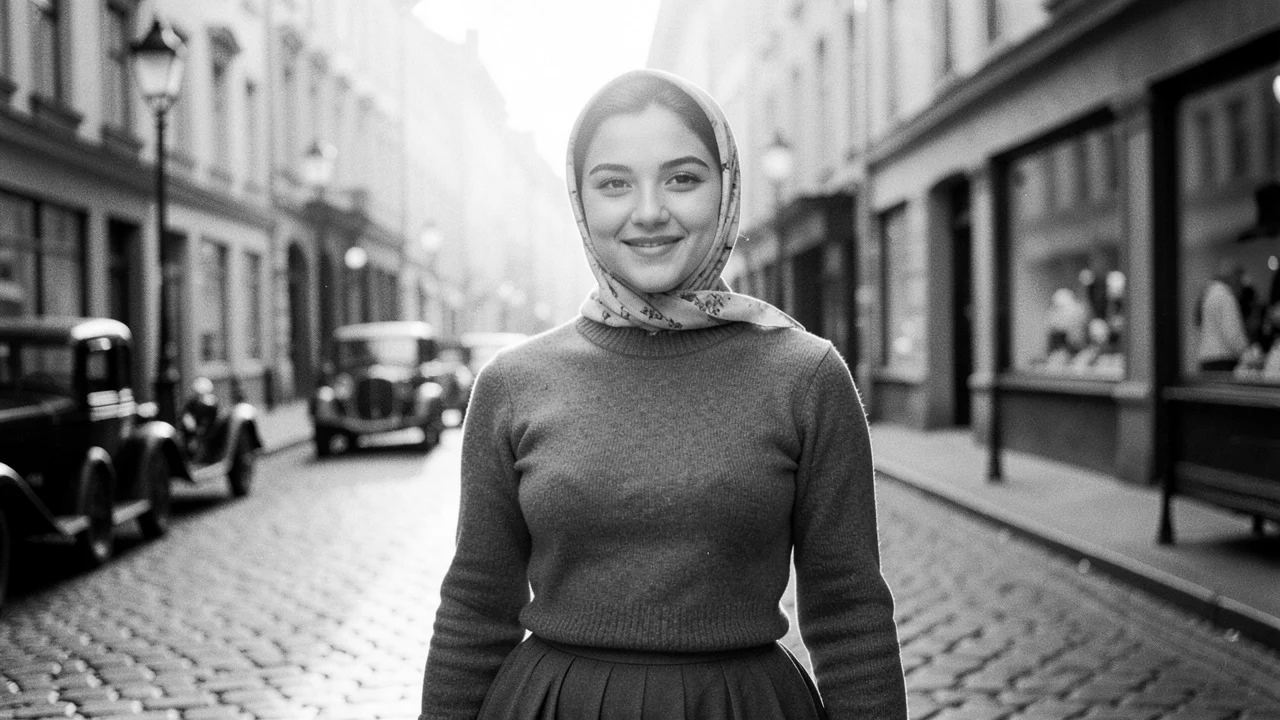
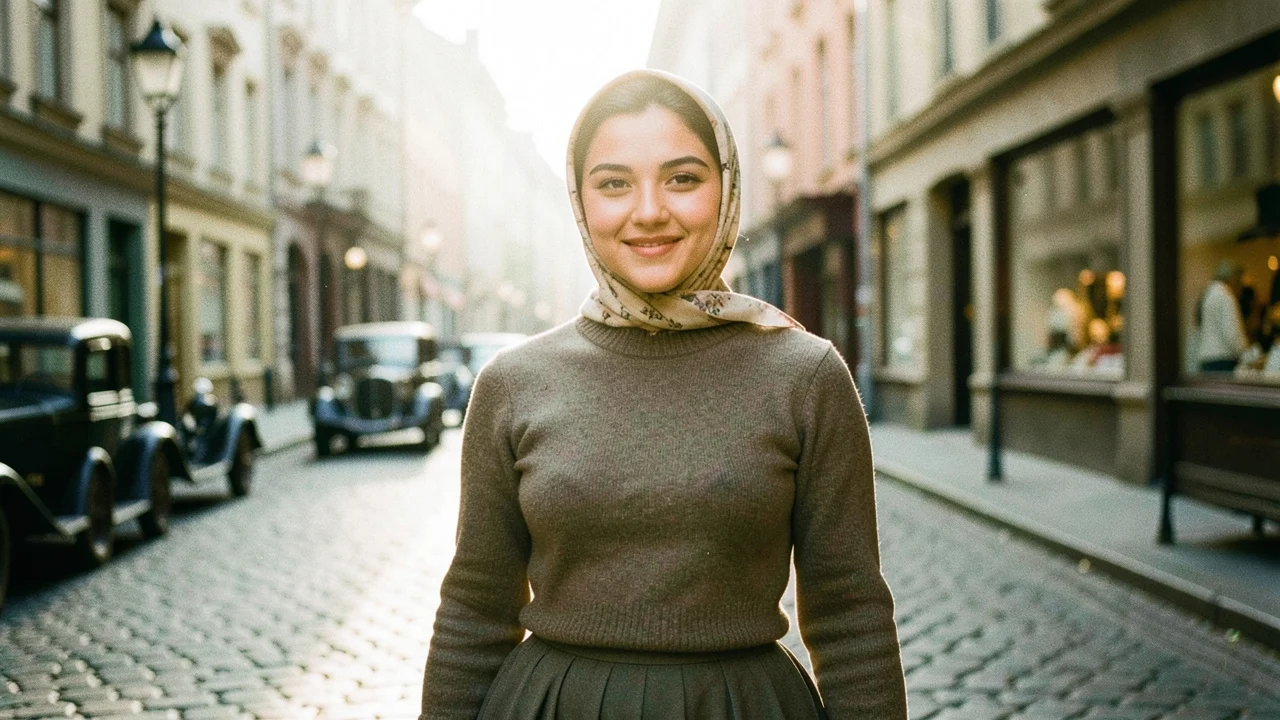
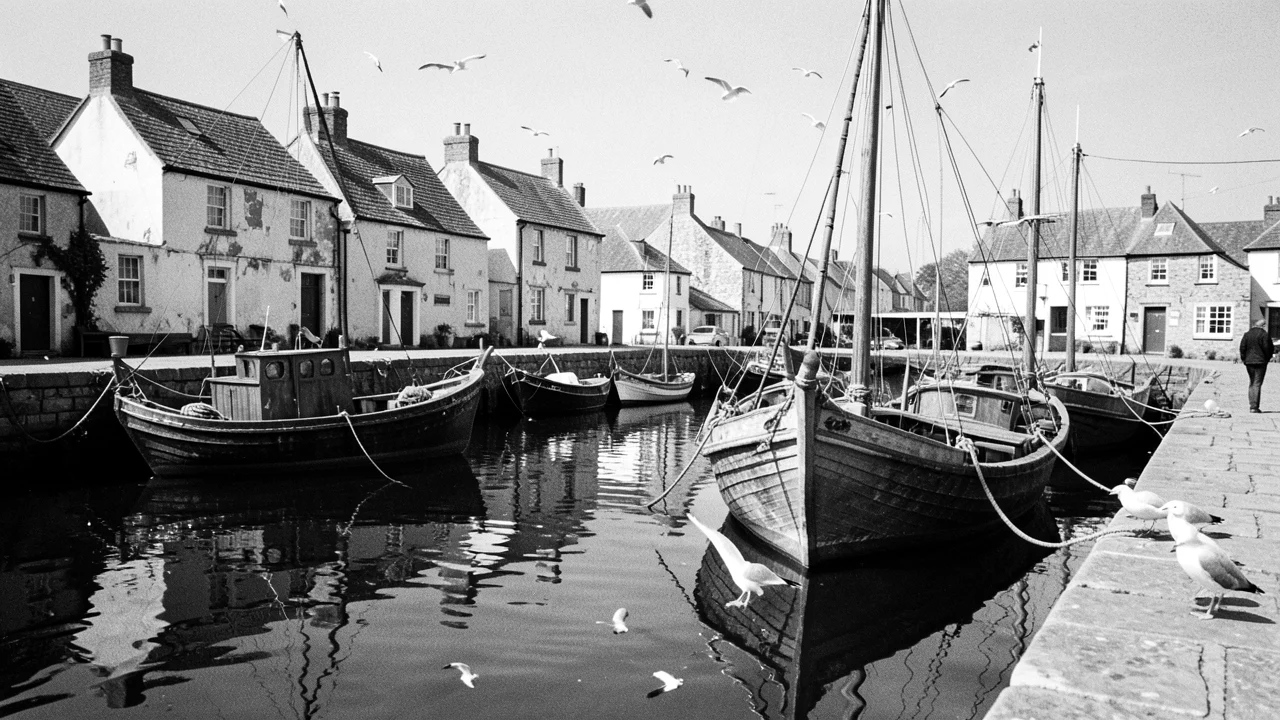
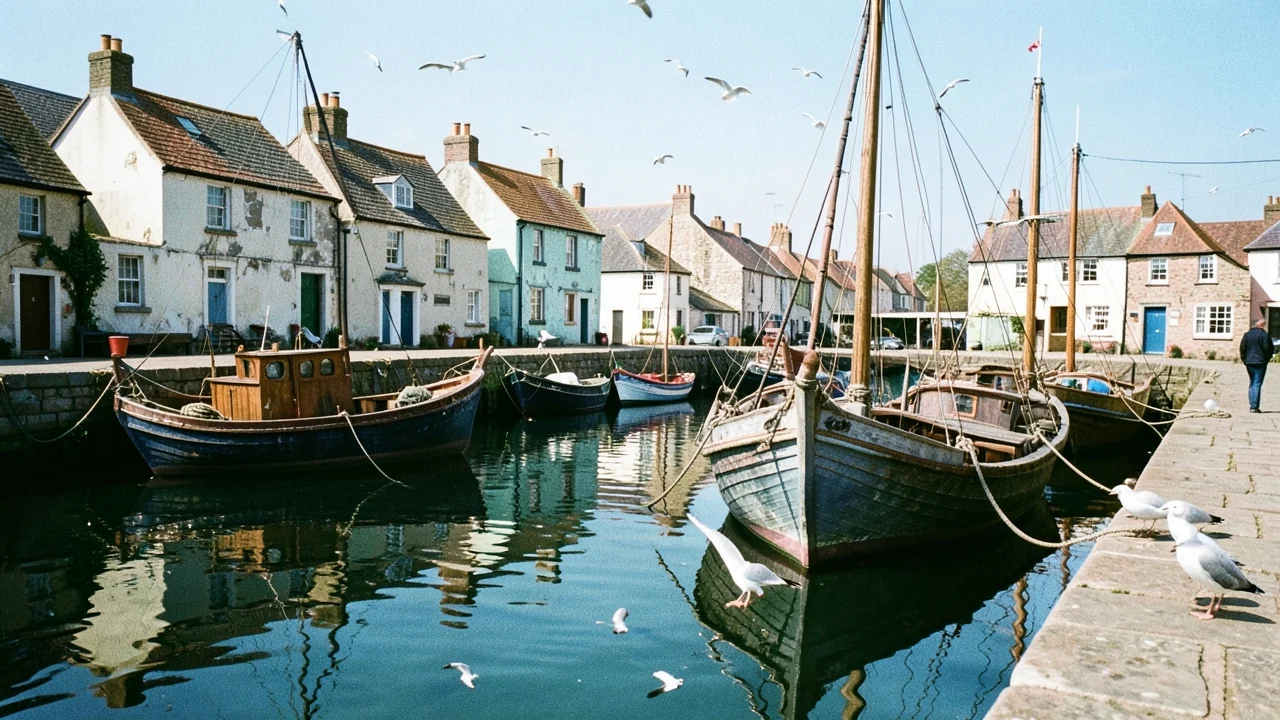
AI vs manual
No painting every frame
Hand-colorizing is slow, frame-by-frame work. AI colorizing does the first pass automatically.
Manual colorizing
- An artist picks and paints color on each frame by hand
- Masks every object, then tracks it across the shot
- Hours to days per clip, priced by the artist
- Color can drift or flicker between frames
AI colorizing on Pixazo
- The model colorizes the whole clip automatically
- Reads the scene and holds color frame to frame
- Minutes in your browser, free to start
- Consistent tones with no manual masking
Spec sheet
What goes in and out
Capabilities only — no invented benchmark numbers.
Field notes
Get the most natural color
A few habits that help — and the honest limits.
Clean the footage first. A clear, denoised black-and-white clip colorizes more cleanly than a scratchy, low-contrast one.
Upscale after. Colorize first, then run the AI video upscaler so the restored footage is sharp too.
Color is an informed guess. The AI infers plausible color, not the exact original — a specific dress or car paint may differ from the real thing.
Hard scenes stay hard. Very dark, low-contrast or heavily damaged footage gives the model less to read, so check those shots before export.
FAQ
AI video colorizer questions
What is an AI video colorizer?+
How do I colorize a video?+
Can it colorize old video and home movies?+
Is the color historically accurate?+
Can I sharpen the colorized video too?+
Is the AI video colorizer free?+
Bring old footage back to color
Colorize video with an AI video colorizer — black and white video to color, free to start in the Pixazo editor.

Deepak Joshi is a Content Marketing specialist with 10+ years of combined experience in the digital world, and one of the active contributors to the Pixazo Blog.