Diploma Certificate : Create Free Diploma Certificates in Minutes with AI
Create Custom Diploma Certificates Quickly with Pixazo Best AI Diploma Certificate Maker. Try for Free!
Get Started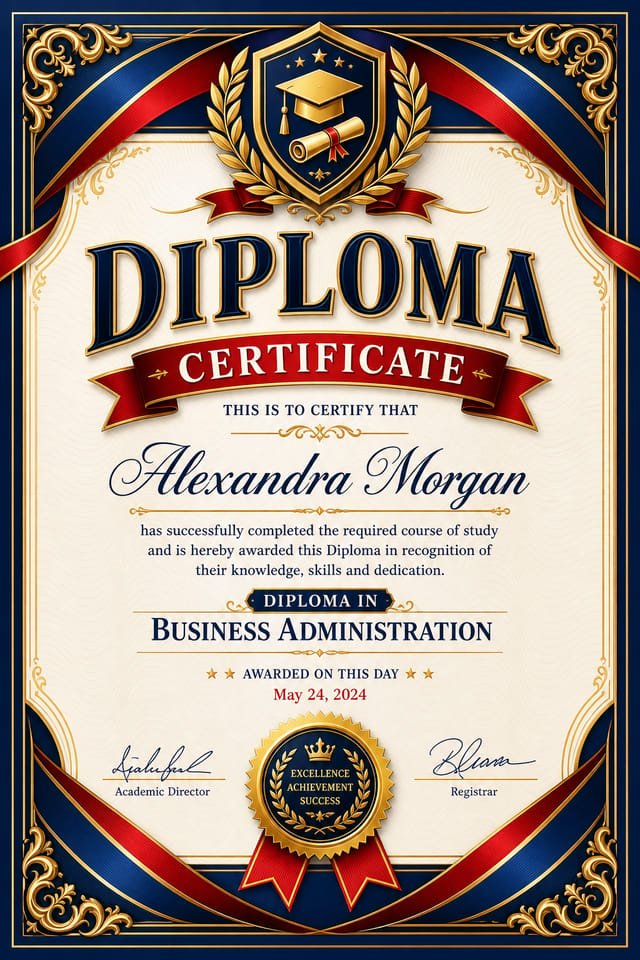
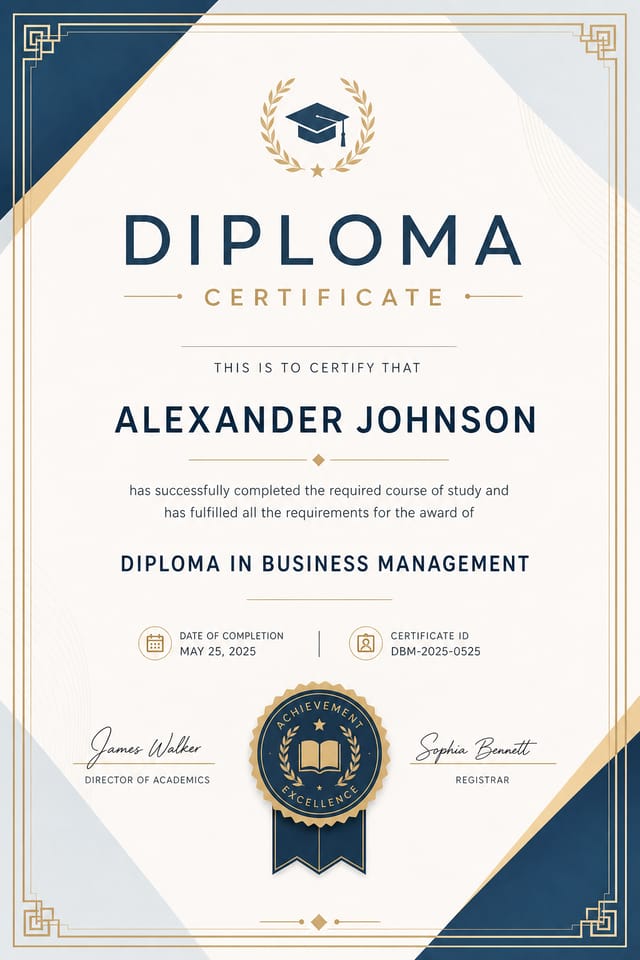
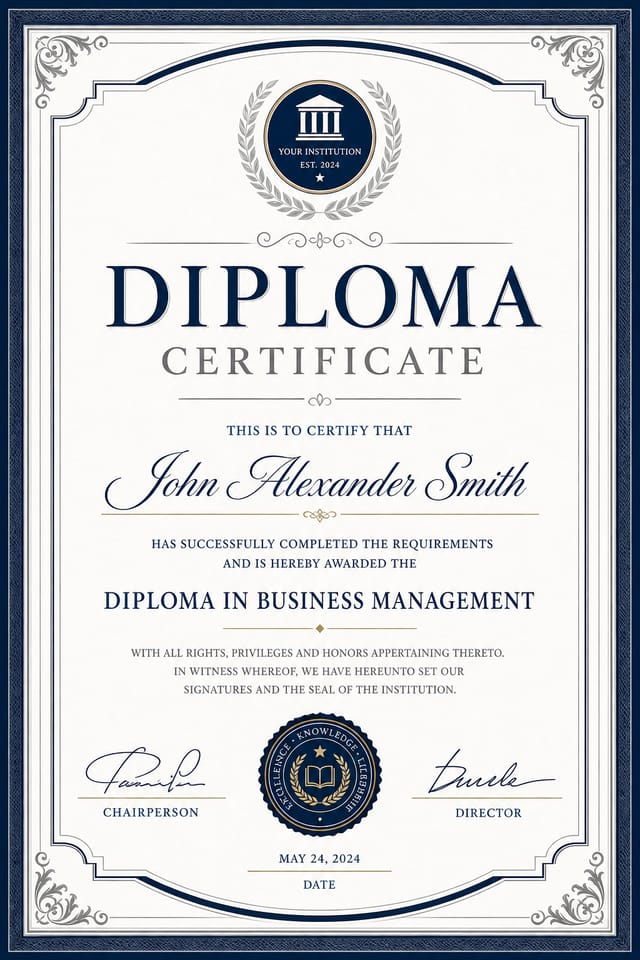
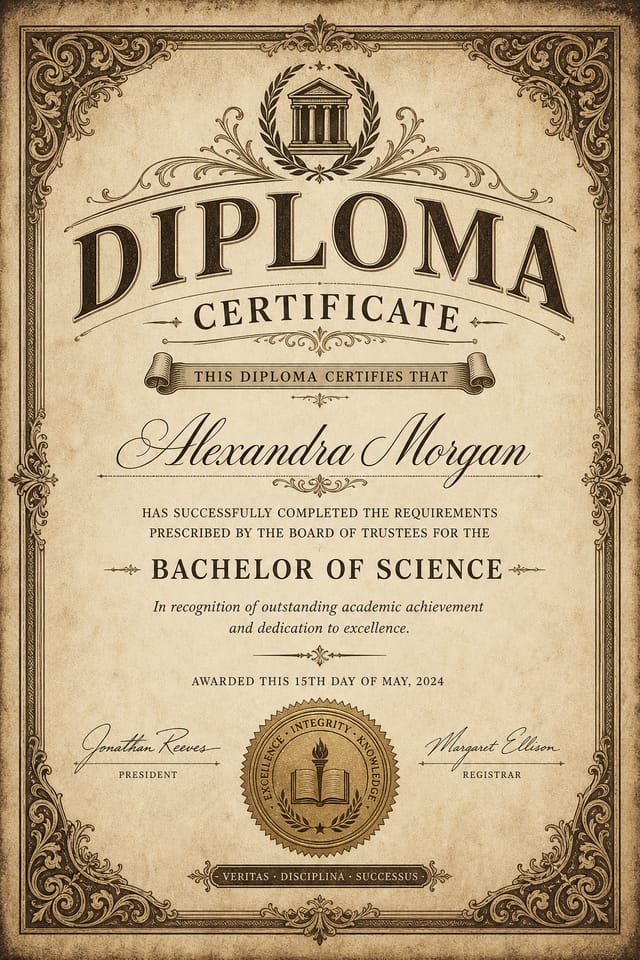
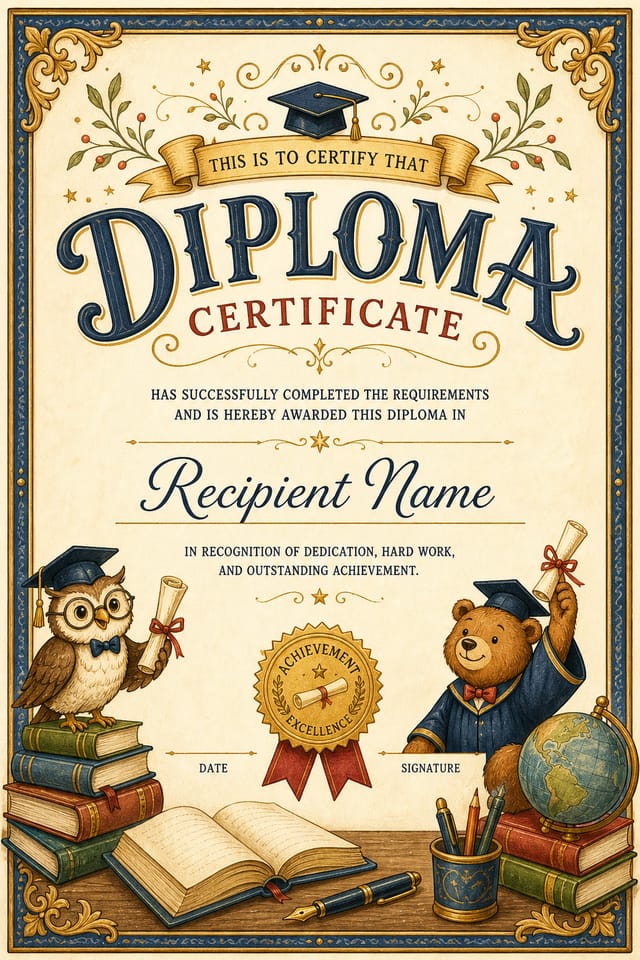
AI Diploma Certificate Workshop: Built for Creators
Turn your diploma certificate ideas into finished designs with one prompt. No software to learn, no design background required.
Create Your Diploma Certificate FreeFrom Prompt to Diploma Certificate: The Workflow Explained
Spell Out the Requirements
Write a prompt describing your diploma certificate. Include style preferences, color direction, the most important text to display, and any specific visual elements you want. The more specific your description, the more targeted the output.
Let AI Build It
Pixazo generates your diploma certificate in seconds. Review the design and adjust your prompt to refine specific elements: change the color palette, shift the layout weight, or add visual elements you want included.
Elevate the Quality
Adjust your prompt to modify specific elements of the diploma certificate. Change the color palette, shift typography weight, or reposition the compositional focus. Each iteration gets you closer to the final design.
Land the Final Output
Download your completed diploma certificate in the format that fits your use case. High-resolution files for print, web-optimized versions for digital, or PDF for production-ready delivery.
Diploma Certificate Specifications
Watch: Creating Diploma Certificate designs step by step
The Logic of Diploma Certificate Design: A Technical Perspective
Diploma Visual Language: AI Interpretation
Diploma design carries specific visual associations that viewers pick up on immediately.
The right palette, the right typographic approach, the right compositional balance.
Get these right and your diploma certificate communicates clearly.
Current Diploma Certificate Directions: Current Directions
Dark Mode Aesthetics
Dark backgrounds with high-contrast accents are increasingly common in diploma certificate design, reducing visual fatigue and adding sophistication.
Gradient Overlays
Smooth color transitions are being used as primary design elements in diploma certificate work, adding depth without the complexity of photographic backgrounds.
Data-Driven Visuals
Incorporating charts, statistics, and structured data directly into diploma certificate layouts helps communicate complex messages at a glance.
Asymmetric Composition
Breaking grid symmetry in diploma certificate layouts creates visual tension and a modern, editorial feel that stands out.
Diploma Certificate Creator Tips: What Professionals Know
Leave White Space
Resist the urge to fill every area of your diploma certificate. Breathing room around key elements makes the overall design more effective.
Match Tone to Audience
A diploma certificate for a corporate event needs a different visual tone than one for a music festival. Let the audience guide your style choices.
Prioritize Hierarchy
Every diploma certificate needs a clear reading order. Make sure the most important information is the largest and most prominent element in the layout.
Test at Actual Size
Always preview your diploma certificate at the dimensions it will be displayed. Design details that look fine at 100% can disappear or crowd at real-world scale.
Limit Your Color Palette
Stick to 2-3 primary colors in your diploma certificate design. Too many colors compete for attention and weaken the visual hierarchy.
Diploma Certificate AI: Tools That Matter
Consistency Across Variants
Generate multiple diploma certificates for a project and maintain visual consistency across the set. Specify your core design parameters and vary secondary elements.
Layered Style Application
Combine diploma style with other design parameters in a single prompt. The AI interprets complex requests and applies multiple style constraints simultaneously.
Export Flexibility
Download your diploma certificate in formats suited for your use case. Web-optimized versions for digital display, high-DPI files for print.
Typography Matching
Typefaces are selected to match diploma aesthetic expectations. The AI pairs fonts that reinforce your diploma certificate's visual identity.
The Reach of Diploma Certificates: Where They Fit
Sports Event Sponsorship
Produce diploma certificates for sponsors and partners of diploma events. Co-branded materials that satisfy both event organizers and corporate partners.
Tournament Brackets and Schedules
Design diploma certificates displaying tournament draws, league tables, and fixture schedules. Clear information hierarchy for quick reference.
Youth Academy Recruitment
Create diploma certificates for sports academies, tryouts, and training camps. Designs that appeal to young athletes and their parents.
Match Day Announcements
Create diploma certificates that announce upcoming games, fixtures, and match schedules. Include team names, venue, and kickoff details in a design that builds anticipation.
Award and Achievement Displays
Generate diploma certificates celebrating player milestones, team records, and season achievements. Commemorative designs for trophy cabinets and social media.
Styling Your Diploma Certificate: Across Contexts
Textured Diploma
Diploma design with added surface depth. Background treatments add visual interest without disrupting legibility.
Editorial Diploma
Text-dominant diploma certificate layout inspired by print publication design. Typographic variety creates visual rhythm.
Geometric Diploma
Structured diploma composition using grid systems and angular forms. Order and precision define the visual approach.
High-Contrast Diploma
Bold diploma visual treatment with strong tonal contrast. Elements read clearly at any viewing distance.
Community Diploma Certificate: Community Showcase
Real creators sharing their diploma designs made with Pixazo AI.
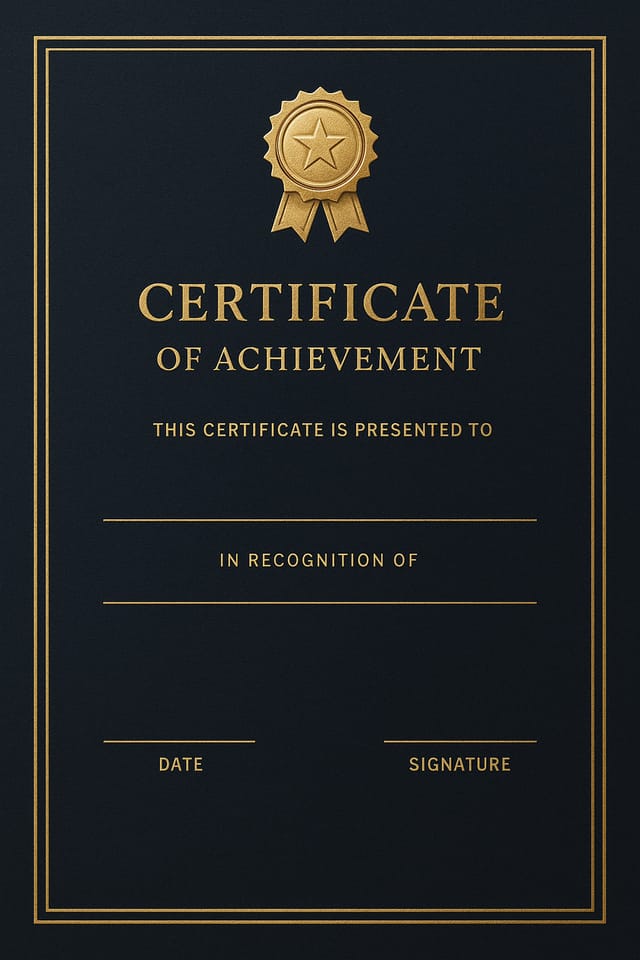
Two-color diploma certificate, maximum contrast between primary and secondary color, typography set in one color per level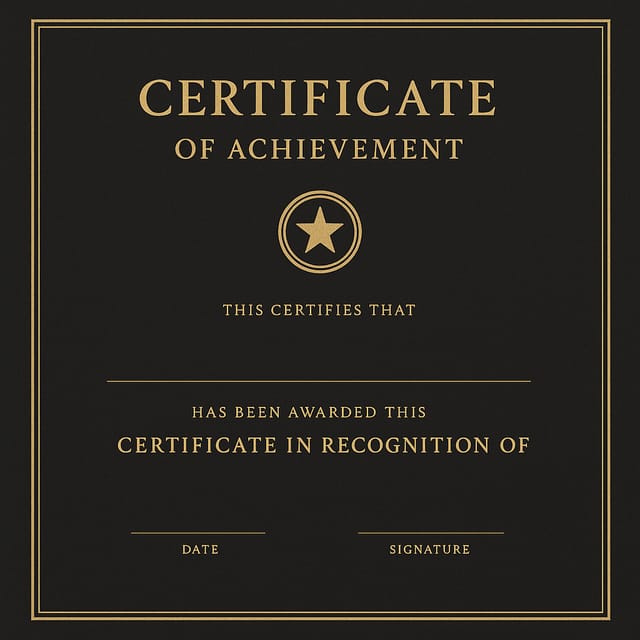
Cool palette diploma certificate, slate and steel tones, sans-serif typography, contemporary diploma sensibility, precise alignment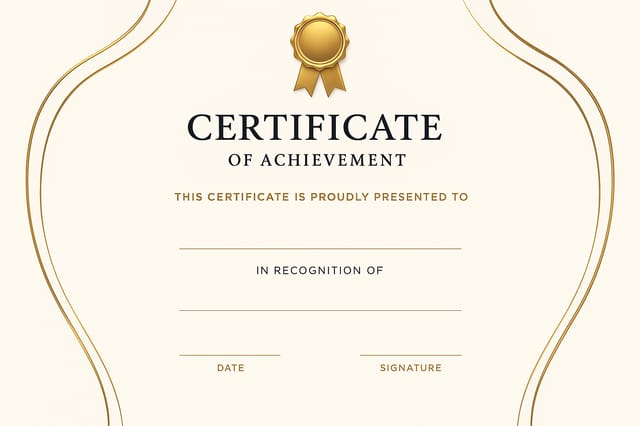
Refined diploma aesthetic certificate, sophisticated color relationships, intentional negative space, type selection matching diploma conventionsDiploma Certificate Prompts: Prompts Worth Trying
Copy any prompt below and paste it into Pixazo to generate your design instantly.
Editorial-style diploma certificate, text-dominant design, typographic treatment carries visual weight, layout proportions inspired by print publication designDiploma certificate with strong visual hierarchy, largest element reads clearly, supporting elements organized by importance, clean background treatmentDiploma certificate design, clean layout, strong typography hierarchy, appropriate color palette for diploma aesthetic, high contrast between headline and backgroundClean diploma certificate design, geometric structure, disciplined typography, color accent used selectively for emphasis, printer-optimized resolutionLarge-format diploma certificate design, elements sized for visibility at print scale, no fine detail that would be lost in productionRefined diploma certificate, sophisticated color relationships, intentional whitespace, typefaces appropriate to diploma style, balanced compositionUnderstanding Diploma Certificates: Frequently Asked
Common sizes include 1080x1080 for Instagram feed, 1080x1920 for stories and reels, 1200x628 for Facebook links, 1500x500 for Twitter headers, and 1080x1350 for Pinterest. Specify the platform in your prompt and Pixazo optimizes diploma layout for that format.
Describe your core design parameters in each prompt and vary only the specific elements that should change across the series. Maintaining consistent color palette, typographic approach, and compositional structure across diploma certificate variations creates a coherent series.
Specific prompts produce better results than vague ones. Include the visual style you want, any color preferences, the most important text to display, and the intended use. For diploma design specifically, noting whether you want a contemporary or classic interpretation of diploma style helps the AI make the right design decisions.
Pixazo provides an API for programmatic diploma certificate generation. Integrate it into your content pipeline to automate design production at scale. API documentation covers authentication, prompt formatting, and output retrieval.
Delivering Your Diploma Certificate: Choosing the Right Format
WEBP
Modern web format offering smaller file sizes than PNG or JPG for diploma certificate images without significant quality loss.
SVG
Scalable format for diploma certificate designs that need to render crisply at any resolution, commonly used for web and responsive layouts.
PNG
Lossless image format ideal for diploma certificate designs with transparency, sharp text, and web display at predictable file sizes.
Print-ready format for diploma certificate files that preserves fonts, colors, and layout across different devices and print services.
Honest Notes on Diploma Certificates: Areas for Improvement
Known limitations and trade-offs of AI-generated diploma design. AI diploma certificate generation produces strong results within its design domain. These notes describe where human judgment and manual work remain necessary.

