Internship Certificate : Create Free Internship Certificates in Minutes with AI
Create Custom Internship Certificates Quickly with Pixazo Best AI Internship Certificate Maker. Try for Free!
Get Started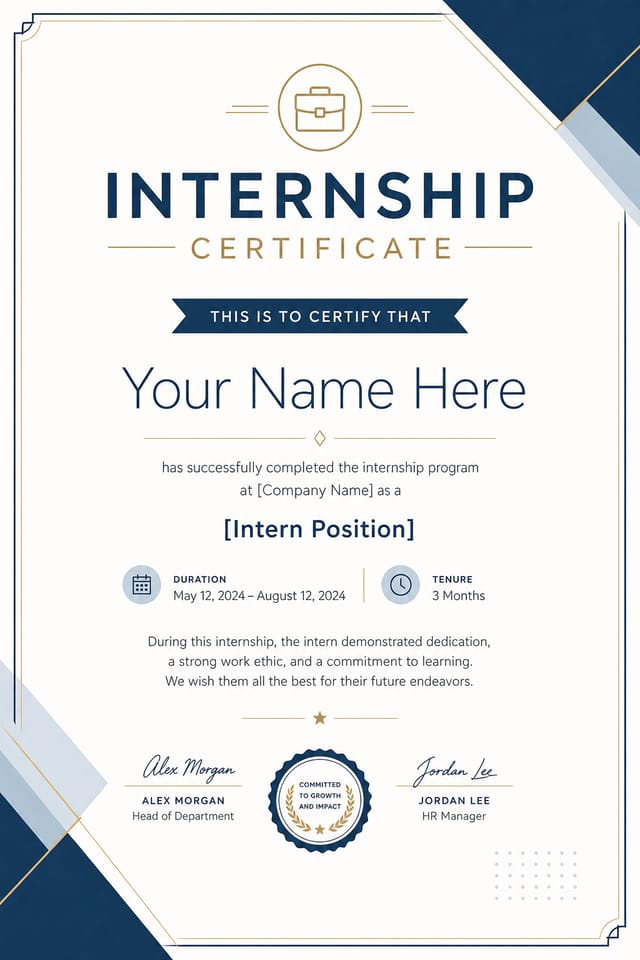
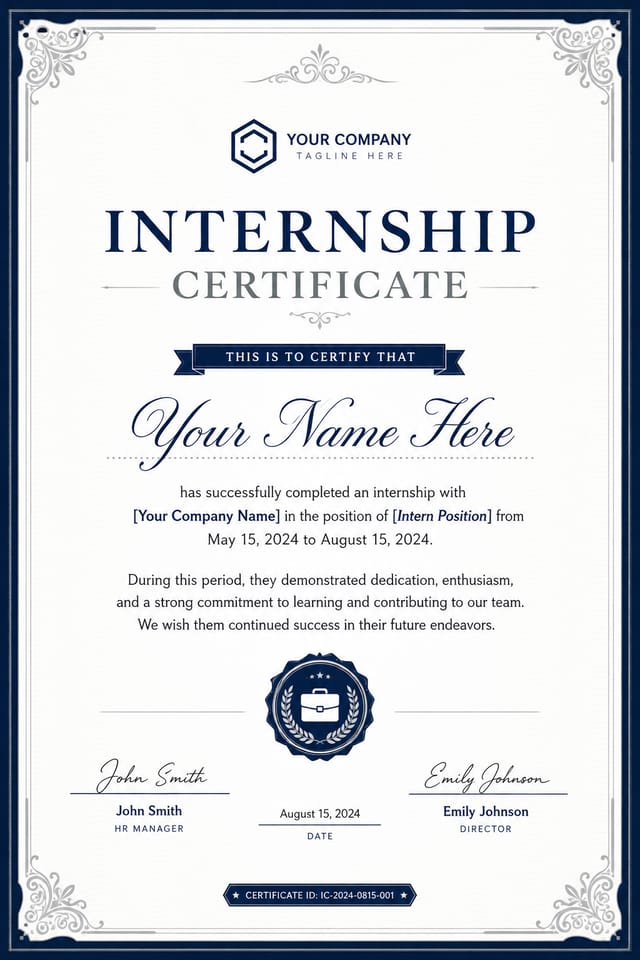
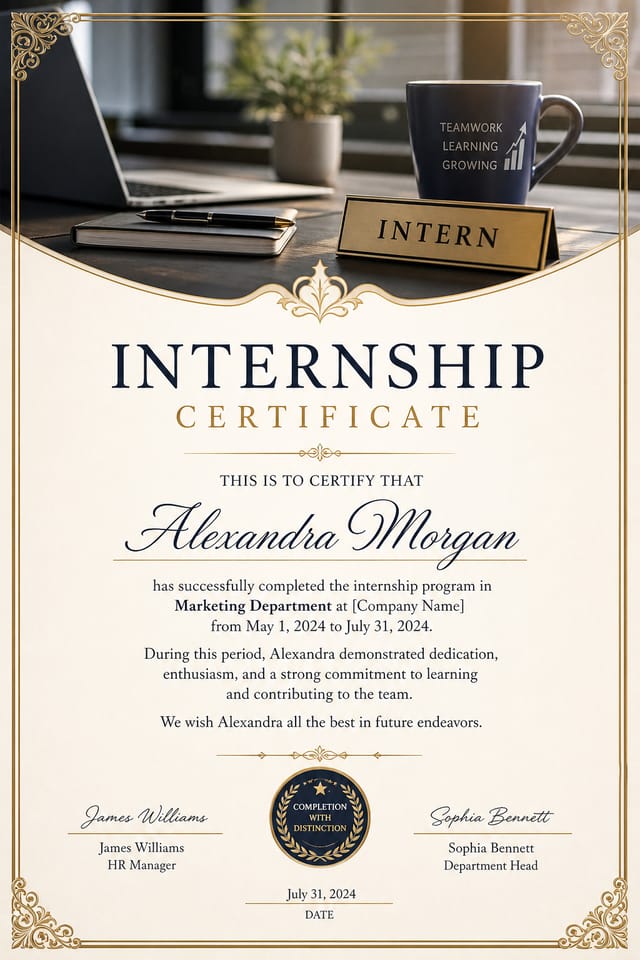
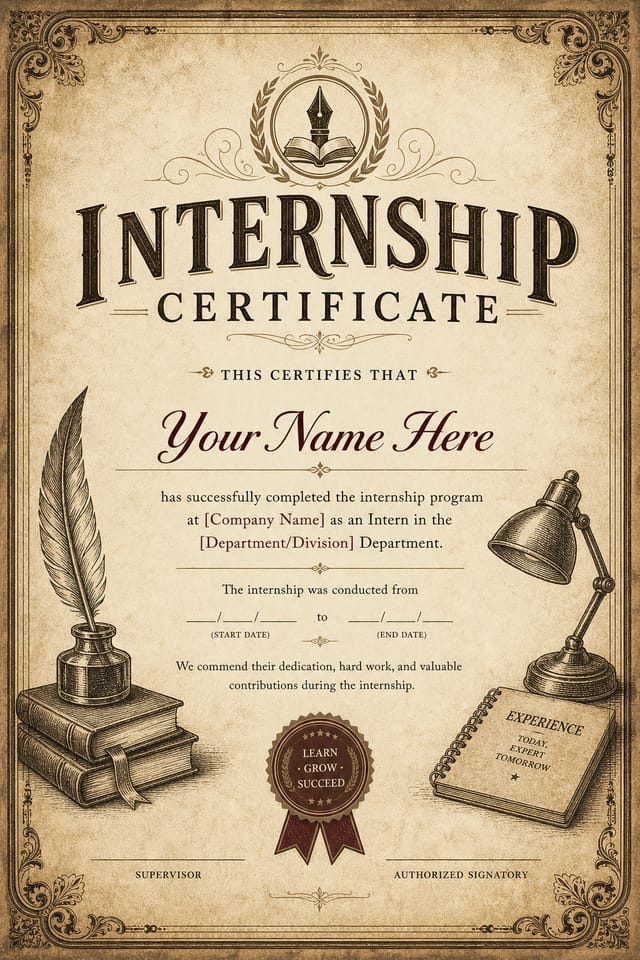
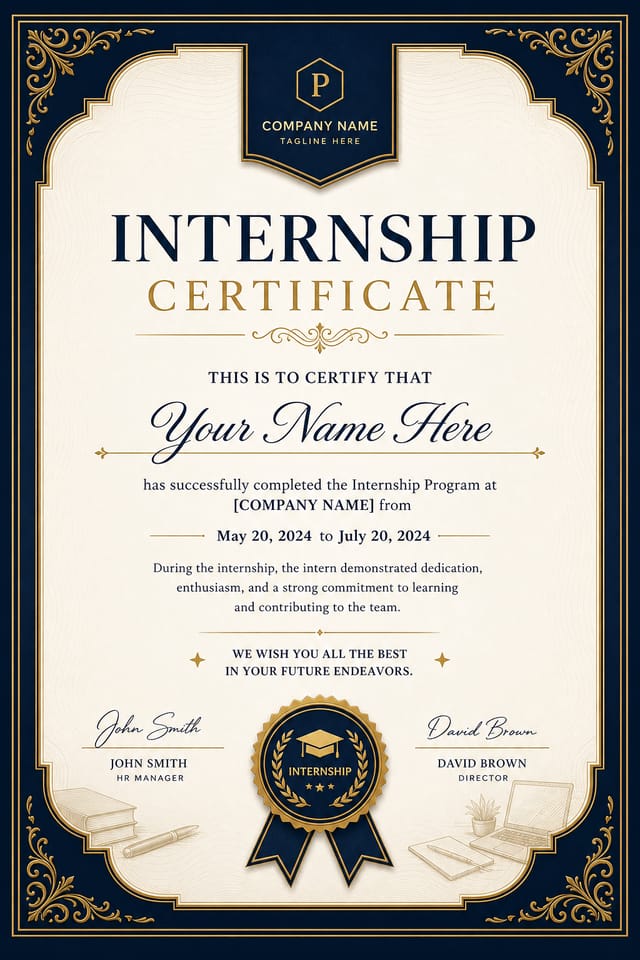
AI Internship Certificate Generator: From Idea to Reality
Design professional internship certificates in minutes with Pixazo's AI design engine. Built for creators who want polished results without the production time.
Create Your Internship Certificate FreeInternship Visual Language: How Pixazo Handles It
Internship Certificate Aesthetics: What the AI Understands
Not all certificate design styles work the same way.
Internship design has specific characteristics that distinguish it from other approaches: particular color affinities, compositional tendencies, and typographic conventions that trained designers recognize immediately.
Pixazo applies this style knowledge automatically.
When you request a internship certificate, the AI pulls from a visual vocabulary appropriate to internship design, producing output that reads correctly to anyone familiar with the style.
Internship Certificate Design Trends: Where Design Is Going
Brutalist Design
Raw, intentionally unpolished internship certificate aesthetics with stark contrasts and unconventional layouts are carving a niche in creative industries.
Data-Driven Visuals
Incorporating charts, statistics, and structured data directly into internship certificate layouts helps communicate complex messages at a glance.
Muted Earth Tones
Natural color palettes with warm neutrals and desaturated greens are replacing the bright neon trends of previous years in internship certificate work.
Bold Typography
Oversized type and expressive fonts are dominating internship certificate design, turning headlines into visual centerpieces rather than just text.
How Internship Certificate AI Works: What Actually Happens
Set the Direction
Write a prompt describing your internship certificate. Include style preferences, color direction, the most important text to display, and any specific visual elements you want. The more specific your description, the more targeted the output.
Browse the Result
Your internship certificate generates immediately after submission. Evaluate the design against your requirements and refine the prompt to correct any elements that don't match your intent.
Close Out the Project
Get your final internship certificate file in one click. Choose your format, download at full resolution, and use the design immediately. No watermarks, no additional fees, no waiting.
Watch: Creating Internship Certificate designs step by step
Internship Certificate AI: What Sets It Apart
Text Placement Options
Describe where you want text elements positioned in your internship certificate. The AI follows compositional direction about headline placement and body copy layout.
Export Flexibility
Download your internship certificate in formats suited for your use case. Web-optimized versions for digital display, high-DPI files for print.
No Design Software Required
Create professional internship certificates without Photoshop, Illustrator, or other design applications. The AI handles all technical production.
Resolution Control
Specify output dimensions for your internship certificate. Get files sized for web display, social media, or large-format printing.
Internship Certificate Design Tool Landscape: Side by Side
| Tool | Description |
|---|---|
| Canva | Drag-and-drop editor with a large template library and collaboration features |
| Pixazo | AI-powered internship certificate generator with prompt-based design and professional output quality |
| Snappa | Quick graphic creator focused on social media and marketing visuals |
| Fotor | Photo editing platform with design templates and batch processing |
| Piktochart | Infographic and presentation maker for data-driven visuals |
Internship Makers: Featured Designs
Real creators sharing their internship designs made with Pixazo AI.
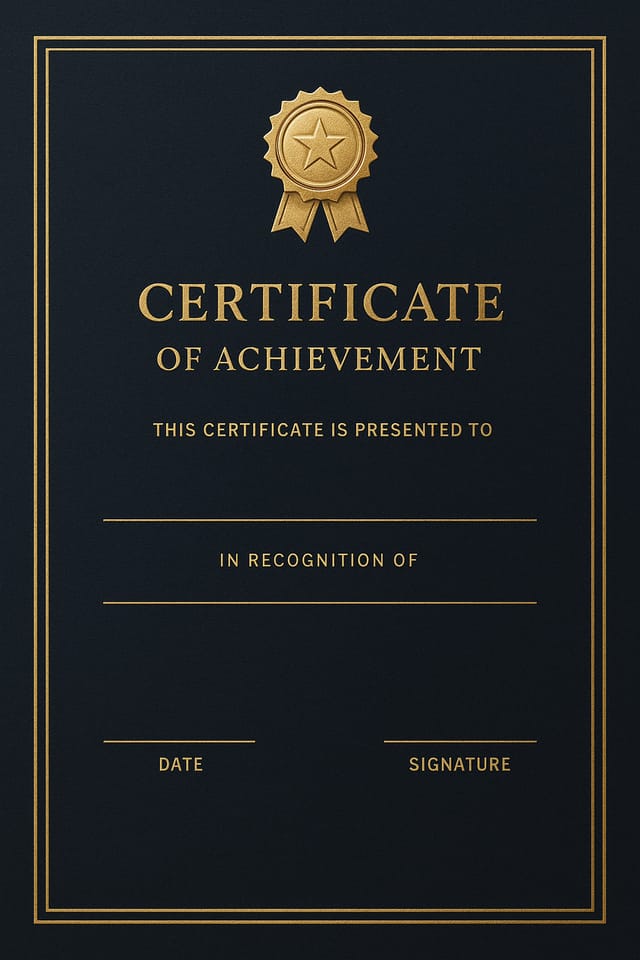
Handmade-feel internship certificate with brush stroke textures, imperfect edges, warm color palette, artisanal craft aesthetic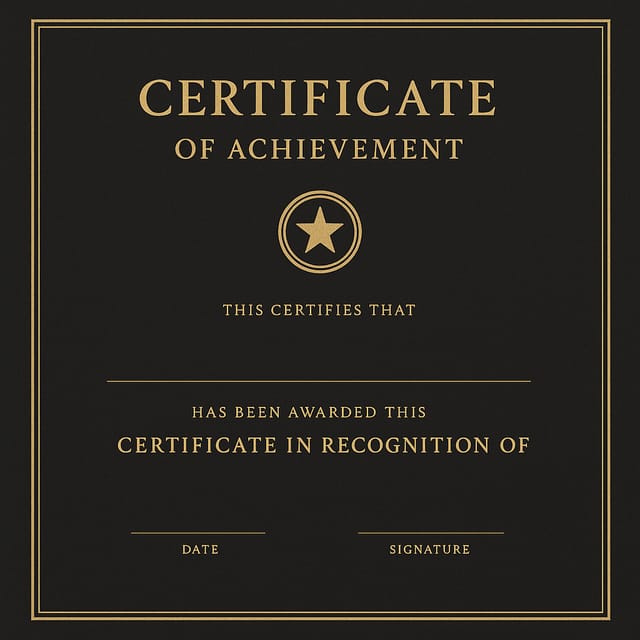
Internship certificate with Japanese minimalism influence, abundant whitespace, single focal element, restrained palette of black, white, and one accent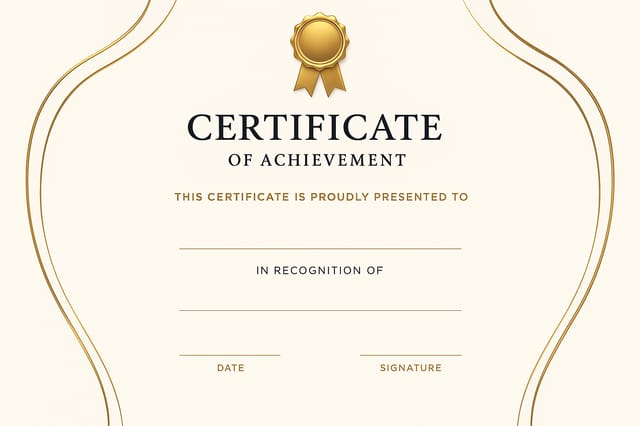
Geometric internship certificate design, angular composition, color in blocks, structured grid, no decorative flourishesPutting Internship Certificates to Work: Across Industries
Wedding and Celebration Planning
Create internship certificates for invitations, signage, and event branding. Cohesive visual systems that carry a celebration's theme across every touchpoint.
Sports and Recreation
Produce internship certificates for leagues, tournaments, and recreational programs. Energetic designs that build excitement and communicate schedules.
Non-Profit Campaigns
Create compelling internship campaign certificates without allocating budget to design production. Focus resources on mission-critical activities.
Content Creation Workflow
Incorporate internship certificate generation into a content production workflow. Fast output enables higher publishing frequency.
Podcast and Media Branding
Generate internship certificates for podcast covers, episode artwork, and media channel identity. Consistent visual branding across audio and video platforms.
Internship Certificate Design Guidance: Practical Guidelines
Use grids and alignment
Structured layouts in your internship certificate create a sense of order and professionalism that unstructured designs cannot match.
Use a consistent visual hierarchy
Structure your internship certificate so the viewer's eye follows a clear path from headline to supporting details to call-to-action.
Keep the message focused
A strong internship certificate communicates one primary idea clearly. Supporting details should reinforce, not compete with, the main message.
Overcrowd the layout
Filling every pixel of your internship certificate with content makes it harder to read and reduces the impact of every individual element.
Forget the call to action
A internship certificate without a clear next step for the viewer is a missed opportunity. Always include direction on what to do next.
Skip proofreading
Typos and grammatical errors on a internship certificate undermine credibility instantly. Always have someone else review the final text.
Internship Style Options: Style Breakdown
Minimalist Internship
Stripped-back internship approach. Fewer elements, more negative space, typography carries more visual weight.
Contemporary Internship
Current internship design sensibility with updated proportions, modern typefaces, and contemporary color relationships.
Geometric Internship
Structured internship composition using grid systems and angular forms. Order and precision define the visual approach.
High-Contrast Internship
Bold internship visual treatment with strong tonal contrast. Elements read clearly at any viewing distance.
Internship Certificate Engine: Technical Overview
Proven Internship Certificate Prompt Ideas
Copy any prompt below and paste it into Pixazo to generate your design instantly.
Full-bleed internship certificate, background treatment extends to edges, foreground elements positioned for compositional balance, strong central hierarchySeries-compatible internship certificate design, visual language that extends to multiple formats, consistent design system across variantsTextured internship certificate, surface treatment adds depth without obscuring legibility, texture consistent with internship aestheticInternship certificate for digital display, optimized proportions for screen viewing, colors calibrated for RGB output, legible at typical viewing distanceInternship style certificate, bold headline placement, supporting text at appropriate scale, color palette consistent with internship design conventionsYour Internship Certificate Questions: The Essentials
You can specify any aspect ratio in your prompt. Common options include 1:1 for social posts, 4:5 for Instagram, 9:16 for stories, 16:9 for presentations, and standard print sizes like A4 or letter. The AI adapts internship composition to fit your chosen ratio.
Each generation uses your unique prompt text to produce a distinct internship certificate design. Even similar prompts produce noticeably different outputs due to the AI's generative process. No two users receive identical designs.
You can request high-contrast or color-blind-friendly palettes in your prompt. Specify 'accessible color palette' or 'deuteranopia-safe colors' and the AI will select internship-appropriate colors that maintain sufficient contrast for users with color vision deficiencies.
Pixazo supports PNG, JPEG, and PDF export for internship certificates. PNG preserves transparency if your design uses it. JPEG works well for web and social media. PDF is the preferred format for print production of internship certificates.
You control every major design parameter through your prompt: color palette, typography style, layout structure, visual weight distribution, background treatment, and content hierarchy. The more specific your internship certificate prompt, the more precisely the AI follows your creative direction.
Internship Certificate Constraints: Trade-Offs to Know
Known limitations and trade-offs of AI-generated internship design. Being specific about what AI certificate generation can and cannot do helps you plan your workflow and set accurate expectations.

