MP4 to JPG Converter
Slide to the moment that matters and convert MP4 to JPG — the stills are already inside your video.
- Runs in your browser
- No watermark
- Free to start
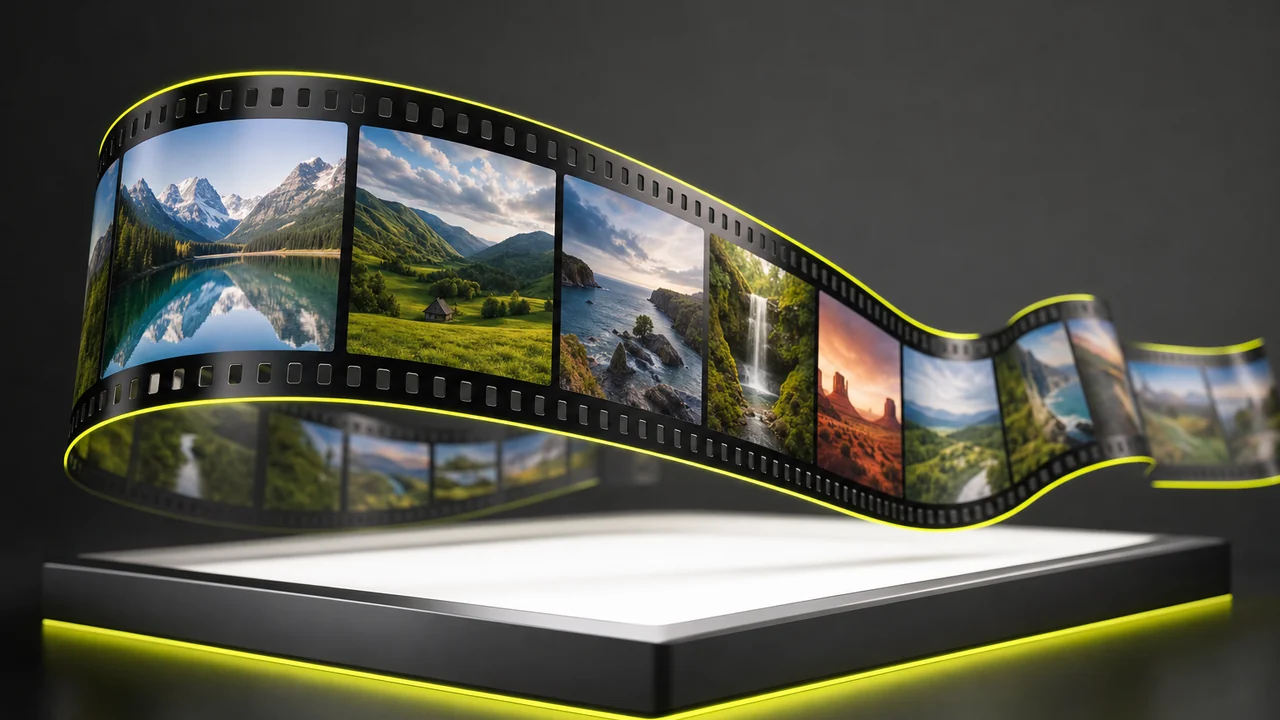
Supported, for real. You can convert MP4 to JPG here for real: the converter pulls one still, or a timed sequence of stills, out of an uploaded MP4 and hands them back as JPG files. Nothing here is a mock-up.
Frame 01the selection
What does the MP4 to JPG converter actually do?
An MP4 file is a container, not a picture — which is why you can convert MP4 to JPG without inventing anything. Inside it sits a long queue of finished stills — twenty-four, thirty, sometimes sixty of them for every second of playback — alongside an audio track and a little bookkeeping about how fast to show them. Nothing needs to be invented to get an image out of it.
So to convert MP4 to JPG is really to select. You point at a position on that queue, and the MP4 to JPG converter decodes the picture stored there and re-encodes it as a JPG. A video frame to JPG hand-off is a copy of something that already existed at full size, which is why the result matches the resolution of your footage rather than some fixed thumbnail size.
If you would rather have the sound than the picture, that is a different door: MP4 to MP3 lifts the audio track out of the same file.
A single still
Park on one moment and take exactly one picture — the cover shot, the reaction, the finished dish.
A timed sequence
Ask for a still every second, or every ten, and get back a contact sheet you can skim instead of scrubbing.
Native resolution
A 4K clip gives 4K stills. The grab inherits whatever the footage was shot at, not a downscaled preview.
Frame 02inside the container
Keyframes, and the frames between them
Almost every MP4 you will meet is encoded with H.264 or HEVC, and neither one stores every frame in full. A handful of frames — the keyframes — are complete pictures. The rest are shorthand: instructions describing how the previous picture changed. Roughly one frame in every one to two seconds is a full one; the others are rebuilt on the fly.
You do not have to care about any of that to pull an image out, because the decoder reconstructs whichever frame you ask for. It does explain something you will notice, though. Grabs taken during fast movement can look softer than grabs from a still moment, because a heavily compressed in-between frame simply carries less detail. Nudge the playhead a quarter of a second either way and the same shot often comes out crisper.
Motion blur is the other culprit. A camera exposing at 1/50th of a second during a pan bakes the smear into the frame itself — the file is faithfully storing a blurry picture, and no export setting undoes that.

Found the moment you want? Convert MP4 to JPG in a browser tab.
Grab a frame as JPGFrame 03four marks on the strip
How does the MP4 to JPG converter work, in four marks?
Upload, mark, grab, save — that is the whole way to convert MP4 to JPG. The whole run takes about as long as scrubbing through the clip once.
Open the studio
Go to Pixazo's P Agent in any browser, on a laptop or a phone. There is nothing to download and no plugin to approve.
Drop in your MP4
Drag the clip onto the page or pick it from your device. Phone recordings, screen captures and exports from an editor all behave the same way.
Mark the frame
Scrub to the moment you want for a single still, or set an interval to pull a run of frames spaced evenly across the clip.
Save as JPG
Download the marked frame, or the whole set, as ordinary JPG files that open on any device with no watermark added.
Free to start, no watermark — the MP4 to JPG converter is one tab away.
Save the frame you markedFrame 04straight off the phone
Phone footage is the most common strip on this table
Point a phone at anything and you get an MP4 — HEVC on a recent iPhone, H.264 on most Android handsets. Shoot at 4K and every one of those frames is an eight-megapixel picture, which is larger than plenty of people's actual photo library. Filming first and choosing the still afterwards is often the better way to catch a moving subject.
The same trick covers the workaday jobs, and each one is a reason to convert MP4 to JPG. A screen recording becomes a documentation screenshot. A product clip gives up its own thumbnail before you publish it. A long interview surrenders one clean portrait. Running the MP4 to JPG converter on footage you already shot beats staging the photograph a second time.
Going the other direction is possible too: a still you like can be animated again with the AI image to video generator.
Frame 05where the prints go
What do people do with the stills?
JPG is the format that asks no questions. Every browser, every CMS, every slide deck and every messaging app takes it without a converter in between, which is exactly why it is the right target for a frame grab.
Thumbnails and covers
Pull the poster frame from the video itself so the still and the clip actually match.
Docs and decks
Step-by-step guides built from a screen recording, one frame per instruction.
Review sheets
A sequence printed as a contact sheet so a client can point at a frame instead of a timecode.
No install, no watermark — mark the frame and save the JPG.
Open the frame grabberFrame 06under the loupe
What can a frame grab not do?
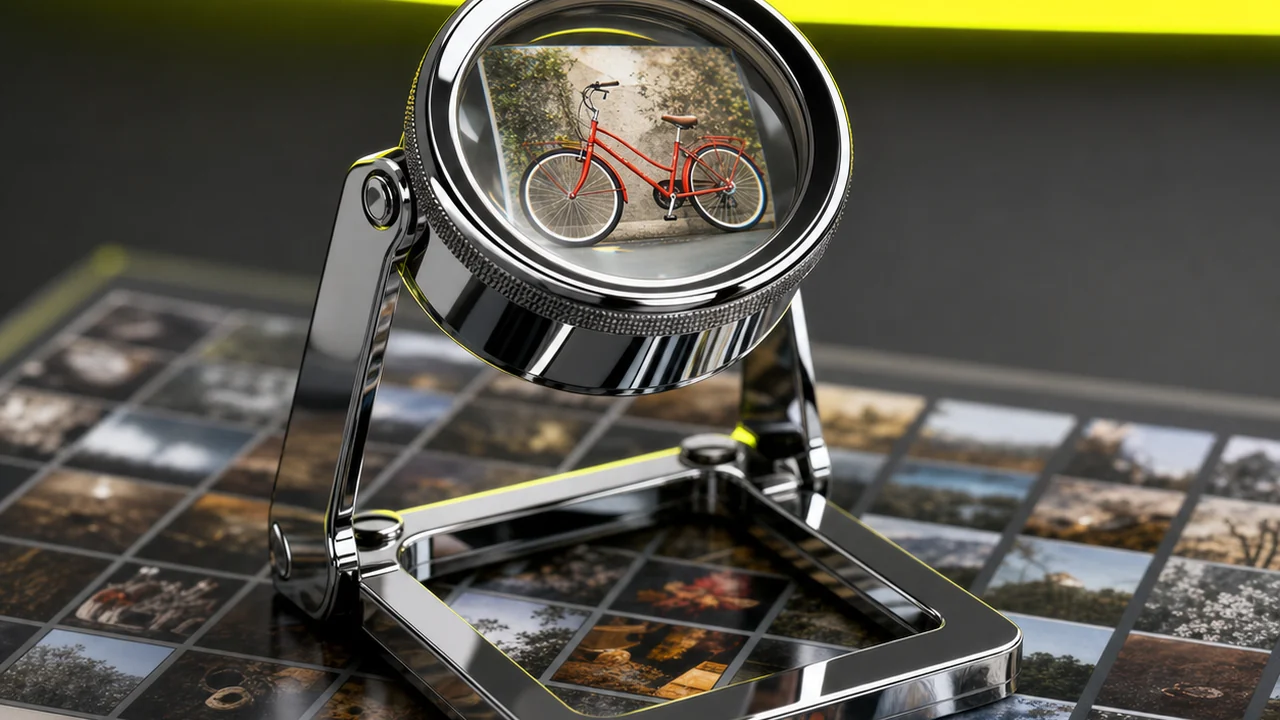
Held under a loupe, a grabbed frame is only ever as good as the footage behind it. Worth knowing before you rely on one:
- It cannot add detail the footage never captured. A 720p clip yields a 720p still, and no amount of exporting invents the missing pixels.
- Compression comes along for the ride. A heavily compressed MP4 hands over its blocking and banding; the JPG faithfully preserves the artefacts it was given.
- JPG is lossy, and has no transparency. Re-saving repeatedly degrades it, and a cut-out subject on a clear background is not something this format can hold.
- It captures, it does not edit. Cropping, retouching, colour work and upscaling are separate jobs in an image editor afterwards.
None of that makes the export less useful — it just means the quality decision was made when the camera rolled, not here.
Frame 07questions from the table
Asked across the light table
Is the MP4 to JPG converter free to use?
Yes. You can convert MP4 to JPG free to start. It runs inside Pixazo's P Agent, and heavier or longer jobs follow whichever Pixazo plan you are on.
Can I pull more than one frame from a clip?
Yes. Take a single still at the moment you mark, or set an interval — one frame a second, one every ten — and get the whole run back at once.
How sharp will the JPG be?
It comes out at the resolution of your footage, so a 4K clip gives a much sharper still than a 720p one. Grabbing cannot add detail the camera never recorded.
Does it work on an iPhone MP4 recorded in HEVC?
Yes. The studio decodes the frames whether the clip is H.264 or HEVC inside its MP4 container, and hands you the same JPG either way.
Will there be a watermark on my still?
No. The exported frame is a plain JPG with nothing stamped over it, at the size the frame was stored at.
Can I use the MP4 to JPG converter on my phone?
Yes, it runs in a mobile browser, so you can grab frames on an iPhone or Android phone with no app to install first.
Why does one frame look blurrier than the next?
Fast motion produces both real motion blur and more heavily compressed in-between frames. Moving the playhead a fraction of a second usually finds a cleaner one.
Can it crop or retouch the frame for me?
No. This step captures the frame as a JPG; cropping, colour correction and upscaling belong in an image editor afterwards.
What else can I do with a video file here?
Plenty — the wider Pixazo AI tools directory covers generating, converting and editing video as well as pulling stills out of it.
Convert MP4 to JPG — your frame is one click away
Open the strip on the light table, find the frame you actually wanted and save it as a JPG. No install, no watermark, free to start.
Deepak Joshi is a Content Marketing specialist having a combined experience of 10+ years working in the digital world. He is one of the active contributors to Pixazo Blog and has keen interest creating and marketing content related to AI tools, No-Code technology, Design Industry, Social Influencers, and other trending topics. A health and sport enthusiast, Deepak loves to indulge in all kinds of sports & games.

