SCC to SRT Converter
Turn a Scenarist Closed Caption file into a plain SubRip subtitle file in your browser. Upload the .scc, set the frame rate the captions were cut against, and download an .srt that YouTube, VLC, streaming platforms and editors all read. No install, free to start.
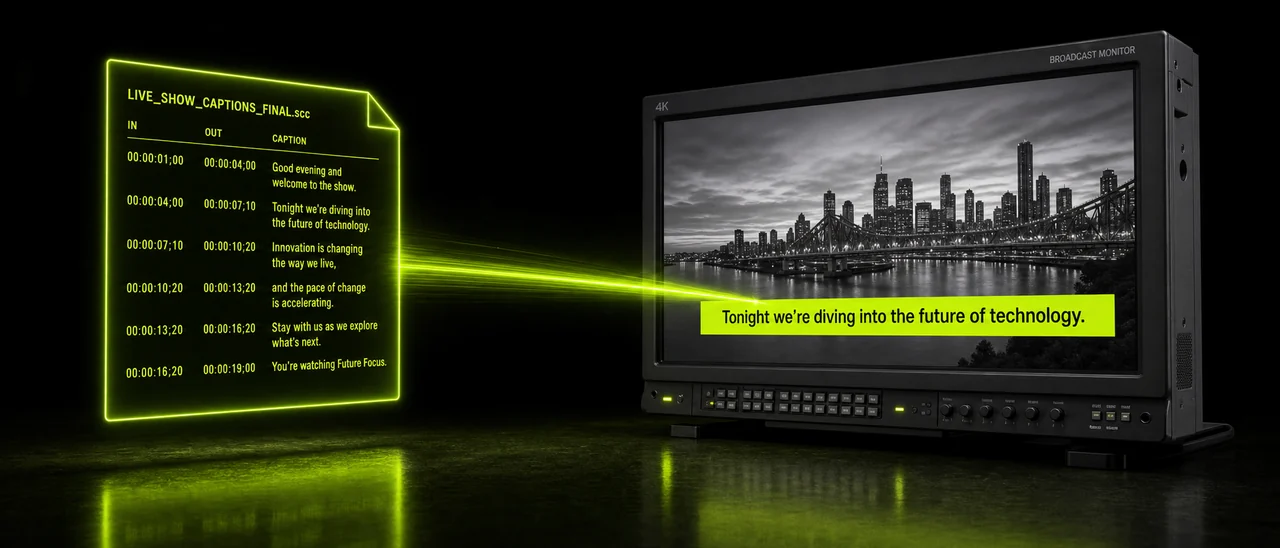
What actually changes between the two files
An SCC file and an SRT file carry the same words at the same moments, but store them in completely different ways. Three things move during the conversion, and it is worth knowing which is which.
Timing
SCC counts in frames against a timecode grid, so a timestamp only means something once you know the frame rate. The converter rewrites every one of those frame positions into the hours, minutes, seconds and milliseconds that SRT expects.
Text
The caption text itself is decoded out of the hexadecimal CEA-608 payload and written as plain readable lines. Because broadcast captions are frequently authored for uppercase display, that text often arrives in the SRT exactly as it was written: in capitals.
Formatting
Screen positioning, roll-up scrolling and the rest of the CEA-608 presentation layer have no counterpart in SubRip. Those instructions are dropped, leaving a clean flat cue list.
The conversion in plain terms
No table chrome, no jargon. Here is what goes in, what comes out and what the tool needs from you along the way.
If you do not have a caption file at all, that is a separate job: Pixazo can generate subtitles from a video or audio file as .srt or .vtt. Open P Agent to see both.
Built around how caption files really behave
A converter that ignores the frame grid produces an SRT that drifts further out of sync with every minute of runtime. These are the parts of the conversion worth paying attention to.
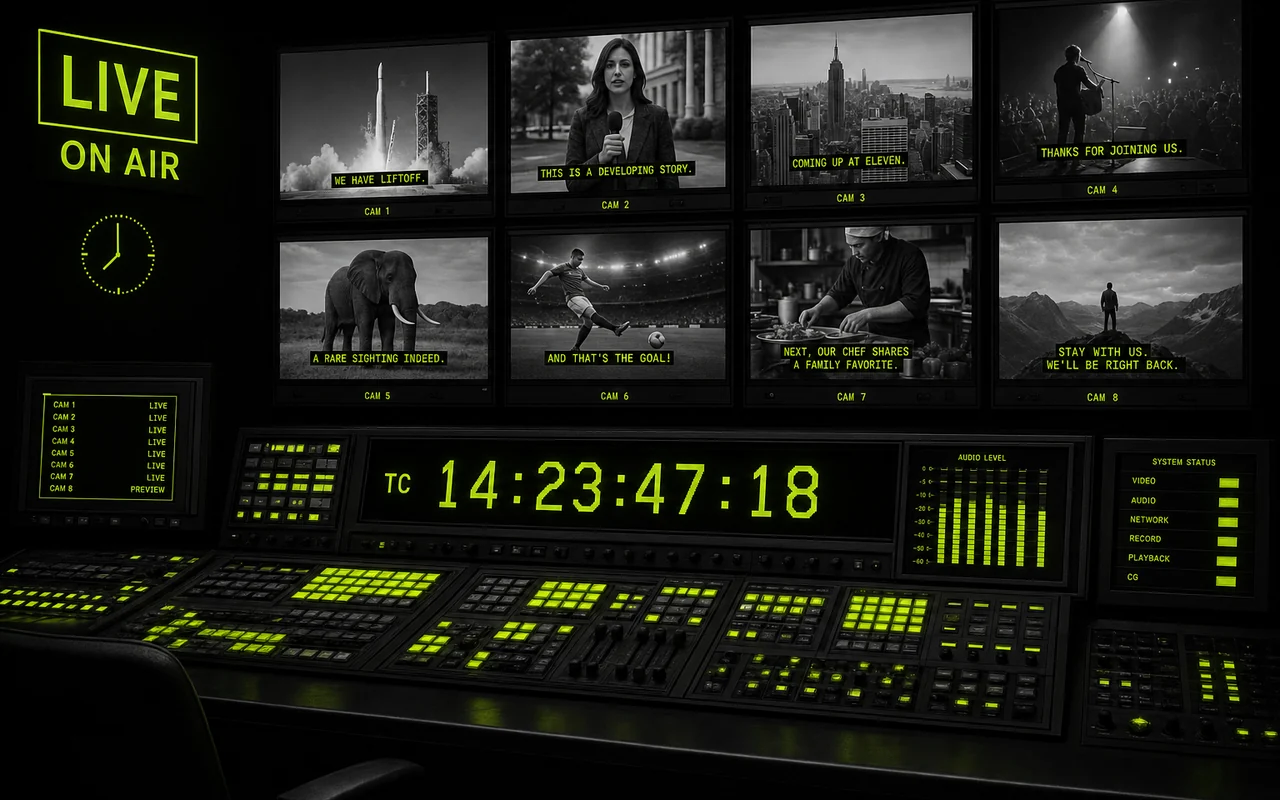
Timecodes rebuilt from the frame rate you choose
SCC timestamps are frame positions rather than clock times, so the conversion asks which rate the captions were cut against and rebuilds every cue from there. Choose 29.97 drop-frame for typical broadcast material and the file lands where it should. Choose wrong and every timestamp shifts, which makes it the one setting worth double-checking.
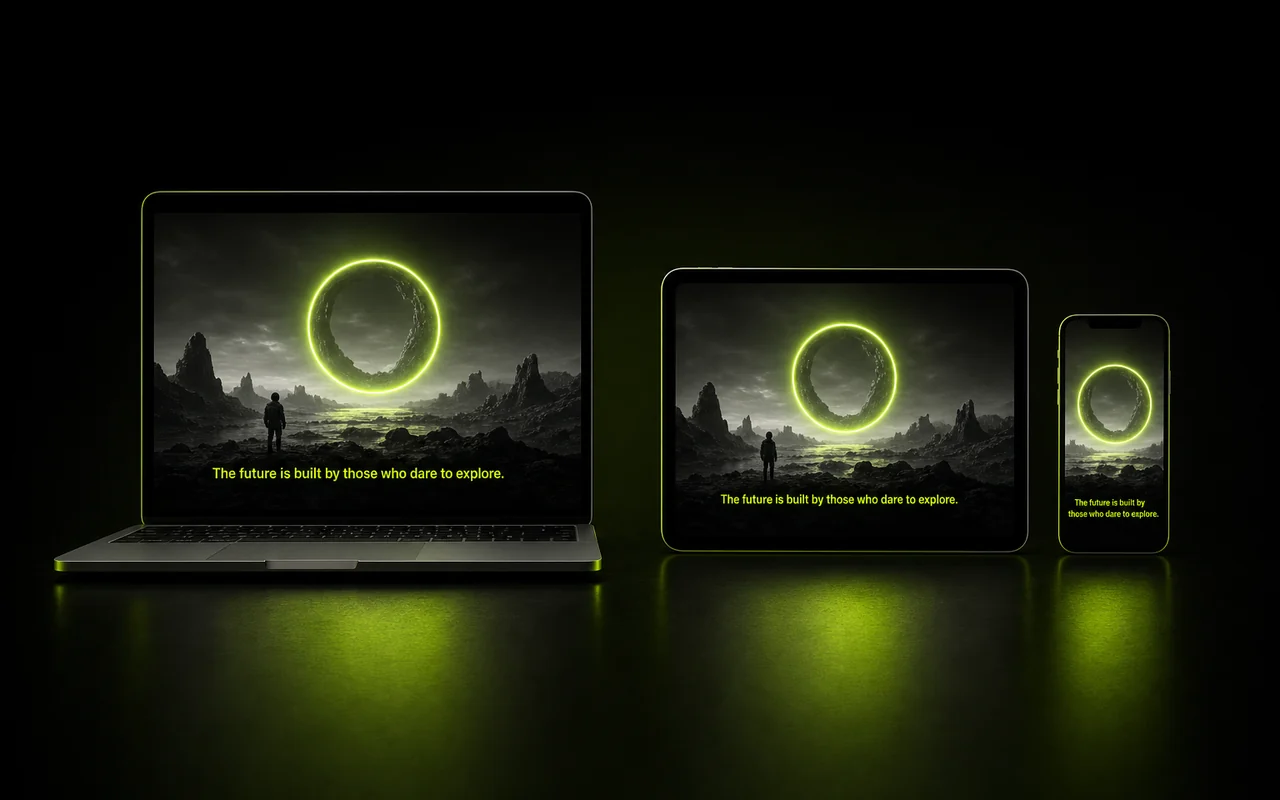
Caption text decoded exactly as the file wrote it
The hexadecimal CEA-608 payload is decoded into readable lines and written straight into the SRT, without paraphrasing, retiming or tidying. That faithfulness is the point of a converter. It also means a file authored for uppercase display comes out in capitals, ready to recase if the destination wants sentence case.
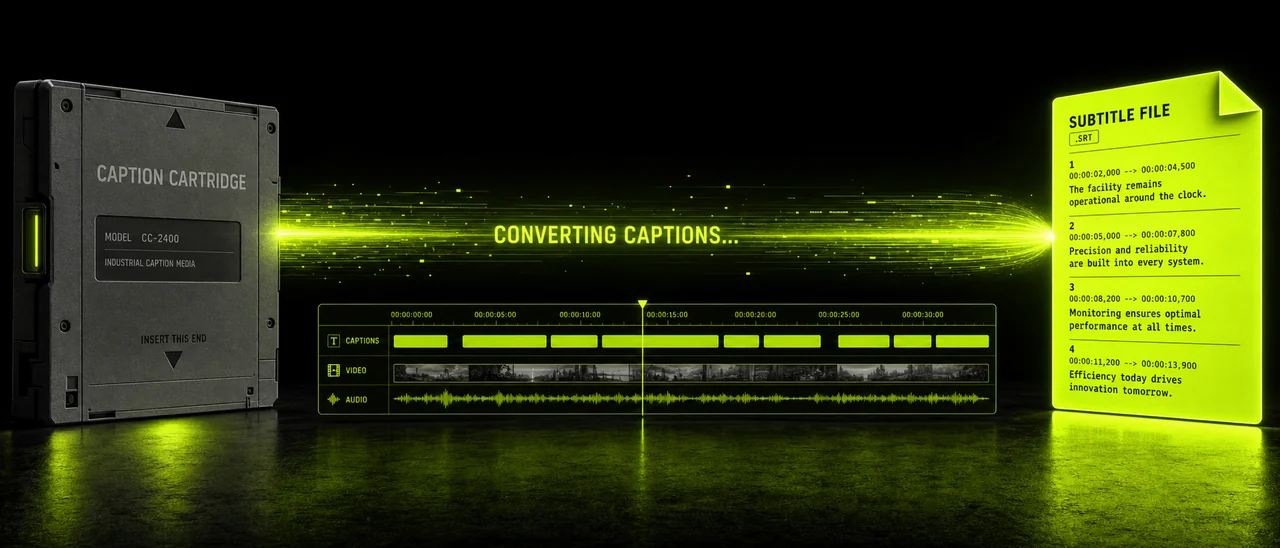
An output every web player already understands
SubRip is the lowest common denominator of subtitling, and that is exactly why it is useful. Once your captions are in .srt you can drop them onto a YouTube upload, hand them to a streaming platform, load them in VLC or pull them onto an editing timeline without anyone asking what CEA-608 is. It is plain text, so fixing a typo needs nothing more exotic than a text editor.
Convert SCC to SRT freeHow to convert an SCC file to SRT
Four steps, all of them in the browser. The only decision you make is the frame rate.
Open the studio
Go to Pixazo P Agent and pick the SCC to SRT conversion. Nothing downloads and nothing installs.
Upload your .scc file
Drag in the caption file you were delivered, or browse for it. The file is read as it is, with no edits to the caption text.
Set the frame rate
Match the video these captions belong to. For most broadcast masters that is 29.97 drop-frame, and getting it right keeps the timings honest.
Convert and download
Run the conversion and save the .srt. Open it in a text editor to spot-check the first and last cues against the video.
SCC and SRT compared on home turf
Neither format is better. They were built for different delivery chains, which is precisely why the conversion exists.
| SCC (Scenarist Closed Captions) | SRT (SubRip) | |
|---|---|---|
| Home turf | Broadcast and cable delivery, captioning houses, tape and file-based masters. | The open web: players, editors, streaming platforms, video hosts. |
| Timing model | Frame-based positions on a timecode grid, so the frame rate is part of the meaning. | Clock-based ranges in hours, minutes, seconds and milliseconds, readable on their own. |
| Styling and placement | Carries CEA-608 positioning and presentation, including roll-up scrolling. | Plain text cues with no positioning model to speak of. |
| Who asks for it | Broadcasters and networks with a caption delivery specification. | Editors, platform uploads and anyone who just wants subtitles to play. |
| Where it falls down | Hexadecimal payload no ordinary tool can read, and useless without its frame rate. | Cannot express placement or roll-up behaviour, so broadcast nuance is lost. |
Limits you should know before you convert
These are properties of the two formats rather than shortcomings of the tool. Knowing them up front saves a confused round of QC later.
The frame rate has to be rightSCC is frame-based, so correct SRT timestamps depend entirely on knowing the rate the file was cut against. Broadcast material is usually 29.97 drop-frame; if you supply a different rate, every timestamp moves.
Your text may come out in capitalsSCC caption text is frequently authored for uppercase display. The conversion preserves what the file contains rather than second-guessing it, so plan on recasing the SRT if you need sentence case.
Roll-up captions flatten into cuesOn broadcast, roll-up captions scroll line by line up the screen. SRT has no scrolling model, so those captions become discrete cues. The timings survive; the scrolling behaviour does not.
Positioning and CEA-608 formatting are droppedWhere a caption sat on screen, and the formatting instructions that placed it there, have no equivalent in SubRip. That information is discarded instead of being approximated.
It converts, it does not transcribeThis tool needs an existing caption file. If you only have the video, generating subtitles from the audio is a different job — one Pixazo can do separately, producing .srt or .vtt.
Who reaches for this converter?
Anyone holding a caption file that was built for a broadcast chain and needs it somewhere the broadcast chain does not reach.
- 01
Post-production editors pulling delivered captions onto a timeline without hunting for a broadcast-only plug-in.
- 02
Streaming and VOD teams re-publishing an archive that was captioned for television long before it went online.
- 03
Media archivists normalising a shelf of old caption deliverables into one plain-text format that will still open in ten years.
- 04
YouTube and social publishers who need a subtitle file the upload form will actually accept.
- 05
Localisation vendors using the English SRT as the readable source text before translation begins.
- 06
Accessibility and QC reviewers who want to read the captions as text rather than decode a hexadecimal payload.
Getting a clean SRT on the first pass
A few habits from people who do this often, none of which need any extra software.
Ready when you are — Convert SCC to SRT free.
Questions about SCC to SRT
The eight things people ask most often before they upload a caption file.
Is the SCC to SRT converter free?
Yes, you can start free. It runs in Pixazo's P Agent, and higher usage follows your Pixazo plan.
Why convert SCC to SRT?
Because SCC is a broadcast delivery format and SRT is what the web uses. Converting is how a broadcast caption file becomes usable in an editor, on a streaming platform or on YouTube.
What frame rate should I use?
Match the video the captions belong to. SCC is frame-based, and broadcast material is usually 29.97 drop-frame, so the wrong rate shifts every timestamp.
Why is my converted text in capitals?
SCC caption text is often authored for uppercase display. The conversion preserves what the file contains, so you may want to recase the SRT afterwards.
What happens to roll-up captions?
Roll-up captions scroll line by line on broadcast. In SRT they flatten into discrete cues — the timings survive, the scrolling behaviour does not.
Does caption positioning survive?
No. SCC carries CEA-608 positioning and formatting that SRT has no equivalent for, so it is dropped.
Can it create captions from my video?
That's a different job. Pixazo can generate subtitles from a video or audio file as .srt or .vtt, and this converter takes an existing caption file and changes its format.
Do I need to install anything?
No. Everything runs in the browser through an upload, convert, download flow.
About the author
Move your captions from broadcast to the web
Upload the .scc, set the frame rate, download an .srt that plays everywhere. It takes one pass through the browser.

