Timeline Infographic : Create Free Timeline Infographics in Minutes with AI
Create Custom Timeline Infographics Quickly with Pixazo Best AI Timeline Infographic Maker. Try for Free!
Get Started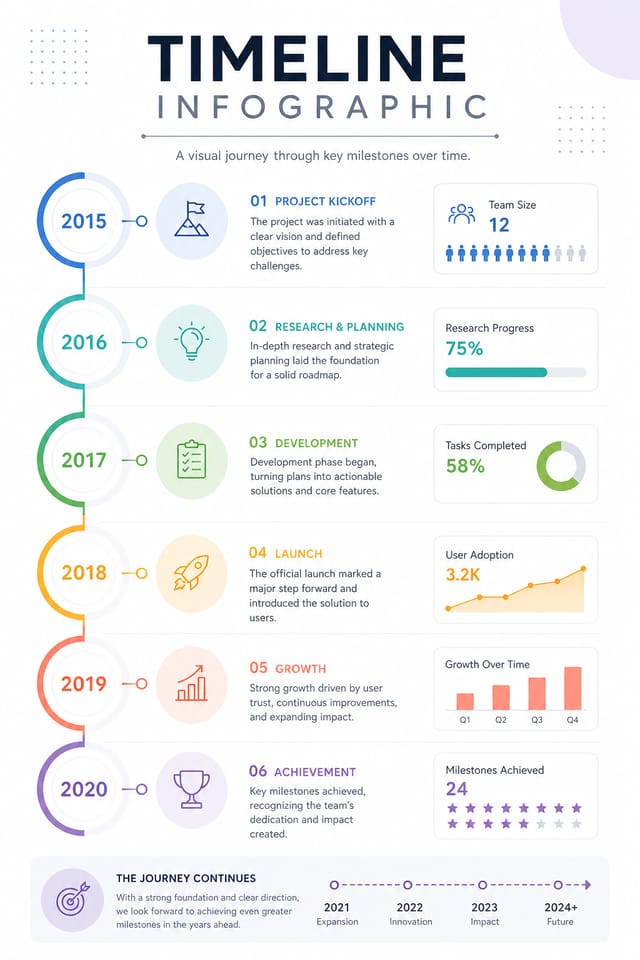
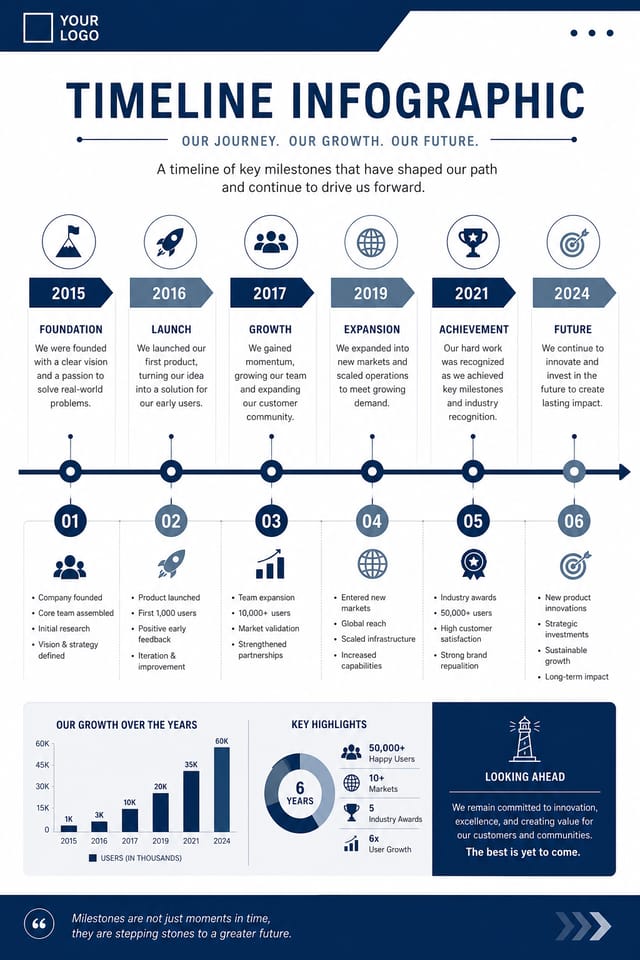
Visual Thinking Behind Timeline Infographics: How Pixazo Handles It
Timeline Visual Language: AI Interpretation
Effective timeline infographic design depends on understanding what makes timeline work visually.
Color relationships, typographic choices, and spatial arrangement all carry different weight depending on the design style.
Pixazo's AI has been trained to recognize these distinctions.
The practical result is that a timeline infographic prompt produces designs that fit timeline conventions rather than generic poster layouts.
Avoiding Timeline Infographic Mistakes: Common Pitfalls
Maintain brand alignment
Keep your timeline infographic design consistent with existing brand colors, fonts, and visual language for a cohesive identity.
Keep the message focused
A strong timeline infographic communicates one primary idea clearly. Supporting details should reinforce, not compete with, the main message.
Test with real content
Never finalize a timeline infographic with placeholder text. Real copy often has different lengths and line breaks that affect the design.
Use a consistent visual hierarchy
Structure your timeline infographic so the viewer's eye follows a clear path from headline to supporting details to call-to-action.
Skip proofreading
Typos and grammatical errors on a timeline infographic undermine credibility instantly. Always have someone else review the final text.
Use too many fonts
More than two or three typefaces in a single timeline infographic creates visual noise and makes the design feel disjointed.
Overcrowd the layout
Filling every pixel of your timeline infographic with content makes it harder to read and reduces the impact of every individual element.
Forget the call to action
A timeline infographic without a clear next step for the viewer is a missed opportunity. Always include direction on what to do next.
Behind Timeline Infographic Design: Technical Breakdown
Style-Accurate Generation
The AI interprets timeline design conventions and applies them to your infographic, producing output that looks correctly styled rather than generically templated.
No Design Software Required
Create professional timeline infographics without Photoshop, Illustrator, or other design applications. The AI handles all technical production.
Consistency Across Variants
Generate multiple timeline infographics for a project and maintain visual consistency across the set. Specify your core design parameters and vary secondary elements.
Fast Generation
Complete timeline infographic designs generate in seconds. No rendering queues, no waiting for batch processing.
Inside the Timeline Community: Community Showcase
Real creators sharing their timeline designs made with Pixazo AI.
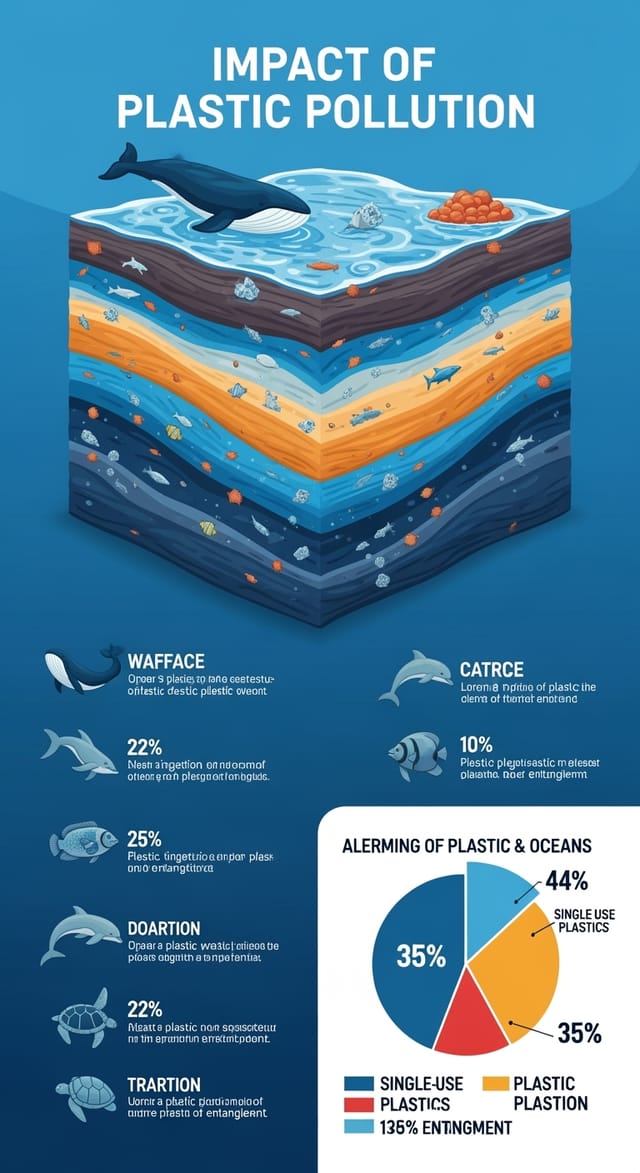
Timeline infographic with retro 1970s color palette, warm oranges and browns, groovy display type, textured paper background feel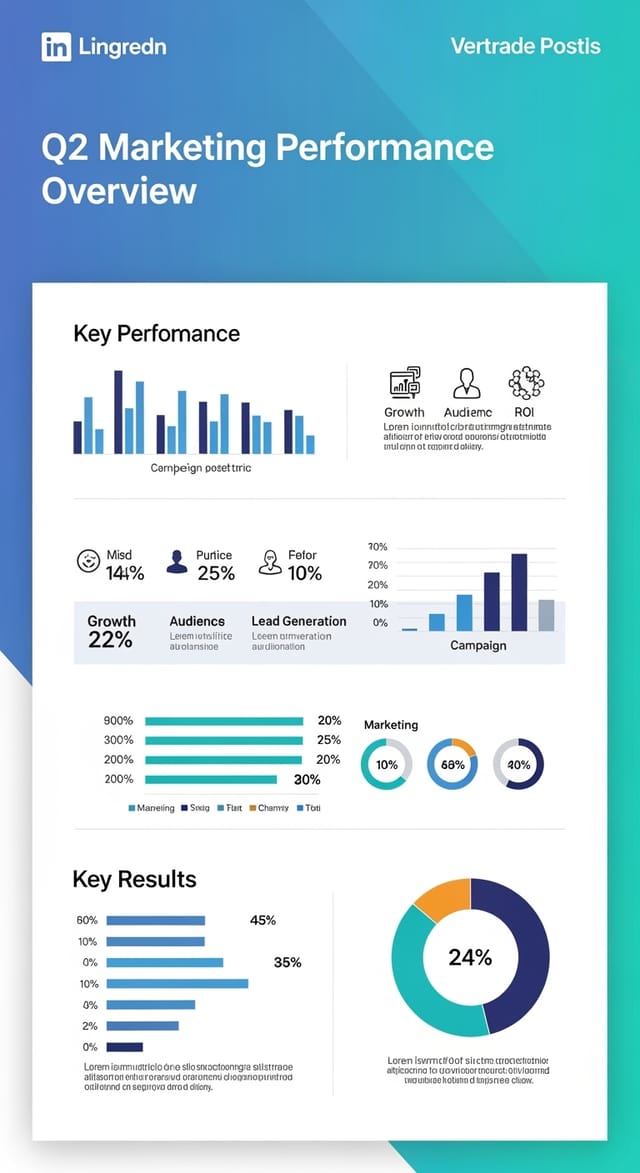
Editorial-inspired timeline infographic, text-dominant layout, typographic variety creates visual interest, clean structured alignment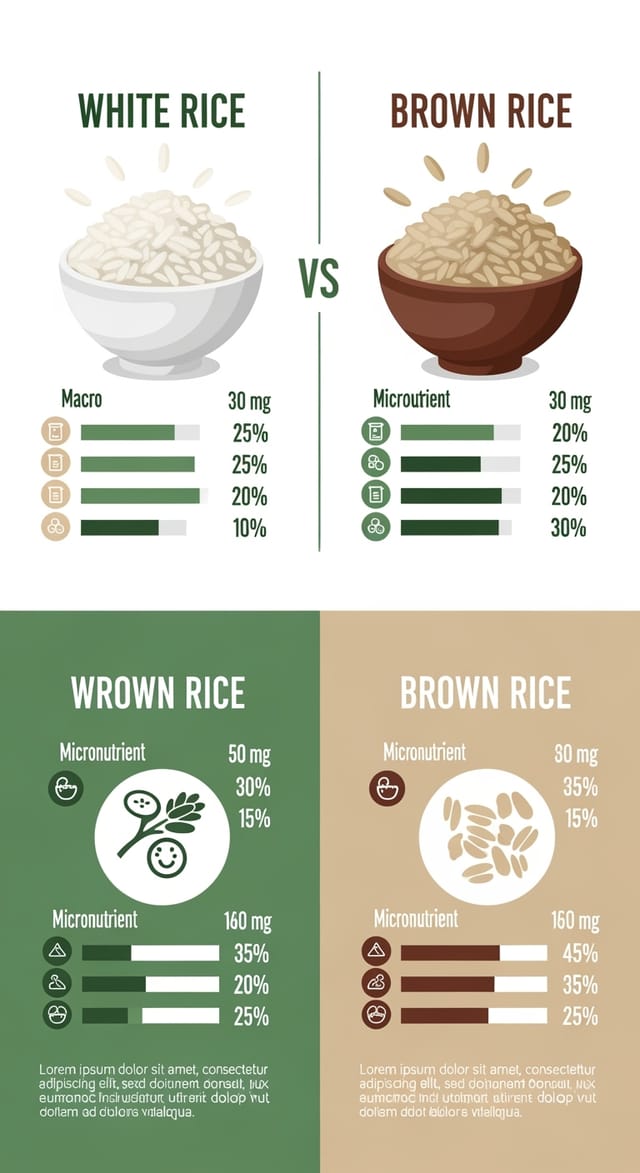
Moody timeline infographic with deep shadows and dramatic lighting feel, dark palette, cinematic atmosphere, headline in condensed uppercasePutting Timeline Infographics to Work: Where They Fit
Historical and Project Timelines
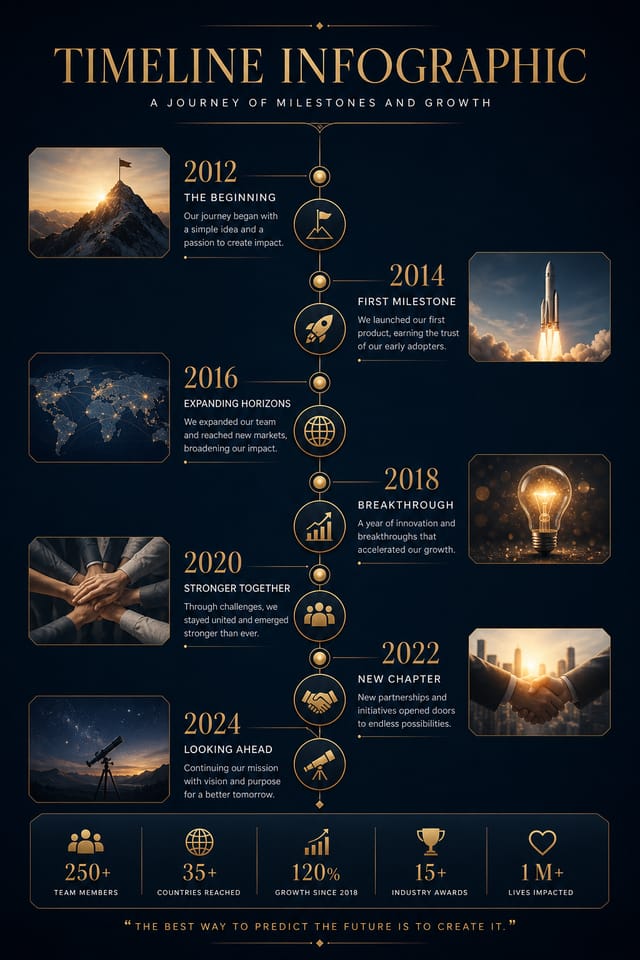
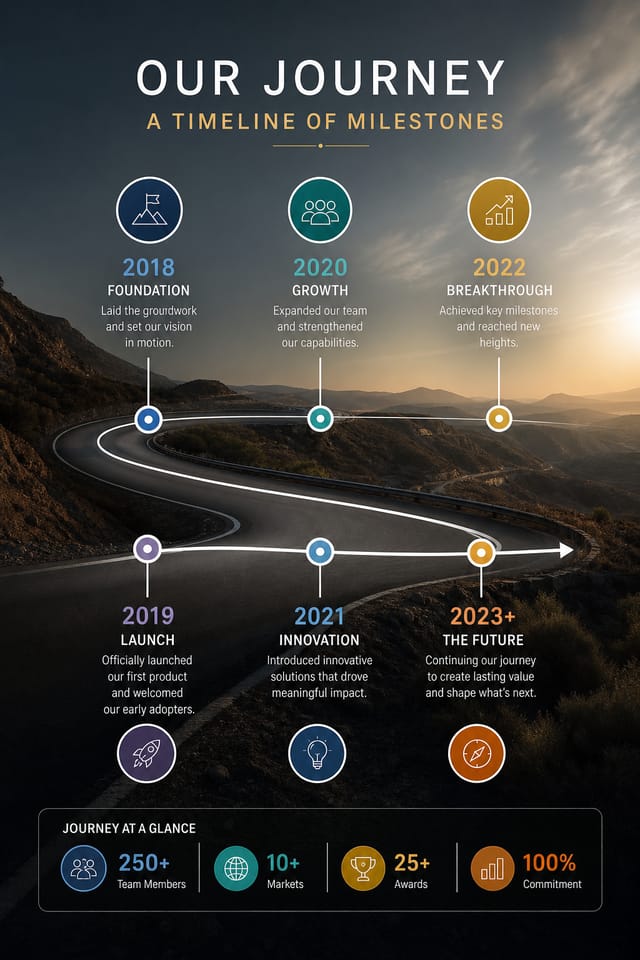
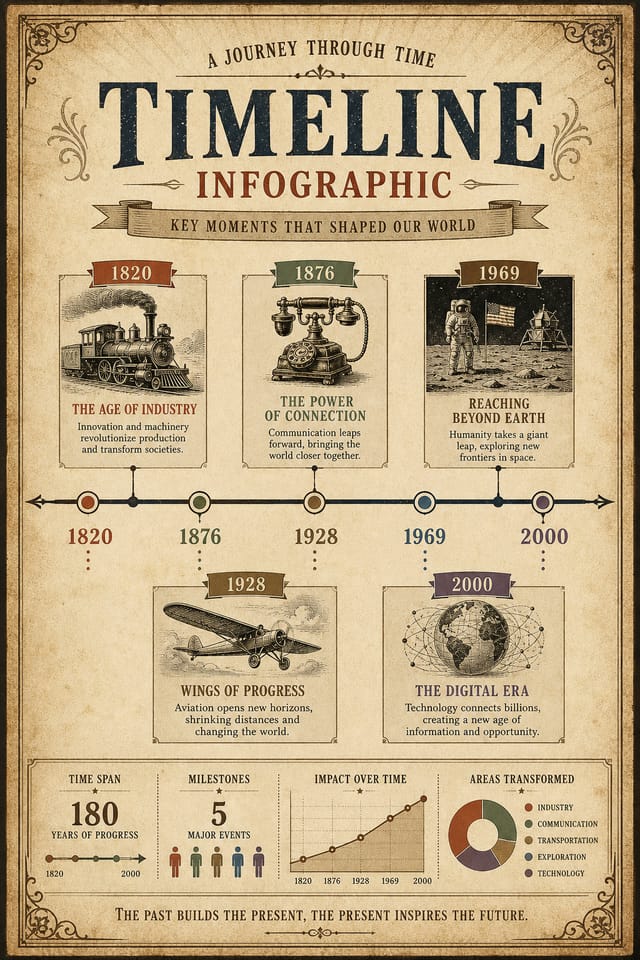
Generate timeline infographics mapping events, milestones, and project phases along a visual timeline. Designs that make chronology intuitive at a glance.
Comparison and Versus Charts
Create timeline infographics for product comparisons, feature matrices, and side-by-side analyses. Layouts that make differences and similarities immediately obvious.
Mood Boards and Creative Briefs
Generate timeline infographics assembling visual references, color palettes, and texture samples into inspirational boards. Design communication tools for creative teams.
Process and Workflow Diagrams
Design timeline infographics illustrating step-by-step processes, organizational workflows, and decision trees. Clear visual logic for operational documentation.
Photo Collages and Montages
Design timeline infographics arranging multiple images into cohesive visual compositions. Grid-based and freeform layouts for photo storytelling.
Timeline Infographic Maker Comparison: A Neutral Comparison
| Tool | Description |
|---|---|
| Crello | Template-based design tool with animation and video support |
| Piktochart | Infographic and presentation maker for data-driven visuals |
| Pixazo | AI-powered timeline infographic generator with prompt-based design and professional output quality |
| Canva | Drag-and-drop editor with a large template library and collaboration features |
| VistaCreate | Visual content platform with templates and a built-in asset library |
Inside Timeline Infographic Creation: What Actually Happens
Introduce the Concept
Describe what you want your timeline infographic to look like. Include the mood, color palette, typography preference, and content hierarchy. Pixazo reads all of this and uses it to generate an appropriate design.
Watch: Creating Timeline Infographic designs step by step
From Brief to Timeline Infographic: A Production Pipeline
Research Gather references
Collect examples of effective timeline infographic designs, note what works, and identify patterns relevant to your project goals.
Refine Polish the design
Apply targeted edits to your selected timeline infographic. Adjust typography, spacing, and color until every element meets your quality standard.
Export Deliver final files
Export your timeline infographic in the required formats and resolutions. Organize deliverables for handoff to the production or publishing team.
Generate Create initial designs
Use AI to produce multiple timeline infographic variations based on your brief. Start broad and narrow down from the strongest options.
Timeline Design Styles: A Visual Guide
Classic Timeline
Traditional timeline design principles applied to modern infographic format. Clean composition, conventional hierarchy, time-tested visual decisions.
Contemporary Timeline
Current timeline design sensibility with updated proportions, modern typefaces, and contemporary color relationships.
Atmospheric Timeline
Timeline infographic design where mood takes priority. Color and composition work together to create a specific feeling.
Minimalist Timeline
Stripped-back timeline approach. Fewer elements, more negative space, typography carries more visual weight.
High-Contrast Timeline
Bold timeline visual treatment with strong tonal contrast. Elements read clearly at any viewing distance.
Timeline Infographic Generation: Prompt Techniques
Copy any prompt below and paste it into Pixazo to generate your design instantly.
Professional timeline infographic, minimalist timeline approach, negative space used intentionally, readable at multiple viewing distances, print-ready compositionEditorial-style timeline infographic, text-dominant design, typographic treatment carries visual weight, layout proportions inspired by print publication designTimeline style infographic, bold headline placement, supporting text at appropriate scale, color palette consistent with timeline design conventionsTimeline infographic with strong visual hierarchy, largest element reads clearly, supporting elements organized by importance, clean background treatmentFull-bleed timeline infographic, background treatment extends to edges, foreground elements positioned for compositional balance, strong central hierarchyWhat Timeline Infographic AI: Trade-Offs to Know
Known limitations and trade-offs of AI-generated timeline design. AI timeline infographic generation produces strong results within its design domain. These notes describe where human judgment and manual work remain necessary.
Understanding Timeline Infographics: Straight Answers
Include your specific colors in the prompt, either by hex code or descriptive terms. 'Navy and copper with white text' or '#1a1a2e and #c9a84c palette' both work. The AI builds a timeline-appropriate palette around your specified colors.
Describe your core design parameters in each prompt and vary only the specific elements that should change across the series. Maintaining consistent color palette, typographic approach, and compositional structure across timeline infographic variations creates a coherent series.
The AI generates designs at the specified dimensions. For professional print production, add 'with bleed area' to your prompt to extend background elements beyond the trim line. Crop marks and registration marks should be added in your print preparation software.
Pixazo generates high-resolution files suitable for both print and digital use. Specify your intended output format in your prompt. Print timeline infographics benefit from high-DPI settings, while web and social media use works well with standard resolution output.
You can specify any aspect ratio in your prompt. Common options include 1:1 for social posts, 4:5 for Instagram, 9:16 for stories, 16:9 for presentations, and standard print sizes like A4 or letter. The AI adapts timeline composition to fit your chosen ratio.

