
Creating professional ID cards no longer requires design expertise or expensive software. Thanks to AI ID Card Generator tools, businesses, schools, and organizations can now design high-quality ID cards in minutes. These smart platforms use artificial intelligence to automate layouts, customize templates, and streamline bulk card generation.
Whether you need digital employee ID cards, student badges, or secure access passes, AI-powered ID makers offer fast and flexible solutions. In this post, we’ll explore the best AI ID Card Generator tools available in 2026, highlighting their features, pros, cons, and best use cases to help you choose the right one.
How We Select the Best AI Design Generator Platforms at Pixazo
At Pixazo, we carefully evaluate AI design generator platforms to help users skip the overwhelming trial-and-error process. Our experts, with extensive experience in AI-powered design tools, assess each platform based on creativity, ease of use, customization options, and overall performance. We put these tools to the test by creating designs across different categories to ensure they deliver high-quality results effortlessly. Every recommendation is based on thorough research and real-world testing, with no paid placements or outside influence. Want to know how we pick the best AI design platforms? Explore our detailed evaluation process.
Disclaimer – Portions of this article were drafted with AI and reviewed by Jayesh Chaubey
AI ID Card Generators to Streamline Card Generation
1. Pixazo AI ID Card Generator
Overview
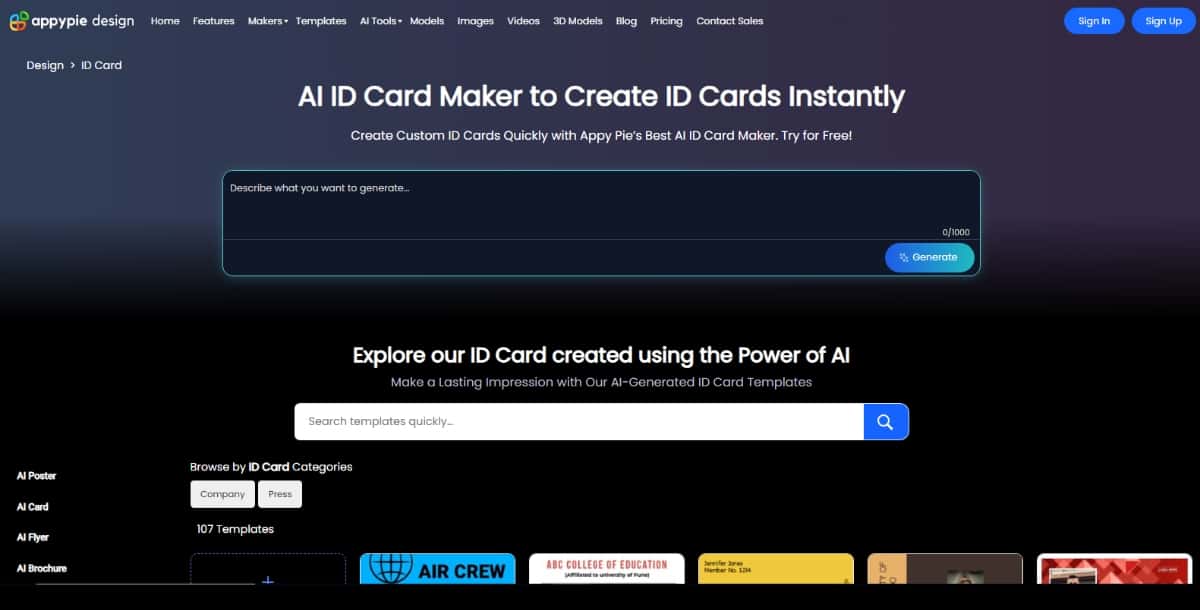
Pixazo offers an intuitive AI ID Card Generator designed for users with zero design skills. With its smart design engine and user-friendly interface, it simplifies the process of creating personalized ID cards for employees, students, and event participants.
Features
- AI-powered generation and precision
- Command-based AI editor
- Pre-designed ID card templates
- Real-time customization preview
- Support for logos, photos, QR codes, and barcodes
- Cloud-based design and storage
Pros
- No design experience needed
- Quick and easy to use
- Supports multiple file formats
- Affordable pricing options
Cons
- Free plan includes limited templates
- Advanced design features are locked behind premium plans
Best For: Small businesses, HR departments, and educational institutions needing quick, professional ID cards without hiring a designer.
2. Robolly
Overview
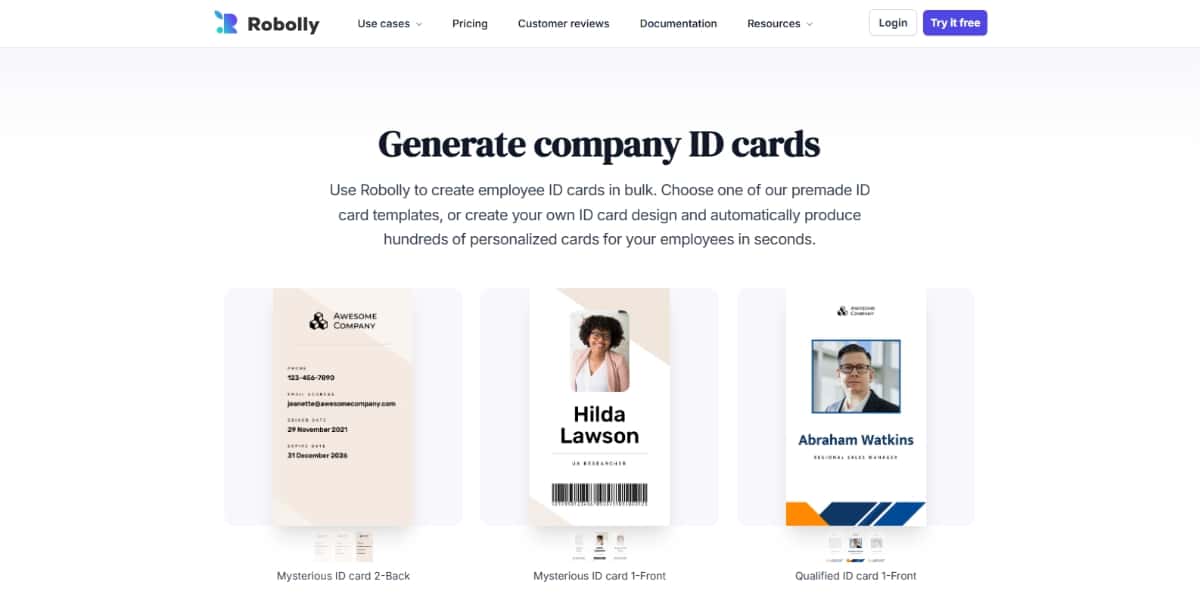
Robolly is an AI automation platform that excels at batch content generation, including ID cards. It allows users to generate hundreds of personalized ID cards automatically by merging data with custom templates, making it a powerful option for large organizations.
Features
- Automated ID card generation using spreadsheets
- AI-driven design customization
- High-resolution exports (PDF, PNG, JPG)
- Data merge for names, photos, roles, and more
- Template editor with reusable layouts
Pros
- Ideal for bulk ID card creation
- Time-saving automation
- Great for data-driven ID customization
- Professional output quality
Cons
- Not beginner-friendly
- Requires some setup and data formatting knowledge
Best For: Organizations that need to generate large volumes of personalized ID cards efficiently, such as universities, corporations, or event organizers.
3. Designhill
Overview
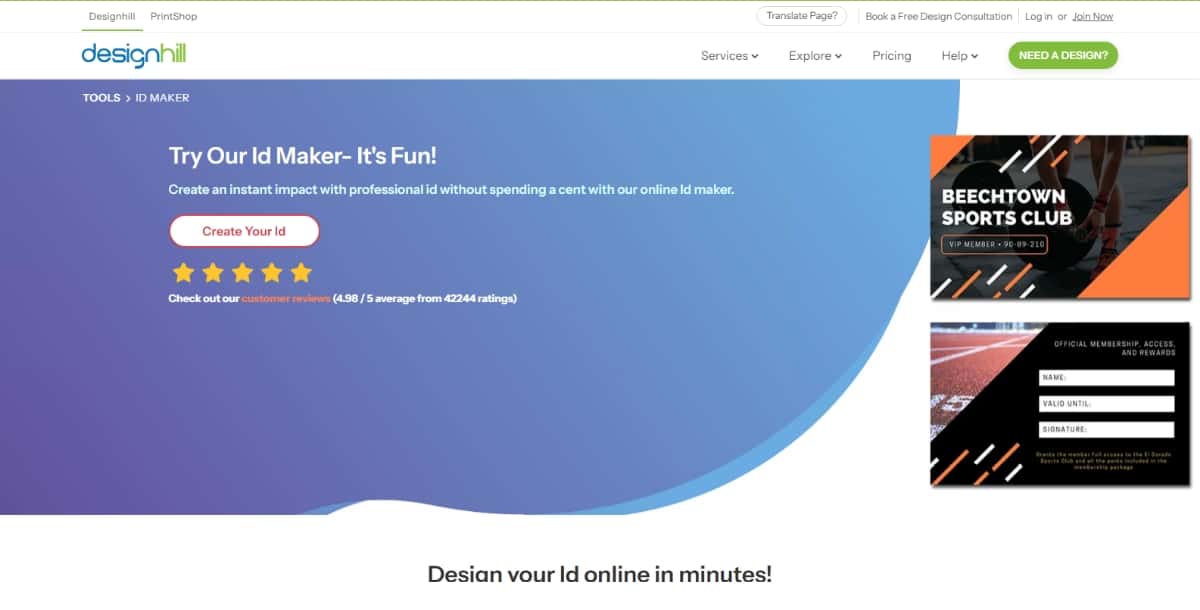
Designhill is a well-known design platform that includes an AI Company ID Card Generator among its creative tools. It combines ease of use with professional design elements, allowing users to create eye-catching and brand-consistent ID cards.
Features
- AI-powered design suggestions
- Wide range of customizable templates
- Logo and brand integration
- Print-ready file downloads
- Access to professional design services
Pros
- High-quality design output
- Easy to use with brand assets
- Variety of design resources available
- Supports commercial printing
Cons
- Premium templates require payment
- Limited real-time automation features
Best For: Startups, agencies, and businesses seeking sleek, well-designed ID cards with branding consistency.
4. Jollytech
Overview
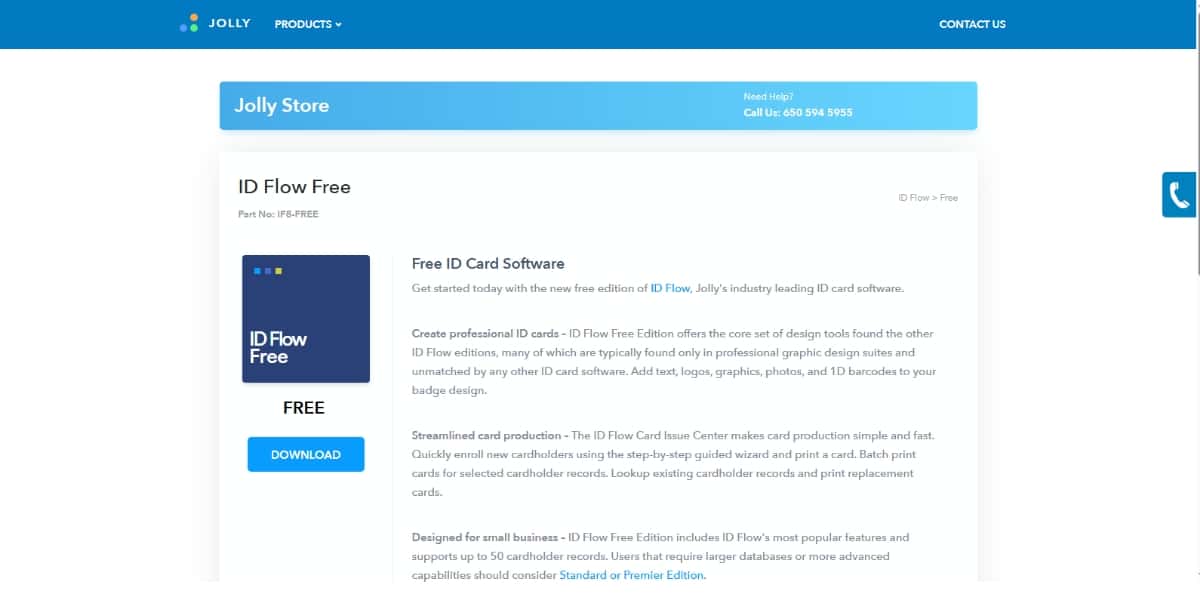
Jollytech is a specialized platform for secure ID card solutions, offering a suite of tools tailored for professional ID creation. Its software supports photo integration, access control encoding, and bulk ID management.
Features
- AI-assisted ID layout generation
- Barcode, magnetic stripe, and smart card support
- Photo capture and face alignment tools
- Centralized employee database sync
- Batch printing functionality
Pros
- Built for security and compliance
- Scalable for enterprise use
- Integrates with existing HR systems
Cons
- Not ideal for creative designs
- Software can be overwhelming for new users
Best For: Enterprises, hospitals, and government institutions that require secure and compliant ID card systems.
5. Kittl
Overview
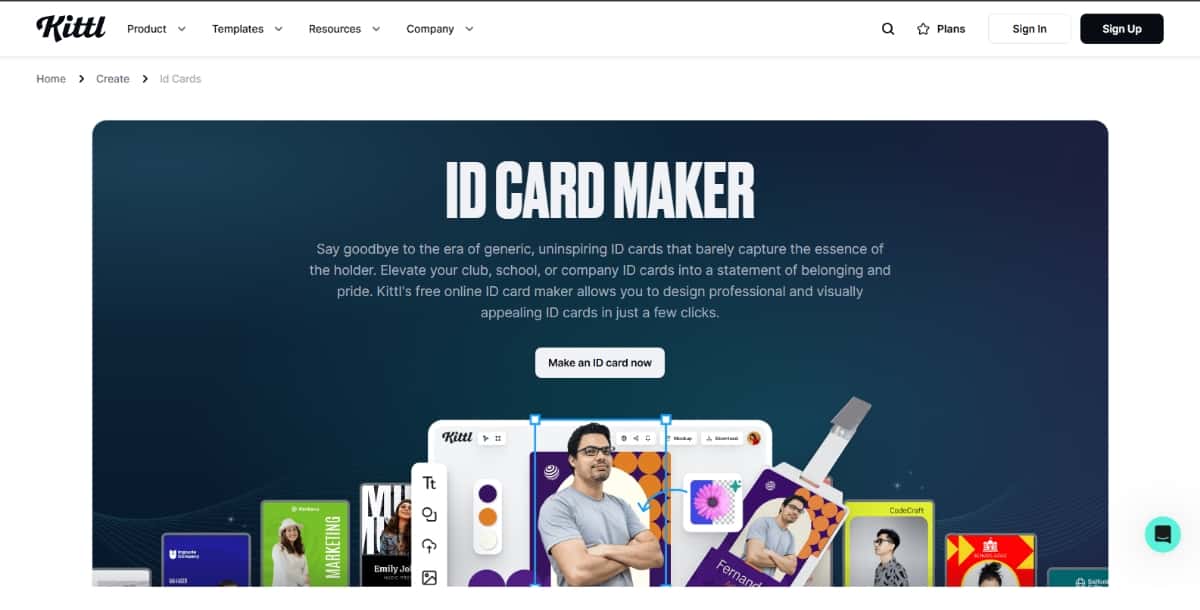
Kittl is an advanced design platform that offers visually rich templates and AI-assisted design tools. While it’s not focused solely on ID cards, its creative flexibility makes it a solid option for unique and branded ID designs.
Features
- AI-powered text and layout suggestions
- Access to premium fonts, icons, and design elements
- High-res export in multiple formats
- Customizable canvas sizes
- Real-time collaboration tools
Pros
- High design flexibility
- Modern and stylish output
- Ideal for creative users
- Frequent template updates
Cons
- Not tailored specifically for ID generation
- Some features locked behind paid tiers
Best For: Creative professionals and designers who want full control over the visual identity of ID cards.
6. PIXLR
Overview
PIXLR is a powerful AI-based online image editor that supports ID card creation through custom templates and smart AI design tools. It blends photo editing features with layout tools suitable for professional ID design.
Features
- AI Cutout and background remover
- Custom canvas dimensions for ID sizing
- Multi-layer editing support
- Template library with ID card presets
- Export to JPG, PNG, PDF formats
Pros
- Advanced photo editing capabilities
- Free plan available
- Quick export and sharing options
- Works directly in the browser
Cons
- Can be complex for non-designers
- Limited pre-built ID card templates
Best For: Users looking for detailed customization and photo-enhanced ID cards, such as photographers, schools, and design freelancers.
7. Drawtify
Overview
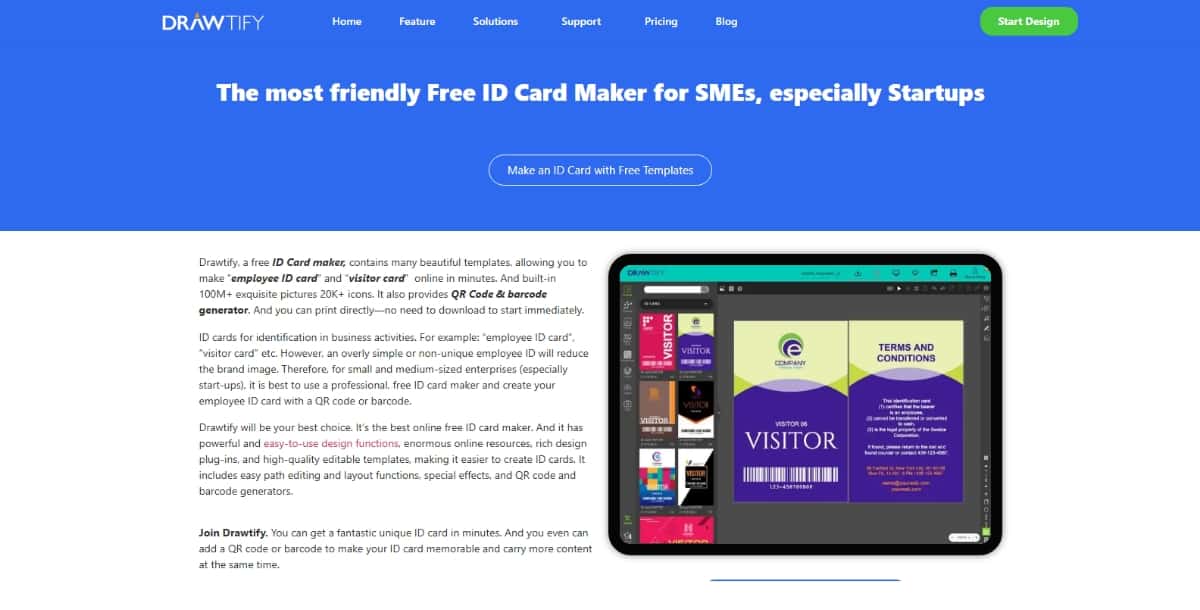
Drawtify is a versatile graphic design tool with built-in templates for ID cards, posters, and more. It combines vector design flexibility with cloud-based access and AI-aided layout suggestions.
Features
- Editable ID card templates
- Vector graphic editing tools
- Animation and icon support
- Drag-and-drop interface
- Online storage and team collaboration
Pros
- Professional design features
- Web-based and accessible
- Supports a wide range of export formats
Cons
- Interface can feel laggy
- May be overkill for simple ID cards
Best For: Designers and freelancers who want both flexibility and high-quality output for client or corporate ID cards.
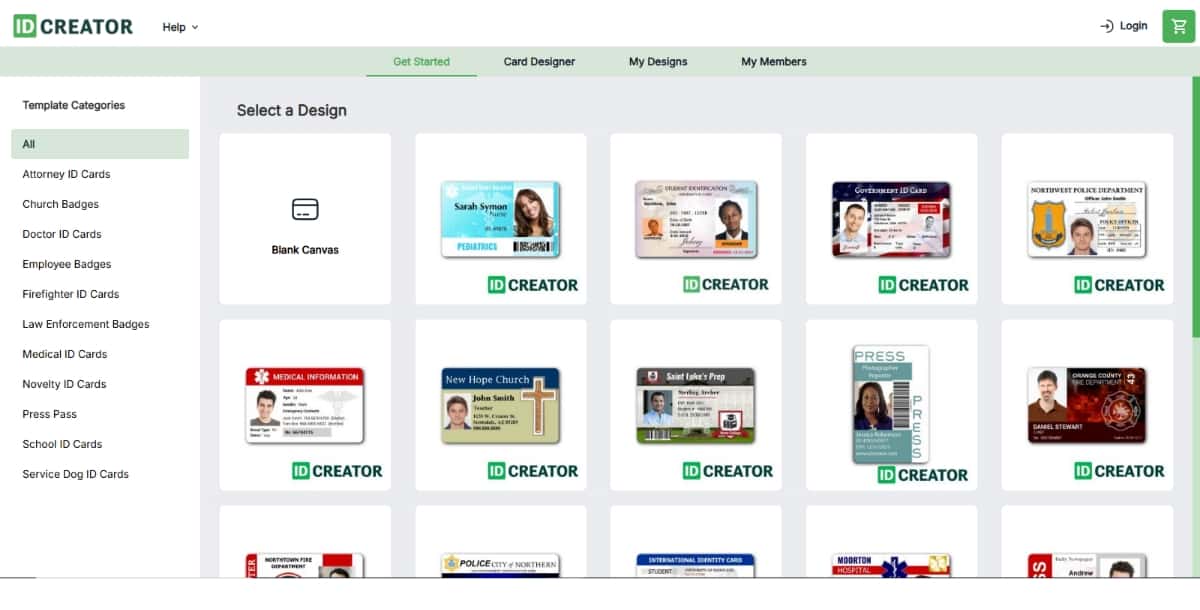
8. IDCreator
Overview
IDCreator is a dedicated ID card generation tool designed for professional use. It provides security features, industry-specific templates, and printing services for physical cards.
Features
- Pre-made templates for schools, staff, and events
- Barcode, magnetic stripe, and smart chip encoding
- Integrated photo editor
- Direct-to-card printer compatibility
- Secure cloud storage for data and designs
Pros
- Tailored for real-world ID requirements
- Print and ship services available
- Supports high-security features
Cons
- Outdated user interface
- Less flexible for creative designs
Best For: Educational institutions, access control teams, and organizations needing physical ID card solutions with advanced security options.
| Tool | Best Use Case | Key AI Features | Pros | Cons |
|---|---|---|---|---|
| Pixazo AI ID Card Generator | Small businesses and HR departments |
|
|
|
| Robolly | Bulk ID creation for large organizations |
|
|
|
| Designhill | Design-conscious brands and agencies |
|
|
|
| Jollytech | Enterprise-level secure ID issuance |
|
|
|
| Kittl | Designers needing creative control |
|
|
|
| PIXLR | Photo-heavy or highly customized ID cards |
|
|
|
| Drawtify | Freelancers and creative professionals |
|
|
|
| IDCreator | Secure facilities, schools, and government use |
|
|
|
Suggested Read: How to Create Cards With AI?
How to Choose the Best AI ID Card Generator Tool
Selecting the right AI ID Card Generator depends on your specific needs, design preferences, and scale of usage. Here are the key factors to consider before making a choice:
Purpose and Use Case
Are you creating employee IDs, school badges, event passes, or secure access cards or use it as your Press ID card generator?
- For bulk generation, go with tools like Robolly or Jollytech.
- For high-security cards, IDCreator is purpose-built.
- For creative flexibility, Kittl or PIXLR are great picks.
Ease of Use
If you need a beginner-friendly platform with minimal learning curve, Pixazo and Designhill are excellent options. They offer intuitive interfaces and ready-to-use templates.
Design Capabilities
Do you need advanced design tools or just quick layout edits?
- Drawtify and Kittl offer advanced customization.
- Pixazo and Designhill provide simplicity with quality templates.
Data Integration and Automation
If you’re working with spreadsheets or managing large teams, automation features matter.
- Robolly stands out with its AI-driven data merge and batch ID generation.
Budget and Scalability
Free plans work well for small teams or individual users.
- PIXLR and Drawtify offer free or freemium access.
- Larger teams should consider scalable, enterprise-grade options like Jollytech or IDCreator.
Security and Compliance
If your IDs need encryption, barcode encoding, or smart chip support, prioritize tools like IDCreator and Jollytech which offer secure ID generation features.
Conclusion
AI ID Card Generator tools have made it easier than ever to create professional, secure, and personalized ID cards without hiring a designer or investing in complex software. Whether you’re managing a team, organizing an event, or running a school, the right tool can save you time and deliver polished results.
From bulk automation with Robolly to high-security features in IDCreator and the creative freedom of Kittl, each tool on this list serves a unique purpose. Take a moment to assess your needs—design flexibility, ease of use, automation, or security—and choose the one that fits best. Also, you can use Pixazo’s AI Business Card Generator to get your business cards too, effortlessly.

Deepak Joshi
Author · Pixazo
Deepak writes about generative AI models, APIs, and the workflows teams use to ship them. Reviewed by Abhinav Girdhar.