AI Meme Maker: Create Free Memes in Minutes
Type the joke once — subject, setting and caption in one sentence — and Pixazo’s AI meme maker generates an original image around it. No template hunting, no font fiddling, no design software. The feed below shows exactly what comes out.
Free starter credits · runs in the browser


What Does an AI Meme Generator Actually Make?
bottom text: original panels — not recycled formatsOriginal images — that is the whole difference. Every panel above was generated on Pixazo from a one-line prompt: scene, style and caption described together, then drawn as a single picture. Nothing here was pulled from a meme generator template wall, so nobody has posted your image before you.
What Is Pixazo’s AI Meme Maker?
bottom text: it draws the panel — not a caption box on stock artIt is a text-to-image meme creator: you describe the scene, the mood and the caption you want, and the model generates the entire picture from scratch. Most meme sites hand you meme templates and two text boxes — tools built to caption memes the internet has already seen ten thousand times. Here, nothing existed before your prompt did.
Because the picture itself is generated, custom memes can be as specific as the inside joke demands — your product team painted as a renaissance fresco, a llama doing stand-up, a very serious cat in middle management. The AI meme generator runs in the browser on the Pixazo playground and belongs to the wider AI image generator family. New accounts start with free credits; after those, generation is credit-based, so you only pay for what you make.
One honest note before you scroll on: this is a generator, not a template editor. If your workflow is “grab the famous format, swap the text,” classic meme templates will get you there faster. If you want a panel nobody has posted before, this is the tool.
What Do You Get with the Free Meme Maker?
bottom text: the spec sheet — stated plainly, no vaporwareEverything below is what the tool does today — nothing aspirational in the table.
| Input | One text prompt: format, subject, exact caption and a style word. |
|---|---|
| Output | An original, web-ready raster image — scene and caption drawn together. |
| Caption text | Rendered into the picture. Short captions work best; long text blocks can wobble, so keep it punchy. |
| Sizes | Name the crop in the prompt — 1:1 feed, 4:5 portrait, 9:16 story, 1200x628 link preview. |
| Speed | Seconds per generation. No render queue, no batch wait. |
| Price | Free starter credits; credit-based after that. |
| Rights | Yours — personal and commercial use of what you generate. |
| Editing | Prompt-and-regenerate. There is no layer editor after generation. |
| Platform | Browser-based on the Pixazo playground. Nothing to install. |
Who Is This Meme Creator For?
bottom text: anyone with a joke and a feed to fillAnyone who posts — but four groups get the most out of it in practice.
Creators and community accounts
Pages that run on dank memes need fresh material daily. Generating original panels beats recycling formats the audience has already scrolled past forty times.
Social media marketers
Brand accounts that banter. Prompting an image in the brand’s visual style takes less time than briefing a designer, and a caption tweak costs seconds, not a revision round.
Teams and internal channels
Launch-day jokes, retro-meeting slides, the channel that runs on inside humour. A one-line prompt turns a running gag into an image before the moment passes.
Small business owners
No design suite, no subscription stack — describe the joke, name the platform size, post it between customers.
How Do You Make a Meme with the AI Meme Generator?
bottom text: four replies from blank prompt to postedFour moves, start to finish — the whole thread reads in under a minute.
-
u/step-01 · op
Write the setup
One sentence is enough: the format (“two-panel reaction”), the subject, the exact caption in quotation marks, and a style word. Specific prompts land closer on the first try.
-
u/step-02 · reply
Generate
The complete image renders in seconds — scene, expressions and caption together. No queue, no batch wait.
-
u/step-03 · reply
Punch up the punchline
Not landing? Edit the prompt, not the pixels: swap the caption, exaggerate the expression, push the style harder. Most jokes land within three to five generations.
-
u/step-04 · reply
Download and post
Name the destination in the prompt — 1:1 feed, 4:5 portrait, 9:16 story — and the layout is composed for it. Download the image and post it anywhere.
How Do You Write a Prompt That Gets Upvoted?
bottom text: sorted by top — what actually moved the needleQuote the caption, name the format, keep it to one joke — the six habits below did more than anything else in testing.
- Quote the caption. Put the exact wording in quotation marks — “caption reads: ‘me at 3pm’” — so the model treats it as text to render, not a theme to riff on.
- Keep captions short. Punchy lines render cleanly; paragraph-length captions are where lettering starts to wobble. If a letter comes out weird, regenerate.
- Name the format. “Two-panel reaction,” “motivational-poster parody,” “single reaction image” — format words shape the whole composition.
- One joke per image. Stacking two gags in one prompt splits the composition. Generate twice instead.
- Push one style word. “Vintage,” “corporate stock photo,” “cartoon” — even “deep-fried” works if dank memes are the lane. One strong word beats five adjectives.
- Iterate, don’t settle. Keep the prompt and change one thing at a time. Most panels land within three to five generations.
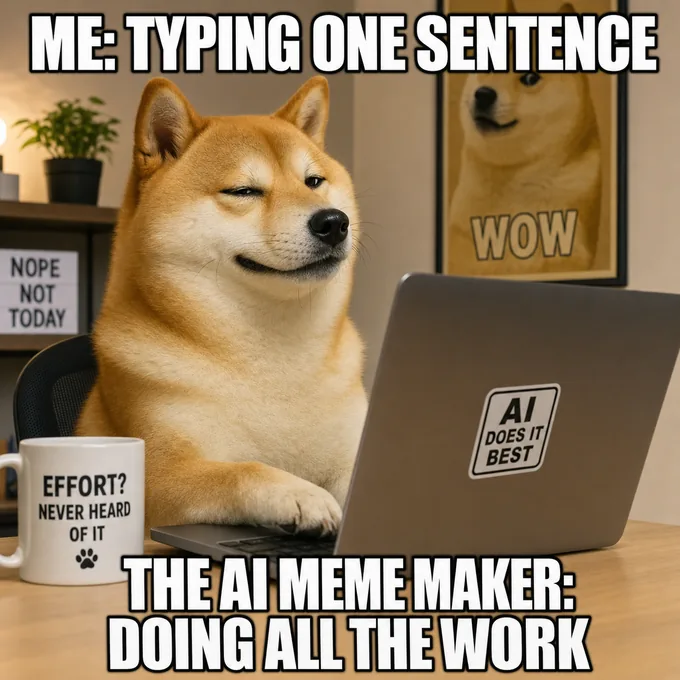
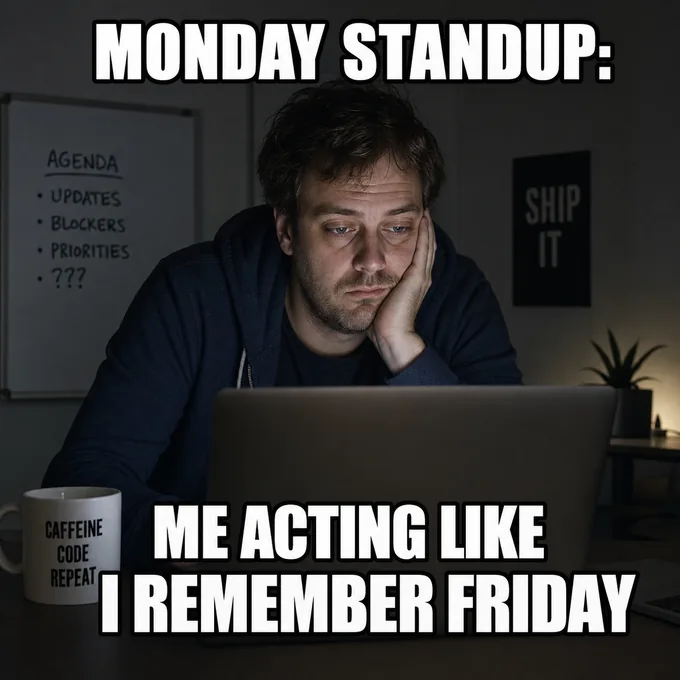
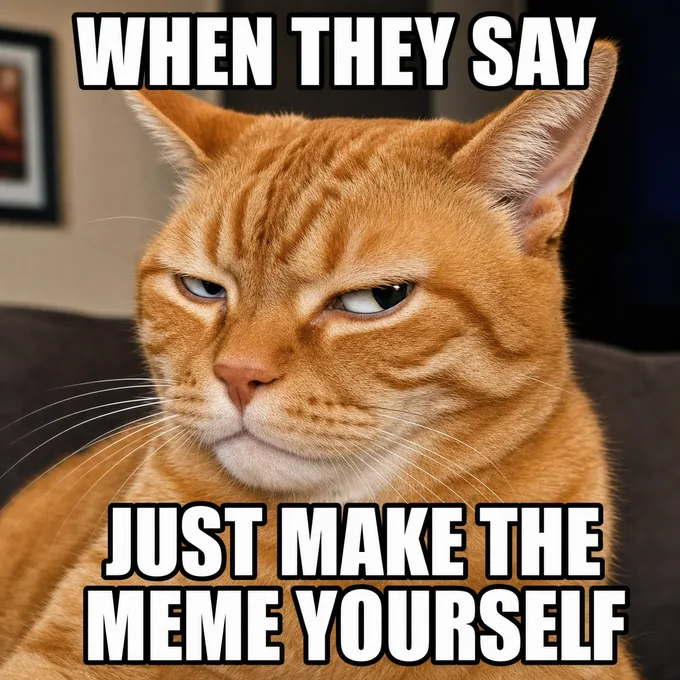
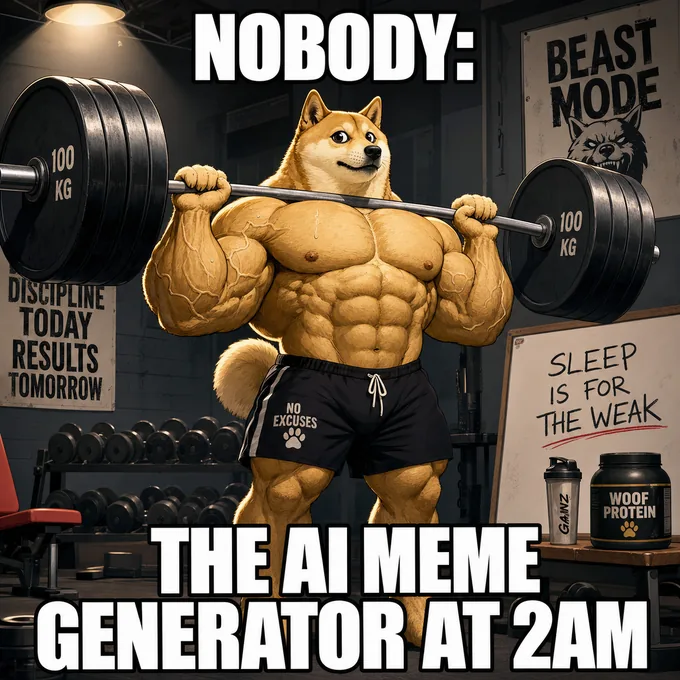
Here’s what four one-sentence prompts turned into — no templates, no editing, just the habits above:
Where Does the AI Meme Maker Fall Short?
bottom text: five edges — prompt around them, not into themIn five places, plainly listed — so you find them here instead of mid-deadline.
- No live trend feed. The model has no real-time knowledge of current events, so it cannot invent this morning’s joke by itself. You bring the topical caption; it draws the picture.
- It is not a template captioner. It will not overlay your text on a famous template image pixel-for-pixel. It generates original panels in the spirit of a format — the point of the tool, but worth knowing.
- Caption lettering can wobble. Short quoted captions usually come out clean; long or dense text sometimes warps. Keep captions short and regenerate the odd miss.
- No layer editor. There is no drag-the-text-box step after generation. Changes happen by refining the prompt and regenerating.
- One image per generation. A two-panel joke described in one prompt renders as a single image, but a multi-part series means one generation per part.
What Else Do People Ask Before Generating?
bottom text: eight questions — answers first, hedging neverIs Pixazo’s AI meme maker free to use?
To start, yes — new accounts get free starter credits. After those, generation is credit-based, so you pay for the panels you actually make rather than a flat subscription.
Can I use the memes commercially?
Yes. What you generate is yours for personal and commercial use — Pixazo does not claim ownership over your output.
What sizes do memes come in?
Whatever you name in the prompt — 1080x1080 for feeds, 1080x1920 for stories, 1080x1350 portrait, 1200x628 for link previews. Downloads are standard web-ready raster images; there is no print pipeline, because memes live on screens.
Does the AI meme generator caption existing meme templates?
No. It generates the entire panel — picture and caption — from your prompt. For the classic pick-a-template-and-type workflow a template library is faster; for a panel nobody has posted before, this is the shorter path.
Does caption text always come out right?
Not always. Short, quoted captions usually render cleanly; long or dense text can warp. Keep the caption punchy, and if a letter goes strange, a quick regenerate normally fixes it.
Can I edit a meme after it’s generated?
There is no layer editor. You refine by updating the prompt — state exactly what should change, like the caption wording or the expression — and regenerating. Most panels land within three to five tries.
Can it make memes about today’s news or trends?
Not by itself — the model has no real-time information. Write the topical text into your caption and it will build the picture around it: you bring the context, it brings the image.
Will my downloads have a watermark?
No watermark is stamped across the image — what you download is the full generation as produced, ready to post.
Which Meme Topics Have Their Own Feed?
bottom text: same engine — sharper starting pointFive, so far. Each link below opens a meme creator tuned to one lane — same prompt-to-image engine underneath, with the topic already dialled in.


The Feed Is Waiting for Your Post
The joke is already in your head. Type it into the AI meme generator, watch the panel render in seconds, and ship it while it’s still funny.
Create Your Meme Free