
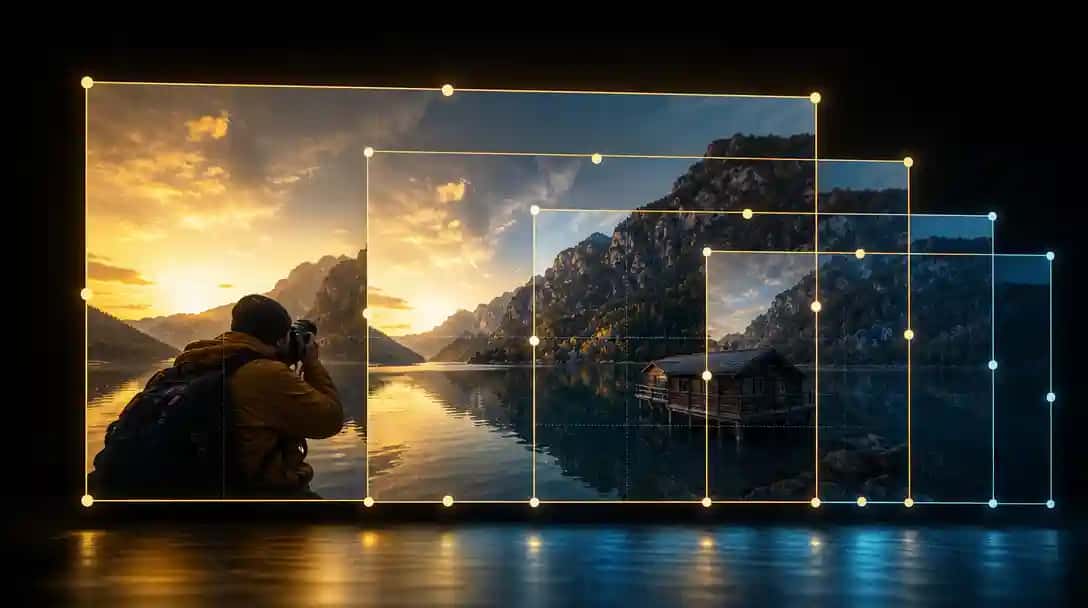
Image resizing is an important task for many users. You may need to resize images for websites, social media, or print. Using an AI image resizer can save time. With these tools, you get quick, computer-assisted resizing. They remove the work of manually adjusting dimensions. The tools use algorithms to adjust image sizes while keeping quality. This guide presents seven popular tools and explains their details in a step-by-step manner.
The following sections give you the details of each tool. You will read about each product’s background, its main features, what users like about it, what users do not like, how much it costs, and which audience it suits best. Read through each section carefully and decide which tool fits your needs.
What are AI Image Resizer Tools?
AI Image Resizer tools are online programs that use artificial intelligence to adjust the dimensions of images quickly while keeping their quality intact. These tools let you upload an image, select a preset size, and automatically resize it for various platforms like websites, social media, or digital documents without manual editing, and some even work with an AI Image Generator to offer a complete solution for both creating and adjusting images.
Top AI Image Resizer Tools for Easy Image Editing
Tool | About the Product | Main Features | Pros | Cons | Pricing | Best For |
Pixazo AI Image Resizer | Online tool that adjusts image size quickly. | Easy upload, preset sizes, automatic adjustment | Fast and simple to use | Limited advanced editing options | Free and paid options | Small business, bloggers, social media users |
Pixlr | Online image editor with resizing function. | Web-based, preset sizes, additional editing | Versatile with multiple functions | Ads in free version | Free and premium plans | Hobbyists, small teams, social media users |
Adobe Express | Part of a larger suite for image and video projects. | Simple interface, preset options, additional tools | Trusted brand, clear layout | Subscription model for full use | Free and subscription | Educators, small business, content creators |
Creatopy | Online design tool with image resizing included. | Web-based, many output sizes, editing options | Combines design and resizing tools | Some advanced features missing | Free trial and paid plans | Freelance designers, small teams, social media users |
inPixio | Basic online image resizer as part of photo editing tools. | Simple upload, preset sizes, basic editing | Easy to access, quick processing | Limited to basic options | Free and paid options | Bloggers, social media users, small businesses |
Pixelcut | Tool that uses AI for quick image resizing. | Drag and drop, preset sizes, fast output | Simple operation, fast results | Limited to resizing only | Free and premium plans | Content creators, small teams, online users |
Vance AI | AI-powered image tool with a focus on quick resizing. | Easy upload, preset sizes, multiple file support | Fast and easy to use | Limited editing options | Free and premium plans | Bloggers, online marketers, casual users |
1. Pixazo AI Image Resizer
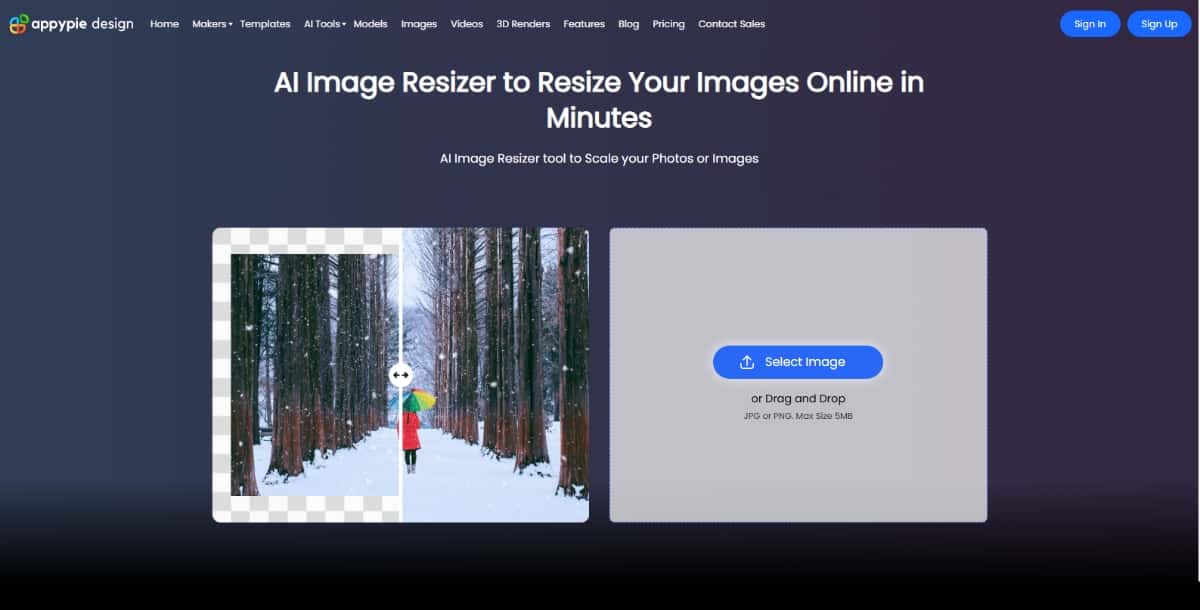
Pixazo has a suite of design tools, one of which is AI Image Resizer. It is an online tool that helps you change image sizes quickly. You do not need to install any software. The tool works on a web browser and can adjust the dimensions of your image automatically. It is aimed at users who need a simple way to resize images for different purposes such as social media posts, websites, or digital documents.
Features
- Easy Upload: You can add images with a simple drag and drop.
- Multiple Presets: The tool offers various preset sizes for different platforms.
- Automatic Adjustment: The tool uses AI to compute the best size without loss of quality.
- Format Support: It accepts several common image formats like JPG and PNG.
- User Interface: The design is clean and easy to use.
Pros
- User-Friendly: The website is simple, making it easy for new users.
- Fast Processing: The resizing happens quickly.
- No Software Needed: Use it directly in your browser without extra downloads.
Cons
- Limited Editing: It focuses only on resizing, not on other image edits.
- Basic Options: The tool does not offer many advanced settings for expert users.
- Internet Dependent: You need a stable connection to use the tool.
Pricing
The tool has a free trial version with basic functions and a paid plan for yearly and monthly subscriptions. Prices are shown on the official website and are set to suit personal and small business needs.
Best For
This tool works best for users who need a fast and easy way to resize images. It suits small business owners, bloggers, and social media managers who want a simple solution for image resizing.
2. Pixlr
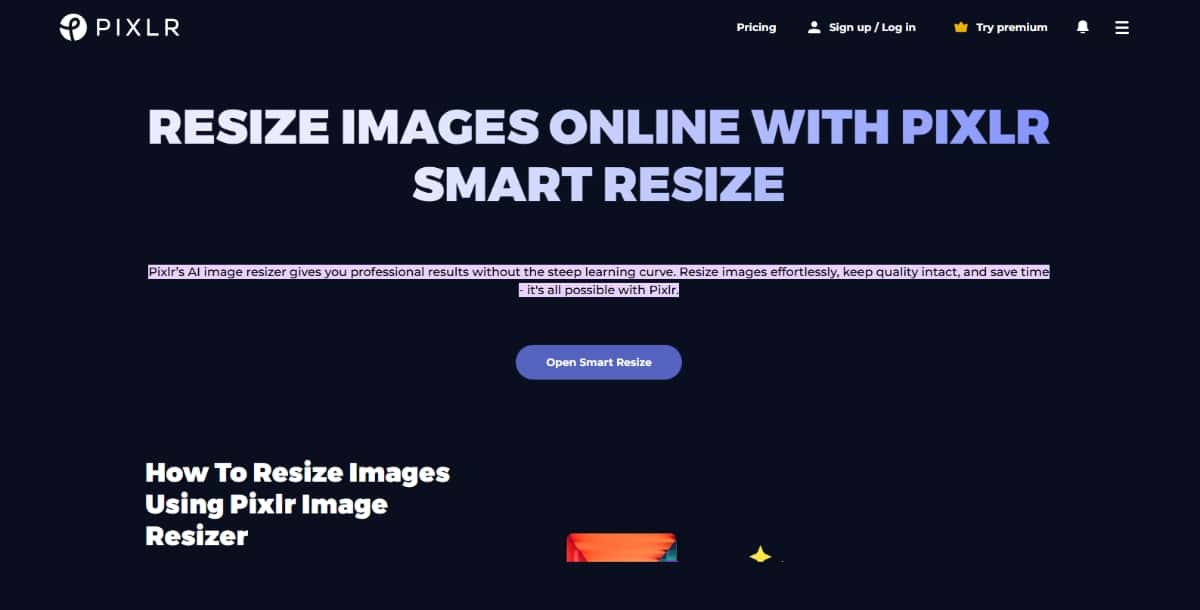
Pixlr is a popular online image editor that includes an AI image resizer. It is a web-based application that allows you to edit images with ease. In addition to resizing, Pixlr offers many basic editing tools. It is known for its simplicity and effectiveness.
Features
- Web-Based Editor: Use it directly from your web browser.
- Preset Sizes: It comes with options for common sizes needed for social media and websites.
- Image Quality: The tool maintains good image quality after resizing.
- Additional Editing: Besides resizing, you can crop, adjust brightness, and apply filters.
- File Format Support: It supports a variety of file types.
Pros
- Versatile Use: You get a mix of resizing and general editing tools in one platform.
- No Download Needed: The tool works directly online.
- Simple Design: The interface is easy to navigate.
Cons
- Limited Advanced Options: Experts may find that it does not include advanced editing features.
- Occasional Ads: The free version may show ads.
- Browser Dependency: Performance may vary with different browsers.
Pricing
Pixlr offers a free version with basic features. There is also a premium plan that adds more options and removes ads. The pricing on the official website fits individuals and small teams.
Best For
Pixlr is ideal for users who want an all-in-one image tool. It is suitable for hobbyists, small business owners, and social media managers who want both resizing and basic editing tools.
3. Adobe Express
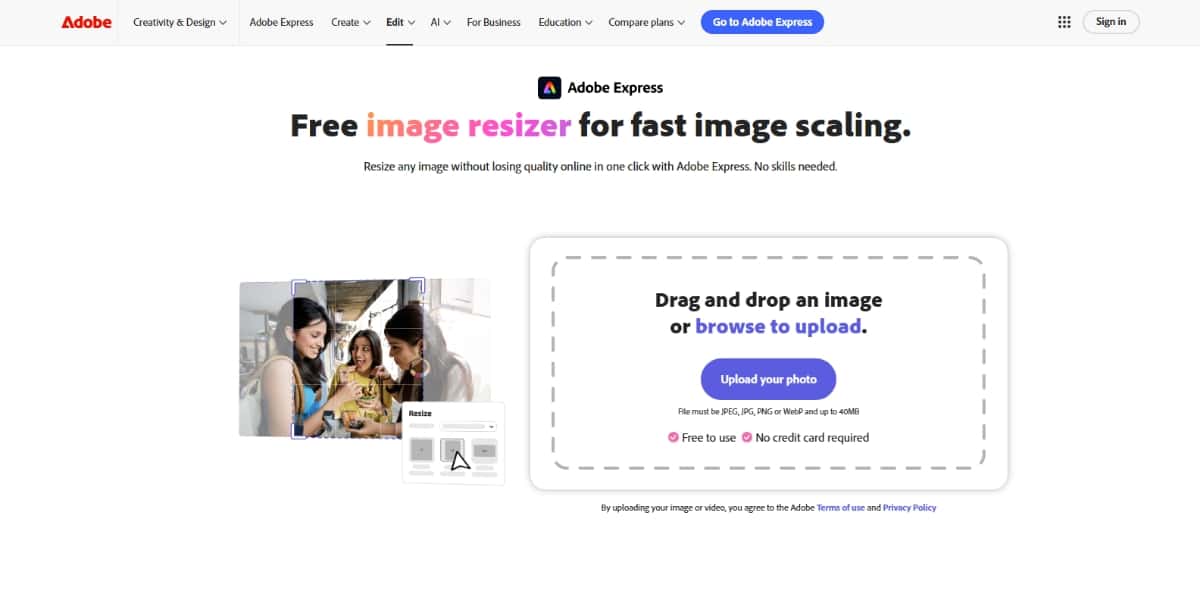
Adobe Express is part of a suite of tools that let you create and edit images and videos online. It comes with an AI image resizer that makes it easy to adjust image dimensions for different uses. Adobe Express is known for its strong brand and a good mix of creative tools.
Features
- Simple Interface: The tool has a clean design that helps you work quickly.
- Preset Options: You find many preset sizes for various platforms.
- File Support: Adobe Express accepts many file types.
- Quick Resizing: The tool resizes images fast without much hassle.
- Additional Tools: You can also add text, crop, and perform other basic edits.
Pros
- Familiar Brand: Many users know Adobe and trust its products.
- Ease of Use: The interface is simple and clear.
- Multiple Tools: You get resizing along with other basic editing options.
Cons
- Limited Advanced Settings: The focus is on ease of use rather than advanced features.
- Subscription Model: Some features need a paid subscription.
- Online Only: You must use the online version to work with your images.
Pricing
Adobe Express has both free and paid versions. The free plan gives basic features. The paid plan offers more options and a larger library of templates. Pricing is available on the official Adobe Express website.
Best For
Adobe Express is best for users who work on multiple projects and want simple tools. It is suitable for educators, small business owners, and social media content creators who need a clear and simple tool for image resizing.
4. Creatopy
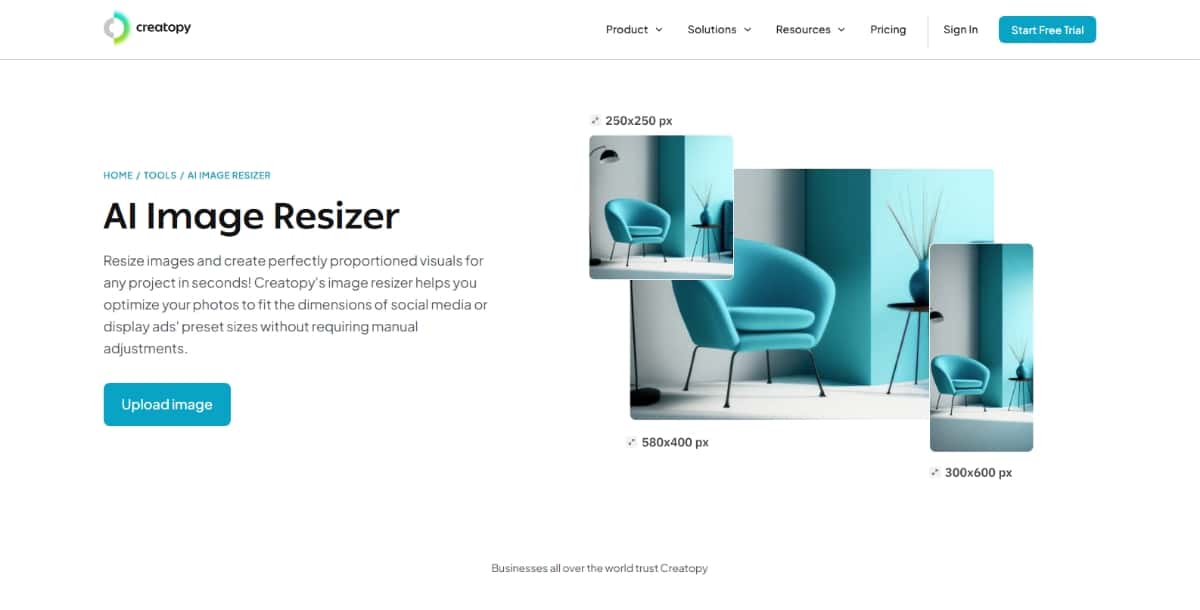
Creatopy is an online design tool that helps you create visual content. It includes an AI image resizer that fits images for many uses. The tool works in your web browser and aims to give you quick results with few steps. Creatopy is a good choice if you want a tool that works with designs and images.
Features
- Web Interface: You work directly on the website with no extra software.
- Multiple Output Sizes: The tool gives you several preset sizes for images.
- Automatic Adjustments: The tool uses an algorithm to adjust the image size with care.
- Editing Options: You also get basic options such as cropping and adjusting brightness.
- Template Library: Creatopy offers ready-made designs to help with your work.
Pros
- All-in-One Design: You get a mix of design and image resizing tools.
- Easy to Use: The interface is set up to make tasks quick and clear.
- Time Saving: The automatic resizing speeds up your work.
Cons
- Limited Advanced Tools: The tool may not have all the features that professionals need.
- Learning Curve: Some users may need time to learn all the design options.
- Subscription Costs: Some features are only available in the paid plan.
Pricing
Creatopy offers a free trial with basic functions. Paid plans provide more features and additional storage. The official website has the latest pricing details, which fit different needs from individuals to small businesses.
Best For
Creatopy is best for users who work with designs and need an easy image resizer as part of a larger design tool. It suits small teams, freelance designers, and social media managers who need to work quickly with images and visual content.
5. inPixio
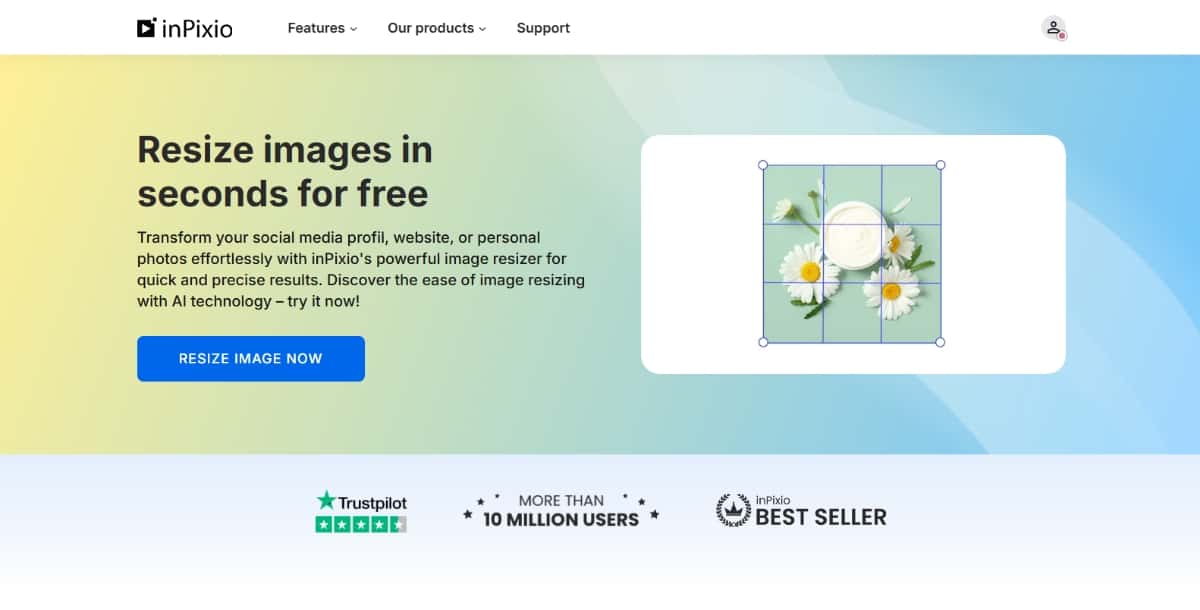
inPixio offers a simple online tool that helps you adjust the size of your images. The tool is part of a larger set of photo editing options available from inPixio. It is made to help you work on photos with basic tasks like resizing and cropping. The design is made for ease of use.
Features
- Simple Online Tool: Use it directly from your browser without any installation.
- Basic Presets: The tool gives preset sizes for social media and printing needs.
- Image Quality: The tool takes care to keep good image quality after resizing.
- Multiple Formats: It supports common image file types.
- Basic Editing: Besides resizing, you can crop and perform other small edits.
Pros
- Easy Access: No need to download or install software.
- Quick Operation: The tool processes images fast.
- Focused Function: It works well if you only need resizing.
Cons
- Limited Options: There are few advanced editing features.
- Simple Interface: Users who need more design options may find it basic.
- Dependence on Browser: The tool works only online.
Pricing
inPixio provides a free version for basic tasks. There are also paid options with more functions and higher limits. The pricing details are available on the official inPixio website. This makes it accessible for both personal use and for those who work on a regular basis with images.
Best For
This tool is best for users who want a no-fuss approach to resizing photos. It fits well for bloggers, social media users, and small business owners who do not need advanced editing tools.
6. Pixelcut
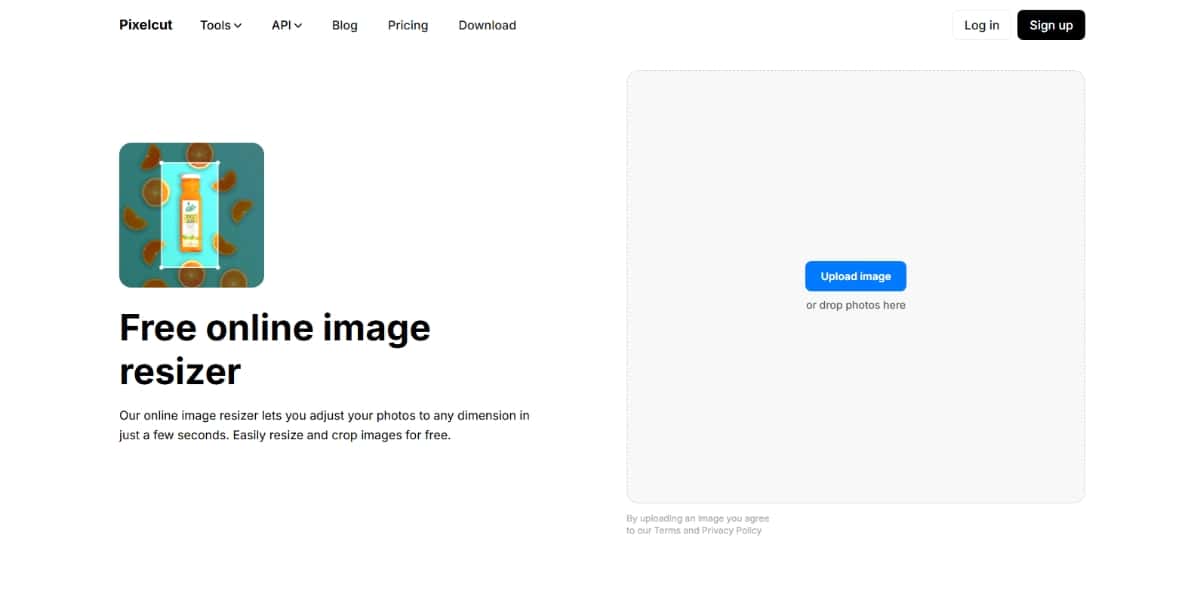
Pixelcut is an online tool that uses artificial intelligence to help you resize images. The focus of Pixelcut is on providing a clean and simple way to change image sizes. It is built for quick use and works well for those who work with online content. The tool is available in your browser and gives results fast.
Features
- Drag and Drop Upload: Easily add your image to the tool.
- Preset Sizes: The tool offers options for different social media and website sizes.
- High Quality Output: The tool keeps a good quality image after resizing.
- User-Friendly Layout: The interface is simple and clear.
- Quick Processing: You get resized images in a short time.
Pros
- Simple Operation: The process is easy to follow for new users.
- Fast Results: The image resizing is done quickly.
- No Software Needed: The tool works in the browser.
Cons
- Limited Functions: The tool focuses only on resizing images.
- Basic Features: Advanced users might find the options too simple.
- Online Requirement: A steady internet connection is needed.
Pricing
Pixelcut offers a free version for basic image resizing tasks. There is also a premium version with additional features and removal of any restrictions. Pricing is set to fit individual users and small teams. You can find detailed information on the official Pixelcut website.
Best For
Pixelcut is best for users who want a simple tool to resize images without many extra features. It suits social media content creators, small business owners, and individuals who work with online images frequently.
7. Vance AI
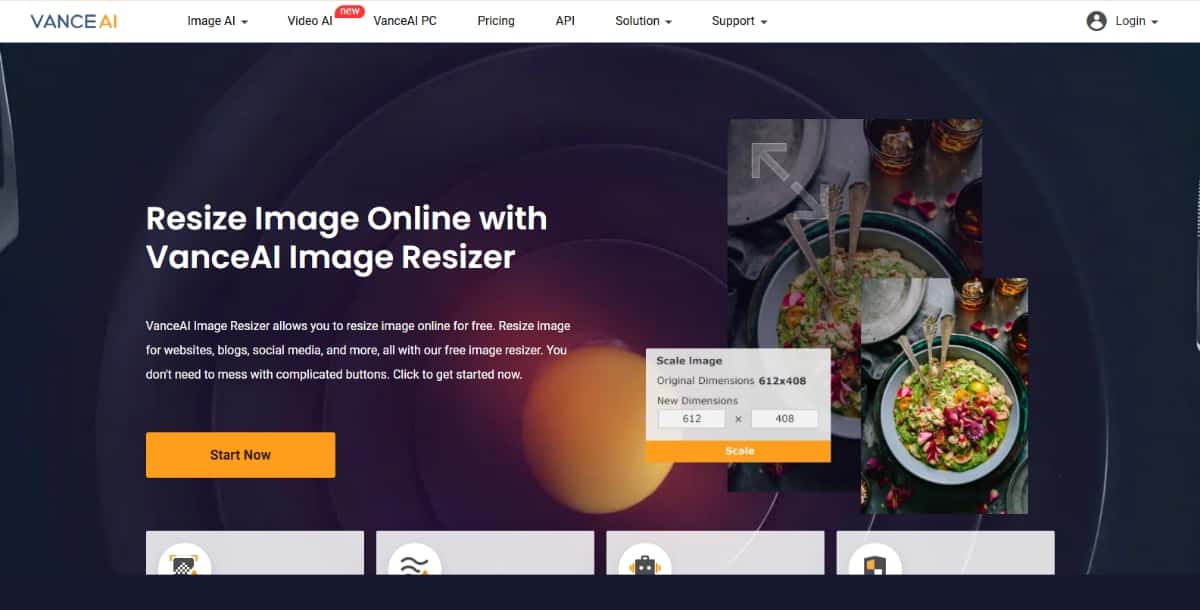
Vance AI is a platform that uses artificial intelligence to process images. Its image resizer is one part of its tool set. Vance AI lets you change image dimensions with a few clicks. The tool works in your web browser and is made for people who need to adjust image sizes for various projects. It is part of a larger collection of tools that help with photo adjustments.
Features
- Simple Upload Process: The tool lets you add images easily.
- Preset Options: Choose from preset sizes that work for many online platforms.
- Fast Processing: The tool quickly adjusts the image size.
- Multiple File Support: It accepts popular file types such as JPG and PNG.
- Clean Design: The user interface is basic and clear.
Pros
- Ease of Use: The tool is simple and direct.
- Fast Output: It produces resized images quickly.
- No Installation: Use the tool directly on the website.
Cons
- Limited Editing: The focus is on resizing only.
- Basic Settings: It may not suit users who need advanced adjustments.
- Internet Reliance: A working internet connection is needed at all times.
Pricing
Vance AI has a free version that offers basic image resizing. The premium plan offers additional functions and more image processing capacity. The pricing is available on the official Vance AI website and is structured to fit casual users and professionals alike.
Best For
Vance AI is best for users who want a simple, fast tool for resizing images. It fits well with bloggers, online marketers, and anyone who needs to adjust images for web use quickly.
Suggested Read: Best AI Image Upscaler Tools in 2026
Conclusion
This guide has provided clear information about best AI image resizer tools. You learned about each tool’s core functions, what features they offer, their benefits and drawbacks, pricing options, and who may benefit most from each tool. The details focus on essential facts without extra filler content.
You can use this guide to compare the tools side by side and choose the one that meets your needs. Each product—from Pixazo’s AI design tools like AI Image Resizer to Vance AI—offers simple, fast, and reliable image resizing. Visit the official websites to confirm the latest pricing and feature updates before making your choice.
Use the tool that fits your work style, whether you need a tool for social media, website images, or professional projects. By selecting the best AI image resizer for your tasks, you can save time and keep your image quality high.
Suggested Read: 10 Best AI Image Editors in 2026: Free & Paid AI Photo Editors

Deepak Joshi
Author · Pixazo
Deepak writes about generative AI models, APIs, and the workflows teams use to ship them. Reviewed by Abhinav Girdhar.