

In this blog, you find details on tools that remove unwanted parts from your images using artificial intelligence. You read a simple guide that helps you pick a tool that fits your needs. This guide covers several platforms, explains what each tool does, and gives clear information on features, pricing, and who may find the tool useful. The goal is to help you choose the Best AI Object Remover for your work without using extra software. You work with simple steps to clear your images quickly and clearly.
What is AI Object Remover?
An AI object remover is a tool that uses computer algorithms to remove parts of an image that you do not want. You mark the area you wish to remove, and the tool processes the image to fill the space with a background that matches the rest of the image. You use this tool to make your pictures look clean and focused. It works on both online platforms and mobile devices. The tool is simple to use and helps you get the clear results you need for social media, websites, or personal projects. In some cases, this function is offered alongside an AI Image Generator to create and edit images even more efficiently.
How We Select the Best AI Design Generator Platforms at Pixazo
At Pixazo, we carefully evaluate AI design generator platforms to help users skip the overwhelming trial-and-error process. Our experts, with extensive experience in AI-powered design tools, assess each platform based on creativity, ease of use, customization options, and overall performance. We put these tools to the test by creating designs across different categories to ensure they deliver high-quality results effortlessly. Every recommendation is based on thorough research and real-world testing, with no paid placements or outside influence. Want to know how we pick the best AI design platforms? Explore our detailed evaluation process.
Compare and Choose: Top AI Object Removers at a Glance
Product | Key Features | Pros | Cons | Pricing | Best For |
Pixazo | AI object removal, basic editing, web-based | Easy to use; no installation needed | May struggle with detailed images | Free version & paid plans | Beginners, small businesses |
Magic Studio | Fast AI removal, online processing | Quick edits; simple interface | Free version has limits | Free trial & subscriptions | Quick online edits |
PicsArt | Mobile & web access, community support | Accessible on mobile; many editing options | Watermarks on free version | Free with in-app purchases | Mobile users |
Photoroom | Object & background removal, simple UI | Clear process; background options | Limited high-res downloads in free plan | Free plan & premium upgrades | Social media, online stores |
AIEase | Cloud-based AI removal, basic adjustments | Fast processing; clear instructions | May require a subscription | Free trial & subscription plans | Professional projects |
Fotor | Simple editing, online access, fast processing | Easy interface; quick results | Some features need a paid plan | Free with premium options | New users, basic edits |
PhotAI | Cloud-based removal, multiple file support | Clear and fast process | Minor issues with detailed images | Free trial & subscription plans | Basic editing needs |
Image with AI | Easy marking & removal, additional editing tools | Straightforward process; various formats | Free version limits processing | Free trial & paid subscriptions | Daily online editing |
Cleanup Pictures | Dedicated object removal, batch processing | Good for processing many images | May need manual tweaks for detailed images | Free trial & subscription plans | Frequent users, professionals |
SnapEdit | Mobile app, basic object removal, clear UI | Fast mobile processing; simple to use | Watermarks on free version; advanced tools need payment | Free & premium plans | Mobile editing |
Suggested Read: 10 Best AI Image Inpainting Tools
Best AI Object Remover Online Tools That You Need
1. Pixazo
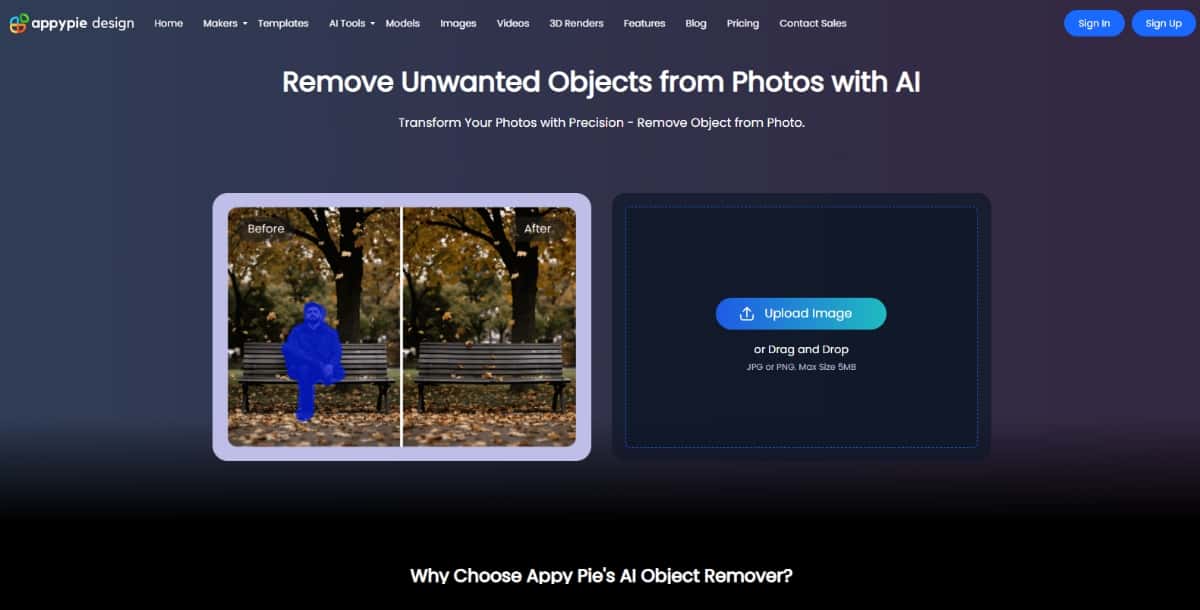
Pixazo offers many image editing options. One feature is the AI object removal tool. You use this tool to remove unwanted items from your pictures. The tool is web-based and helps you complete the task quickly.
Features
- AI Object Removal: The tool uses artificial intelligence to remove parts of an image that you do not need.
- AI Chat Editor: Along with object removal, you can use AI Image Extender to extend images, and can access the AI chat editor feature to leverage command-powered editing capabilities.
- Easy to Use: The tool has a simple interface. You can select the area you want to remove, and the tool takes care of the rest.
- Online Access: You work with your images directly on the website without the need to install software.
Pros
- You work with an online tool that does not require installation.
- You get a simple interface that makes the process quick.
- The tool is part of a larger design platform that offers many editing options.
Cons
- The tool may not work well for images with many similar details.
- There is a learning step if you have not used design tools before.
Pricing
Pixazo offers a 7-day free Trial for news to get familiar with the platform. A paid plan is available for $8/Month and a Yearly plan costs $84. You can choose the plan that meets your needs and budget.
Best For
This tool works well if you are a beginner or a small business owner. You use the tool for simple object removal tasks without installing extra software.
2. Magic Studio
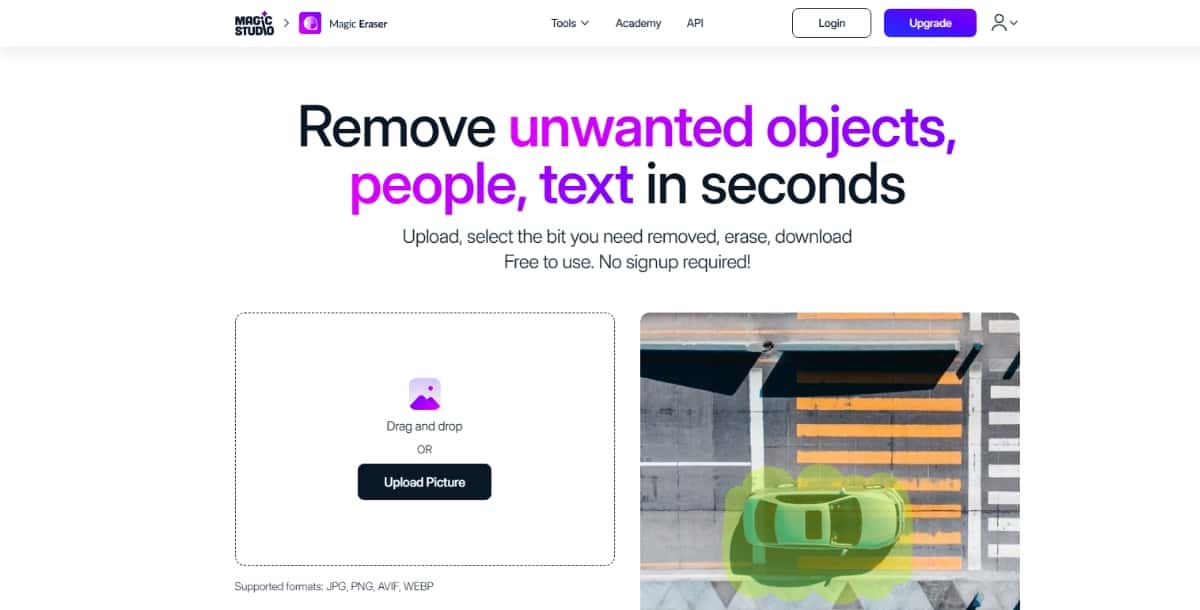
Magic Studio is an online editing tool that offers several AI features. One of its features is the object removal tool. With this tool, you can clear unwanted items from your photos. The process is done on a simple web interface.
Features
- Object Removal: The tool lets you mark the parts of the image you want to remove. The AI then processes the image and clears the marked areas.
- User-Friendly Interface: The tool guides you with simple instructions.
- Speed: The tool processes your images quickly.
- Multiple Tools: In addition to object removal, you have other options like background change and basic adjustments.
Pros
- You work with a tool that is simple to use.
- The image processing takes place quickly.
- You have many editing options available on the same platform.
Cons
- The free version may have limits on processing high-resolution images.
- You may have to subscribe to a plan if you need many edits each month.
Pricing
Magic Studio offers a free trial so you can try its tools before you decide on a subscription. The paid plans are set to offer more processing credits and access to all editing features.
Best For
This tool is a good choice if you need a fast online tool to remove objects. It is suitable for hobbyists and those who work on a few projects at a time.
3. PicsArt
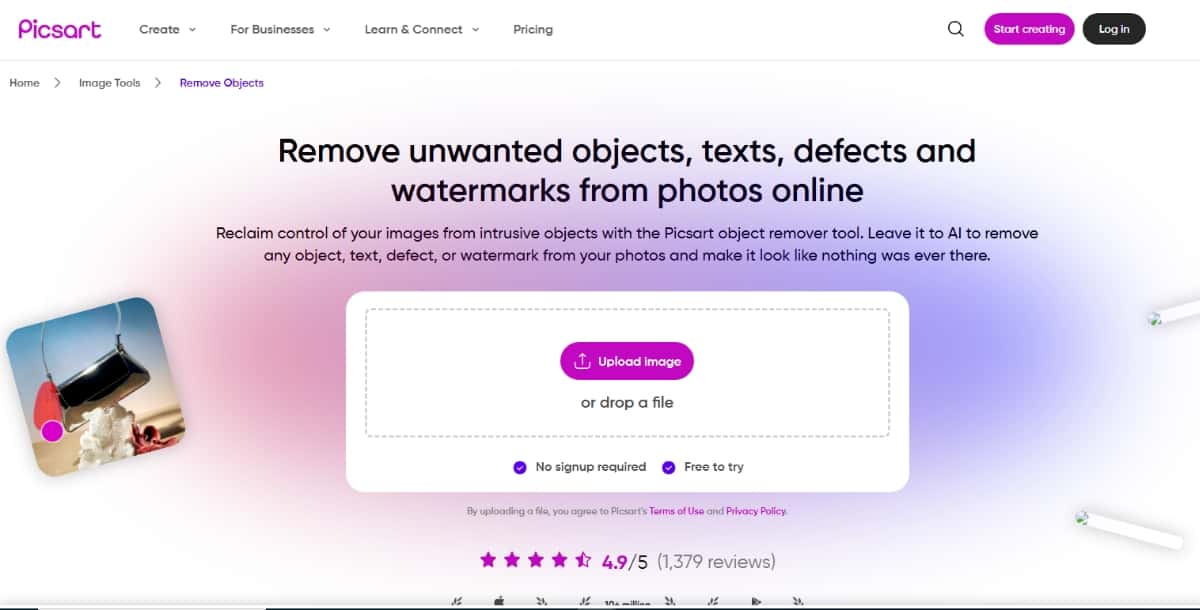
PicsArt is a well-known photo editing app available for mobile devices and desktop browsers. The platform has many editing tools. One of these is the AI object remover. With PicsArt, you can remove unwanted parts from your images on the go.
Features
- Mobile and Web Access: You can use the object remover on your phone or computer.
- AI Assistance: The tool uses artificial intelligence to spot the parts of the image that need to be removed.
- Additional Editing Options: After removing an object, you can add filters, text, and effects.
- Community Support: You may also find tutorials and guides from other users.
Pros
- The tool is available on mobile and desktop.
- You have many options for further editing after removing an object.
- The community offers support and ideas for using the tool.
Cons
- The free version may add a watermark to your images.
- Some features may require in-app purchases.
Pricing
PicsArt offers a free version with many features, but some tools, including the object remover, may be part of a subscription plan. You can choose between a free trial or a paid subscription.
Best For
If you work on your mobile device and need an object removal tool, PicsArt is a good choice. You use the tool for simple and quick edits while you are on the move.
4. Photoroom
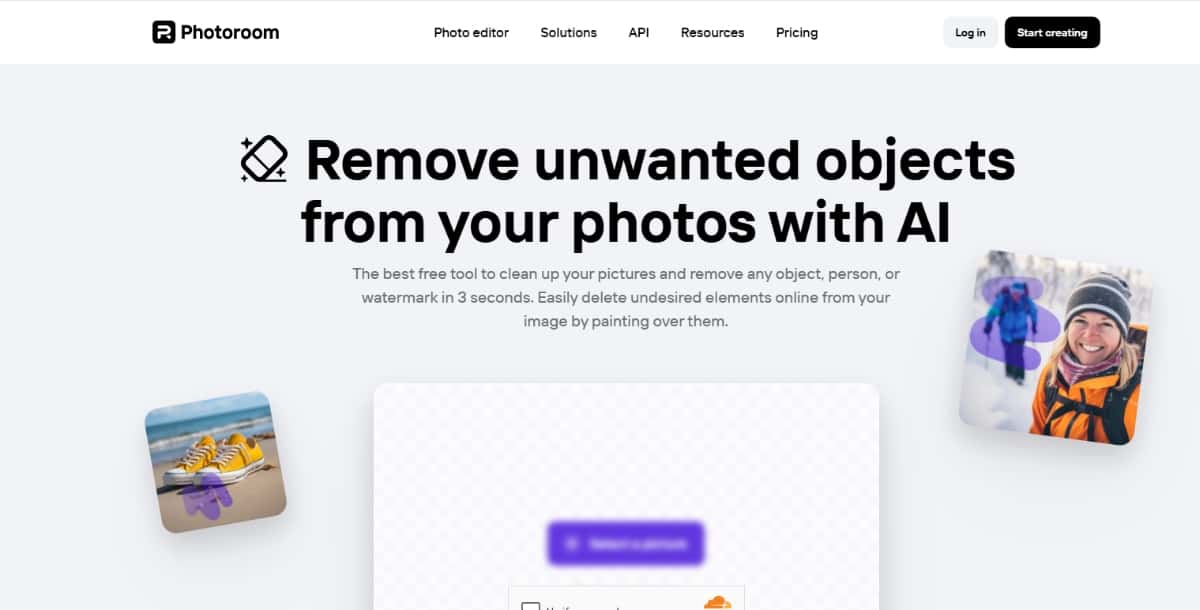
Photoroom is an online editor that provides various tools to change your images. One tool in its set is the AI object remover. You use Photoroom to remove parts of your images that you do not need. The service is designed for people who work with photos for online use.
Features
- AI Object Removal: The tool lets you mark the parts to remove, and the AI fills in the background.
- Background Removal: Alongside object removal, you have the option to remove or replace backgrounds.
- Simple Interface: The website guides you step by step as you remove objects.
- Export Options: You can save your images in different sizes and file formats.
Pros
- The tool is available online and does not require a download.
- It offers a simple process for removing objects.
- You have options to adjust the background after object removal.
Cons
- The free plan may have limited access to high-resolution downloads.
- Advanced editing options may require a subscription.
Pricing
Photoroom offers a free plan with basic editing features. Paid plans offer higher resolution exports and additional tools.
Best For
This product is useful for people who work with images for social media or online stores. You use it to remove unwanted parts and then adjust the background as needed.
5. AIEase
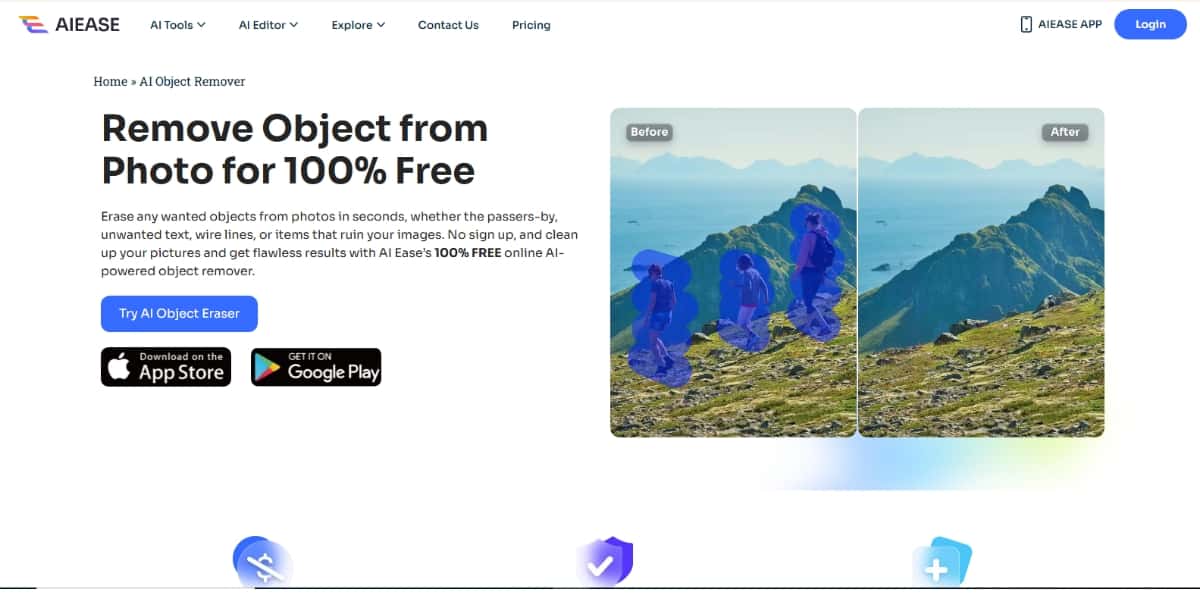
AIEase is an online tool that uses artificial intelligence for image editing tasks. One of its main functions is object removal. You use AIEase to remove unwanted parts from your images and then make basic adjustments. The service is aimed at users who want a clear and fast process.
Features
- AI-Powered Removal: The tool uses algorithms to detect and remove the marked parts of your image.
- Editing Options: After object removal, you can retouch the image and adjust brightness or contrast.
- Cloud Processing: The editing takes place on the cloud, so you do not need a powerful computer.
- Clear Instructions: The tool gives clear steps to follow while you work on your image.
Pros
- You work with a tool that uses modern AI technology.
- The online process is fast.
- The cloud processing allows you to work on your image without lag.
Cons
- The tool may need time for you to learn if you are not used to online editors.
- You may have to subscribe if you want full access to all features.
Pricing
AIEase offers a free trial so you can test the object removal tool. For full access and more processing power, you have a subscription option with different plans based on your needs.
Best For
AIEase is suited for users who work on professional or commercial projects. You use it if you need fast cloud processing and clear steps to remove unwanted parts.
6. Fotor
Fotor is an online photo editor known for its simplicity. One of its tools is an AI object remover. You use Fotor to quickly remove parts of your images without heavy editing software. The tool is available for both beginners and those with some editing experience.
Features
- Simple Object Removal: The tool allows you to mark parts of your image, and the AI clears the area.
- Basic Editing Tools: You have options to adjust light, color, and sharpness.
- Online Access: The entire process is available through your web browser.
- Fast Processing: The tool processes your images in a short time.
Pros
- The interface is clear and does not overwhelm you.
- You get a fast process for removing unwanted objects.
- The tool is part of a larger set of editing features.
Cons
- The free version may have limitations in image resolution.
- Some features require a paid plan for full access.
Pricing
Fotor provides a free version with basic object removal and editing options. A premium plan is available if you need advanced features and high-resolution images.
Best For
This tool is best if you are new to image editing. You use Fotor for quick, clear edits and to remove objects from images with ease.
7. PhotAI
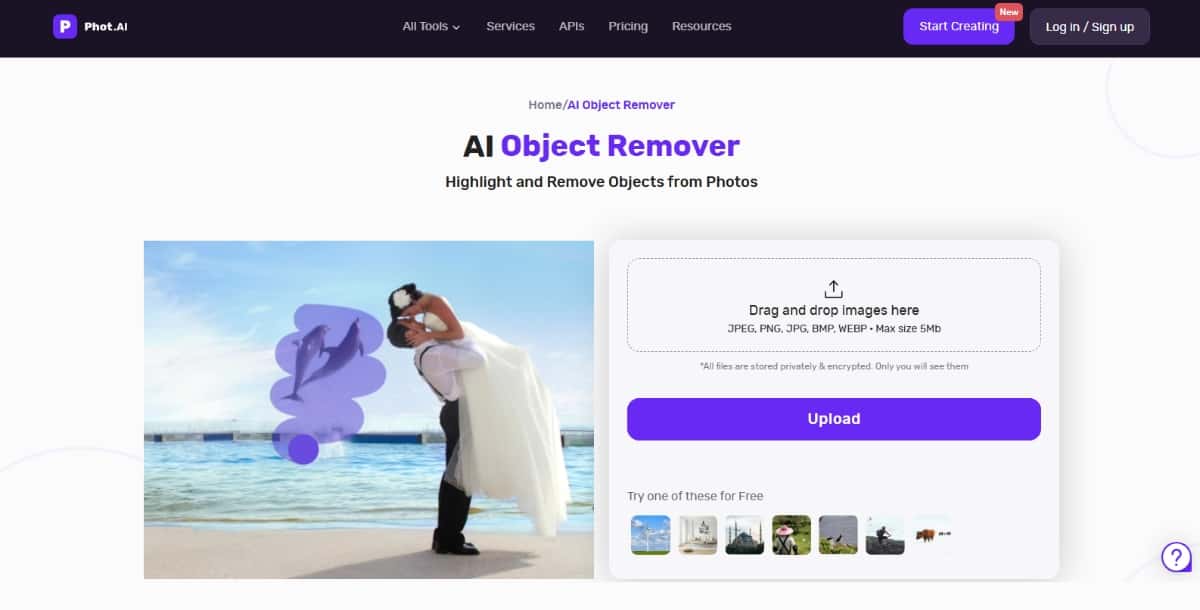
PhotAI is a newer tool that uses artificial intelligence to remove objects from images. The service focuses on simple removal tasks. You use PhotAI to clean up images for personal or business projects. The tool is available online and works with many file formats.
Features
- AI-Based Removal: The tool identifies the object you want to remove and fills in the space.
- Cloud-Based Editing: You upload your images, and the processing happens online.
- Easy to Learn: The interface is simple, so you can start working quickly.
- Multiple File Support: You work with several image formats.
Pros
- You have a clear process that works with cloud-based editing.
- The tool is designed for simple image editing.
- You may find that the processing is quick.
Cons
- The tool may have minor issues with detailed images.
- A subscription may be needed for higher resolution output.
Pricing
PhotAI offers a free trial that lets you test the tool. For more frequent use or higher quality results, you choose a subscription plan that fits your work.
Best For
PhotAI is a good option if you need a tool for basic object removal tasks. You use it for simple image edits and clear removal of unwanted parts.
8. Image with AI
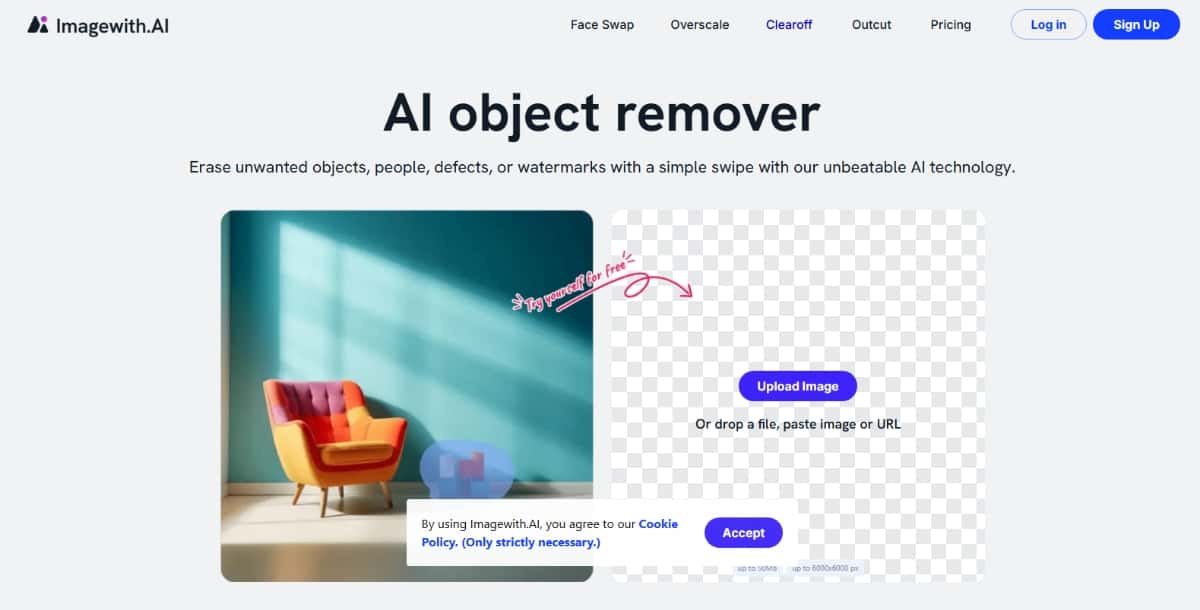
Image with AI is a tool that brings artificial intelligence into your photo editing process. One of its features is the object remover. You work with this tool online, and it lets you remove items from your images with few clicks. The focus is on a clear process that does not need extra installations.
Features
- AI Object Removal: The tool lets you mark and remove parts of an image with a simple click.
- Web-Based Platform: You work with your images on a website.
- Additional Editing Options: After object removal, you can adjust your image with basic editing tools.
- File Support: The tool supports various image formats.
Pros
- You have a clear process that works online.
- The tool is part of an editing platform with several features.
- The user interface is simple and direct.
Cons
- The pricing may seem high if you do not use many advanced options.
- Some users may find that the free version has limits on processing images.
Pricing
Image with AI offers a free trial to test the object remover. After that, you have the option to subscribe to a plan that fits the frequency and volume of your work.
Best For
This product is best if you work with images online and need a simple tool to remove unwanted parts. You use it for everyday editing tasks that require a straightforward approach.
9. Cleanup Pictures
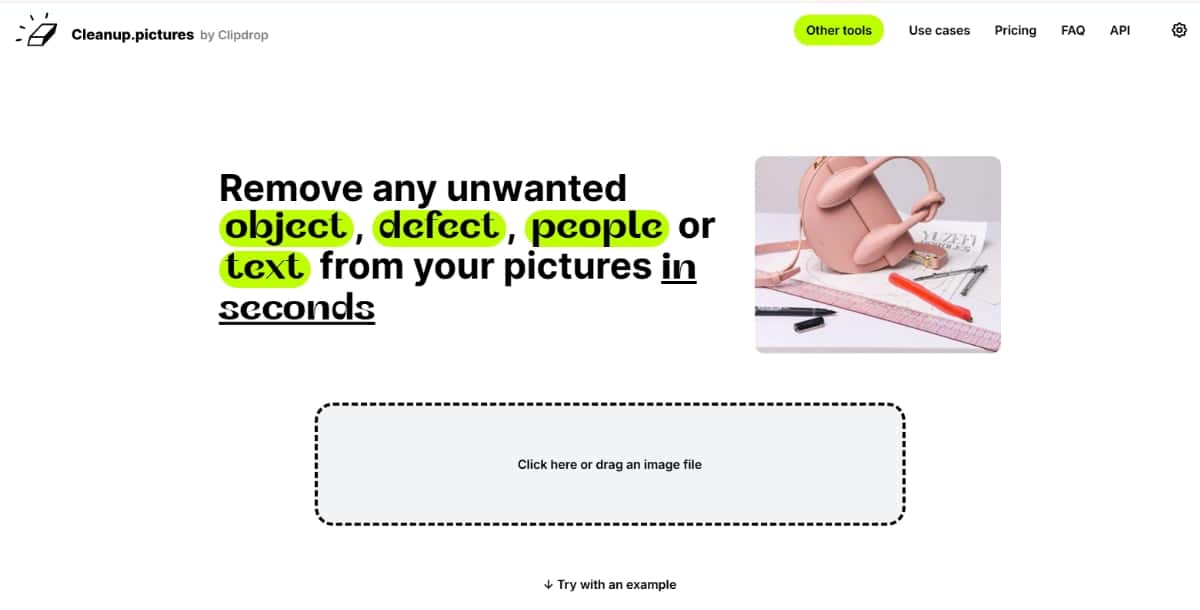
Cleanup Pictures is a tool dedicated to the removal of unwanted objects in your images. The tool uses AI to clear marked parts and fill the space with a matching background. You work with the service online and find that the process is clear and direct.
Features
- Focused Object Removal: The tool is set up to help you remove objects from your pictures.
- Batch Processing: You can remove objects from several images at once.
- Simple Interface: The interface gives clear steps to follow.
- Adjustable Settings: You can adjust how the tool fills the space after removal.
Pros
- You work with a tool that focuses on object removal.
- The tool can process many images in one session.
- The steps are clear and do not confuse you.
Cons
- The tool may need you to fine-tune the result if the image is detailed.
- There is a limit on how many images you can process in the free version.
Pricing
Cleanup Pictures offers a free trial that allows you to test the object removal features. For regular work or processing high-resolution images, you can choose a paid plan that suits your needs.
Best For
This tool works best for users who work with many images. You use Cleanup Pictures if you want a tool that focuses on removing unwanted parts without extra editing features.
10. SnapEdit
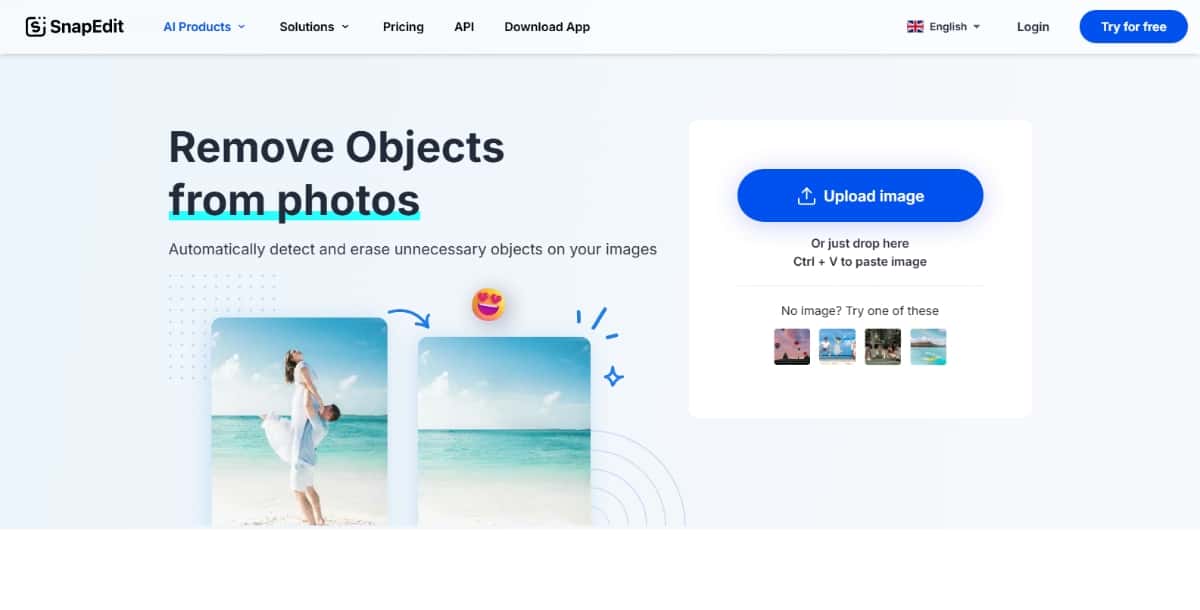
SnapEdit is a photo editing tool available for mobile devices. One of its features is an AI object remover. You use SnapEdit to remove unwanted parts of your images and then make basic adjustments using the app. The tool is made to work quickly on your phone.
Features
- Mobile Object Removal: The tool lets you mark and remove objects using your phone.
- Basic Editing Tools: After removal, you can crop and adjust the image.
- User-Friendly Design: The app offers a simple process with clear steps.
- Multiple Export Options: You can save your image in different sizes and file types.
Pros
- You work with an app that is simple and clear.
- The tool is available for use on the go.
- The process is fast and fits your mobile workflow.
Cons
- The free version may include limitations like watermarks.
- More advanced edits may require a subscription.
Pricing
SnapEdit offers a free version with basic tools. To access more features and remove restrictions, you choose a paid plan that meets your needs.
Best For
SnapEdit is a good option if you work mostly on your mobile device. You use the tool for quick edits and object removal when you need to work away from a computer.
When You Choose a Tool
When you pick a tool for removing unwanted objects from your images, you look for a process that is clear and fast. You may start by testing a free version if it is available. Once you test the tool, you see if the output matches what you need.
You work with your images for websites, social media, or business work. You need advanced AI design tools that do not add extra steps. In this guide, you saw the details for 10 platforms. You check each tool’s features, pros, cons, and pricing. The information in this guide helps you compare the tools so that you can choose the best AI Object Remover for your projects.
Final Thoughts
You have now read about 10 tools that offer object removal features using artificial intelligence. The details in this guide help you make an informed choice. The process for each tool is simple, and you have the option to use a free version before buying a subscription. You work with a tool that fits your image editing needs. This guide shows you that the Best AI Object Remover is not just one tool. Instead, it is the tool that matches your work style and editing requirements.
Take a moment to try out one or more of these products. Compare the results you get from each tool. As you work with them, you may find that one tool works best with your images. Follow the steps given in the guide and choose the one that meets your needs.
Remember that your choice may depend on the type of images you work with, the platform you use, and your budget. This guide has given you clear information to help you decide. You work with these products and get clear results. You remove unwanted objects and create images that match your project requirements.
We hope that this guide helps you find the Best AI Object Remover. Use the clear steps and simple instructions to improve your image editing process. Your work becomes faster and your images become cleaner. Thank you for reading this guide, and we wish you success with your editing projects.

Deepak Joshi
Author · Pixazo
Deepak writes about generative AI models, APIs, and the workflows teams use to ship them. Reviewed by Abhinav Girdhar.