MP4 to SVG Converter
Pull a frame from your MP4 and trace it into a clean, scalable SVG — real vector paths, not a screenshot. Pixazo grabs the still and traces it into geometry you can resize to any size.
One frame → clean vector Convert MP4 to SVG- Subject
- MP4 frame → vector
- Verdict
- Traced to SVG
- Scale
- 1 frame : any size
- Sheets
- 01 – 06
- Drawn by
- Deepak Joshi
What it means to convert MP4 to SVG
To convert MP4 to SVG, Pixazo joins two real jobs: it grabs one frame from your video, then traces that still into true vector paths. The frame is a record of measurements; the SVG is a set of drawing instructions redrawn from it.
A grid of sampled pixels, 24 to 60 times a second
An MP4 is a container. Inside it, a codec stores frames as grids of colour samples — a fixed number of rows and columns, each cell holding one measured colour, with later frames often stored only as the difference from the frame before. A 1080p frame is roughly two million samples. Pixazo first isolates one of these frames as a still image — the single moment you want vectorised — and hands that picture to the tracer.
A set of mathematical shapes, drawn from the frame
The SVG that comes out is a text document. It describes geometry: move to this point, curve through those control points, fill the enclosed area with that colour, transform the whole group. Because the shapes are described rather than sampled, they redraw cleanly at any size — that is the entire point of a vector. Tracing reads the still, finds the edges and regions, and fits a curve to each boundary, so the result is genuine vector paths of that one moment.
So an MP4 to SVG converter does the work in two clean moves. First, it lifts one frame out of the clip — a single still, the moment you choose. Second, it translates that frame's measurements into descriptions: look at the field of colour samples, decide where the edges are, which regions belong together, and what curve best fits each boundary. That second step is tracing, the same engine behind Pixazo's image-tracing engine. What you get back is one picture rendered as vector paths — a still moment, not the moving timeline.
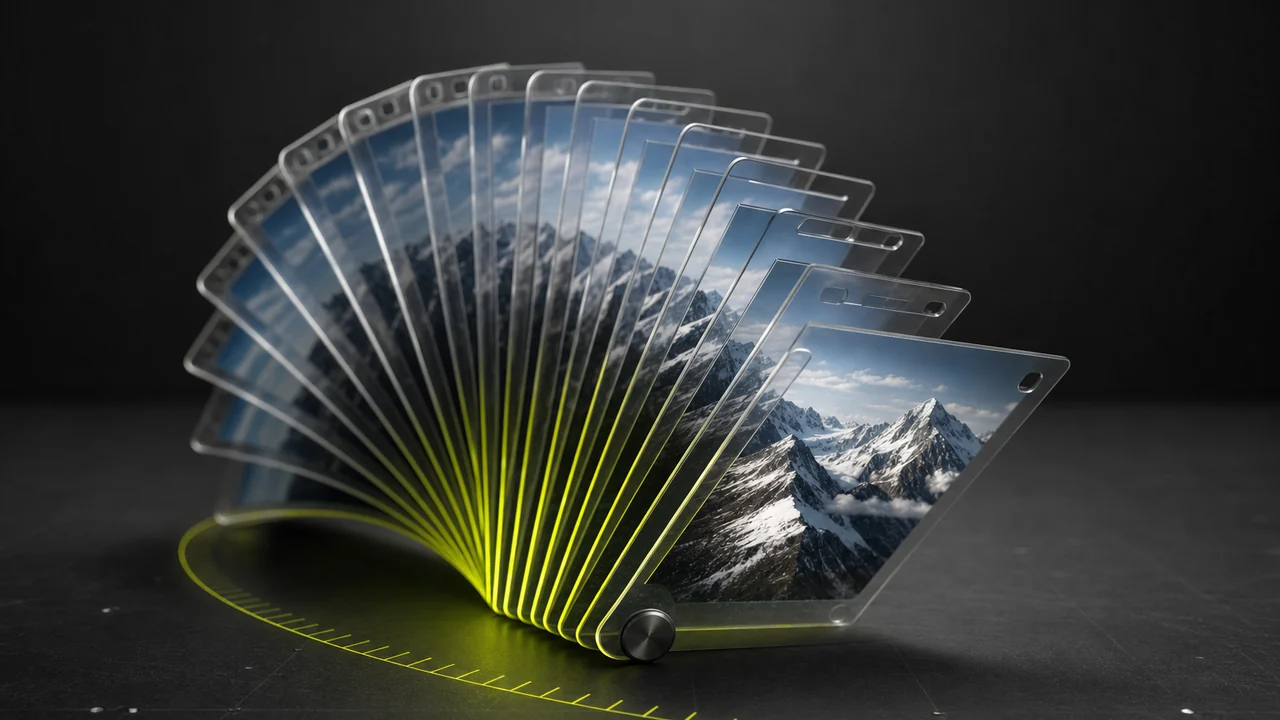
The frame you want is one click from a clean vector.
Convert MP4 to SVG freeWhat traces cleanly into a vector
The trace works on the single frame you pick, so the result depends on that frame. Four notes on choosing a frame that vectorises crisply — and what to expect from busier ones.
High-contrast frames give the crispest paths
Tracing finds an edge wherever colour changes sharply. A frame with clear boundaries — a logo, flat graphic, bold silhouette or a symbol against a plain background — converts to tight, confident vector paths. Grab the moment the subject is largest, sharpest and most still, and the tracer has clean edges to lock onto.
Flat art keeps the file small
Vectors stay small when the frame is made of a handful of shapes, because each region is a short line of geometry rather than a mat of pixels. Logos, icons, line art and flat illustration convert to compact SVGs that scale forever. A dense photographic frame traces into many more regions, so the file grows — a fair trade when you need infinite scaling, worth knowing before you pick that kind of frame.
Photographic frames trace as an approximation
Soft focus, film grain, lens flare, smoke and motion blur are gradients rather than hard shapes, so the tracer approximates them with bands of flat colour and smooth gradients. On a busy photographic frame that reads as a stylised, poster-like version of the moment — a real, scalable vector, just an interpretation rather than a pixel-perfect copy. For a faithful photo, a raster still may suit better than a trace.
One frame, not the timeline
An SVG holds the vector paths of a single moment, so converting MP4 to SVG captures one still, not the video's motion. That is exactly what most people want — a scalable mark or graphic lifted from footage. If you need the movement too, animate the traced paths yourself with CSS or a Lottie file once you have the vector in hand.
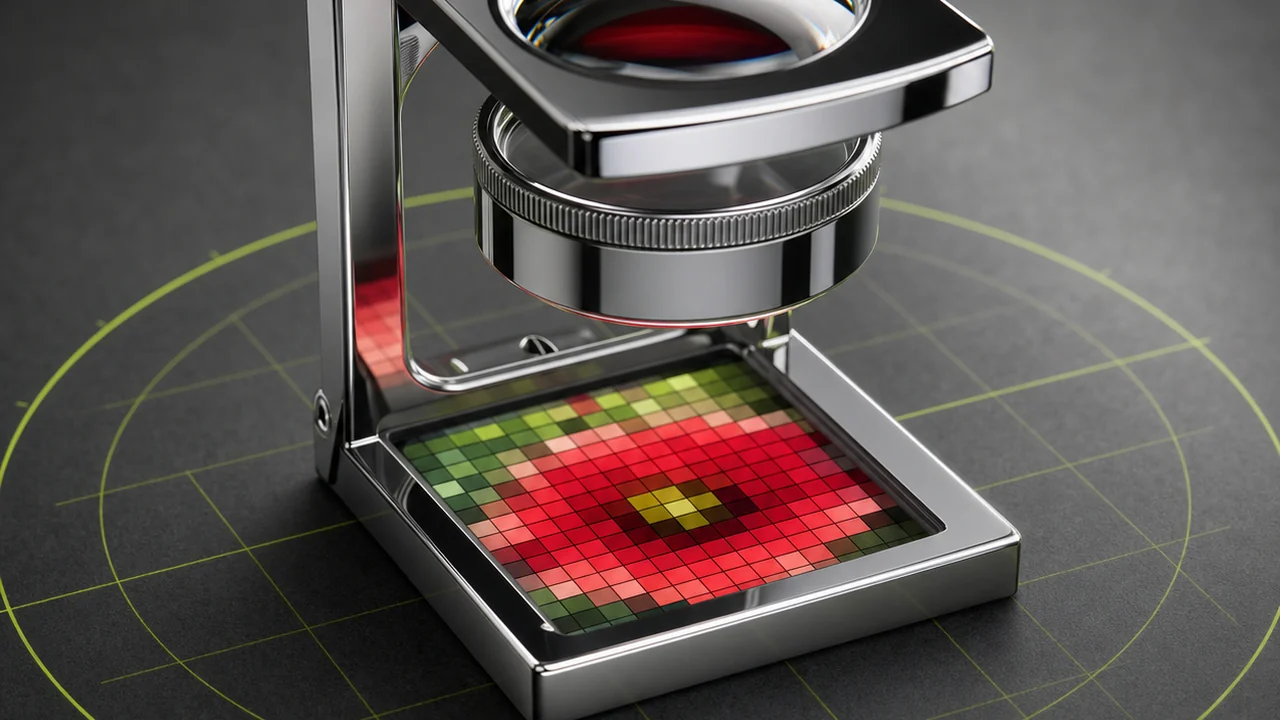
Pick the frame you want and trace it to SVG.
Convert MP4 to SVGWhat people actually want from an MP4 to SVG converter
Almost nobody needs a whole film as geometry — they want one thing out of the footage as a clean vector. Three jobs sit behind nearly every version of this search, and the frame-trace workflow handles each.
A logo lifted from footage
Someone has an intro clip or a screen recording and needs the mark as a crisp, scalable file for print or a large display. Pick the frame where the logo is largest and still, and the tracer turns it into sharp vector paths.
Route → grab the clearest frame, then convert MP4 to SVG
An icon or silhouette
A single high-contrast subject — a shape against a plain background, a symbol, a cut-out figure. This is where tracing shines, because there are only a few real boundaries to find, and the SVG comes out tight and small.
Route → extract one clean frame and trace that single image
A scalable graphic for the web
The goal is a sharp mark that stays crisp at any size on a page. Vectorise the frame once and the SVG scales forever; if you want it to move, animate the traced paths with CSS or a Lottie file afterwards.
Route → trace the frame, then animate the paths if needed
The pattern is the same in all three. You lift one frame from the recording, then trace it into a drawing. That is exactly how Pixazo's still-image converters work too: see PNG to SVG, which runs the same tracing step on a still. The MP4 to SVG converter simply adds the frame-grab in front of it.
Lift the frame and trace it in one place.
Convert MP4 to SVG freeHow to convert MP4 to SVG, step by step
Five steps from clip to clean vector. Pixazo handles the whole run — the frame grab and the trace both happen in one place.
Open Pixazo
Head to Pixazo, the same studio that runs the image tracing. Everything you need lives here — no install, no separate editor to open.
Upload your MP4
Drop the clip in. Pixazo reads the video so you can scrub to the exact moment you want — the frame that carries the logo, symbol or graphic you plan to turn into a vector.
Pick the frame to vectorise
Choose the still with the most contrast and the least motion blur. A slow, well-lit, fully-still moment traces far cleaner than one grabbed mid-movement, and a plain background matters more than resolution. If it is a logo on screen, pick the instant it is largest and sharpest.
Trace it to SVG
Pixazo traces that frame into true vector paths — edges found, regions grouped, curves fitted to each boundary. This is where the actual vector is made: real geometry that redraws crisply at any size, not a screenshot of the frame.
Download the SVG
Save the finished vector. Drop it straight into a design tool, a print layout or a web page, resize it as large as you like, and — if you want movement — animate the paths with CSS or a Lottie export from here.
Good to know before you convert
Honest guidance, so the vector you get back is the one you expected.
Known limits
- One frame, not the animation. The SVG holds the vector paths of a single chosen moment. It is a still redrawn as geometry, not the video's motion — add movement by animating the paths afterwards.
- High-contrast frames trace best. Logos, flat graphics, symbols and silhouettes convert to tight, confident paths. Give the tracer clear edges and it rewards you with a clean vector.
- Photographic frames are approximate. A busy, richly-shaded frame traces into a stylised, poster-like vector rather than a pixel-perfect copy. Still a real, scalable SVG — just an interpretation of the moment.
- Pick a sharp still. Compression artefacts, grain and heavy motion blur in the source frame carry into the trace. Choosing a slow, well-lit, in-focus frame does more for the result than any setting.
- Flat art stays small; dense frames grow. A few-shape frame becomes a compact SVG that scales forever; a detailed one produces more paths and a larger file — a fair trade for infinite scaling.
Related sheets on this site
MP4 to SVG questions
Can Pixazo convert MP4 to SVG?
Yes. Pixazo grabs a frame from your MP4 and traces that still into a true vector SVG with real, scalable paths. The one honest note: it vectorises a single chosen frame, so the SVG captures one moment rather than the whole moving clip.
Is the output real vector paths or just a screenshot?
Real vector paths. The tracer reads the frame, finds the edges and regions, and fits curves to each boundary — the same engine behind Pixazo's image-tracing engine. The result redraws crisply at any size, unlike a screenshot which is fixed pixels.
Which frames make the best SVG?
Clean, high-contrast frames trace crisply: logos, flat graphics, symbols and bold silhouettes convert to tight paths and small files. Busy photographic frames trace less cleanly and come out as a stylised, approximate vector — still scalable, just an interpretation of the moment.
Does the SVG animate like the video?
No — an SVG holds the geometry of one still, not the video's timeline, so the MP4 to SVG converter gives you a single vectorised frame. If you want movement, animate the traced paths yourself afterwards with CSS keyframes or a Lottie export.
How do I convert MP4 to SVG on Pixazo?
Open Pixazo, upload your MP4, scrub to the frame you want, and let the tracer turn it into vector paths, then download the SVG. The whole run — frame grab and trace — happens in one place, with no separate editor to install.
Turn one frame into a clean SVG.
Pixazo pulls the frame you want out of your footage and traces it into real vector paths — a scalable SVG you can drop into print, design or the web at any size.
Convert MP4 to SVGFrame grab + trace · real vector paths · free to start

