
11 Best Poster Makers to Explore


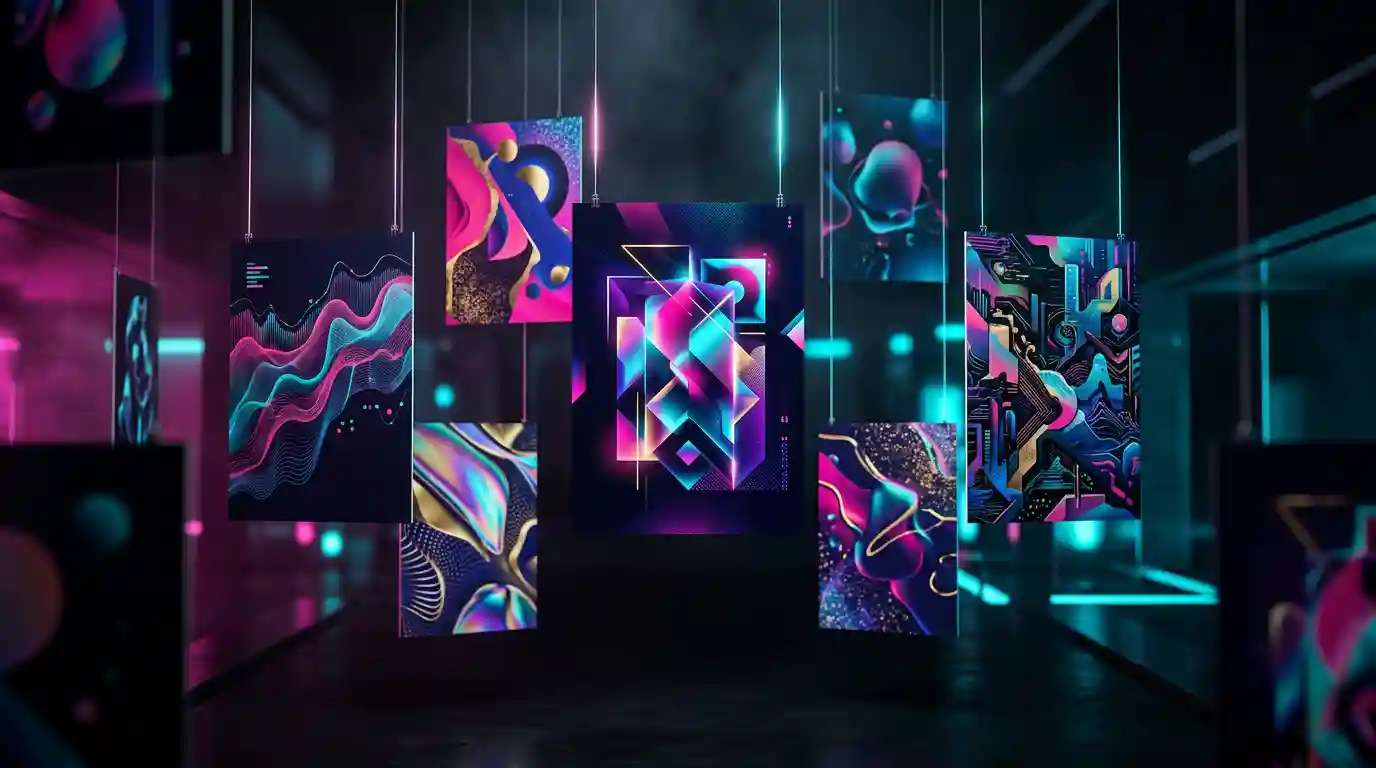
Creating posters can be a challenging task, especially if you don’t have a background in design. That’s where AI poster makers come in. These tools use artificial intelligence to make designing posters easy, fast, and fun. With just a few clicks, you can create eye-catching posters without any special skills. AI technology helps you choose the right colors, layouts, and styles, making sure your posters look professional every time. Want to try it? Head to AI Poster Maker.
Features
- Vector Graphics: You can create detailed images that maintain quality at any size.
- Wide Format Support: It supports many file formats, including SVG, PNG, and PDF.
- Text Tool: This feature allows you to add and customize text easily.
- Layers: You can work on different elements separately using layers.
- Extensions: Inkscape has various extensions to add functionality.
Pros
- Free to use with no subscription fees.
- Strong community support with plenty of tutorials available.
- Highly customizable with various plugins.
Cons
- Steeper learning curve for beginners.
- Limited templates compared to other tools.
- Performance can lag on older computers.
Pricing Plan
- Inkscape is entirely free, with no hidden costs.
9. VistaCreate
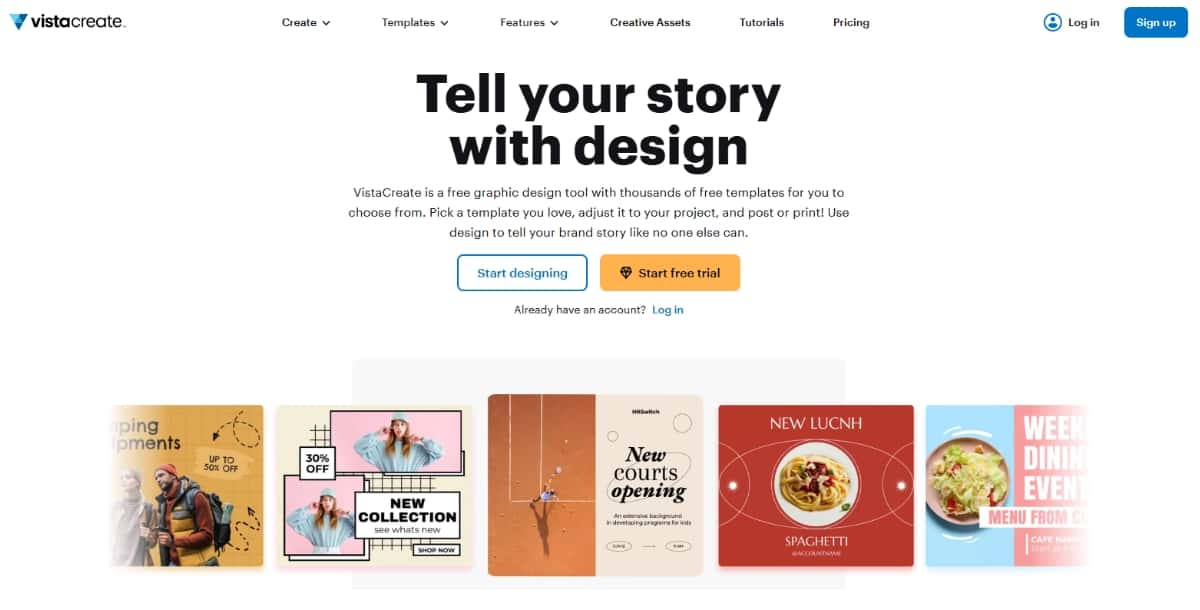
VistaCreate, formerly known as Crello, is a graphic design tool that allows you to create posters, social media graphics, and more. It features a user-friendly interface with many design resources.
Features
- Templates: A wide selection of templates for posters and other graphics.
- Animation Tools: Create animated designs easily.
- Stock Library: Access millions of images, videos, and audio tracks.
- Brand Kit: Create and save your brand elements for easy access.
Pros
- Easy to use, suitable for all skill levels.
- Offers both static and animated design options.
- Affordable pricing for premium features.
Cons
- Some features are only available with a paid plan.
- Limited design capabilities compared to professional software.
- Performance may vary on slower internet connections.
Pricing Plan
- Offers both free and premium plans with advanced tools.
- The premium plan starts at $13 per month.
10. DesignCap
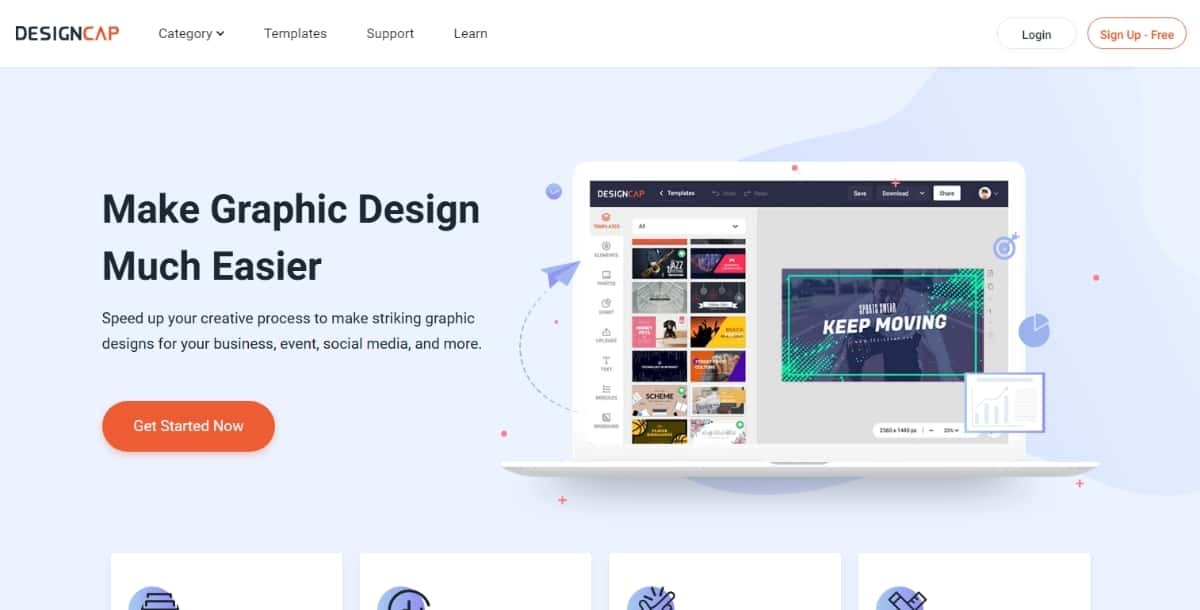
DesignCap is an online graphic design tool focused on creating posters, infographics, and more. It provides a simple platform to design various visual content.
Features
- Templates: A large collection of templates tailored for posters.
- Editing Tools: Various tools to edit text, colors, and images easily.
- Export Options: Download your designs in multiple formats.
- Collaborative Features: Share your designs with team members for feedback.
Pros
- Intuitive design interface.
- A good selection of free templates.
- Supports collaboration with team members.
Cons
- Limited features in the free version.
- Higher quality downloads require a paid plan.
- Some design options may feel restrictive.
Pricing Plan
- Free to use with optional paid plans for more features.
- Paid plan starts from $5.99 per month.
Suggested Read: Beer Poster Trend on TikTok: A Complete Guide
11. Designhill Poster Maker
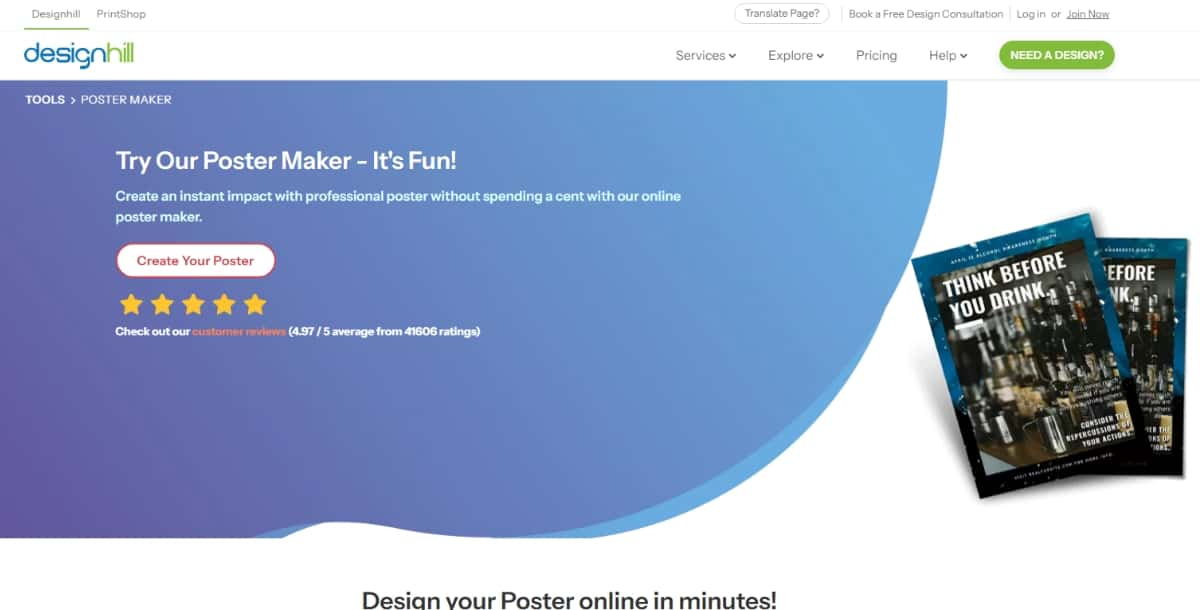
Designhill Poster Maker is an online platform that allows you to create posters quickly and efficiently. It features an easy-to-navigate interface suitable for beginners.
Suggested Read: 35 Graduation Poster Ideas for 2026
Features
- AI-Powered Tools: Use AI to generate designs based on your preferences.
- Template Gallery: Access a range of professionally designed templates.
- Customization Options: Edit colors, fonts, and layouts easily.
- Export and Print: Download your designs for print or online use.
Suggested Read: Best AI Infographic Makers in 2026: Top Tools Compared and Reviewed
Pros
- AI tools help simplify the design process.
- Extensive template options for various needs.
- Straightforward editing tools.
Suggested Read: How to Create a Minimalistic Poster Design [9 Tips & Tricks]
Cons
- Some features are limited without a subscription.
- Free version may not include all design elements.
- Performance can vary based on internet speed.
Pricing Plan
- Based on contest packages, ranging from $99-$999.
Suggested Read: Geometric Designs: Explore the World of Shapes and Patterns
Suggested Read: 80 Poster Ideas for Every Occasion
Summary
In conclusion, AI poster makers are powerful tools that help both beginners and professionals create high-quality posters quickly and easily. With a wide range of tools for everyone depending on their needs and budget. These tools save time, offer creativity through templates, and simplify the design process, making poster creation accessible to all. You can explore and choose the one that best fits your specific design goals.
Suggested Read: Color Mixer: How to Mix Paint Colors Digitally and Build Perfect Palettes
Frequently Asked Questions
What makes a good poster design?
A strong poster has a clear focal point, an easy to read headline, a simple color palette, and enough contrast to grab attention from a distance. Keeping the message concise and the layout uncluttered is key.
Can I make a poster for free?
Yes, many poster makers offer free templates and editing, with paid plans for premium assets, high resolution downloads, or watermark removal. Free tiers are often enough for events, promotions, and personal projects.
Do I need design experience to make a poster?
No, most poster makers provide ready made templates you customize with your text, images, and colors. Tools like Pixazo can also generate custom artwork so your poster looks unique without design skills.
What size should I make my poster?
Match the size to how it will be used, such as A4 or A3 for print, larger dimensions for wall posters, or platform specific sizes for digital. Design at 300 DPI for print so it stays sharp when enlarged.
Which poster maker is best for my needs?
The best tool depends on whether you value template variety, custom image generation, print quality, or ease of use. Comparing features and trying a couple, including Pixazo, helps you find the right fit.
Deepak Joshi
Author · Pixazo
Deepak writes about generative AI models, APIs, and the workflows teams use to ship them. Reviewed by Abhinav Girdhar.

