
In 2026, adding text to images is more important than ever—whether you’re boosting your brand’s visibility on social media, crafting marketing materials, or simply creating memorable memes. AI text adder tools streamline the process, offering auto-alignment, intelligent font suggestions, and design consistency that manual workflows can’t match.
Thanks to advances in machine learning, these tools can now analyze your image content, recommend typography that fits your aesthetic, and even adjust color contrast on the fly. In this guide, you’ll find both free and premium options—each with user-friendly interfaces, smart suggestions, and features tailored to different budgets and use cases.
What Is an AI Text Adder Tool?
An AI text adder tool is software—either web-based or desktop—that uses artificial intelligence to place and style text on images. Unlike traditional editors where you manually drag text boxes and tweak every setting, AI tools automate alignment, font pairing, and contrast adjustments.
How AI Enhances Traditional Text Addition:
- Auto-Alignment & Spacing: AI analyzes image composition to suggest optimal text placement.
- Font Matching: Recommends typefaces that harmonize with your image’s tone.
- Dynamic Color Contrast: Ensures text remains legible by selecting contrasting hues or adding outlines.
- Smart Templates: Automatically adapt layouts when you change text length or style.
Who Can Use Them? Marketers, designers, social media managers, students, educators, and casual creators—all benefit from faster workflows and polished results.
Suggested Read: 10 Best AI Text Generator APIs in 2026
How We Select the Best AI Design Generator Platforms at Pixazo
At Pixazo, we carefully evaluate AI design generator platforms to help users skip the overwhelming trial-and-error process. Our experts, with extensive experience in AI-powered design tools, assess each platform based on creativity, ease of use, customization options, and overall performance. We put these tools to the test by creating designs across different categories to ensure they deliver high-quality results effortlessly. Every recommendation is based on thorough research and real-world testing, with no paid placements or outside influence. Want to know how we pick the best AI design platforms? Explore our detailed evaluation process.
Top 10 AI Text Adder Tools in 2026
1) Fotor
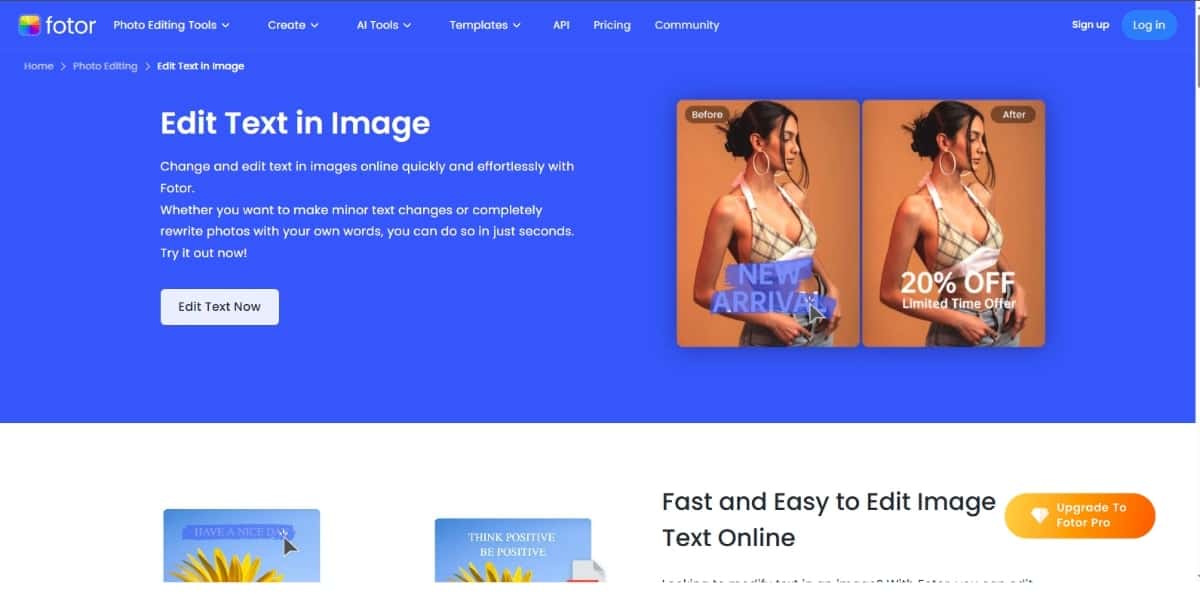
Overview: All-in-one photo editor with integrated AI text tools.
Features:
- AI Text Suggestions
- Batch Text Editing
- Template Marketplace
- Advanced Text Effects (shadows, glows)
Pros: Versatile toolkit, batch speed, extensive template library.
Cons: Free tier limits export resolution, occasional lag.
Pricing: Free; Pro: $8.99/mo; Pro+: $19.99/mo.
Best For: E-commerce sellers, advertisers.
2) Photoroom
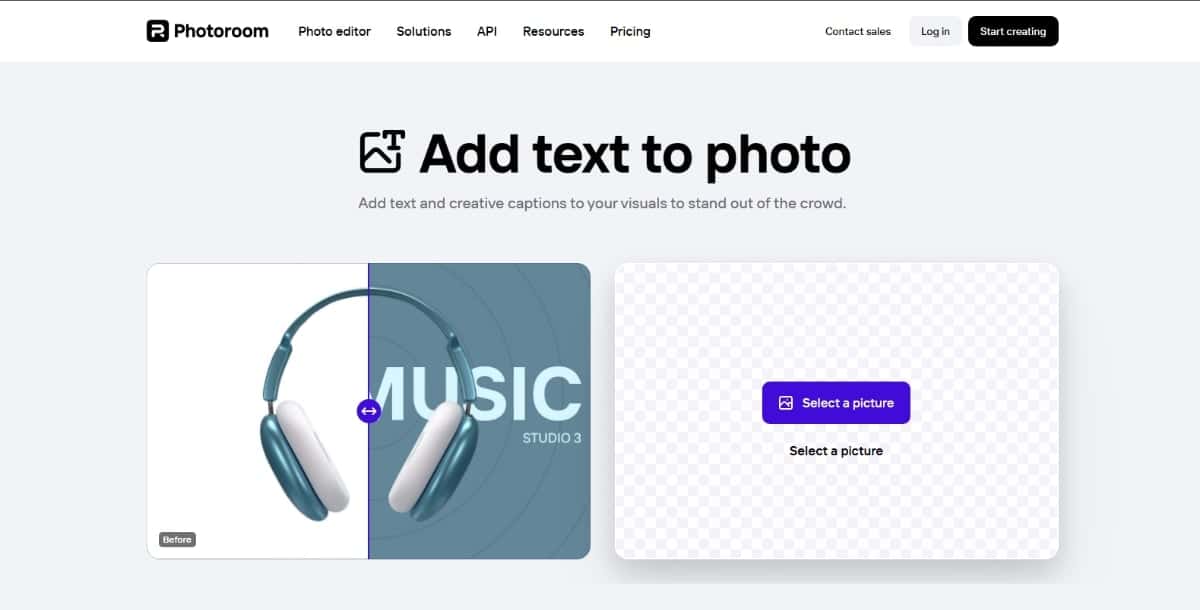
Overview: AI background remover + text editor, perfect for product images.
Features:
- Branding Kits
- Dynamic Resizing
- Interactive Mockups
- Mobile & Web Apps
Pros: Seamless removal + text, great mobile UX.
Cons: High-res exports locked behind Pro.
Pricing: Free; Pro $12.49/mo; Business $39.99/mo.
Best For: Online sellers, social advertisers.
3) Tinywow
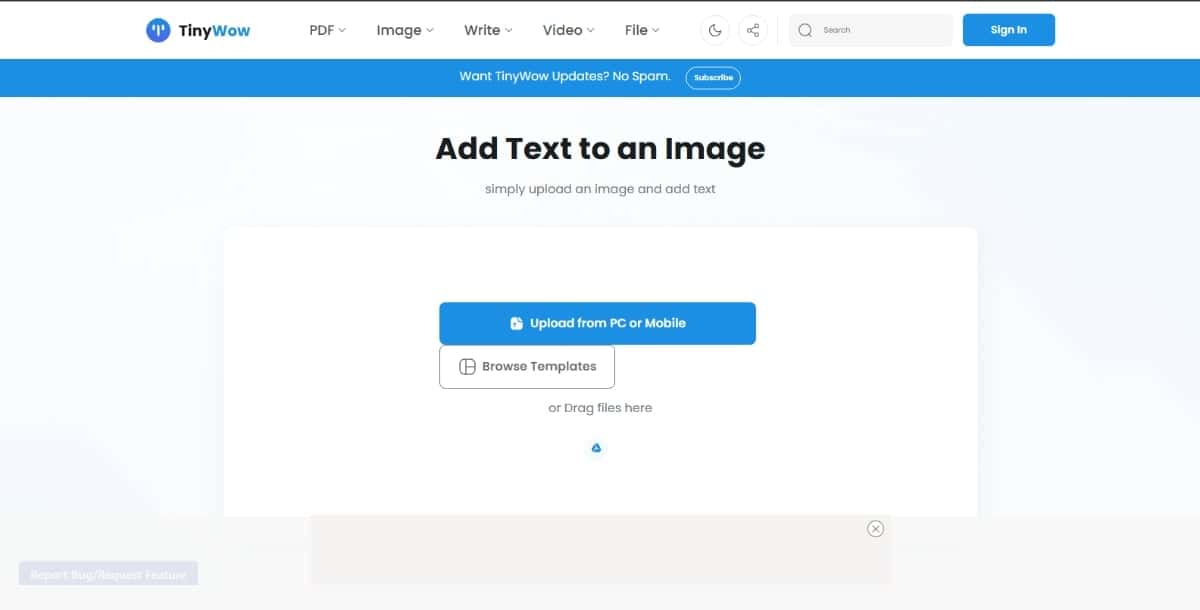
Overview: Free web-based micro-tool suite for quick, no-login edits.
Features:
- Instant Text Overlay
- Watermarking Option
- Drag-and-Drop Positioning
- No Account Required
Pros: Zero signup friction, super-fast, entirely free.
Cons: Basic styling, no batch or branding.
Pricing: Always free.
Best For: Casual edits, memes.
4) Watermarkly
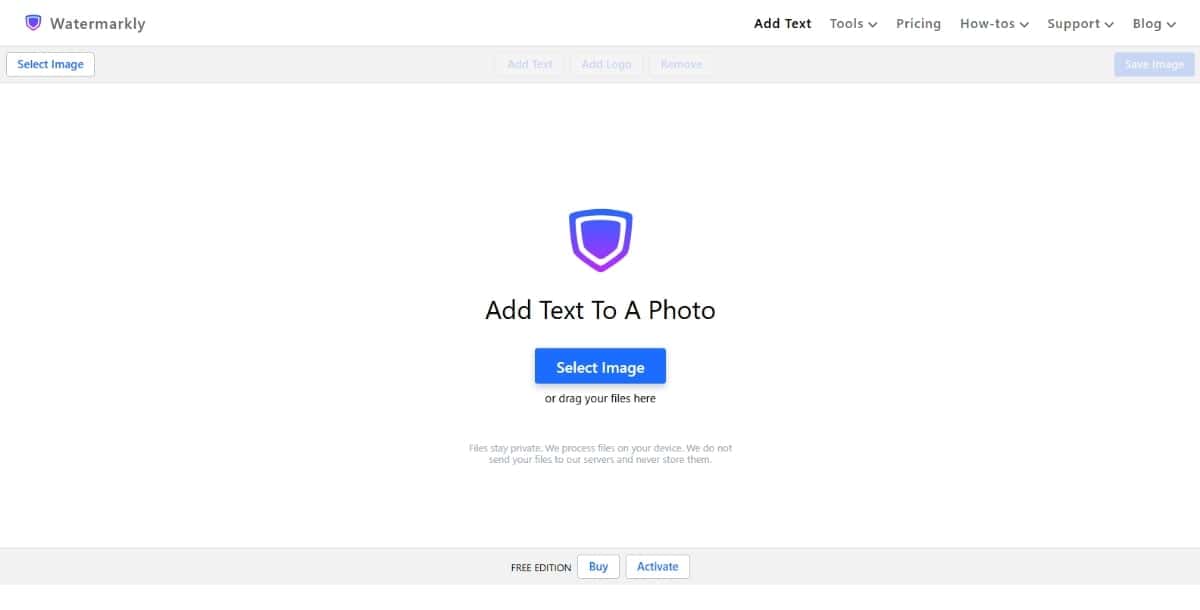
Overview: Batch watermarking platform with strong text overlay tools.
Features:
- Bulk Text Overlay
- Auto-Positioning Templates
- Saved Presets
- Desktop & Cloud Sync
Pros: Fast batch processing, consistent labeling.
Cons: UI focused on watermarking, limited creative effects.
Pricing: Free (watermarked); Pro: $9/yr; Business: $19/yr.
Best For: Photographers, large catalogs.
5) Visual Watermark
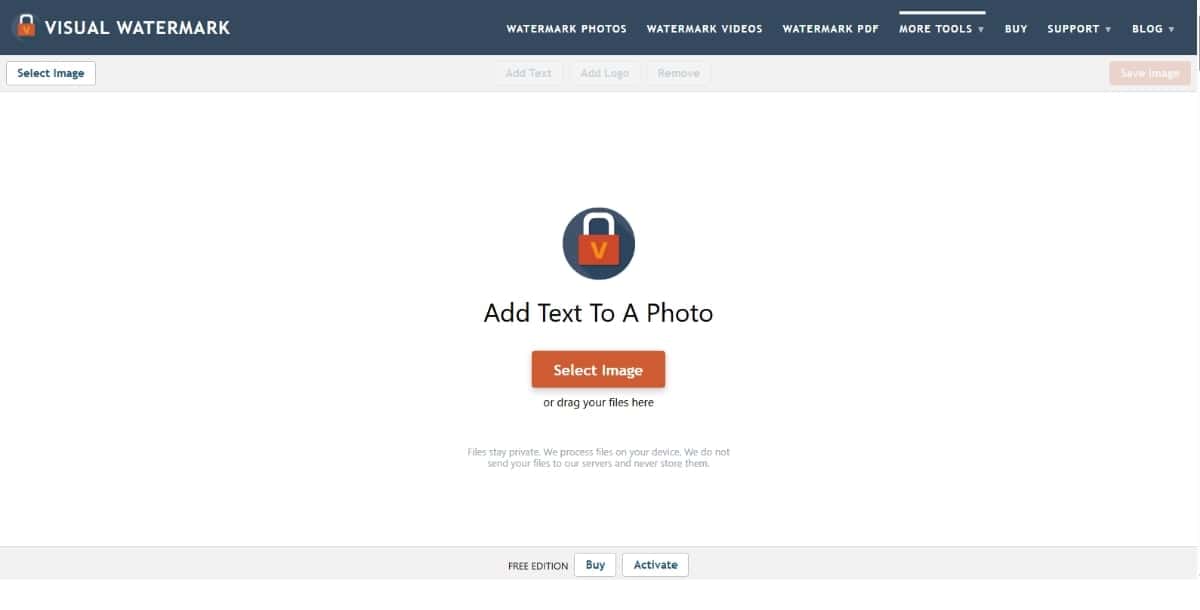
Overview: Desktop batch text overlay and watermark software.
Features:
- High-Speed Batch Processing
- AI Placement
- Output Profiles
- Custom Font Library
Pros: Unmatched speed, simple interface.
Cons: Limited design tools, Windows only.
Pricing: $29 one-time license.
Best For: High-volume enterprise use.
| Tool | Key Features | Pros | Cons | Pricing | Best For |
|---|---|---|---|---|---|
| Fotor | Batch Editing, Font Suggestions, Templates | All-in-one toolkit, batch speed | Export limits, occasional lag | Free; $8.99-$19.99/mo | E-commerce & ads |
| Photoroom | Brand Kits, Mockups, Resizing | Background removal + text | Low-res on free | Free; $12.49-$39.99/mo | Product & social |
| Tinywow | Instant Overlay, No-Login, Watermarks | Zero signup, instant edits | Basic styling only | Free | Casual edits & memes |
| Watermarkly | Bulk Overlay, Auto-Position | Fast batch, consistent | Limited effects | Free: $9-$19/yr | Photographers & catalogs |
| Visual Watermark | Batch Processing, AI Placement | Unmatched speed | Windows only | $29 one-time | High-volume enterprise |
| Pixazo | AI Font Matching, 5k+ Templates, Brand Kit | Beginner-friendly, branded consistency | Advanced controls behind paywall | Free; $12.99-$29.99/mo | Social media & marketing |
| MolyPix | Font Pairings, Live Editing, Cloud Sync | Inspiring combos, responsive | No batch support, smaller library | Free; $7.99-$14.99/mo | Typography experimentation |
| PicFont | Custom Fonts, Live Preview | No login, brand fonts | No AI alignment/color | Free; $5 one-time | Quick branded text |
| PhoText | Auto-Fitting, Contrast AI, Blur | Excellent readability | Learning curve, no offline | $9-$19/mo | Thumbnails & banners |
| InPixio | Layout Guides, Text Effects | Offline, rich styling | No cloud sync | Free; $49.99-$79.99 | Offline & advanced effects |
6) Pixazo AI Text Adder
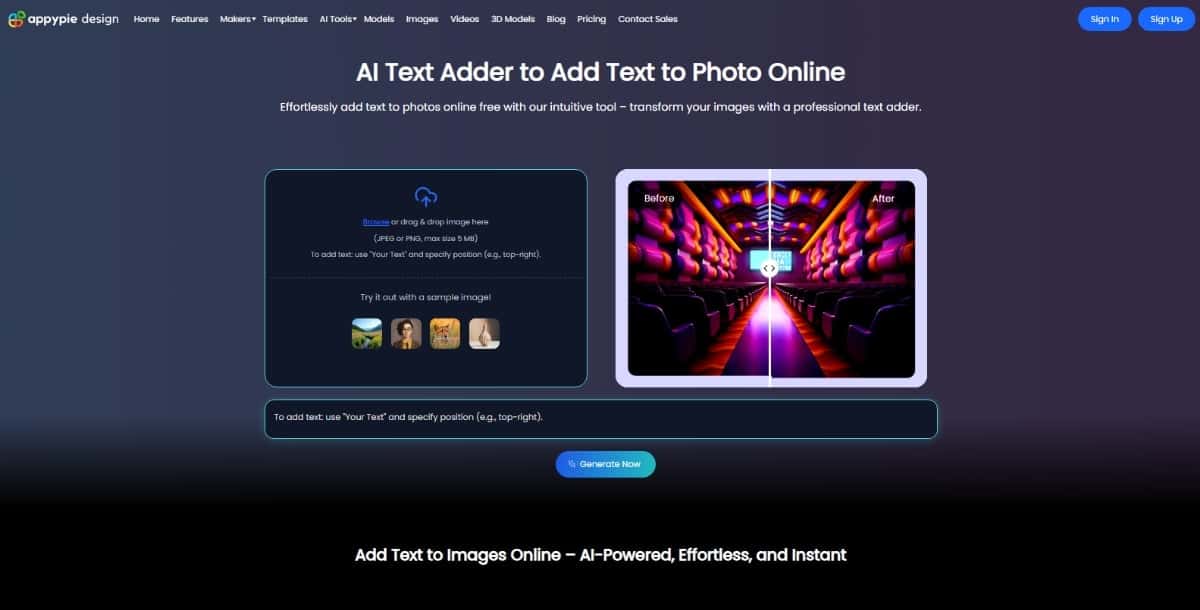
Overview: Browser-based graphic editor with AI-driven templates and brand kit integration.
Features:
- AI Font Matching
- 5,000+ Custom Templates
- Brand Kit for Colors, Fonts & Logos
- One-Click Export (PNG, JPG, PDF)
- Auto-Align & Snap Guides
Pros: Beginner-friendly, consistent branding, vast template library.
Cons: Advanced typography controls behind paywall, slower on large canvases.
Pricing: 7 day free trial, $8/Month
Best For: Social media managers, small businesses, marketers.
7) MolyPix
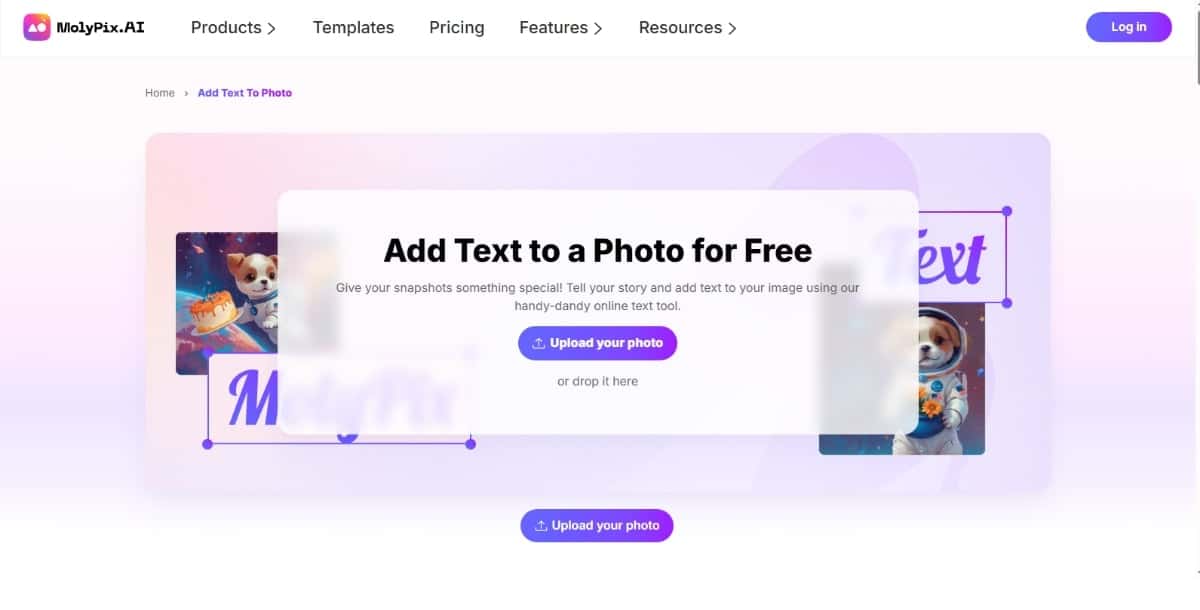
Overview: Creative design app with AI font-pairing and real-time editing.
Features:
- Smart Font Pairings
- Live Canvas Editing
- Alignment Snaplines
- Cloud Sync Across Devices
Pros: Inspiring font recommendations, lightweight, responsive.
Cons: Smaller template library, no batch processing.
Pricing: Free; Pro: $7.99/mo; Team: $14.99/mo per user.
Best For: Designers experimenting with typography.
8) PicFont
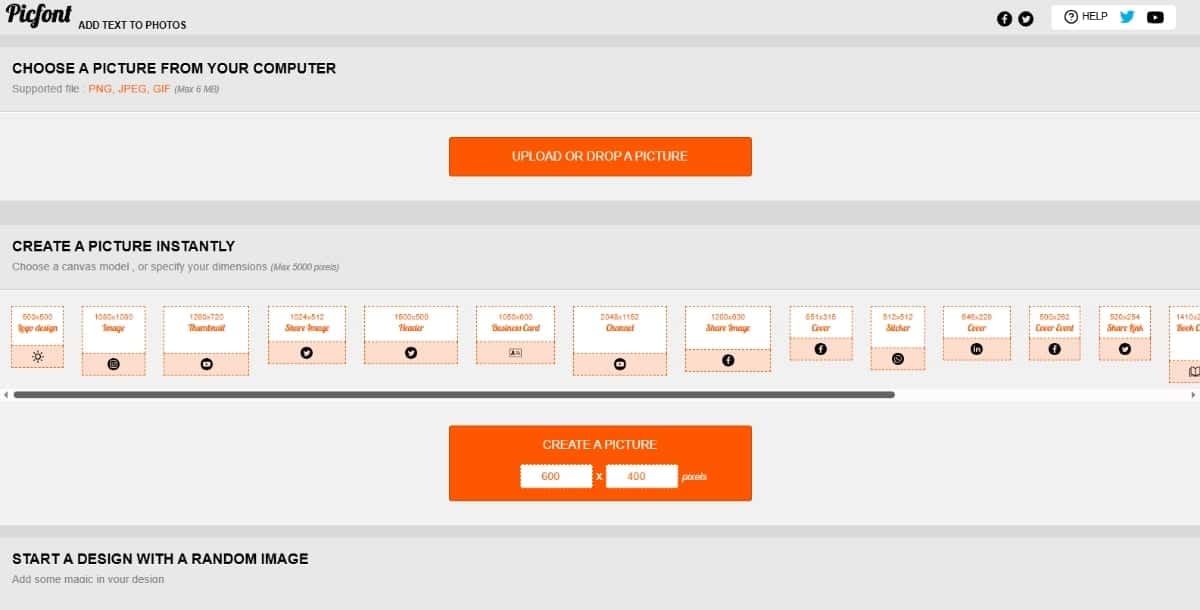
Overview: Minimalist text-on-photo tool with custom font support.
Features:
- Custom Font Upload
- Real-Time Preview
- Opacity & Rotation Controls
- Mobile-Friendly UI
Pros: No login, brand-matching fonts, clean interface.
Cons: Lacks AI alignment/color suggestions, single-image only.
Pricing: Free; Premium Fonts Pack $5 one-time.
Best For: Beginners, casual branded text.
Suggested Read: Best AI Photo Text Editor Tools in 2026
9) PhoText
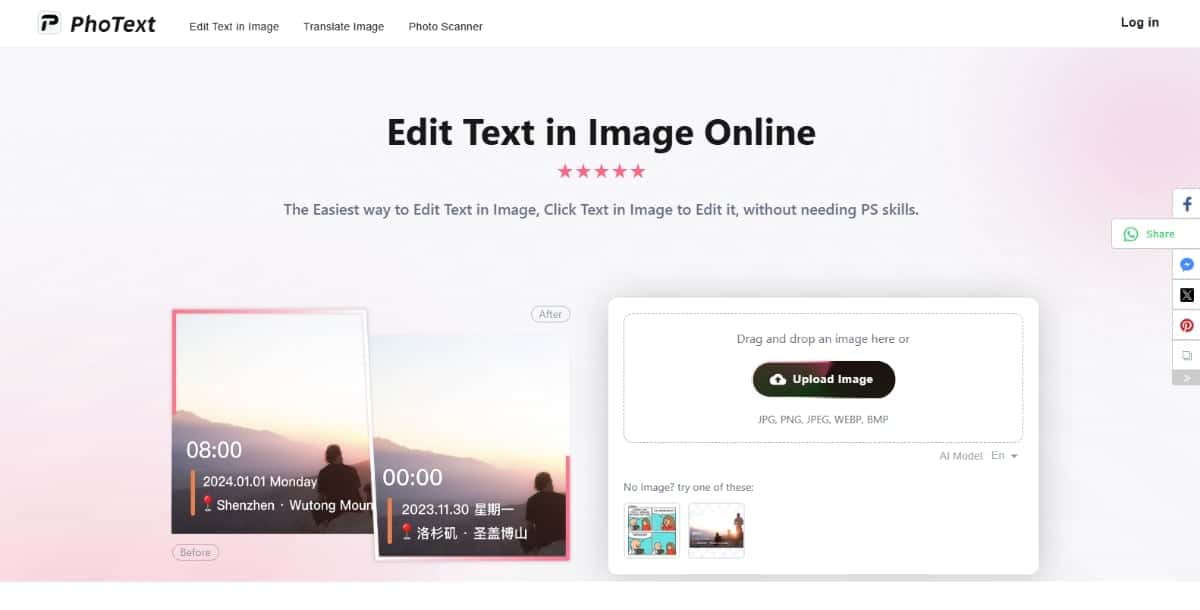
Overview: AI text enhancer for busy images, ensuring readability.
Features:
- Auto-Font Fitting
- Color Contrast AI
- Multi-Layer Text
- Background Blur
Pros: Excellent legibility, powerful layers, auto-color handling.
Cons: Learning curve, no offline version.
Pricing: 7-day trial; Standard $9/mo; Pro $19/mo.
Best For: Thumbnails, blog banners.
10) InPixio
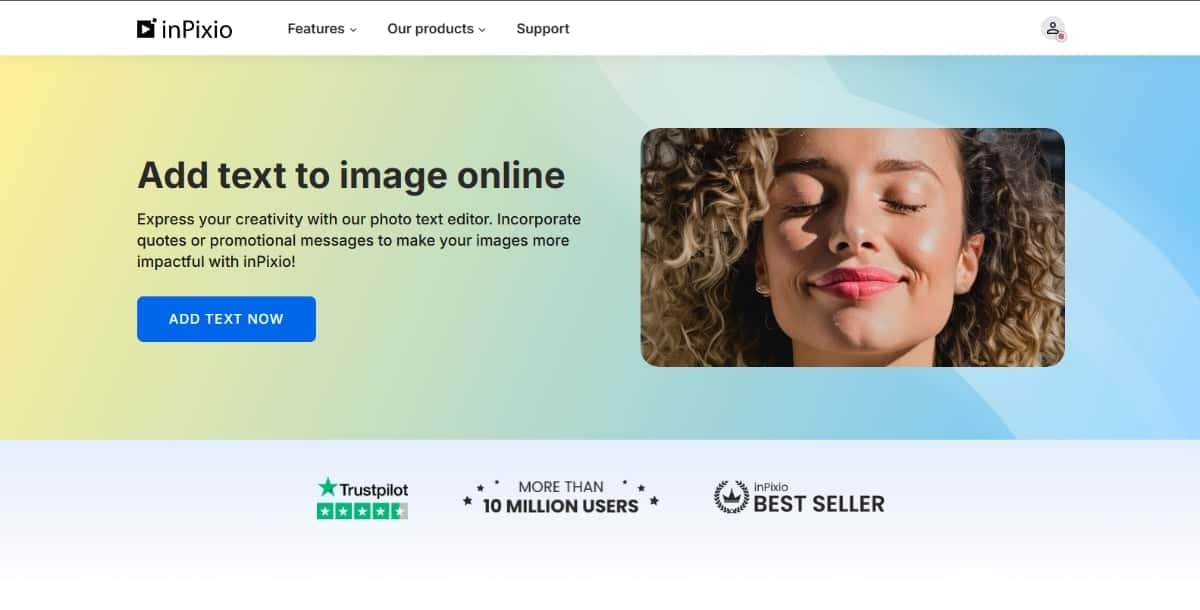
Overview: Hybrid online/desktop editor with advanced text effects.
Features:
- Smart Layout Guides
- Text Effects (emboss, glow)
- Collage & Card Templates
- Offline Desktop App
Pros: Powerful desktop tool, offline access.
Cons: Desktop lacks cloud sync; online limited.
Pricing: Online free; Desktop: $49.99 one-time; Pro: $79.99 bundle.
Best For: Offline workflows, advanced effects.
How to Choose the Right AI Text Tool
- Ease of Use: Tinywow or PicFont for quick edits; InPixio or Visual Watermark for advanced control.
- Template & Asset Availability: Pixazo and Fotor for large template libraries.
- AI Smart Features: PhoText and MolyPix for advanced typography suggestions.
- Batch Processing: Watermarkly or Visual Watermark for large volumes.
- Free vs. Paid: Tinywow and PicFont handle basics; upgrade for watermark-free, high-res exports and commercial rights.
Final Thoughts
AI text adder tools have leveled the playing field, making professional-grade design accessible to everyone. Whether you’re a marketer, designer, student, or hobbyist, there’s a tool on this list that fits your workflow and budget. Dive in, experiment, and bring your images to life with compelling, perfectly styled text.
Removing text from images is now easier than ever with AI. Explore the Best AI text remover tools designed for fast, clean, and accurate editing.

Deepak Joshi
Author · Pixazo
Deepak writes about generative AI models, APIs, and the workflows teams use to ship them. Reviewed by Abhinav Girdhar.