10 Best AI Flyer Generator Tools in 2026



What Are AI Flyer Generator Tools?
AI flyer generator tools use artificial intelligence to help you create eye-catching flyers quickly and with minimal design effort. These platforms leverage natural language processing, smart layout engines, and extensive template libraries to deliver high-quality, customized flyer designs based on user prompts or branding inputs. AI Flyer Maker lets you try this in your browser.
Perfect for event promotions, marketing campaigns, social media announcements, and retail specials, these tools offer intuitive drag-and-drop editors, real-time collaboration, and high-resolution downloads. Whether you need striking flyer templates for a product launch or vibrant custom flyer designs for community events, AI-powered generators streamline the entire flyer-making process.
With an online flyer maker like the AI Flyer Generator by Pixazo, users can produce professional flyers in just a few clicks. These solutions represent the best AI flyer generator tools for creating print-ready and digital-friendly outputs – saving you time while ensuring brand consistency across all your promotional materials.
Key Features:
- Designer-crafted AI templates
- Keyword-based template search
- Vector and raster exports
- Custom font uploads
- 24/7 expert support
Pros:
- High-quality, trend-driven designs
- Scalable vector outputs
- Professional support
Cons:
- No free-tier AI features
- Subscription required for exports
Best For:
Businesses and individuals seeking professional-grade flyers with maximum design control.
How It Works:
- Search or browse AI flyer templates.
- Enter business keywords and customize colors.
- Download in SVG, PDF, or PNG.
8. Flyerwiz
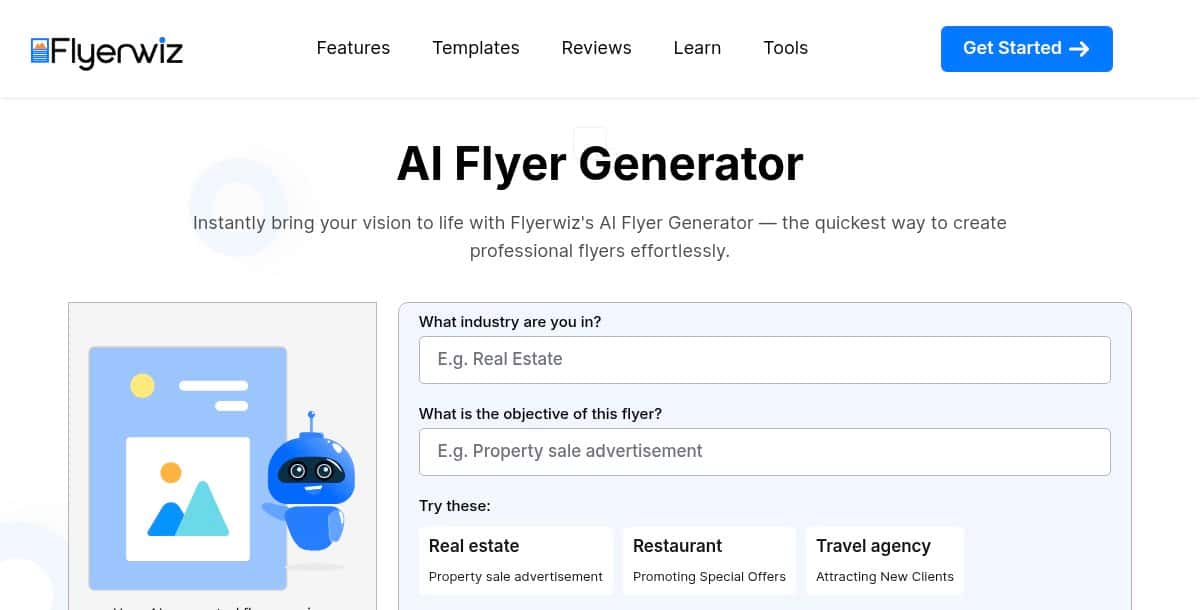
Flyerwiz stands out as a mobile-first AI flyer maker app, letting you create a flyer on the go with simple text prompts. The streamlined interface and instant previews make it ideal for last-minute promotions.
Key Features:
- Mobile-optimized AI editor
- Instant preview and export
- Template categories by event type
- Basic image filtering and cropping
- Share via social or email
Pros:
- Fast, on-the-go flyer creation
- No desktop required
- User-friendly mobile UI
Cons:
- Limited advanced customization
- Smaller template library
Best For:
Entrepreneurs and event organizers needing a quick, mobile-first solution.
How It Works:
- Open the Flyerwiz app and select “Create a flyer.”
- Enter your event details as a prompt.
- Choose and tweak the AI-generated design.
- Export or share directly from mobile.
9. Designs.ai
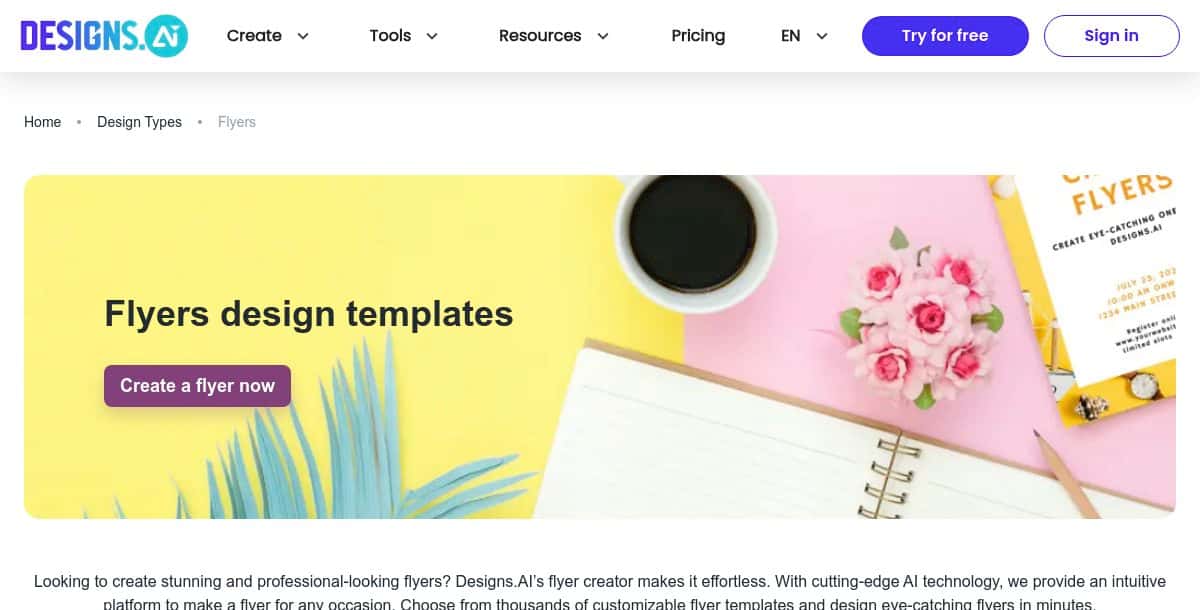
Designs.ai is an all-in-one AI design suite whose flyer maker uses smart resizing and template suggestions to speed up your workflow. It’s recognized as a top AI flyer generator for auto-resizing output to multiple formats with zero extra effort.
Key Features:
- Auto-resize for social and print
- AI-driven template recommendations
- Built-in stock image library
- Custom font and color options
- Download in JPG, PNG, PDF
Pros:
- Versatile format support
- Intelligent template matching
- No separate design tools needed
Cons:
- Subscription needed for full library
- Limited on-device editing
Best For:
Agencies and small teams looking for a unified AI design platform.
How It Works:
- Enter your flyer text and select output formats.
- AI suggests matching templates and layouts.
- Customize visuals and export.
10. CyberLink
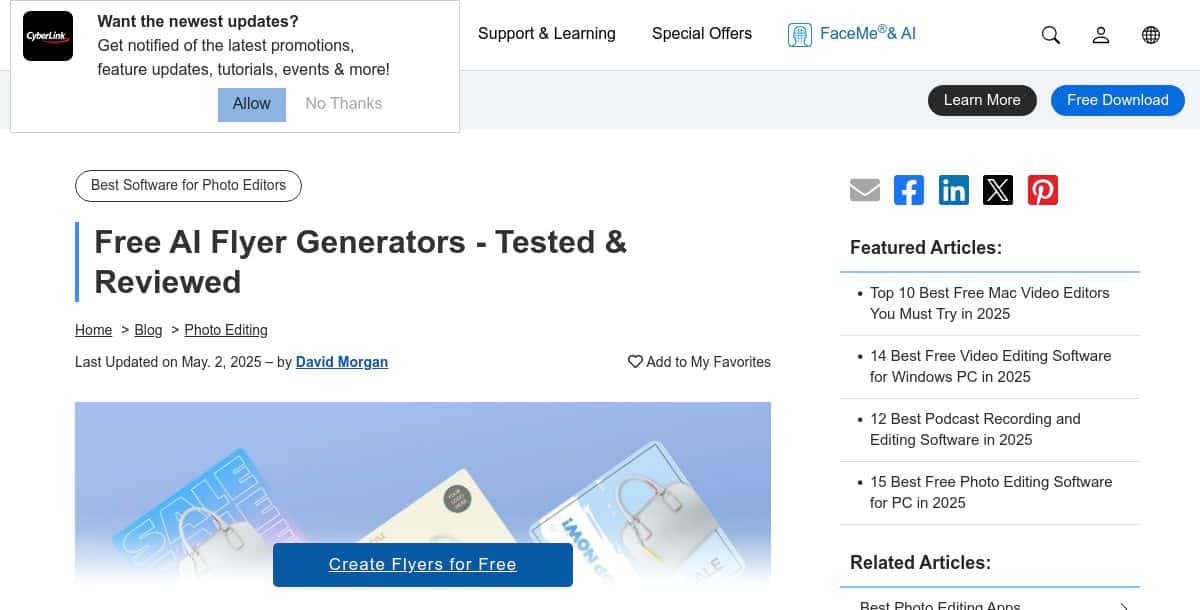
CyberLink’s AI Flyer Creator is part of their Creative Suite, offering industry-specific flyer templates enhanced by AI-selected imagery. It ranks among the best ai flyer generator tools for its smart scene detection and automatic color matching.
Key Features:
- AI scene detection for image selection
- Template library by industry
- Auto color palette extraction
- Vector and raster export
- Built-in photo filters
Pros:
- Smart image suggestions
- Industry-tailored templates
- Integrated with PhotoDirector
Cons:
- Requires desktop installation
- Paid license needed for full features
Best For:
Creative professionals and photographers seeking AI-enhanced flyer templates.
How It Works:
- Launch the AI Flyer Creator module.
- Select your industry and preferred style.
- Let AI suggest images and layouts.
- Fine-tune and export your flyer.
What Other Creative Tools Are Advancing Alongside AI Flyer Generators?
Several AI-powered flyer maker variants are evolving to serve specific use cases, helping you craft targeted promotional materials with ease. These specialized tools offer tailored templates and AI-driven suggestions to match the theme and audience of your event or campaign.
- AI technology flyer maker: Provides specialized templates and AI-driven suggestions for tech events, product launches, and industry conferences.
- AI school & college fest flyer maker: Offers festive designs and thematic layouts tailored for educational events, campus festivals, and student activities.
- AI photography flyer maker: Delivers visually striking templates optimized for photo exhibitions, portrait showcases, and portfolio promotions.
- AI travel & tourism flyer maker: Features travel-themed designs and destination-inspired graphics to promote tours, vacation packages, and travel events.
- AI advertising flyer maker: Includes marketing-focused templates for sales promotions, product launches, and advertising campaigns.
Suggested Read: Best AI Baby Face Generator Tools: Top Picks for 2026
Which AI Flyer Generator Delivers the Best Results for Your Needs?
Choosing the right AI flyer generator hinges on your project priorities—whether that’s speed, creative control, teamwork, budget, mobility, or industry focus.
- Speed & Simplicity: Pixazo gets you from prompt to polished flyer in seconds—perfect when deadlines loom.
- Design Flexibility: Adobe Express and Designs.ai let you tweak AI-generated imagery, fonts, and layouts for bespoke results.
- Collaboration & Consistency: Venngage and Visme offer brand-kit management and real-time co-editing so teams stay aligned.
- Cost-Effective Creation: PosterMyWall and Piktochart provide robust free tiers, enabling you to make a flyer without spending a dime.
- On-the-Go Design: Flyerwiz’s mobile-first interface lets you create and share flyers directly from your phone or tablet.
- Industry-Tailored Templates: CyberLink’s smart scene detection and themed libraries support sector-specific promotions.
Suggested Read: Best AI Cartoon Generator Tools in 2026: A Clear Overview
By matching these strengths to your campaign goals—whether that means the fastest turnaround, deepest customization, seamless teamwork, budget friendliness, mobile convenience, or niche templates—you can select the AI flyer maker that will deliver standout, audience-ready designs every time.
Suggested Read: 60 Christmas Card Ideas to Make This Year
Frequently Asked Questions
1. What is the best AI flyer generator for beginners?
Pixazo AI Flyer Maker is the best choice for beginners. It offers prompt-driven workflows, an intuitive drag-and-drop editor, and a large library of pre-designed templates that require no prior design experience.
Suggested Read: Best AI Banner Generator Tools in 2026
2. Are there free options to make a flyer with AI?
Yes, PosterMyWall and Piktochart offer robust free tiers. You can create a flyer with AI-assisted layouts and export basic designs without a subscription, though you may encounter watermarks or export limits on free plans.
Suggested Read: 10 Best AI Music Video Generator Tools in 2026
3. Which platform offers the most customization for advanced users?
Adobe Express and Designs.ai provide the deepest customization options. They allow you to fine-tune AI-generated imagery, custom fonts, color palettes, and auto-resize across multiple formats for complete design control.
4. Can multiple team members collaborate on the same flyer design?
Yes, Venngage and Visme support real-time collaboration. These platforms include brand-kit management, commenting, and element-locking features so teams can co-edit and maintain consistency across all materials.
Suggested Read: Best AI Background Generator Tools in 2026
5. How do I ensure my AI-made flyer is print-ready?
Choose tools that export high-resolution PDFs or vector formats. The best flyer maker tools, such as Pixazo and Design.com, provide print-ready downloads (PDF, SVG, EPS) to ensure crisp output on paper.
Suggested Read: Top 10 AI Story Generator Tools in 2026
Deepak Joshi
Author · Pixazo
Deepak writes about generative AI models, APIs, and the workflows teams use to ship them. Reviewed by Abhinav Girdhar.