

Video conversion means changing a video from one file format to another. It also includes adjusting the video size, quality, or resolution to match your needs. Today, many people use an AI video editor to make this process faster and easier, especially when they need smart features like automatic format selection or video optimization.
There are many reasons why people need to convert videos. Some of the most common ones are:
- To make the video file smaller so it can be uploaded or shared more easily
- To change the video format so it can play on different devices like phones, tablets, or smart TVs
- To match the video requirements of websites like YouTube, Instagram, or Facebook
- To improve or lower the video quality, depending on what you need
In this list, we have included a mix of different video converter tools like Pixazo, VEED, and others. Some are free and easy to use. Others offer advanced features for people who need more control. We have also added tools that use artificial intelligence to make the job even simpler. No matter what you need, there is something here for you.
What are Video Converter Tools?
Video converter tools are software programs or online services that help you change a video from one file type to another. For example, you might have a video in MOV format, but your phone or website only supports MP4. A video converter tool helps you make that switch easily.
These tools can also help with other tasks. You can reduce the size of a video file, change the resolution, or extract just the audio. This is useful if you want to upload a video faster, save space, or create an audio file from a video.
Most people use video converters when they need to:
- Make a video play on a different device
- Share a video on social media or websites
- Send a video by email or upload it online
- Improve or reduce the video quality
- Turn video into audio, like converting MP4 to MP3
Also, you can use the AI Video Generator tool to get a video of your desired theme and idea effortlessly, ensuring the file format of the video is widely accepted.
Suggested Read: Best Video Editing Tools for Professionals and Amateurs
How We Select the Best AI Design Generator Platforms at Pixazo
At Pixazo, we carefully evaluate AI design generator platforms to help users skip the overwhelming trial-and-error process. Our experts, with extensive experience in AI-powered design tools, assess each platform based on creativity, ease of use, customization options, and overall performance. We put these tools to the test by creating designs across different categories to ensure they deliver high-quality results effortlessly. Every recommendation is based on thorough research and real-world testing, with no paid placements or outside influence. Want to know how we pick the best AI design platforms? Explore our detailed evaluation process.
Best Video Converter Tools (Overview)
Here’s a detailed breakdown of the top 10 platforms that help you convert video files effortlessly, with accurate insights into features, pros, cons, and pricing.
1. Pixazo
Pixazo is a cloud-based, beginner-friendly tool that allows users to convert and edit videos using AI technology. Ideal for marketers, educators, and content creators, it simplifies the video creation process from text-based input to polished video output.
Key Features:
- Converts videos into multiple formats.
- Offers trimming, resizing, and enhancement tools.
- AI-powered video generation from text.
- Cloud-based with drag-and-drop functionality.
Pros:
- Extremely user-friendly.
- No download required.
- Affordable for small teams and individuals.
Cons:
- Lacks advanced editing layers for professionals.
- Limited control over rendering settings.
Pricing:
- Free version available
- Paid plans start at $8/month.
2. Any Video Converter (AVC)
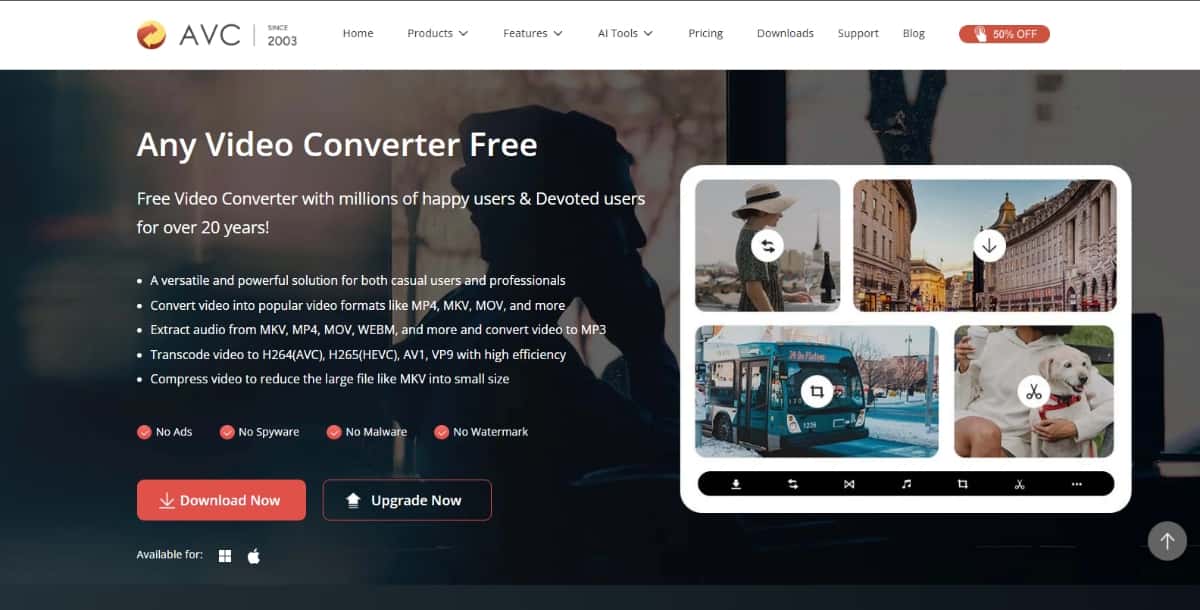
AVC is a versatile video conversion tool that supports numerous file formats and includes essential editing features. It caters to both casual and advanced users with options ranging from a free version to a professional-grade Ultimate edition.
Key Features:
- Supports formats like MP4, AVI, WMV, MKV, MOV.
- Basic video editing (trimming, cropping, adding effects).
- DVD burning and video downloading capabilities.
- Batch processing and AI-based audio/speech tools (in Ultimate).
Pros:
- Broad format support.
- Great for batch conversions.
- Built-in video enhancement options.
Cons:
- Some features are locked behind paid versions.
- UI can feel outdated.
Pricing:
- Free version available.
- Pro version: $29.95 (one-time).
- Ultimate version: $59.95 (one-time).
3. HandBrake
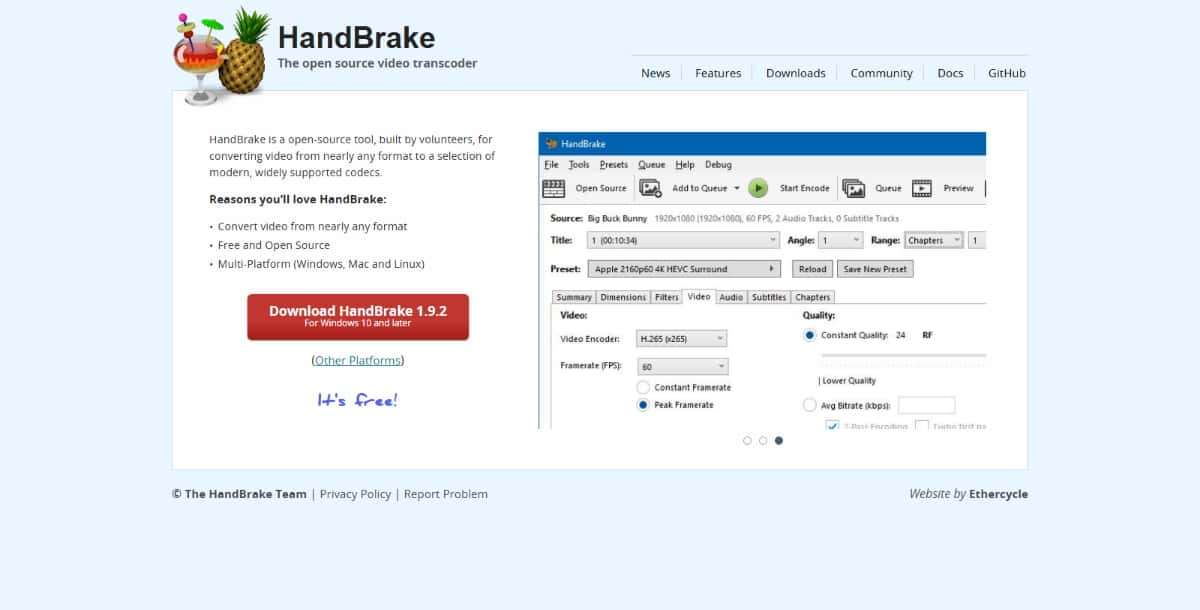
HandBrake is a free, open-source video transcoder known for its powerful conversion features and advanced compression capabilities. It’s a favorite among tech-savvy users who want granular control over output quality and size.
Key Features:
- Supports MP4, MKV, and WebM formats.
- Adjustable bitrate, resolution, framerate, and filters.
- Device-specific presets for output optimization.
- Batch encoding support.
Pros:
- Completely free with no ads.
- High-quality compression for large files.
- Ideal for advanced users and developers.
Cons:
- Not beginner-friendly.
- No AI assistance or guided features.
Pricing:
- 100% Free (open-source).
4. FreeConvert
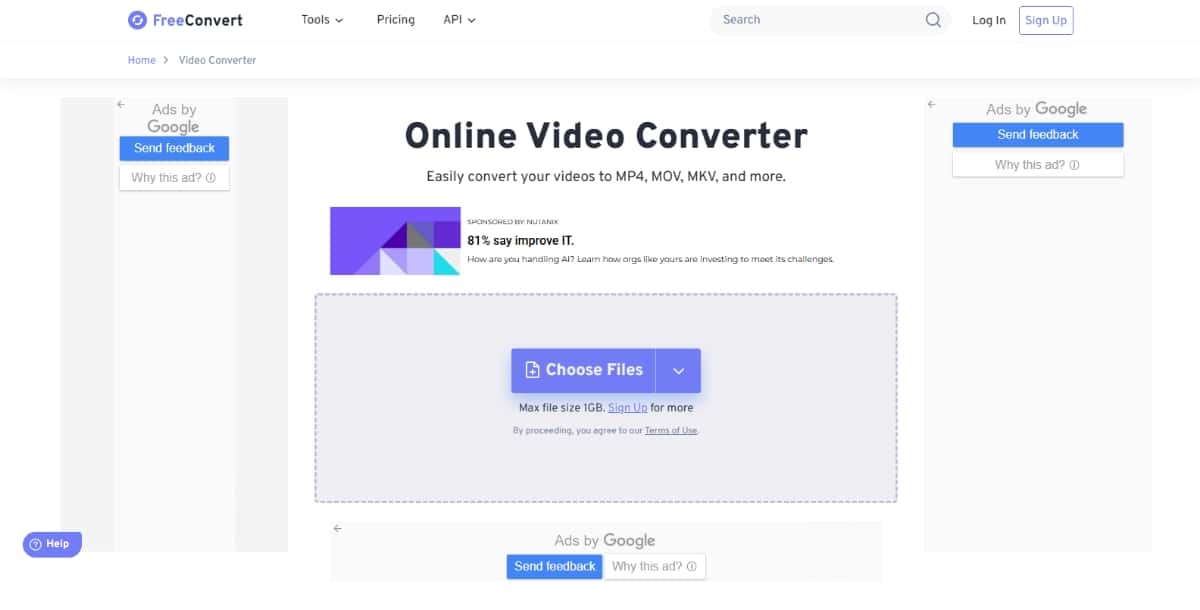
FreeConvert is an online file converter that handles videos, images, documents, and audio formats. With its intuitive drag-and-drop interface and AI-powered compression, it’s a great tool for quick online conversions.
Key Features:
- Supports 1500+ file formats.
- AI-based file size optimization.
- Offers watermark removal, subtitles, and trimming.
- Drag-and-drop uploads with URL/file support.
Pros:
- No software installation required.
- Easy to use for quick tasks.
- Strong privacy with 256-bit SSL encryption.
Cons:
- File size and usage limits on the free plan.
- Speeds can vary depending on file size and server load.
Pricing:
- Free version available.
- Premium plans: Custom pricing based on file usage.
Suggested Read: 10 Best AI Video Editors in 2026
5. VEED.IO Video Converter
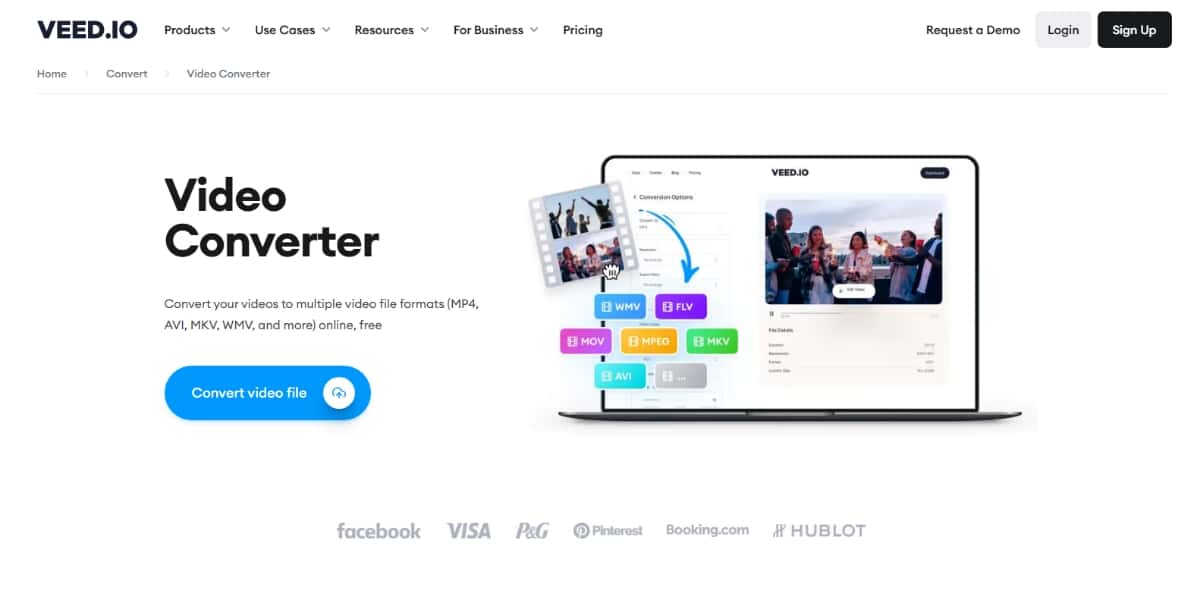
VEED.IO is a web-based video editing and conversion platform equipped with modern AI tools. Designed for creators and influencers, it enables quick editing and optimization of videos for social media platforms.
Key Features:
- AI-powered auto-subtitling and background noise remover.
- Format conversion and resolution optimization.
- Supports MP4, AVI, MOV, WebM, etc.
- No installation required – runs entirely in the browser.
Pros:
- Great for social media video optimization.
- Easy interface with beginner guidance.
- High-quality 4K exports supported.
Cons:
- Watermarks on the free plan.
- The free plan has upload length and size restrictions.
Pricing:
- Free plan available.
- Basic: $12/month | Pro: $24/month.
6. AVS Video Converter
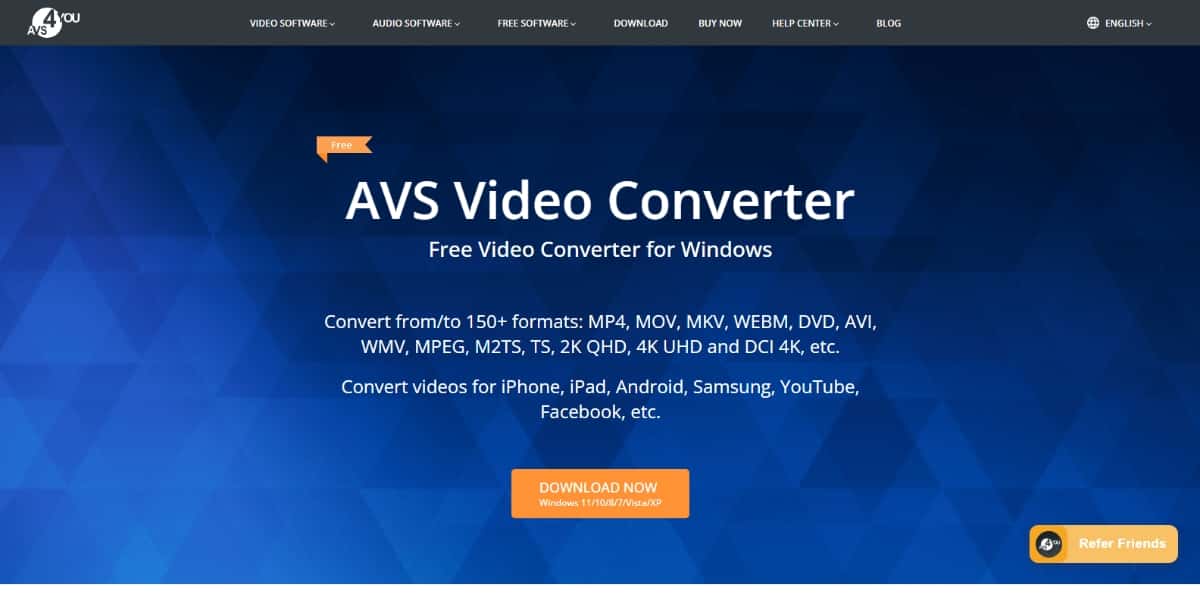
AVS Video Converter is a feature-rich Windows-only video tool aimed at professional users. It includes high-definition support and DVD authoring along with format conversion.
Key Features:
- Converts between HD, 4K, and standard video formats.
- Advanced tools: video trimming, adding effects, splitting files.
- Batch conversion and audio extraction support.
- Built-in DVD/Blu-ray burning.
Pros:
- High-performance rendering.
- Reliable for bulk conversion tasks.
- Includes editing and formatting presets.
Cons:
- Available only on Windows.
- The interface isn’t very modern.
Pricing:
- 1-year license: $69.
- Lifetime license: $199.
7. Movavi Video Converter
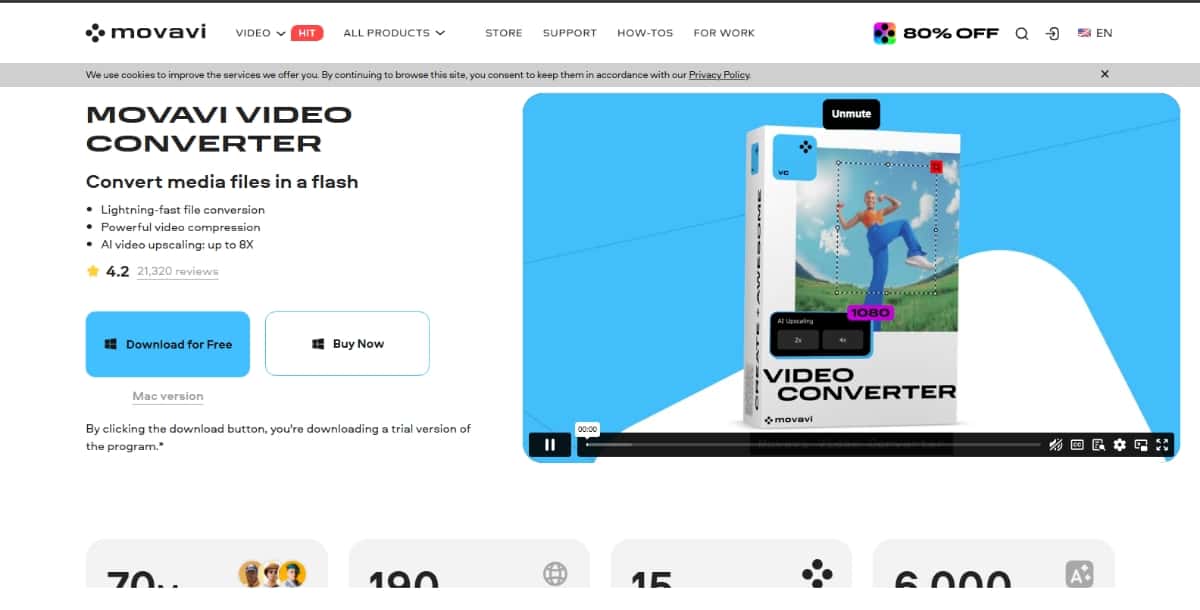
Movavi combines fast conversion speeds with a clean interface and rich format support. The built-in editor makes it great for beginners and intermediate users who want light editing along with video conversion.
Key Features:
- Converts over 180 formats, including 4 K.
- AI upscaling for video quality enhancement.
- Built-in editor with trim, crop, and stabilization.
- Lightning-fast conversion engine.
Pros:
- Modern and easy-to-use UI.
- AI tools improve clarity and resolution.
- Excellent customer support and tutorials.
Cons:
- Limited export options in the free trial.
- Slightly expensive for one-time users.
Pricing:
- 1-Year License: $54.95.
- Lifetime License: $69.95.
8. Online-Convert
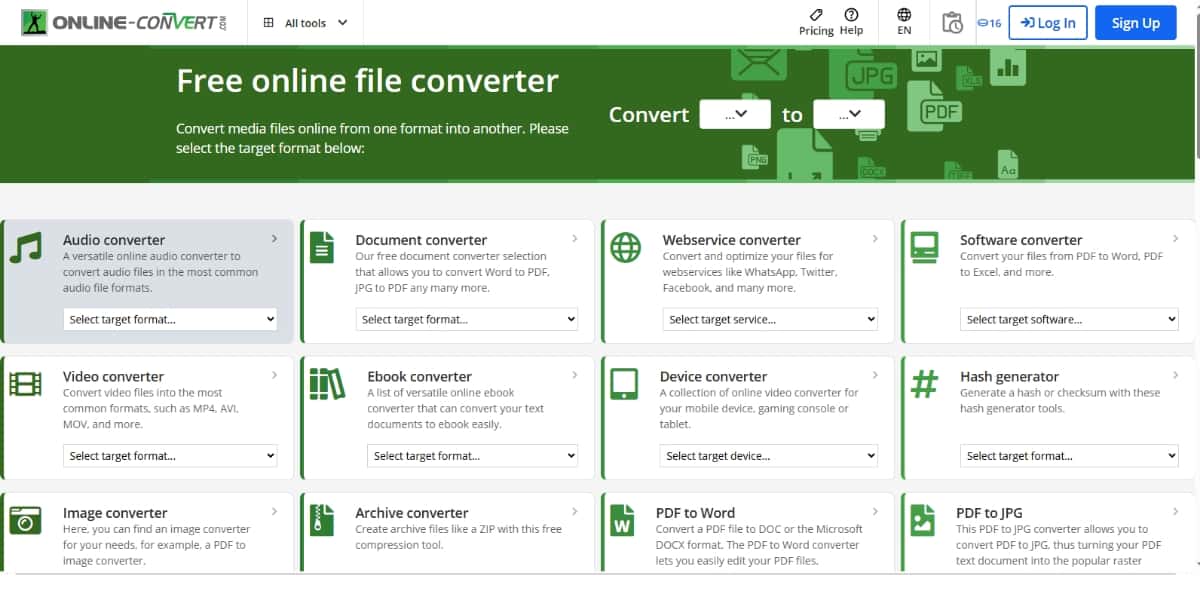
Online-Convert is a versatile platform that allows you to convert videos, images, audio, documents, and more—all within your browser. It’s suitable for casual users looking to convert files on the go.
Key Features:
- Supports over 400 file formats.
- Presets for device-specific output (iPhone, Android, PS5, etc.).
- Allows URL or Dropbox/Google Drive imports.
- Can optimize videos for specific platforms.
Pros:
- No software needed.
- Works across devices.
- Converts many file types beyond video.
Cons:
- Speed depends on the internet connection.
- The free version limits file size and conversions per day.
Pricing:
- Free version available.
- Premium plan: $6/month or $48/year.
9. Freemake Video Converter
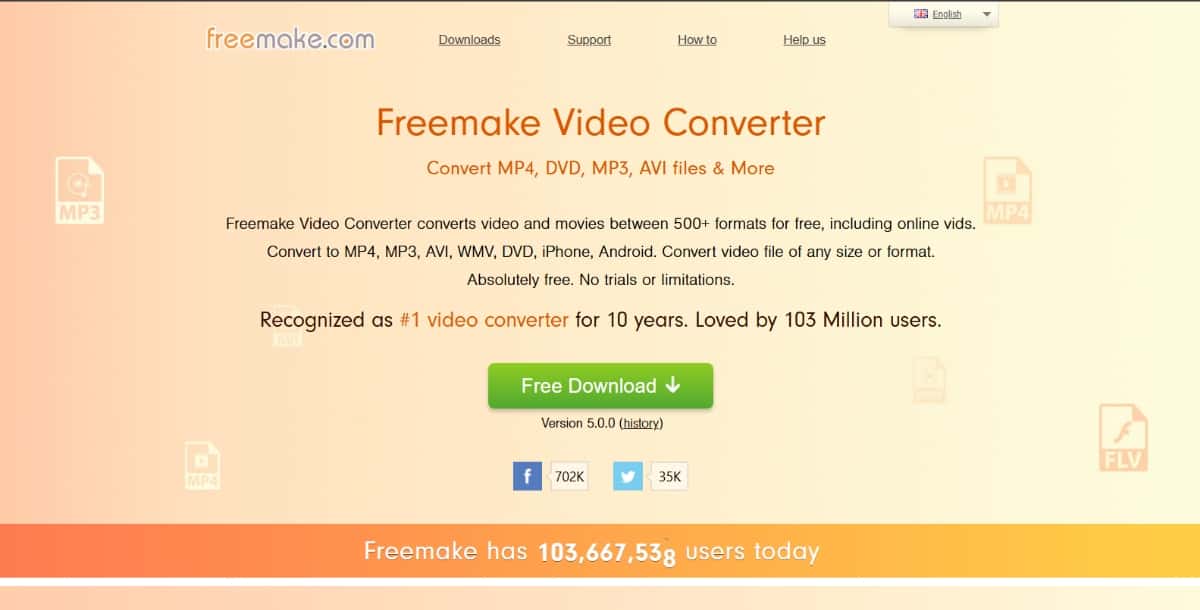
Freemake is a straightforward video converter that caters to Windows users. It supports more than 500 video/audio formats and includes DVD burning and light editing tools.
Key Features:
- Format support includes MP4, AVI, MKV, WMV, MP3, etc.
- Supports subtitle integration and trimming.
- Can burn videos to DVDs or upload directly to YouTube.
- Conversion presets for Android, iOS, and PSP.
Pros:
- Great for home users.
- Easy to navigate interface.
- Wide device and platform presets.
Cons:
- Branding on output files unless upgraded.
- Limited export options in the free plan.
Pricing:
- Free version available with a watermark.
- Gold Pack upgrade: $19 (one-time fee).
10. Video-Converter.com
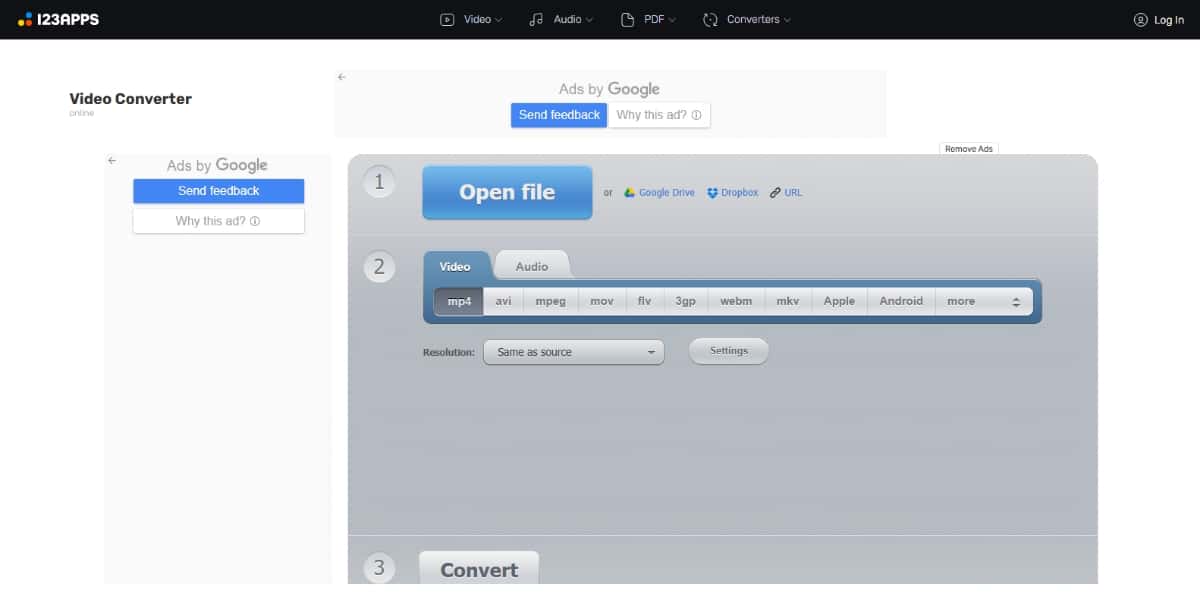
This tool offers a lightweight, fully online conversion experience. It’s ideal for users looking to quickly convert short video clips without installing any software.
Key Features:
- Drag-and-drop online video upload.
- Supports MP4, MOV, AVI, MKV, and more.
- Allows setting video resolution and codec manually.
- Supports cloud-based uploads from Dropbox/Google Drive.
Pros:
- Very fast and accessible.
- Clean, ad-free interface.
- Ideal for occasional use.
Cons:
- File size limits on the free tier.
- No built-in editor or advanced tools.
Pricing:
- Free version available.
- Premium: $6/month or $48/year.
| Tool | Platform | AI Features | Free Version | Paid Plans | Best For |
|---|---|---|---|---|---|
| Pixazo AI Video Editor | Web | Yes | Yes | Varies by plan | Beginners, marketers, small businesses |
| Any Video Converter | Windows, Mac | Yes (Pro/Ultimate) | Yes | $19.95–$59.95 | Batch conversions, DVD ripping |
| HandBrake | Windows, Mac, Linux | No | Yes | Free | Advanced users, large files |
| FreeConvert | Web | Yes (compression) | Yes | Custom pricing | Quick online conversions |
| VEED.IO | Web | Yes | Yes | $12–$24/month | Social media creators |
| AVS Video Converter | Windows | No | Yes | $69/year or $199 lifetime | Professional editing needs |
| Movavi Video Converter | Windows, Mac | Yes | Yes (trial) | $49.95 one-time | All user levels |
| Online-Convert | Web | No | Yes | $6/month or $48/year | Multi-format, casual users |
| Freemake Video Converter | Windows | No | Yes | $19 (Gold Pack) | Home use, DVD burning |
| Video-Converter.com | Web | No | Yes | $6/month or $48/year | Quick short conversions |
How to Choose the Right Video Converter Tool
Picking the right video converter tool is all about knowing what you need. Here are a few things to consider before making a choice:
- Your purpose
If you are a casual user who just wants to convert a few videos now and then, a free and simple tool will do the job. But if you are working with videos regularly or creating content for work, you may want a more powerful option with extra features. - Supported formats
Make sure the tool can handle the file types you usually work with. Some tools support only common formats like MP4 or AVI. Others can convert many different formats, which is helpful if you work with a variety of files. - AI features (if needed)
Some modern converters use artificial intelligence to make things easier. They can automatically choose the best video settings, improve quality, or compress the file without much loss. These features are helpful, but not always necessary. You can also use an AI video enhancer to improve the quality of the video effortlessly. - Online or desktop
Online tools are quick and easy. You do not need to install anything, and they work well for smaller videos. Desktop software is better for larger files, offline work, and privacy. - Price
Many tools are free, but they may have limits such as watermarks or fewer format options. Paid tools often offer faster conversion, higher quality, and more features. Choose what fits your budget. - Extra editing tools
Some converters let you trim the video, crop it, or add subtitles before saving. You can get an AI video trimmer and an AI subtitle generator to create subtitles for your video. This can save time if you want to make quick changes without using a separate video editor.
Suggested Read: 25+ Best Generative AI Tools
Conclusion
Video converter tools make it easy to change your video files into the format, size, or quality you need. Whether you are sharing videos online, saving space on your device, or preparing content for work, the right tool can make a big difference.
In this list, we looked at some of the best options available today. Some are perfect for quick and easy jobs. Others offer advanced features for people who need more control. Tools like Pixazo AI Video Editor also bring the power of artificial intelligence to make the process even smoother.
Before choosing a tool, think about what you need it for, the formats you use, and whether you want something simple or more advanced. No matter your goal, there is a video converter that can help you get the job done quickly and easily.
Try one out today and see how much easier it becomes to manage and share your videos.

Deepak Joshi
Author · Pixazo
Deepak writes about generative AI models, APIs, and the workflows teams use to ship them. Reviewed by Abhinav Girdhar.