Introducing GPT Image 2.6 API and Kling 4.0 Flash API on Pixazo API

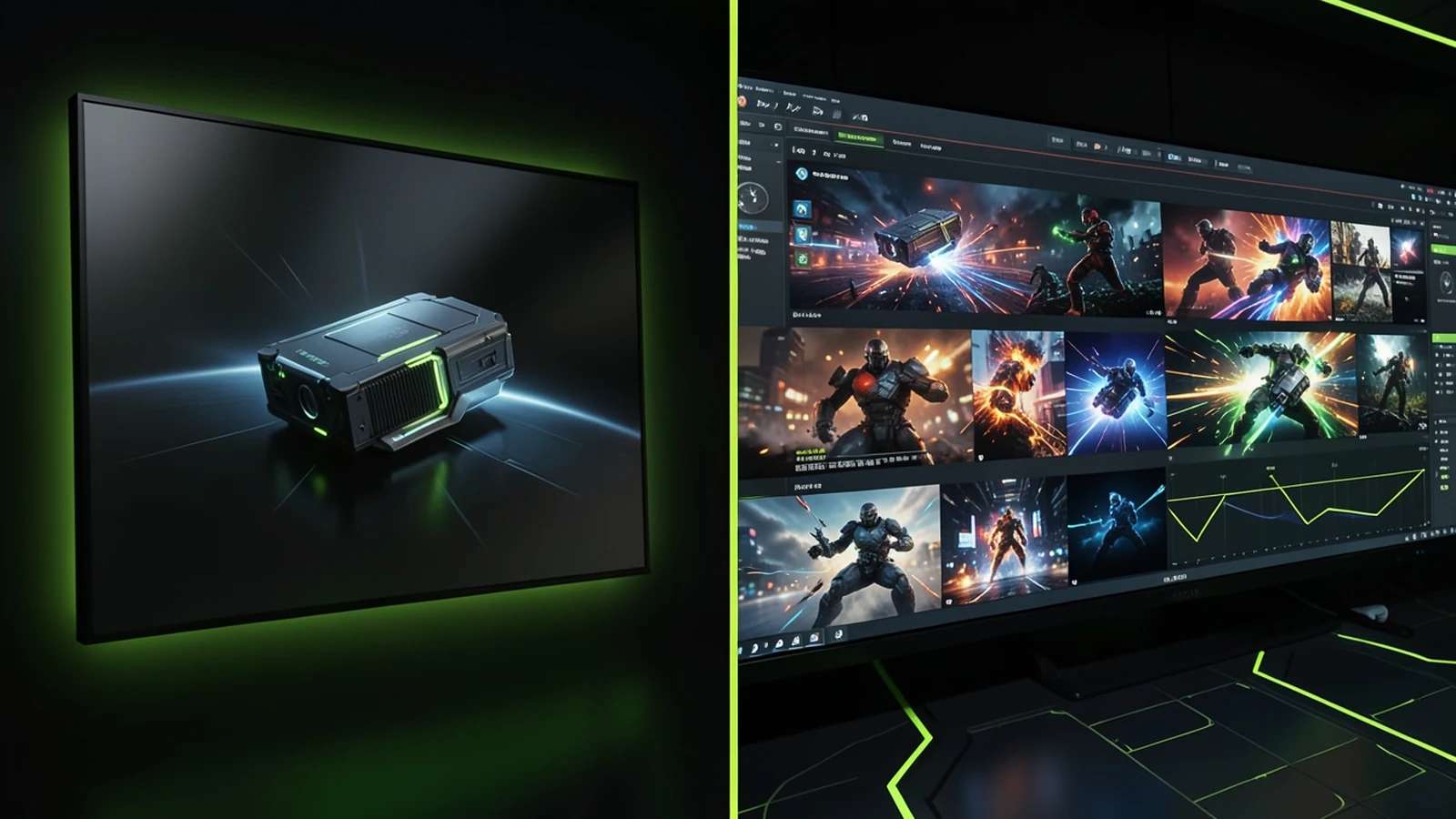
Two new models are live on the Pixazo API. The GPT Image 2.6 API brings OpenAI’s latest image model, in its Flare and Sunburst variants, for sharper text-to-image and precise, instruction-based editing. The Kling 4.0 Flash API adds Kuaishou’s fast lane for cinematic 720p video. One is for stills, one is for motion, both are asynchronous, and you can call them from a single Pixazo API key.
GPT Image 2.6 and Kling 4.0 Flash at a glance
| Spec | GPT Image 2.6 | Kling 4.0 Flash |
|---|---|---|
| Provider | OpenAI | Kuaishou |
| Type | Image (text-to-image + editing) | Video |
| Variants / modes | Flare and Sunburst | Text, image, reference and video to video |
| Output | Up to 4K, transparent cut-outs | 720p video |
| Length / size | Quality low to max | 3 to 20 seconds (5 default) |
| Billing | Per image, by size and quality | Per second of video |
| API | Async: submit, poll, download | Async: submit, poll, download |
GPT Image 2.6: OpenAI’s sharper image model
Cleaner text-to-image and precise, instruction-based editing.
- ▸Ships in two variants, Flare and Sunburst; run a prompt through each and keep the look that fits your brief.
- ▸Does text-to-image and instruction-based editing, where the prompt says what to change and what to keep, with an optional alpha-PNG mask to limit the edit to a region.
- ▸Quality levels from low to max trade speed for detail, and output scales up to 4K.
- ▸Returns transparent-background cut-outs with a real alpha channel, so a subject drops straight onto any layout.
- ▸Reads a prompt like a creative brief: subject first, then framing, light and mood, then the must-have details.
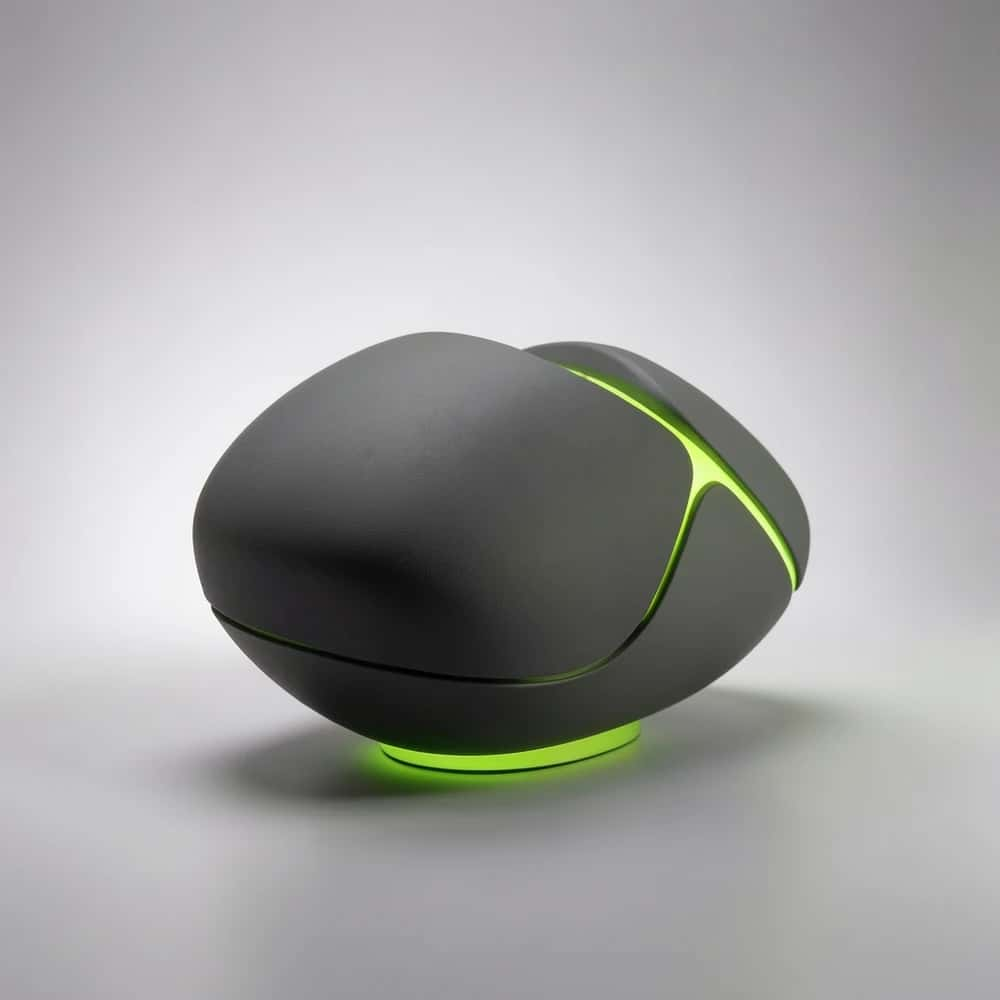
For teams already on GPT Image 2.5, the 2.6 update is a drop-in step up in sharpness and prompt-following, with the same two-variant setup, so existing prompts carry over. The editing mode is the standout: because the prompt is read as an instruction rather than a fresh scene, you can swap a background, change one element or restyle a shot while the rest of the frame stays put, which is exactly the control pure text-to-image models lack.
Suggested Read: Best AI Image Editors
Kling 4.0 Flash: fast, cinematic video
The quick lane of Kling 4.0 for rapid, affordable video.
- ▸The fast variant of Kling 4.0: quicker, cheaper renders built for iterating on ideas.
- ▸Covers text-to-video, image-to-video, reference-to-video and video editing from one model.
- ▸Outputs 720p video at any length from 3 to 20 seconds, with 5 seconds as the default.
- ▸Billed per second of the duration you request, so you only pay for the length you ask for.
- ▸Asynchronous by design, with one video per request for clean batch pipelines.
Flash is about throughput. Short clips render fast enough to try several prompts in the time a premium model takes for one, and per-second billing keeps a 3-second test far cheaper than a full 20-second render. Because it also accepts an image or a reference, Flash slots onto the end of an image workflow: design the frame first, then animate it, instead of describing a whole scene in text and hoping the motion lands. Reach for the standard Kling 4.0 when a hero shot needs maximum fidelity.
Suggested Read: 9 Best MiniMax H3 Fine-Tuned Models in 2026
Pricing
GPT Image 2.6 is billed per image, scaling with resolution and quality, from roughly $0.003 for a small, low-quality render up to more for large, max-quality output. Kling 4.0 Flash is billed per second of video, and sits well below the standard Kling 4.0 rate, so short 720p clips cost only a few cents. Both come with a welcome credit and charge nothing for failed requests, and the exact, current rate for each is shown in the pricing panel on its model page. New top-ups also earn 10% cashback on a first payment.
Calling the API
Both models use the same pattern: send a POST with your API key, get back a request_id and a polling_url, then poll until the request is complete and read the result from output.media_url. Generate an image with GPT Image 2.6 Flare:
curl -X POST "https://gateway.pixazo.ai/gpt-image-2-6-flare/v1/text-to-image" \
  -H "Content-Type: application/json" \
  -H "Ocp-Apim-Subscription-Key: YOUR_API_KEY" \
  -d '{"prompt":"a serene sunset over mountains","quality":"high","background":"opaque"}'
Generate a clip with Kling 4.0 Flash:
curl -X POST "https://gateway.pixazo.ai/kling-video-v4-flash/v1/text-to-video" \
  -H "Content-Type: application/json" \
  -H "Ocp-Apim-Subscription-Key: YOUR_API_KEY" \
  -d '{"prompt":"a detective on a rainy rooftop at night","duration":5,"aspect_ratio":"16:9","resolution":"720p"}'
Each submit returns a request id and polling URL. Poll the shared status endpoint until the status is COMPLETED, then download the file from the media URL:
curl "https://gateway.pixazo.ai/v2/requests/status/REQUEST_ID" \
  -H "Ocp-Apim-Subscription-Key: YOUR_API_KEY"
Prefer not to poll? Both endpoints accept an optional webhook header so Pixazo calls your server when the job finishes. Full parameters, limits and the live rate for each model are on the model pages linked above.
Suggested Read: Best Video Editing APIs for Developers
What you can build with both
The two models pair into a still-to-motion pipeline. Generate a hero image, character or product shot with GPT Image 2.6, export a transparent cut-out if you need one, then feed that frame to Kling 4.0 Flash with image-to-video to bring it to life. Concrete examples: build a product on a transparent background, drop it on a branded backdrop, and animate a slow push-in for a store listing; generate three ad key-visuals as stills, animate all three cheaply, and A/B the winners; or create a consistent character still and batch out short motion clips for a series. Because both sit behind one API, the whole loop can run as a single automated job rather than a hop between separate tools.
Suggested Read: Best Consistent Character Video Generators
Getting started
Create a Pixazo API account, generate a key from the API console, and you can call both models immediately. Send image prompts to the GPT Image 2.6 endpoint and video prompts to the Kling 4.0 Flash endpoint; because both are asynchronous, submit the request, poll for status, then download the finished image or clip. The model pages carry the full request and response reference, every parameter and the live pricing, so you can wire either one into a product in an afternoon.
Start building on the Pixazo API
Suggested Read: AI Video Generation Models Compared
Frequently asked questions
What is GPT Image 2.6?
GPT Image 2.6 is OpenAI’s latest image model, available on the Pixazo API in two variants, Flare and Sunburst. It handles text-to-image and instruction-based editing, supports quality levels from low to max, scales up to 4K, and can return transparent-background cut-outs with a real alpha channel.
What is Kling 4.0 Flash?
Kling 4.0 Flash is the fast variant of Kuaishou’s Kling 4.0 video model. It generates 720p video from text, an image, a reference or an existing clip, at any length from 3 to 20 seconds, and is billed per second of the duration you request.
How is Kling 4.0 Flash different from Kling 4.0?
Flash is tuned for speed and a lower per-second cost, which suits drafting, prompt testing and high-volume work. Standard Kling 4.0 is the choice when a shot needs maximum quality and you can trade some speed for it.
What is the difference between GPT Image 2.6 Flare and Sunburst?
They are two tunings of the same 2.6 model, and both do text-to-image and editing. The practical approach is to run your prompt through each and keep the variant whose look fits your brief.
How do I call GPT Image 2.6 and Kling 4.0 Flash?
Both run on the Pixazo API with one key. POST a prompt to the model endpoint, read the request id and polling URL from the response, poll the status endpoint until the job is COMPLETED, then download the result from output.media_url. An optional webhook can notify your server instead of polling.
Deepak Joshi
Author · Pixazo
Deepak writes about generative AI models, APIs, and the workflows teams use to ship them. Reviewed by Abhinav Girdhar.