Introducing the Ming Image API on Pixazo API: Design-Grade Images with Editable Layers


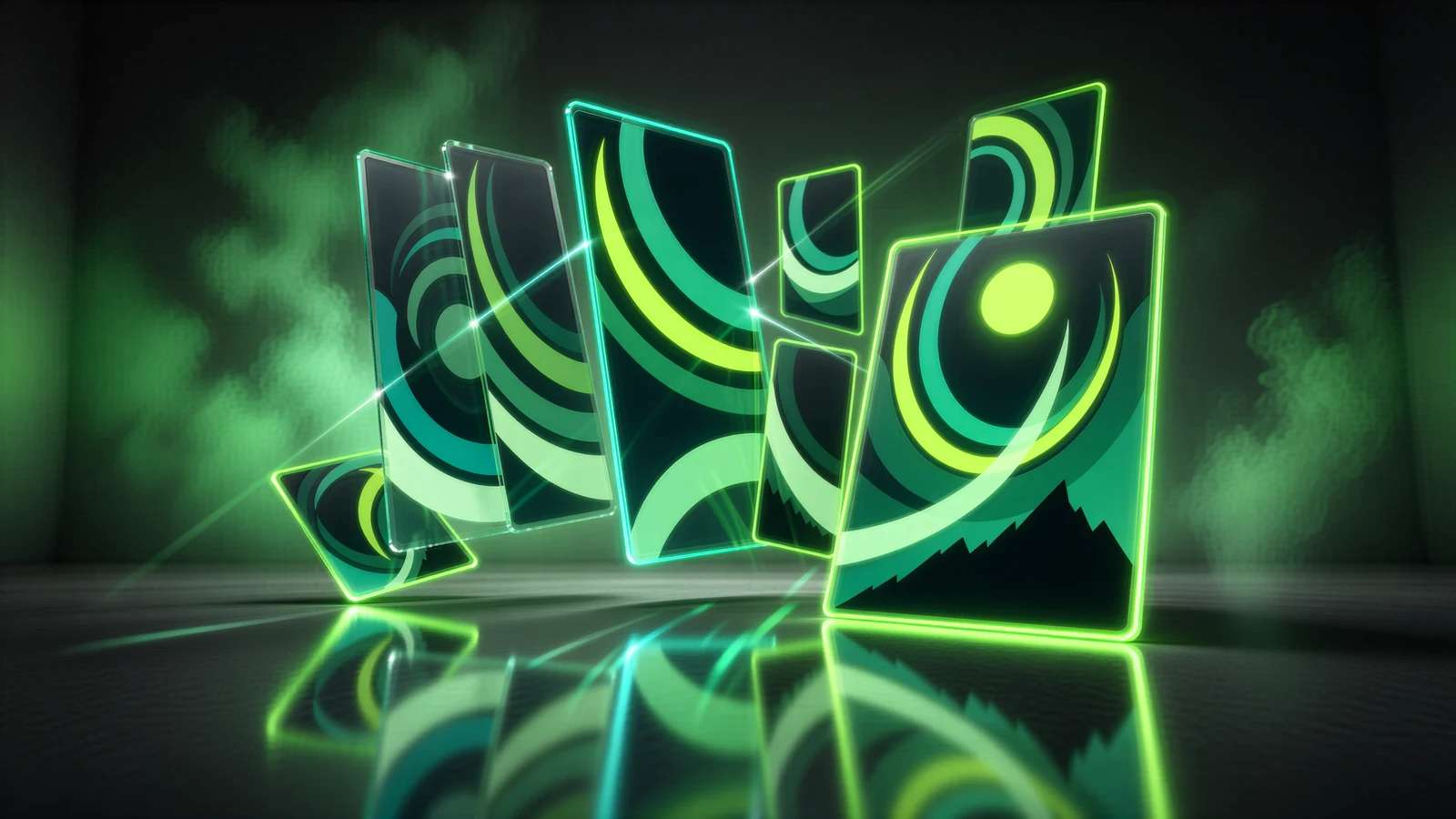
The Ming Image API is now live on Pixazo, a design-focused image model from Ant Ling built for the one job most image generators fail at: layouts where the text has to be right. Where a general model melts a headline into gibberish, the Ming Image API renders posters, app and web mockups, infographics and social graphics with sharp, legible typography, straight from a text prompt.
It also does something almost no other image model does. After it renders a finished design, the Ming Image API can split that flat picture back into editable, transparent layers, so the headline, the photo, the button and the background each become their own movable piece. This post walks through what the model is, the two operations it exposes on the Pixazo API, what each one costs, and how to call them.
What is the Ming Image API?
Ming Image 0.1 is a text-to-image model from the provider Ant Ling, tuned specifically for design work rather than photorealism. You describe a layout in plain language, quote the exact words you want printed, name a palette and a style, and the model returns a finished composition with the type rendered cleanly. Because it was trained on structured design rather than open-world photos, it holds alignment, spacing and font weight the way a designer would expect, which is where general image models usually struggle.
Why does the Ming Image API keep text legible?
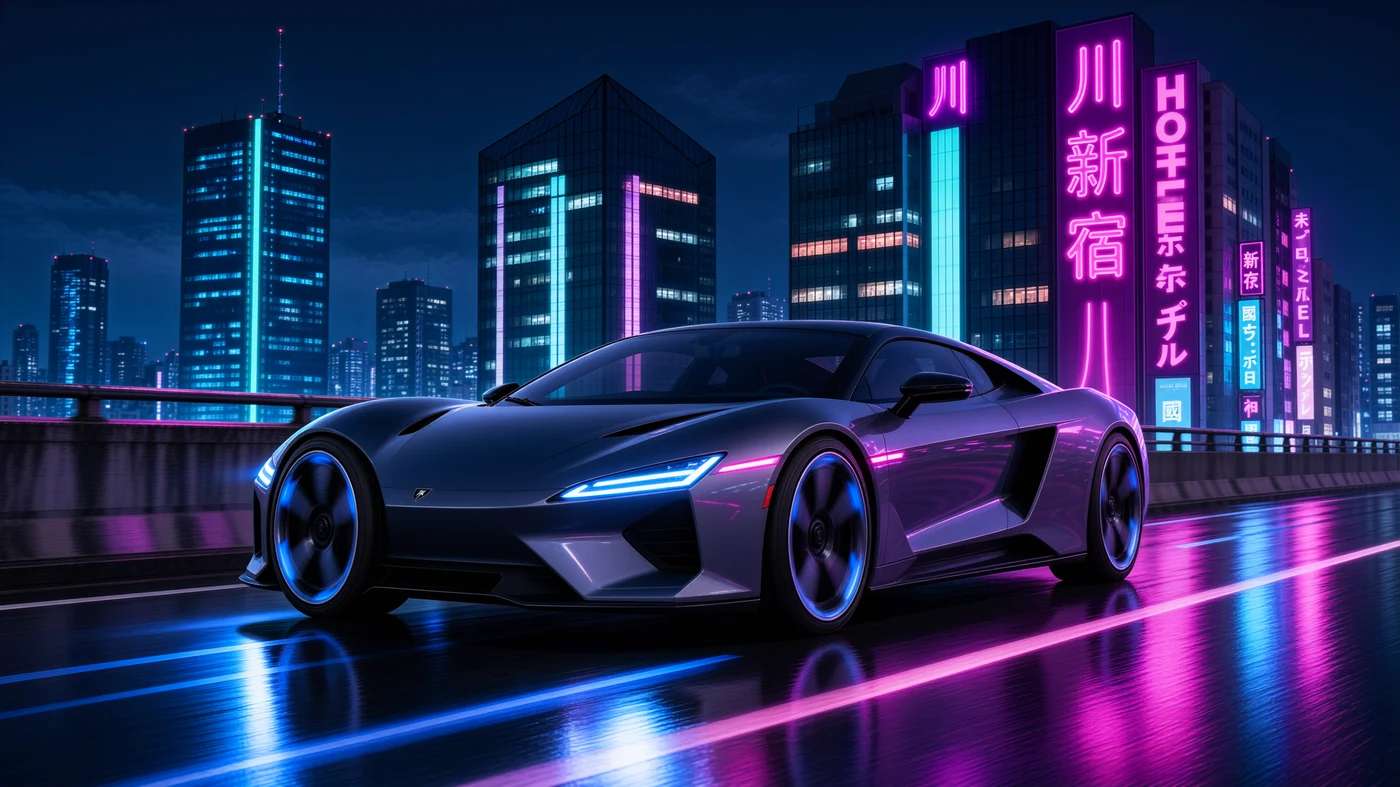
The single biggest complaint about AI image tools in a design workflow is broken text. Ask for a poster that says “AUTUMN MARKET” and you often get “AUTvan MARKKET” in a font nobody chose. Ming Image treats the words as content, not decoration. The characters you put in quotes are the characters that get drawn, at a size and weight that match the layout you asked for. That means the output is usable as a first draft a client can actually read, not just a mood board.
The trade is focus. This is a specialist. If you want a photoreal portrait or a cinematic landscape, a general model will serve you better. If you want a menu, a pitch slide, a coupon, an app onboarding screen or an infographic where the label under each icon has to be correct, this is the model that keeps the copy intact.
What is Ming Image Layer Decomposition?
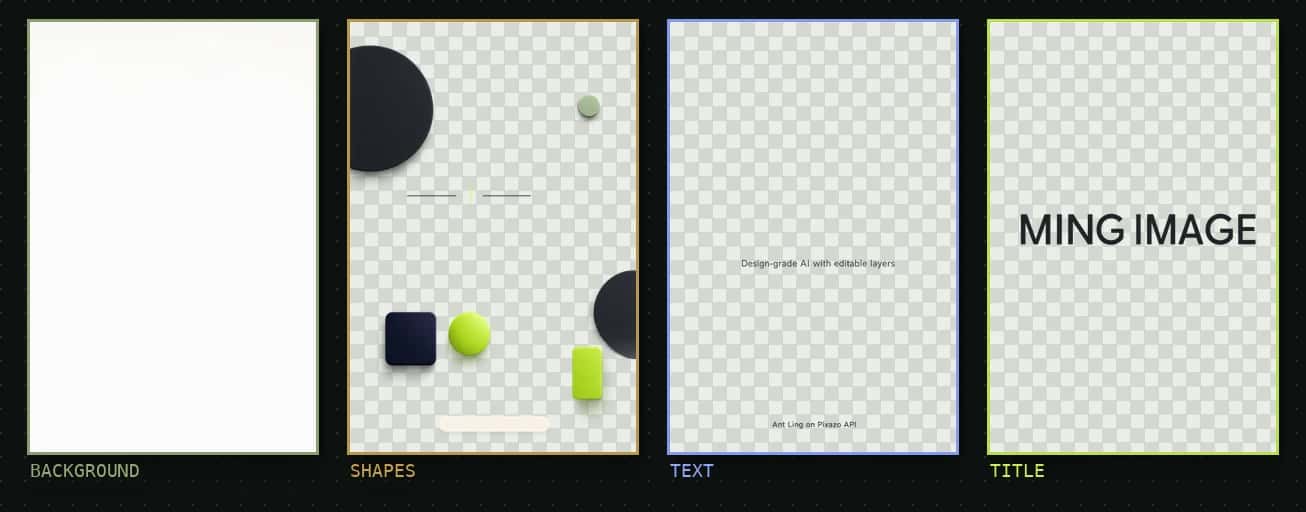
Here is the part that sets Ming Image apart. Hand it a flattened design, a PNG, a JPEG, even a screenshot, and it returns that design broken into separate transparent layers: the text, the images, the containers and the background, each as its own RGBA image the full size of the canvas. You get back something close to the working file, reconstructed from a flat picture, so every element can be moved, recolored or swapped on its own.
Practically, that turns a one-shot render into an editable asset. A marketer can regenerate just the headline without touching the photograph. A developer can pull the button container out as a transparent PNG and drop it straight into a UI. You ask for up to six layers with the num_layers field, and the model returns each one as a full-canvas transparent image, front to back. It can return fewer layers than requested when the design does not warrant more.
What operations does the Ming Image API offer?
Ming Image exposes two endpoints on the Pixazo API. Both are asynchronous: you submit a job, receive a request_id, and poll a status endpoint until the work is COMPLETED, then download the result from output.media_url. Most jobs finish in under two minutes.
Text to Image
A prompt goes in, one finished design comes out. Describe the layout, quote the text, name the palette. POST /ming-image/v1/text-to-image
Layer Decomposition
A flat design goes in, transparent layers come out. Point it at an image URL and ask for the layers. POST /ming-image/v1/layer-decompose
What parameters can you set?
The request bodies are deliberately small. Ming Image chooses the canvas size for you from the way you describe the layout, so there is no width or height to tune on the text-to-image side.
| Parameter | Required | Type / values | Description |
|---|---|---|---|
| prompt | Yes | string, up to 4,000 chars | What to design: the layout, the exact text in quotes, the palette, the style and the aspect ratio described in words. |
| output_format | No | png (default), jpeg, webp | The file type of the returned image. |
| Parameter | Required | Type / values | Description |
|---|---|---|---|
| image_url | Yes | string, http(s) URL up to 20 MB | The flattened design you want split into layers. |
| num_layers | No | integer, 1 to 6, default 4 | How many layers to ask for. The model can return fewer when the design is simple. |
| prompt · size | No | string | A short hint at what the layers are, such as “1 statue, 2 background”, and the working size such as “1k”. |
One request always produces one result. There is no batch option, and the batch fields other APIs use, n, num_images, count, batch_size and number_of_images, are rejected. Anything the service can judge from the request body alone, a missing prompt or a size field sent to the wrong operation, comes back as a synchronous 400. A prompt the provider refuses surfaces later as status: "ERROR", and failed requests are never billed.
What does the Ming Image API cost?
Billing follows what the model actually produces, so you are never charged a flat fee for a job that returned less. Text to Image is priced per image at up to 2048 by 2048, and smaller canvases cost less. Layer Decomposition is billed by the layers it returns, which is why asking for two clean layers is far cheaper than asking for six.
| Operation | Billing unit | Price (USD) |
|---|---|---|
| Text to Image | per image, up to 2048×2048 (smaller canvases cost less) | $0.017203 |
| Layer Decomposition | per returned layer | from $0.001075 |
Suggested Read: Introducing Ideogram v4 API on Pixazo API
How do you call the Ming Image API?
Every request carries your key in the Ocp-Apim-Subscription-Key header. Submitting returns a request_id; poll the status endpoint every five to ten seconds until it reads COMPLETED.
# 1. Submit a design
curl -X POST 'https://gateway.pixazo.ai/ming-image/v1/text-to-image' \
  -H 'Content-Type: application/json' \
  -H 'Ocp-Apim-Subscription-Key: YOUR_KEY' \
  --data-raw '{"prompt": "Minimalist event poster, bold title \"PIXAZO SUMMIT 2026\", date line \"October 12\", geometric shapes, warm orange and navy", "output_format": "png"}'

# -> { "request_id": "ming-image_019d...", "polling_url": "https://gateway.pixazo.ai/v2/requests/status/ming-image_019d..." }

# 2. Poll until COMPLETED, then read output.media_url
curl 'https://gateway.pixazo.ai/v2/requests/status/ming-image_019d...' \
  -H 'Ocp-Apim-Subscription-Key: YOUR_KEY'
# Split a finished design into transparent layers
curl -X POST 'https://gateway.pixazo.ai/ming-image/v1/layer-decompose' \
-H 'Content-Type: application/json' \
-H 'Ocp-Apim-Subscription-Key: YOUR_KEY' \
--data-raw '{"image_url": "https://your-cdn.com/poster.png", "num_layers": 4, "prompt": "text, product, background", "size": "1k"}'Suggested Read: Introducing GPT Image 2.5 API on Pixazo API
How do you prompt the Ming Image API?
Because Ming Image treats your words as content, small changes to the prompt move the result more than they would on a general model. A few habits get you clean, on-brand output the first time.
Quote the exact text. Put every word you want printed in quotation marks. Those characters are what get drawn, spelled and spaced as written.
Describe the shape in words. The service picks the canvas, so say “portrait poster”, “wide banner” or “square social card” instead of hunting for a size field.
Name the palette and style. A short brief of colors, mood and a type feel gives the model something to hold the layout together.
Keep headlines short. Big type reads best with a few strong words; long sentences shrink and lose their punch.
Plan for layers. If you will decompose the design, hint at the pieces in the prompt, such as “1 title, 2 product, 3 background”, and set num_layers to match.
Suggested Read: Introducing the Recraft V4.1 Flash API on Pixazo API
What can you build with the Ming Image API?
The model earns its place anywhere the words matter as much as the picture. Marketing teams use it to spin up poster and social variants where the offer text stays exact. Product teams draft app and web mockups with real labels, then decompose the screen to lift a button or a card straight into their design tool. Anyone building an automated design pipeline gets the most from the pairing: generate a layout from a prompt, then decompose it into layers your app can recompose, translate or restyle without a human touching a canvas.
Posters and flyers · app and web mockups · infographics and charts · social graphics · coupons and menus · anything you want to export as editable layers.
Suggested Read: 10 Best AI Image Generator Tools in 2026
How do you get started with the Ming Image API?
Ming Image 0.1 is live now through the Pixazo API, with the same key, billing and status endpoint as every other model on the platform. Generate a design from a sentence, then split it into layers your own product can edit. One key gets you both operations.
Suggested Read: How AI Image Generation Models Are Ranked: Inside the Pixazo Leaderboard
Frequently Asked Questions
Q1. What is the Ming Image API?
It is a design-focused image model from Ant Ling, available on the Pixazo API. It generates layouts with legible, correctly spelled text, such as posters, mockups and infographics, and can split a finished flat design into editable transparent layers.
Q2. How is Ming Image different from a normal image generator?
Two things. It renders the exact text you quote instead of garbling it, and it can decompose a flat design back into separate RGBA layers for text, images, containers and background so each element stays editable.
Q3. What does Layer Decomposition return?
One transparent RGBA image per layer, front to back, each the full size of the working canvas. You choose how many layers to request with num_layers (1 to 6), and the model may return fewer if the design is simple.
Q4. How much does Ming Image cost?
Text to Image is $0.017203 per image at up to 2048 by 2048, and smaller canvases cost less. Layer Decomposition starts at $0.001075 and is billed by the number of layers returned. Failed requests are not billed.
Q5. Can I control the image size?
On text-to-image the service picks the canvas from how you describe the aspect ratio in words, so there is no width or height field. Layer Decomposition accepts a working size such as “1k”.
Q6. Is the API synchronous?
No. Both operations are asynchronous. You submit a job, get a request_id, and poll the status endpoint every five to ten seconds until it is COMPLETED, then download from output.media_url. Most jobs finish in under two minutes.
Q7. Which file formats can it output?
Text to Image returns png by default, with jpeg and webp also available through output_format. Layer Decomposition returns transparent RGBA images.
Suggested Read: GPT Image 2.5 Prompt Guide: How to Write Prompts That Get the Image You Want
Deepak Joshi
Author · Pixazo
Deepak writes about generative AI models, APIs, and the workflows teams use to ship them. Reviewed by Abhinav Girdhar.