
How to Make a Flex Banner (Step by Step)


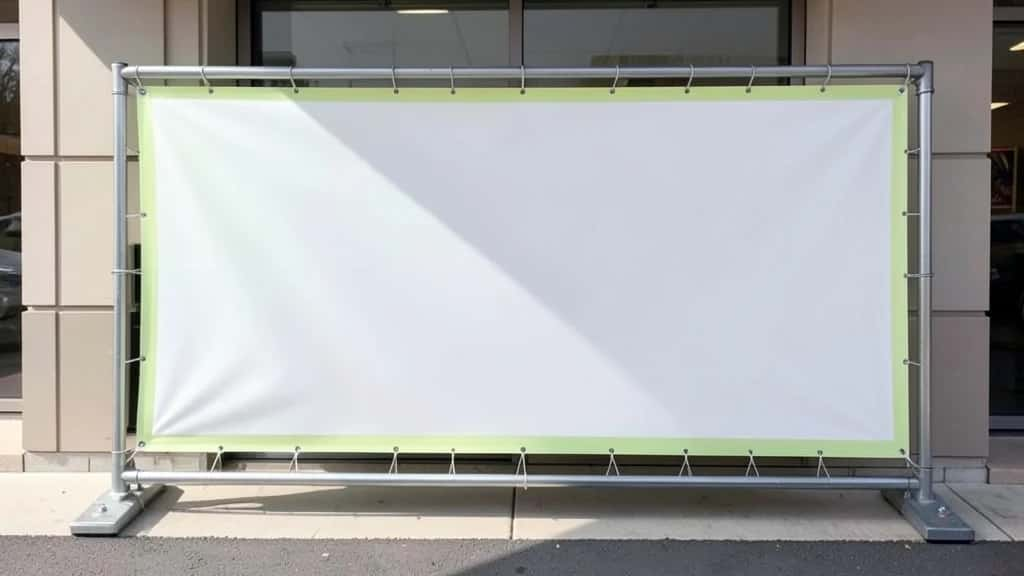
A flex banner is a large-format print on flexible PVC vinyl. You see them strung across shop fronts, event stages, and roadside hoardings. They are cheap, weatherproof, and easy to roll up and reuse, so they are the go-to choice for outdoor advertising. Making one takes two steps: you design the artwork, then you print it on flex material. This guide walks you through both, and you can design yours free with an AI Flex Banner Generator.
Here is what you will learn: what a flex banner is, the right sizes, how to design one step by step, design tips that read from a distance, and the print specs (resolution, bleed, and grommets) to get right before you send the file to a printer.
Suggested Read: X (Twitter) Header Size Guide
What is a flex banner?
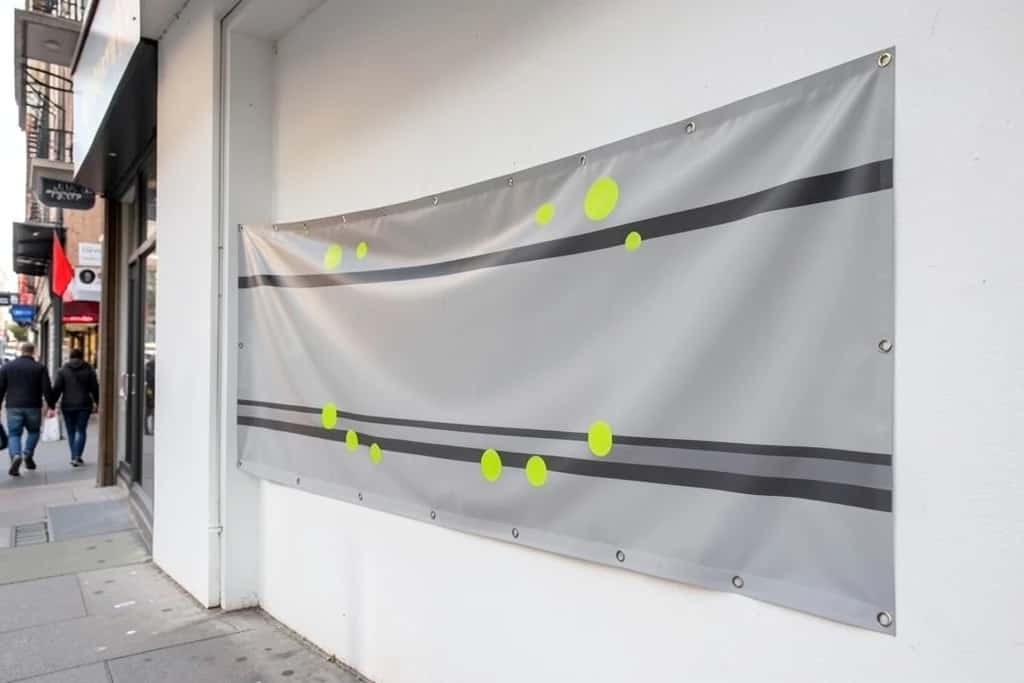
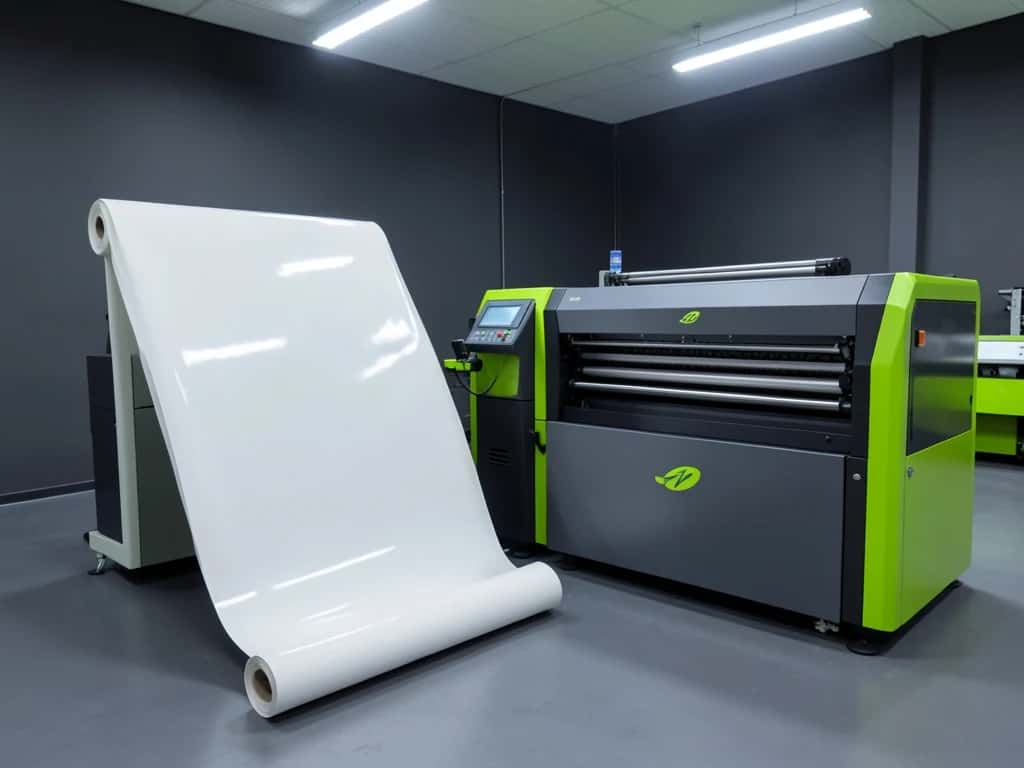
Flex is short for the flexible PVC vinyl the banner is printed on. A printer prints your artwork at large scale with solvent, eco-solvent, or UV inks. It then adds a hem around the edges and metal grommets (eyelets) so you can tie or bolt the banner to a frame or wall. Flex comes in two grades: frontlit (the standard, lit from the front) and backlit (for light boxes). It is measured in GSM, and heavier material lasts longer outdoors.
- ▸Durable and weatherproof: Flex handles sun and rain for months, which vinyl or paper posters cannot.
- ▸Cheap at large sizes: Cost per square foot is low, so big banners stay affordable.
- ▸Reusable: It rolls up and stores flat, ready to hang again.
- ▸Grommet-ready: Eyelets let you tie it to poles, railings, or a frame quickly.
Suggested Read: Creative Header Design Ideas
What size should a flex banner be?
Flex banners are cut to order, so there is no single standard size. Here are the common ones. Whatever size you pick, design the artwork at the exact print size (or to scale) so nothing stretches.
| Common size | Ratio | Typical use |
|---|---|---|
| 6 x 3 ft | 2:1 | Shop fronts and general outdoor |
| 8 x 4 ft | 2:1 | Event backdrops and stages |
| 10 x 3 ft | Roughly 3:1 | Roadside and building hoardings |
| 3 x 2 ft | 3:2 | Small signage and counters |
| Custom | Any | Fit the exact space you are hanging it |
Keep your text and logos inside a safe margin from the edges, because the hem and grommets take up the outer inch or two on every side.
Suggested Read: YouTube Banner Ideas
How to make a flex banner
You do not need design software. The AI Flex Banner Generator builds the artwork from a prompt or a template at the size you need. Then you send the file to a flex printer.
Suggested Read: How to Make a Discord Banner
Flex banner design tips that read from a distance
- ▸One message, big: A banner is read in a few seconds from far away, so lead with a single headline in large type.
- ▸High contrast: Dark text on a light panel, or the reverse. Low-contrast color on color disappears outdoors.
- ▸Few words: Cut copy to the essentials. A phone number or a short web address is usually enough.
- ▸Big, simple logo: Place your logo where it stays visible, and keep it large enough to read across a street.
- ▸Leave breathing room: Crowded banners look cheap and are hard to read. White space reads as quality.
Flex banner printing specs to get right
Even a great design fails if the file is wrong for large-format print. Check these before you send it.
- ▸Resolution: Large-format prints at a lower DPI than paper. Design at the full size at 72 to 150 DPI, or at 1:10 scale at a higher DPI, and ask your printer which they prefer.
- ▸Bleed and safe margin: Add bleed around the edges and keep text at least an inch or two inside, clear of the hem and grommets.
- ▸Color: Export in CMYK for print if your printer asks, since screen RGB colors can shift on press.
- ▸Grommets and hemming: Tell the printer where you want grommets (usually corners plus every two to three feet) and that you want the edges hemmed.
- ▸Material grade: Choose frontlit flex for normal display and a heavier GSM for long outdoor runs or windy spots.
Suggested Read: How to Create Professional Banners
Where flex banners work best
- ▸Shop fronts, sales, and grand openings
- ▸Event stages, conferences, and photo backdrops
- ▸Roadside and building hoardings
- ▸Exhibitions, stalls, and trade shows
- ▸Political, community, and sports events
Conclusion
Making a flex banner takes two steps: design strong artwork, then print it on flex vinyl with grommets. Design at the right size, keep the message big and high-contrast, leave a safe margin for the hem, and check the resolution and grommet placement with your printer. Start the design in the AI Flex Banner Generator, export a print-ready file, and your banner will read clearly from across the street.
FAQ
What is a flex banner?
A flex banner is a large-format print on flexible PVC vinyl, finished with hemmed edges and metal grommets. It is weatherproof, affordable at large sizes, and reusable, which makes it the standard for outdoor advertising.
What size should a flex banner be?
It is cut to order. Common sizes are 6 by 3 ft for shop fronts, 8 by 4 ft for event backdrops, and 10 by 3 ft for hoardings. Design the artwork at the exact print size and keep key content inside a safe margin.
How do I make a flex banner for free?
Design the artwork free with an AI banner maker: set your banner size, pick a template or prompt, add your headline, logo, and contact, then export a print-ready file. Printing on flex material is done by a print shop.
What resolution does a flex banner need?
Large-format banners print at a lower DPI than paper. Design at the full size at roughly 72 to 150 DPI, or at 1:10 scale at a higher DPI. Always ask your printer which setup they prefer.
What is the difference between flex and vinyl banners?
Flex is the flexible PVC material most outdoor banners are printed on. “Vinyl banner” is often used for the same thing, though some vinyls are heavier or adhesive-backed. For hanging outdoor display, standard frontlit flex is the usual choice.
What are grommets on a banner?
Grommets are the metal eyelet rings punched around the edges so you can tie or bolt the banner to a frame, pole, or wall. They usually sit at the corners and every two to three feet along the edges.
How long does a flex banner last outdoors?
A standard frontlit flex banner lasts several months to a couple of years outdoors depending on sun and weather. A heavier GSM material and laminate extend that for long campaigns.
Can I design a flex banner on my phone?
Yes. An AI banner maker runs in a mobile browser, so you can set the size, build the design, and export a print-ready file from your phone, then send it to a printer.
Deepak Joshi
Author · Pixazo
Deepak writes about generative AI models, APIs, and the workflows teams use to ship them. Reviewed by Abhinav Girdhar.

