What Footage Survives AI Rotoscoping, and What Does Not
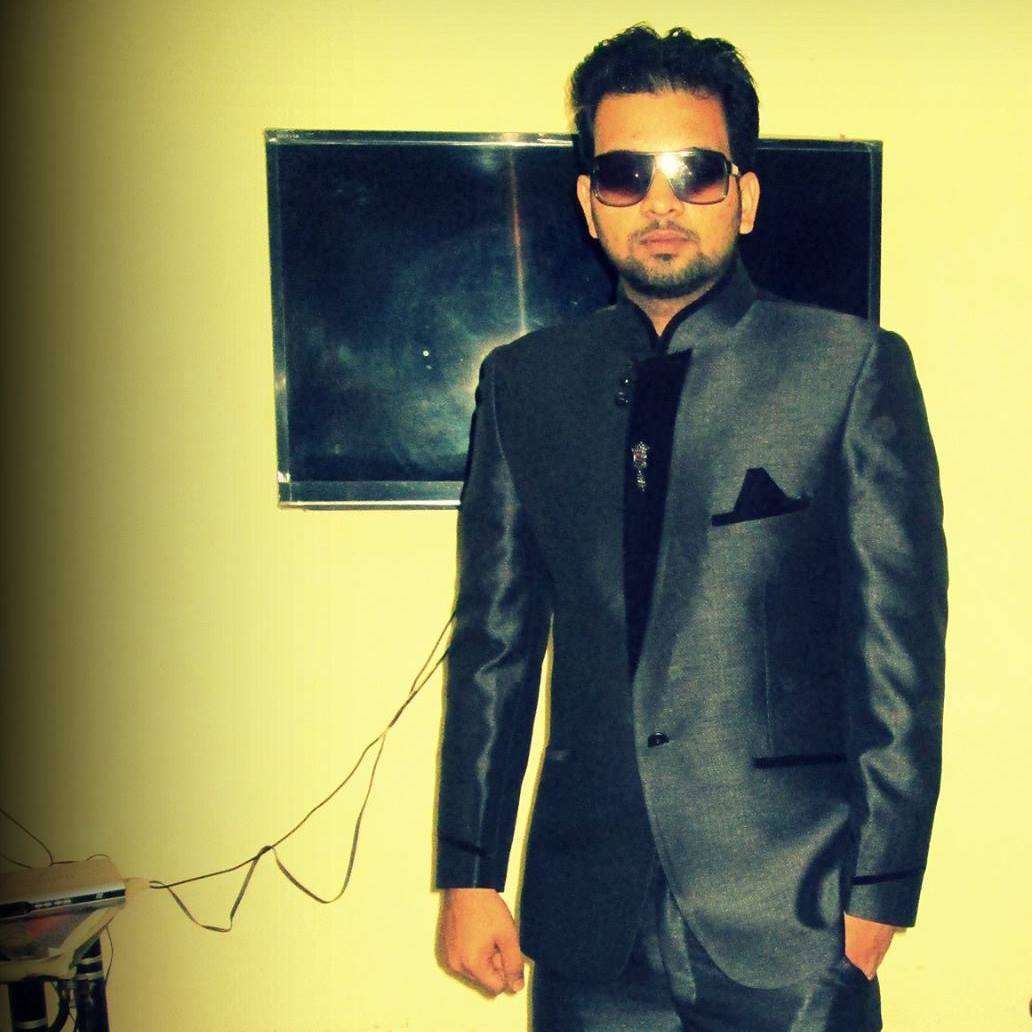

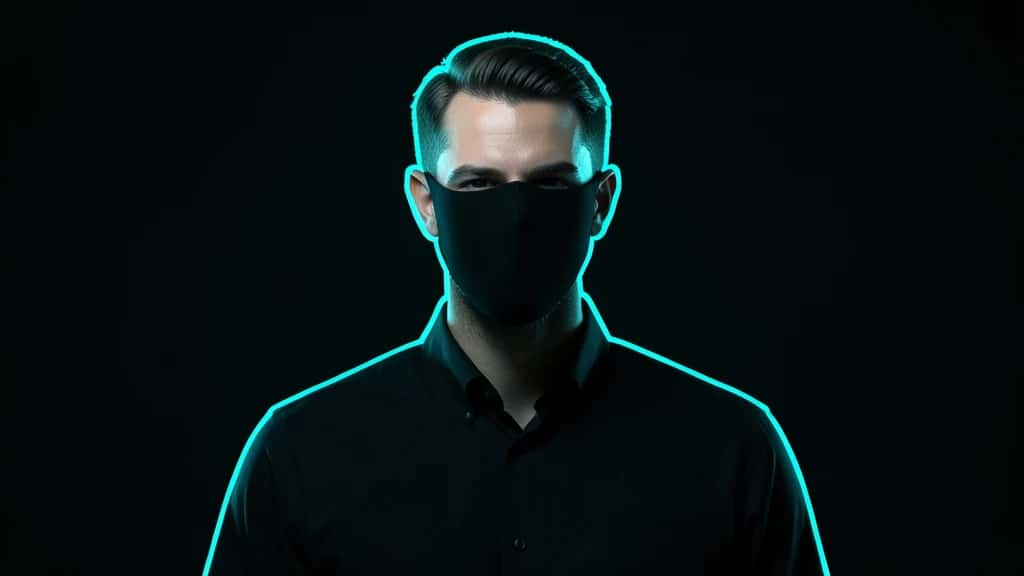
AI rotoscoping predicts a per-frame matte, deciding pixel by pixel which part of a shot is the subject and which is the background, then tracking that decision through time. On the right footage it saves hours. On the wrong footage it chatters, leaks and crawls. Knowing which is which before you shoot is what keeps a VFX budget sane. Pixazo offers AI Rotoscoping for the easy wins, and Pixazo for enterprise video and VFX for the hard shots at volume.
This guide covers what survives an AI matte, what breaks it, how to shoot so roto works, and when to fall back to manual roto or a green screen.
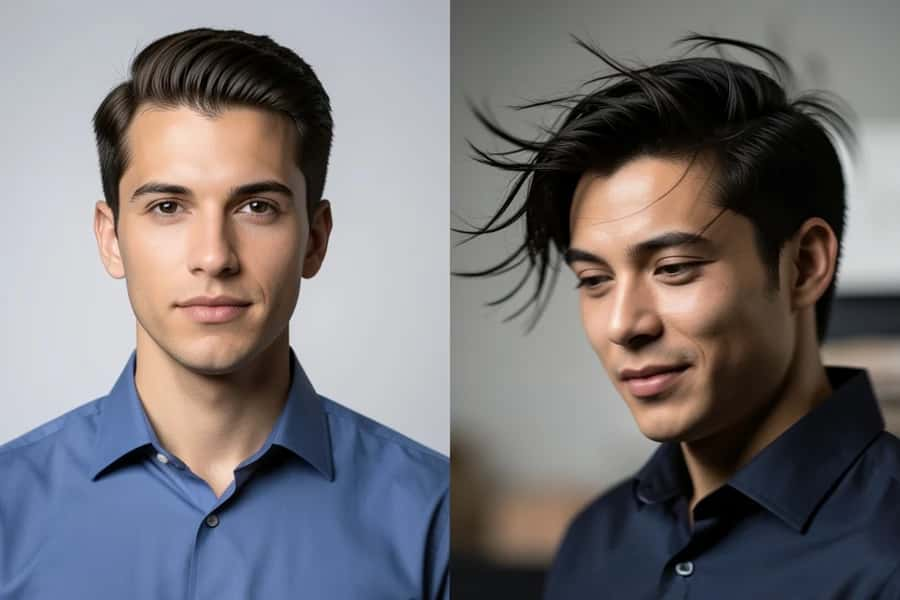
What AI Rotoscoping Actually Does
- ▸It predicts an alpha matte: Frame by frame, it decides which pixels belong to the subject and which to the background, then tracks that through time.
- ▸It reads contrast and motion: It is a segmentation model, not a human tracing shapes, so it guesses the boundary from edges, color and movement.
- ▸Good input, easy decision: Ambiguous input forces guesses, and guesses flicker and chatter frame to frame.
- ▸Motion is the real test: A matte that looks perfect on one still can buzz and crawl once it plays back at speed.
Footage That Survives AI Rotoscoping
- ▸Clear separation between subject and background in color or brightness
- ▸Solid, well defined edges like a jacket sleeve or a clean jawline
- ▸Steady, even lighting that does not crush the subject against its surroundings
- ▸Moderate, trackable motion where the shape stays readable between frames
- ▸A single, non-overlapping subject the model can hold onto
Footage That Struggles or Fails
- ▸Fine hair, fur, frizz and loose strands, where the true edge is thousands of soft wisps
- ▸Motion blur, which smears the boundary so there is no hard edge to find
- ▸Transparency: glass, smoke, water, veils and anything you can partly see through
- ▸Fast motion that leaves the subject in a different place or shape every frame
- ▸Low contrast, where subject and background sit at nearly the same color or brightness
- ▸Overlapping or crossing subjects, where limbs pass in front of each other
- ▸Complex silhouettes like spread fingers, chain links, bike spokes or lattice
- ▸Heavy compression artifacts and noise, which blur edges and create false ones
Suggested Read: AI VFX in Filmmaking: The Complete Guide
Survives vs Struggles at a Glance
| Survives AI roto | Struggles without extra work |
|---|---|
| Person against a plainer, contrasting wall | Flyaway hair, curls, fur and feathered edges |
| A product on a clean sweep with even light | Motion-blurred limbs from a slow shutter |
| Subject with a rim or edge light | Glass, bottles, windows and reflections |
| Solid, readable clothing and hard surfaces | Smoke, haze, water spray and steam |
| Moderate motion like a slow turn or walk | Veils, lace, net, mesh and sheer fabric |
| A single subject, nothing crossing in front | Two or more subjects overlapping or crossing |
| Low compression, low noise footage | Low light with grain, or visible compression blocks |
Suggested Read: Shooting for a Clean Plate: What to Capture on the Day
How to Shoot So Rotoscoping Works
Suggested Read: Best AI Image Inpainting Tools
When to Fall Back to Manual Roto or a Green Screen
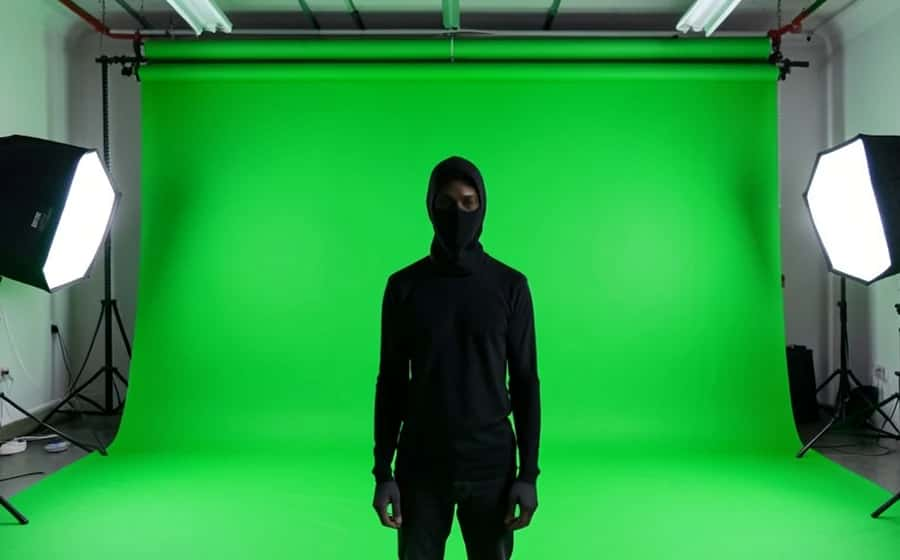
- ▸Plan a green screen for known-hard shots: If you already know a shot has hair detail, transparency or heavy motion blur, shoot a key instead of fighting a matte.
- ▸Budget for hybrid roto on hard footage already shot: An artist corrects the AI pass rather than starting from zero.
- ▸Treat AI roto as a first pass: It saves hours on easy footage, not a guaranteed one-click result on hard footage.
Suggested Read: 10 Best AI Video Editors
A Realistic Workflow That Uses AI Roto Well
That last step is where Pixazo for enterprise video and VFX fits: run the AI first pass yourself, and route the hero and hard shots to a team built for them.
Talk to Pixazo About VFX at Scale
Suggested Read: What Corporate Video Production Actually Involves
Common AI Rotoscoping Mistakes
- ▸Judging the matte on a single frame: A matte can look perfect on one still and crawl badly in motion. Always review at full speed before trusting it.
- ▸Shooting against a matching background: Low contrast at the edge is the single biggest cause of failed roto. Build separation on the day.
- ▸Expecting one-click final output on every shot: It is a first pass. Reinvest the time you save on easy footage into correcting the hard shots.
Conclusion
AI rotoscoping is excellent at the boring middle of the job and weak at the edges that matter most, literally. Clear contrast, solid edges and steady motion survive. Hair, glass, blur and crowds do not, at least not without help. Shoot to give the model a real edge to read, run the AI first pass to clear the easy shots, and route the hard ones to artists. Do that and roto stops being the bottleneck.
FAQ
What does AI rotoscoping do?
It automatically creates a per-frame mask, or matte, that separates a subject from its background, so you can replace, grade or composite them without tracing by hand.
Does AI rotoscoping replace manual rotoscoping?
No. It replaces the slow first pass on easy footage and saves hours, but hard footage like hair, glass and overlapping subjects still needs manual or hybrid correction.
Why does my AI roto matte flicker or chatter?
The model is making a slightly different edge decision on each frame because the boundary is ambiguous. Low contrast, motion blur and noise are the usual causes.
Can AI rotoscoping handle hair?
It handles the broad shape of a head well, but individual flyaway strands are very hard. For hero hair shots, plan a green screen key or artist cleanup.
Does AI rotoscoping work on transparent objects like glass or smoke?
Not reliably. Transparency means part of the background shows through the subject, which a hard matte cannot represent, so these shots usually need a key or manual work.
How should I light a shot so rotoscoping is easier?
Give the subject separation from the background, add a rim or edge light, and avoid colors that match the set. A real contrast gap at the edge is what the model reads.
Is a green screen still worth it if AI roto exists?
Yes, for hard cases. A green screen turns hair, motion and fine edges into a key you can pull cleanly, which is often faster and better than fighting an AI matte.
Does compression affect rotoscoping quality?
It does. Heavy compression and noise blur real edges and invent false ones, which makes the matte leak, so shoot at the lowest practical compression you can.
Deepak Joshi
Author · Pixazo
Deepak writes about generative AI models, APIs, and the workflows teams use to ship them. Reviewed by Abhinav Girdhar.