When a Camera Solve Fails, and How to Get One Anyway

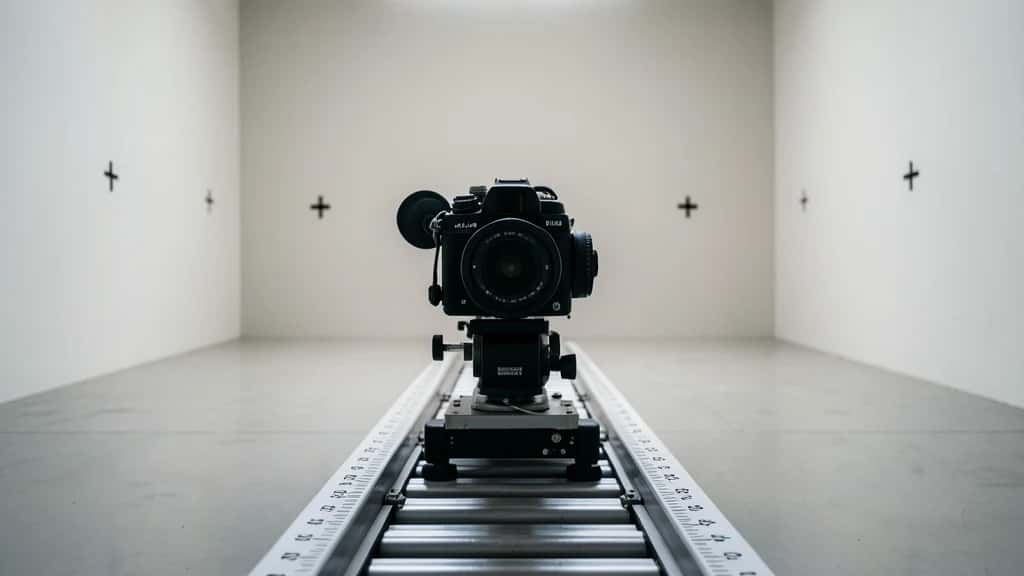
A camera solve, or matchmove, is software working out how the real camera moved through a shot so a 3D element can be locked into the scene. When it works, a CG object sits as if it were really there. When it fails, the solve drifts, the element slides, and the shot is unusable. Solves fail for a handful of specific reasons, and most of them are avoidable on the day or recoverable in post. This guide covers why they fail and how to get a usable track anyway, the kind of work AI Camera Tracking handles at volume.
See AI Camera Tracking Services
You will learn what a solve needs, why solves fail, how to shoot so they do not, and how to rescue a track when the footage is already shot.
What a Camera Solve Needs to Work
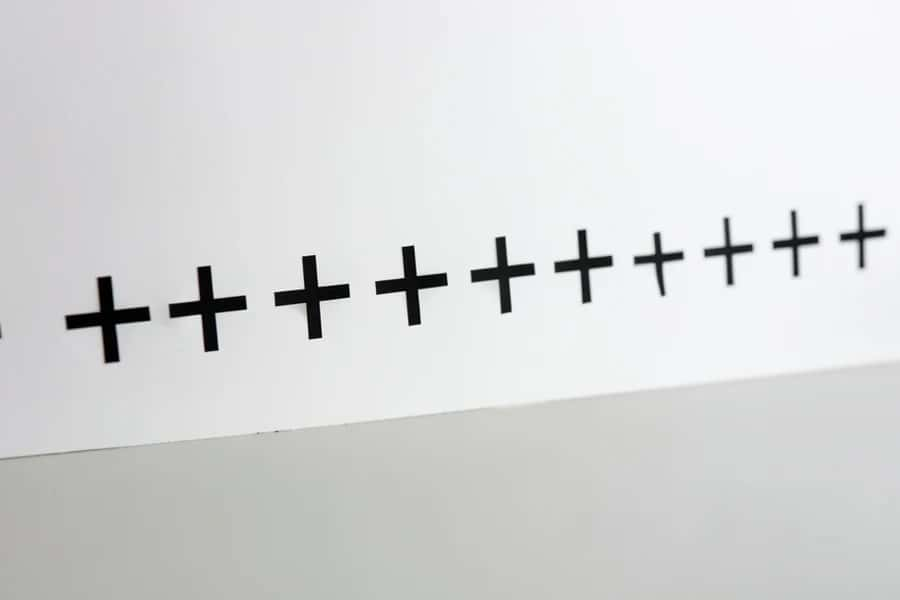
- ▸Trackable features: Fixed, high-contrast points like corners, bolts or markers that the software can follow frame to frame.
- ▸Parallax: As the camera moves, near and far objects must shift at different rates. That depth cue is how the solve reads 3D space.
- ▸Sharp, steady frames: Crisp features the tracker can lock onto, without heavy blur or chatter moving them around.
- ▸A static scene to track: The tracked points need to belong to things that are not moving, so the solve measures the camera, not the subject.
- ▸No parallax: A pure pan or tilt from a locked tripod, or a long lens on a distant scene, gives the solver no depth to read.
- ▸Motion blur: Blur smears the feature points, so the tracker loses them or places them differently each frame.
- ▸Featureless surfaces: Blank walls, clear sky and clean green screens have nothing fixed to track.
- ▸Rolling shutter: Fast motion on a rolling-shutter sensor skews the frame, which bends the geometry the solve assumes.
- ▸Moving objects dominate: When most of the frame is a moving subject, the solver tracks the subject instead of the static scene.
- ▸Zoom or focus breathing: Changing focal length mid shot moves the features in a way a fixed-lens solve cannot explain.
- ▸Reflections and water: Shiny and liquid surfaces move features that are not actually fixed in space.
Suggested Read: What Motion Blur Does to a Matte
How to Shoot So the Solve Works
Suggested Read: What a Usable Green Screen Actually Looks Like
How to Get a Solve Anyway
- ▸Switch to a manual or supervised track: When an auto solve drifts, an artist places and corrects trackers by hand on the strongest features.
- ▸Track an object instead of the camera: If the camera barely moves, an object track can lock an element to a surface without a full 3D solve.
- ▸Fall back to a 2D track: For many shots a 2D track plus perspective corner-pin is enough, no full solve required.
- ▸Rotoscope moving subjects out: Masking out the moving people or cars lets the solver see only the static scene it should be tracking.
- ▸Use set measurements and lens data: Real-world distances and the lens profile constrain the solve so it converges where raw tracking could not.
- ▸Correct rolling shutter first: Removing the skew before solving restores the geometry the solver expects.
Suggested Read: Shooting for a Clean Plate
Where Rotoscoping Comes In
A surprising number of failed solves are really a masking problem: the frame is full of moving people or cars, so the solver cannot find the static scene. Rotoscoping those moving elements out gives the solve clean geometry to lock to. Run an AI roto first pass with the AI Rotoscoping Services to isolate the movers, then solve on what is left.
Suggested Read: Shutter Angle and the Cost of Your VFX Shot
When to Hand It to a Matchmove Team
- ▸Hero shots that must not slip: A locked CG element in a key shot is worth a supervised solve rather than a risky auto one.
- ▸Footage with no markers and no survey: When nothing was prepared on set, recovery takes experience and time.
- ▸Long or complex moves: Big, fast or multi-section camera moves are where auto solves break and artists earn their keep.
That is where AI Camera Tracking fits: a team that rescues hard solves and matchmoves at volume, so a drifting track does not sink the shot.
Suggested Read: AI VFX in Filmmaking: The Complete Guide
A failed camera solve is almost never a mystery. It is missing parallax, smeared features, a blank surface, rolling shutter or a frame full of movement. Each has a fix: add depth to the move, mark up featureless surfaces, shoot sharp, measure the set, and roto the movers out. Do that on the day and the solve is quick. Miss it and you can still recover most shots with a manual track, a 2D fallback or a matchmove team, just at a higher cost.
See AI Camera Tracking Services
Suggested Read: Codecs, Bit Depth and Why Proxies Ruin Mattes
FAQ
What is a camera solve?
A camera solve, or matchmove, is software reconstructing how the real camera moved through a shot. That recovered motion lets you lock 3D elements into the scene so they look like they were really there.
Why did my camera solve fail?
Common causes are no parallax from a locked-off pan, motion blur smearing the features, featureless surfaces with nothing to track, rolling-shutter skew, zooming mid shot, or a frame dominated by moving subjects.
How do I get a camera track on footage with no markers?
Switch to a manual or supervised track on the strongest natural features, rotoscope moving elements out so the solver sees the static scene, fall back to a 2D track where possible, and use any set measurements and lens data you have.
What is parallax and why does a solve need it?
Parallax is near objects shifting more than far ones as the camera moves. That difference is the depth cue a solver uses to rebuild 3D space, so a move with no parallax gives it nothing to work from.
Can you fix a failed solve in post?
Often yes. Manual tracking, object tracking, a 2D track with a corner-pin, rotoscoping out the movers, and correcting rolling shutter before solving can all recover a track that an automatic solve could not.
Does motion blur affect camera tracking?
Yes. Blur smears the feature points the tracker relies on, so it loses them or places them inconsistently. A faster shutter keeps features sharp and gives the solve stable points to follow.
Do I always need tracking markers?
No. Scenes with plenty of natural detail often solve without them. Markers matter on featureless surfaces, clean walls and green screens, where there is otherwise nothing fixed for the solver to track.
Deepak Joshi
Author · Pixazo
Deepak writes about generative AI models, APIs, and the workflows teams use to ship them. Reviewed by Abhinav Girdhar.