MP4 to HEIC Converter
Pull the frame you want from your video and keep it as a HEIC photo.
Pull a frame from your MP4 and save it as a HEIC still — Apple’s efficient image format, smaller than JPG at the same quality. You get one chosen frame, not the moving clip.
Convert MP4 to HEIC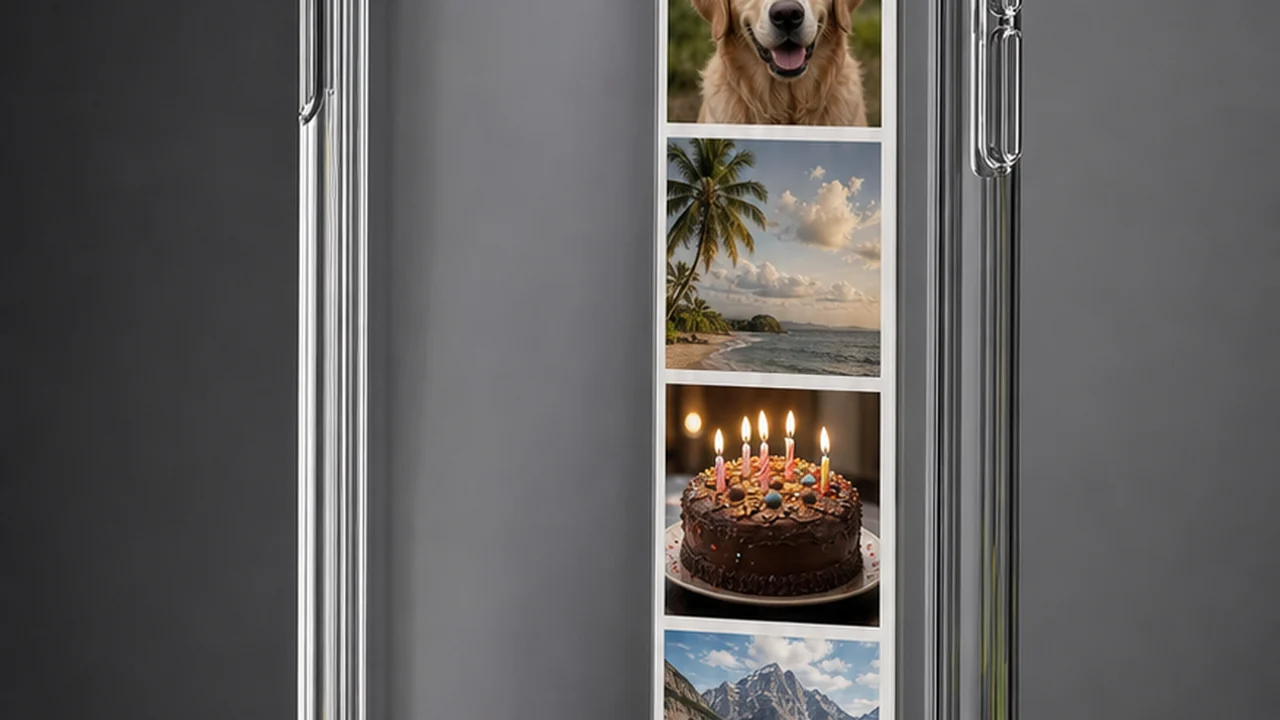
One clip, six candidate frames
An MP4 holds moving video; a HEIC holds one still. The job is really choosing which single frame becomes the photo.
Scrub the clip and stop on the moment worth keeping. That one frame is what Pixazo hands to the encoder.
Pixazo writes that frame straight to HEIC — Apple’s High-Efficiency format, smaller than JPG at the same quality.
Need it to open on any device? Save the same frame as JPG or PNG instead — universally supported.
What it means to convert MP4 to HEIC
Converting an MP4 to a HEIC is really about two wrappers. An MP4 is a container: inside it sit a video track, usually audio, timing data and sometimes captions, with the picture coded by H.264 or HEVC. HEIC is the everyday name for a still stored in the HEIF container, and the image inside is coded with HEVC — the same codec family that carries a huge amount of MP4 video.
That shared lineage is why an MP4 to HEIC converter makes sense: the clip is already full of HEVC-coded frames, so lifting one out and encoding it as a HEIF still is a natural, efficient step. The one thing to keep in mind is that HEIC is a still-image format — you get a single chosen frame as a photo, not the moving clip.
So the job has two halves: pull a frame, then encode it. Pixazo does both — it reads your MP4, lets you pick the exact frame, and writes it out as a HEIC still.
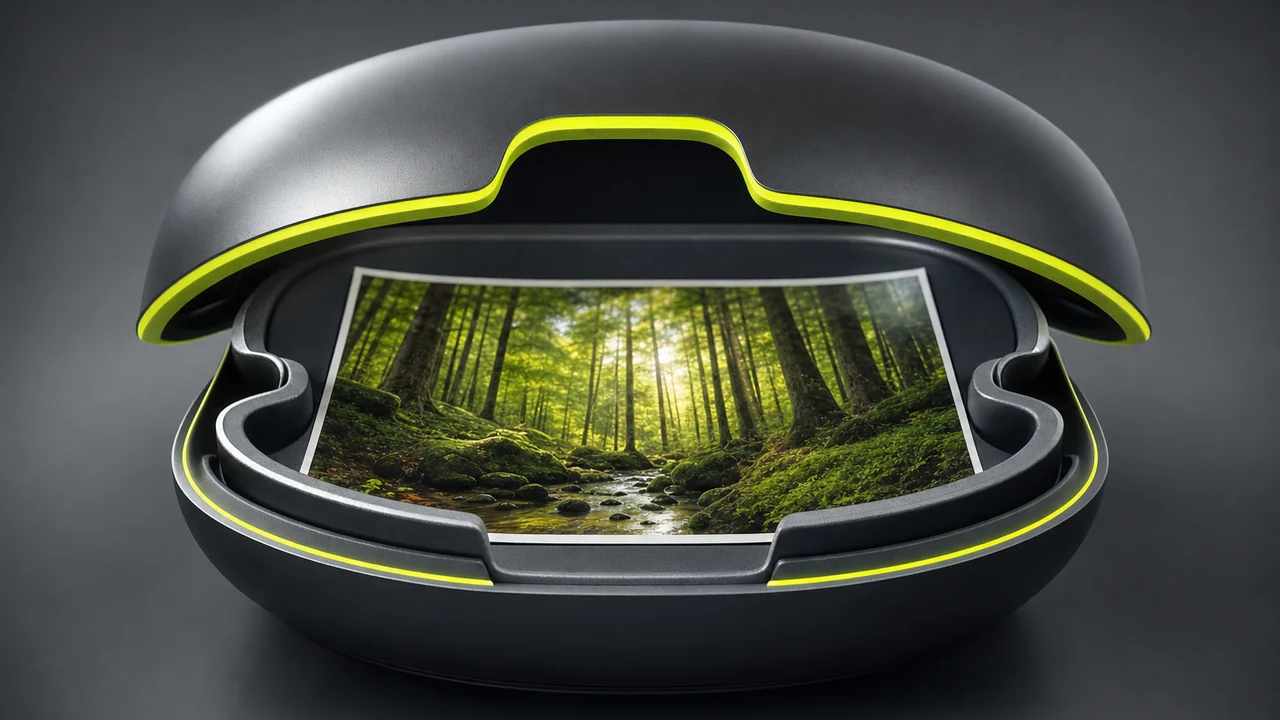
Pick the frame that matters and keep it as an efficient HEIC photo — JPG and PNG are there too for wider reach.
Convert MP4 to HEIC freeHow Pixazo converts MP4 to HEIC
Pixazo reads the video, decodes the frame you land on, and encodes that single still into the HEIF container as a HEIC file. Hand it an MP4 and you can walk out with the exact moment you wanted as an efficient photo — no desktop app, no command line.
Because HEIC leans on HEVC, the still it produces is typically smaller than the same picture saved as JPG at matching quality. That is the whole appeal of the format, and it is why recent iPhones shoot in it by default.
Prefer something that opens on absolutely everything? The same frame can come out as JPG or PNG in one click — handy when the photo is heading to a Windows machine or an older app.
Convert MP4 to HEIC in five moves
Strip the jargon away and a search for MP4 to HEIC is nearly always someone who wants one picture out of a clip — a thumbnail, a still for a deck, a photo of a moment nobody caught at the time. Pixazo reads your MP4, lets you choose the frame, and saves it as a HEIC still.
Want maximum compatibility instead of maximum efficiency? Take the same frame as JPG or PNG — they open on every phone, laptop, browser and editor, which is worth it when a HEIF file might land on a device that cannot read it.
- 01
Open Pixazo
Head to Pixazo in your browser. Nothing installs, and it works the same on a laptop or a phone.
- 02
Upload your MP4
Drop in the clip you want a picture from. MP4 is the common case, and MOV and WebM read the same way.
- 03
Scrub to the frame you want
Move along the clip and stop on the frame that reads well — a face mid-expression, a product square to camera.
- 04
Save it as HEIC
Choose HEIC for the smallest, Apple-friendly still, or pick JPG or PNG when the picture needs to open anywhere.
- 05
Download
Grab the finished file and it is yours — ready for your camera roll, a deck or a share.
What comes out, and how good does it look?
A frame arrives at the video’s own resolution. A 4K clip yields a still large enough to crop into; a compressed clip pulled off a messaging app yields whatever that compression left behind. Extraction is a copy, not a rescue: it cannot add detail the sensor never recorded, nor undo motion blur baked in at capture.
Choosing the format is simple. HEIC is the smallest at a given quality and slots neatly into an Apple camera roll. JPG is universally shareable; PNG is lossless for stills you will edit further or where on-screen text must stay crisp. For other routes, the format conversion hub lists what Pixazo supports.
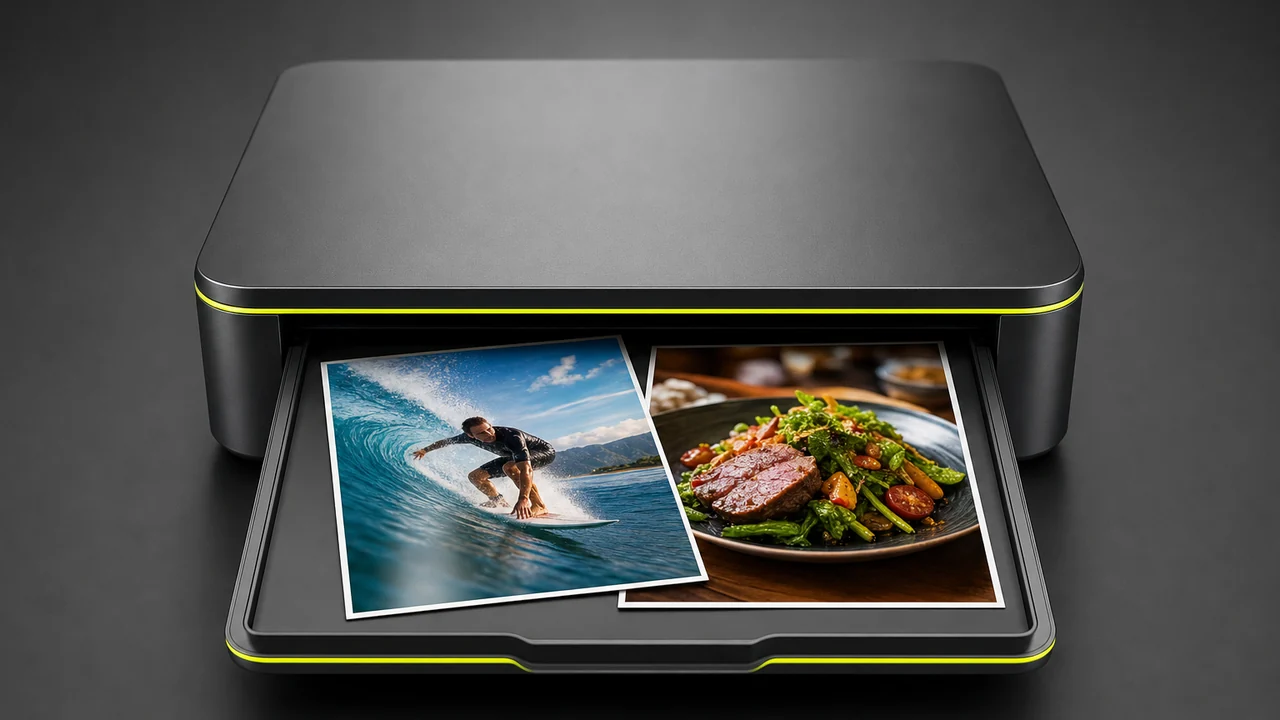
HEIC, or JPG and PNG for everywhere
HEIC earns its place when storage is tight or the picture is staying inside the Apple ecosystem — iPhones shoot High Efficiency by default precisely because a HEIF still is smaller than the equivalent JPEG. If your camera roll, your Mac and your apps all speak HEIC, it is the tidy choice.
The moment a file has to travel — a Windows laptop, an older editor, a web upload that rejects HEIF — JPG or PNG is the safer pick. Pixazo writes all three from the same frame, so you are never locked into one: convert once, then choose the format that fits where the photo is going.
What to keep in mind
Honest edges, so nothing surprises you:
- One still, not the video. HEIC is a still-image format, so you keep a single chosen frame — not the moving clip.
- Best in the Apple ecosystem. HEIC shines on iPhone and Mac; use JPG or PNG for universal compatibility.
- No quality recovery. A still inherits the clip’s resolution, compression and any motion blur.
- Not an editor. You get the picture as it was shot; cropping and retouching happen elsewhere.
- No audio in a still. Pulling a frame drops the soundtrack — use MP4 to MP3 for that.
- Describes Pixazo only. This page covers what Pixazo does with your MP4 — one frame, saved as HEIC, JPG or PNG.
Pick your frame and keep it in the format that fits — free to start.
Convert MP4 to HEIC freeMP4 to HEIC converter: questions people actually ask
Can Pixazo convert MP4 to HEIC?
Yes. Pixazo pulls the frame you choose from your MP4 and encodes it as a HEIC still - Apple's efficient High-Efficiency image format. You get one chosen frame as a photo, not the moving video.
Will I get the whole video as a HEIC?
No - HEIC is a still-image format, so you keep one chosen frame as a photo. If you need motion, keep the MP4 or export a GIF instead.
What is HEIC, exactly?
A still image in the HEIF container, coded with HEVC. It is smaller than JPG at similar quality, which is why recent iPhones save photos as HEIC by default.
Should I pick HEIC, JPG or PNG?
HEIC is the smallest and ideal inside the Apple ecosystem. Choose JPG or PNG when the file needs to open on any device or in any app - Pixazo writes all three from the same frame.
Will a frame pulled from video look as good as a photo?
It is limited by the footage. A frame comes out at the video's own resolution, and extraction cannot invent detail the camera never recorded.

