SVG to MP4 Converter
Rasterise your SVG and let a model animate it into a short MP4 clip — real generated motion from a flat vector.
Convert SVG to MP4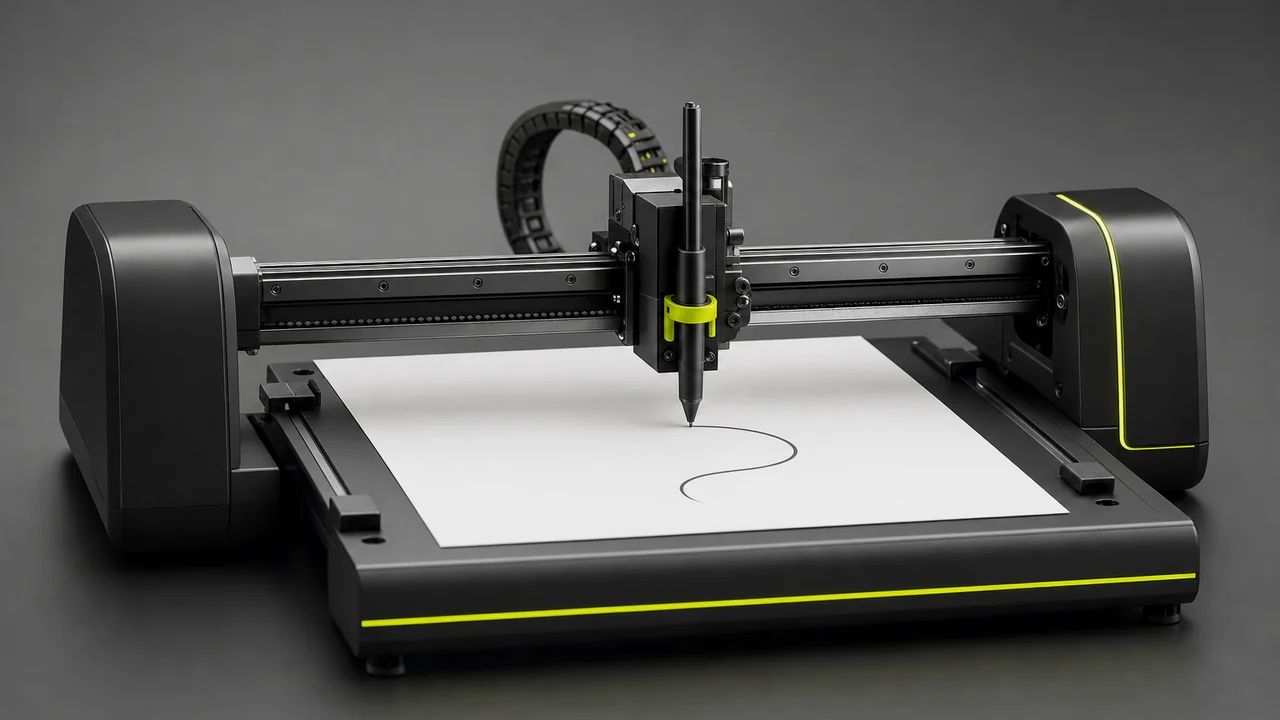
Here is the honest version up front: Pixazo turns a flat vector into a moving MP4 by rasterising it to a still and generating a short clip from that still. The motion is created by a video model, so you get real movement rather than a lossless re-wrap of the file.
The short answer
An SVG stores shapes as maths; an MP4 stores a sequence of pixel grids. To convert SVG to MP4, Pixazo first draws the vector to a crisp still at your chosen size, then hands that frame to an AI video model as the opening image of a clip. The model animates outward from it.
Because an SVG is static, with no timeline of its own, the movement is generated rather than extracted — you steer it with a prompt, and each run gives a fresh take on your clip.
SVG
From a flat SVG to a moving MP4
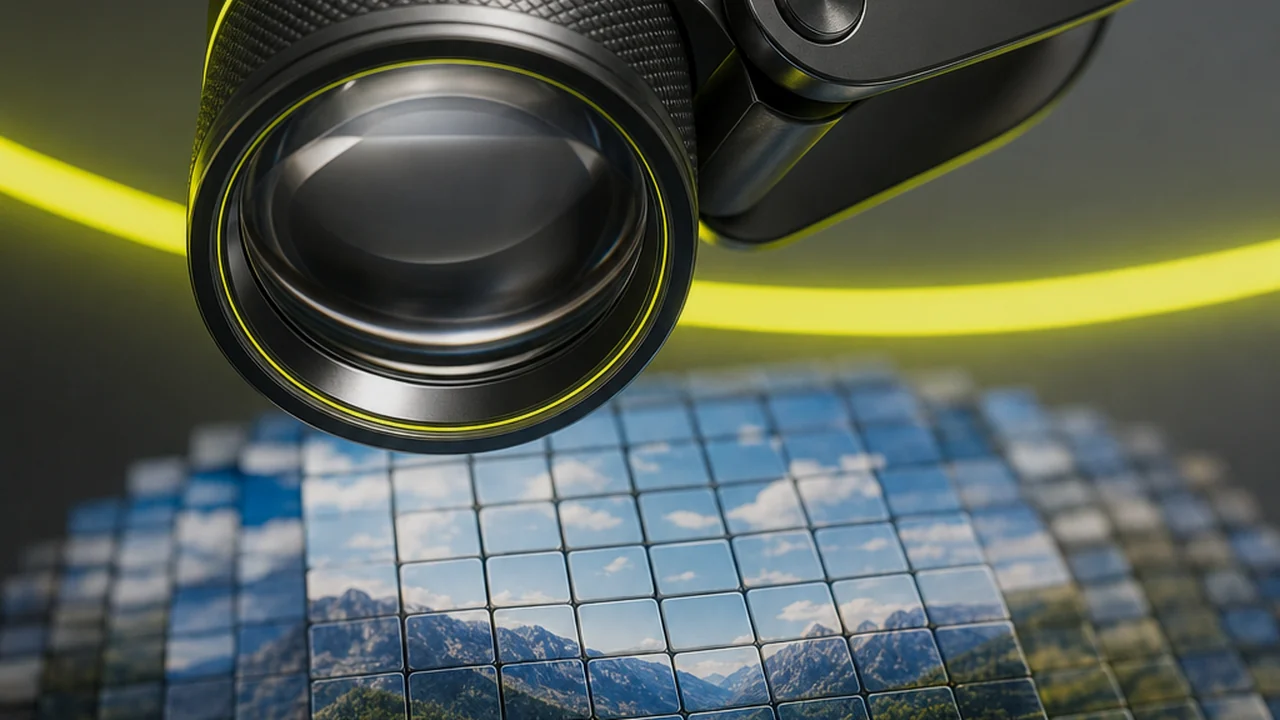
A logo, an icon or a chart usually sits perfectly still. Pixazo turns one into video by first rasterising the vector to a crisp still at your chosen size, then handing that frame to an AI video model as the opening image of a clip. That still is the heart of the conversion here.
Pick the resolution you will publish at up front, because the raster fixes the size the clip is built on. Your artwork stays recognisable in that first frame, and the model builds motion around it.
You are not stuck with a frozen frame. Describe a slow push-in, a gentle drift or elements settling into place, and Pixazo renders that movement into a short clip.
Rasterise your vector and animate it in a few clicks.
Convert SVG to MP4 freeMOTION
Directing the motion the model generates
An animated SVG already implies movement, and even a static one leaves room for it. Either way, the motion in your MP4 is generated by the video model rather than pulled from the file — which means you get to direct it with a prompt.
Tell Pixazo what should move and how: the camera, the elements, the pace. The model reads your rasterised still plus your description and produces a short clip that starts from your artwork and animates the way you asked.
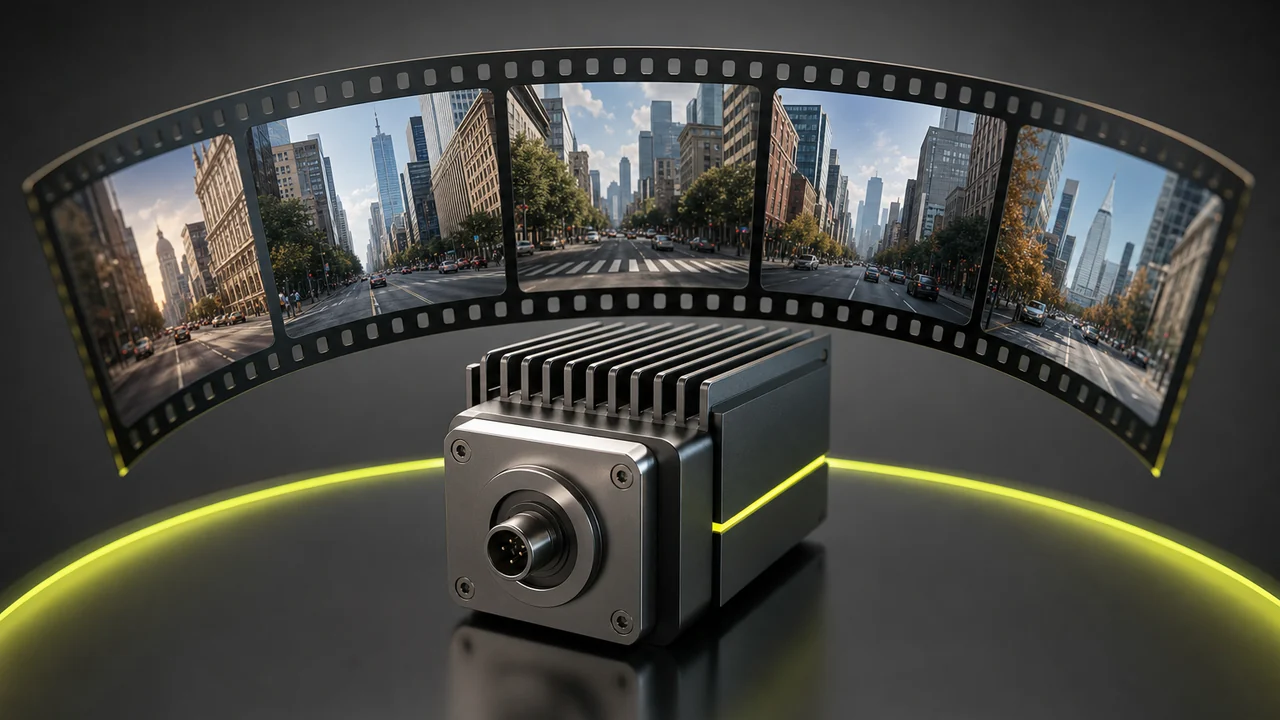
This is real generated motion, not a lossless re-wrap of the file. Re-prompt and regenerate until the movement matches what you pictured — every run is a fresh take on your clip.
Three ways people convert SVG to MP4
The same workflow covers a few different goals.
Animate a logo
You have brand artwork as SVG and want a moving version for an edit. Rasterise it, describe a subtle motion, and Pixazo generates a clean MP4 to drop into your timeline.
A social clip from an icon
Turn a single icon into a short animated post. Export a PNG if the uploader needs one, prompt the movement, and download an MP4 sized for social.
Bring a chart to life
Have a chart exported as SVG? Rasterise it and let the model add a gentle reveal or push-in, giving a static graphic a real sense of motion.
Pick your vector and let a model animate it.
Convert SVG to MP4
Convert SVG to MP4, step by step
Five steps take a flat vector to a finished clip, all on Pixazo.
Open Pixazo
Head to Pixazo to convert SVG to MP4. The studio opens in your browser with nothing to install, so you can start straight away.
Add your SVG
Upload your vector to Pixazo. If the uploader needs a raster file, export a PNG copy of the SVG first and add that — a one-click export from any vector editor.
Describe the motion
Tell the model how the still should move: a slow zoom, a drifting camera, elements easing into frame. The prompt is where your clip gets its motion.
Generate the clip
Let Pixazo render a short MP4 that starts from your rasterised SVG and animates outward. Motion is generated by the video model, so each run brings a fresh take.
Download the MP4
Preview the result and download the finished MP4, ready to drop into an edit, a social post or a product page.
Five clicks from a flat vector to a moving MP4.
Convert SVG to MP4 freeHow SVG to MP4 fits with Pixazo
The same generation engine behind Pixazo's JPG, PNG and WebP to MP4 converters powers SVG to MP4 — your vector is simply rasterised first, then animated. If you only need a still in another format, Pixazo's image conversion moves raster files between each other with EXIF stripped by default.
Working with vectors in other directions? These companion converters cover the still-image pairings:
Limits, stated plainly
Motion is generated, not traced
The movement comes from an AI video model, not from paths inside your file. Pixazo animates the rasterised still rather than reading motion out of the vector.
A vector has no timeline
An SVG is static by nature, so there is nothing to extract frame by frame. The clip's motion is created fresh from your prompt each time.
Results vary between runs
Generate the same SVG twice and you will get two takes. Treat each run as a fresh interpretation and re-prompt to fine-tune the movement.
Export a PNG if needed
If the uploader does not take SVG directly, rasterise to PNG first. It is a quick export, and Pixazo handles the rest of the conversion.
SVG to MP4 converter: frequently asked
Can Pixazo convert SVG to MP4?
Yes. Pixazo converts SVG to MP4 by rasterising your vector to a still image and then generating a short video clip that starts from that still. The motion is created by an AI video model, so you get a real moving MP4 from a flat vector.
How does the SVG to MP4 converter create motion?
An SVG is a static vector with no timeline, so the movement is generated rather than extracted. Pixazo takes the rasterised still and an AI video model animates it into a short clip based on the motion you describe.
Do I need to export my SVG to PNG first?
Only if the uploader asks for a raster file. If SVG is not taken directly, export a PNG copy of the vector from any editor and upload that — Pixazo then rasterises and animates it into an MP4 the same way.
Will every SVG to MP4 render look the same?
No. Because the motion is generated by a model, results vary between runs. Adjust your prompt and generate again to steer the clip toward the movement you pictured.
What can I do with the finished MP4?
Download the MP4 and use it anywhere video works — social posts, ads, product pages or an edit. It is a standard MP4 clip built from your rasterised SVG.
Turn your vector into a clip
Rasterise the SVG, describe the motion, and let Pixazo generate a short MP4 that starts from your artwork. Real movement from a flat vector, in a few clicks.
Convert SVG to MP4
