Minimal
Generous whitespace, single accent rule. Right for designers, indie operators, and modern brands.
FAMILY 01
Pixazo's AI Invoice Maker generates clean, on-brand invoice template designs for freelancers, agencies, and small businesses — minimal, classic, editorial, or itemised. Create invoices with AI in seconds: no design tool, no template marketplace — just describe the brand and the model lays the page.
Five styles rendered from a single brief. Numbers add up, addresses look real, totals land where they should — paste your own data and the model carries the design.
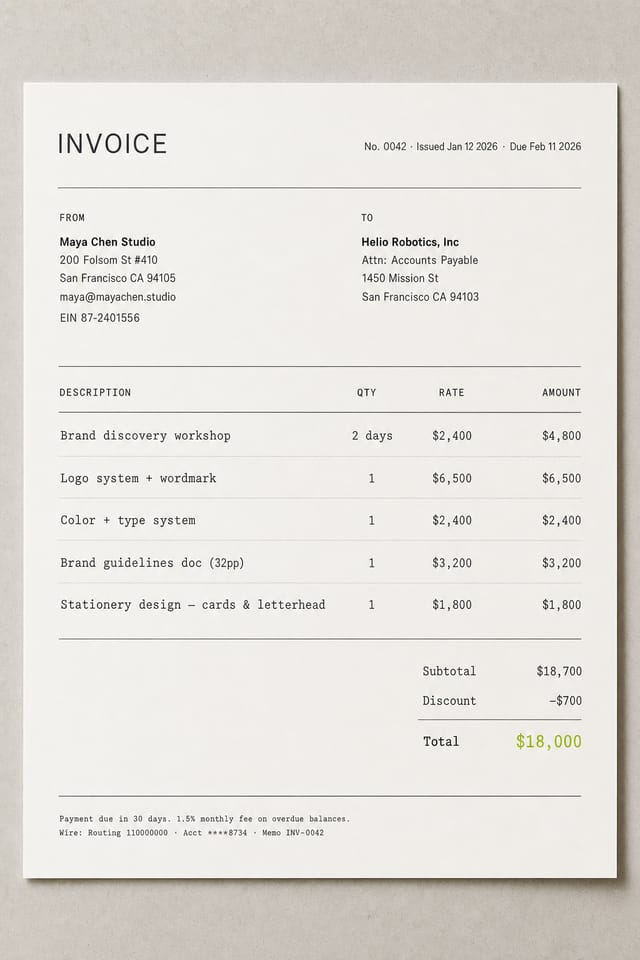
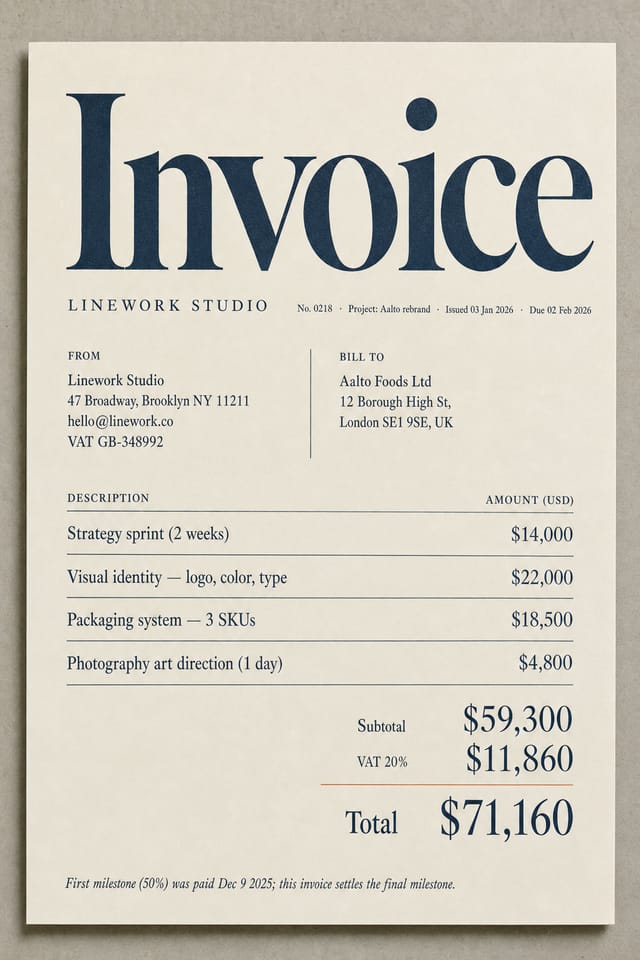
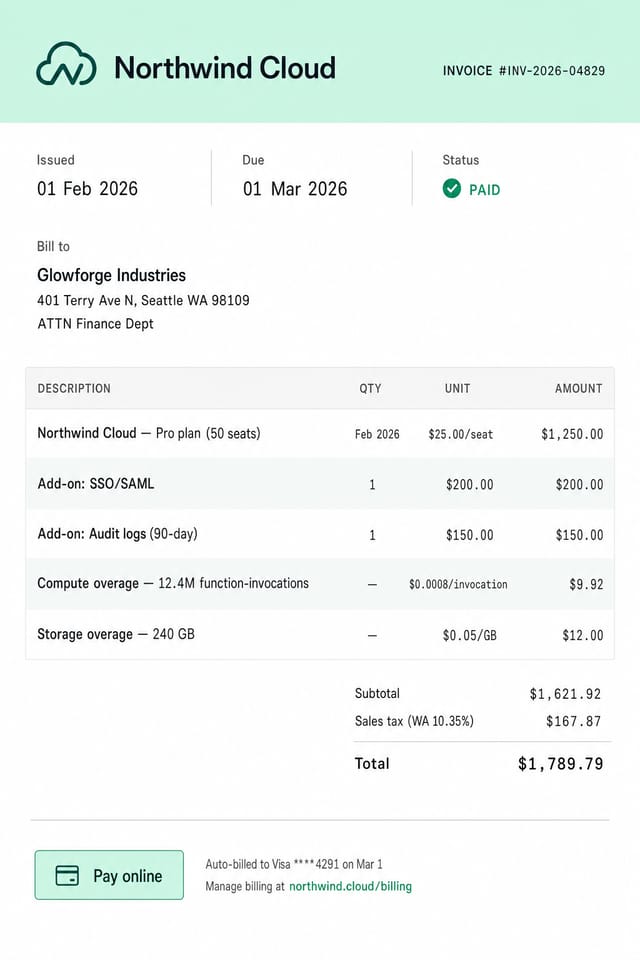
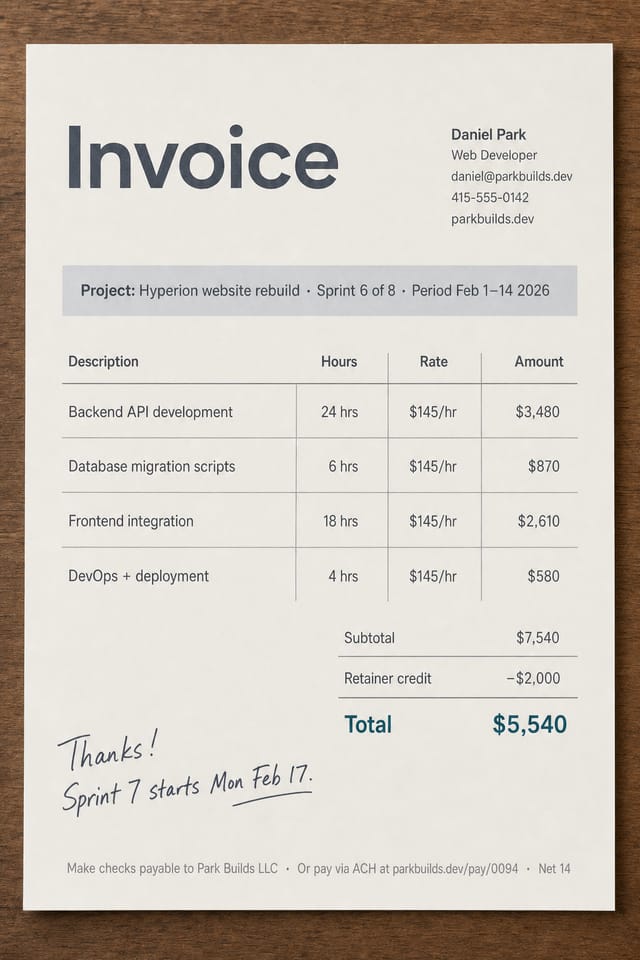
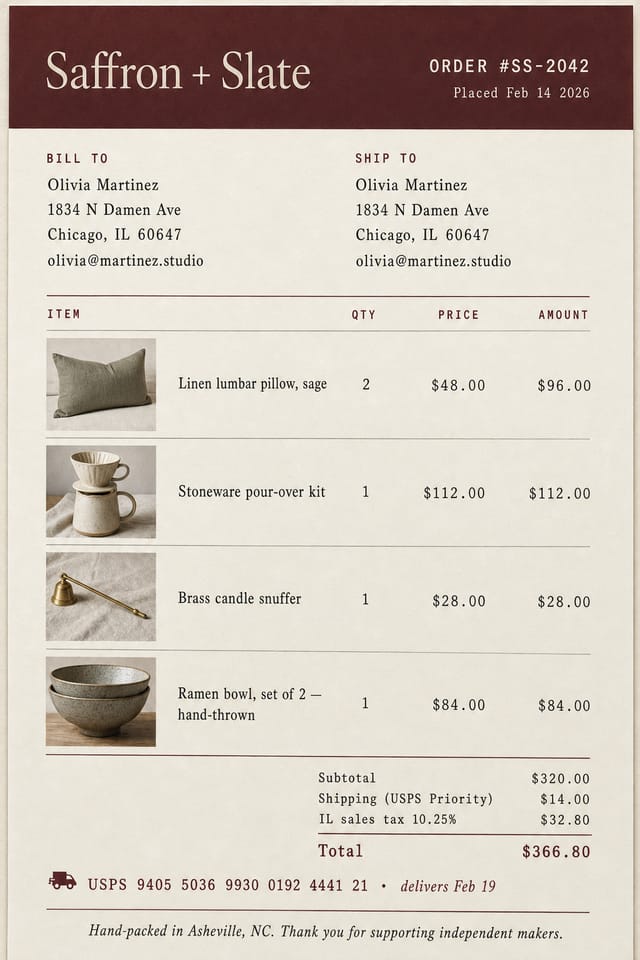
Each invoice maker family comes with its own grid, type pairing, and tone. Pick one in your prompt and the model lays the page in that style.
Most freelancers send the same Word/Excel invoice for years because the upgrade is too much work. The AI Invoice Maker collapses that upgrade into a prompt — make invoices with AI from a brand description.
Misaligned columns, ten-year-old gradient header, mystery font, no visible brand color, missing payment link.
Brand color carrying the totals row, on-grid type, tasteful PAID stamp, monospaced figures for the amount column.
The AI Invoice Maker is built for service businesses that care about look-and-feel — agencies, consultancies, indie makers, and freelancers.
Send a beautifully on-brand invoice without spending three hours in Figma every billing cycle. The first invoice you send sets the perception of your rate.
Match invoice design to the same care you put into client decks. Generate matching variants per client.
Recurring monthly invoices that look as considered as the work behind them.
Founders selling a few B2B SaaS deals manually who need an invoice that looks like the brand.
Photographers, copywriters, voiceover artists — anyone billing on the strength of a visual brand.
This is a design tool, not a billing platform. Read these honestly before swapping out QuickBooks.
The output is a PNG / JPG image. You can't open the invoice and re-type a line item like you would in a fillable PDF — regenerate from the prompt instead.
Pixazo does not collect payment. Pair the generated invoice with Stripe, PayPal, Wise, or your bank for the actual money movement.
The Invoice Maker does not store your billing history or sync to your books. For audited records, plug into QuickBooks, Wave, FreshBooks, or your bookkeeper.
Treat numbers as visual placeholders. Always confirm tax math, VAT, and totals in the system that issues the legal record.
A neutral side-by-side. Where each option earns its place — and where it doesn't.
| Aspect | Pixazo Invoice Maker | Word / PDF template | Hiring a designer |
|---|---|---|---|
| Time to first branded invoice | ~3 minutes from a prompt | 30-60 min editing a stale .docx | 1-3 weeks (brief → revisions → file) |
| Cost | Free tier; commercial license included | Free / one-time download | $300-$2,000 per invoice template |
| Brand-matched on first try | Yes — describe brand color, tone, logo direction | No — manual color & type tweaking | Yes — but slow and expensive |
| Variations & iterations | Re-prompt to regenerate variants | Each variant is a manual edit | Each variant is a new invoice |
| Editable line items after export | No — image output | Yes — fully editable | Depends on file format |
| Payment processing | No | No | No (still need Stripe/PayPal) |
Five questions we get most often about the Pixazo Invoice Maker.
Open the Pixazo Playground, run the AI Invoice Maker, and create invoices with AI in under three minutes — branded, professional, ready to send.
Generate an invoice free