AI Moodboard Maker : Create Free Moodboards in Minutes
Create Custom Moodboards Quickly with Pixazo Best AI Moodboard Maker. Try for Free!
Get Started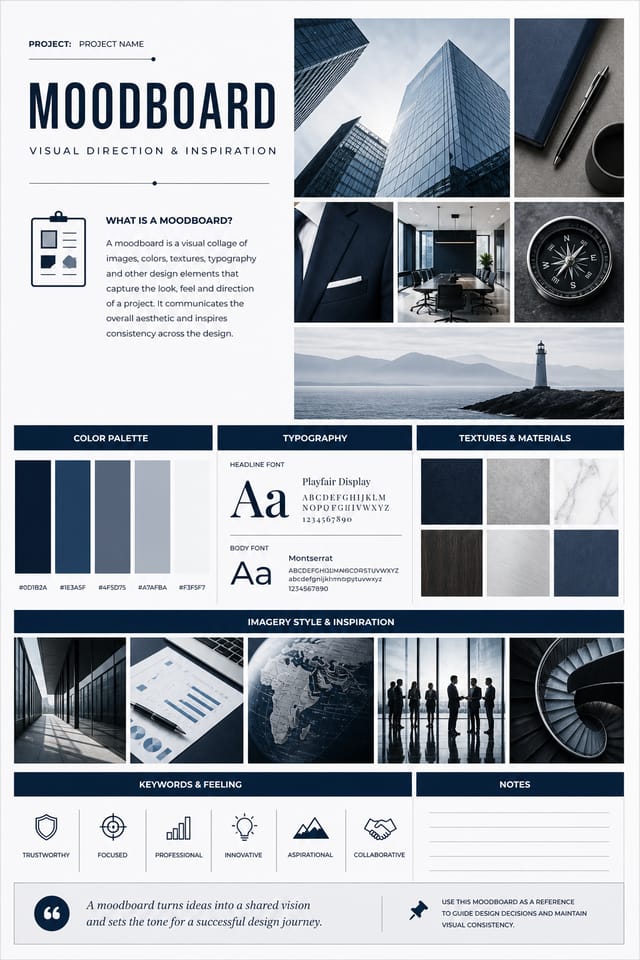
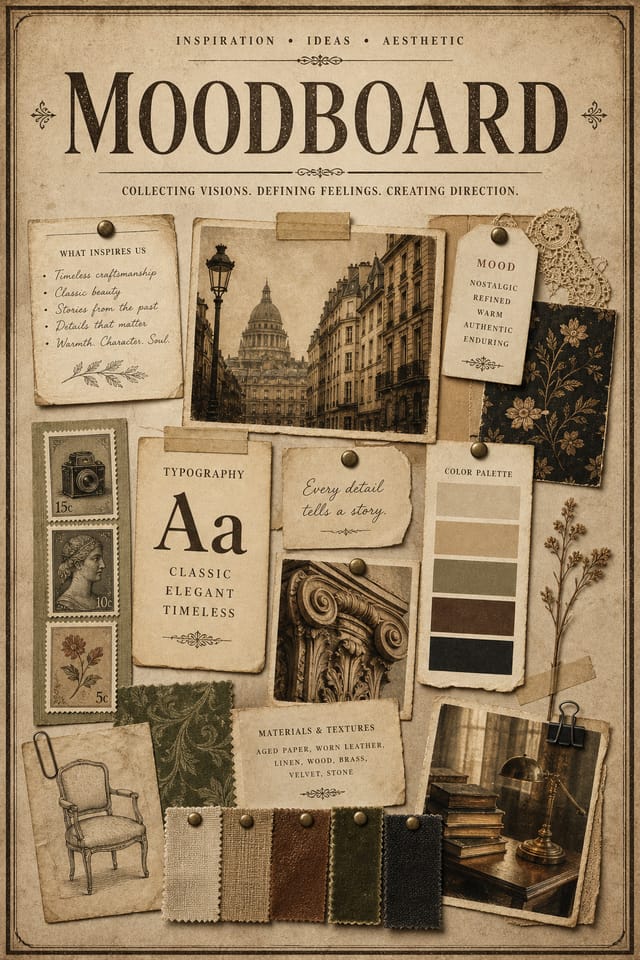
What Moodboard AI Offers: What You Get
Precision Moodboard Tools: Core Strengths
Style-Accurate Generation
The AI interprets moodboard design conventions and applies them to your moodboard, producing output that looks correctly styled rather than generically templated.
Instant Iterations
Generate multiple moodboard variations from a single prompt. Compare options and refine until the design matches your vision.
Color Temperature Control
Specify warm, cool, or neutral color direction for your moodboard. The AI builds the full palette around your temperature preference.
Subcategory Awareness
The AI distinguishes between design subcategories. A moodboard request produces moodboard-appropriate output, not a generic design with moodboard text added.
Background Variation
Generate moodboards with different background treatments. Solid, gradient, textured, or pattern backgrounds all available for moodboard style.
How People Use Moodboards: Practical Examples
Process and Workflow Diagrams
Design moodboards illustrating step-by-step processes, organizational workflows, and decision trees. Clear visual logic for operational documentation.
Photo Collages and Montages
Design moodboards arranging multiple images into cohesive visual compositions. Grid-based and freeform layouts for photo storytelling.
Comparison and Versus Charts
Create moodboards for product comparisons, feature matrices, and side-by-side analyses. Layouts that make differences and similarities immediately obvious.
Mood Boards and Creative Briefs
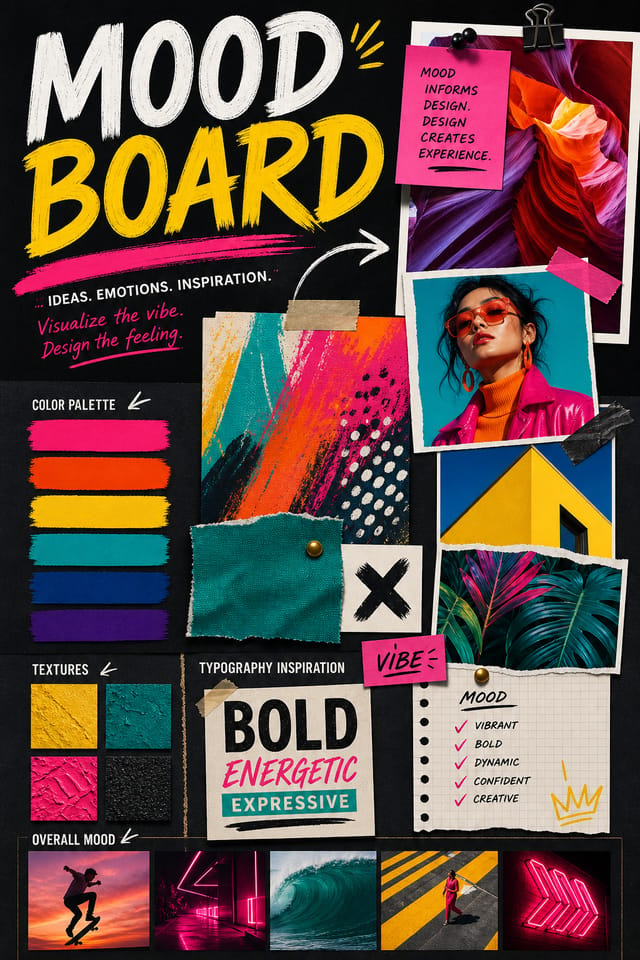
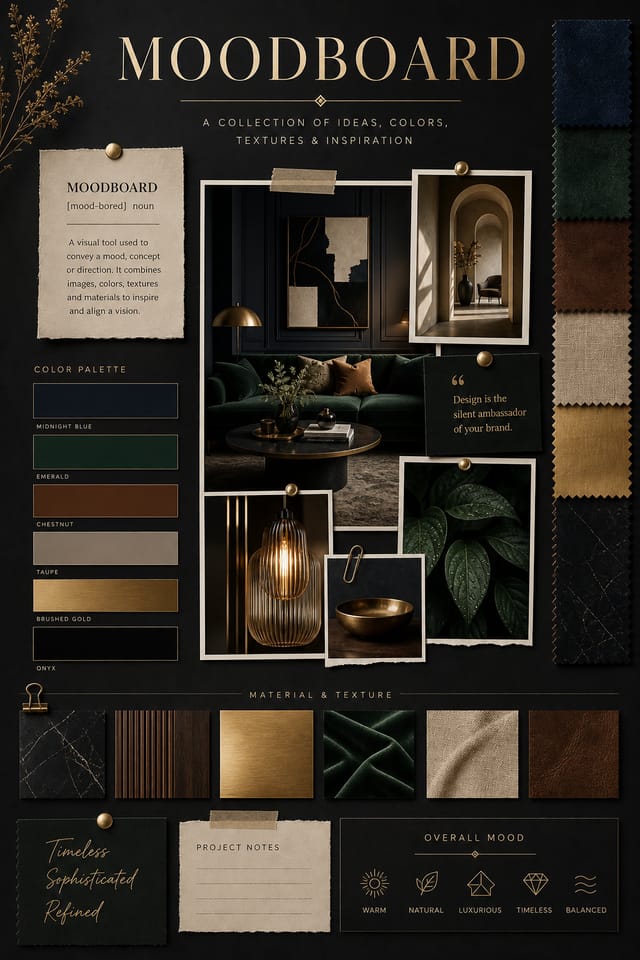
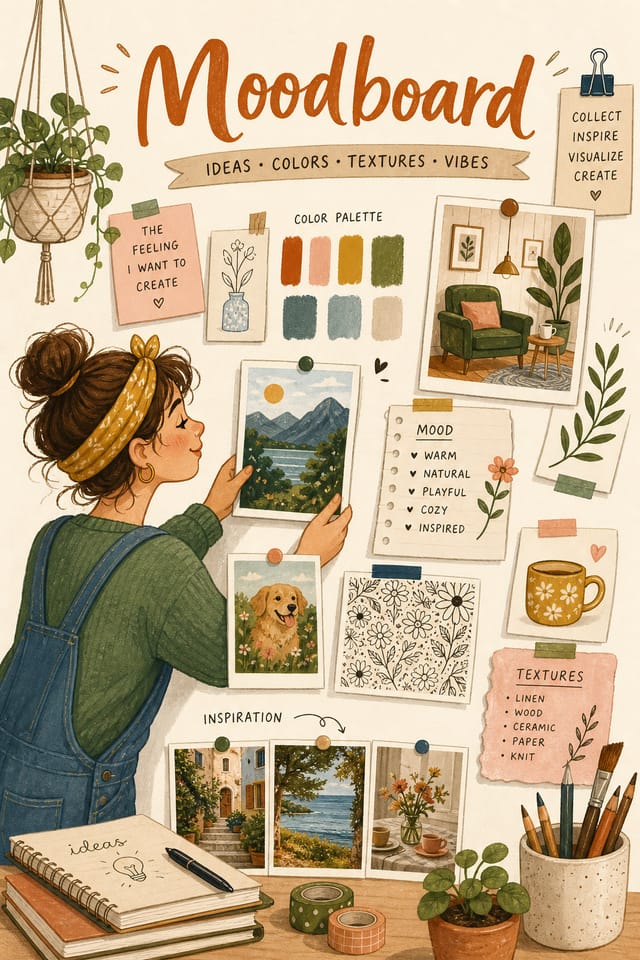
Generate moodboards assembling visual references, color palettes, and texture samples into inspirational boards. Design communication tools for creative teams.
Historical and Project Timelines
Generate moodboards mapping events, milestones, and project phases along a visual timeline. Designs that make chronology intuitive at a glance.
Download Your Moodboard: From Screen to File
PNG
Lossless image format ideal for moodboard designs with transparency, sharp text, and web display at predictable file sizes.
SVG
Scalable format for moodboard designs that need to render crisply at any resolution, commonly used for web and responsive layouts.
Print-ready format for moodboard files that preserves fonts, colors, and layout across different devices and print services.
JPG
Compressed image format suited for moodboard designs with photographic elements where smaller file size matters more than pixel-perfect edges.
Ready-to-Use Moodboard Prompt Ideas
Copy any prompt below and paste it into Pixazo to generate your design instantly.
Moodboard style moodboard, bold headline placement, supporting text at appropriate scale, color palette consistent with moodboard design conventionsMoodboard for digital display, optimized proportions for screen viewing, colors calibrated for RGB output, legible at typical viewing distanceTwo-color moodboard design, high contrast between primary and secondary color, clean separation between graphic and text zonesMoodboard design, clean layout, strong typography hierarchy, appropriate color palette for moodboard aesthetic, high contrast between headline and backgroundProfessional moodboard, minimalist moodboard approach, negative space used intentionally, readable at multiple viewing distances, print-ready compositionCreating Your Moodboard: The Creation Flow
Express Your Design Idea
Write a prompt describing your moodboard. Include style preferences, color direction, the most important text to display, and any specific visual elements you want. The more specific your description, the more targeted the output.
Review the Draft
Your moodboard generates immediately after submission. Evaluate the design against your requirements and refine the prompt to correct any elements that don't match your intent.
Calibrate the Final Version
Iterate on your moodboard by modifying the aspects that need work. Regenerate with a more targeted prompt until the design matches your vision. Most refinements take one or two iterations.
Land the Final Output
Export your moodboard in the format you need. PNG for web and social, PDF for print production, JPG for email and lightweight sharing. The file is yours to use commercially without restrictions.
Watch: Creating Moodboard designs step by step
Design Standards for Moodboard: What Good Looks Like
Typographic Clarity
Type choices in moodboard design should serve legibility first. Font selection should reinforce the moodboard aesthetic while remaining readable at intended viewing distances.
Compositional Balance
Visual weight in moodboard design should be intentional. Asymmetric balance often creates more interest than centered symmetry, but both can work when executed with purpose.
Contrast as Communication
Contrast in moodboard design serves a purpose beyond aesthetics. High contrast draws the eye; low contrast recedes. Use this intentionally to guide the viewer's attention where it matters.
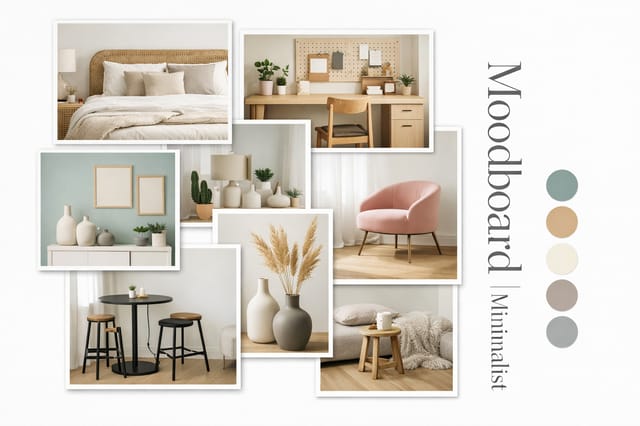
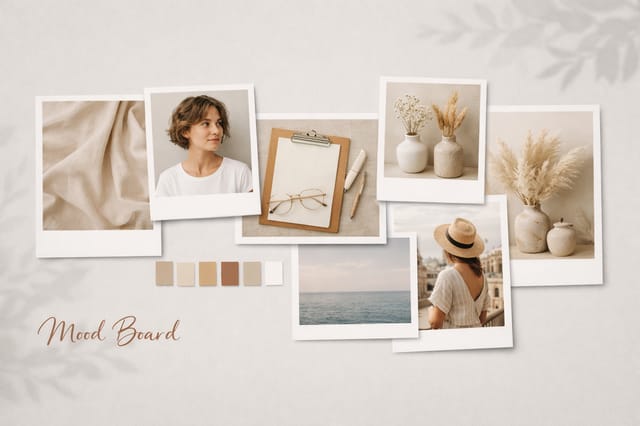
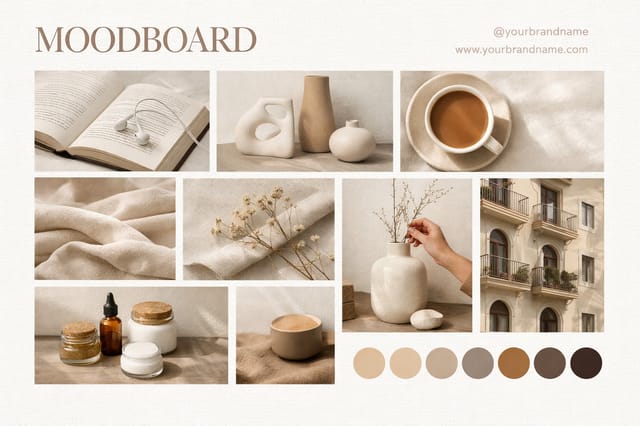
From the Moodboard Community: Showcase Gallery
Real creators sharing their moodboard designs made with Pixazo AI.
Moodboard Quality Checklist: Common Pitfalls
Test with real content
Never finalize a moodboard with placeholder text. Real copy often has different lengths and line breaks that affect the design.
Use a consistent visual hierarchy
Structure your moodboard so the viewer's eye follows a clear path from headline to supporting details to call-to-action.
Maintain brand alignment
Keep your moodboard design consistent with existing brand colors, fonts, and visual language for a cohesive identity.
Skip proofreading
Typos and grammatical errors on a moodboard undermine credibility instantly. Always have someone else review the final text.
Use too many fonts
More than two or three typefaces in a single moodboard creates visual noise and makes the design feel disjointed.
Ignore accessibility
Low-contrast text and tiny font sizes in your moodboard exclude a significant portion of your potential audience.
What Moodboard AI: Room to Grow
Known limitations and trade-offs of AI-generated moodboard design. Every AI design tool has boundaries. Knowing these limits before you start helps you get the most out of moodboard generation.
Understanding Moodboards: Frequently Asked
Pixazo offers a free tier that lets you generate moodboards with standard resolution output. Paid plans unlock higher resolution, priority generation, and additional export formats. You can try moodboard generation without entering payment details.
Team accounts allow multiple users to share prompts, saved moodboard designs, and brand kits within a shared workspace. Team members can iterate on each other's moodboard designs and maintain consistent output across projects.
Pixazo generates single-page moodboard designs per prompt. For multi-page projects, generate each page individually using consistent prompt language to maintain visual continuity across your moodboard document set.
Pixazo generates moodboards in RGB color space. For professional offset printing that requires CMYK, convert the downloaded file using Adobe Photoshop, Illustrator, or a free tool like GIMP. The AI selects colors that translate well to print when you mention print use in your prompt.
Pixazo supports PNG, JPEG, and PDF export for moodboards. PNG preserves transparency if your design uses it. JPEG works well for web and social media. PDF is the preferred format for print production of moodboards.
Include the target language in your prompt when generating moodboards with non-English text. The AI selects typographic approaches appropriate for the language and applies moodboard design conventions to the overall layout regardless of language.

