AI FIFA World Cup Profile Picture Maker: Create Free FIFA World Cup Profile Pictures in Minutes with AI
Pixazo's FIFA World Cup AI profile picture maker generates tournament-themed avatars from a single text prompt in under 30 seconds. Describe a kit, a celebration, a stadium setting; download a square or story-format profile picture ready for Discord, fantasy league apps, and watch-party invites.
Free tier · Square + Story sizes · Commercial use
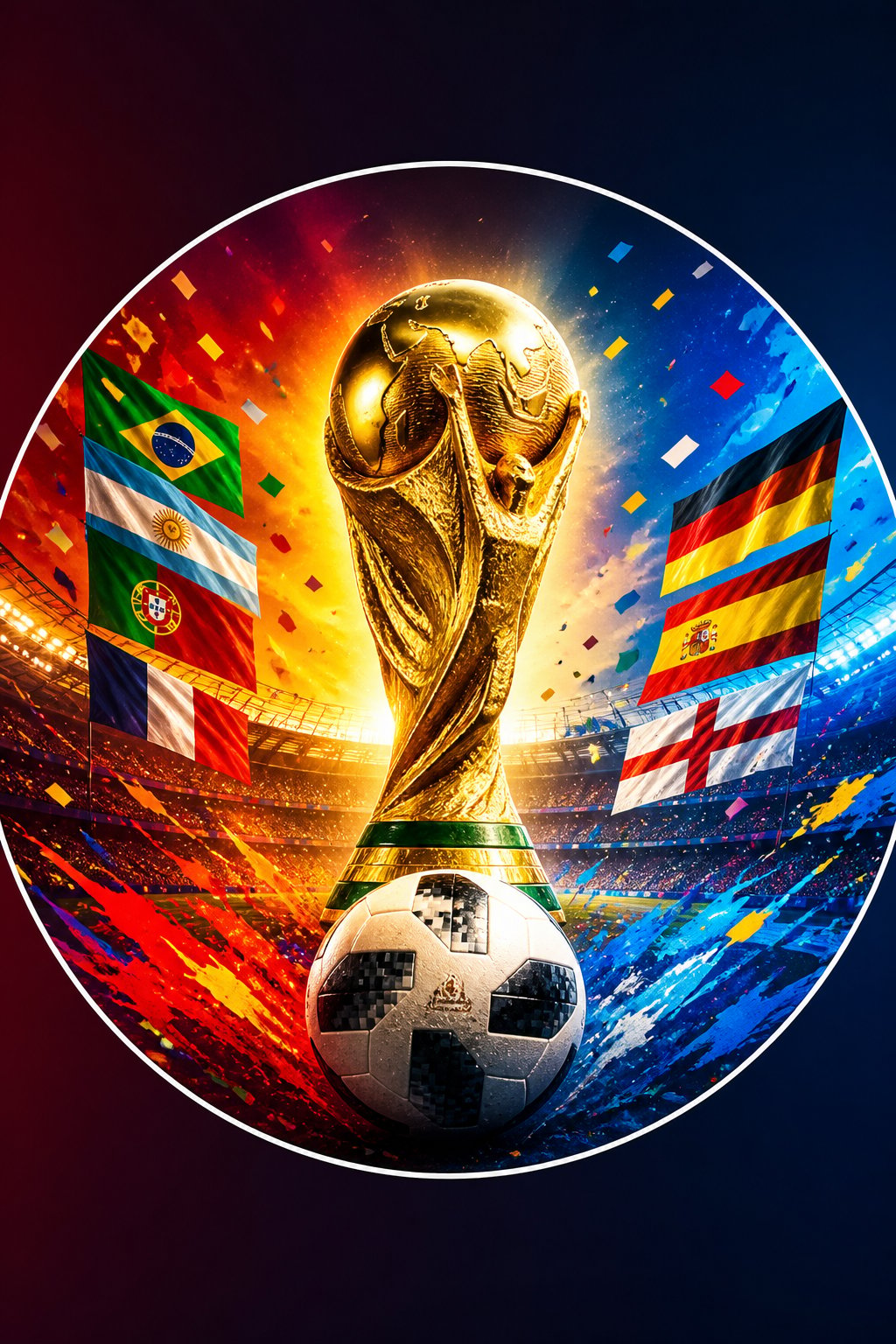
Sample outputs
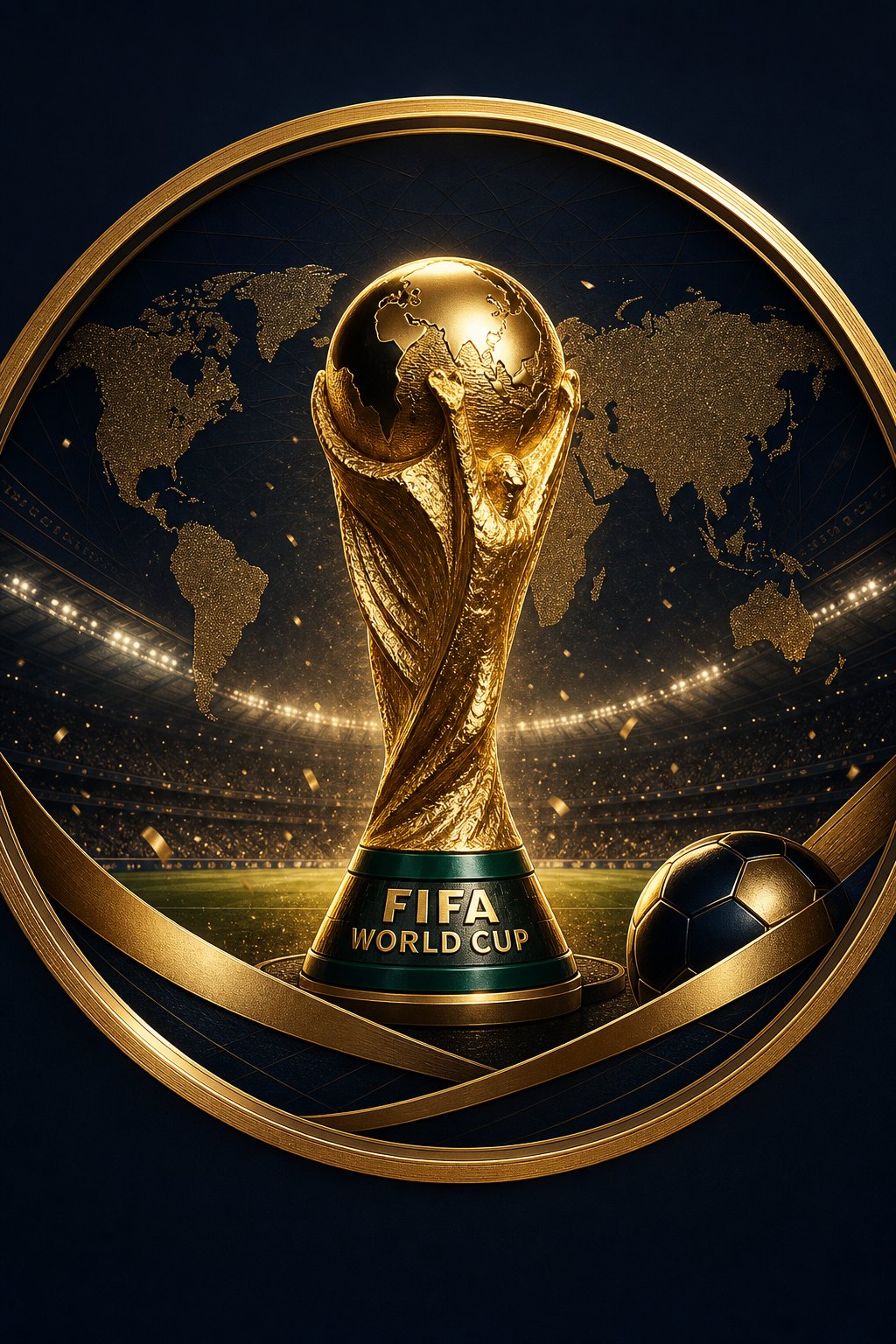
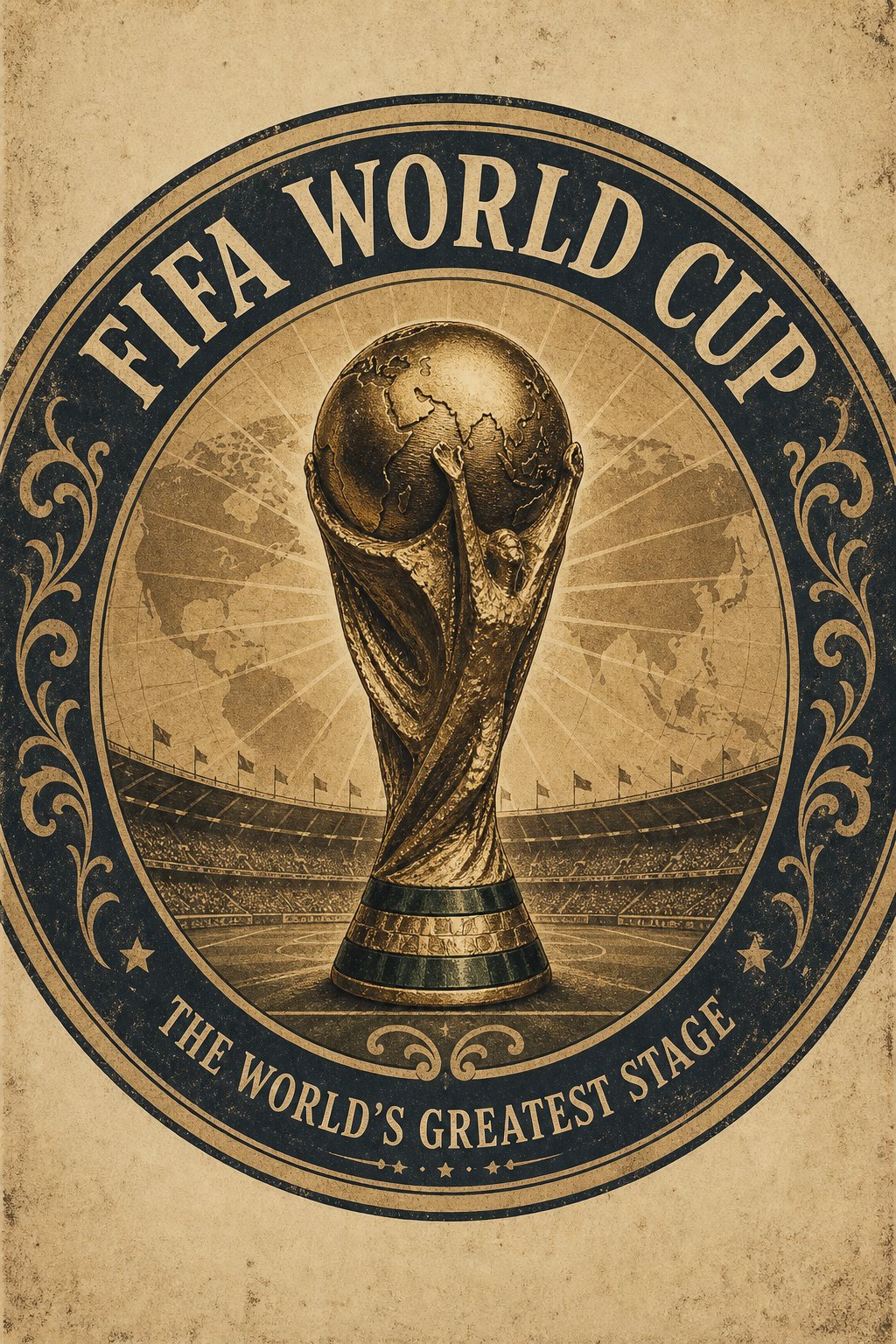
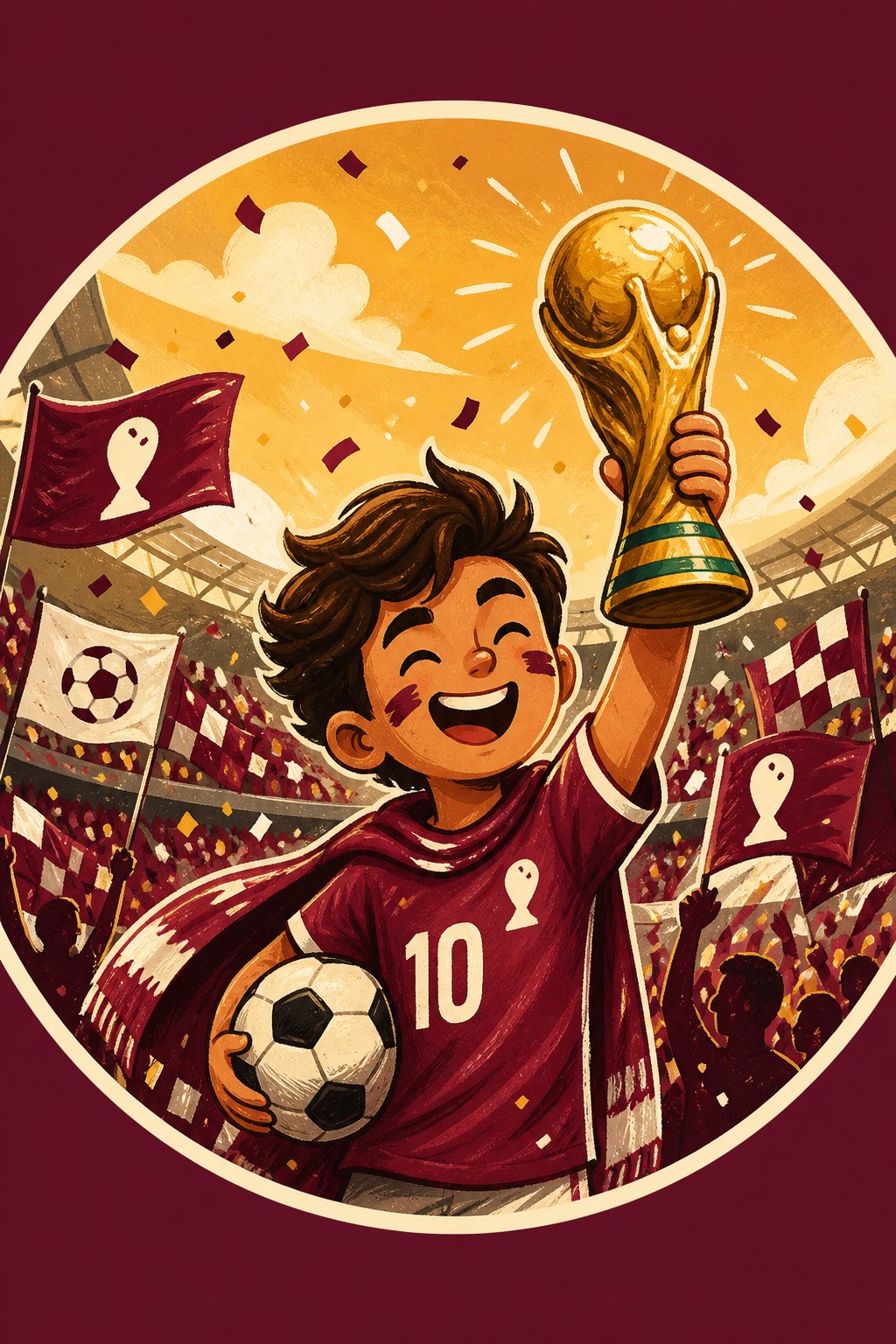
What do AI FIFA World Cup profile pictures look like?
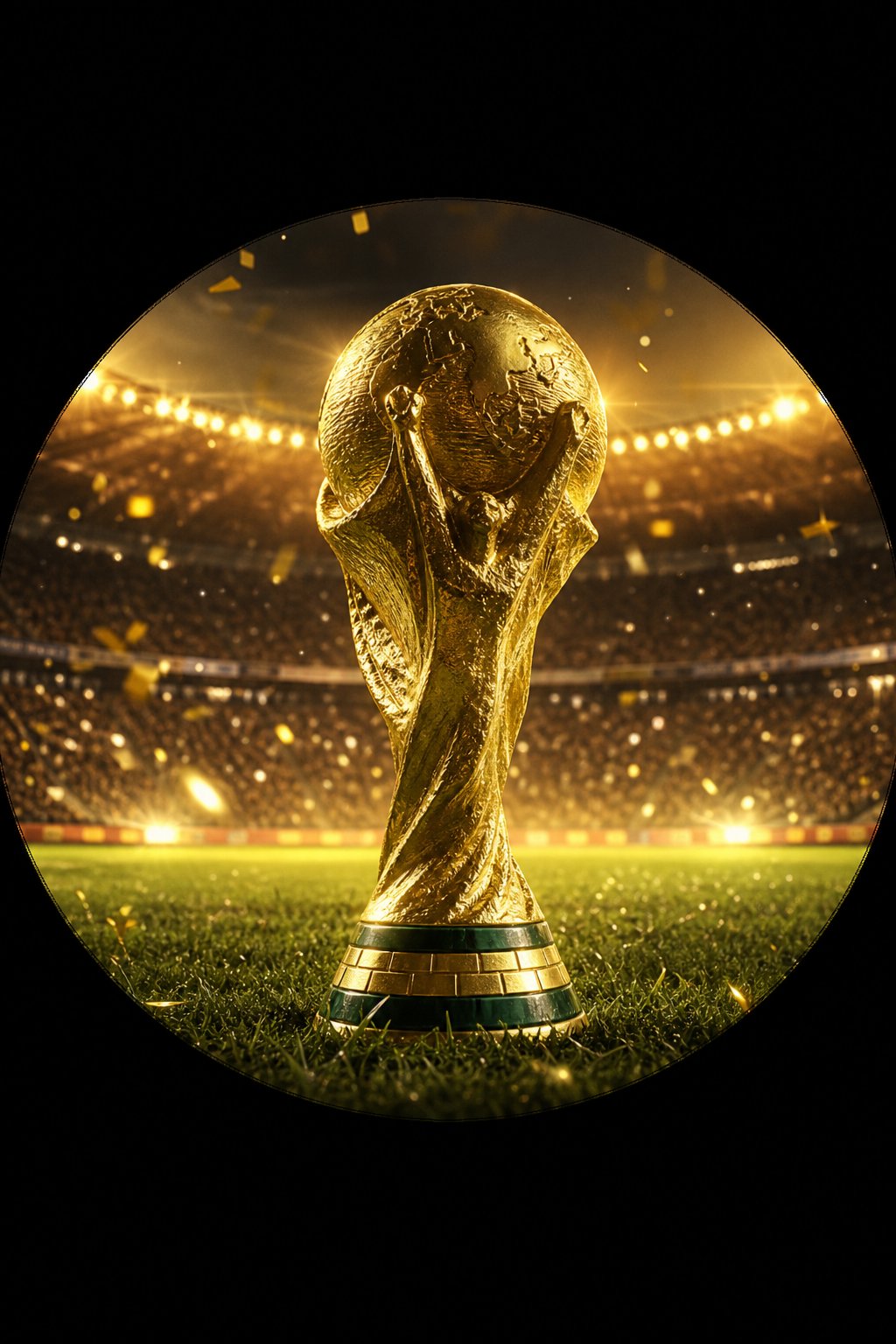
Four more sample avatars generated from short text prompts — kits, celebrations, and stadium moments. Hover any tile to Recreate the prompt in the playground.
Who it's for
Who is this FIFA World Cup profile picture maker for?
Built for the tournament window — designed for fans, fantasy league captains, watch-party hosts, and streaming communities.
Pixazo's FIFA World Cup AI profile picture maker turns a short text prompt into a tournament-themed avatar without any drawing, layering, or stock-image searching. You describe a kit (vertical stripes, retro 90s, training top), a moment (knee-slide celebration, trophy lift, stadium-stand chant), and an atmosphere (night floodlights, golden hour, tunnel haze) — the model returns a square portrait you can drop straight into a profile slot.
The tool is built for football fans who change their profile picture across the group stage and knockouts, fantasy league captains who want a fresh avatar tied to their squad name, Discord and Twitch communities running watch-along streams, and watch-party hosts assembling group-chat invites. Outputs are delivered as PNG, JPG, or WEBP files at 1024 by 1024 pixels on the free tier and 2048 by 2048 pixels on paid tiers. Most generations complete in 10 to 25 seconds depending on model load, with up to four parallel variants on paid plans.
One honest limitation up front: the tool will not render real player likenesses, FIFA marks, or club crests or sponsor logos. Every output is a generic player or supporter archetype in a generic kit-style colourway. If you need an exact real-world player face or a licensed badge, this is not the right tool.
Specification
What's included in the FIFA World Cup profile picture maker?
A scoreboard view of what's included on the free tier, what unlocks on paid plans, and the honest rules around licensed marks.
| Feature | Availability | Notes |
|---|---|---|
| Output formats | PNG, JPG, WEBP | WEBP recommended for fastest Discord and X uploads; PNG for transparent backgrounds. |
| Maximum resolution | 1024×1024 free, 2048×2048 paid | Square crop only on free tier; 9:16 story crop available on paid tiers. |
| Generation time | 10–25 seconds | Tested across the World Cup window; longer at peak match-time load. |
| Free tier limits | 1 variant per prompt | Daily generation cap applies to prevent abuse. |
| Paid tier pricing | From $9/month | Unlocks 4 parallel variants, 2K resolution, and priority match-day queue. |
| AI model used | GPT-Image-2 default; Flux + Nano Banana available | Routed automatically by prompt; users can pick a specific model on paid plans. |
| Languages supported | English, Spanish, Portuguese, French, German, Arabic | Prompt entry only; output is image — no on-image text rendering reliable. |
| Commercial use license | Yes, on paid tier | Free outputs are personal-use only; paid plans include a commercial license for generated images. |
| FIFA / club trademark handling | Blocked by policy | FIFA marks, club crests, kit-manufacturer logos, and real player likenesses are rejected at the prompt stage. |
Style variations
What styles can I create?
Nine ready-to-prompt style variations cover kit portraits, supporter shots, and tournament-moment scenes.
Home kit portrait
Player portrait in the primary national-style kit colourway against a stadium backdrop.
striker in vertical-striped home kit, stadium night lights, photorealistic portrait
Away kit portrait
Same composition swapped to the secondary kit — useful for knockout-round profile picture rotations.
player in away-kit colours, neutral background, cinematic portrait
Retro 1990s shirt
Vintage geometric jersey pattern with mid-twenties player; reads as a throwback profile picture.
retro 1990s shirt with bold geometric pattern, studio portrait, soft light
Training kit
Side-profile in a training top at the stadium tunnel with atmospheric haze.
midfielder in training top, tunnel haze, side profile, dramatic side light
Painted-face supporter
Stadium-stand fan with face paint in national colours, raised arms, crowd backdrop.
painted-face supporter, stand crowd background, raised arms, golden-hour light
Trophy lift
Captain holding a generic gold trophy aloft under floodlights with confetti.
captain lifting generic gold trophy, stadium night lights, confetti, cinematic
Captain armband
Close-up portrait with a visible captain's armband on the left arm, mid-roar pose.
captain pose with armband on left arm, mid-roar close portrait, night lights
Goal celebration
Mid-celebration knee-slide on pitch grass with motion blur on a blurred crowd.
knee-slide celebration on pitch grass, motion blur, blurred crowd background
Stadium-stand fan
Candid stand-level supporter portrait with a national flag draped on shoulders.
supporter portrait in stand with national flag on shoulders, candid lighting
How it works
How does Pixazo generate FIFA-themed profile pictures?
Three steps from text to downloadable square avatar — no manual editing in between.
- Describe your scene in plain English. Spell out the kit (vertical stripes, retro 90s, training top), the moment (knee-slide, trophy lift, stand chant), lighting (night floodlights, golden hour, tunnel haze), and camera (close portrait, side profile, 35mm).
- Pixazo's AI image model interprets the prompt and renders variants. The free tier returns 1 variant; paid tiers return 4 in parallel so you can compare kits, expressions, and crops side-by-side.
- Pick a variant, regenerate with tweaks, or download. Adjust the prompt to change the kit colourway or celebration, re-roll for a different camera angle, and download as PNG, JPG, or WEBP when satisfied.
Worked prompts
How do I write a strong FIFA World Cup profile picture prompt?
Stack four ingredients — kit, moment, lighting, camera — and the model returns a portrait you can use as-is. Five worked examples below.
Argentina-style striker portrait (blue-white)
striker in light-blue-and-white vertical-striped national kit, captain armband, holding gold trophy aloft, stadium night lights with confetti, cinematic 35mm portrait, soft rim light, shallow depth of field, 1024x1024 squareBrazil-style fan in stand (yellow-green)
painted-face supporter in yellow shirt with green stripes, stadium stand background, raised arms with national flag, golden-hour lighting, candid portrait, 1024x1024 squareSpain-style retro 1990s shirt (red-yellow)
retro 1990s red shirt with bold yellow geometric pattern, mid-twenties player portrait, neutral studio backdrop, slight smile, photorealistic, 1024x1024 squareGermany-style training kit (black-red)
midfielder in black training top with red trim, side-profile portrait at stadium tunnel, atmospheric haze, dramatic side lighting, 1024x1024 squareEngland-style goal celebration (white-red)
forward in white kit with red trim, mid-celebration knee-slide on pitch grass, blurred crowd in background, motion blur on cape effect, photorealistic action portrait, 1024x1024 squareUse cases
Where do these FIFA World Cup profile pictures work best?
Six tournament-window use cases — every one is a place fans actually rotate avatars during the group stage and knockouts.
- Fantasy league captain avatars (Dream11, Sorare, Sleeper sports leagues)
- Discord sports server profile pictures across match-day channels
- Twitch stream overlays for watch-along streamers between matches
- WhatsApp watch-party group invites and match-day announcement banners
- X / Instagram profile changes for the tournament window only
- Sports betting and prediction community channels for round-by-round avatar swaps
Limitations
What can't this FIFA World Cup profile picture maker do?
Honest, FIFA-specific limitations — read these before generating so you know which prompts will be rejected or produce weak output.
- No real player faces — right of publicity blocks likenesses of Messi, Mbappé, Bellingham, and similar named players.
- No official FIFA marks or trophy likeness — the actual FIFA World Cup trophy shape is rejected by the prompt filter.
- No licensed club badges or crests — Real Madrid, Manchester United, and similar club marks will not render.
- No kit-manufacturer logos or sponsor logos — Nike, Adidas, Puma swooshes and shirt sponsors are filtered out.
- Multi-player team huddles render poorly — limbs and faces fuse beyond two figures in frame.
- Hands holding small objects (whistles, yellow cards, captain bands off-arm) often distort.
- Exact jersey-text rendering is approximate — squad numbers and names come out as plausible but unreadable strings.
Community creations
What have other fans created with this maker?
Three creators sharing the prompt they typed in and the avatar they used during the tournament window.

Fantasy league captain
Made this for my Dream11 squad name swap during the group stage. The captain-armband variant got more reactions than any photo I've posted this year.
confident captain pose in light-blue-and-white vertical-striped kit, armband on left arm, mid-roar celebration, stadium night lights, photorealistic close portrait, 1024x1024 square
Football blogger
I needed a tournament-window profile picture for my matchday liveblog. Generated four variants, picked the retro-shirt one in under a minute — no Photoshop needed.
mid-twenties woman in retro 1990s red-and-yellow shirt with bold geometric pattern, soft studio light, neutral grey backdrop, friendly portrait, 1024x1024 square
Twitch streamer
I run a watch-party stream and rotated through six different national-kit avatars across the group stage. Audience kept screenshotting them.
forward in green kit with white trim, mid-celebration knee-slide on pitch grass, blurred crowd, motion blur, photorealistic action portrait, 1024x1024 squareFAQ
What else should I know? (FIFA World Cup AI profile picture FAQ)
Seven of the questions fans ask most often before generating their first tournament-window avatar.