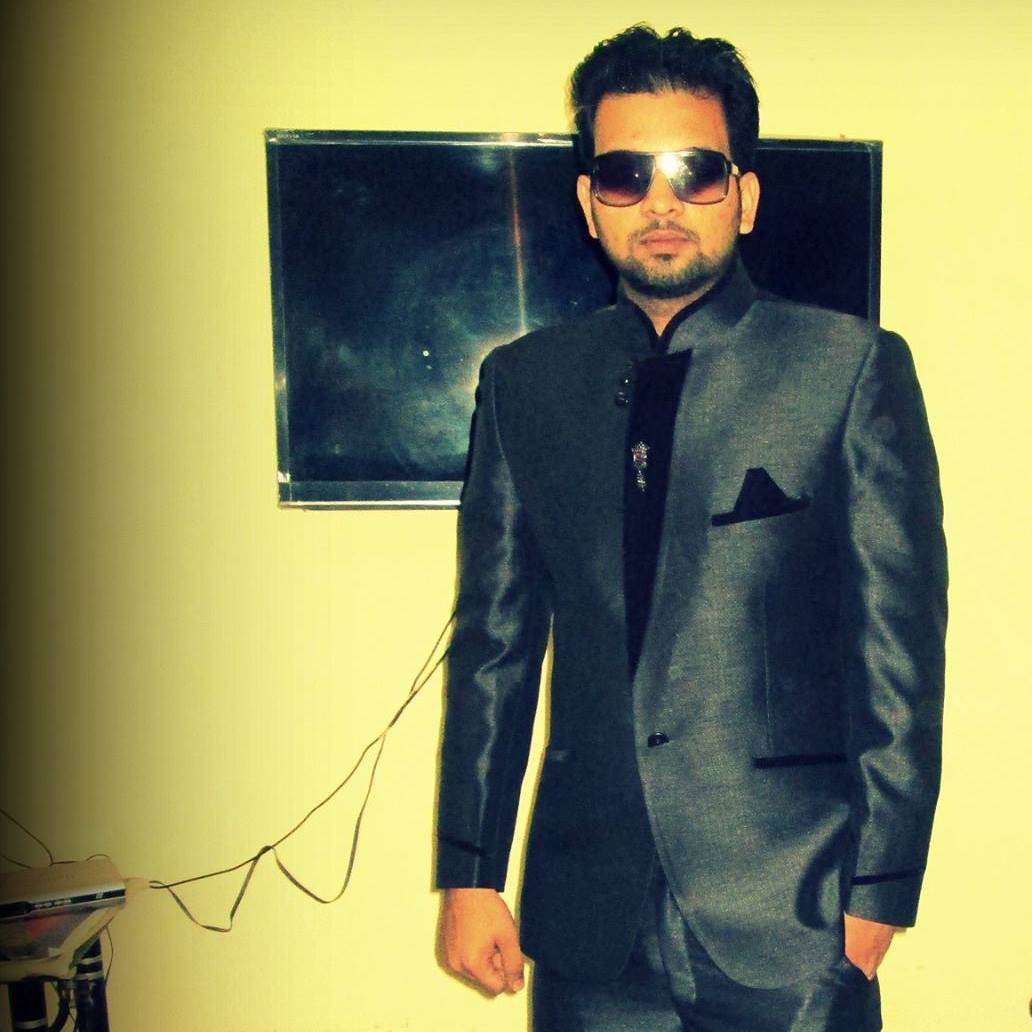
Bullet Time Trend
Freeze mid-moment while the camera sweeps around you — the cinematic bullet-time trend.
The effect
What does the AI bullet time effect look like?
The bullet time effect stops the action and glides the camera around the frozen moment — a slick, cinematic time-freeze. The example was made on Pixazo.
How it works
How do you make it?
- 01
Add your photo
Upload a clear photo of yourself as the character.
- 02
Generate
Pixazo freezes the moment and orbits the camera around you with cinematic motion trails.
- 03
Download & share
Save your bullet-time moment and post it.
Watch how it's made
The bullet time tutorial
A step-by-step walkthrough of how this trend was made on Pixazo — the exact prompts, settings and workflow, start to finish.
Try it yourselfIdeas
What can you use it for?
Action & hype edits
Freeze a jump, a spin or a big moment for maximum impact.
Sports & dance
Stop mid-move and orbit the pose — a highlight-reel staple.
Fashion & product
Circle a frozen outfit or product for a premium reveal.
Reels & Stories
Slick, high-motion visuals built for short-form feeds.
Music & promo
Cinematic time-stop moments for covers and promos.
Profile pictures
A dramatic, frozen-in-time profile shot.
At a glance
What does it support?
| Detail | What you get |
|---|---|
| Input | A photo or short clip. |
| Output | A cinematic bullet-time shot — a frozen moment with an orbiting camera. |
| Looks | Full 180/360 orbit, partial sweep, slow-motion lead-in and more. |
| Subjects | You, a group, a product or an action moment. |
| Price | Free to create while you build; new accounts start with 100 credits. |
The honest bit
What to know before you generate
- It's an AI camera move. The orbit is generated around your frame — it isn't a real multi-camera rig shoot.
- A clear moment works best. One clear subject and a readable action give the cleanest freeze; busy scenes get noisy.
- Results vary each run. The orbit and framing change between generations; regenerate to get the sweep you want.
- Use photos you own. Only upload photos you have the right to use.
FAQ
Bullet time: frequently asked questions
What is the bullet time trend?
The bullet time trend freezes a moment in place while the camera glides around it — the cinematic time-stop look from action movies. Pixazo recreates it from a single photo, keeping you recognizable at the centre of the frozen shot.
How do I make a bullet time video?
Upload a clear photo of yourself and hit generate. Pixazo freezes the moment and orbits the camera around you with cinematic motion trails. Download in seconds.
Is the bullet time trend free?
You can create bullet-time shots free while you build, and new accounts start with 100 credits. HD exports and premium models use credits.
Do I need multiple cameras?
No — the whole point is that Pixazo generates the orbit from a single photo, so you don't need the multi-camera rig the effect traditionally required.
Will it still look like me?
Yes, from a clear, well-lit shot. Your face stays recognizable at the centre while the camera moves around the frozen moment.
Can I use it commercially?
Shots made from your own photos are yours to use, including for promos and covers. Don't depict a real person you don't have permission to use.