
AI Image Background Changer
Change image background online for free with Pixazo's AI image background changer.
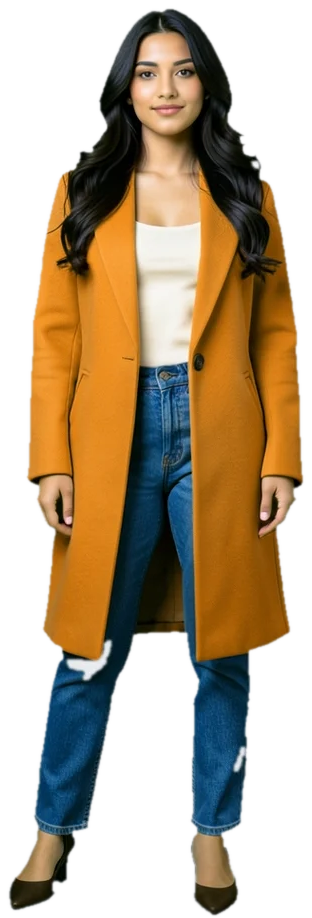
Tap a backdrop
What it is
From Snapshot to Studio Shot
The AI image background changer replaces the background of any photo from a short text description. Upload a picture, type the backdrop you want — a white studio, an office, a beach, or a solid color — and the AI cuts your subject out and drops it onto the new scene in seconds, keeping hair and edges clean.
There is nothing to install and no masking by hand. It works in your browser on portraits, product shots, and headshots, and you can refine the result in plain words before downloading in high resolution. New accounts get free starter credits, so you can change a few photo backgrounds at no cost before choosing a plan.
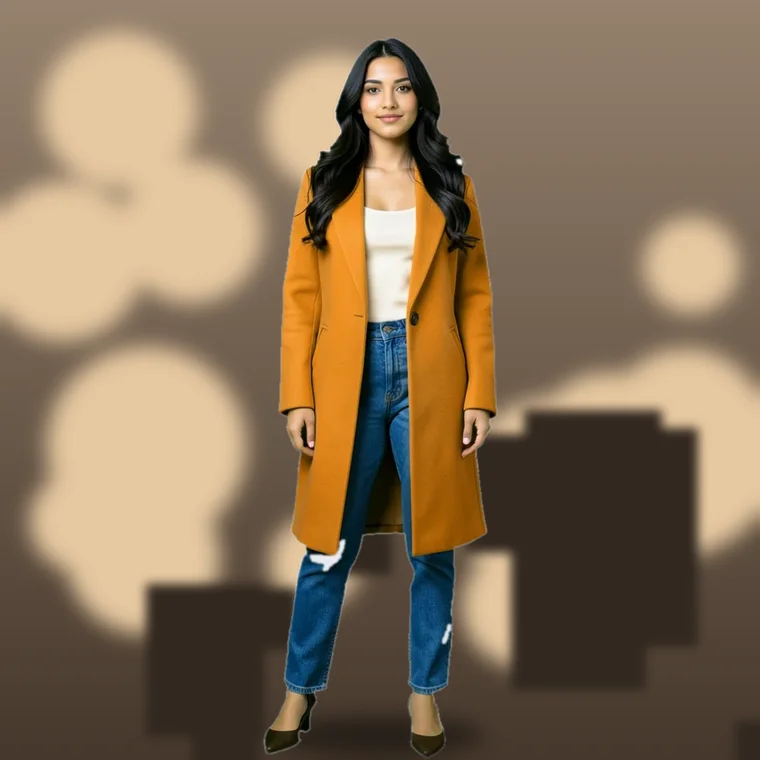
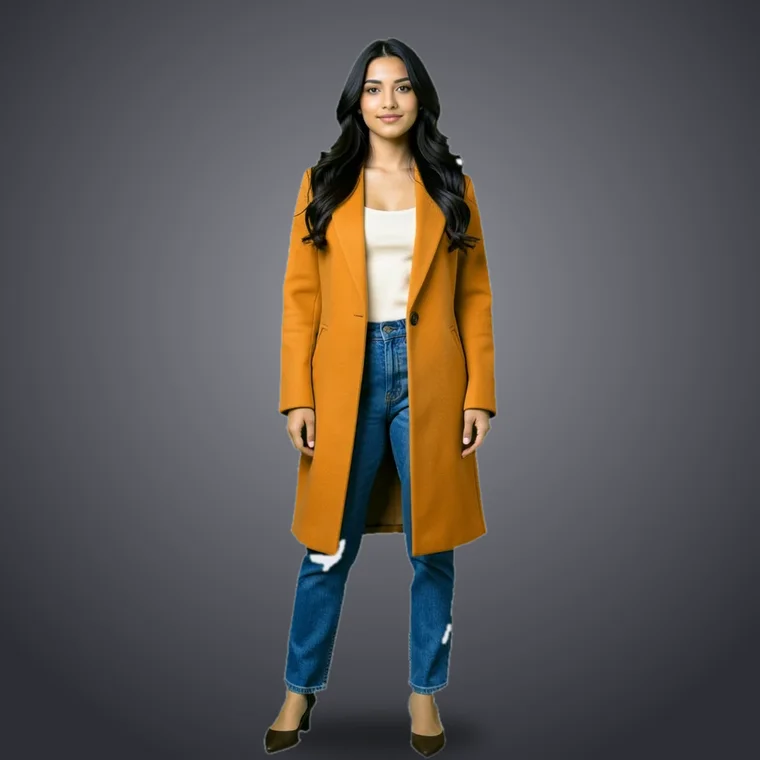
The backdrop library
Pick a Backdrop, or Describe Your Own
Start from a ready-made backdrop or type any scene in plain words — the AI builds it behind your subject. A sample of what people reach for most.
 White studio
 Studio grey
 Black
 Warm office
 Beach
 City dusk
 Forest
 Blush
 Blue
 Lime
 Sunset
 Teal
Inside the swap
How a Photo Background Gets Changed
Four steps from upload to download — no layers, no masking tools, and no design skills.
Upload your photo
Add the image whose background you want to change — a portrait, a product, or any clear subject. JPG, PNG, or WEBP.
Describe the backdrop
Type what you want behind your subject: “clean white studio”, “modern office”, “sunny beach”, or a solid brand color. The more specific, the better the match.
The AI swaps it
Pixazo detects your subject, removes the old background, and rebuilds the new scene behind it — matching light and keeping hair and edges crisp.
Refine & download
Preview the result, nudge it in plain words (“warmer light”, “more blur”), then download a high-resolution image ready for stores, feeds, and print.
On the spec bench
Image Background Changer Specs
The details that matter before you upload a photo.
| What it does | Removes and replaces a photo background from a text prompt |
| Input formats | JPG, PNG, WEBP |
| Output | PNG and JPG, high-resolution download |
| Backgrounds | Any described scene, white, transparent-style, and solid colors |
| Best subjects | Portraits, headshots, product shots — clear, well-lit subjects |
| Editing | Refine in plain words and re-run — no masking tools |
| Runs on | Any modern browser — nothing to install |
| Price | Free starter credits on sign-up, then paid plans |
Proof prints
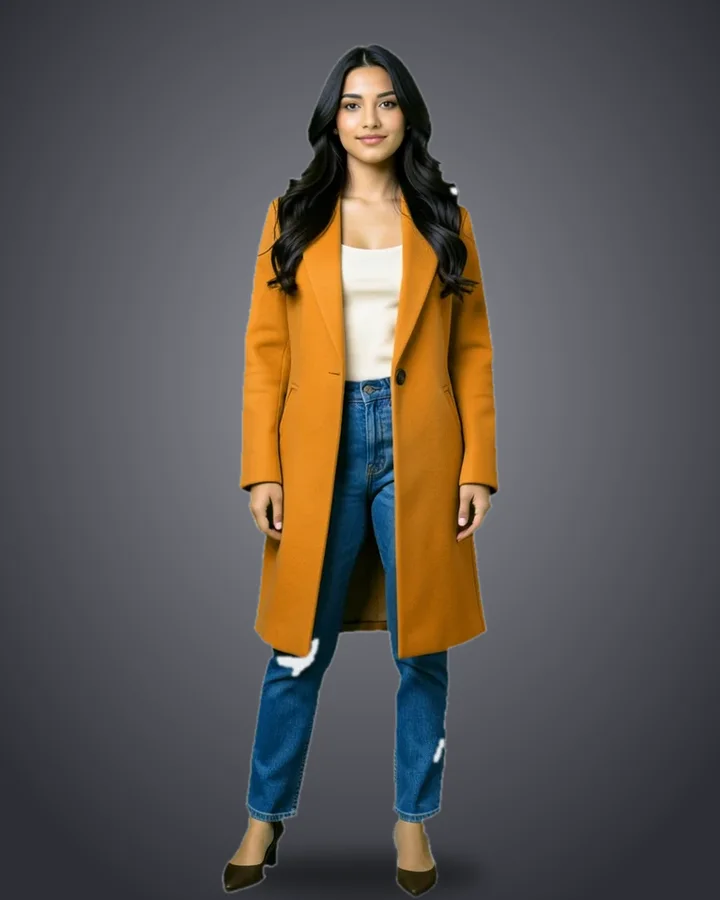
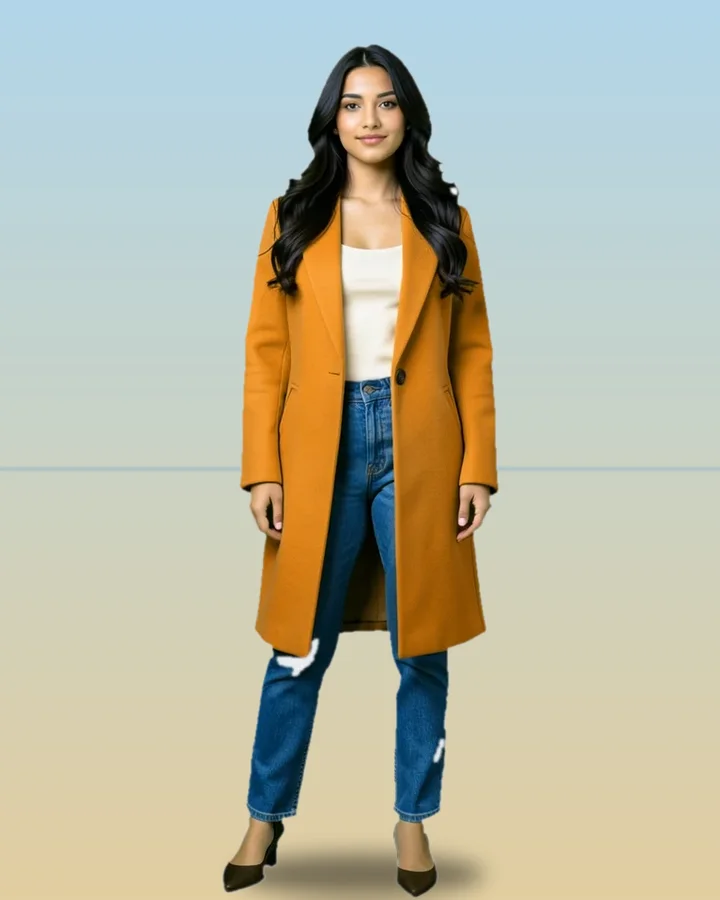
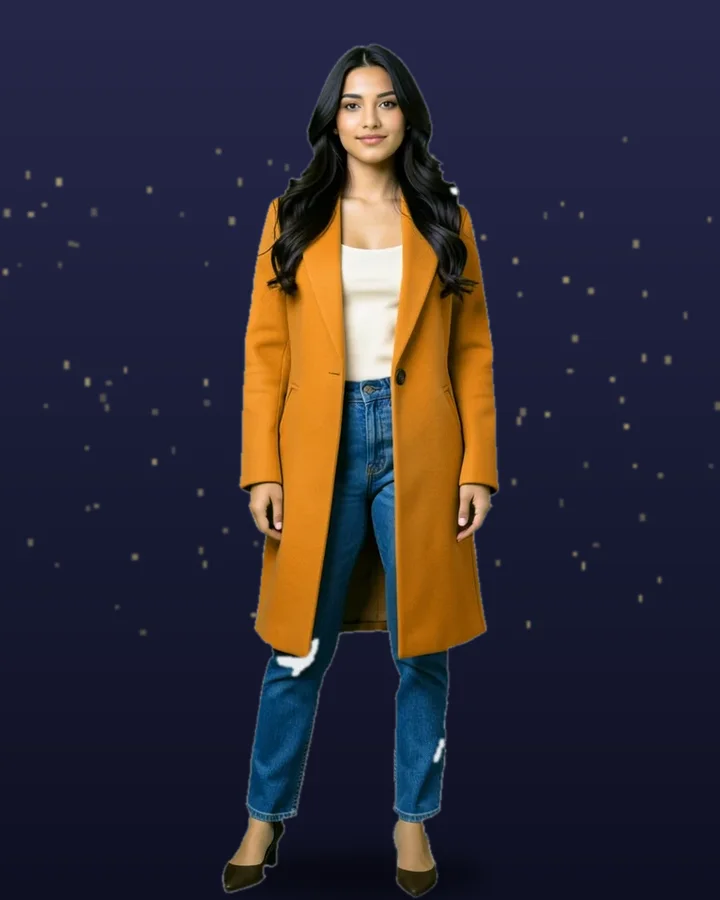
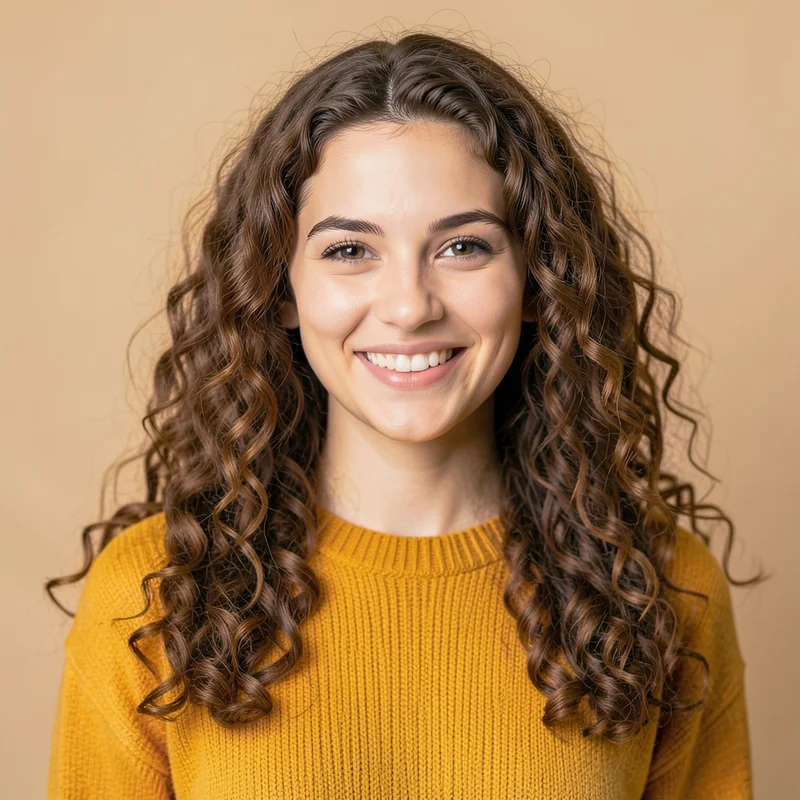
Backgrounds People Actually Generate
The same subject and real product shots, dropped onto fresh scenes — each one started from a few words of text.

Field notes
What It Nails & What to Double-Check
Honest expectations, so you know when the background changer is the right tool — and when it isn't.
Nails it on
- Portraits and headshots with a clear, well-lit subject
- Product photos that need a clean white or solid backdrop
- Swapping a cluttered room for a studio, office, or outdoor scene
- Consistent backgrounds across a whole batch of listings
Double-check on
- Very fine or flyaway hair against a busy background — may need a touch-up
- Low-light or blurry photos where the subject blends into the background
- Transparent glass, nets, or wire edges, which are hard to cut cleanly
- Exact brand-color matching — confirm the hex after export
Who's in the studio
Who Changes Photo Backgrounds with Pixazo
Put every product on a clean white or branded background so the whole catalog looks consistent and professional — no lightbox required.
Swap dull or cluttered backdrops for bright, inviting scenes that help a space photograph well and sell faster.
Give any selfie or team headshot a studio, office, or outdoor background in seconds — perfect for LinkedIn and About pages.
Drop your subject into bold, on-brand scenes for ads, posts, and thumbnails that stop the scroll.
Good to know
Questions About Changing Photo Backgrounds
What is an AI image background changer?
An AI image background changer is an online tool that swaps the background of a photo for you. You upload an image, describe the background you want, and the AI replaces it while keeping your subject looking natural.
Is Pixazo's AI image background changer free to use?
New accounts get free starter credits, so you can try the background changer and edit a few photos at no cost. After that you can continue on a paid plan. Signing up is free; using the free credits needs a card on file.
How do I change the background of a photo?
Upload your photo, type the new background you want (such as a white studio, an office, or a beach), and the AI swaps it in seconds. You can then refine it in plain words and download the result.
Can I change the background to white or a solid color?
Yes. Just ask for a plain white, black, grey, or any solid color background, and the AI changer places your subject on a clean, even backdrop that is ready for product listings or IDs.
Will my subject's edges look clean after the swap?
In most photos, yes — the AI keeps edges like hair and clothing sharp when it replaces the background. Very fine flyaway hair against a busy backdrop can need a quick second pass.
What photos work best with the background changer?
Clear photos with a well-lit subject work best, like portraits, product shots, and headshots. The more the subject stands out from the original background, the cleaner the swap.
Is the output good enough for products and print?
Yes. You can download in high resolution, which works for online stores, social posts, and most print needs.
Can I use the edited photos commercially?
Yes. Downloads are full resolution and are yours to use for your store, listings, portfolio, and campaigns. For the exact licence on your plan, check Pixazo's terms.
Keep editing
More Pixazo Photo Tools
Deepak Joshi is a Content Marketing specialist having a combined experience of 10+ years working in the digital world. He is one of the active contributors to the Pixazo Blog, with a keen interest in AI tools, the design industry, and other trending topics.
Ready to Change Your Background?
Upload a photo, type the background you want, and get a clean, ready-to-share image in seconds.

