Introducing the Recraft V4.1 Flash API on Pixazo API: Design-Grade Images in Seconds


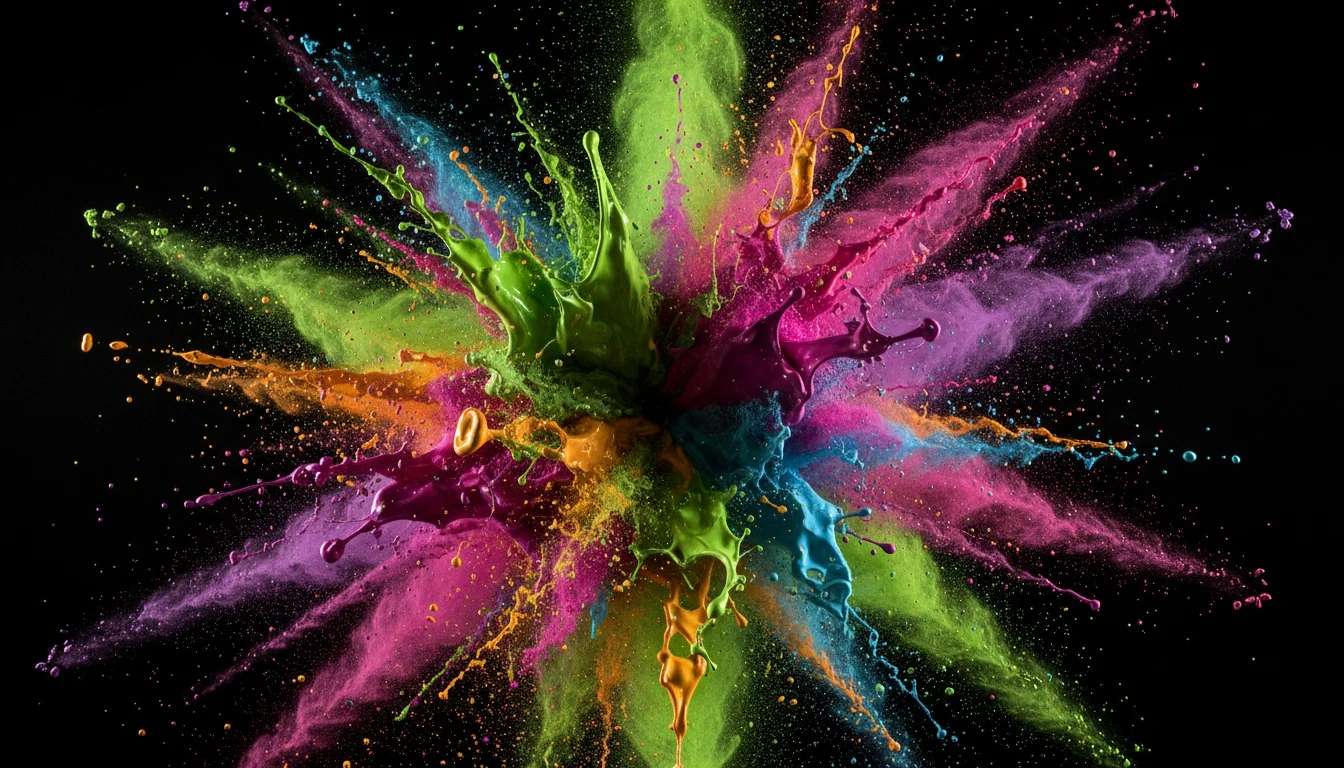
The Recraft V4.1 Flash API is now live on Pixazo, and it answers a question every design team eventually asks: what if you could get Recraft’s design-grade image quality — the clean logos, sharp icons and legible typography Recraft is known for — without waiting half a minute or paying a hero-shot price for every draft? Recraft V4.1 Flash returns a finished image in a few seconds for $0.007 apiece, so the same budget that buys one premium render buys you dozens of iterations.
This post walks through what Recraft V4.1 Flash is, how it differs from Recraft V4.1 Pro, the brand-colour controls that make it useful for real design work, exactly what a call costs, and how to fire one from your own code on the Pixazo API.
THE MODEL
What is the Recraft V4.1 Flash API?
Recraft V4.1 Flash is a text-to-image model from Recraft, the studio whose models sit at the top of design-focused image benchmarks for one reason: they treat a picture as a composition, not just a photo. You describe what you want in plain language — a product shot, a portrait, an icon set, a full fantasy scene — and the model returns a clean, on-brief image in a few seconds. Flash is the fast, low-cost tier of the V4.1 line. It keeps that quality but tunes the pipeline for speed, so a single image comes back in seconds instead of the 30–50 seconds its Pro sibling takes.

On Pixazo it lives at a single synchronous endpoint — you POST a prompt, the response carries the finished image URL, and there is no queue to poll. That makes it the tier you reach for when you are iterating: exploring directions, generating variations, or wiring image generation into a product where a user is waiting on the other end.
SPEED & PRICE
Why is Recraft V4.1 Flash so fast and cheap?
“Flash” is a tier, not a lesser model. Recraft ships the V4.1 line in two speeds so you can spend fidelity where it counts. Pro renders at up to 3072 px on the long edge and is built for the final, sign-off image. Flash renders at practical working resolutions — 1024×1024 square, 1344×768 landscape, 768×1344 portrait — in a fraction of the time, which is exactly what you want for the ninety images you throw away before the one you keep. The price follows the same logic: at $0.007 an image, a thousand Flash generations cost about $7. A thousand on the Pro tier would run $250. When you are exploring, that gap is the difference between rationing prompts and just trying everything.

Suggested Read: Flux Schnell API Pricing: The Complete Cost Breakdown
How does Recraft V4.1 Flash compare to Recraft V4.1 Pro?
Both tiers share the same prompt language, the same colour controls and the same synchronous behaviour. The differences are resolution, speed and price — and that is deliberate. Use Flash to find the image; use Pro to finish it.
| Tier | Price / image | Typical speed | Top resolution | Reach for it when |
|---|---|---|---|---|
| Recraft V4.1 Flash | $0.007 | A few seconds | 1344×768 | Drafts, variations, high volume, in-product generation |
| Recraft V4.1 Pro | $0.25 | 30–50 seconds | 3072×1536 | The final, sign-off, print-resolution render |
CONTROLS
What can you control in Recraft V4.1 Flash?
This is where Flash earns its place in a brand workflow. Beyond the prompt, it accepts a controls object with two levers that matter for design: a preferred colour palette and a background colour. You pass colours as RGB triples with optional weights, and the model biases the output toward them — so a whole run can hold your brand colours instead of drifting. Set a background_color and you get clean, consistent backdrops for product shots or sticker sheets without masking afterward.

controls.background_color — no masking, no cut-out.One honest limitation to know up front: Flash does not accept style, style_id or negative_prompt — passing any of them returns a 400. Saved brand styles and reference-image styling live on the Recraft V4 Styles endpoints; Flash is the lean, prompt-plus-colour generator.
Suggested Read: Best AI Image Generation Models in 2026: A Comparison Guide
What parameters does the Recraft V4.1 Flash API take?
The request body is small on purpose. A prompt is the only thing you must send; everything else has a sensible default.
| Parameter | Required | Default | What it does |
|---|---|---|---|
prompt | Yes | — | Your description, 1–10,000 characters. |
size | No | Model picks | Pixels (e.g. 1344×768) or an aspect ratio (1:1, 16:9, 9:16). Pass it to control the shape. |
n | No | 1 | Images per call, 1–6. Each is billed at the per-image rate. |
controls.colors | No | — | Preferred palette: items of {"rgb":[R,G,B],"weight":0–1}; weights sum to ≤ 1. |
controls.background_color | No | — | A single {"rgb":[R,G,B]} backdrop for the image. |
Suggested Read: Introducing the Ming Image API on Pixazo API
COST & CODE
What does the Recraft V4.1 Flash API cost?
Flash is billed per image at a flat $0.007. There is no queue fee and no per-token surprise — n images cost n × $0.007, and that is the whole bill. Put another way:
How do you call the Recraft V4.1 Flash API?
One POST, one synchronous response. Send your Pixazo subscription key in the Ocp-Apim-Subscription-Key header, a JSON body with your prompt, and read the image URL straight off the response.
POST https://gateway.pixazo.ai/recraft-v4-1-flash/v1/text-to-image
Content-Type: application/json
Ocp-Apim-Subscription-Key: YOUR_SUBSCRIPTION_KEY

{
  "prompt": "a minimalist geometric fox logo, flat, two-colour",
  "size": "1024x1024",
  "n": 1
}
The response hands you the finished image directly — a single .webp URL when n is 1, or an array when you asked for more:
{
  "output": "https://pub-582b7213209642b9b995c96c95a30381.r2.dev/recraft/generated-image-0.webp"
}
Suggested Read: Introducing the GPT Image 2.5 API on Pixazo API
PROMPTING & USES
How do you prompt Recraft V4.1 Flash?
Because the model thinks like a designer, prompts that read like a design brief beat prompts that read like a wish. A few habits that pay off:
1 Name the format. “Poster,” “app icon,” “sticker,” “product shot” — the format sets the whole composition.
2 Quote any text. Put the exact words you want printed in quotation marks so the model treats them as content.
3 Drive colour through controls, not adjectives. A weighted RGB palette holds a brand far better than “brand-blue” in the prompt.
4 Say the style plainly. “Flat,” “line art,” “photographic,” “3D clay” — one clear style word steers more than a paragraph.
5 Iterate cheaply. At $0.007, run n=6 and pick the winner instead of over-engineering one prompt.

What can you build with Recraft V4.1 Flash?
Anywhere you need many good images fast and on-brand, Flash fits. Marketing teams spin up ad and social variations by the dozen. Product teams wire it into editors and generators where a user is waiting. Brand and design shops explore logo, icon and poster directions before committing a Pro render to the finalist. E-commerce sellers batch clean product shots with a fixed background colour. The common thread is volume: the tier is cheap and quick enough that generating becomes part of the thinking, not a step you budget for.

Suggested Read: 10 Best AI Logo Generators in 2026
How do you get started with the Recraft V4.1 Flash API?
Grab a key from the Pixazo API console, drop the endpoint above into your code, and send your first prompt — the response comes back in seconds with a hosted image URL you can use straight away. Start on Flash to explore and iterate, and switch the endpoint to Recraft V4.1 Pro only for the final, high-resolution render. Same prompt, same controls, one line changed.
Frequently Asked Questions
Q1. What is the Recraft V4.1 Flash API?
It is the fast, low-cost tier of Recraft’s V4.1 text-to-image line on Pixazo. You POST a prompt to a synchronous endpoint and get a design-grade image back in a few seconds for $0.007, making it ideal for drafts, variations and high-volume generation.
Q2. How much does Recraft V4.1 Flash cost?
Each image costs $0.007, billed per image — so a call with n=6 costs $0.042, and about a thousand images cost roughly $7. There is no queue or setup fee.
Q3. How is Recraft V4.1 Flash different from Recraft V4.1 Pro?
They share the same prompt language and colour controls. Flash is faster (a few seconds vs 30–50), cheaper ($0.007 vs $0.25) and renders at working resolutions up to 1344×768; Pro renders up to 3072×1536 for final, sign-off images.
Q4. Does Recraft V4.1 Flash support brand colours?
Yes. The controls object accepts a weighted RGB palette (colors) and a single background_color, so you can bias a whole run toward your brand colours and set a consistent backdrop without masking.
Q5. Does Recraft V4.1 Flash support styles or negative prompts?
No. Flash does not accept style, style_id or negative_prompt — passing them returns a 400. Saved styles and reference-image styling are available on the Recraft V4 Styles endpoints instead.
Q6. How fast is the Recraft V4.1 Flash API?
A single image typically returns in a few seconds. The endpoint is synchronous, so the response carries the finished image URL directly — there is nothing to poll.
Q7. What image format does Recraft V4.1 Flash return?
Generated images are .webp files hosted on Cloudflare R2. The output field is a single URL string when n=1, or an array of URLs when n is greater than 1.
The in-content example images in this article were generated with the Recraft V4.1 Flash API on Pixazo to illustrate the model’s output; the featured image was created on the Pixazo playground.
Deepak Joshi
Author · Pixazo
Deepak writes about generative AI models, APIs, and the workflows teams use to ship them. Reviewed by Abhinav Girdhar.