25 Real Estate Flyer Ideas That Sell Listings

Deepak Joshi
Written byDeepak Joshi
Abhinav Girdhar
Reviewed byAbhinav Girdhar
Read time7 min read
Last updated onNovember 19, 2026
25 Real Estate Flyer Ideas That Sell Listings


A good real estate flyer has one job. It gets a buyer to stop, look at the home, and call you. What sells a flyer is rarely the house itself. It is the layout, the photo, and the headline. Here are 25 real estate flyer ideas that help you sell listings, and with an AI Real Estate Flyer Maker you can turn any of them into a finished flyer in minutes.

Make a Real Estate Flyer Free

The ideas are grouped into five areas: the essentials every flyer needs, photography, headlines and copy, design and branding, and formats and distribution. Steal the ones that fit your listing.
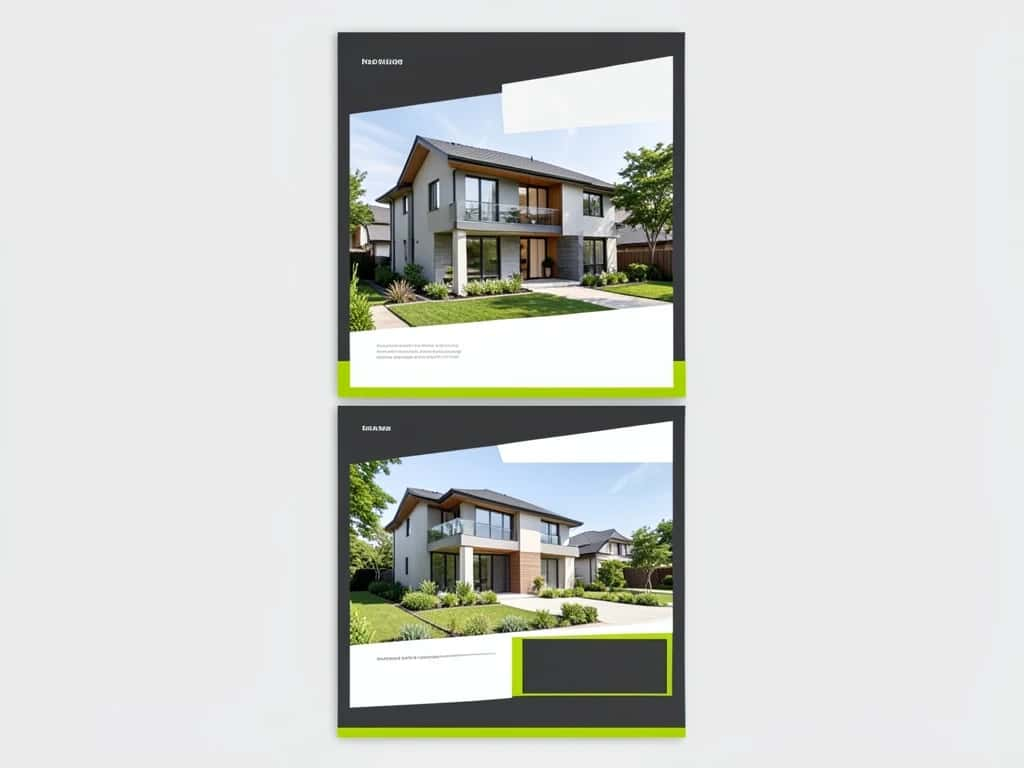
Three real estate flyer layout styles with house photos and headline areas
Strong layout plus one hero photo does more selling than any single clever trick.

Suggested Read: Best AI Ad Generators

Start here

The essentials every listing flyer needs

1

Lead with the price and address. Buyers scan for these first, so put them top-left where the eye lands, not buried at the bottom.
2

Use one hero photo, not a collage. A single strong exterior or best-room shot sells harder than a crowded grid of thumbnails.
3

Show the three numbers that matter. Beds, baths, and square footage in a clear row near the top answer the first question every buyer asks.
4

Write one specific headline. “Renovated 3-bed with a chef’s kitchen” beats “Beautiful home for sale” every time.
5

Add a clear call to action. An open-house time, a phone number, and a QR code to the full listing tell the buyer exactly what to do next.
Make it look expensive

Photography and visual ideas

6

Lead with a twilight exterior. Dusk shots with warm, glowing windows look far better than flat midday photos.
7

Add a simple floor plan. Buyers love seeing the layout, and a clean line plan signals you have nothing to hide.
8

Show the lifestyle, not just rooms. A staged patio or a reading nook helps a buyer picture actually living there.
9

Keep a consistent photo treatment. The same brightness and color across every shot reads as professional, not pieced together.
10

Include one neighborhood shot. A nearby park, cafe, or school sells the location, which is half of what a buyer is buying.

Suggested Read: How to Make a Brochure

Words that work

Headline and copy ideas

11

Name the standout feature. Pool, view, corner lot, new roof, lead with the one thing a buyer will remember.
12

Write to a buyer type. “Perfect first home” and “turnkey investment” speak to very different people, so pick one.
13

Use concrete, sensory words. “Sun-filled,” “quiet cul-de-sac,” and “walk to the water” beat vague adjectives.
14

Add a soft scarcity line. “Rare single-level in the district” works when it is true. Skip it if it is not.
15

Keep body copy to a few lines. A flyer is a teaser, not the full listing, so three or four tight lines is plenty.
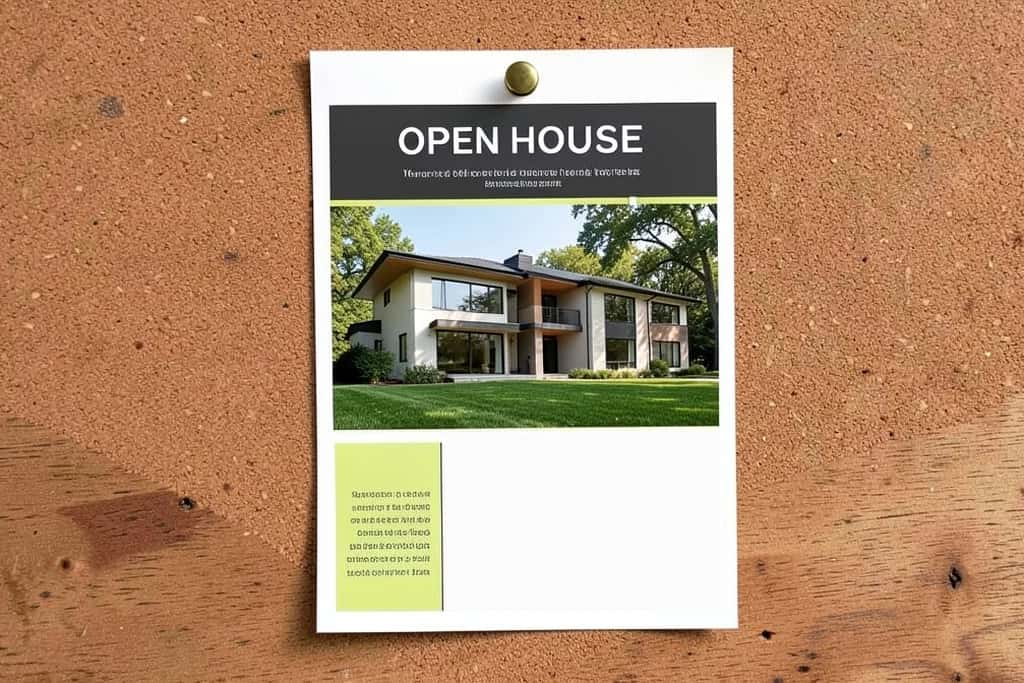
An open house real estate flyer mockup with a home photo and headline area
A dedicated open-house version with date, time and a feedback QR earns its own flyer.

Suggested Read: Creative Header Design Ideas

Look like a pro

Design and branding ideas

16

Pick two brand colors and commit. Your headshot, logo, and accents should match across every flyer you print.
17

Leave white space. A crowded flyer reads as a crowded, stressful sale, so let the home breathe.
18

Fix your photo and contact in a footer. Buyers should always know who to call without hunting for it.
19

Use one or two fonts at most. A bold headline font and a clean body font is all a flyer needs.
20

Build a reusable template. Swap the photo, price, and address per listing so every flyer stays on brand.

Suggested Read: Best Background Ideas

Get it seen

Formats and distribution ideas

21

Make a Just Listed and a Just Sold version. A Just Sold flyer quietly markets you and helps win your next client.
22

Size one for print and one for social. A US Letter flyer for print and a square or vertical version for Instagram and stories.
23

Link a video walkthrough with a QR code. Let the flyer open into a full tour for buyers who want more.
24

Make an open-house handout variant. Add the date, time, and a feedback QR code for visitors to scan.
25

Create a bilingual version when it fits. Reaching buyers in their own language widens your pool in the right neighborhoods.

Suggested Read: Best AI Book Cover Generators

Do it fast

How to make a real estate flyer with AI

You do not need a designer or a weekend. The AI Real Estate Flyer Maker builds a print-ready flyer from a prompt or a template, so you can go from listing to flyer in minutes.

01

Open the AI Real Estate Flyer Maker. Start in your browser, no download, and choose a real estate flyer template or a blank size.
02

Drop in your photos. Add the hero shot, a couple of interiors, and a floor plan if you have one.
03

Add the details. Type the price, address, beds, baths, square footage, and your headline.
04

Brand it. Set your two colors, add your logo, headshot, and contact footer.
05

Export print and social. Download a print version and a square or vertical one for social in a couple of clicks.

Create Your Flyer Free

Avoid these

Common real estate flyer mistakes

  • ▸Too many photos: A wall of thumbnails buries your best shot. One hero image wins.
  • ▸Missing the basics: No price, no address, or no contact kills a flyer no matter how pretty it is.
  • ▸Tiny, unreadable text: If a buyer cannot read it at arm’s length, it is not on the flyer.
  • ▸Inconsistent branding: Different colors and fonts per listing make you look like a different agent each time.
  • ▸One size for everything: A print flyer squeezed onto Instagram looks wrong; export a version per channel.
Wrap-up

Suggested Read: How to Make a Flex Banner

Conclusion

The flyers that sell listings keep the key details up top, lead with one strong photo, use a specific headline, and stay on brand. Pick a few of these 25 ideas, build a reusable template, and make a print and a social version of each listing. Do that, and your flyer becomes the reason a buyer picks up the phone.

Make a Real Estate Flyer Free

Suggested Read: How to Make a Diploma Certificate Online

FAQ

What should a real estate flyer include?

At minimum: the price, the address, beds, baths, and square footage, one strong hero photo, a specific headline, and a clear call to action with your contact details and ideally a QR code to the full listing.

What is the best size for a real estate flyer?

US Letter (8.5 by 11 inches) is the standard for print handouts. For social, make a square (1080 by 1080) and a vertical (1080 by 1350 or a 1080 by 1920 story) version as well.

How do I make a real estate flyer for free?

Use an AI flyer maker. Start from a real estate template, drop in your photos and listing details, brand it with your colors and logo, and export a print and social version without paying.

What makes a real estate flyer effective?

One hero photo, the price and address up top, a specific headline, plenty of white space, consistent branding, and a single clear call to action. A clear flyer sells better than a clever one.

How many photos should a real estate flyer have?

Lead with one strong hero image. A flyer can include two or three supporting shots and a floor plan, but a grid of thumbnails weakens your best photo.

Should I put a QR code on a real estate flyer?

Yes. A QR code linking to the full listing, a video walkthrough, or an open-house RSVP turns a static flyer into an entry point for serious buyers.

What is the difference between a Just Listed and Just Sold flyer?

A Just Listed flyer markets a home for sale. A Just Sold flyer shows a recent result and quietly markets you to future sellers in the same area.

Can I use AI to write the flyer copy?

Yes, AI can draft the headline and description, but keep the claims accurate to the property. A flyer that oversells the home loses trust at the showing.

Deepak Joshi

Deepak Joshi

Author · Pixazo

Deepak writes about generative AI models, APIs, and the workflows teams use to ship them. Reviewed by Abhinav Girdhar.

Related articles

With Pixazo’s platform we deliver enterprise-class security and compliance to you and your customers through every interaction.

Create anything.

Copyright © 2026 Pixazo by Appy Pie LLP. All rights reserved.