
8 Best AI Image Sharpeners for Blurry Photos


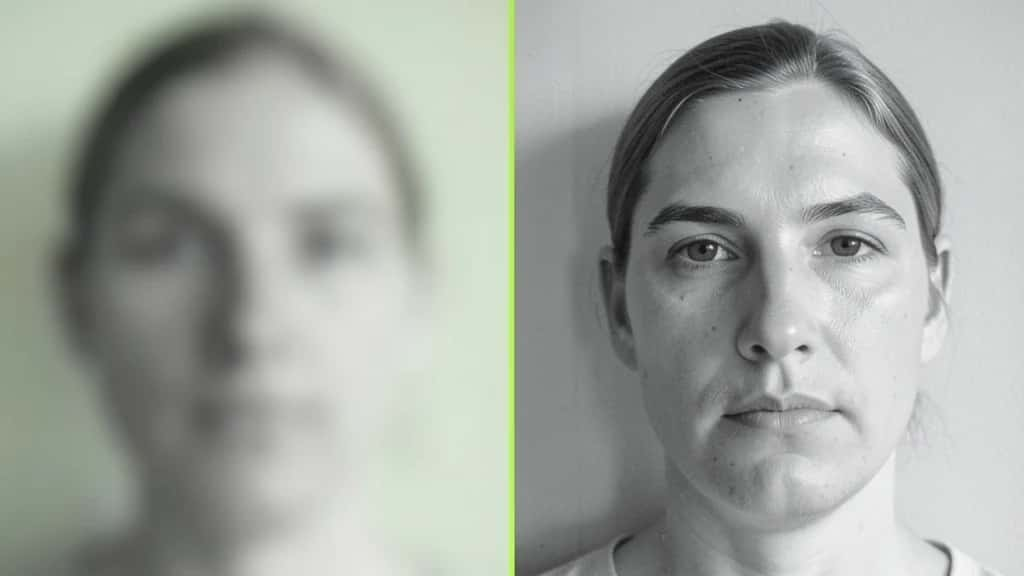
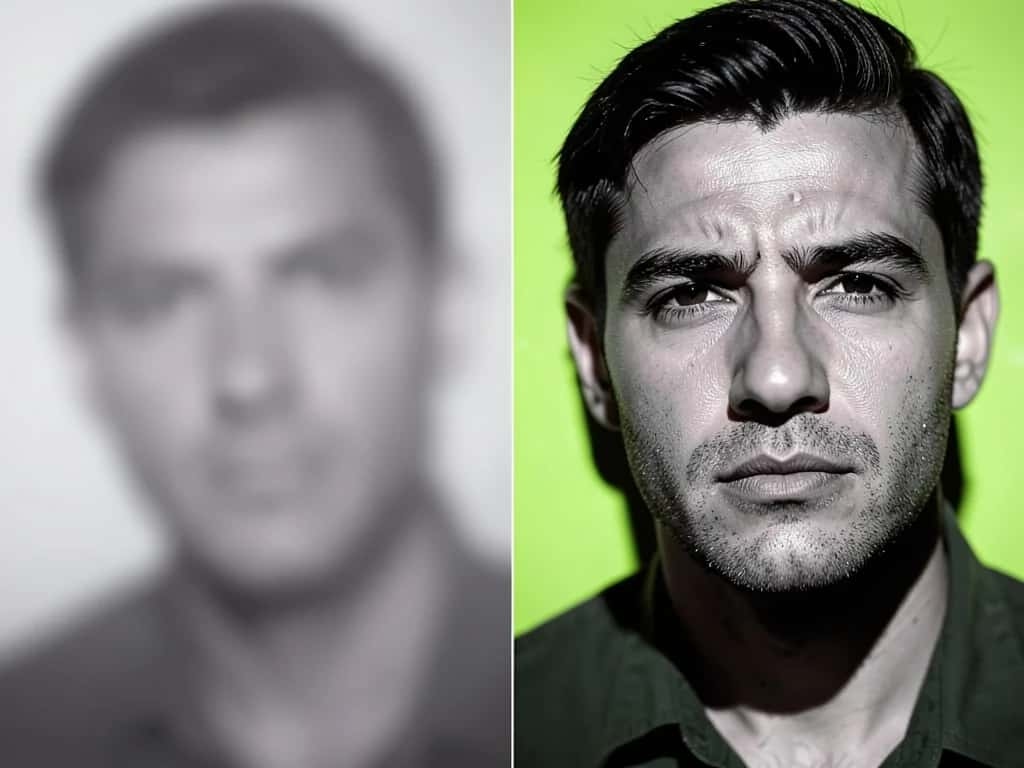
A blurry photo used to mean a deleted photo. Now an AI Image Sharpener can bring a soft or out-of-focus shot back into focus in seconds. It rebuilds the edges and fine detail that a normal sharpen slider cannot. This guide ranks the 8 best AI image sharpeners for blurry photos, shows what each one does well, and points out where each one falls short.
One thing to know first: AI sharpening works well on mild to moderate blur, soft focus, light camera shake, and low resolution. No tool here fully fixes a heavily motion-blurred or badly out-of-focus shot, and the most aggressive ones can add detail that was never there. Pick your tool based on how much blur you need to fix.
Suggested Read: How to Upscale an Image Without Losing Quality
AI image sharpeners compared
Here is how the eight tools compare before the full reviews below.
| Tool | Type | Best for | Pricing |
|---|---|---|---|
| Topaz Photo AI | Dedicated deblur (desktop) | Pro RAW and motion blur | Paid (trial) |
| Adobe Lightroom AI Sharpen | Dedicated feature in a pro editor | Non-destructive RAW workflow | Paid (subscription) |
| VanceAI Image Sharpener | Dedicated online sharpener | Quick mild-blur fixes | Freemium |
| Pixlr AI Sharpener | Free browser sharpener | Free no-install unblur | Freemium |
| Let’s Enhance | Upscaler with unblur | Blur plus big resolution gain | Freemium |
| Pixazo | All-in-one platform | Sharpen then edit in one place | Free to start |
| Fotor | General enhancer | One-tap casual clarity | Freemium |
| Nero AI | Enhancer and upscaler suite | Everyday low-res fixes | Freemium |
Suggested Read: How to Unblur a Video
The 8 best AI image sharpeners
Topaz Photo AI
Dedicated deblur, desktop
The strongest and most controllable deblur on the list. Topaz (which absorbed the old Sharpen AI) runs separate models for each blur type, including Lens Blur and Motion Blur, plus a generative Super Focus model for severe cases. For RAW files and camera shake, it is one of the best you can get.
Watch for: Paid desktop software, heavy on hardware, and even it can leave plastic faces or color shifts on severe blur
Pricing: Paid, free trial only
Adobe Lightroom AI Sharpen
Dedicated feature, pro editor
Lightroom’s AI Sharpen (under Enhance with AI) raises sharpness and rebuilds fine detail without touching your original file, with Default and Strong levels and an optional Topaz denoise. A great fit if you already edit RAW inside Adobe.
Watch for: Needs a paid Creative Cloud subscription and spends generative credits per use
Pricing: Paid subscription, credit based
VanceAI Image Sharpener
Dedicated online sharpener
A dedicated web sharpener that targets soft focus and mild to moderate blur with an adjustable strength slider, no install needed. A fast fix when you do not want desktop software.
Watch for: Limited fine control, weaker than desktop tools, and free limits vary, so check them on-site
Pricing: Freemium
Pixlr AI Sharpener
Free browser sharpener
Pixlr’s browser-based unblur and sharpen tool lives inside a full free editor, so you can sharpen and then crop, adjust, and export in the same tab. A real sharpener rather than a face regenerator.
Watch for: Best on mild blur, and the free tier has export and feature limits
Pricing: Freemium
Let's Enhance
Upscaler with unblur
A web upscaler with a real unblur capability that also raises resolution substantially in one pass. Reach for it when a photo is both soft and too small, not when blur is the only problem.
Watch for: Small free allowance, watermarked free output, and sharpening is bundled into general enhancement
Pricing: Freemium
Pixazo’s AI Image Sharpener deblurs and refocuses a soft photo right in the browser, then keeps it on an all-in-one platform so you can upscale, remove the background, or extend the image without switching tools. It is free to start and needs no install.
Watch for: It focuses on general sharpening rather than per-blur-type desktop controls
Pricing: Free to start
Fotor
General enhancer
An all-in-one online and mobile editor with a one-tap AI enhance that includes sharpening, alongside a full set of everyday editing tools. Good for a fast clarity boost without thinking about settings.
Watch for: Free tier is watermarked with daily limits, and the sharpening is basic
Pricing: Freemium
Nero AI
Enhancer and upscaler suite
A no-install online suite that upscales and enhances photos, with a sharpening tool aimed at restoring clarity to low-quality images. Handy for everyday fixes rather than demanding deblur work.
Watch for: General purpose rather than deblur specialized, and modest on heavy blur
Pricing: Freemium, with a paid desktop app
Suggested Read: Top AI Background Removers
Which AI image sharpener should you use?
Match the tool to the blur and your workflow.
- ▸For the toughest blur: Topaz Photo AI leads on motion blur and RAW files, with Lightroom AI Sharpen close behind inside Adobe.
- ▸For a fast free fix: Pixlr and Pixazo sharpen in the browser with no install, and Pixazo keeps the editing on one platform afterward.
- ▸For blur plus small size: Let’s Enhance sharpens and upscales in one pass when the photo is also low resolution.
- ▸For one-tap casual clarity: Fotor and Nero AI give a quick boost without settings, fine for social posts.
Suggested Read: Best AI Image Extenders and Uncrop Tools
What are the honest limits of AI sharpening?
AI sharpeners are very useful, but three limits are worth knowing before you rely on one.
- ▸Heavy blur does not fully recover: Mild softness and light shake clean up well. A badly out-of-focus or strongly motion-blurred shot will improve but rarely look truly sharp.
- ▸Generative tools can invent detail: Models that rebuild faces or textures can add detail that was not in the original photo, which matters for portraits, documents, and anything used as proof.
- ▸Sharpen last, and gently: Oversharpening adds halos and noise. Sharpen after other edits, at the lowest strength that does the job.
Suggested Read: How to Remove a Watermark With AI
Which AI image sharpener is best?
For the strongest deblur, Topaz Photo AI wins, with Adobe Lightroom AI Sharpen the best pick if you already live in Adobe. For a free, no-install fix, Pixlr and Pixazo both sharpen in the browser, and Pixazo stands out when you want to sharpen and then upscale or edit on one platform. Let’s Enhance covers blur plus upscaling, while Fotor and Nero AI handle quick casual clarity. Whichever you choose, fight mild to moderate blur, sharpen gently, and keep a copy of the original.
Try the AI Image Sharpener Free
Suggested Read: Negative Prompts: What They Are and How to Use Them
FAQ
What is the best AI image sharpener in 2027?
For the strongest deblur, Topaz Photo AI leads, especially on motion blur and RAW files. Adobe Lightroom AI Sharpen is best inside the Adobe workflow, and for a free browser fix, Pixlr and Pixazo are strong picks.
Can AI really fix a blurry photo?
Yes, for mild to moderate blur, soft focus, light camera shake, and low resolution. AI rebuilds edges and fine detail convincingly. Heavily blurred or badly out-of-focus shots improve but rarely become fully sharp.
Is there a free AI image sharpener?
Yes. Pixazo is free to start, and Pixlr, Fotor, Nero AI, and Let’s Enhance all have free tiers, usually with watermarks or usage limits. Confirm the current limits on each tool.
What is the difference between sharpening and upscaling?
Sharpening restores edge detail and focus at the same size. Upscaling increases resolution and pixel count. Many tools do both, and a soft, small photo often needs upscaling and sharpening together.
Does AI sharpening reduce image quality?
Used gently, no, it improves perceived quality. Overdone, it adds halos, noise, and a plastic look. Sharpen last in your edit and use the lowest strength that fixes the blur.
Can AI sharpen a face without changing it?
Dedicated sharpeners mostly preserve real features. Generative face-restoration tools can alter or invent facial detail, so for an accurate likeness prefer a true sharpener over a face regenerator.
What causes a blurry photo in the first place?
Usually camera shake, a missed focus point, subject motion, a dirty or cheap lens, or heavy compression and low resolution. AI sharpening helps most with soft focus and light shake.
Can I sharpen a photo on my phone?
Yes. Fotor and several of these tools offer mobile apps or mobile-friendly web tools, and Pixazo runs in a mobile browser, so you can sharpen without a desktop.
Deepak Joshi
Author · Pixazo
Deepak writes about generative AI models, APIs, and the workflows teams use to ship them. Reviewed by Abhinav Girdhar.

