Shutter Angle and the Cost of Your VFX Shot

Shutter angle decides how much motion blur lands in every frame you shoot, and motion blur decides how expensive your VFX shots are to finish. It is one of the few camera settings that quietly writes a line in the post budget. A beautiful, blurry 180 degree pan looks cinematic and cuts like butter, but if that shot needs a matte pulled around a moving subject, the blur you loved on set becomes hours of cleanup. Pixazo offers AI Rotoscoping Services for exactly this kind of work, and Pixazo for enterprise video and VFX for shows that have a lot of it.
This guide explains what shutter angle is, how it creates motion blur, why that blur is a real VFX cost and not just a look, and how to choose an angle that protects both your image and your schedule.
What Shutter Angle Actually Is
- ▸A fraction of each frame: Shutter angle describes how long the sensor is exposed per frame, as a share of the frame’s duration. 360 degrees means the whole frame, 180 means half of it.
- ▸The 180 degree rule: At 24 frames per second, a 180 degree shutter equals a shutter speed of about one forty-eighth of a second, the look most films use by default.
- ▸Wider means more blur: Going above 180 exposes longer per frame, so moving subjects smear more. Below 180 exposes shorter, so motion looks crisper and more staccato.
- ▸It is about time, not light alone: Unlike aperture or ISO, shutter angle changes how motion itself is recorded, which is why it matters so much for anything that moves.
How Shutter Angle Creates Motion Blur
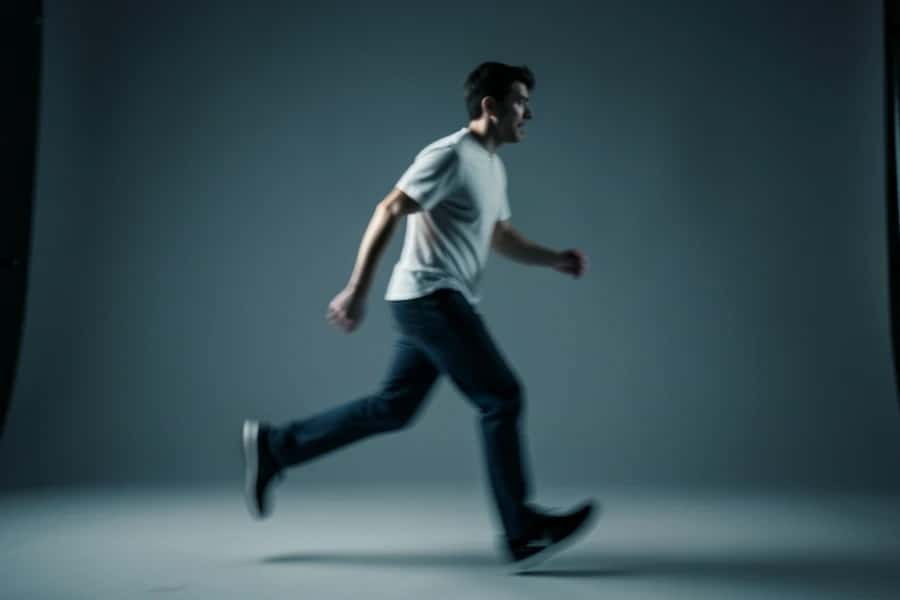
- ▸A wider angle keeps the shutter open longer, so a moving subject travels further while the frame is being exposed, smearing its edge
- ▸A narrower angle freezes more of the motion, giving hard, well defined edges on moving subjects
- ▸The faster the subject moves, the more any given angle blurs it, so a fast pan at 180 blurs more than a slow one
- ▸Blur lives at the edges of moving objects, which is precisely where VFX work, matting and compositing, has to be clean
Suggested Read: 8-bit, 10-bit, 16-bit: What HDR Conversion Really Recovers
Why Motion Blur Is a VFX Cost, Not Just a Look
- ▸Rotoscoping gets harder: A matte needs a clear edge to follow. Motion blur smears that edge into a soft, semi-transparent band, so the roto chatters and needs hand correction.
- ▸Tracking gets less reliable: Blurred features are harder for a tracker to lock onto, so match-moving a blurry plate takes more manual work.
- ▸Compositing gets fiddly: Any new element added to a blurry plate has to be blurred to match, and edges have to be feathered so the comp does not look pasted on.
- ▸Cleanup hours add up: None of this is impossible, but every blurred VFX shot carries extra artist time, and across a sequence that time is real money.
Suggested Read: What Footage Survives AI Rotoscoping
Cinematic Blur vs Clean Mattes
| Shutter angle | Look | VFX cost |
|---|---|---|
| 45 to 90 degrees | Crisp, staccato, urgent, think battle scenes | Low. Hard edges are easy to matte and track |
| 172 to 180 degrees | Natural, cinematic, the default film look | Medium. Normal blur, manageable with care |
| 270 to 360 degrees | Dreamy, heavy smear, stylized | High. Edges smear badly and fight every matte |
There is no single right answer. The point is that the angle is a creative and a budget decision at the same time, so make it on purpose rather than by default.
Suggested Read: Shooting for a Clean Plate
How to Choose a Shutter Angle for a VFX Shot

Suggested Read: AI VFX in Filmmaking: The Complete Guide
When to Narrow the Angle, and When to Keep 180
- ▸Narrow it for VFX-heavy motion: Any shot with a moving subject that will be rotoscoped, tracked or composited benefits from crisper edges.
- ▸Keep 180 for normal coverage: Shots that will not be touched in post should keep the natural film blur audiences expect.
- ▸Narrow it for screen inserts and tracking: Shots where you replace a screen or track an element are easier with less blur to match.
- ▸Keep 180, and budget, for hero beats: If the look demands heavy blur on a key shot, keep it and plan the cleanup rather than compromising the frame.
Suggested Read: Why Your Matte Chatters, and the Four Causes
Where AI Rotoscoping Fits Into This
You cannot always avoid motion blur, and you should not always try. When a blurred shot still needs a matte, an AI roto pass clears the easy frames and flags the ones that need an artist, so you only pay for hand work where the blur actually fights the edge. For a show with many such shots, Pixazo for enterprise video and VFX runs that first pass and routes the hard, blurry hero shots to a team built for them.
Talk to Pixazo About VFX at Scale
Suggested Read: What Corporate Video Production Actually Involves
Shutter angle is a look and a budget in the same dial. A wide angle gives the cinematic blur audiences love and hands your VFX team a smeared edge to fight. A narrow angle gives crisp, mattable edges and a different, sharper feel. Neither is wrong. The mistake is choosing by habit. Decide shot by shot which matters more, keep it consistent across a sequence, and flag the heavy-blur hero shots early so the cost is planned, not discovered in post.
Suggested Read: What Motion Blur Does to a Matte, and What to Shoot Instead
FAQ
What is shutter angle in film?
Shutter angle describes how long the camera exposes each frame, as a fraction of the frame’s duration. A 180 degree shutter exposes for half of each frame, which at 24 fps is about one forty-eighth of a second, the standard cinematic look.
How does shutter angle affect motion blur?
A wider angle keeps the shutter open longer, so moving subjects smear more and blur increases. A narrower angle exposes for less of each frame, which freezes motion and gives crisper, harder edges.
Why does motion blur make VFX more expensive?
Rotoscoping, tracking and compositing all need clean edges. Motion blur smears those edges into soft, semi-transparent bands, so mattes chatter, trackers slip, and artists spend extra hours correcting shots by hand.
What shutter angle should I use for VFX shots?
For shots that will be rotoscoped, tracked or composited, lean toward a narrower angle, around 45 to 90 degrees, so moving edges stay crisp. Keep 180 for shots that will not be touched in post.
Does a faster shutter speed help rotoscoping?
Yes. A faster shutter, which is a narrower angle, reduces motion blur, giving a matting tool a harder edge to follow. That makes the roto cleaner and cuts the manual correction time.
Is the 180 degree rule always best?
It is the default for a natural look, but not always best for VFX. Heavy-motion shots that need clean mattes often benefit from a narrower angle, while shots kept at 180 for the look should be budgeted for cleanup.
Can AI rotoscoping handle motion-blurred footage?
It handles mild blur reasonably and clears the easy frames, but heavy blur still needs artist correction. The practical approach is an AI first pass to sort the shots, then manual or hybrid roto on the blurry hero shots.
Deepak Joshi
Author · Pixazo
Deepak writes about generative AI models, APIs, and the workflows teams use to ship them. Reviewed by Abhinav Girdhar.