Best Reference to Video API Providers Compared in 2026



Reference to video takes a source image or subject and generates footage that stays faithful to it, the backbone of consistent characters and on-brand scenes. The field is young but moving quickly. This guide follows the reference to video API catalog on Pixazo and covers the 9 models available today, all reachable through a single call.
Consistent output, one endpoint. Every reference to video model here is a parameter away on the same Pixazo key, with pay-as-you-go pricing and no per-provider contracts. Get a free API key →
Reference To Video models at a glance
| Model | Provider | What it’s best for |
|---|---|---|
| Gemini Omni | Google multimodal AI video generation and editing. | |
| Seedance 2 | ByteDance | ByteDance AI video generation with motion synthesis and human animation. |
| Veo 3.1 | Google AI video generation with realistic physics and motion. | |
| Kling | — | Professional AI video generation with motion control and avatar features. |
| Wan | Alibaba | Alibaba comprehensive AI video, image, and multimodal generation. |
| Grok Imagine Video | xAI | xAI text, image, and reference-driven AI video generation. |
| Pika | — | Creative AI video generation with distinctive visual styles. |
| Vidu | — | Reference-based AI video generation for visual consistency. |
| Happy Horse | — | Advanced AI Video generation from Text, Image, & Reference. |
Quick picks
- Gemini Omni: Google multimodal AI video generation and editing.
- Seedance 2.5: ByteDance AI video generation with motion synthesis and human animation.
- Veo 3.1: Google AI video generation with realistic physics and motion.
The 9 best reference to video models on Pixazo
1. Gemini Omni by Google

Google multimodal AI video generation and editing. Available on the Pixazo API through one unified endpoint, so you can benchmark it against the others on your own inputs without changing your integration.
2. Seedance 2.5 by ByteDance

ByteDance AI video generation with motion synthesis and human animation. Available on the Pixazo API through one unified endpoint, so you can benchmark it against the others on your own inputs without changing your integration.
3. Veo 3.1 by Google

Google AI video generation with realistic physics and motion. Available on the Pixazo API through one unified endpoint, so you can benchmark it against the others on your own inputs without changing your integration.
4. Kling 3.0 by Kuaishou

Professional AI video generation with motion control and avatar features. Available on the Pixazo API through one unified endpoint, so you can benchmark it against the others on your own inputs without changing your integration.
Suggested Read: Introducing the Magi 2.0 API on Pixazo API: Image to Video and Video Editing
5. Wan 3.0 by Alibaba

Alibaba comprehensive AI video, image, and multimodal generation. Available on the Pixazo API through one unified endpoint, so you can benchmark it against the others on your own inputs without changing your integration.
6. Grok Imagine Video 1.5 by xAI

xAI text, image, and reference-driven AI video generation. Available on the Pixazo API through one unified endpoint, so you can benchmark it against the others on your own inputs without changing your integration.
7. Pika 2.2 by Pika Labs

Creative AI video generation with distinctive visual styles. Available on the Pixazo API through one unified endpoint, so you can benchmark it against the others on your own inputs without changing your integration.
8. Vidu by Vidu

Reference-based AI video generation for visual consistency. Available on the Pixazo API through one unified endpoint, so you can benchmark it against the others on your own inputs without changing your integration.
Suggested Read: Introducing Seedance 2.5 API on Pixazo API: 30-Second Video with Native Sound
9. Happy Horse 1.1 by Alibaba
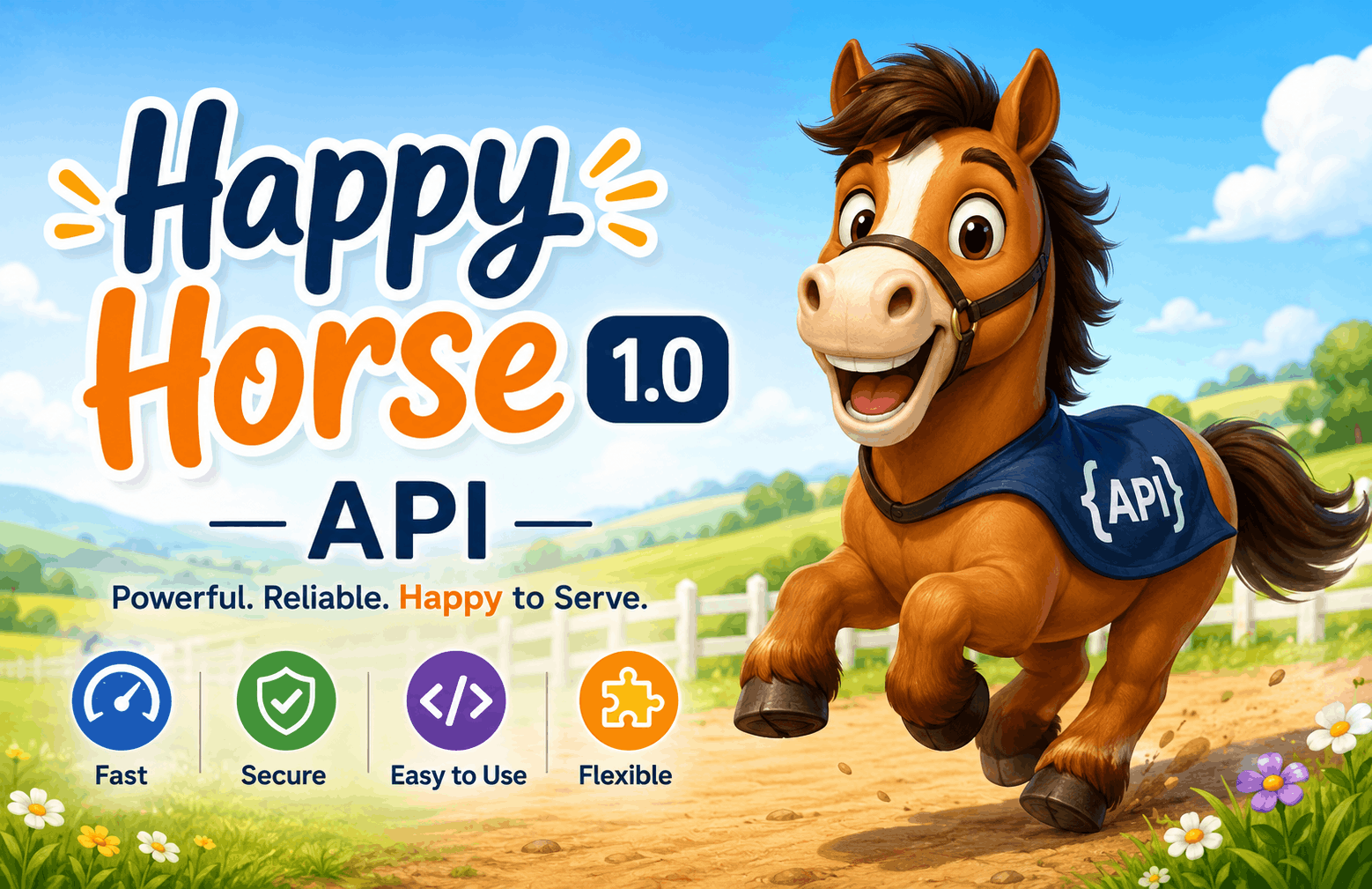
Advanced AI Video generation from Text, Image, & Reference. Available on the Pixazo API through one unified endpoint, so you can benchmark it against the others on your own inputs without changing your integration.
Start with the Reference To Video API
Every model here runs through one Pixazo API key — pick a model, send a request, and switch freely as new models launch.
Explore the Reference To Video API
Or browse the full model catalog across image, video, and audio.
Frequently asked questions
Which reference to video API is best in 2026?
It depends on your use case — Gemini Omni, Seedance 2.5 and Veo 3.1 are among the strongest right now. Because every model here runs on one Pixazo endpoint, the fastest way to decide is to test them on your own inputs.
Can I switch between these models without changing my code?
Yes. Pixazo exposes every reference to video model through a single API — you change one model parameter, not your integration, and billing stays unified.
Suggested Read: Introducing MiniMax H3 API on Pixazo API: Native 2K AI Video with Sound
Are new models added automatically?
This list is refreshed from Pixazo’s live reference to video catalog, so newly launched models appear on the same endpoint as they go live.
How does pricing work?
Pay-as-you-go through one key, with no per-provider contracts. See the Reference To Video API page for current rates.
Is there a free reference to video API to start with?
Yes. Create a free key from the Pixazo API console and call any model on this list right away, then move to pay-as-you-go as your volume grows.
Suggested Read: Best Voice Cloning API Providers in 2026: Ranked and Compared
Do I need a separate API key for each model?
No. One Pixazo key works across every reference to video model here, so you can benchmark and switch models without managing separate credentials or contracts.
Which model should I start with?
Gemini Omni, Seedance 2.5, Veo 3.1 are strong defaults today. Because they share one endpoint, the fastest way to choose is to run the same input through each and compare the results.
Can I use the outputs commercially?
Commercial rights depend on the specific model you call. Check each model page for its licensing terms before shipping to production.
How do I get started with the reference to video API?
Grab a key from the API console, pick a model from the list above, and send your first request to the unified endpoint.
Model list sourced from the live Pixazo Reference To Video API catalog. Written by Deepak Joshi, reviewed by Abhinav Girdhar. Last updated July 2026.
Suggested Read: Introducing Wan 3.0 API on Pixazo API: Cinematic AI Video with Sound, Up to 30 Seconds
Deepak Joshi
Author · Pixazo
Deepak writes about generative AI models, APIs, and the workflows teams use to ship them. Reviewed by Abhinav Girdhar.