12 Best Profile Picture Makers for Every Platform
Your profile picture is the first thing anyone sees, and the right one is different on every app: a crisp headshot on LinkedIn, a bold avatar on Discord, something aesthetic on Instagram. The good news is you no longer need a photographer or Photoshop. An AI profile picture maker or headshot generator can give you the right look in minutes, whatever the platform.
This guide ranks the 12 best profile picture makers in 2026, from realistic AI headshots to cartoon and 3D avatars to free crop-and-frame tools. You get a real comparison table, a per-platform size and style cheat-sheet, and honest notes on which tool fits where.
The 12 makers at a glance
| # | Maker | Makes | Free tier | Best for |
|---|---|---|---|---|
| 1 | Canva | Branded, templated PFPs | Free + Pro | Any platform, with text |
| 2 | Photo AI | Realistic multi-style photos | From $19/mo | Headshots + social + dating |
| 3 | Aragon AI | Realistic headshots | Packs from ~$35 | LinkedIn + executive |
| 4 | BetterPic | 4K realistic headshots | Free up to ~10 | Top-quality LinkedIn |
| 5 | PFPMaker | Auto PFP styles | Free + upgrades | A fast free PFP |
| 6 | Pixazo | PFP maker + avatars + headshots | Credit-based | Any platform in one place |
| 7 | Fotor | Headshots + editing | Free credits | Budget + editing |
| 8 | Lensa AI | Artistic avatar packs | Subscription | Instagram stylized |
| 9 | Picrew | Anime / cartoon avatars | Free | Twitter, TikTok, Discord |
| 10 | Bitmoji | Personal cartoon avatar | Free | Snapchat + chat apps |
| 11 | Ready Player Me | 3D cross-app avatar | Free | Gaming, Discord, VR |
| 12 | Adobe Express | Crop, frame, background | Free + Premium | Sized crops per platform |
The 12 best profile picture makers
Canva is the easiest way to make a branded, on-brand profile picture: crop, add a frame or your colours, drop in text, and pull from a huge template library. It also has an AI avatar generator and AI headshot apps built into the editor.
Watch out: Background remover, face retouch and more AI generations sit behind Canva Pro, and free AI avatar use is capped at roughly one credit a day.
Photo AI trains a model of your face, then generates professional headshots plus dating, social, travel and themed shots, with upscaling and video on higher tiers. The most versatile single tool here.
Watch out: It is a recurring subscription and the cheap Starter tier is personal-use, lower-quality output, so usable results really start at the Pro plan.
Aragon AI is the realism benchmark for AI headshots: upload selfies, pick outfits and backgrounds, and get 40 to 100 polished shots with full commercial rights, often in minutes.
Watch out: There is no free trial, you pay up front before seeing results, and a few generations still show tell-tale AI artifacts.
BetterPic delivers photorealistic headshots up to 4K with optional human retouching, and a free sample batch lets you test before paying. The pick when the final LinkedIn shot has to look flawless.
Watch out: Higher tiers get pricey per photo, and refunds are limited once the AI has trained on your uploaded photos.
PFPMaker needs just one selfie: it auto-removes the background and spits out dozens of ready-made profile pictures with different backgrounds, borders and colours to choose from, free and with no sign-up to start.
Watch out: Results are template-driven and can look similar to each other, and the genuinely AI headshot features sit behind a paid upgrade.
Pixazo covers the whole profile-picture job in one place: a profile picture maker that turns a prompt into a PFP you can size for the platform you need, plus an AI avatar generator for stylized, festive avatars and an AI headshot generator that trains on your selfies for LinkedIn-ready shots. Handy when you want a professional PFP and a fun one without juggling apps.
Watch out: Small details like glasses or teeth can render wrong and need a regenerate, there is no single fixed public price, and it is not built for full-body or official ID photos. It runs on credits, Pro is about $15 a month, and the trial needs a card.
Fotor puts an AI headshot generator next to a real photo editor, background remover and retoucher, so you can create and then polish in one cheap app.
Watch out: The free label is a stretch because credits run out fast, and the headshots can look generic next to dedicated premium tools.
Lensa AI started the viral AI-avatar craze: its Magic Avatars build a model from your selfies and generate stylized, artistic avatar packs in many art styles, perfect for a standout social feed.
Watch out: Avatar packs cost extra on top of the subscription, generation can be slow, and the app has faced past criticism over data and training practices.
Picrew is a free browser library of artist-made image makers: pick a maker, then layer premade parts to assemble an anime or cartoon avatar. No AI, no account, and hugely popular for Gen-Z social profiles.
Watch out: It is not photorealistic and there is no selfie input (you hand-assemble it), and reuse is governed by each individual creator’s terms.
Bitmoji builds a personalised cartoon version of you, optionally from a selfie, that works across Snapchat, Gmail, Slack, Messenger and more. A free, instantly recognisable personal avatar.
Watch out: It is cartoon only, never photorealistic, full editing is locked to the mobile app, and the avatar is tied to your identity and Snapchat account.
Ready Player Me makes a customisable 3D avatar from a selfie or presets that carries across thousands of games, Discord integrations, metaverse apps and VR. One avatar, everywhere you play.
Watch out: It produces a 3D game character rather than a flat photo PFP, and the deeper customisation leans toward developers.
Adobe Express is a genuinely free, fast profile-picture maker: upload a photo, swap the background, and apply round, square or rounded-corner frames, with sizers made for YouTube and Discord PFPs.
Watch out: It is a cropper and editor, not an AI face generator, so it will not invent new photos of you, and richer assets need Premium.
Suggested Read: Top Profile Picture Ideas and Designs
One you, three very different vibes
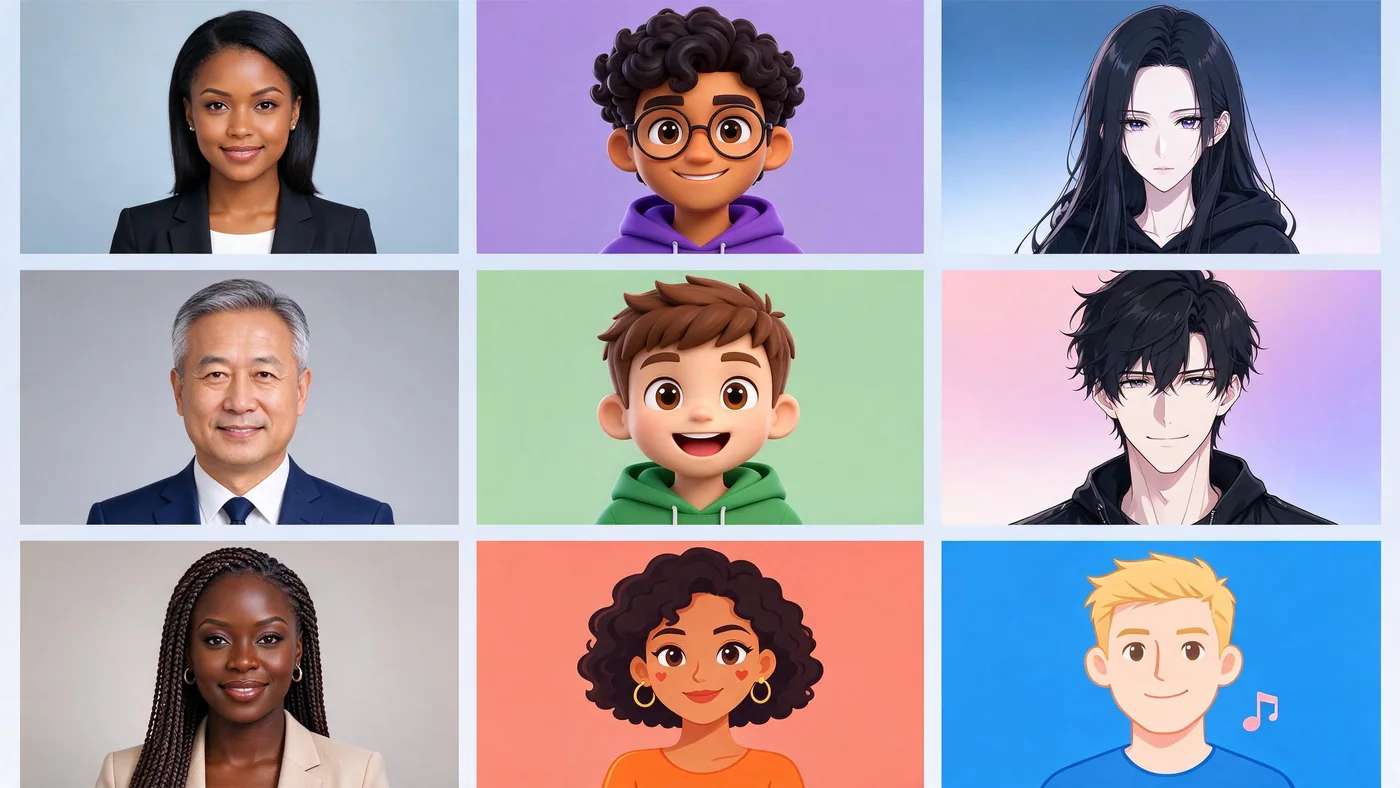
A profile picture is not one job. The same person needs a clean headshot for work, a stylized avatar for gaming chat, and something playful for social. Here are three made with Pixazo AI to show the range, each shaped like it will actually appear: a circle.
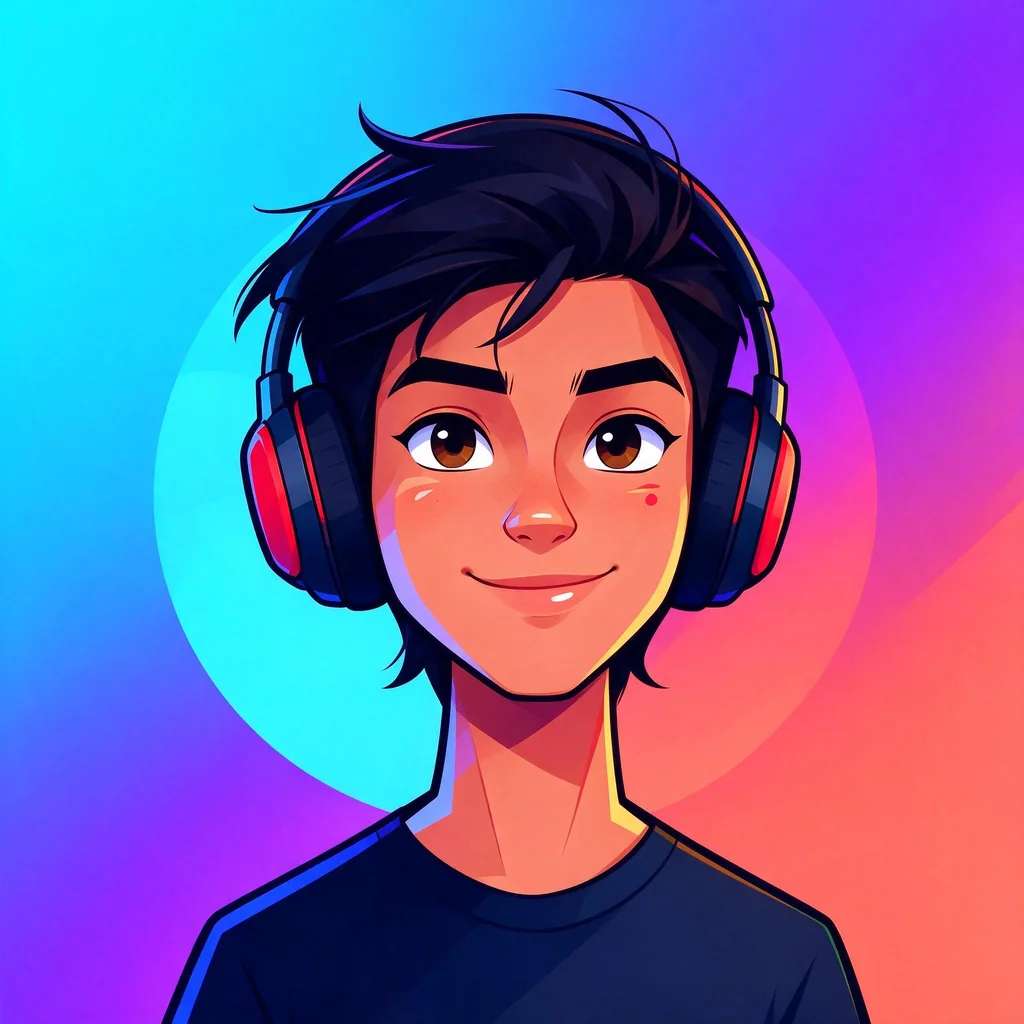
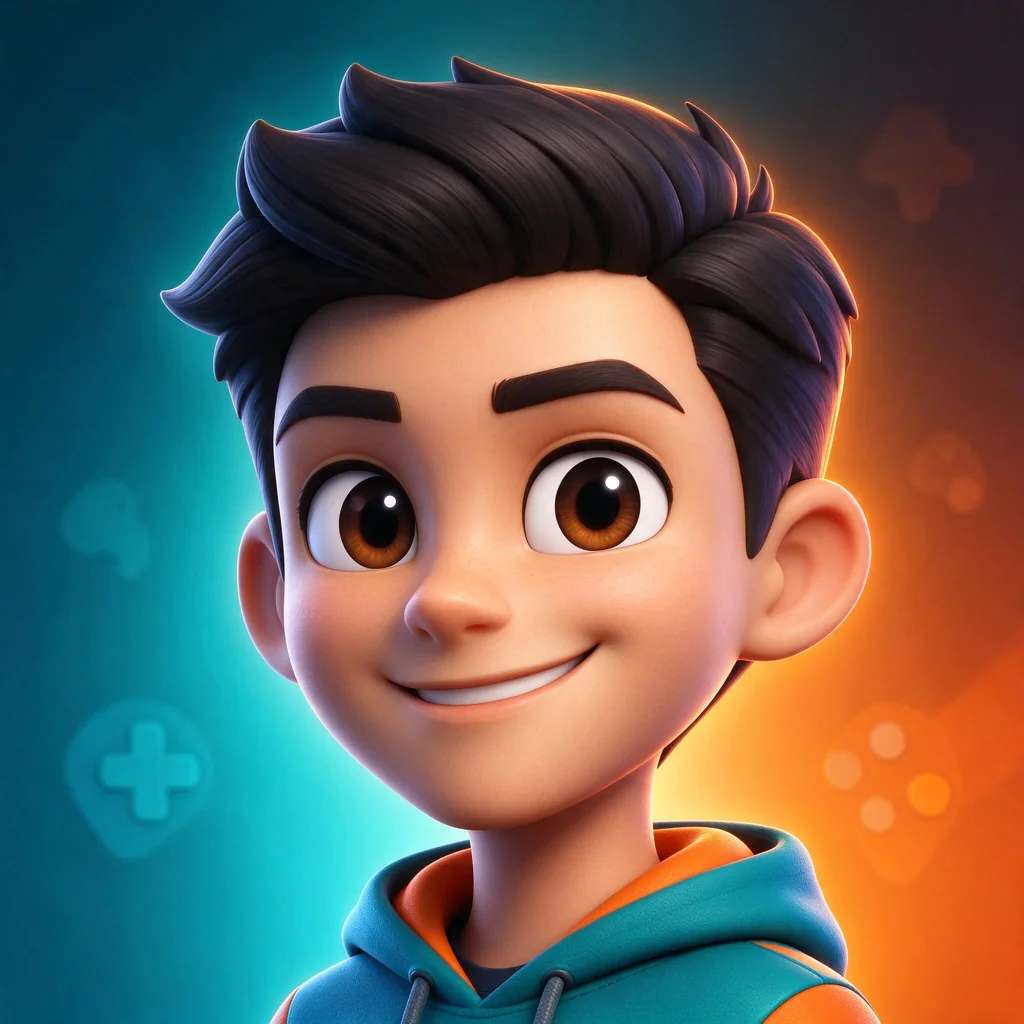
The headshot belongs on LinkedIn, the illustrated one on Discord or X, the 3D character in a game profile. Match the vibe to the room and you instantly look like you belong there.
Suggested Read: What Is the Best AI Headshot Generator App?
The right profile picture for every platform
Upload a square image and most apps crop it to a circle, so keep your face centred and out of the corners. These are the commonly recommended 2026 upload sizes and norms; platforms rarely publish exact figures, so treat them as a reliable guide and confirm in-app.
Clean professional headshot
Reach for: Aragon AI, BetterPic, Pixazo
Aesthetic, on-brand, reads tiny
Reach for: Lensa AI, Canva
Clear centred headshot or logo
Reach for: Photo AI, Picrew
Friendly, centred, well-lit
Reach for: Canva, PFPMaker
Bold, high-contrast, eye-catching
Reach for: Picrew, Canva
Logo or face legible at 98 px
Reach for: Canva, Adobe Express
Stylized gaming or anime avatar
Reach for: Picrew, Ready Player Me
Bold branded mascot or avatar
Reach for: Ready Player Me, Picrew
Warm, personal, recognisable
Reach for: Adobe Express, Fotor
Clean dev headshot or logo
Reach for: Aragon AI, Adobe Express
Two more worth knowing: Gravatar sets one avatar that follows you across WordPress, dev tools and many comment systems, and on Reddit the built-in Snoovatar builder makes a playful, anonymity-friendly character for your profile.
Suggested Read: LinkedIn Banner Size: The Complete Guide
How to pick the right maker
- For a job search: a realistic headshot from Aragon AI, BetterPic or Pixazo beats a cropped selfie every time.
- For gaming and Discord: a stylized or 3D avatar from Picrew or Ready Player Me fits the room.
- For a branded look across apps: Canva keeps colours, frames and text consistent everywhere.
- For free and fast: PFPMaker, Adobe Express and Picrew ask for nothing up front.
- Watch the free print: several tools cap free use or watermark it, so check before you rely on a free render.
Suggested Read: YouTube Banner Size Guide
There is no single best profile picture maker, only the best one for the platform you are dressing up for. For professional headshots, Aragon AI and BetterPic lead, with Pixazo a strong all-rounder that also does festive social avatars. For stylized and gaming profiles, Picrew and Ready Player Me win. For a free, quick PFP, PFPMaker and Adobe Express are the easy starts. Pick the vibe the platform expects, size it right, keep your face out of the corners, and you will look the part everywhere.
Suggested Read: 10 Best AI Image Editors in 2026
What is the best profile picture maker?
It depends on the platform. For realistic LinkedIn headshots, Aragon AI and BetterPic are top; for stylized gaming or social avatars, Picrew and Ready Player Me; for branded PFPs with text, Canva. Pixazo is a strong all-rounder that makes both professional headshots and fun social avatars.
What size should a profile picture be?
Most platforms take a square upload and crop it to a circle. Common 2026 sizes are 400 by 400 px for LinkedIn and X, 320 by 320 for Instagram, 256 by 256 for Discord and 800 by 800 for YouTube. Upload a little larger than the minimum and keep your face centred.
Is there a free profile picture maker?
Yes. PFPMaker, Picrew, Bitmoji and Adobe Express are free to start, and Canva has a free plan. Many AI headshot tools gate or watermark free use, so read the limits before you depend on a free render.
What is the best AI profile picture generator for LinkedIn?
For a realistic professional headshot, Aragon AI and BetterPic are the strongest, and Pixazo’s headshot generator is a solid option. Upload several clear selfies, pick business attire and a simple background, and choose the most natural result.
Why does my square photo show up as a circle?
Most platforms store a square image but display it inside a circular mask. Keep the important part of your face in the centre and avoid putting anything you care about near the corners, since they get cropped off.
Deepak Joshi
Author · Pixazo
Deepak writes about generative AI models, APIs, and the workflows teams use to ship them. Reviewed by Abhinav Girdhar.