Quote Poster : Create Free Quote Posters in Minutes with AI
Create Custom Quote Posters Quickly with Pixazo Best AI Quote Poster Maker. Try for Free!
Get Started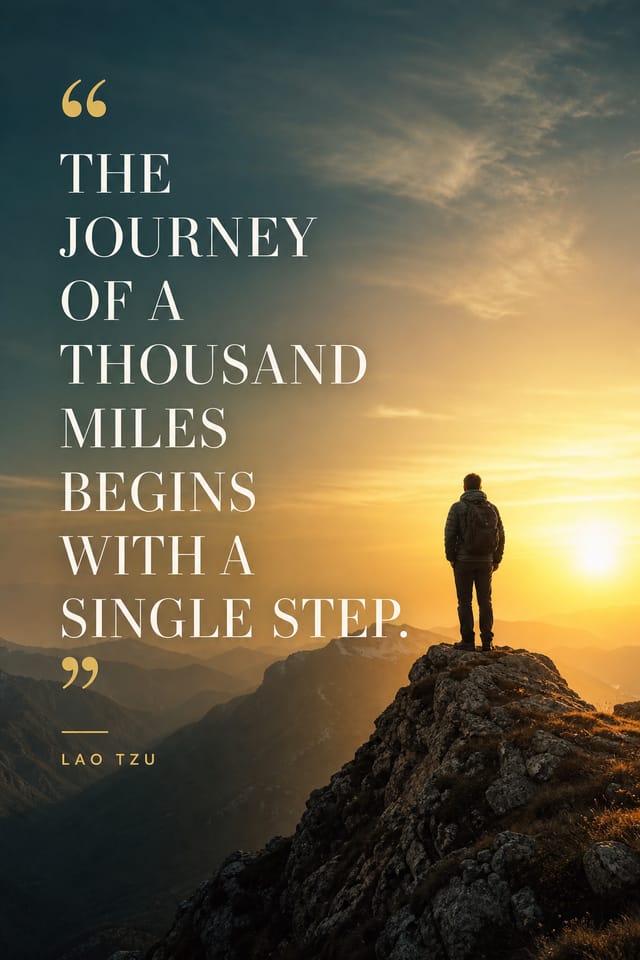
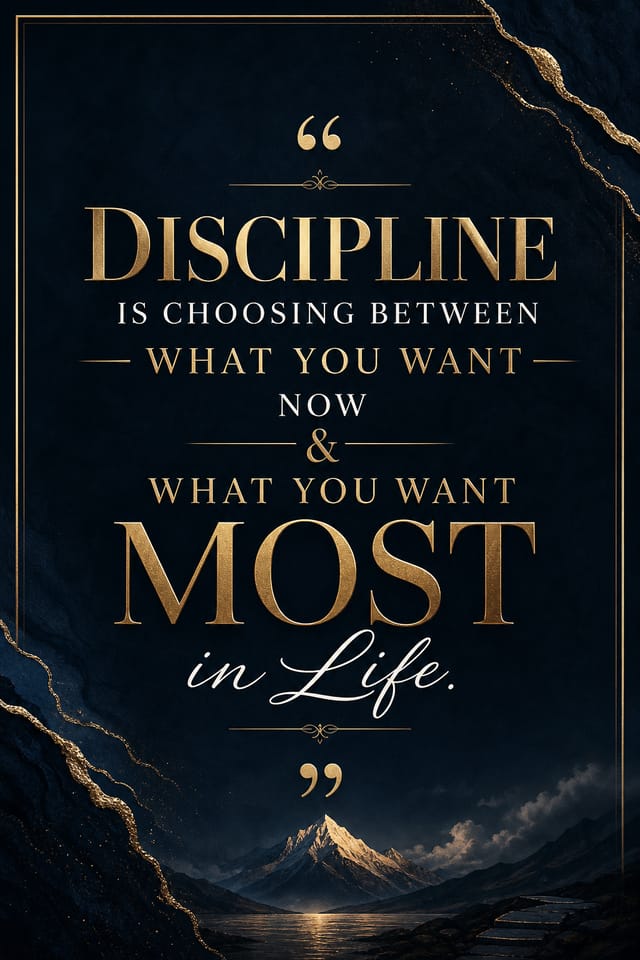
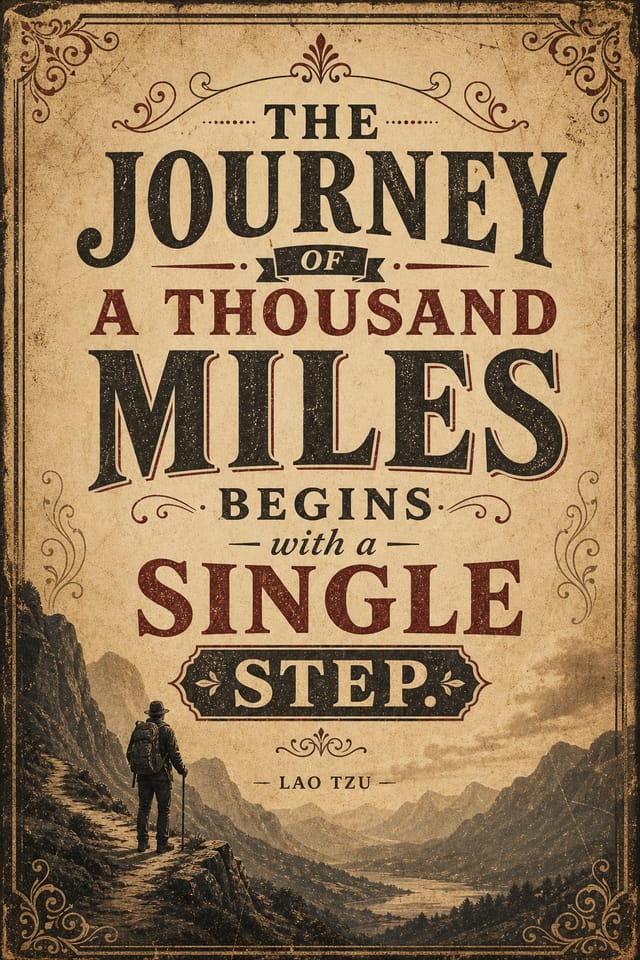
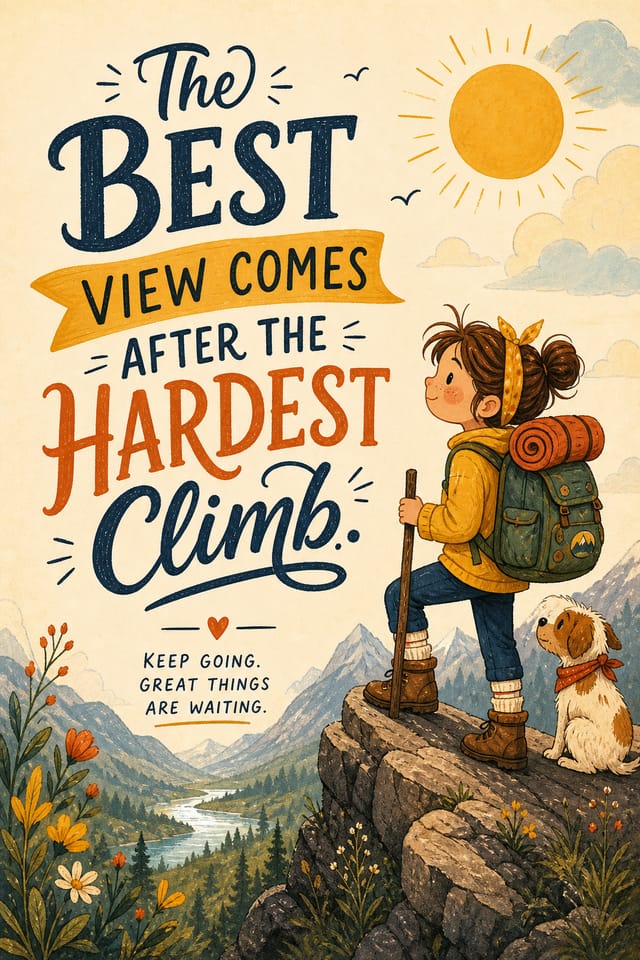
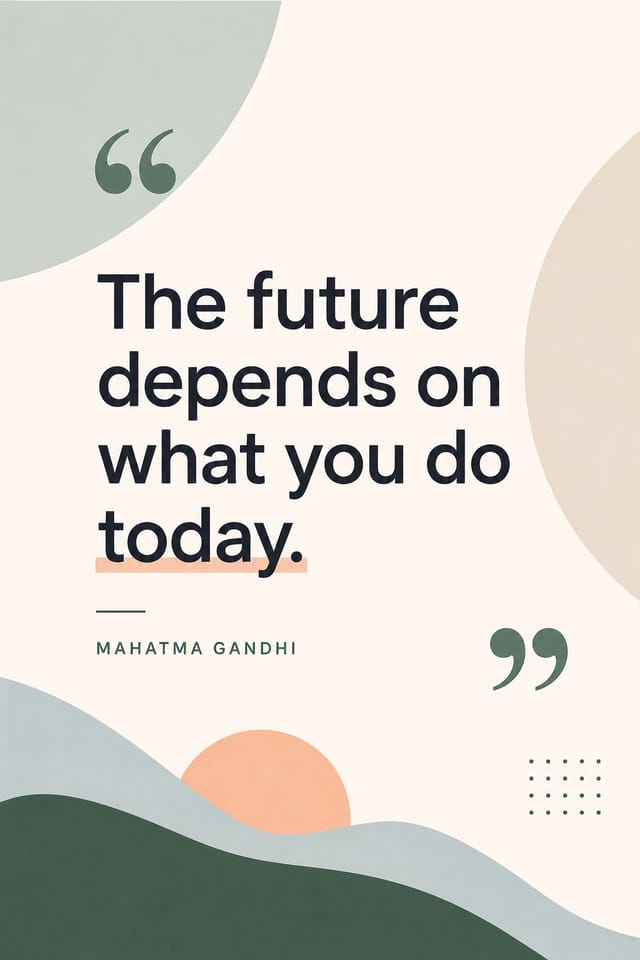
Quote Poster Export Guide: From Screen to File
SVG
Scalable format for quote poster designs that need to render crisply at any resolution, commonly used for web and responsive layouts.
PNG
Lossless image format ideal for quote poster designs with transparency, sharp text, and web display at predictable file sizes.
TIFF
High-fidelity format for quote poster files destined for professional printing, supporting CMYK color and lossless compression.
Print-ready format for quote poster files that preserves fonts, colors, and layout across different devices and print services.
Quote Makers: Creator Highlights
Real creators sharing their quote designs made with Pixazo AI.
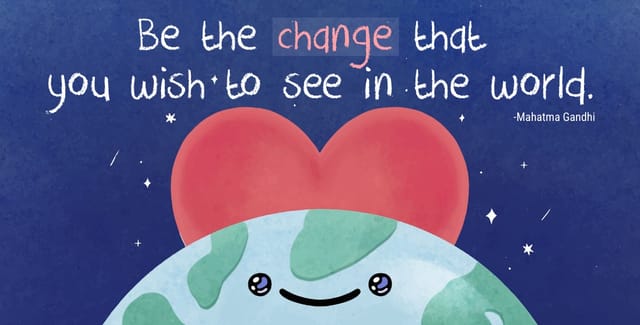
Moody quote poster with deep shadows and dramatic lighting feel, dark palette, cinematic atmosphere, headline in condensed uppercase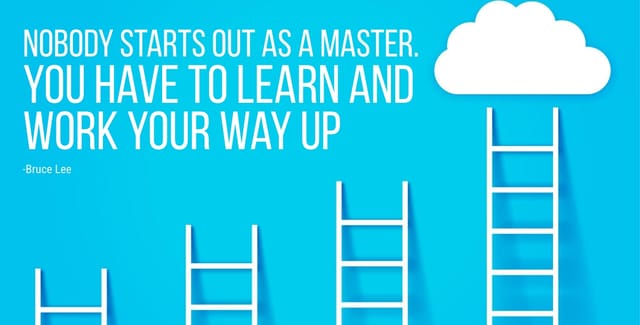
Quote poster at 1080x1920 pixels for Instagram stories, bold sans-serif headline centered, gradient background in quote tones, call-to-action at bottom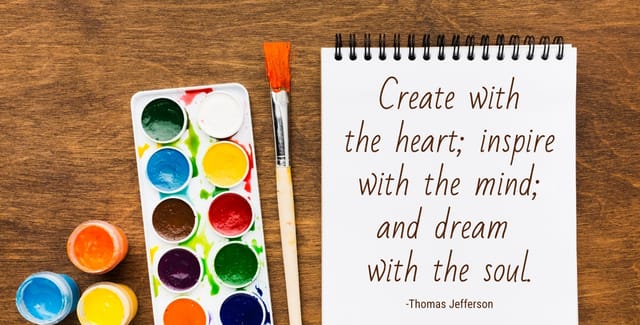
Refined quote aesthetic poster, sophisticated color relationships, intentional negative space, type selection matching quote conventionsBehind Quote Poster Design: Technical Breakdown
Color Palette Intelligence
Colors are chosen with quote style awareness. The AI builds palettes that fit quote design conventions rather than selecting arbitrarily.
Compositional Structure
Layout and hierarchy decisions reflect quote design patterns. The proportions and arrangement match how quote designs are conventionally structured.
Subcategory Awareness
The AI distinguishes between design subcategories. A quote poster request produces quote-appropriate output, not a generic design with quote text added.
Fast Generation
Complete quote poster designs generate in seconds. No rendering queues, no waiting for batch processing.
Instant Iterations
Generate multiple quote poster variations from a single prompt. Compare options and refine until the design matches your vision.
Print-Ready Output
Generated quote posters are sized and structured for professional printing. Download high-resolution files ready for production.
Quote Poster Creator Tips: Expert-Level Advice
Use High Contrast for Readability
Whether your quote poster is displayed on screen or in print, strong contrast between text and background ensures the message gets through at any size.
Get Feedback Early
Share your quote poster draft with someone outside the project. Fresh eyes catch issues you have become blind to after hours of refinement.
Consider the Context
Think about where your quote poster will appear. A design optimized for social media needs different proportions and density than one for a physical bulletin board.
Iterate with Variations
Generate 3-5 versions of your quote poster before committing. Comparing variations side by side often reveals the strongest direction.
Keep Typography Simple
Use no more than two typefaces per quote poster. One for headlines, one for body text. Consistency in typography signals professionalism.
Quote Poster Design Steps: What Actually Happens
Propose Your Idea
Describe what you want your quote poster to look like. Include the mood, color palette, typography preference, and content hierarchy. Pixazo reads all of this and uses it to generate an appropriate design.
Explore the Result
Your quote poster generates immediately after submission. Evaluate the design against your requirements and refine the prompt to correct any elements that don't match your intent.
Conclude with the File
Get your final quote poster file in one click. Choose your format, download at full resolution, and use the design immediately. No watermarks, no additional fees, no waiting.
Watch: Creating Quote Poster designs step by step
The Reach of Quote Posters: In the Real World
Trade Show and Conference Materials
Generate quote posters for booth displays, attendee handouts, and event signage. Professional materials that represent your brand in competitive environments.
Content Creation Workflow
Incorporate quote poster generation into a content production workflow. Fast output enables higher publishing frequency.
Retail and Hospitality
Produce quote in-store and venue posters that communicate quality through design. Quote aesthetics signal attention to customer experience.
Event Promotion
Create quote event posters that establish the right visual mood before the event. Quote design signals quality and sets expectations.
E-Commerce Product Promotion
Design quote posters for online store banners, product launches, and seasonal sales. Conversion-focused visuals for digital retail.
Visual Quality in Quote Posters: Professional Standards
Good Quote Poster Prompts Worth Trying
Copy any prompt below and paste it into Pixazo to generate your design instantly.
Portrait-orientation quote poster, vertical composition, headline at natural reading entry point, supporting information flows downward logicallyQuote aesthetic poster, palette drawn from quote design tradition, layout proportions consistent with quote conventions, purposeful use of each elementQuote poster with strong visual hierarchy, largest element reads clearly, supporting elements organized by importance, clean background treatmentProfessional quote poster, minimalist quote approach, negative space used intentionally, readable at multiple viewing distances, print-ready compositionFull-bleed quote poster, background treatment extends to edges, foreground elements positioned for compositional balance, strong central hierarchyContemporary quote poster design, grid-based layout, typographic precision, restrained color palette, no decorative excessEvaluating Quote Poster Makers: How They Differ
VistaCreate
Visual content platform with templates and a built-in asset library
Pixazo
AI-powered quote poster generator with prompt-based design and professional output quality
PicMonkey
Photo editor and design tool with brand kit management
Crello
Template-based design tool with animation and video support
Stencil
Lightweight image creator optimized for fast social media graphics
New to Quote Posters? Your Questions Answered
Yes. Set up separate brand kits for each client or brand, then switch between them when generating quote posters. Each brand kit stores its own colors, fonts, and logo so the AI applies the correct identity to every quote poster without manual reconfiguration.
You can specify any aspect ratio in your prompt. Common options include 1:1 for social posts, 4:5 for Instagram, 9:16 for stories, 16:9 for presentations, and standard print sizes like A4 or letter. The AI adapts quote composition to fit your chosen ratio.
Specify the dimensions in your prompt. Common formats like A3, 18x24 inches, or 1080x1920 pixels for social media stories all work. The AI generates a quote poster composition appropriate for the specified aspect ratio and use case.
The AI generates visual designs, not data visualizations. For quote posters that need charts or graphs, generate the quote layout in Pixazo and overlay your data graphics in post-production. The design framework will be style-consistent even if data elements are added separately.
The AI recognizes quote design as a distinct visual category with its own conventions. Specifying quote style in your prompt triggers appropriate design decisions around color, typography, and composition rather than defaulting to generic poster layout.
Where Quote Poster AI: Room to Grow
Known limitations and trade-offs of AI-generated quote design. Every AI design tool has boundaries. Knowing these limits before you start helps you get the most out of quote poster generation.

