Top 11 AI Blur Background Tools For 2026



We often feel just done with distracting backgrounds ruining our perfect visuals. And if you want to give your photos a professional touch, AI Blur Background Tools can be the go-to solution. These tools use advanced algorithms to separate the subject from the background by applying a smooth blur effect that makes the subject pop. These tools cater to numerous use cases like editing a portrait, a product photo, or a social media post, and even help you achieve a polished, professional look with minimal effort.
Not only this, there are numerous AI design tools available these days that offer this feature, each with unique capabilities and ease of use. In this guide, we will discuss the top 11 AI Blur Background Tools with their key features, pros, cons, and pricing to help you choose the right one as per your specific needs. This list will introduce you to some of the most user-friendly and effective options. So, let’s begin!
What are AI Blur Background Tools?
AI Blur Background Tools are software applications that use artificial intelligence to blur the background of an image while keeping the main subject in sharp focus. These tools are particularly useful for creating striking photos, making the subject stand out by subtly or strongly blurring the background. This technique is especially helpful for social media posts, professional portraits, and product photography, where highlighting the main subject is important.
The key features of AI Blur Background Tools include automated background detection, which identifies the subject and applies the blur effect without manual intervention. This automation saves time and effort and produces professional-looking results.
Key Features:
- Beginner-Friendly: Pixazo’s tool is easy to use for beginners who want to blur backgrounds or specific parts of an image. You don’t need advanced photo editing skills to create professional-looking images.
- No Watermarks or Branding: The tool allows you to blur images without adding any watermarks so that your final product is completely your own.
- Limitless Graphic Resources: Besides blurring, you can add icons, stickers, and even motion effects from Pixazo’s extensive library of tools and to enhance your images.
Suggested Read: Best AI Background Generator Tools in 2026
Pros:
- Intuitive AI technology for the best results
- All your edits are saved in the cloud so you can access your work from anywhere, on any device.
Cons:
- As a cloud-based tool, it requires an internet connection, which might be a limitation for some users.
Pricing:
- Free 7-day trial
- Paid plan starts at $8 per month
Magic Studio: Background Blur


Magic Studio provides a simple and efficient way to blur the background of your images. This tool is great for creating professional-looking photos for social media, product showcases, or any other visual content. The platform is designed to be intuitive, even for beginners, with a straightforward process for uploading and editing images. You can adjust the blur effect to your liking and ensure the main subject remains clear and focused.
Key Features:
- AI-Powered Background Blur: This intelligent feature allows you to create a shallow depth of field effect, bringing focus to the subject of your photo.
- Customizable Blur Intensity: Adjust the slider to achieve the desired level of blur, from a gentle soft-focus effect to a more pronounced blur, depending on your creative vision.
- Batch Processing: This batch-processing capability saves you time, especially when you need to apply a consistent blur effect to a series of photos.
Pros:
- Easy to use, even for beginners.
- Accurate subject detection.
Cons:
- Might struggle with complex images or backgrounds.
- Limited customization options compared to professional photo editing software.
Pricing:
- Monthly Plan: $4.99/month
- Yearly Plan: $29.99/year
- Lifetime Access: A one-time payment of $59.99 grants you lifetime access to Magic Studio, including all future updates and premium support.
Suggested Read: Top 10 Wallpaper Maker Tools in 2026
Fotor
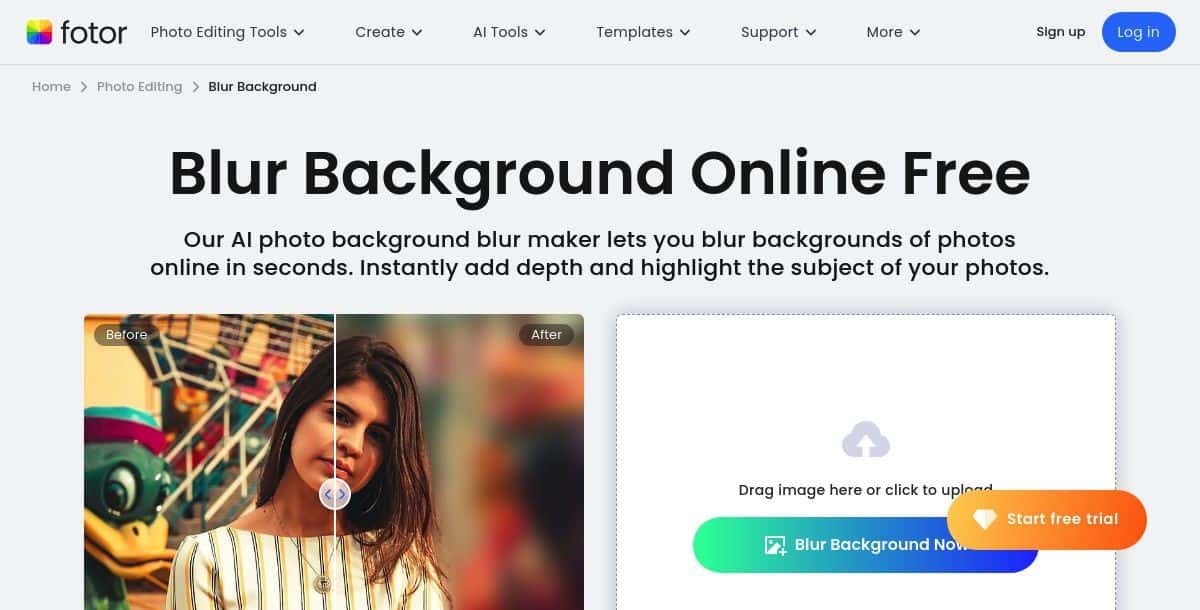
Fotor’s background blur tool is part of its comprehensive online photo editing suite. It allows you to apply a bokeh effect to your photos, giving them a professional touch. The tool provides options to adjust the intensity and area of the blur, offering more control over the final result.
Suggested Read: Best AI Baby Face Generator Tools: Top Picks for 2026
Key Features:
- Manual and Automatic Blur Options: Choose between automatic background blur or manually adjust the blur effect to meet your needs.
- Preview Function: View a preview of the blur effect before applying it to ensure it meets your expectations.
- Easy Integration with Other Tools: Seamlessly combine the blur feature with other editing tools within Fotor for enhanced photo adjustments.
Pros:
- You have control over how the blur is applied, allowing for more personalized results.
- Fotor’s tool integrates well with its other photo editing features, providing a comprehensive editing experience.
Cons:
- Some of the more advanced blur options are only available with a paid subscription.
- The effectiveness of the blur feature can depend on the quality of the original photo and the device you use.
Pricing:
- Fotor offers a free version with basic features.
- The pro version costs approximately $8.99 per month.
Cutout.Pro
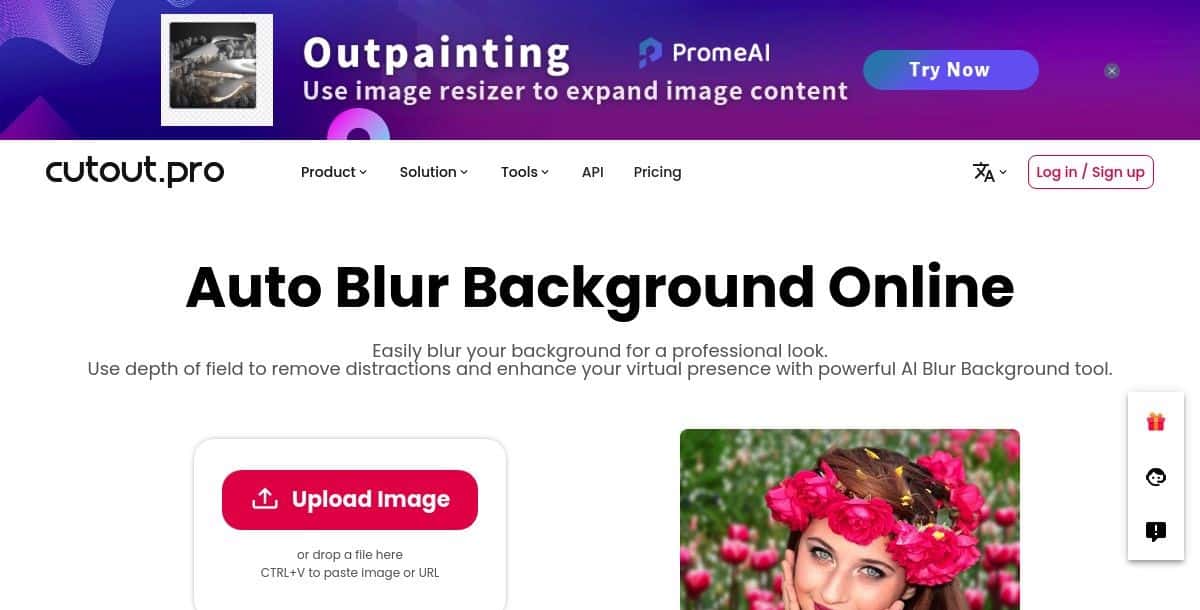
Cutout.Pro offers a powerful background blur tool that uses AI to automatically blur backgrounds in images. This tool is very useful for creating professional portraits and product photos. It provides a range of blur intensity settings to achieve the desired level of background softness.
Suggested Read: How We Choose the Top Apps and Tools at Pixazo?
Key Features:
- High-Quality Background Blurring: The tool applies a high-quality blur effect to your photos, ensuring a clear focus on the subject.
- Precision Controls: You can adjust the blur effect with precise controls to get the exact look you want.
- Supports Multiple Image Formats: The tool works with various image formats, making it versatile for different types of photos.
Pros:
- It provides detailed options for adjusting the blur, allowing you to achieve the exact effect you need.
- The ability to handle multiple image formats makes it easy to use with different types of photos.
Cons:
- The tool’s interface might be a bit complex for beginners who are looking for a simple solution.
Pricing:
- Subscription plan: $0.099/credit
- Pay as you go: $0.499/credit
Kapwing
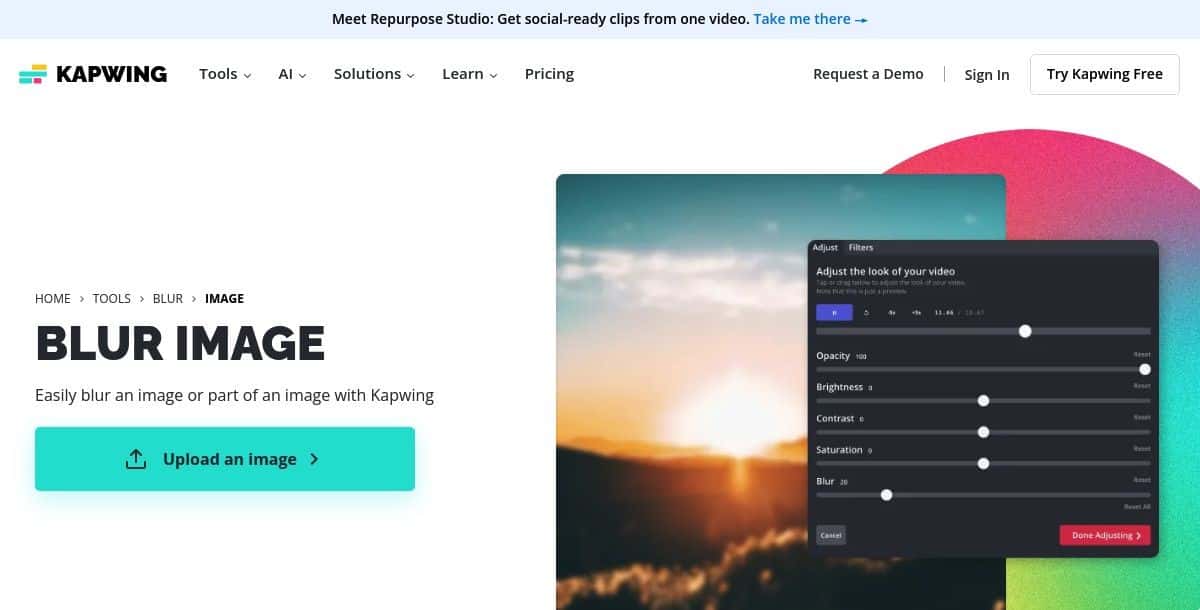
Kapwing is an online editing platform that includes a background blur tool as part of its features. The tool is user-friendly and enables you to quickly blur the background of any photo. You can control the intensity of the blur, making it suitable for a variety of purposes. Kapwing’s tool is accessible directly from the browser, which makes it convenient for users who need quick edits.
Key Features:
- Versatile Editing: Offers tools for cropping, resizing, adding text, and filters.
- Background Removal: Effectively removes backgrounds from images and videos.
- Blurring Options: Adjust blur intensity and focus area for precise results.
Pros:
- All-in-one platform for various editing needs
- User-friendly interface
- Accurate background removal
Cons:
- Watermark on the free version
- Might have limitations for complex images or videos
Suggested Read: 11 Best AI Character Generators in 2026: Top Tools for Creating Stunning Digital Avatars
Pricing:
- Free plan with basic features
- Pro: $16 per month
- Business: $50 per month
- Enterprise: Custom
PicWish: Free Online Blur Background Tool
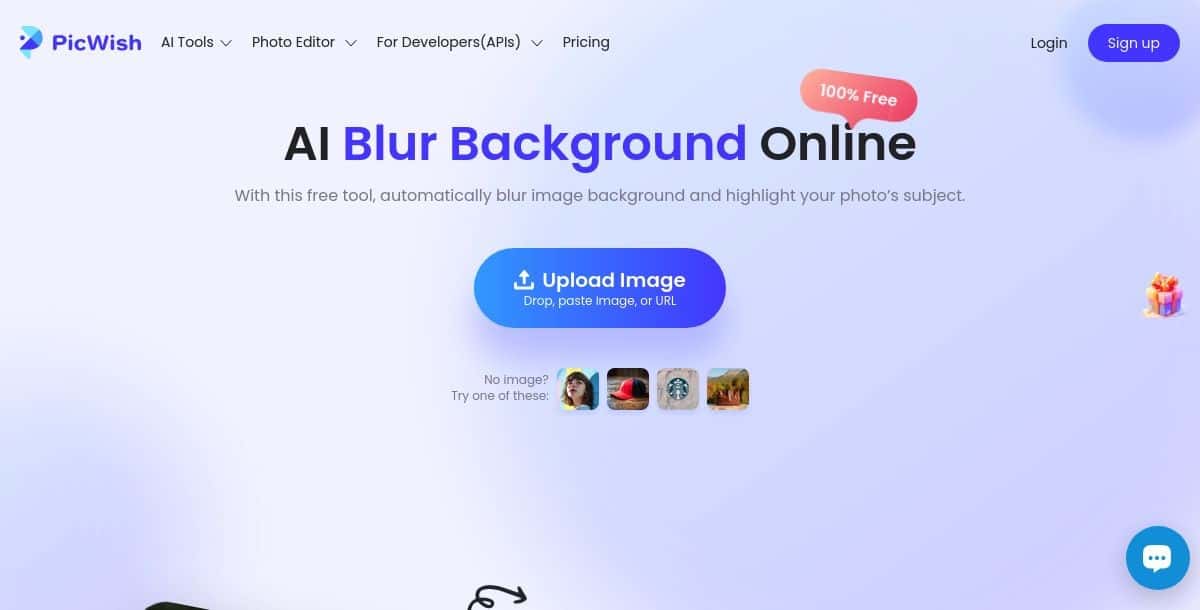
PicWish offers a free online tool for blurring photo backgrounds. It’s simple to use, with an intuitive interface that lets you adjust the blur intensity to your liking. This tool is great for anyone looking to enhance photos for social media or personal use. It also provides additional features like background removal and photo enhancement.
Key Features:
- Easy Background Blurring: PicWish offers a user-friendly online tool that makes it straightforward to blur backgrounds in your images. With just a few clicks, you can achieve a professional-looking blur effect, adding a creative touch to your photos.
- Customizable Blur Shapes: One unique feature of PicWish is the ability to apply customizable blur shapes to your images. Choose from various shapes like circles, hearts, and stars, and adjust their size and position to create unique and artistic blur effects.
Pros:
- The straightforward interface and automated processes ensure that you can achieve impressive results quickly and efficiently.
- Gives you the creative flexibility to apply blur effects in unique ways.
Cons:
- For users seeking intricate photo manipulation capabilities, additional software may be necessary.
Pricing:
- Free to use
Conclusion
As you explore these tools, consider the level of customization you need, the ease of use, and any additional features that might be important to you. This guide has provided an overview to help you make a wise decision so that you can enhance your photos with professional-looking blurred backgrounds.
Discover how to change background color using AI tools, perfect for social media and e-commerce.
Deepak Joshi
Author · Pixazo
Deepak writes about generative AI models, APIs, and the workflows teams use to ship them. Reviewed by Abhinav Girdhar.