30+ Prompts to Create Amazing Videos using AI



The best AI video prompts describe one clear subject, the action, the camera move, the lighting, and the mood in a single line. Below are 30+ free AI video prompts, grouped into cinematic, short-form, and animation styles and each paired with an example clip, so you can copy one straight into Pixazo and run it on the latest models like Sora 2, Veo 3.1, Kling, and Seedance.
What is an AI Video Generator?
An AI video generator empowers you to transform text, images, or other inputs into compelling video content with minimal manual effort. By leveraging machine learning models, it dramatically simplifies the video-creation process, with no film crew, no extensive editing knowledge required. When combined with strong design tools, you gain the capacity to refine visuals, control styles, set moods, and integrate branding elements, all within an accessible interface.
AI design tools and our full Pixazo blog complement the AI video generator by offering intuitive controls over typography, animations, transitions, color schemes and more. Whether you’re producing a social-media clip, product demo or educational sequence, using these design tools alongside the AI video generator ensures your final output aligns with your brand identity and visual standards.
How to Write a Good Prompt for Generating Videos from Text?
As you start writing your text-to-video prompts, there are several key considerations to keep in mind. Here are a few tips to help you write good prompts to generate videos using our design tools:
- Clear and concise: Prompt with a concise description of the video’s content, style, and any key messages or themes you want to convey.
- Provide context: Give the AI context by setting the scene and providing relevant background information.
- Describe visuals: Paint a picture for the AI by describing the visuals you want to see.
- Tone and mood: Set the tone and mood for your video. Are you aiming for serious and informative, or lighthearted and entertaining?
- Length and pacing: Consider the length of your video and how you want it to flow.
- Call to action: If your video requires a call to action, such as asking viewers to subscribe or purchase, include it in your prompt.
- Authenticity check: Before publishing, review your script carefully and, if needed, run it through an AI detector to ensure the content aligns with your originality standards and platform guidelines.
Cinematic AI video prompts (Sora, Veo 3, Runway Gen-4)
These prompts lean on camera language, lighting, and color grade, which is exactly what the newest models reward. Paste one into the AI video generator, pick a model like Sora 2, Veo 3.1, or Runway Gen-4.5, and generate. Every prompt below includes an example clip we generated from it.
Cinematic aerial drone shot gliding low over a misty ancient redwood forest at dawn, golden sun rays piercing through towering trees, volumetric fog drifting between the trunks, slow steady forward push, anamorphic lens flare, subtle film grain
Slow cinematic dolly-in on a lone astronaut standing on a windswept red desert planet at golden hour, fine dust drifting past, a distant ringed planet low on the horizon, subtle anamorphic lens flare, shallow depth of field
Sweeping aerial tracking shot following a winding coastal road along dramatic sea cliffs at sunset, waves crashing against the rocks far below, warm golden backlight, epic sweeping motion, cinematic color grade, 24fps
First-person POV walking out of a dark tunnel into a sunlit futuristic city with flying vehicles overhead, the camera exposure adjusting to the light, bustling crowds, hyper-detailed, crisp 4K
Extreme slow-motion macro of a single drop of espresso falling and splashing into a white cup, a crown of coffee droplets rising, soft warm morning light, shallow depth of field, gentle backlight
Close-up of a chef flambeing a dish in a dim restaurant kitchen, flames leaping in slow motion, sparks and steam rising, warm rim lighting, shallow focus, appetizing and cinematic
Short-form and social video prompts (Kling, Seedance, Pixverse)
Built for vertical 9:16 feeds: punchy, loopable, and ad-ready for TikTok, Reels, and Shorts. Drop a still into the AI image-to-video generator and animate it with fast models like Kling, Seedance, or Pixverse. Each prompt below comes with an example clip.
Vertical 9:16 product reveal: a sleek pair of sneakers rotating slowly on a glossy pedestal, dynamic studio lighting shifting colors, a quick confetti burst, clean and energetic, ad-ready
Seamless transition: a hand swipes across the frame and the scene morphs from a rainy city street into a sunny tropical beach, smooth match cut, vibrant and upbeat, vertical format
Talking-head style shot of a friendly young creator speaking to the camera in a cozy, well-lit room with plants and warm string lights, natural gestures, soft background bokeh, 9:16
Satisfying seamless loop of colorful liquid paint swirling and folding into hypnotic marbled patterns, glossy macro close-up, smooth motion, perfect for a short-form loop
Quick glow-up reveal: a messy cluttered desk transforming into a clean aesthetic workspace, snappy timelapse feel, bright and trendy, vertical 9:16 for Reels and Shorts
Animation and character video prompts (with example clips)
Have you been brainstorming some ideas for a video and are curious what some of the best text-to-video AI prompts are? Then the AI video generator from Pixazo is perfect for you. Here are some examples of prompts to inspire your next video:
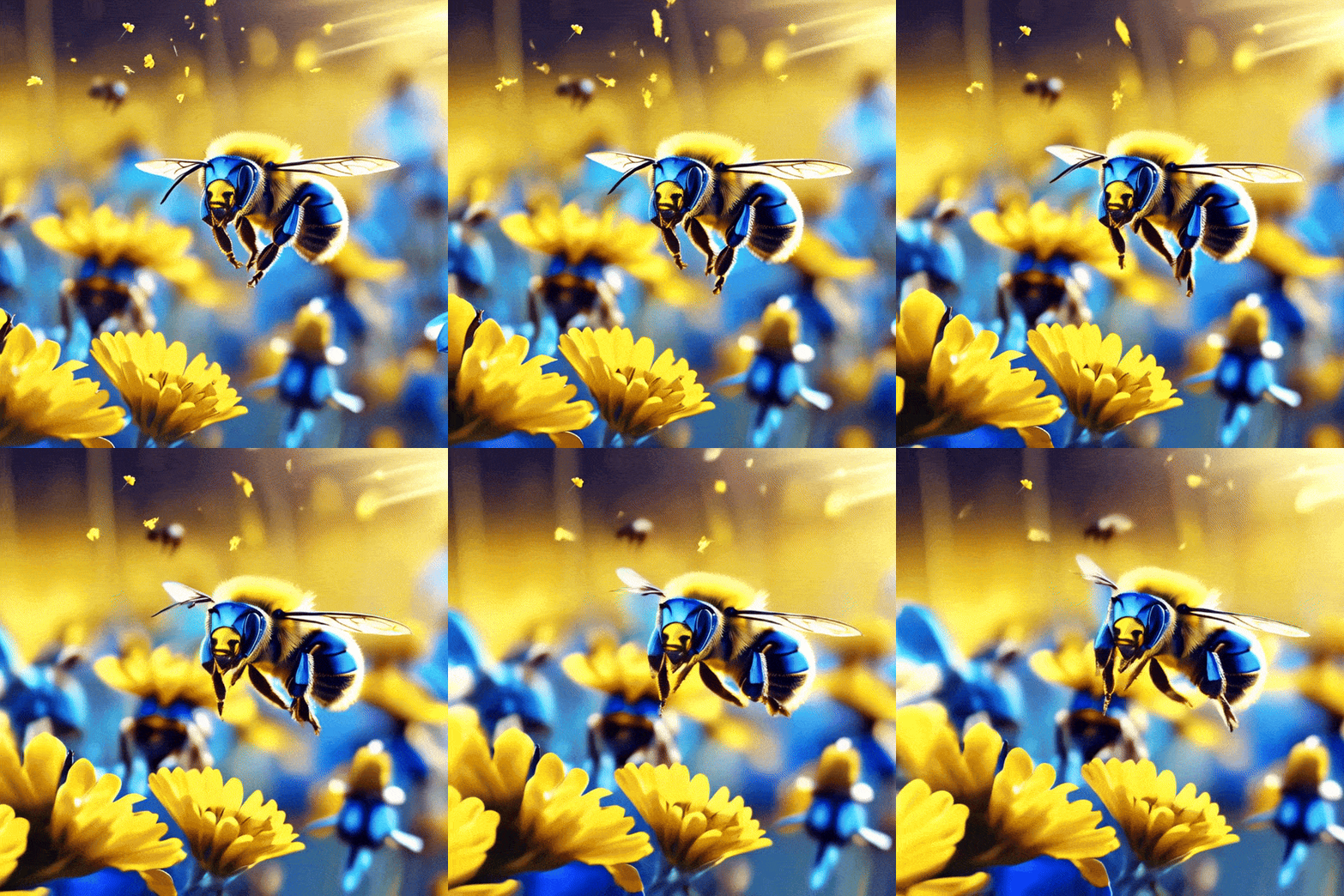
Digital artwork of blue-toned metallic bees hovering over vibrant yellow wildflowers in a sunlit field
A dancing Couple of cute Ghost, Night Spring ambience, pixar style
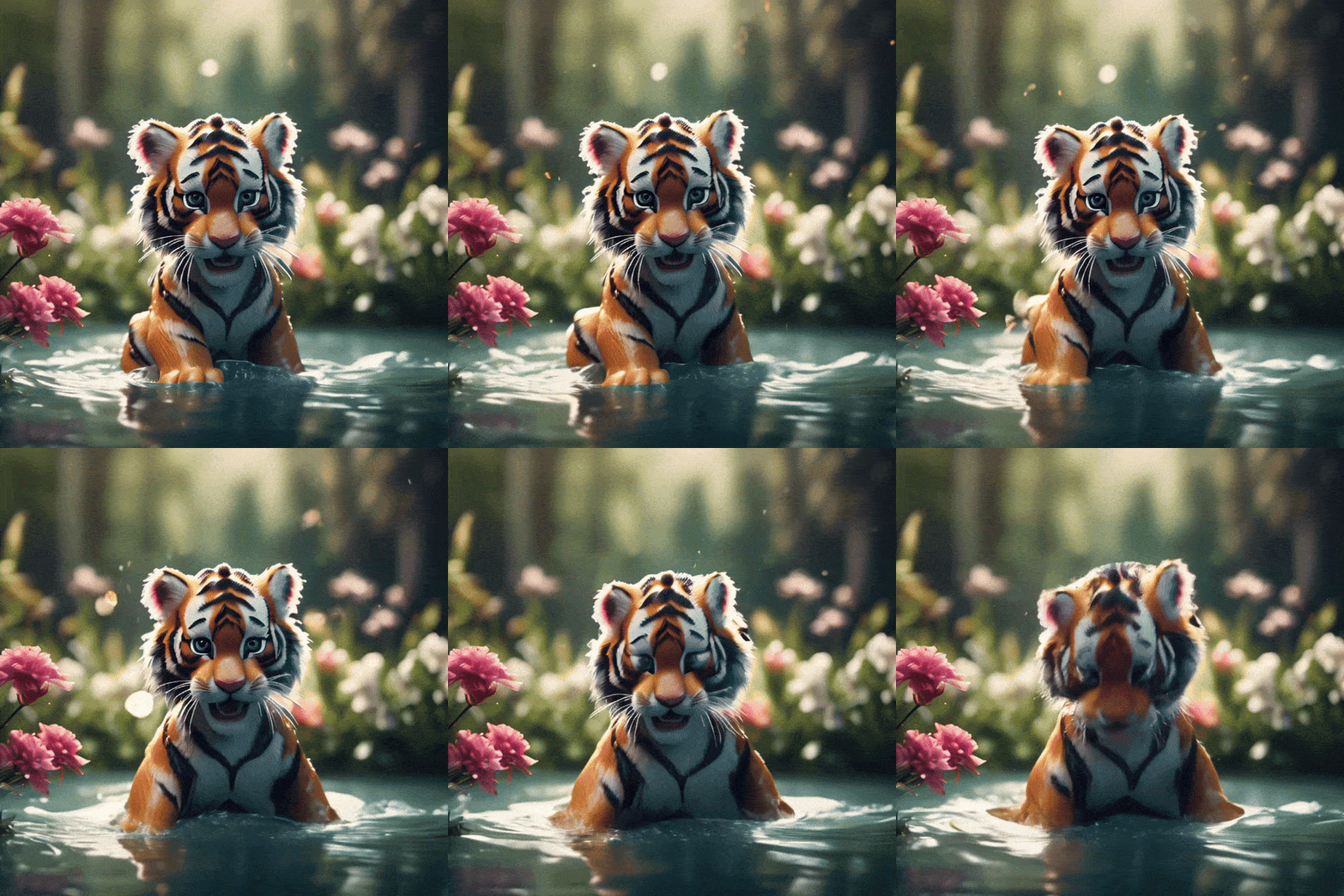
Tiger cub that is playing in the water, surrounded by flowers, forest bg
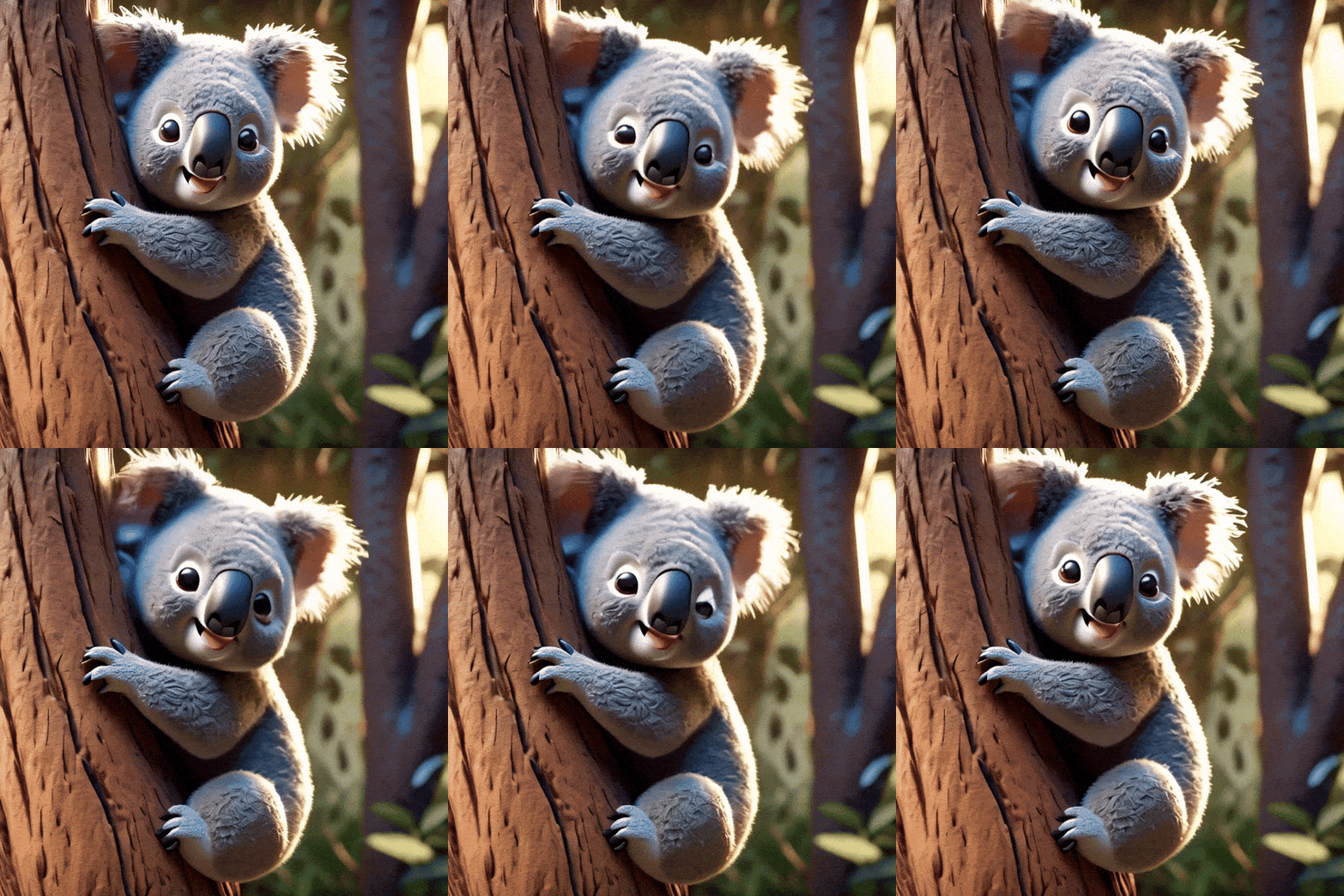
Adorable, Wild Koala Clings to a Tree, pixar style
Rocket launch in meeting room
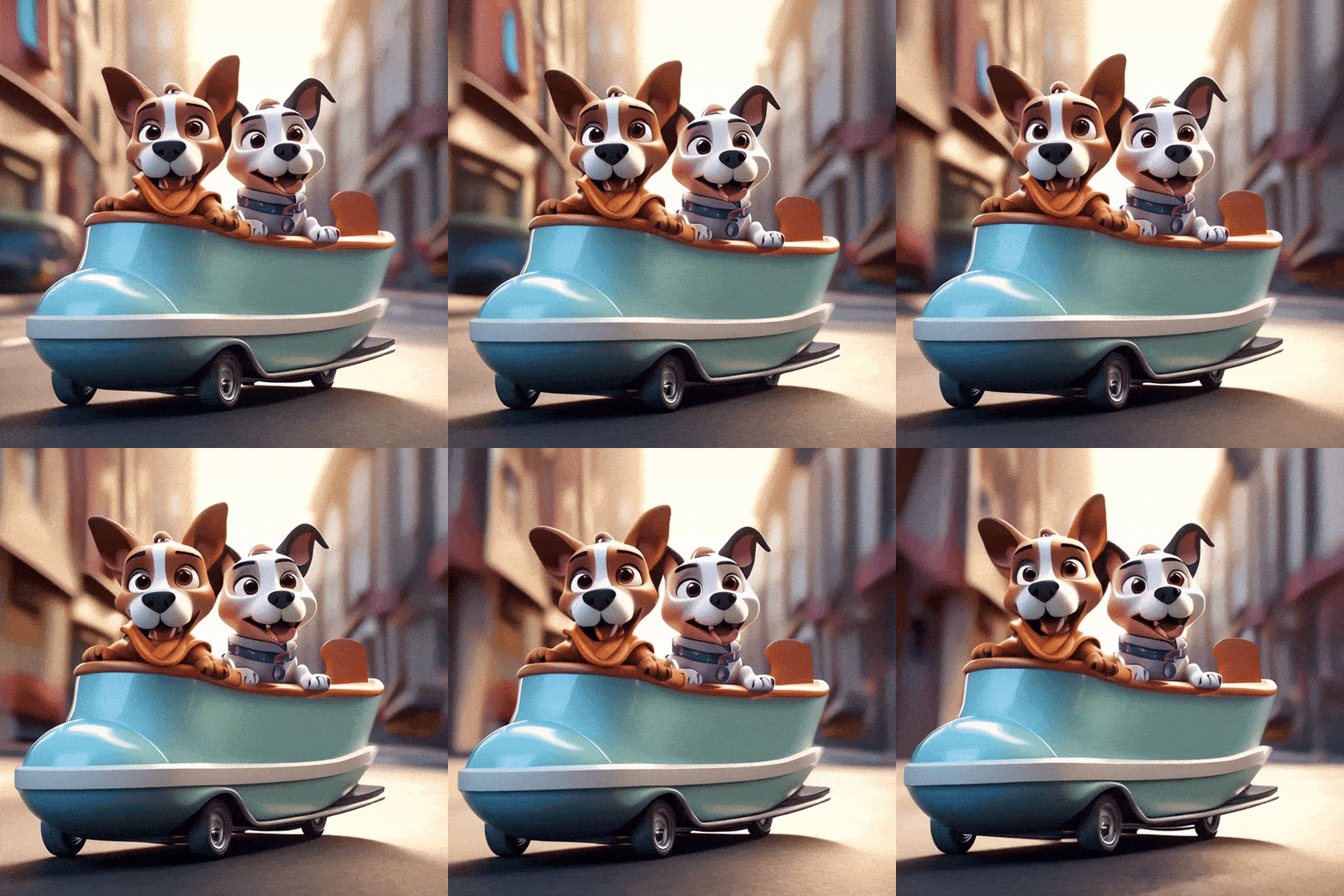
2 dogs cartoon sitting inside a huge skate shoe, passing through a street
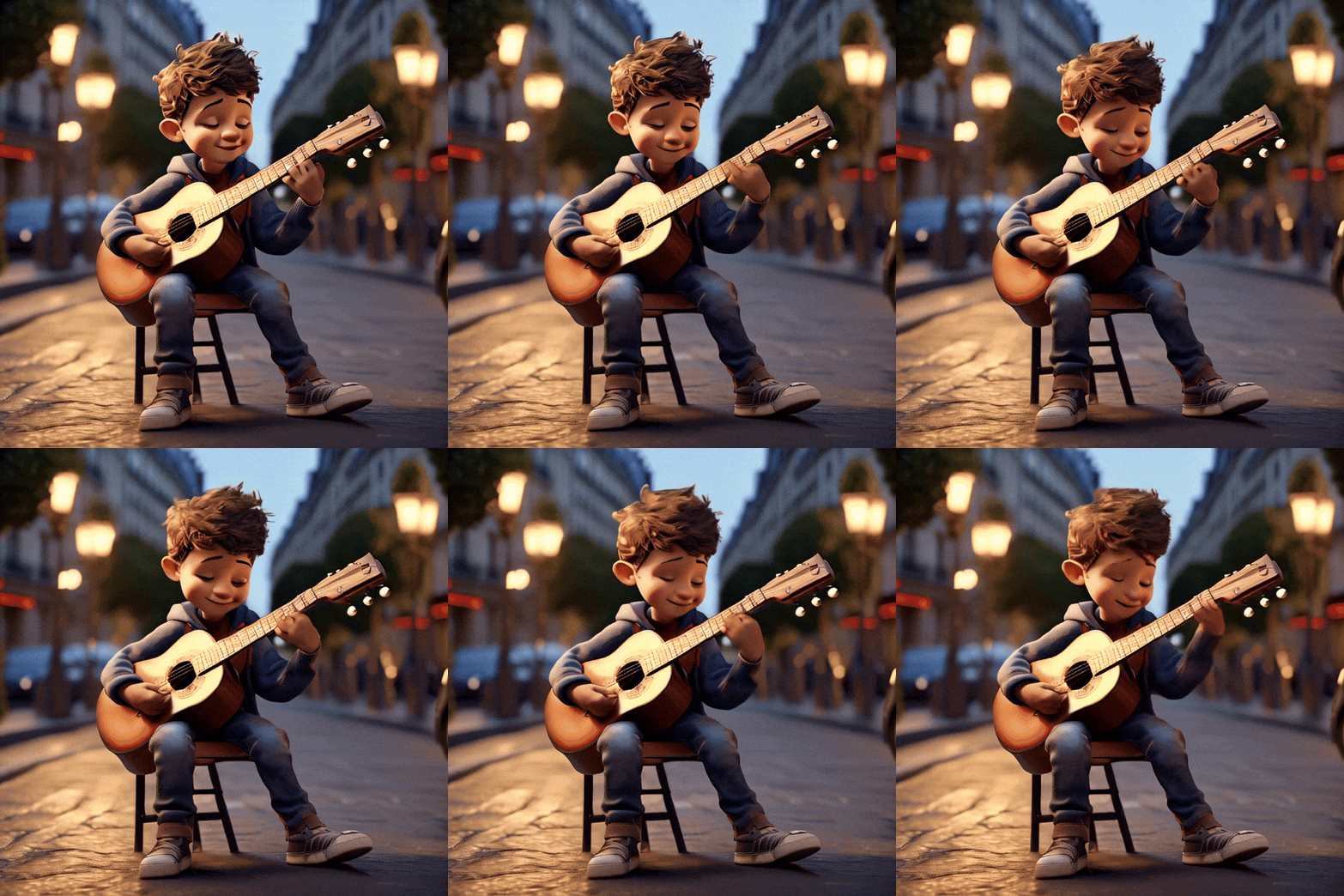
A boy character playing guitar on streets of Paris
A cute little pink monster enjoying sailing on boat in river between street venice with fluffy fur, big eyes and smiling mouth, in the style of Pixar, high
Cute white rats cartoon with raincoat holding umbrella under rainfall in garden, 3d render, pixar style
Tourist hamster eating cotton candy in Paris
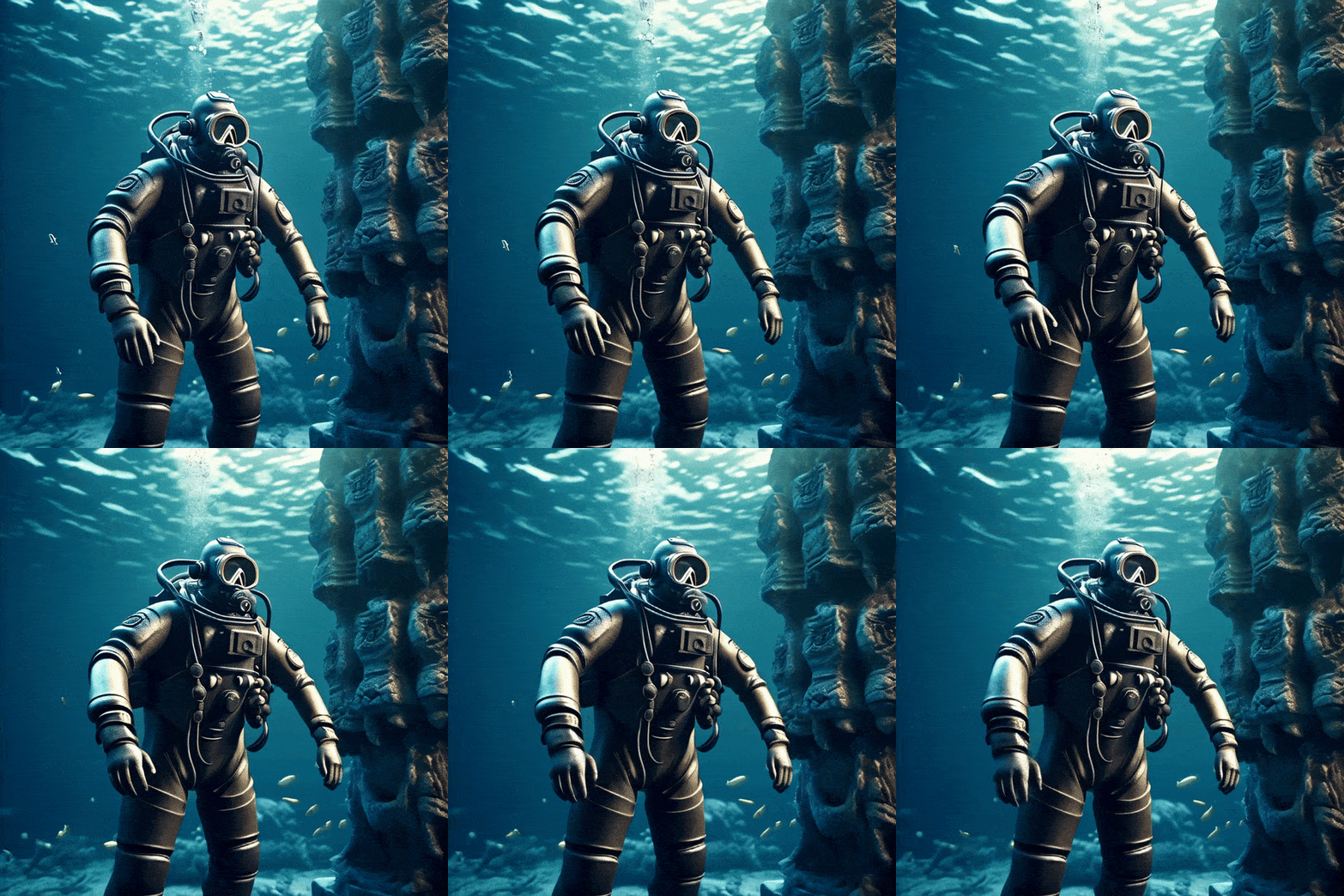
Diver wearing diving suit , diving around an ancient city under sea water, 3d render, hyper realistic
3d cartoon hamster sailing on banana split in creamy ocean
A futuristic man hoisting flag on mars
Smoking cigar gangster potato cartoon
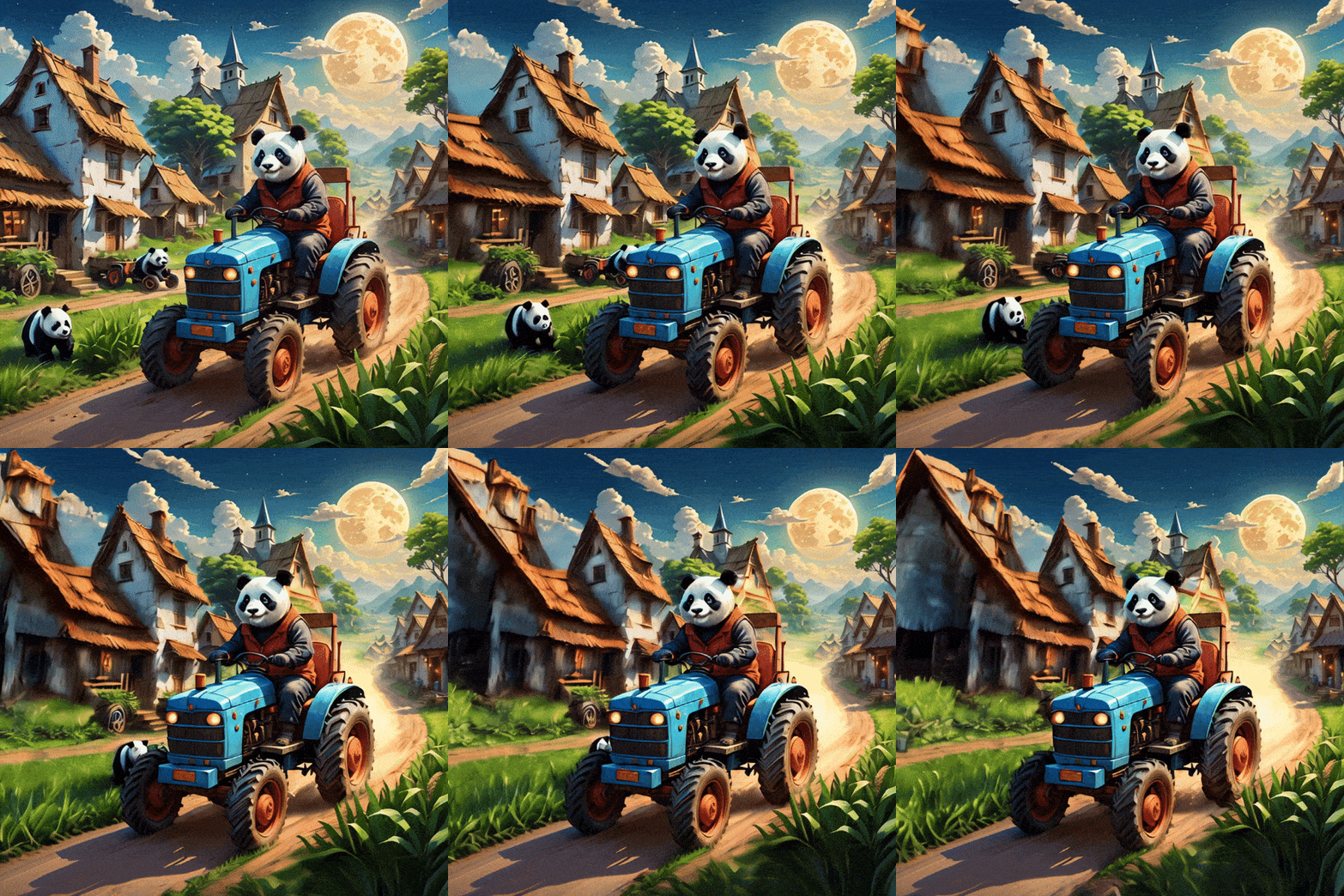
Panda farmer driving a tractor
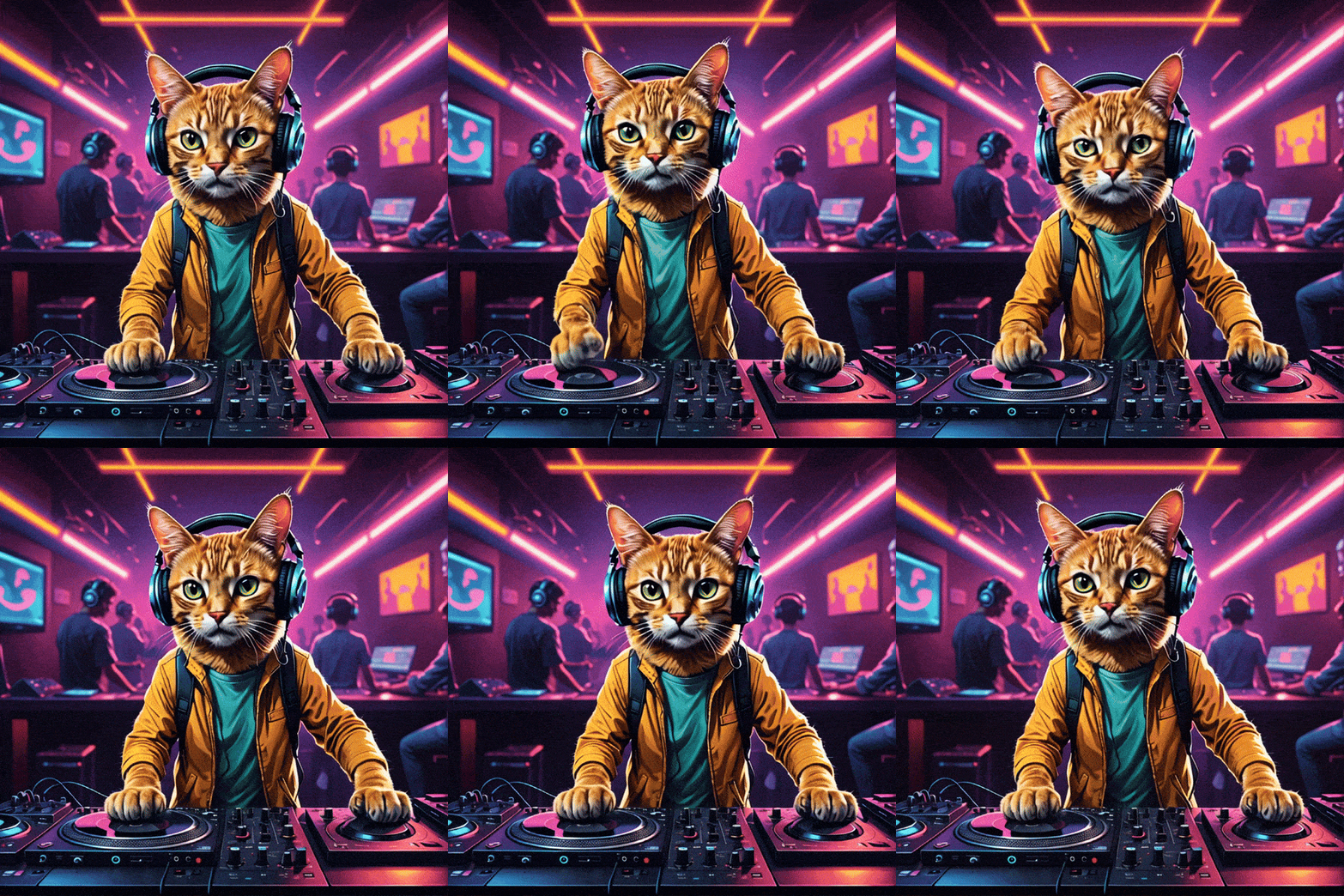
A cat playing dj with headphones on in a club
Suggested Read: Introducing WAN 2.6 API on Pixazo: High-Fidelity Image-to-Video and Text-to-Video Generation
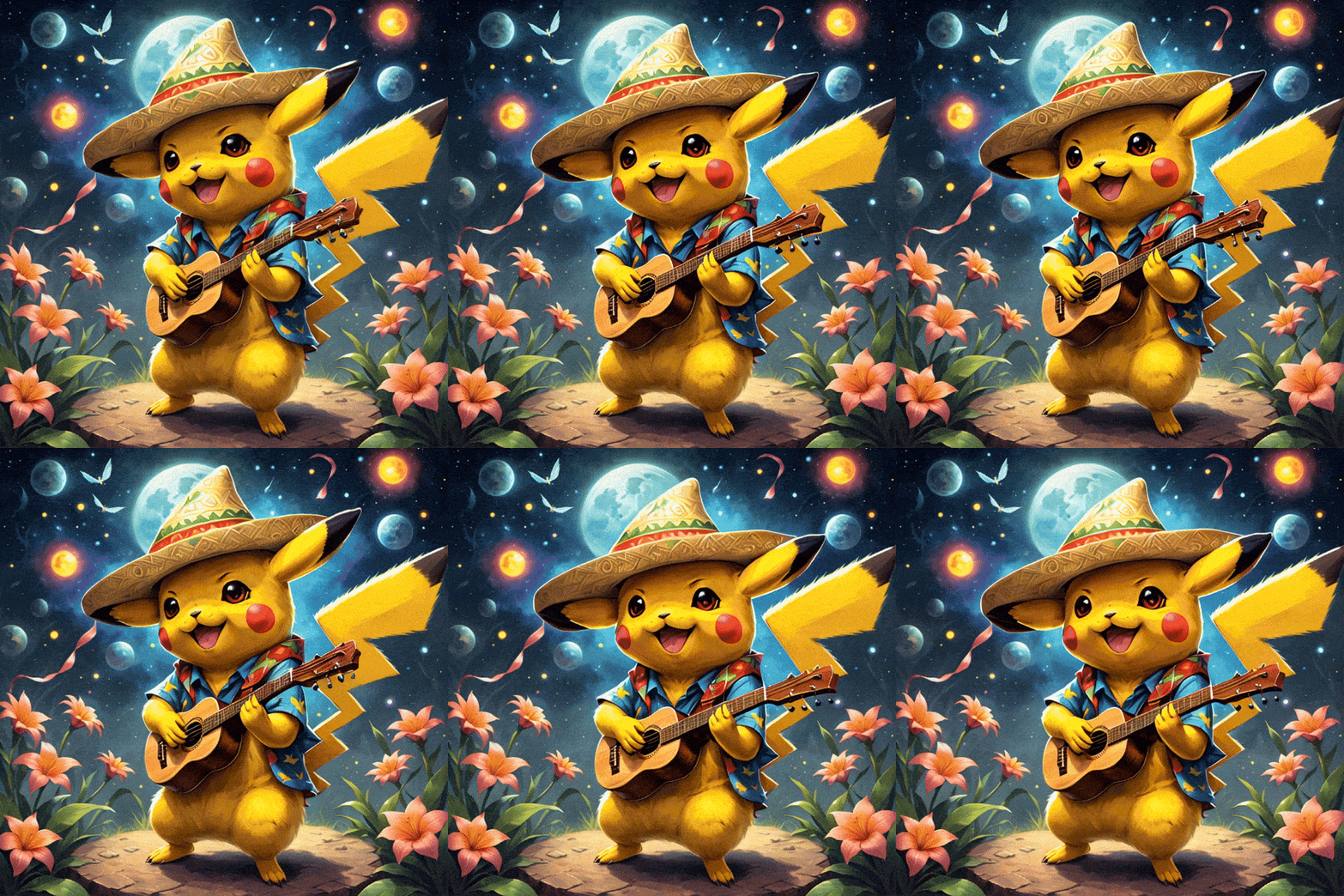
A Pikachu in a red and black checked shirt, wearing a sombrero and playing the ukulele
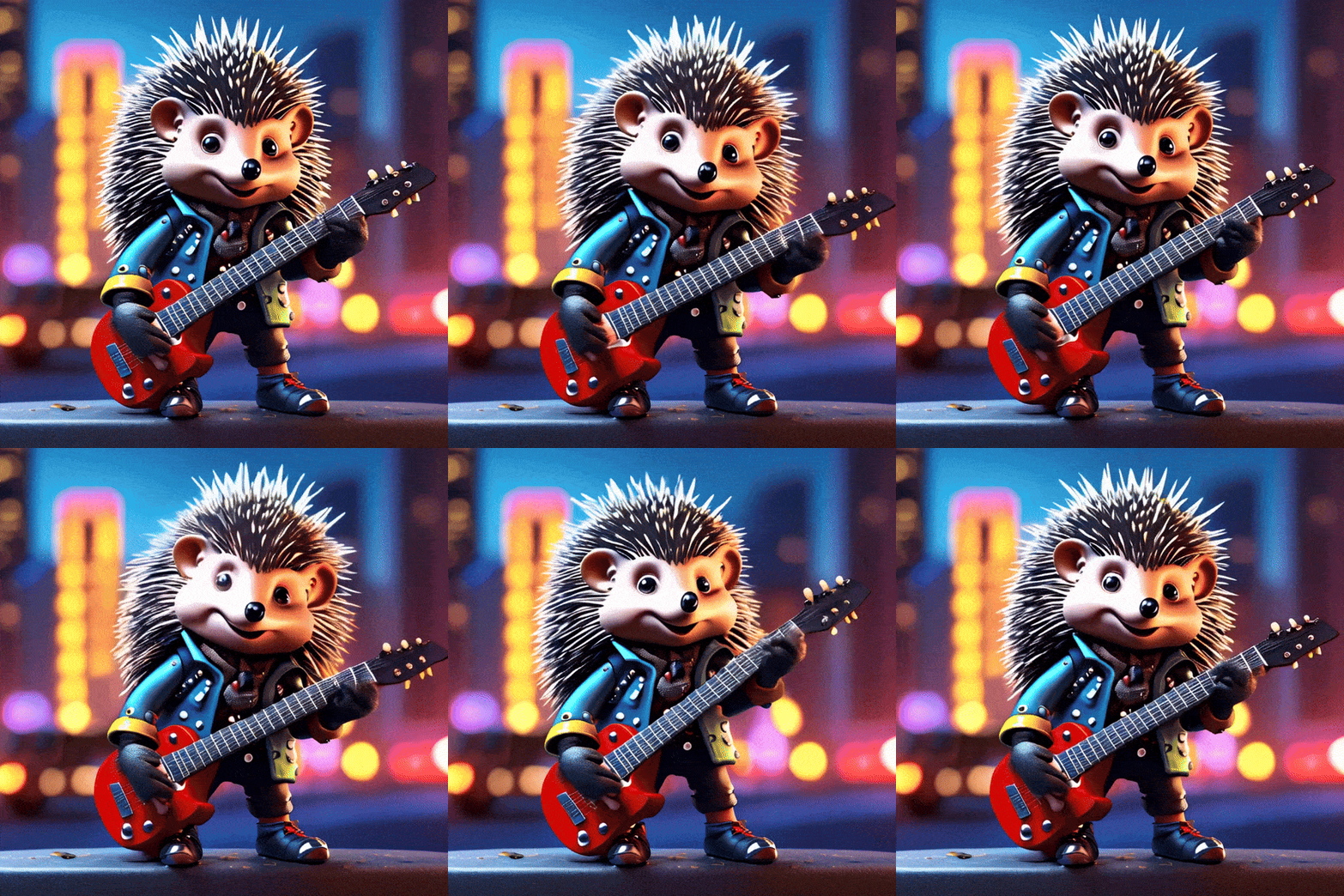
A hedgehog rebel. It sports a mohawk, holding a guitar spiked leather gloves, and a studded collar, embodying the spirit of nonconformity. The tiny, colorful cityscape in the background burns and crumbles as it experiences the hedgehog's rampage. The chaotic blend of urban decay and gritty textures creates the perfect punk atmosphere, reflecting the hedgehog's unyielding rebellion and individuality.
A kitten in a purple cape holds a spell book, fantasy cute
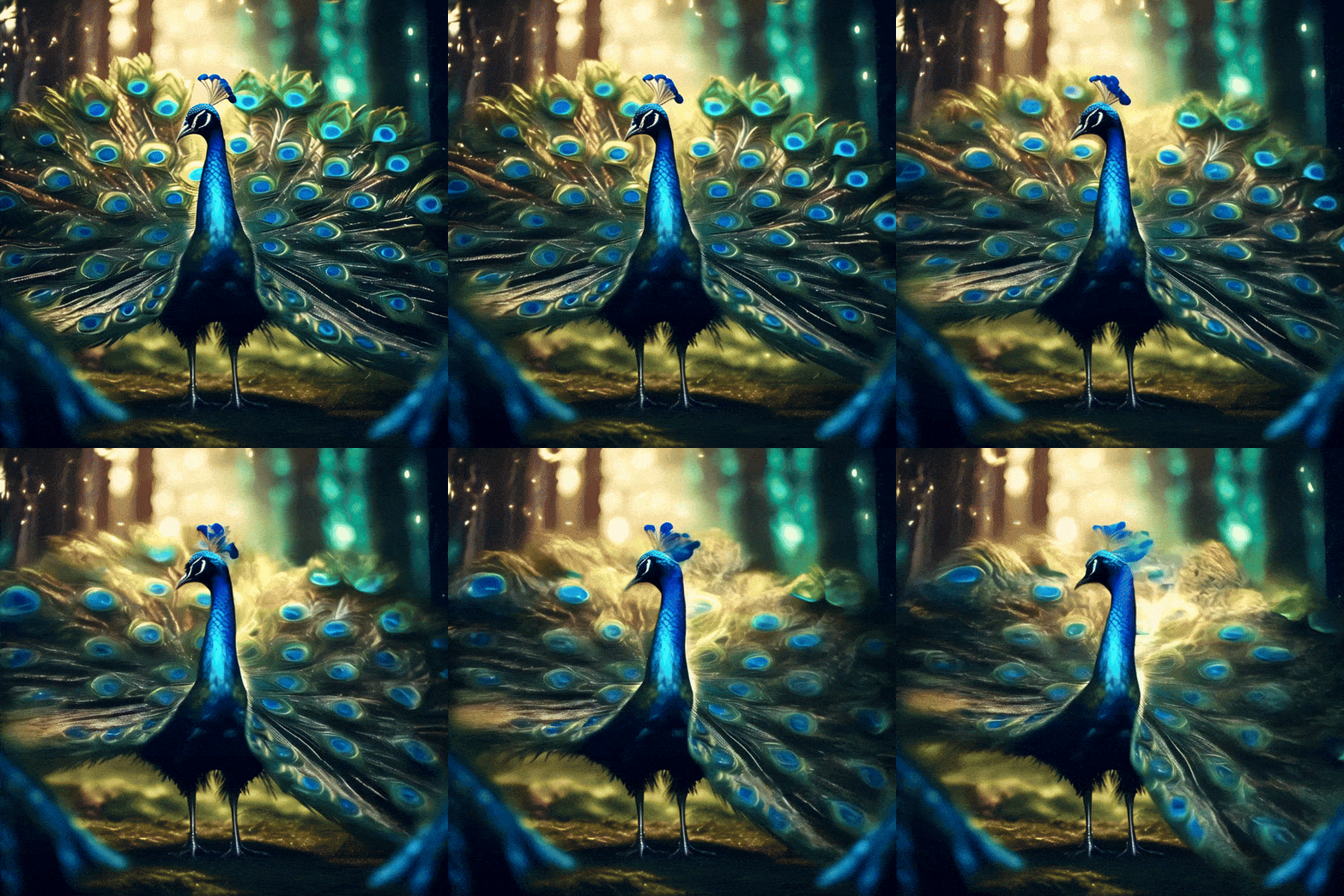
peacock dancing , enchanted forest background, fantasy art style, cinematic sparkling lighting , super detailed
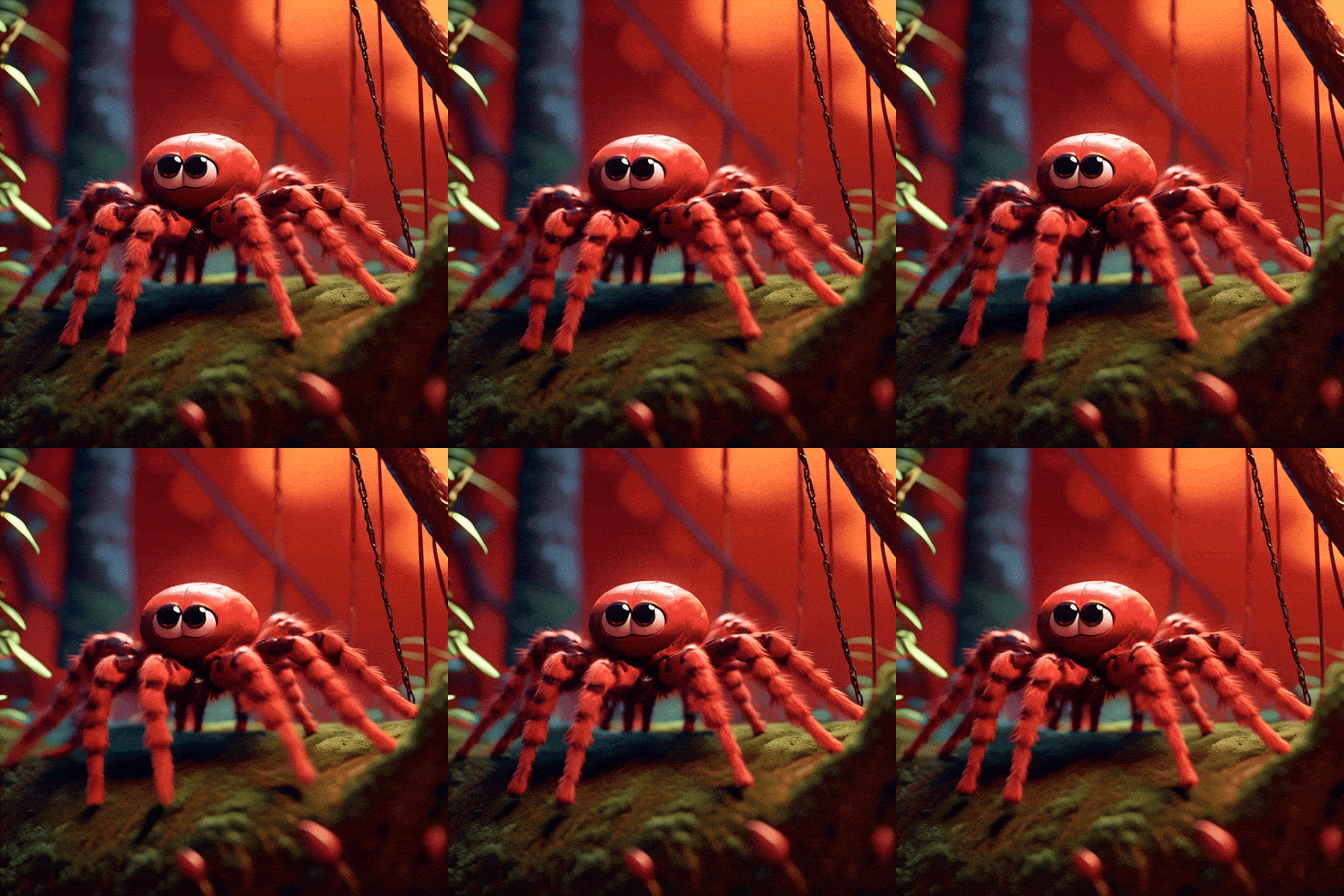
Climbing cute red baby tarantula climbing on web, in enchanted forest, pixar style
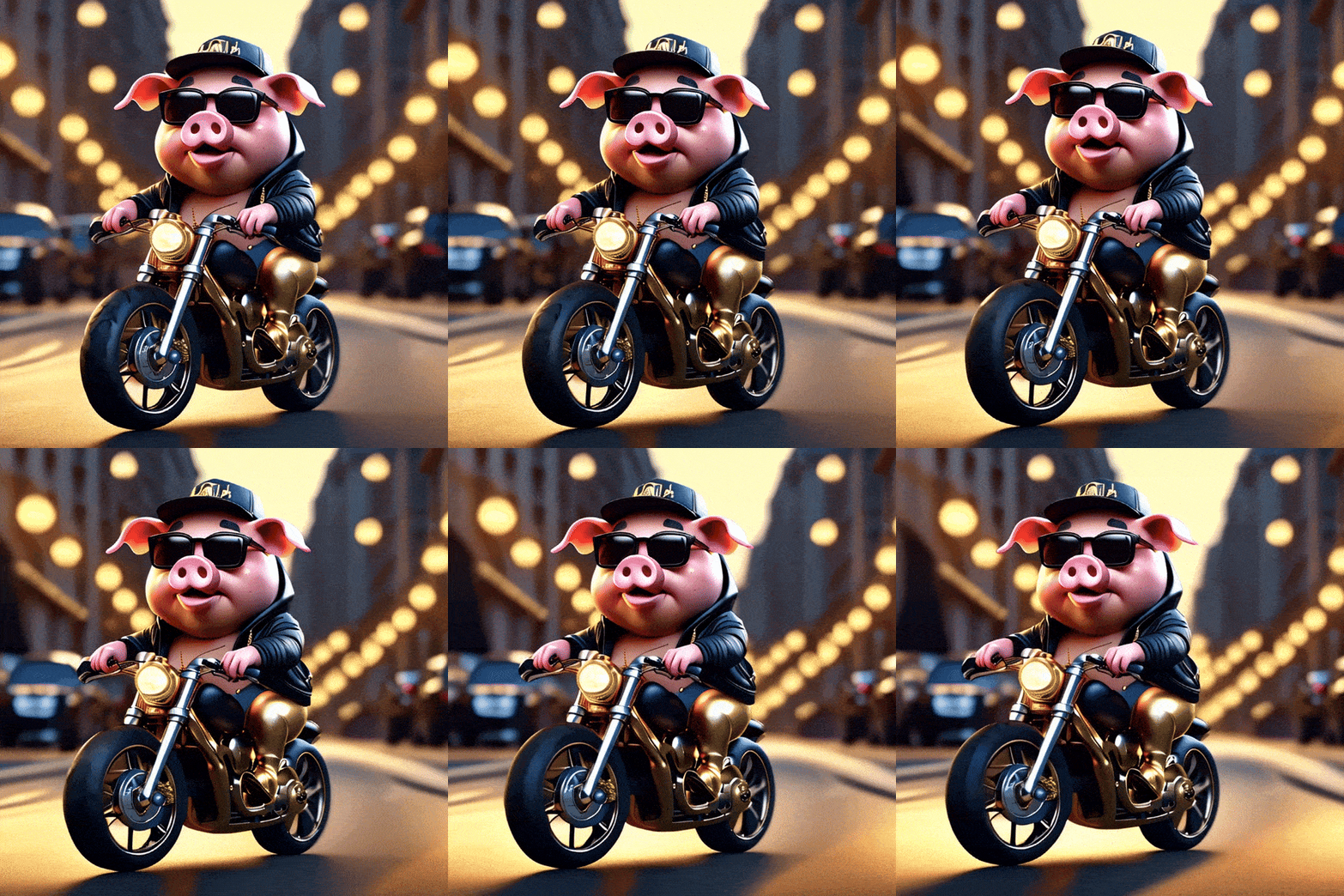
Rapper cartoon pig with black glasses, golden chains riding on a motorcycle tyre rotating on luxury street
Suggested Read: SeeDance 2.0 Prompts Collection — Create Next-Level AI Videos
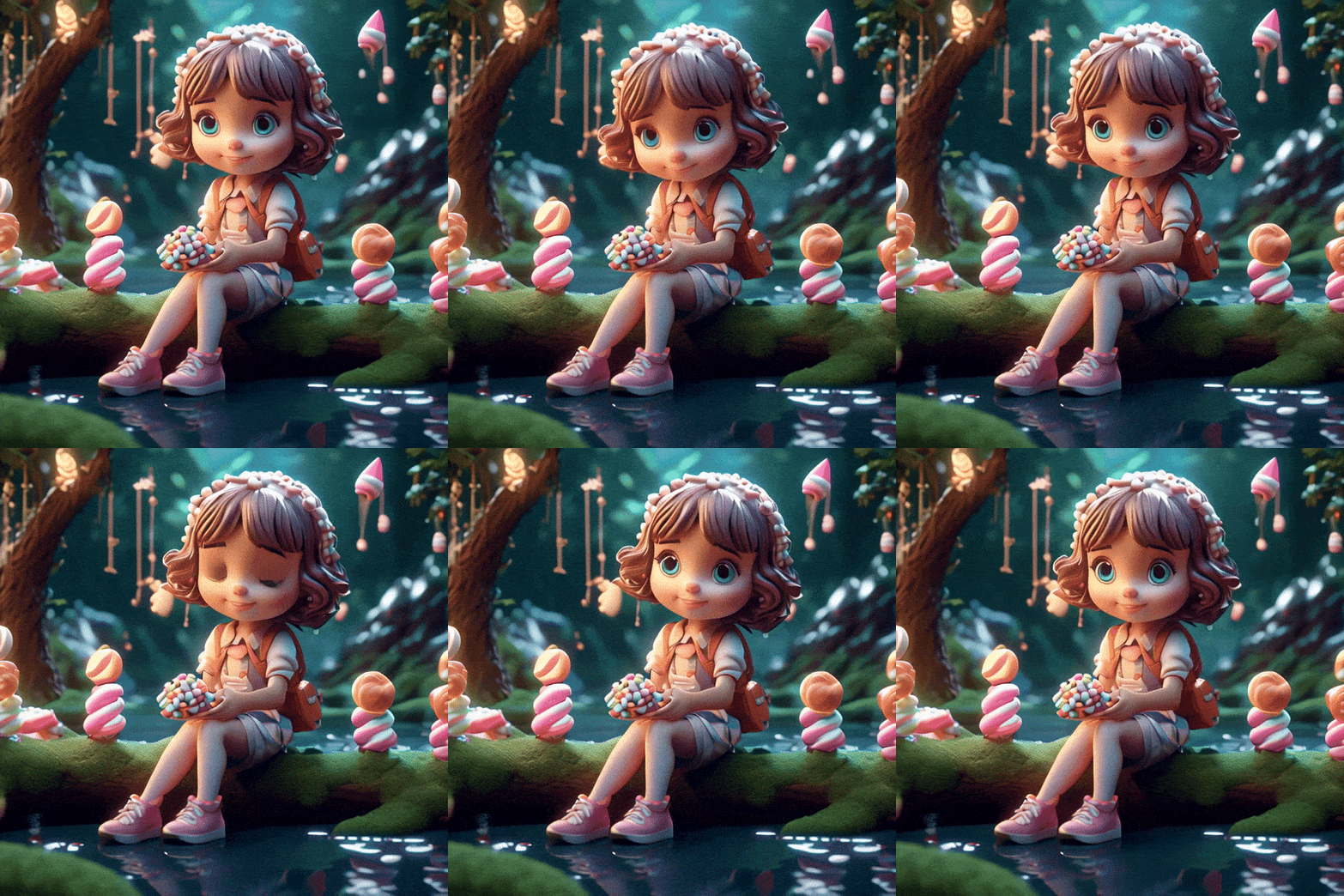
A cute cartoon girl in a Enchanted forest scene featuring a river crossed by a marshmallow candy bridge, trending on ArtStation, sharp focus, studio photo aesthetic, intricate details by Greg Rutkowski, highly detailed, trending on art station, sharp focus, studio
Cute 3D Cartoon rabbit holding a gift character pink cottage background.
3D cute cartoon white tiger with pink elegant hat drinking coffee in cafe, slow-motion
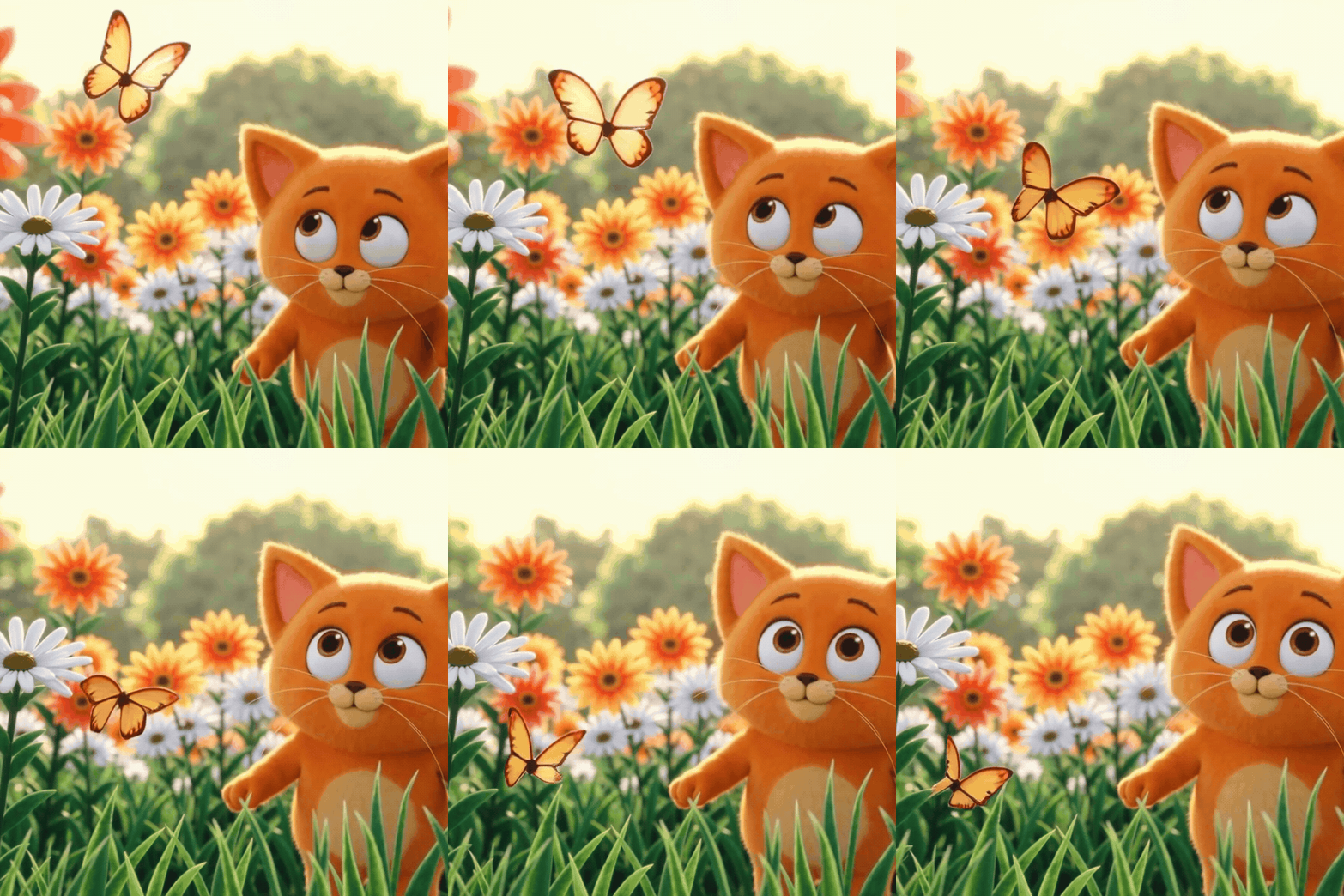
3D Pixar style animation of a chubby orange kitten happily chasing a glowing butterfly through a sunny wildflower meadow, soft cinematic lighting
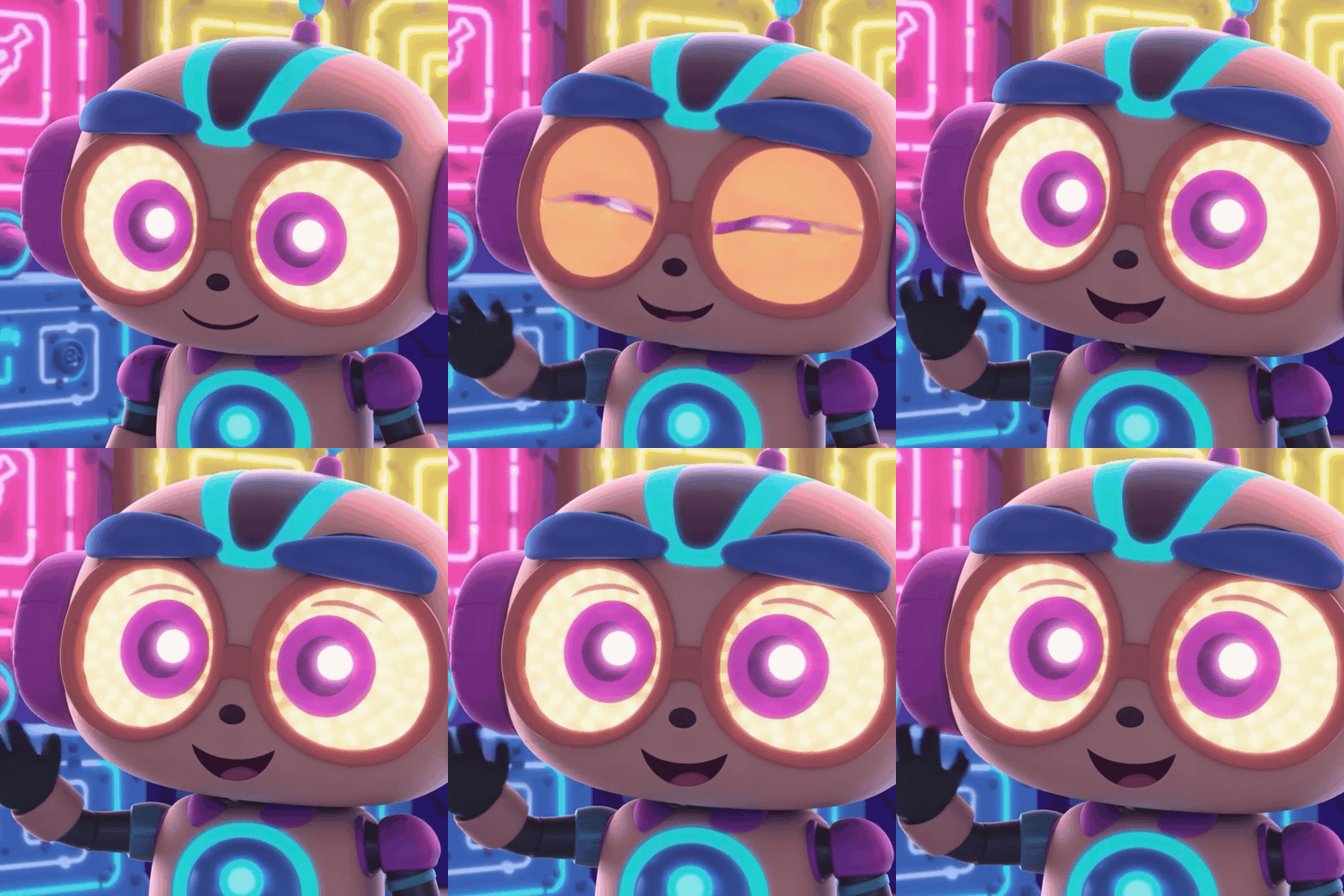
Cute cartoon robot with big glowing eyes waving hello in a cozy neon-lit workshop, Pixar style 3D animation
Suggested Read: Introducing the Magi 2.0 API on Pixazo API: Image to Video and Video Editing
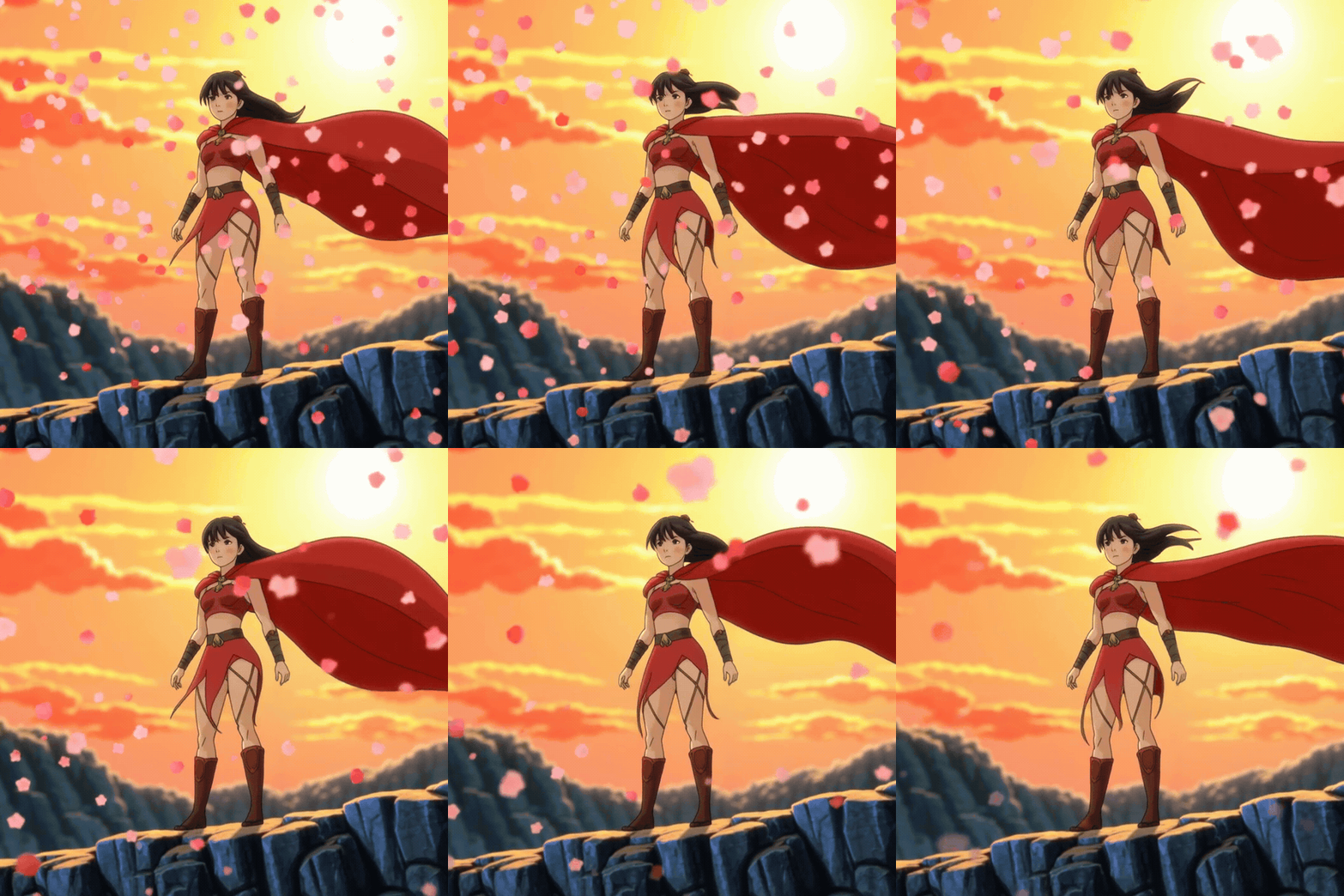
Anime style young warrior girl with a flowing red cape standing on a cliff at sunset while cherry blossom petals swirl around her, dramatic wind
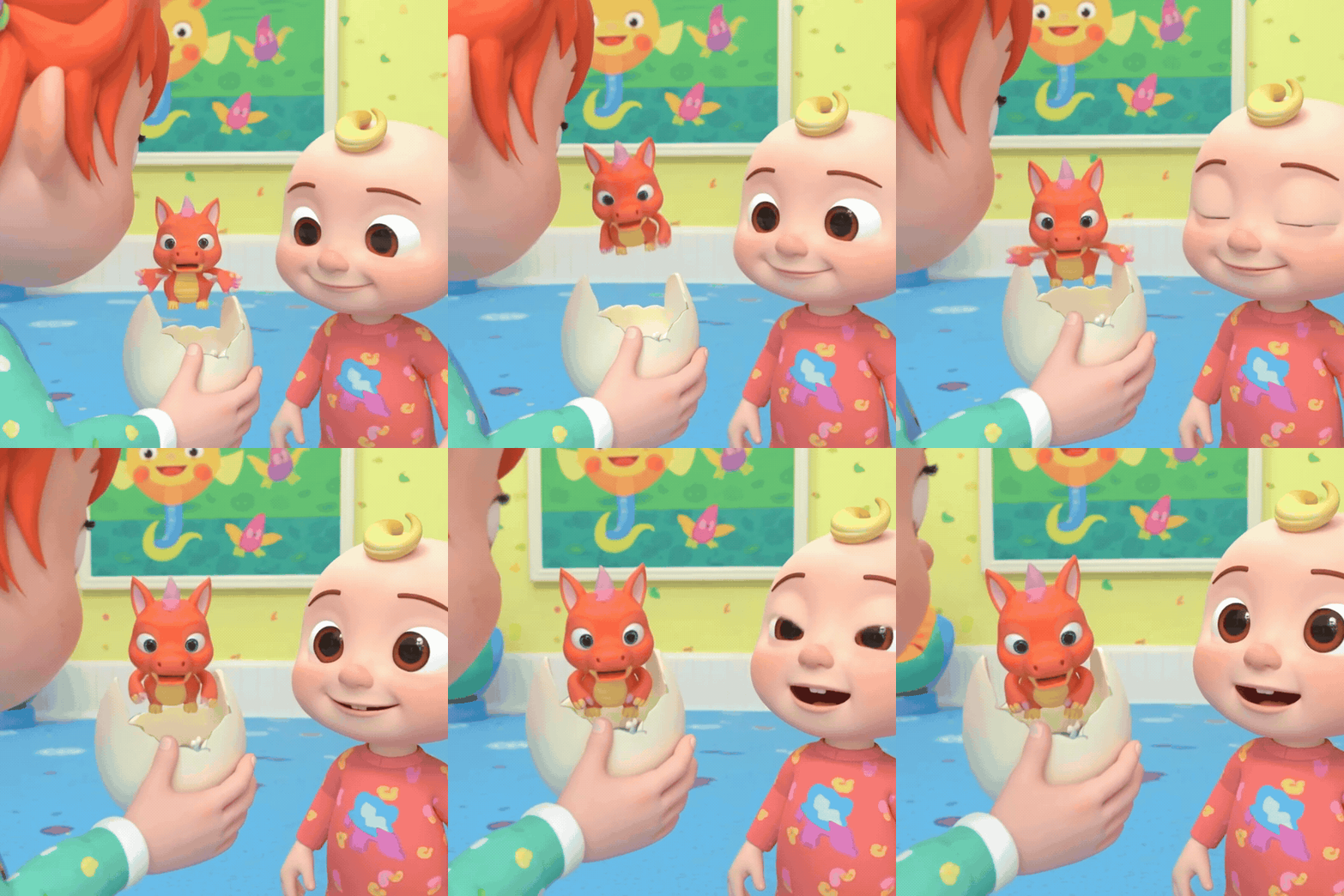
Adorable 3D baby dragon hatching from a cracked egg and flapping tiny wings, soft studio lighting, Pixar style animation
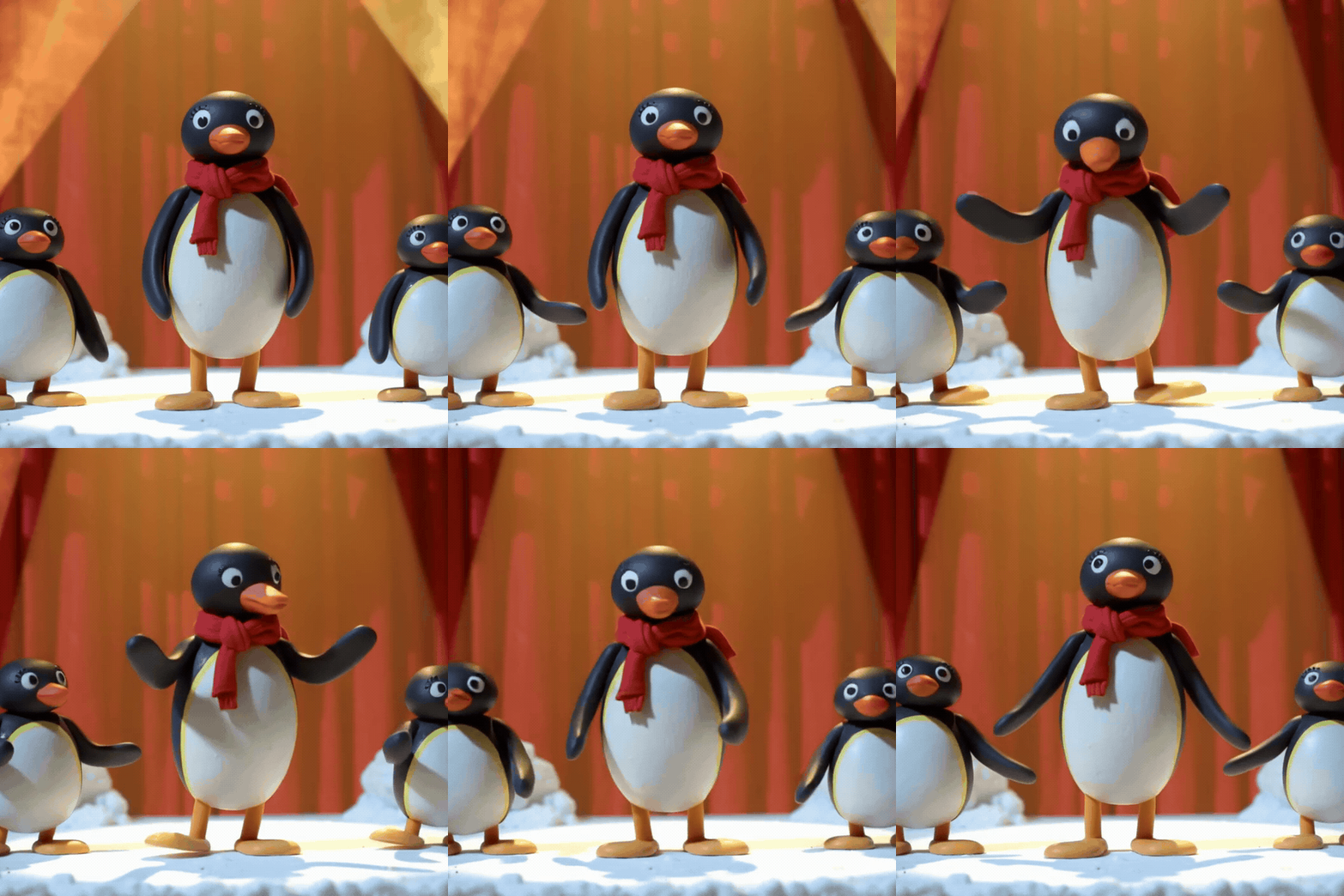
Claymation style dancing penguin wearing a red scarf on a snowy stage under warm spotlights, playful stop-motion look
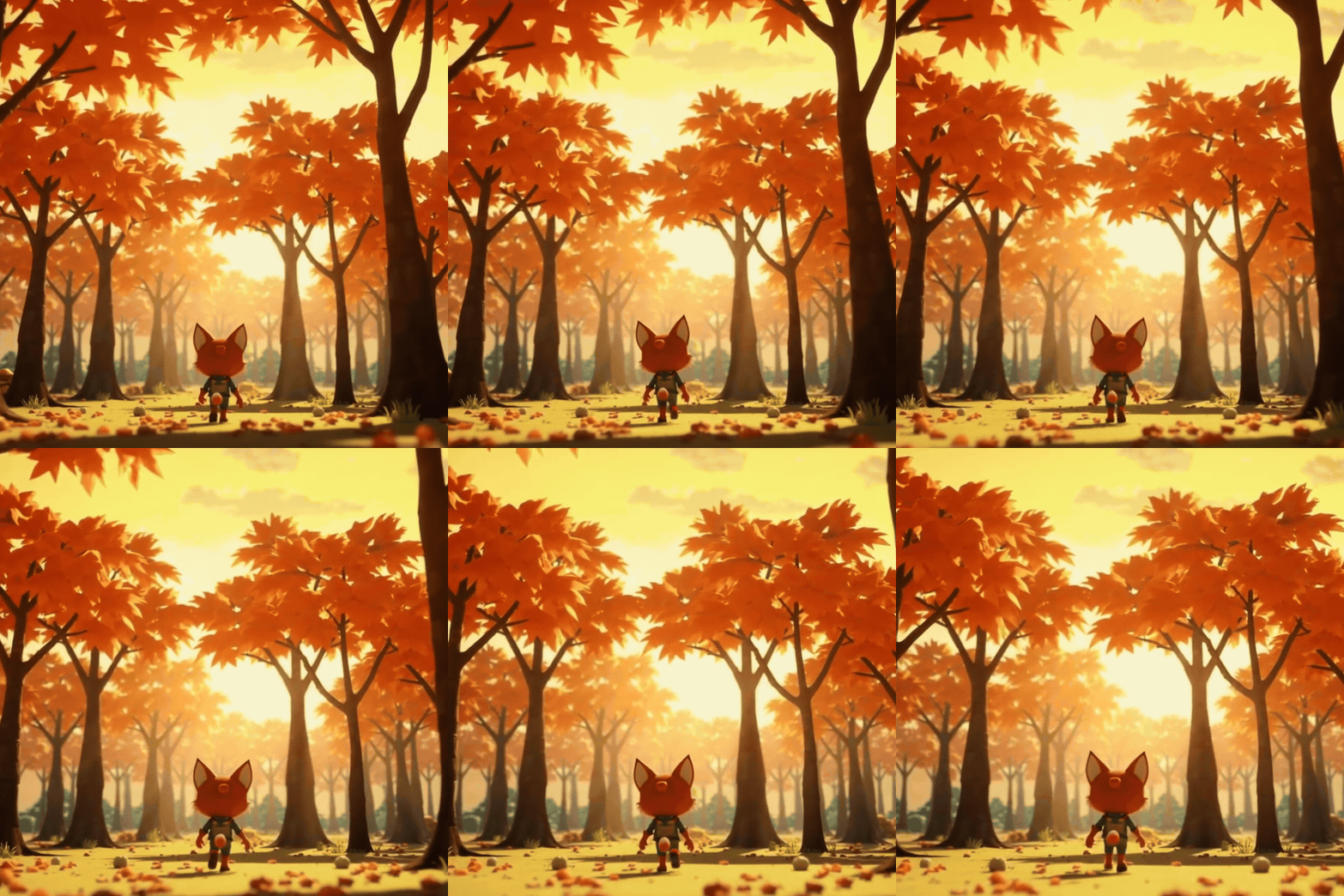
Stylized 3D fox character in a tiny explorer outfit walking through a glowing autumn forest at golden hour, Pixar style animation











If you’re looking to turn visual concepts into animated assets quickly, these best AI image to video generators offer the control and efficiency professionals need.
Suggested Read: How to Create Custom GIFs With AI: A Practical Guide (2026)
How to Use Pixazo’s AI Video Generator to Create a Video?
Pixazo’s AI video generator helps you create videos from text. You provide the written content, and the tool generates visuals and background music to match your input.
Follow these steps to create video with AI using the best prompts:
Step 1: Access AI Video Generator Tool
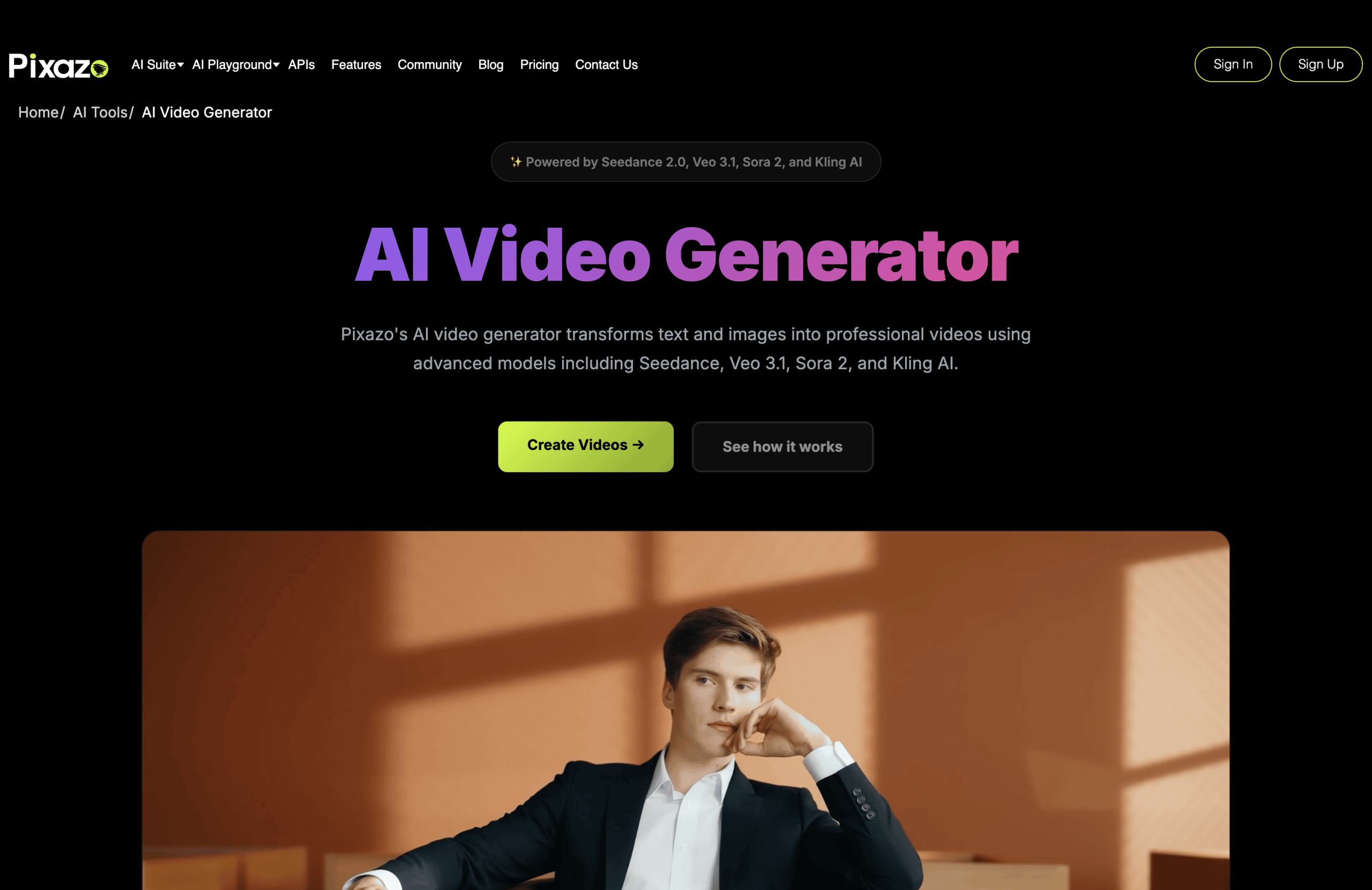
Go to Pixazo’s AI video generator and click on Create Videos to turn text into videos quickly.
Step 2: Sign Up or Login to Pixazo
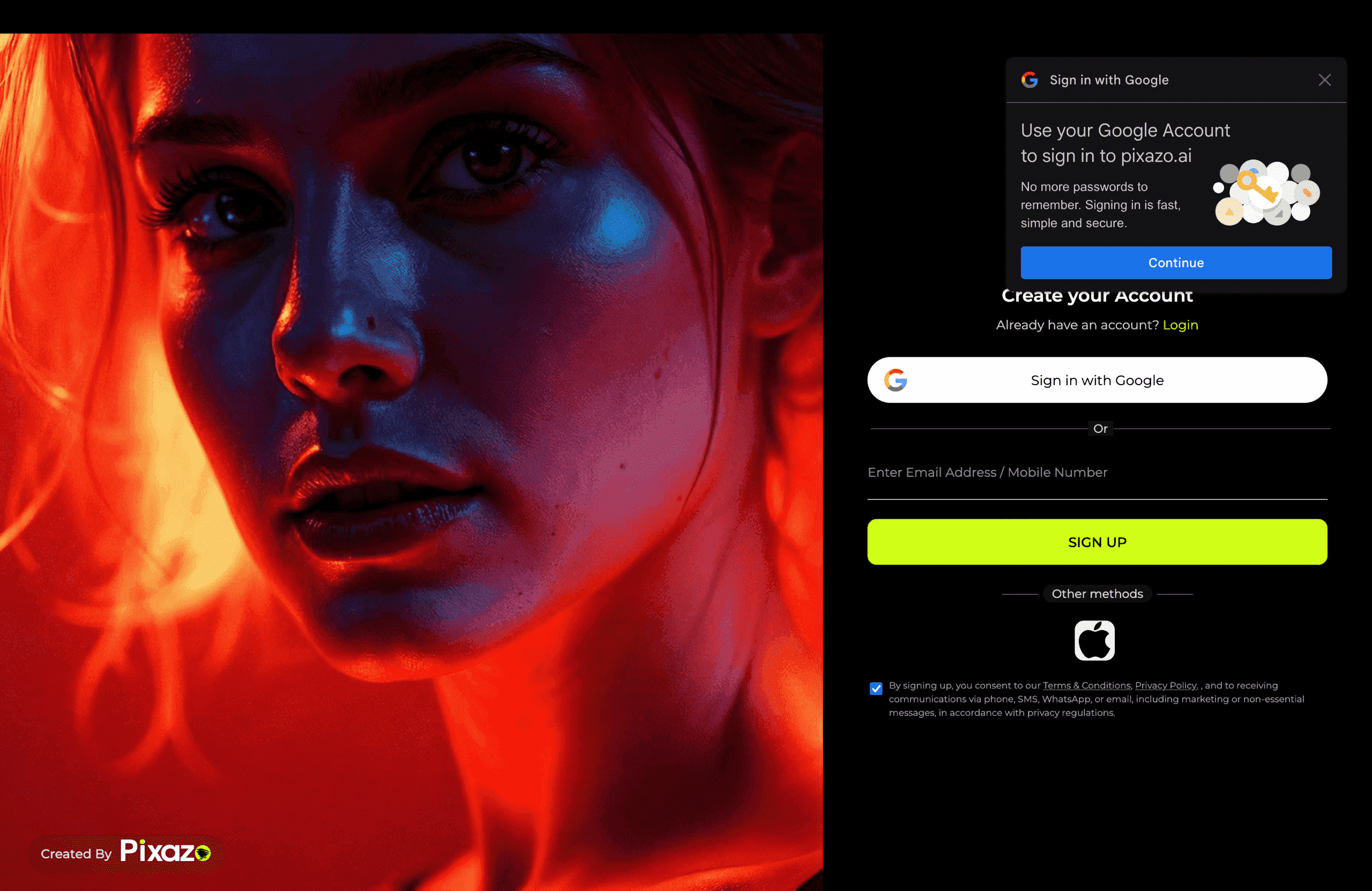
If you’re a new user, create an account. If you already have an account, log in. This step allows you to save your projects and revisit them for editing later.
Step 3: Provide a Detailed Prompt
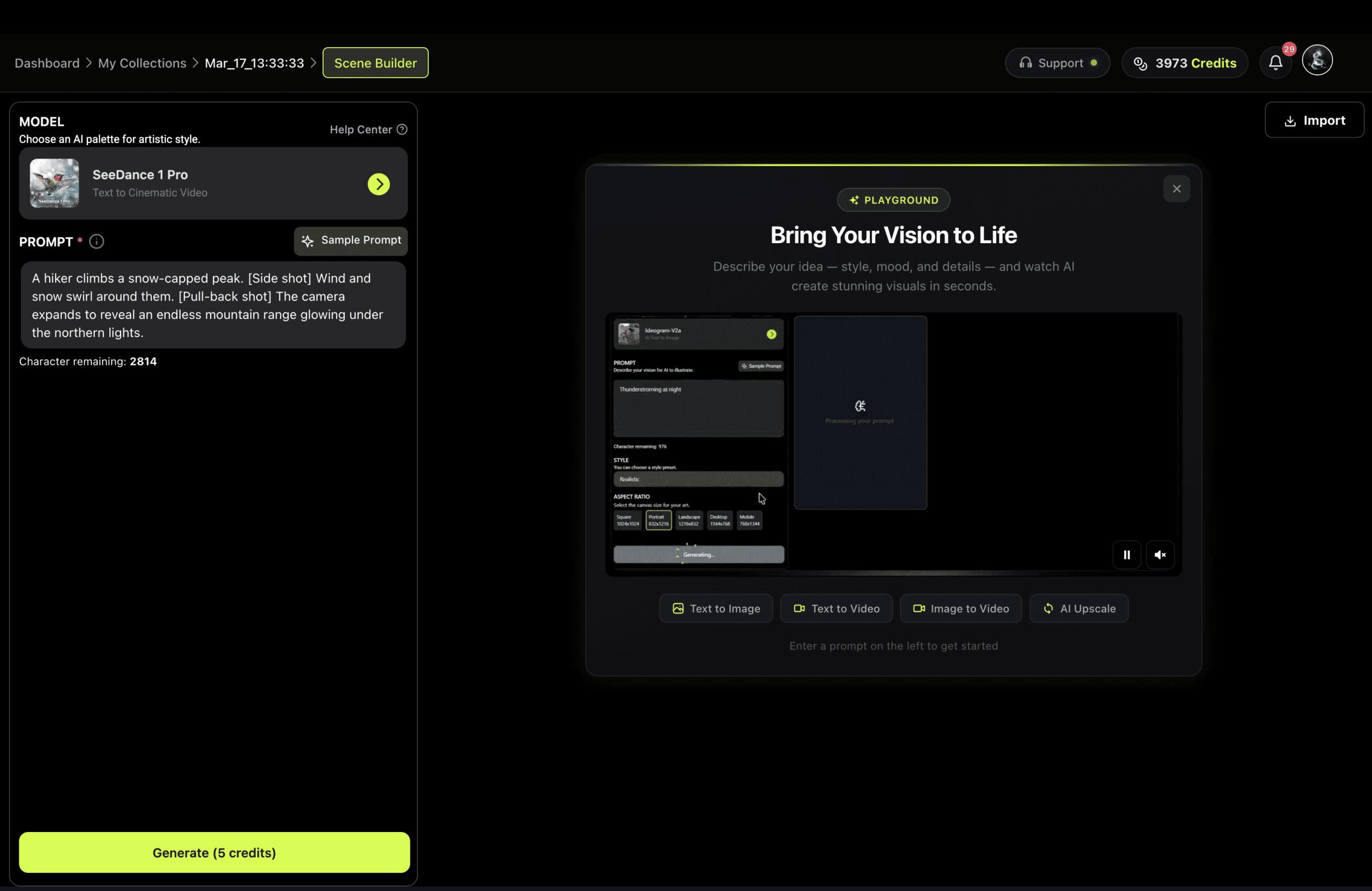
Write a clear and concise description of the video you want. Include specific details about your concept. After entering your prompt, choose a suitable video-generating model from the available options. You can also use the prompts shared in this blog and customize it according to your requirements.
Step 4: Generate and Preview Your Video
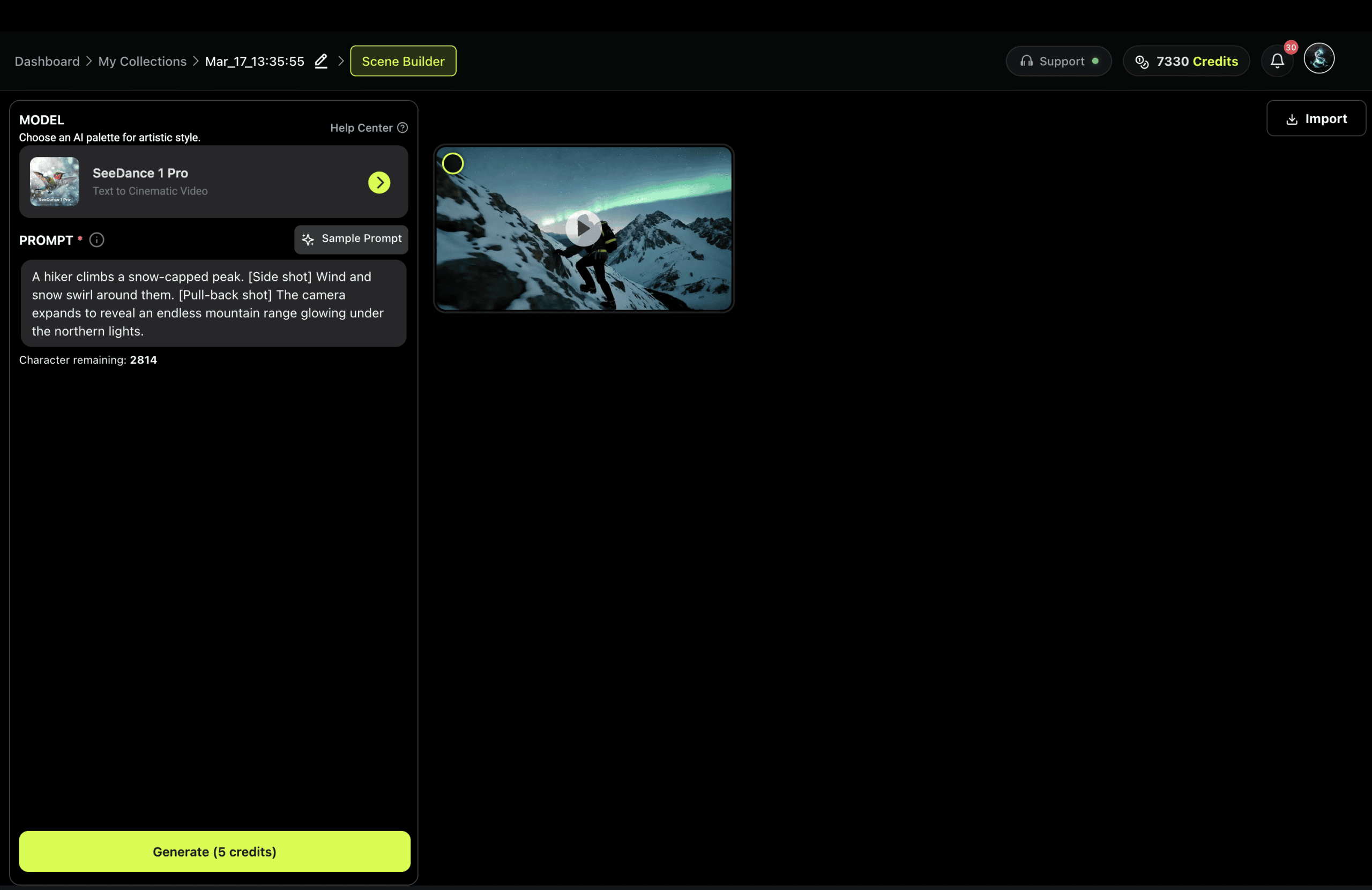
Once you’ve entered your prompt and selected a model, the video generator will create your video within moments. Preview the output to confirm it meets your requirements. If adjustments are needed, refine your prompt and regenerate the video.
Step 5: Download Your Video
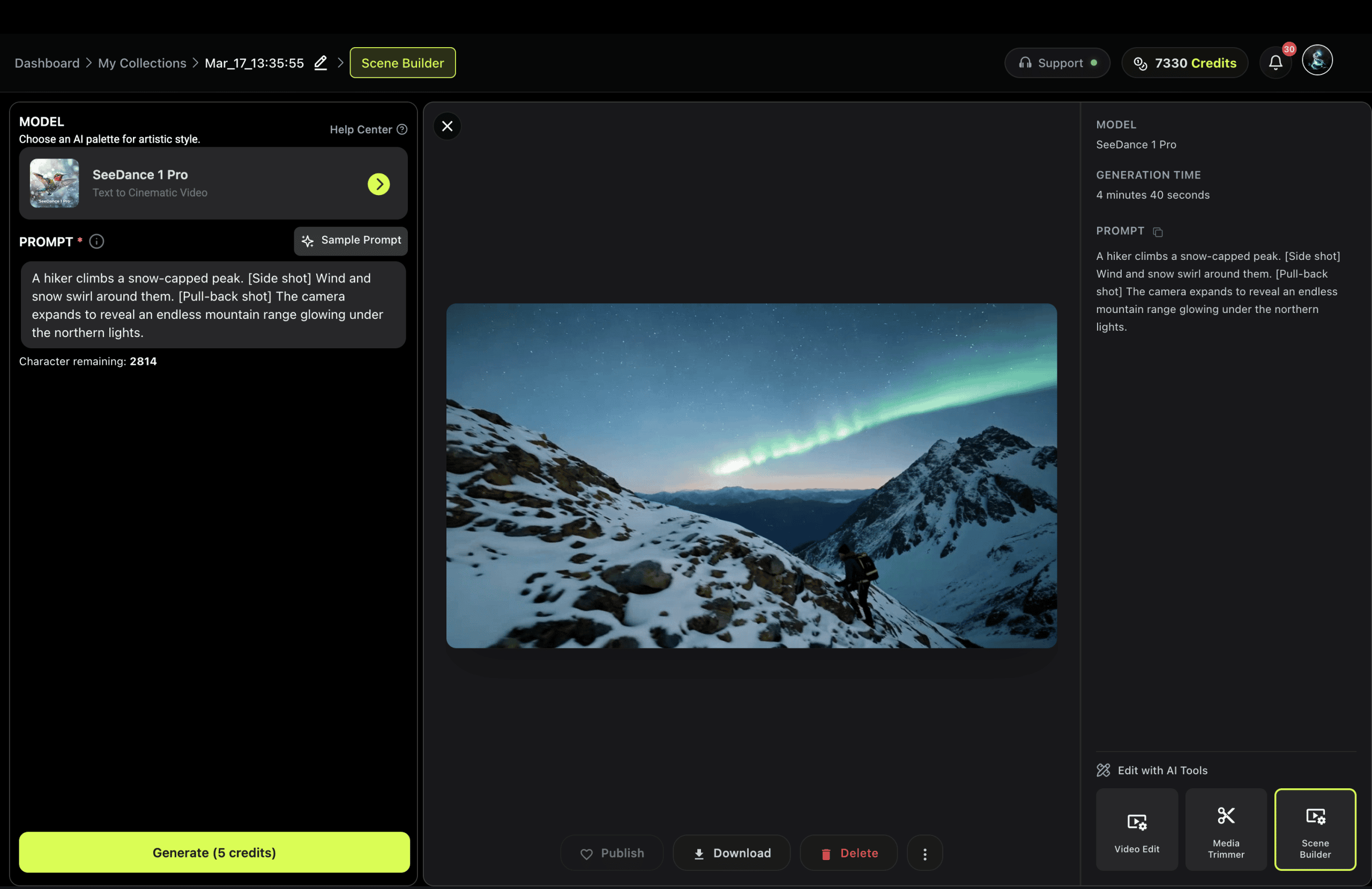
After finalizing the video, download it to your device. Use the video for presentations, marketing campaigns, or sharing on social media.
Suggested Read: Pixazo AI Photo Edit: 10 Prompts to Transform Your Dandiya, Garba Or Durga Puja Look
Why Use an AI Video Generator in Your Content Strategy?
Using an AI video generator opens up numerous advantages:
- Speed: You can produce videos far faster than traditional production pipelines. Instead of planning shoots, coordinating teams, or waiting through post-production edits, you can generate visual sequences in minutes. This lets you experiment rapidly, test multiple versions, and adjust content instantly based on feedback or creative direction.
- Cost-effectiveness: Without actors, film crews, locations, or complex editing suites, you save significantly. AI tools reduce the need for specialized production gear, studio rentals, and lengthy editing hours. This makes high-quality video creation accessible even for small businesses, students, startups, and independent creators working with minimal budgets.
- Flexibility: Easily update and customise videos for different use-cases and audiences. If you need to switch the tone, visuals, length, language, or messaging, you can modify the prompt and regenerate the video instead of reshooting or redesigning everything from scratch. This is especially useful for campaigns that need regional or seasonal variations.
- Creativity unbound: Digital visuals, surreal scenes, and imaginative motion that might be impossible or extremely expensive to film become accessible. You can portray fantastical environments, futuristic cities, characters that don’t exist in real life, or storylines that would typically require heavy CGI. This gives creators freedom to explore new artistic styles and storytelling techniques without technical barriers.
- Scalability: Produce a series of videos using similar prompts or templates. Once you develop a prompt style that works, you can replicate it across product lines, episode formats, educational modules, social media themes, or promotional cycles. This ensures consistency in branding while allowing you to expand your content output quickly and efficiently.
In short, whether you’re a marketer, educator, content creator or small business owner, AI video generator enables you to generate high-quality videos without the typical barriers. Here is the how-to video tutorial in detail to help you create your own video.
What are the Key Takeaways?
Creating videos with AI tools allows you to move past many of the limitations of traditional production. Instead of dealing with cameras, actors, props, and long editing timelines, you can generate fully visualized content using written prompts alone. The quality of the final video is strongly influenced by how clearly you describe mood, setting, pacing, and style in your prompt, which makes thoughtful prompt-crafting an essential part of the process.
It’s also important to remember that the process is iterative. Rarely will the very first prompt deliver the exact outcome you imagined. By refining the words you use, adjusting descriptive language, and specifying more detail or less where needed, you can gradually shape the video to match your creative vision. This back-and-forth refinement is what unlocks the full potential of AI-generated video creation.
Lastly, using AI for video production encourages experimentation and exploration. You’re free to try new visual styles, narrative ideas, and concepts without needing a large budget or technical team. The more you practice writing prompts and exploring different output styles, the stronger your creative intuition becomes, allowing you to produce visually compelling content more consistently and efficiently.
Frequently Asked Questions
1. How do AI video generators work?
AI video generators interpret text prompts and convert them into visual scenes, animations, or motion graphics. They rely on trained models that understand style, tone, and visual patterns based on the user’s description.
2. Do I need design experience to create videos using AI?
No, you don’t need prior design or editing experience to start. The tools are built to simplify the process, allowing beginners to generate polished videos quickly.
Suggested Read: 35+ Prompts to Create Amazing Images using AI
3. Can I customize the videos after they are generated?
Yes, most platforms allow you to edit colors, text, pacing, and scene transitions after generation. This ensures the final output matches your branding or message more closely.
4. Are AI-generated videos suitable for commercial use?
Many AI tools allow commercial use, but it’s important to check each platform’s licensing and copyright terms. Always confirm usage rights before distributing or monetizing the content.
5. What type of prompts work best for creating high-quality videos?
Clear and descriptive prompts that include visual style, tone, and context generally produce the strongest results. The more detailed you are, the closer the output will match your creative intent.
6. What are the best AI video prompts?
The best AI video prompts name one subject, one action, the camera movement, the lighting, and the mood in a single clear line. Detailed, cinematic prompts with camera language work especially well on models like Sora 2, Veo 3.1, and Runway Gen-4.5.
7. Are these AI video prompts free to use?
Yes. Every prompt on this page is free to copy. Paste one into Pixazo’s AI video generator, choose a model, and generate. No sign-up is needed to browse the prompts.
8. Which model should I use for cinematic videos?
For cinematic, camera-driven shots, Sora 2, Veo 3.1, and Runway Gen-4.5 lead today. For fast short-form and social clips, Kling, Seedance, and Pixverse are strong picks. Pixazo lets you switch models with one click.
Suggested Read: Best Free Open-Source AI Lip-Sync Tools 2026 — Compared, Ranked
Deepak Joshi
Author · Pixazo
Deepak writes about generative AI models, APIs, and the workflows teams use to ship them. Reviewed by Abhinav Girdhar.