Introducing MiniMax H3 API on Pixazo API: Native 2K AI Video with Sound


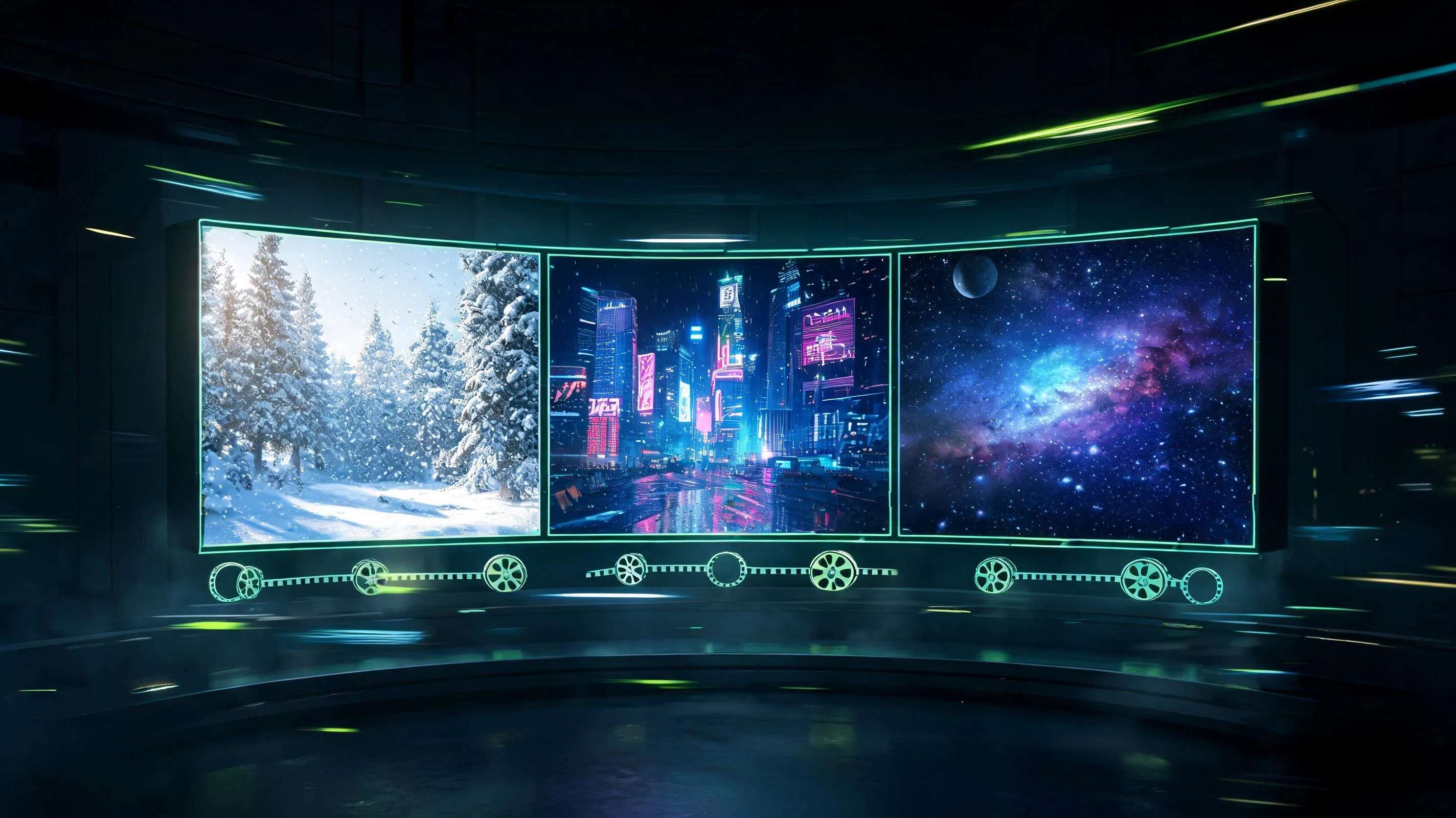
MiniMax has launched its newest multimodal video model, and the MiniMax H3 API is available right now through the Pixazo API. MiniMax H3, the Hailuo H3 video model, turns a written description into a finished, sharp video with sound, in a single request. It renders natively at 2K resolution (2560 by 1440) at 24 frames per second, so the output looks clean on a large screen without any upscaling step. Because it is served on the Pixazo API, you can call it with one HTTP request and get back a downloadable MP4.
What sets this release apart is the combination of resolution, native audio, and range. One model covers five ways to generate a clip, from a pure text prompt to a fully reference-driven shot, and it composes ambient sound to match the scene rather than handing back a silent file. This post shows four clips generated on the MiniMax H3 API on the Pixazo API, walks through the five generation modes, and covers exactly how to call it, what it costs, and how to start.
See it in motion
Every clip below was generated on the MiniMax H3 API on the Pixazo API from a text prompt alone. No footage was filmed, no images were fed in, and the sound you hear was composed by the model. Each is five seconds, native 2K, with an audio track. Turn your volume on.
What makes MiniMax H3 different
Plenty of models can turn text into a moving picture. Three things make MiniMax H3 worth reaching for.
Five ways to generate a clip
MiniMax H3 exposes five endpoints. You pick the one that matches what you are starting from.
- Text to video. Describe the shot in plain language, including camera moves and an audio cue, and get a 2K clip back. This is what produced the four videos above.
- Image to video. Hand it a single still as the first frame and it animates forward from there, keeping your composition and style.
- Last frame to video. Give it the frame you want to end on and it builds the motion that leads into it, useful for seamless loops and hand offs.
- Start and end frame to video. Provide both the opening and closing frames and the model fills the motion between them, so you control exactly where a shot begins and lands.
- Reference to video. Steer a generation with up to nine reference images, three video clips, and three audio clips at once, for consistent characters, looks, and sound.
Suggested Read: Best Open Source AI Video Generation Models in 2026
How the API works
The flow is asynchronous because a 2K clip takes a little time to render. It comes down to three steps.
A text to video call is as small as this:
Ocp-Apim-Subscription-Key: YOUR_API_KEY
Content-Type: application/json
{
“prompt”: “A lighthouse on a cliff at dusk, slow push in. Audio: wind and surf.”,
“duration”: 5,
“ratio”: “16:9”
}
The prompt field accepts up to 7000 characters, so you have room to describe camera moves, lighting, and an audio cue in the same sentence. For production traffic, the webhook option lets you fire a batch of jobs and collect the finished clips as callbacks instead of holding open a poll loop.
What it costs
That pricing makes it practical to generate several takes of a shot and keep the best, or to batch out variations for testing, without a large bill. New API accounts also start with free credit, so you can run the first jobs at no cost.
What you can build
Native 2K plus sound plus a simple API opens up a lot of everyday production work:
- Social and ad creative at scale, generating dozens of short, sound on variations from a script.
- Product and lifestyle shots like the barista clip above, where texture and controlled motion matter.
- Establishing shots and b roll for longer edits, from nature to cityscapes to space, without a shoot.
- Animated stills, feeding a single image through image to video to bring a static asset to life.
- Seamless loops using last frame or start and end frame control for backgrounds and banners.
Suggested Read: Best Image To Video APIs in 2026
Start building with MiniMax H3
You can try MiniMax H3 two ways. Open the Pixazo Playground to generate a clip in the browser with no code, or grab an API key and integrate the endpoint directly. The full request parameters, response shape, and webhook details live on the model page.
Read the MiniMax H3 API documentation and get an API key
Frequently asked questions
What is the MiniMax H3 API?
MiniMax H3 is MiniMax’s multimodal video generation model. It creates native 2K video at 24 frames per second from a text prompt or from images, and it composes matching audio. It is available through the Pixazo API.
Suggested Read: Best Reference to Video API Providers Compared in 2026
Does MiniMax H3 generate sound?
Yes. The model composes an audio track to fit the scene, so a finished clip includes ambient sound and effects rather than arriving silent. All four demo clips in this post have model generated audio.
What resolution and length can it produce?
It renders natively at 2K, 2560 by 1440, at 24 fps, with no separate upscaling step. Duration is set per request and is the main factor in cost.
How much does the MiniMax H3 API cost?
It is billed at $0.13 per second of output, so a five second clip is about $0.65. You are charged for completed output only, and new accounts start with free credit.
Suggested Read: Best Audio Generation APIs in 2026
Do I have to write code to use it?
No. You can generate clips in the Pixazo Playground with no code. When you are ready to automate, the same model is one HTTP request away through the API, with an optional webhook so you do not have to poll.
What can I feed it besides text?
Beyond text to video, MiniMax H3 supports image to video from a first frame, last frame to video, start and end frame to video, and reference driven generation using up to nine images, three video clips, and three audio clips.
Suggested Read: Best Lipsync APIs in 2026
Deepak Joshi
Author · Pixazo
Deepak writes about generative AI models, APIs, and the workflows teams use to ship them. Reviewed by Abhinav Girdhar.