
10 Best AI YouTube Thumbnail Makers, Tested on Real Videos


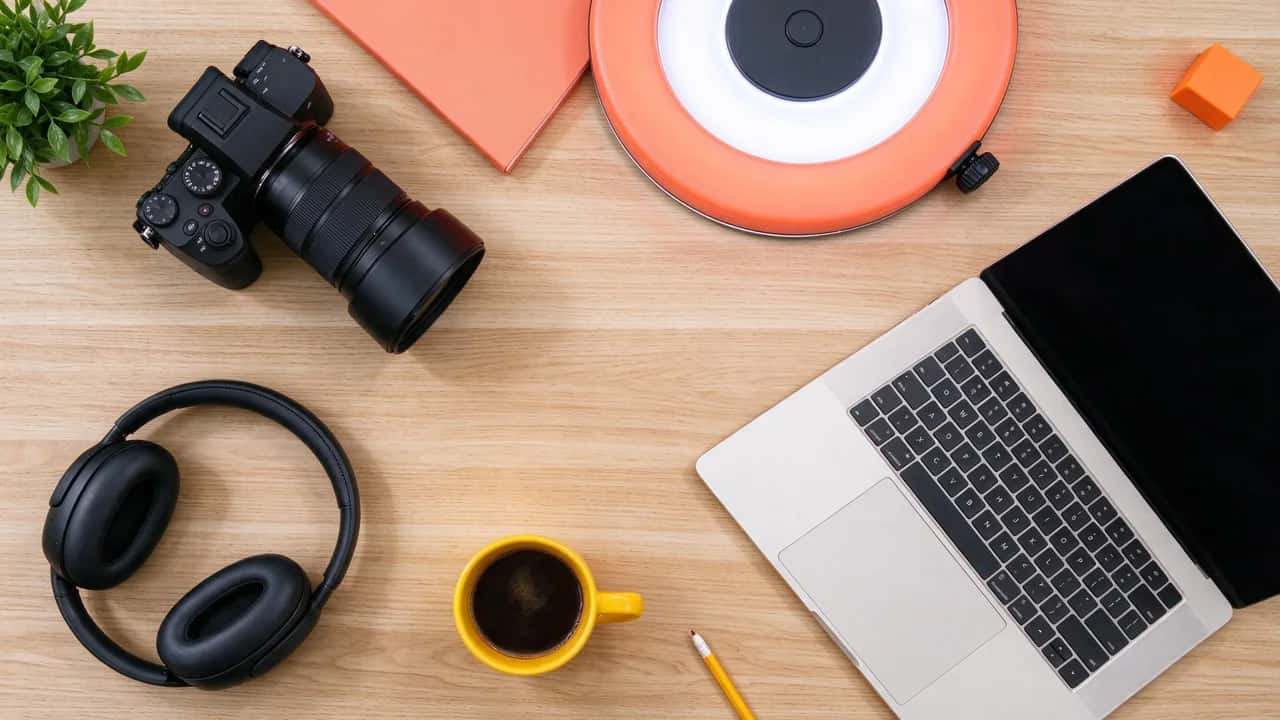
A YouTube thumbnail is the single most important frame in your whole video, and your viewer never sees it in an editor. They see it at the size of a postage stamp, in a feed, next to a dozen rivals, and decide in a blink whether to click. That is why an AI YouTube thumbnail maker is now standard kit for creators: it turns a rough idea into a bold, readable 16:9 image in seconds.
But most roundups just list tools. We wanted to know which ones actually produce thumbnails that pass what we call the click test, so we generated real thumbnails for mock tech, gaming and cooking videos and judged them the way the YouTube feed does. Here are the 10 best, ranked, with honest notes on where each one falls short.
What actually makes a thumbnail get clicked?
Before any tool, you need a yardstick. A thumbnail does not win on looking pretty in your editor; it wins on being legible and magnetic at feed size. Score any thumbnail you make against these five points.
Keep this scorecard open while you read. The best maker is the one that gets you to a five-out-of-five thumbnail fastest, not the one with the most buttons.
The YouTube thumbnail specs that still matter
Get the canvas right once and you never think about it again. These are the specifications YouTube works to today, not the old limits that still float around in older guides.
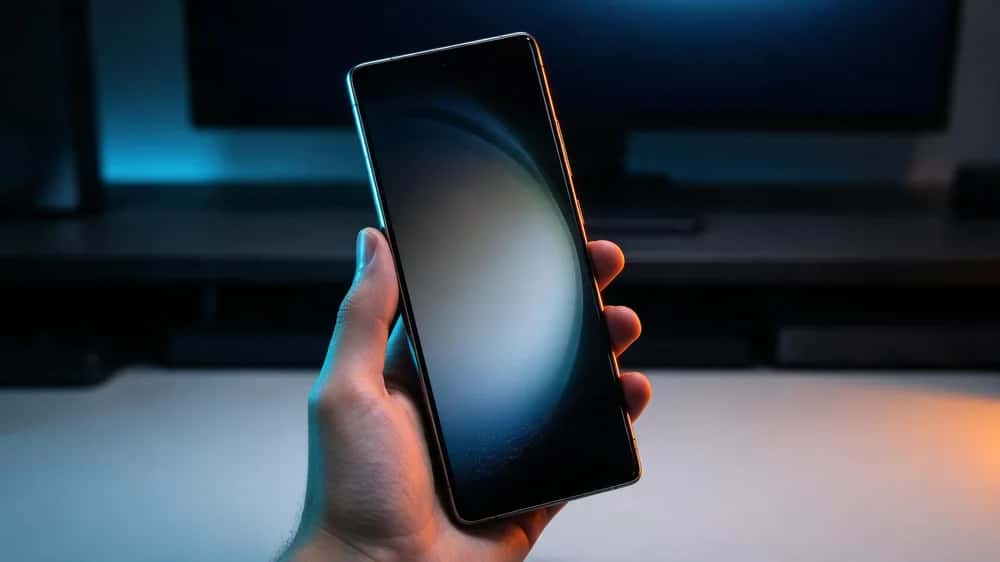
Notice there is no text baked into that image. A smart workflow is to generate a strong, clean background or subject with AI, then add your three to five words of title in a quick editor so you control the font and placement.
The 10 makers at a glance
| # | Tool | Type | Best for | Free tier |
|---|---|---|---|---|
| 1 | Pikzels | Prompt-first | Purpose-built thumbnails | Paid, trial |
| 2 | Canva | Full editor | Templates + text | Generous free |
| 3 | vidIQ | Prompt-first | Channel-aware ideas | Free + paid |
| 4 | Adobe Express | Full editor | Safe commercial AI | Free + premium |
| 5 | Fotor | Full editor | All-in-one editing | Free credits |
| 6 | Pixazo | Image model | Prompt-to-image base | Free to start |
| 7 | Picsart | Full editor | Mobile creators | Free + Gold |
| 8 | Ideogram | Image model | Legible in-image text | Free tier |
| 9 | Midjourney | Image model | Dramatic hero art | No free plan |
| 10 | VEED | Full editor | Pull a video frame | Free + paid |
Suggested Read: YouTube Banner Size Guide for 2026
The 10 best AI YouTube thumbnail makers
Pikzels is built for one job: YouTube thumbnails. It is trained on high-performing thumbnails, takes a short prompt or a reference, and can drop your own face into the scene, so it tends to output click-ready 16:9 images with little fiddling.
Watch out: It is a narrow, subscription-only tool from a newer brand, with no broad photo editing outside thumbnails. Verify the current plan price and generation limits before you commit.
Canva is the most complete package for most creators: a huge library of editable 1280 x 720 thumbnail templates, drag-and-drop text and brand kits, plus Magic Media AI to generate imagery inside the same canvas. You can go from idea to finished, text-on thumbnail without leaving the page.
Watch out: Its AI is a general image model, not tuned for click-through, and template-built thumbnails can look generic if you do not customise them. The best brand and background tools sit behind Canva Pro.
vidIQ bundles an AI thumbnail generator into a full YouTube growth suite, so it can factor in your channel and topic when it suggests concepts. Handy if you already use it for keywords and analytics and want thumbnails in the same place.
Watch out: The generator is a secondary feature of an analytics product, and the better limits are gated behind paid tiers. As a pure design tool it is less flexible than a dedicated editor.
Adobe Express pairs Firefly image generation with templates, text effects and one-tap background removal. Firefly is trained on licensed content, so the generated imagery is designed to be commercially safe, which matters if your channel is monetised.
Watch out: The free tier is capped, and plenty of templates, fonts and assets are reserved for premium. It is a general design app, so you supply the thumbnail instincts yourself.
Fotor rolls an AI image generator, a thumbnail maker, background removal and retouching into one familiar editor. For quickly cleaning up a frame, swapping a background and adding text, it is a convenient single stop.
Watch out: The free tier is credit-limited and some AI output can carry a watermark or render inconsistently. Prompt adherence weakens on complex instructions, so expect a few regenerations.
Pixazo’s AI YouTube thumbnail maker turns a text prompt into a bold, high-contrast 16:9 image and exports it in several formats, including WebP, JPG, SVG and TIFF. It is a fast way to produce the eye-catching subject or background layer of a thumbnail inside a wider creative platform.
Watch out: It is a prompt-to-image tool, not a full thumbnail studio: there is no template library and no built-in face upload or on-canvas text editor, so you add your title words in a separate editor. Control runs through the written brief rather than sliders, and there is no published per-plan price, so check limits before relying on it.
Picsart is a strong mobile and web editor with AI image generation, thumbnail templates, stickers and quick background and object tools. If you build thumbnails on your phone between shoots, it is one of the most capable options.
Watch out: It leans hard on upsell, with watermarks and the best features gated behind Picsart Gold, and the interface can feel cluttered. Quality varies across its many AI tools.
Ideogram is unusually good at rendering readable text inside an image, which is rare for an AI model and genuinely useful if you want a short word baked cleanly into the art rather than added later.
Watch out: It is a general image generator, not a thumbnail tool: there is no 16:9 canvas, template system or layout help, so you crop and finish the thumbnail yourself. Text beyond a few words still gets unreliable.
For sheer visual drama, Midjourney is unmatched: lighting, mood and detail that make a scroll-stopping background or hero subject. If your channel leans cinematic, it produces art nothing else quite matches.
Watch out: There is no free plan, text rendering is unreliable, and there is no 1280 x 720 canvas or layout tooling, so you generate art then composite the title elsewhere. The workflow suits patient creators, not quick turnarounds.
VEED ties its thumbnail maker to a full online video editor, so you can grab the exact frame from your video, enhance it with AI and add text without exporting. Convenient when the perfect thumbnail is already a moment in the footage.
Watch out: The thumbnail feature is secondary to the video editor, and the most useful exports and assets need a subscription. As a standalone thumbnail tool it is lighter than the dedicated options.
Suggested Read: YouTube Banner Ideas to Brand Your Channel
How we tested on real videos
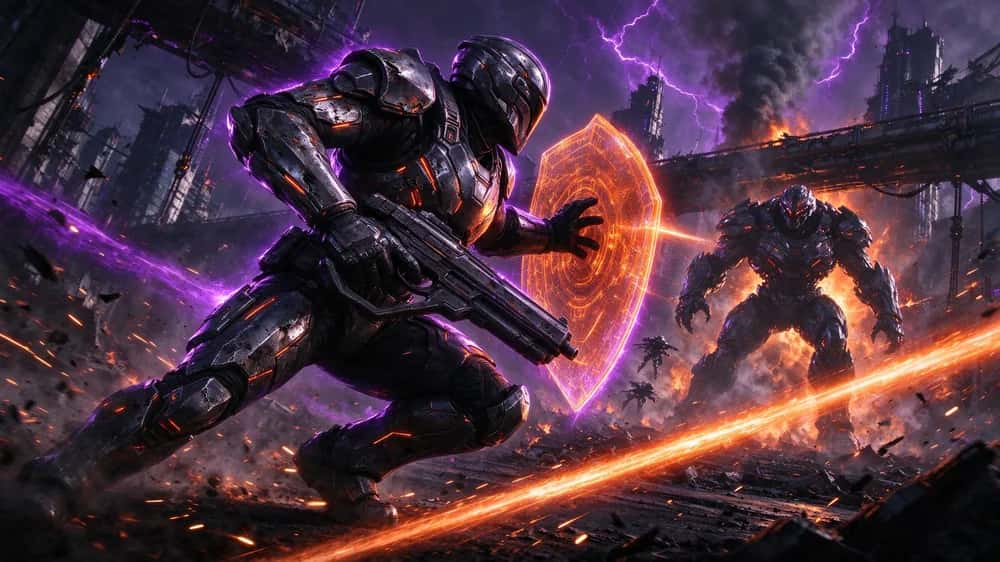
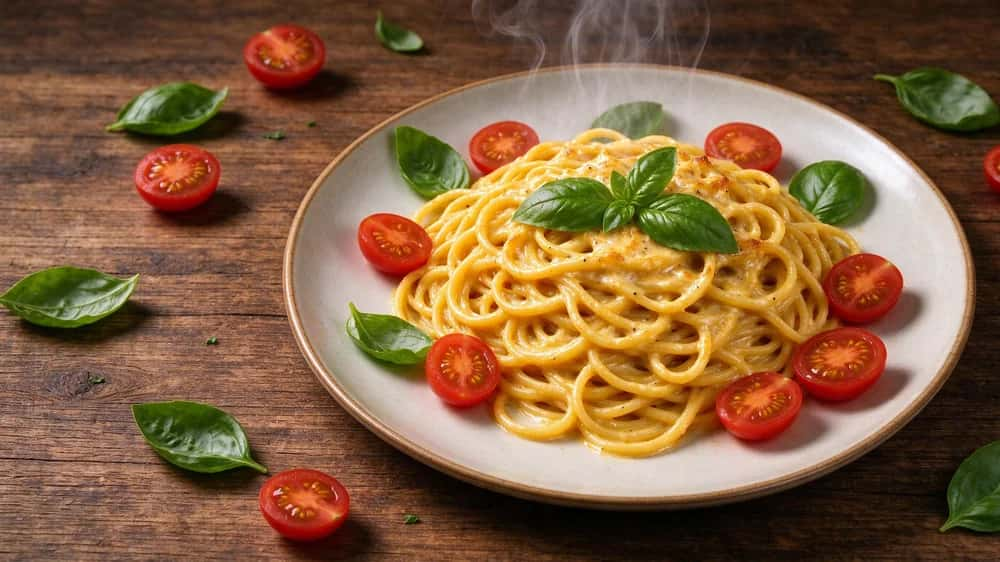
A gallery of demo images proves nothing, so we ran every maker through the same brief: produce a thumbnail base for three mock videos, a smartphone tech review, a boss-fight gaming clip and a 15-minute pasta recipe, then score each result on the five-point click test.
- Purpose-built tools led on speed. Pikzels and the template libraries in Canva got to a usable, text-on thumbnail fastest, because they are designed for the format.
- Image models won on drama, lost on layout. Midjourney, Ideogram and Pixazo produced the most striking subjects, but you finish the title and framing yourself.
- Contrast beat detail every time. The thumbnails that passed at 120px were the simple, high-contrast ones, not the busiest or most detailed.
- Text rendering is still a weak spot. Most models mangle more than a couple of words, which is exactly why adding the title in an editor remains the reliable path.
Suggested Read: The Best AI Image Editors in 2026
Which thumbnail maker should you use?
- Want thumbnails with the least effort: Pikzels for a purpose-built generator, or Canva if you also want templates and text in one place.
- Already live in a YouTube toolkit: vidIQ, so your thumbnails sit next to your analytics.
- Need commercially safe generated imagery: Adobe Express with Firefly.
- Want the most dramatic hero art: Midjourney for mood, or Pixazo for a fast, free-to-start prompt-to-image base you finish in an editor.
- Need a word baked cleanly into the art: Ideogram for its legible in-image text.
- Thumbnail is a frame in your video: VEED to pull and enhance it without exporting.
Suggested Read: The Best AI Art Generators in 2026
There is no single best AI YouTube thumbnail maker, only the best one for your workflow. For the quickest route to a finished, click-ready thumbnail, a purpose-built tool like Pikzels or an all-in-one like Canva wins. For the most striking imagery, the image models lead, with Pixazo a fast, free-to-start way to generate a bold 16:9 base you finish in an editor. Whichever you pick, remember the tool only makes the picture. The click comes from passing the five-point test: one focal point, a few words, ruthless contrast, a smart safe zone and a look your audience recognises.
Suggested Read: The Best AI Image Generators in 2026
Suggested Read: 8 Best AI Storyboard Generators for Film and Marketing
Frequently asked questions
What is the best AI YouTube thumbnail maker?
There is no single winner. For a purpose-built generator, Pikzels is strong; for templates and text in one place, Canva is the most complete; and for striking generated imagery, image models like Midjourney, Ideogram and Pixazo lead. The best choice depends on whether you want a finished thumbnail or a bold image base to finish in an editor.
What size should a YouTube thumbnail be?
Design at a minimum of 1280 x 720 pixels in a 16:9 aspect ratio. YouTube now recommends uploading at up to 4K for sharp display on large screens, and accepts JPG or PNG files up to 50MB on desktop. Keep key text and faces out of the bottom-right corner, where the duration stamp sits.
Can AI make a YouTube thumbnail for free?
Yes. Canva, Adobe Express, Fotor, vidIQ, Ideogram and Pixazo all offer free ways to start. Free tiers usually cap generations, limit resolution or add watermarks, so check each tool’s terms before you rely on it for a monetised channel.
Should I add the title text with AI or in an editor?
Add it in an editor. Most AI image models still render more than a couple of words unreliably, so the dependable workflow is to generate a clean subject or background with AI, then add your three to five words of title in a design tool where you control the font, size and placement.
Do better thumbnails really increase views?
A thumbnail is the main thing that earns the click once your video is shown, so a clearer, higher-contrast thumbnail that passes the click test generally earns more clicks than a cluttered one. It works alongside your title and the first few seconds of the video, not on its own, and results vary by channel and audience.
Deepak Joshi
Author · Pixazo
Deepak writes about generative AI models, APIs, and the workflows teams use to ship them. Reviewed by Abhinav Girdhar.

